
Selected game
Counter-Strike 2
94%of tracked playtime
Shared across all games
Razer DeathAdder V3 HyperSpeed - Ultra-Lightweight (Wireless) Ergonomic Esports Gaming Mouse - Black
Explore CS2 setups
Verified, real playtime
13,790HRSAcross 11 tracked games
Most played tracked game
Counter-Strike 2
Shared loadout
1 of 5 gear slots
01 / The gear
The gear shared by this player.
Explore each product to learn more.
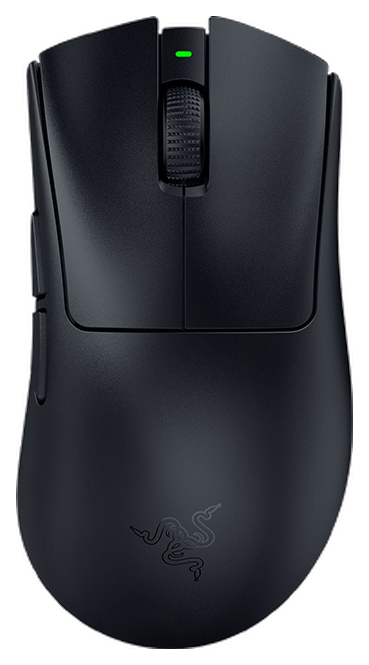
Current main across games
View productbrad hasn’t shared a keyboard here.
brad hasn’t shared a headset here.
brad hasn’t shared a monitor here.
brad hasn’t shared a controller here.
Gear is reported by the player.
Compare gear02 / The games
Top three tracked games, plus every game with 1,000+ hours.
Select a game to explore its playtime and other players’ setups.
Counter-Strike 2 selected. 1 gear item shared across all games.
94%of tracked playtime
Shared across all games
Game hours come from Steam. Gear is reported by the player.
The three highest-hour eligible tracked games are shown, plus every additional game with 1,000+ hours. Each game is counted once. Percentages use all eligible tracked hours, including games outside the initial view. Fewer games appear when fewer are available. Game hours do not measure time spent using a device.