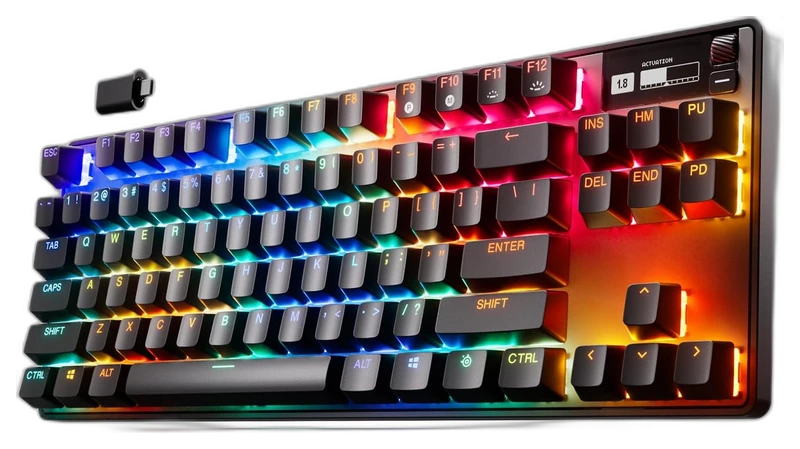
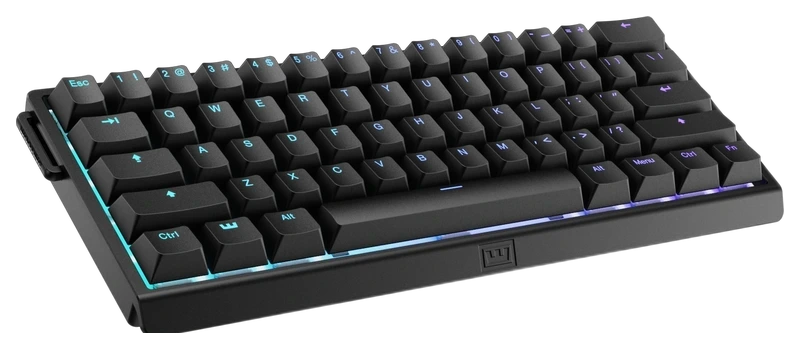
Rank 1.
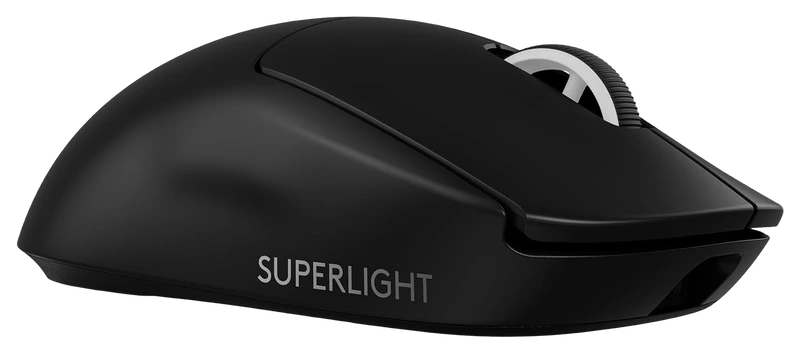
Verified Hours
14,730verified hours
Explore mice ranked by verified, real Overwatch 2 playtime. Compare shape, weight and grip fit alongside the verified hours behind each mouse.
Compare 100 mice for Overwatch 2, backed by 248,616 Verified Hours. Steam opens the top three; the rest of the ranking stays visible.
Steam verifies game time. Players declare their gear.
Overwatch 2 mouse choice has to fit the heroes you actually enjoy playing. Use Verified, Real Playtime to compare the declared mains behind the board, then consider how their shape feels across your hero rotation. Steam opens ranks 1–3; ranks 4–100 stay visible.
Top 3
Steam opens the full top three and their verified-hour totals. Any results ranked fourth or lower stay visible.
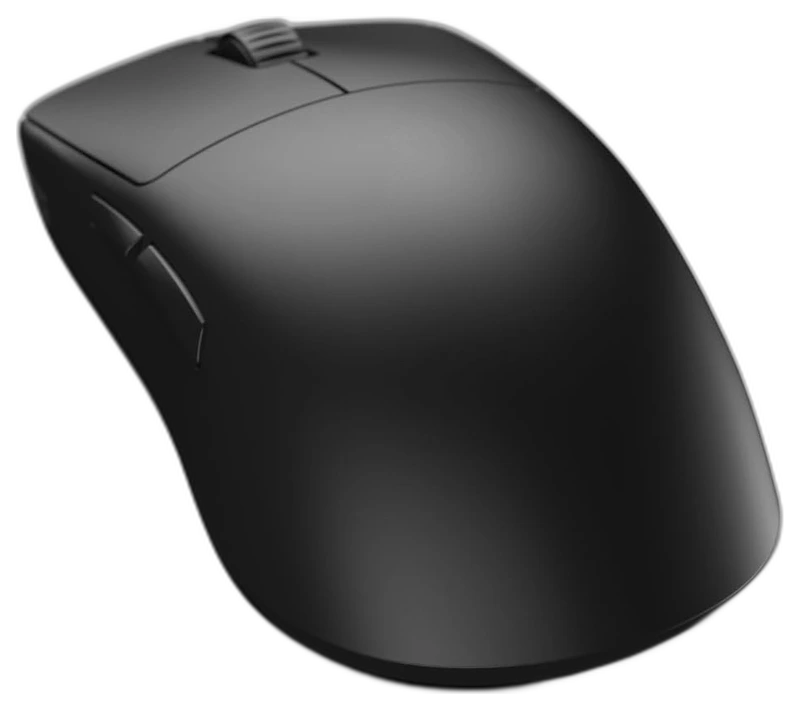
Endgame Gear
Verified Hours
11,935verified hours
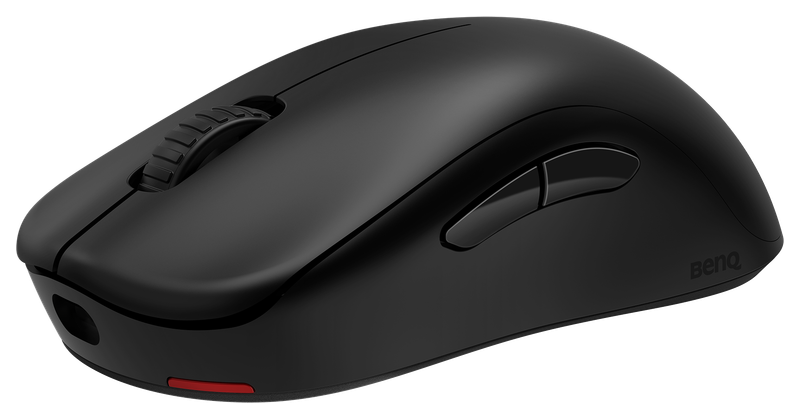
Verified Hours
11,605verified hours
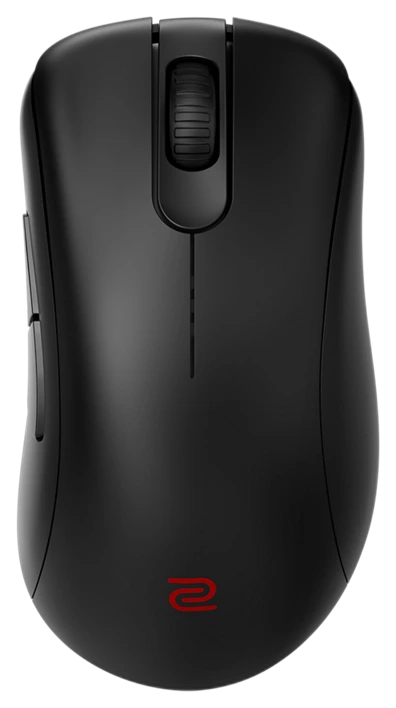
Verified Hours
11,324verified hours
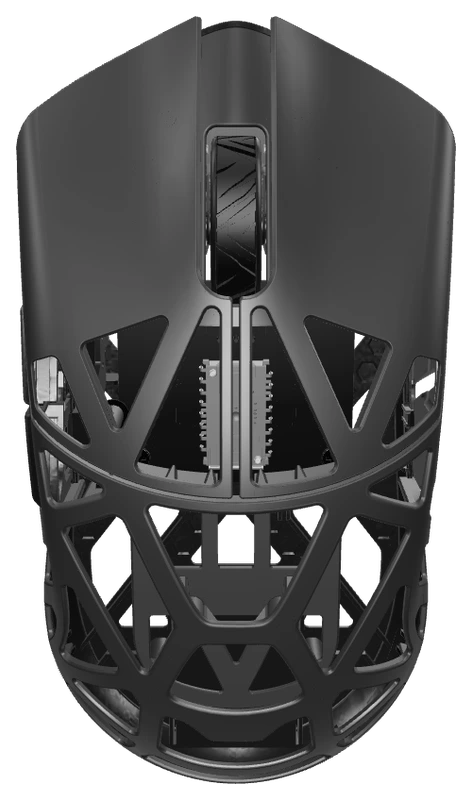
WLMouse
Verified Hours
11,137verified hours
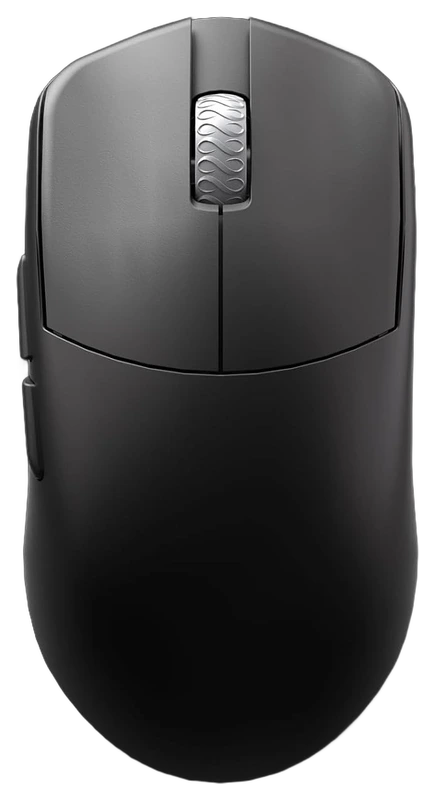
Maya
Verified Hours
10,602verified hours
Hitscan
Verified Hours
10,462verified hours
Ninjutso
Verified Hours
10,145verified hours
Pulsar
Verified Hours
9,950verified hours
Endgame Gear
Verified Hours
9,771verified hours
Verified Hours
9,425verified hours
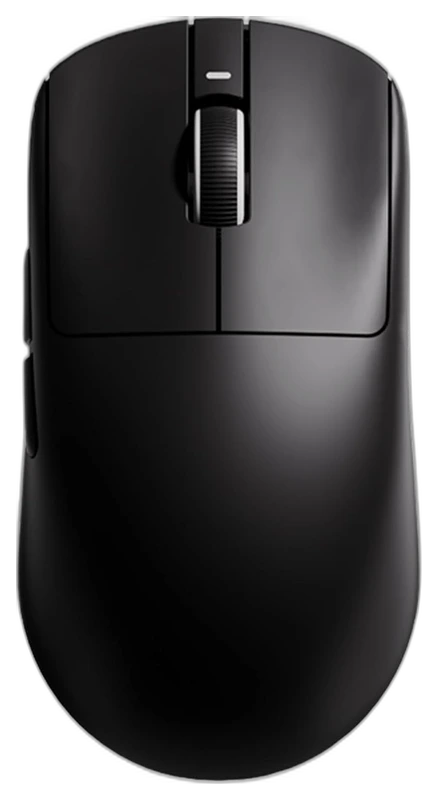
Verified Hours
9,061verified hours
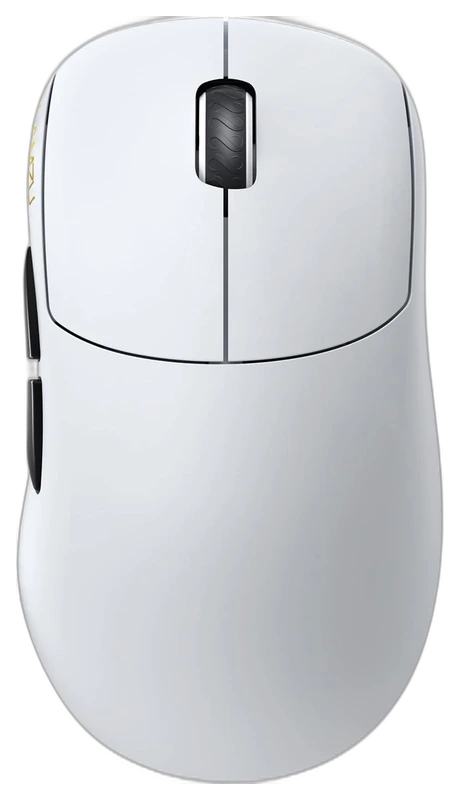
Lamzu
Verified Hours
8,924verified hours
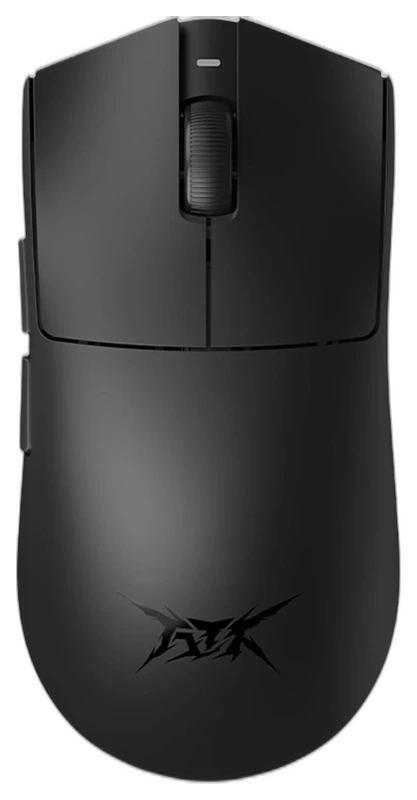
Attack Shark
Verified Hours
8,564verified hours
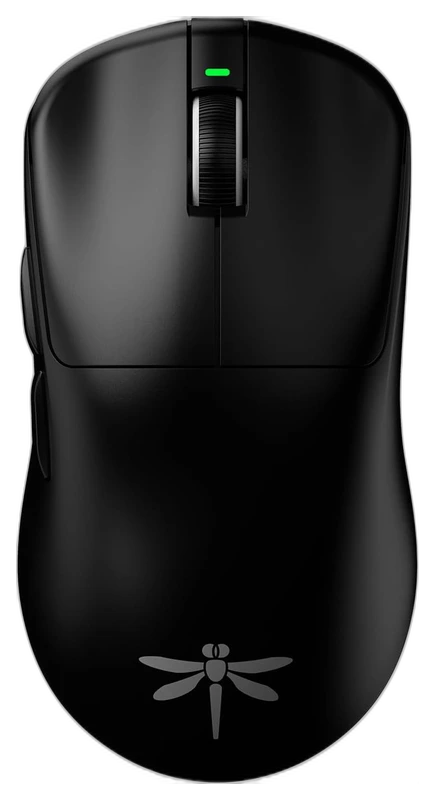
Verified Hours
8,103verified hours
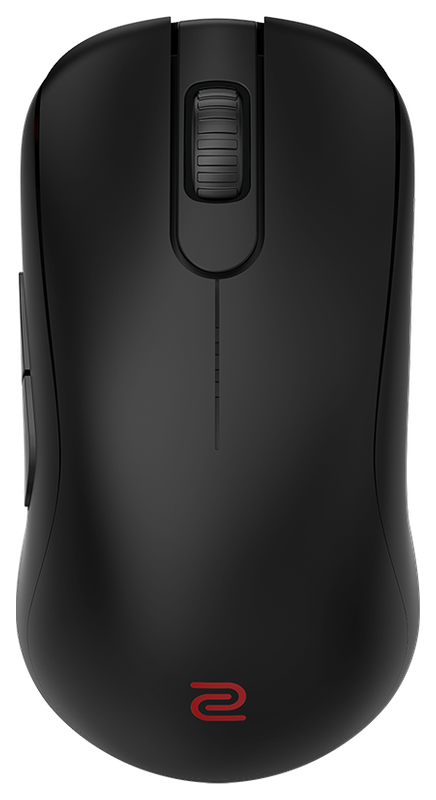
Verified Hours
7,487verified hours
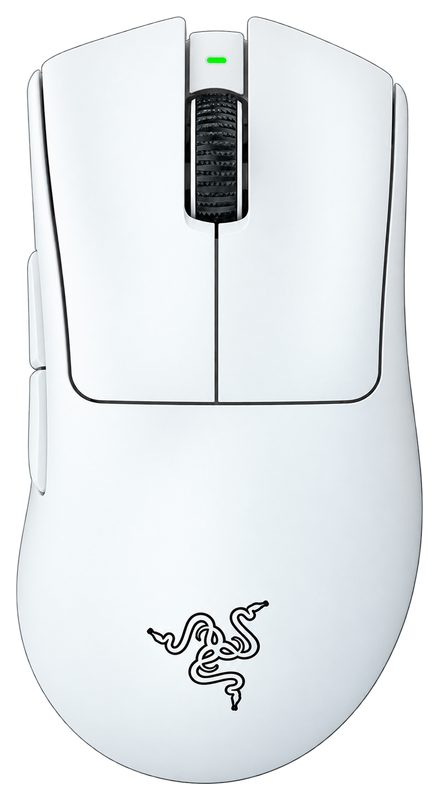
Verified Hours
6,093verified hours
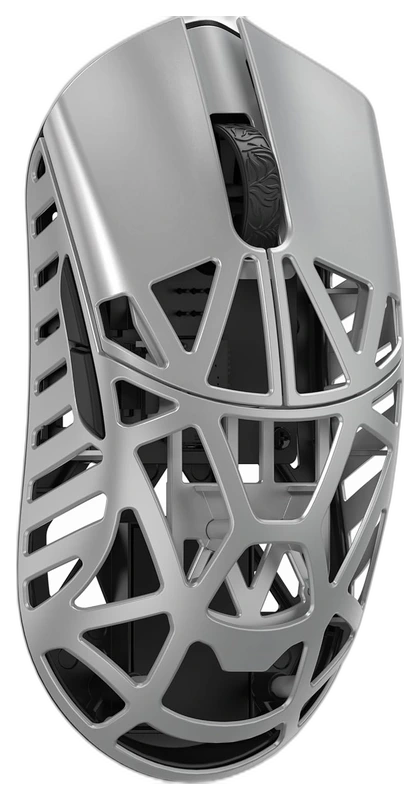
WLMouse
Verified Hours
4,976verified hours
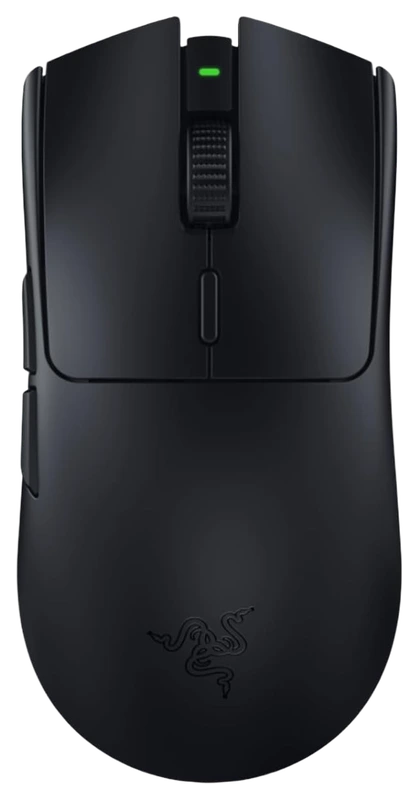
Verified Hours
3,385verified hours
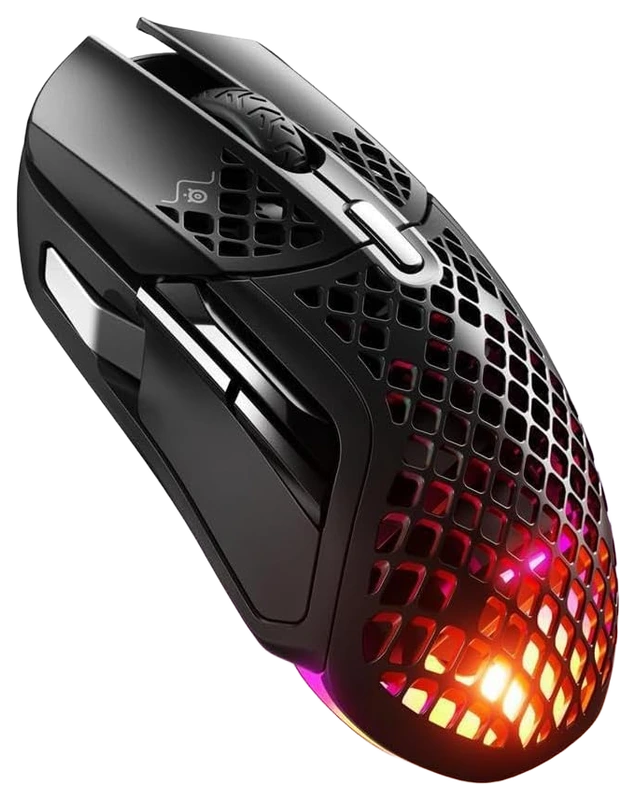
SteelSeries
Verified Hours
3,168verified hours
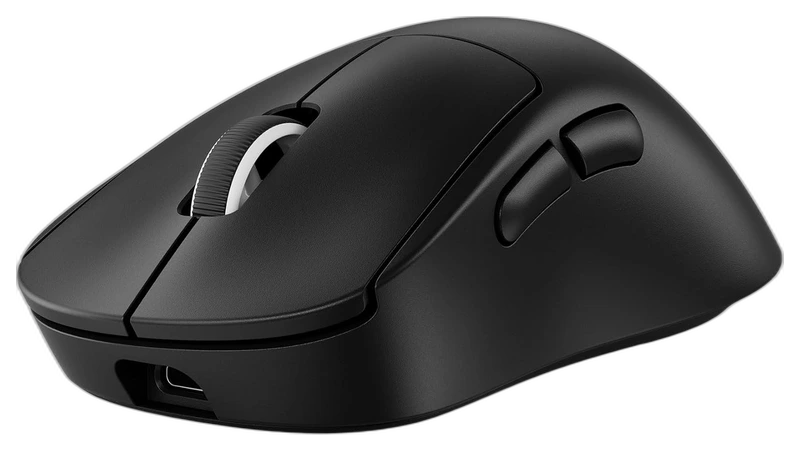
Logitech G
Verified Hours
2,974verified hours
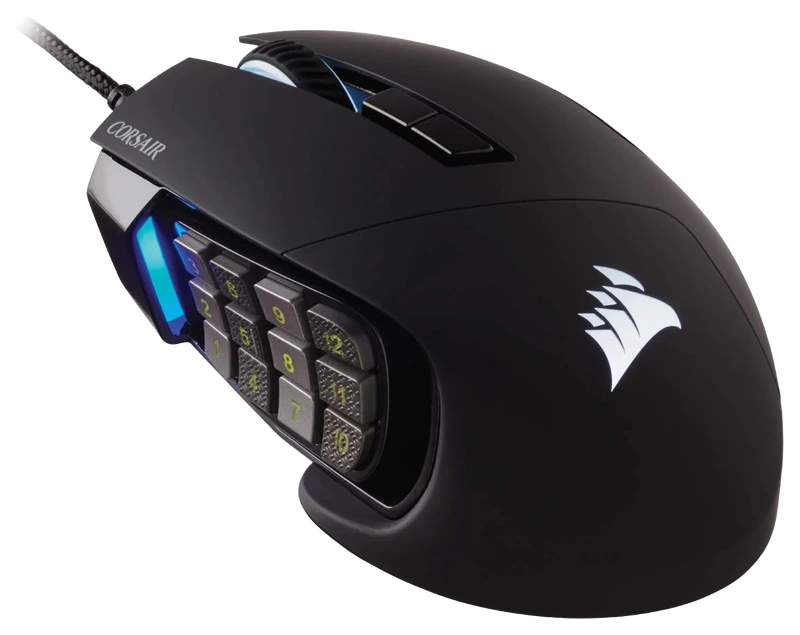
Verified Hours
2,804verified hours
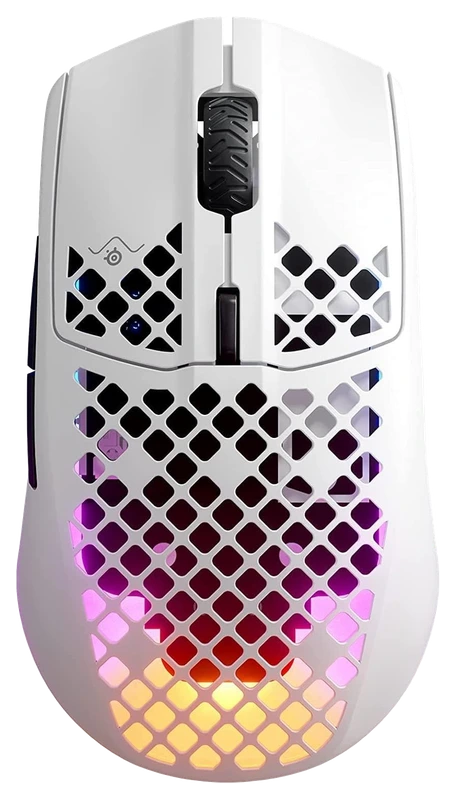
Verified Hours
2,573verified hours
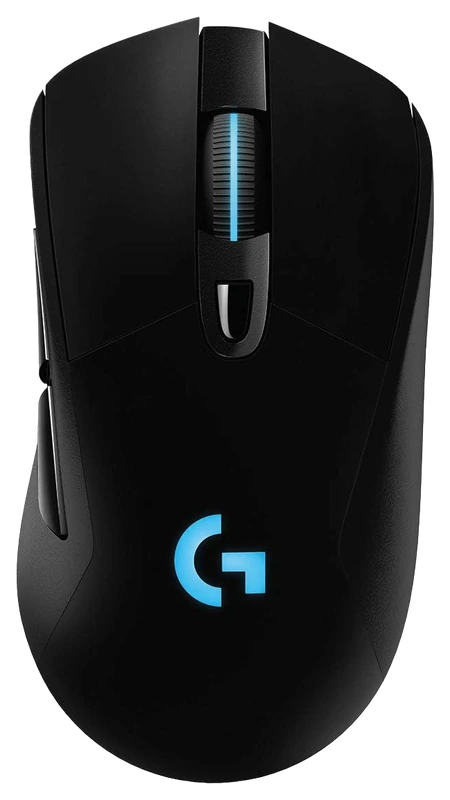
Logitech
Verified Hours
2,531verified hours
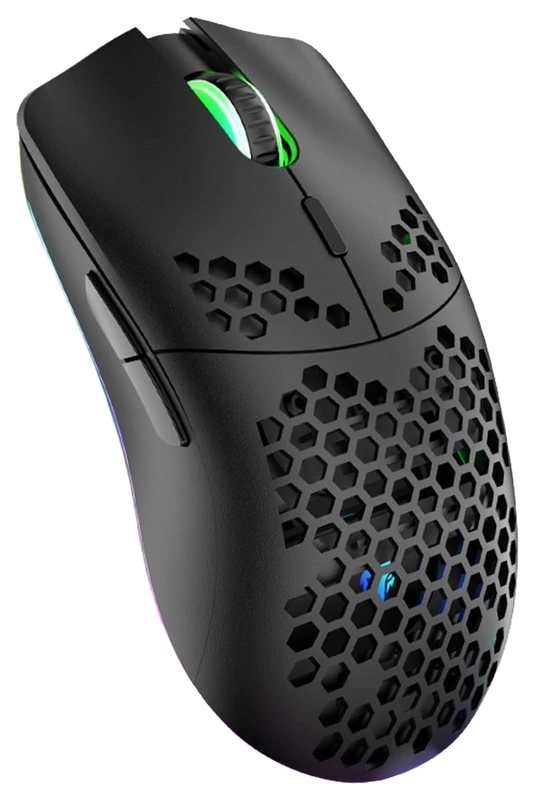
XZXWZX
Verified Hours
1,643verified hours
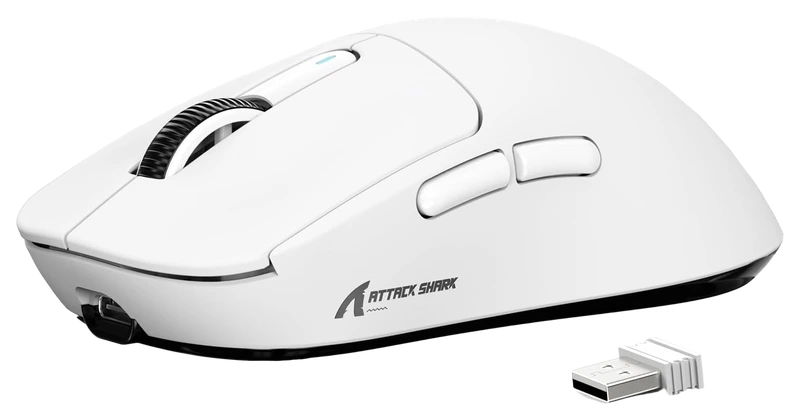
Verified Hours
1,564verified hours
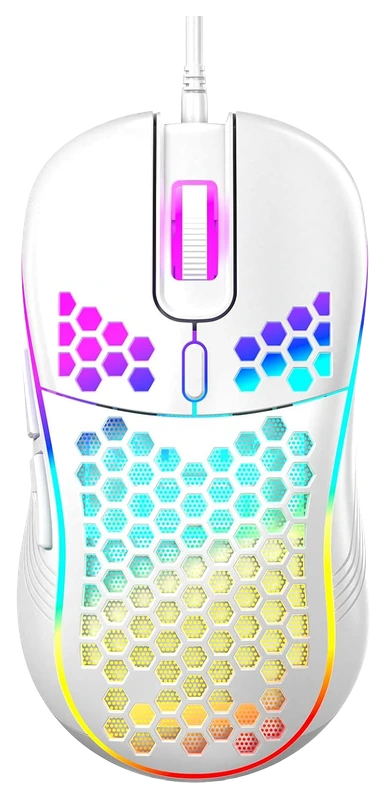
Techsea
Verified Hours
1,243verified hours
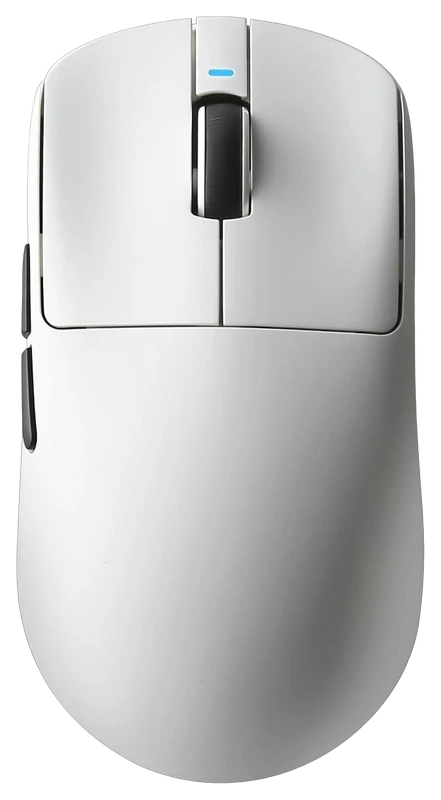
MIKIBY
Verified Hours
1,158verified hours
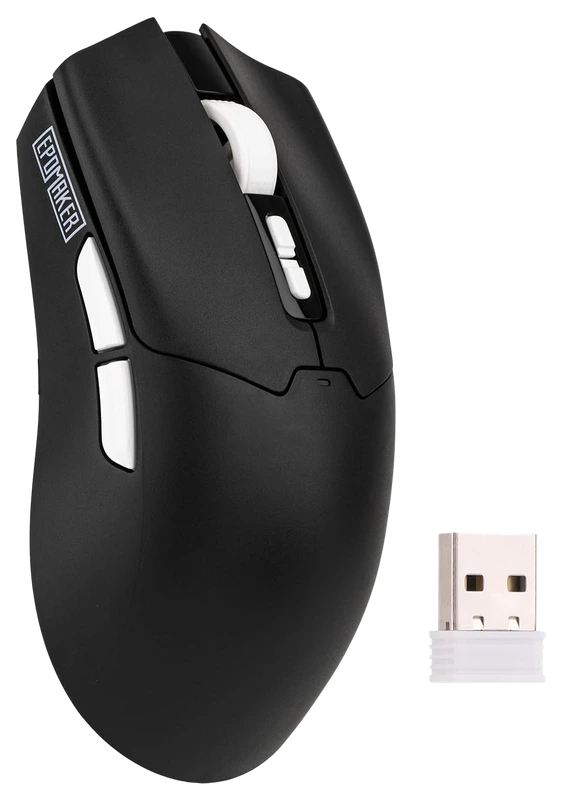
EPOMAKER
Verified Hours
1,118verified hours
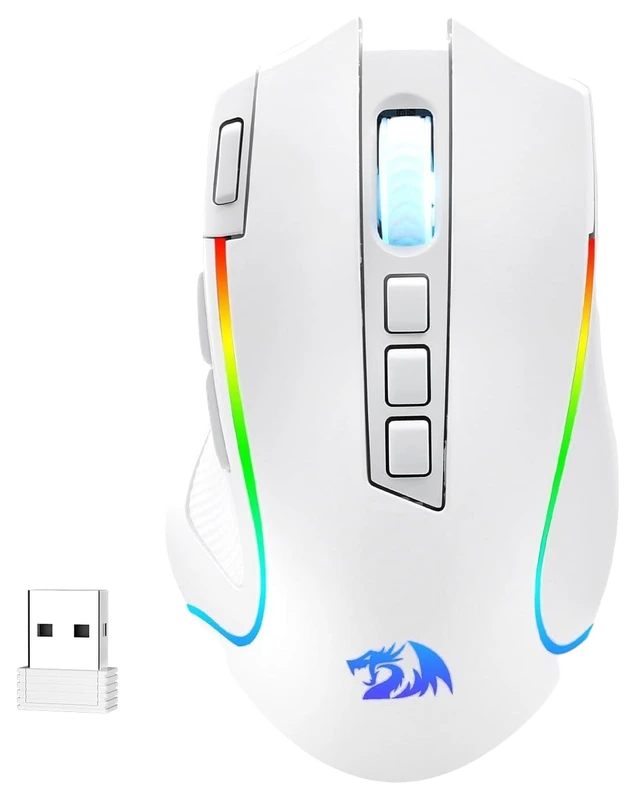
Redragon
Verified Hours
1,117verified hours
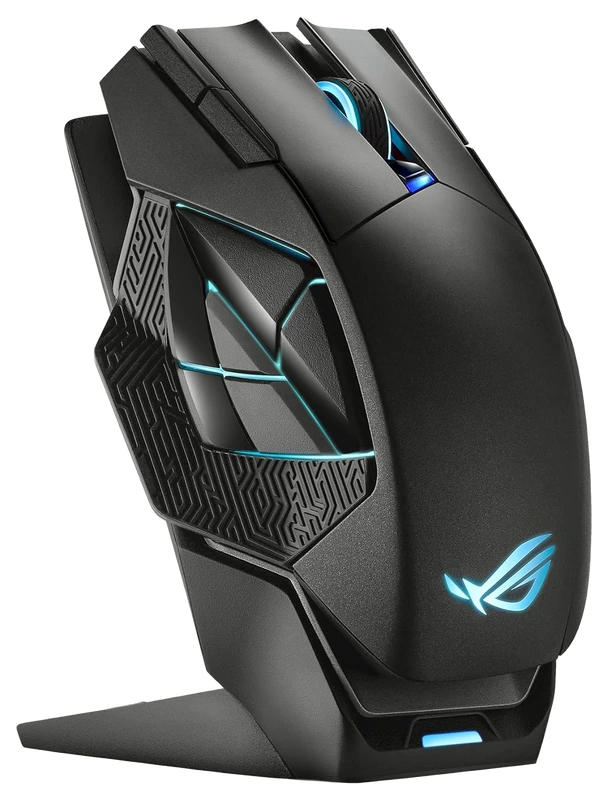
Verified Hours
998verified hours
Verified Hours
997verified hours
RAPOO
Verified Hours
996verified hours
Verified Hours
900verified hours
Verified Hours
798verified hours
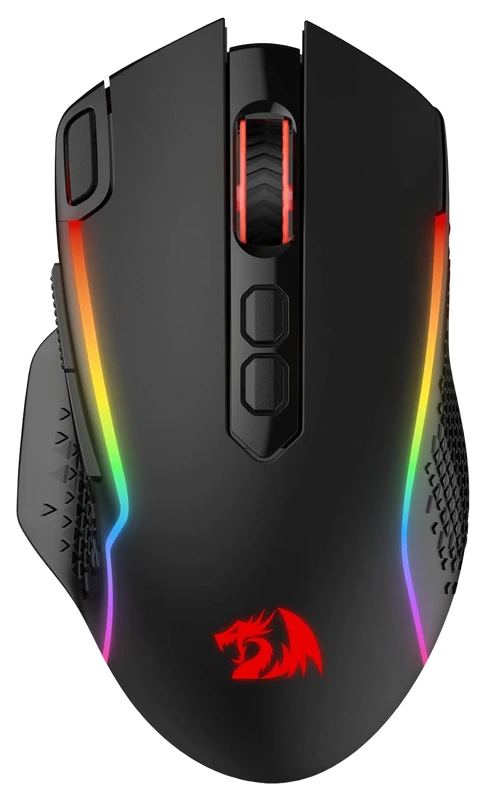
Redragon
Verified Hours
797verified hours
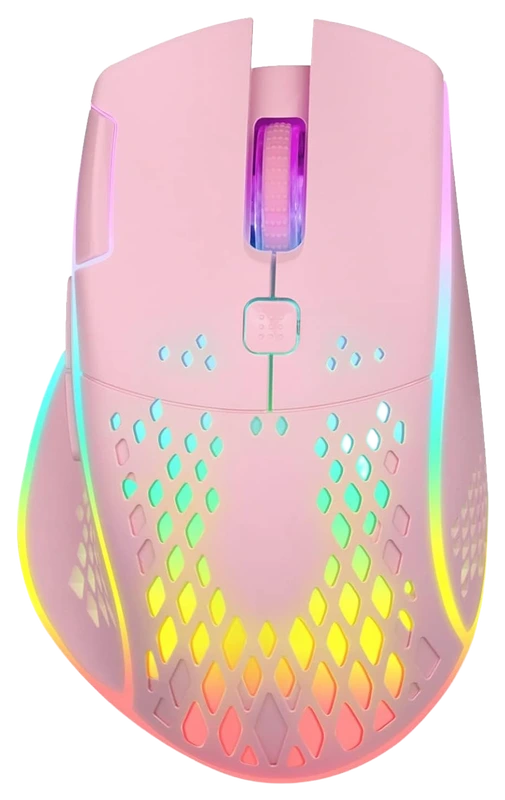
VEGCOO
Verified Hours
796verified hours
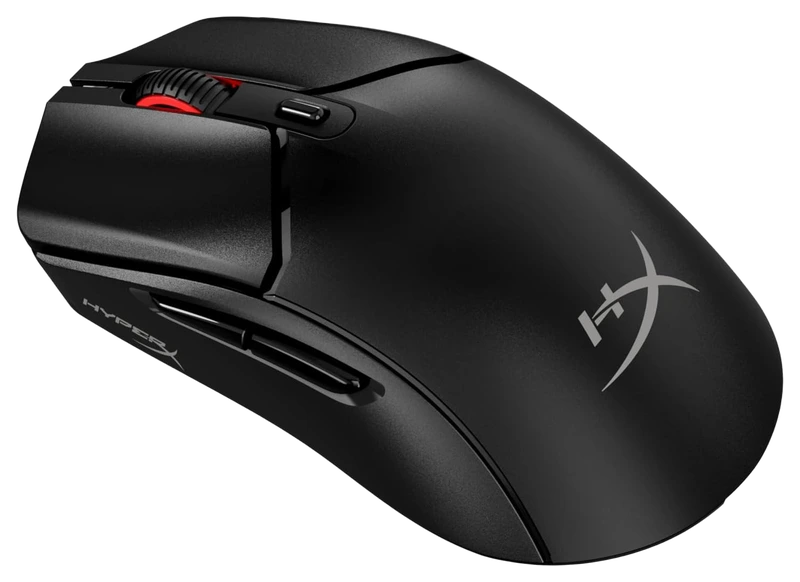
Verified Hours
758verified hours
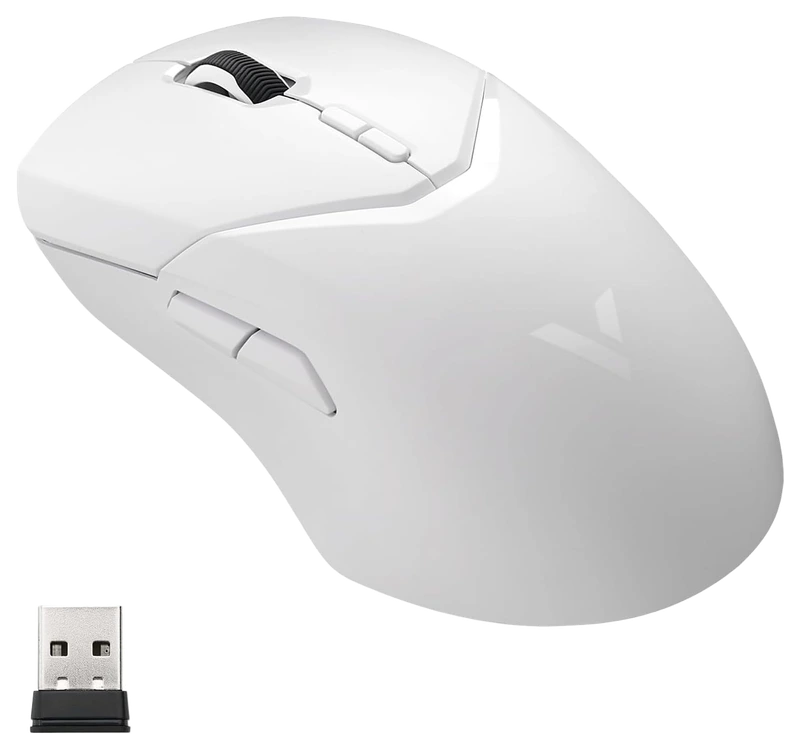
Verified Hours
757verified hours
Verified Hours
638verified hours
ATTACK SHARK
Verified Hours
637verified hours
Redragon
Verified Hours
598verified hours
Verified Hours
597verified hours
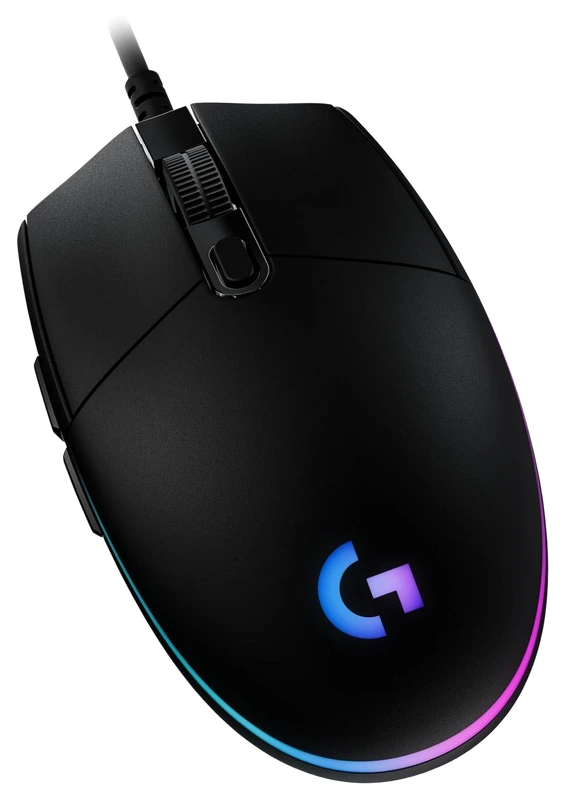
Logitech
Verified Hours
595verified hours
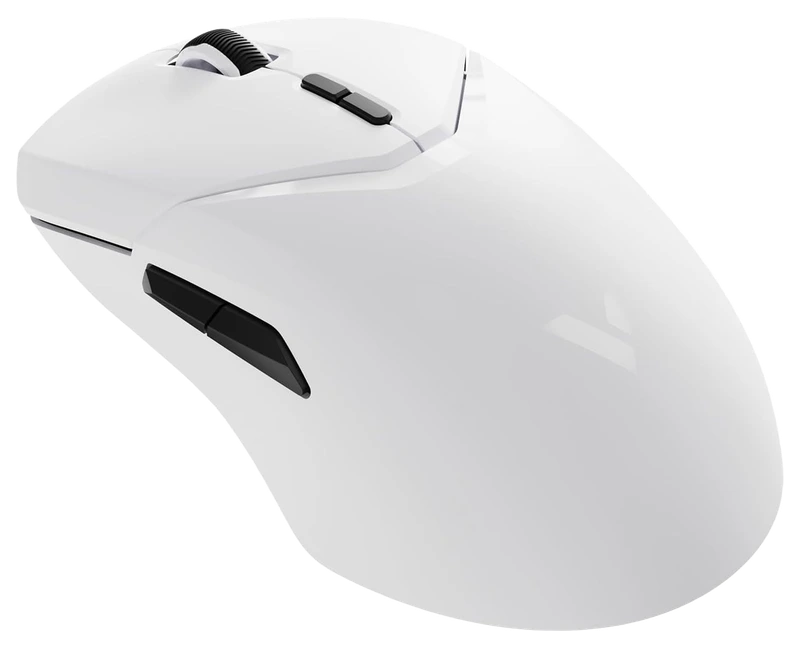
Verified Hours
594verified hours
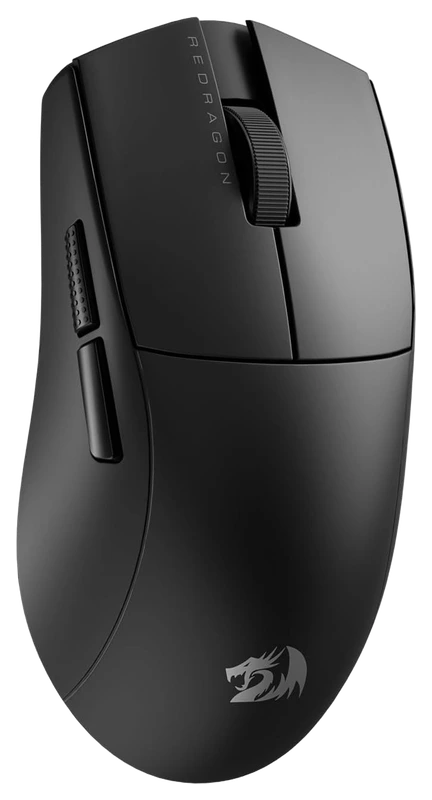
Verified Hours
593verified hours
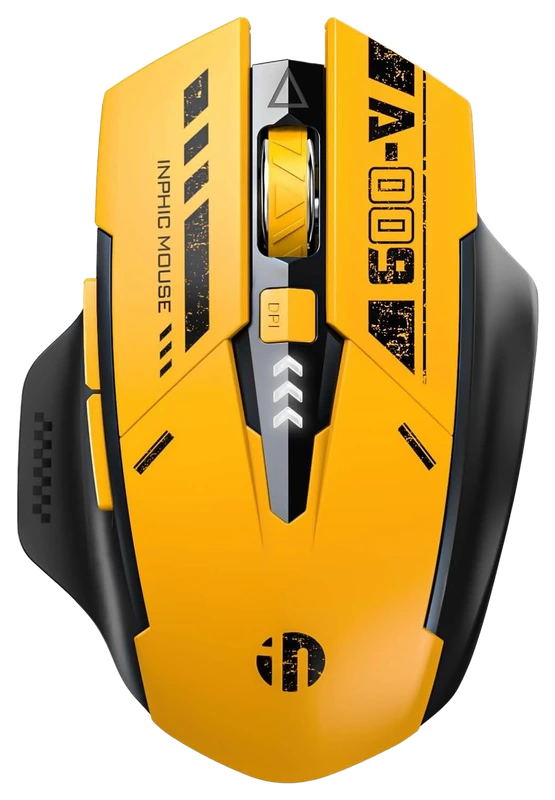
INPHIC
Verified Hours
558verified hours
Verified Hours
557verified hours
Redragon
Verified Hours
518verified hours
Redragon
Verified Hours
517verified hours
Verified Hours
516verified hours
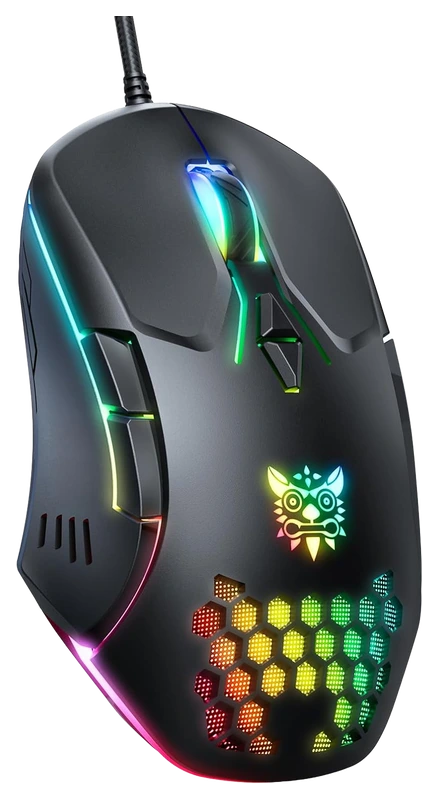
ONIKUMA GAMING
Verified Hours
515verified hours
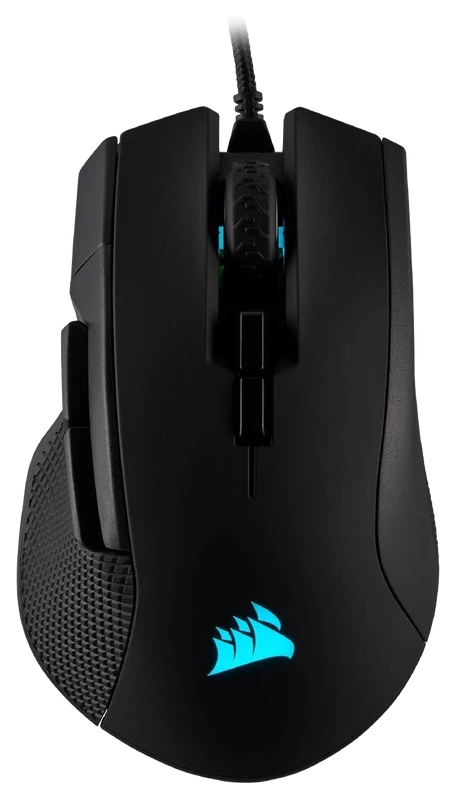
Verified Hours
514verified hours
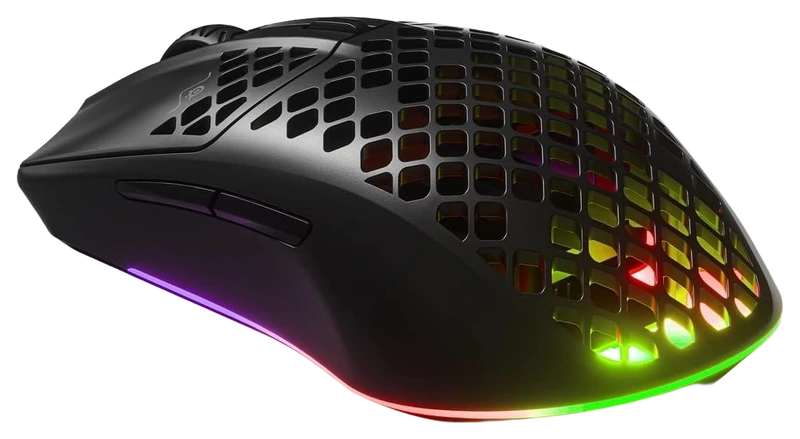
Verified Hours
513verified hours
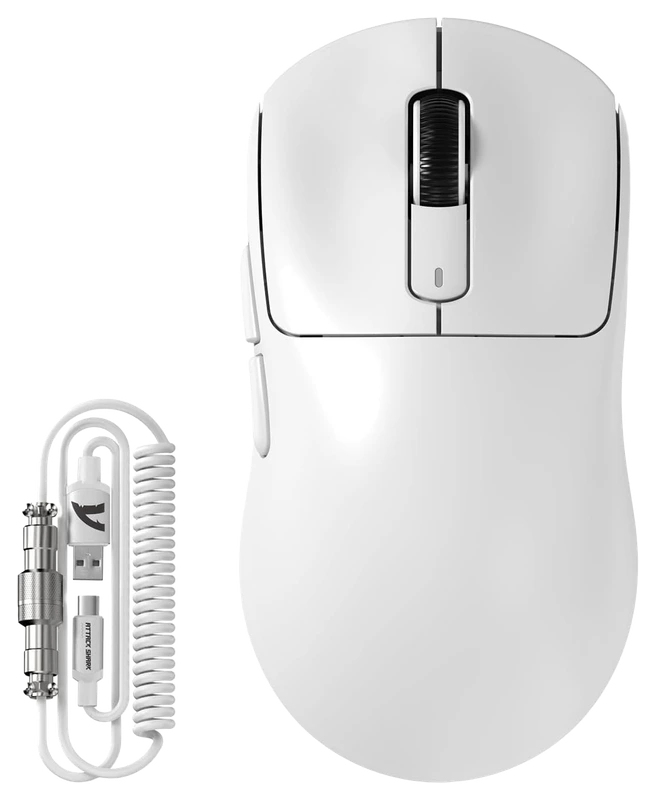
ATTACK SHARK
Verified Hours
478verified hours
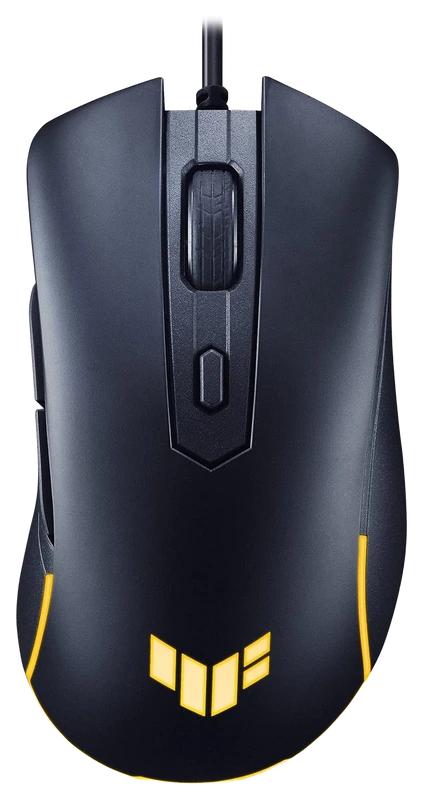
Verified Hours
477verified hours
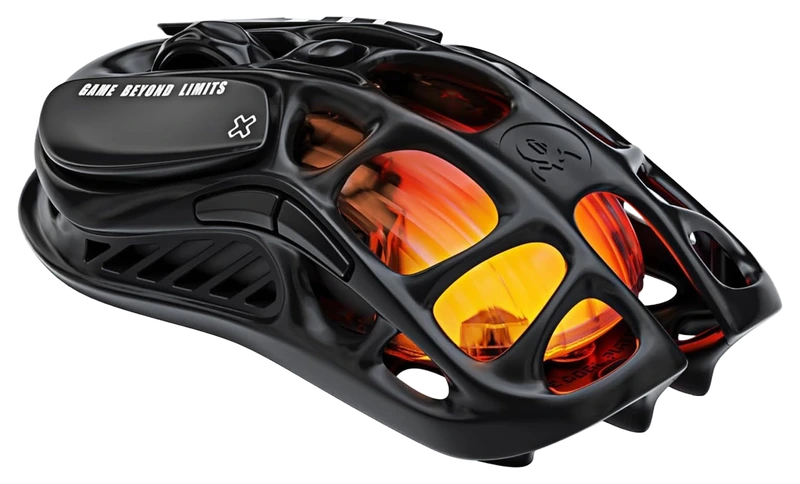
GravaStar
Verified Hours
476verified hours
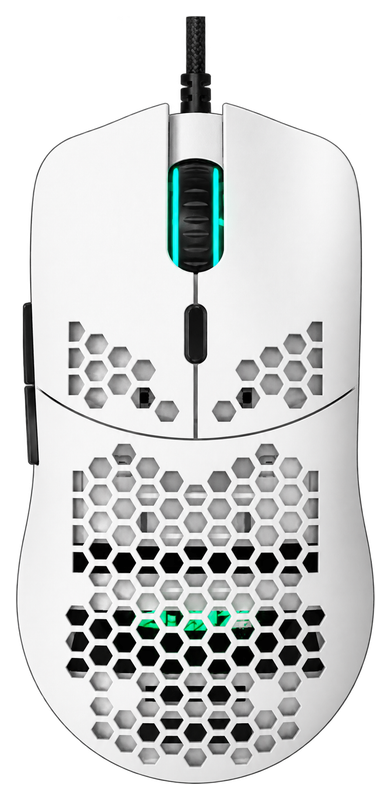
XZXWZX
Verified Hours
475verified hours
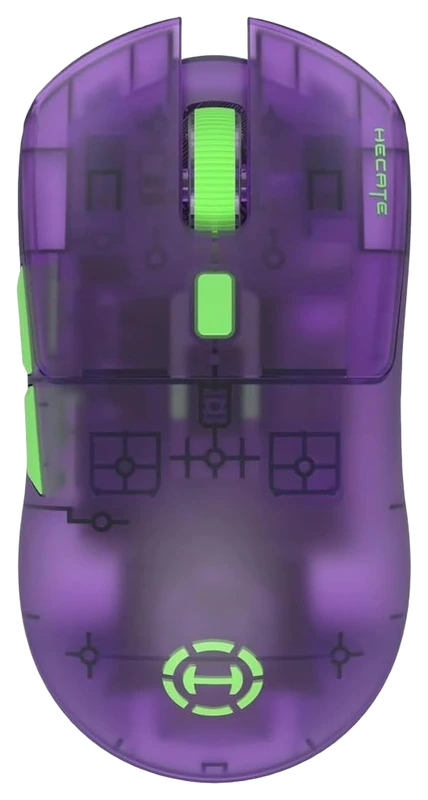
Edifier
Verified Hours
474verified hours
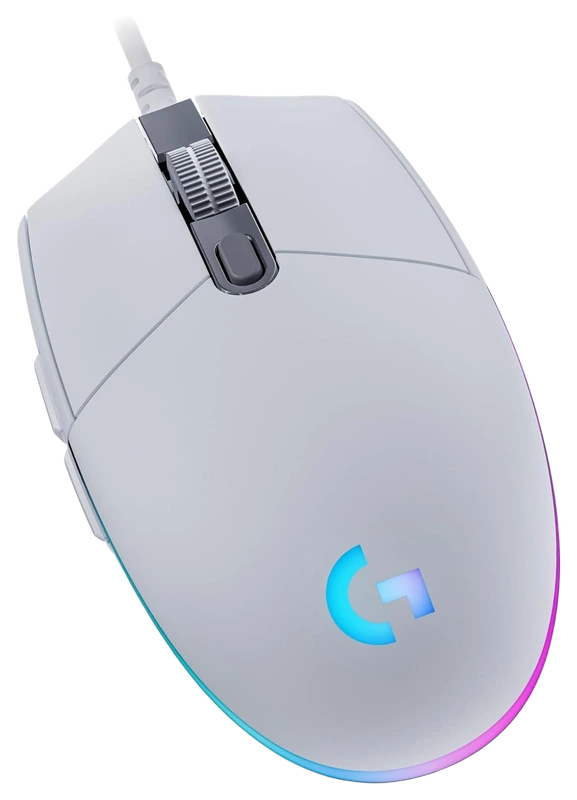
Logitech
Verified Hours
400verified hours
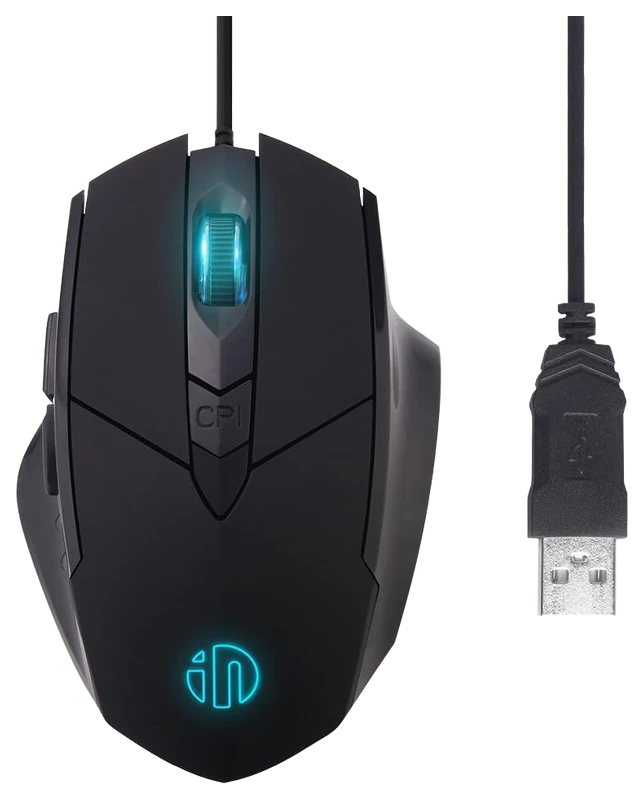
Verified Hours
378verified hours
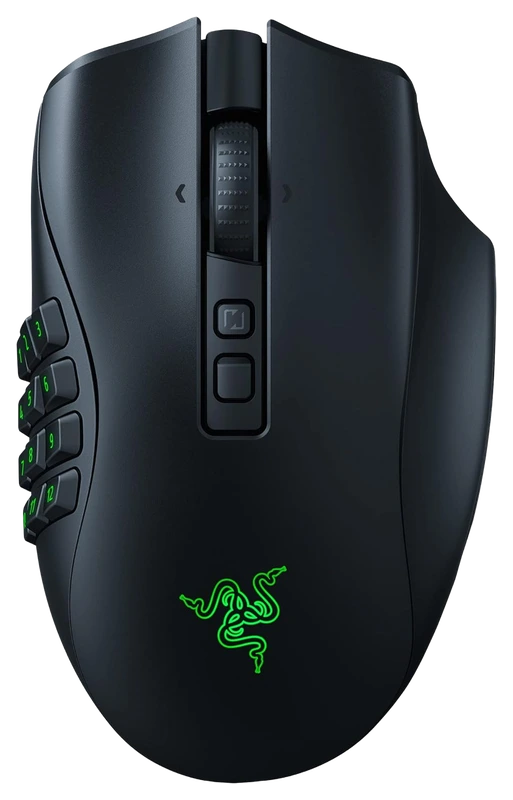
Verified Hours
336verified hours
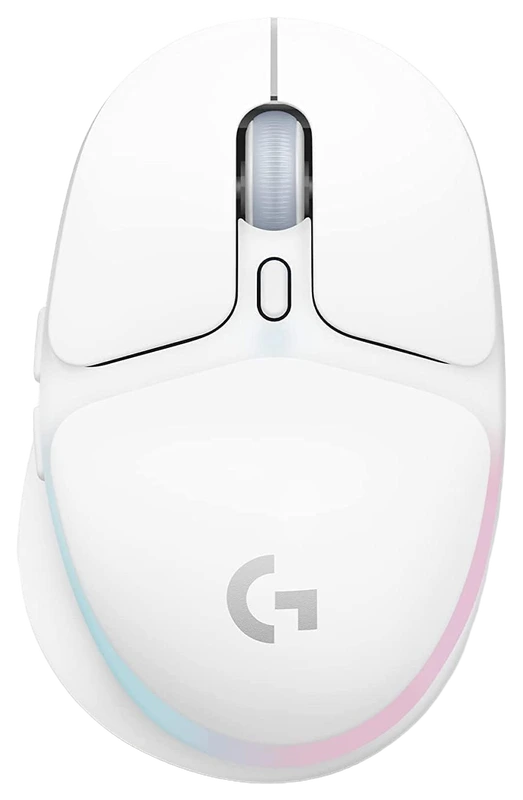
Logitech
Verified Hours
303verified hours
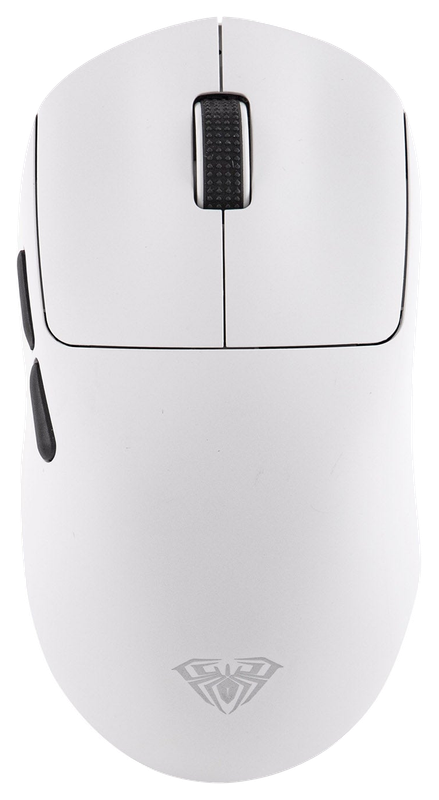
EPOMAKER
Verified Hours
198verified hours
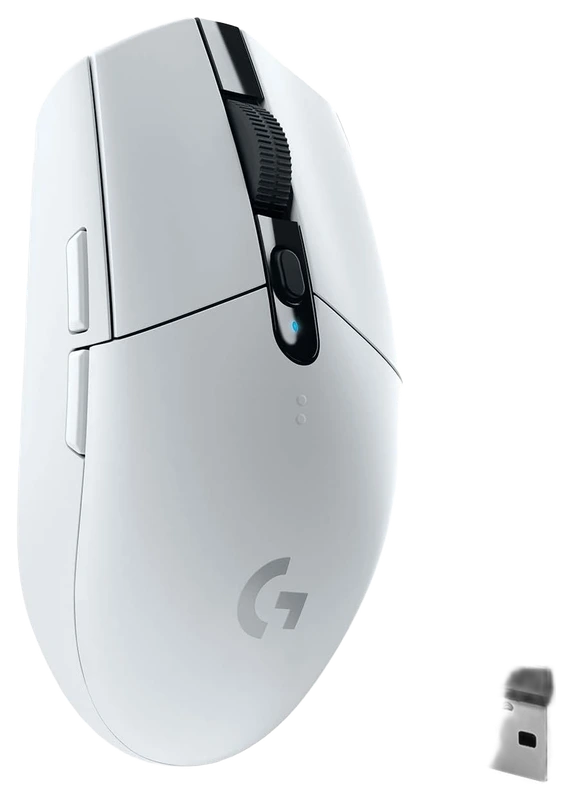
Logitech
Verified Hours
197verified hours
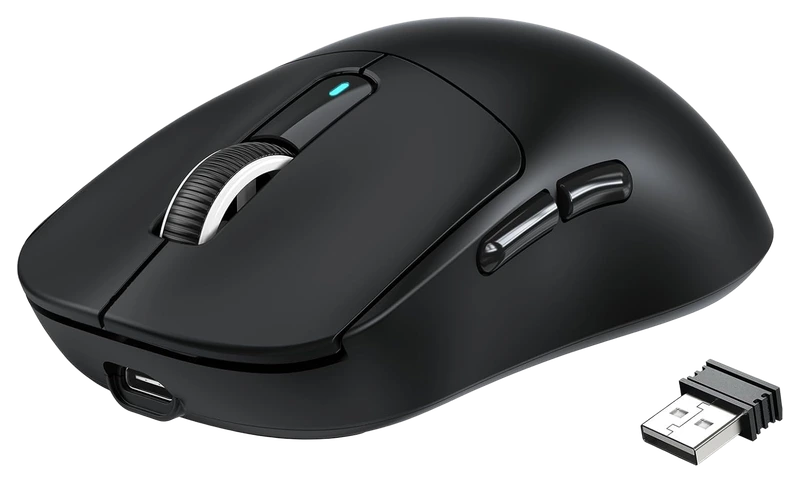
A.JAZZ
Verified Hours
196verified hours
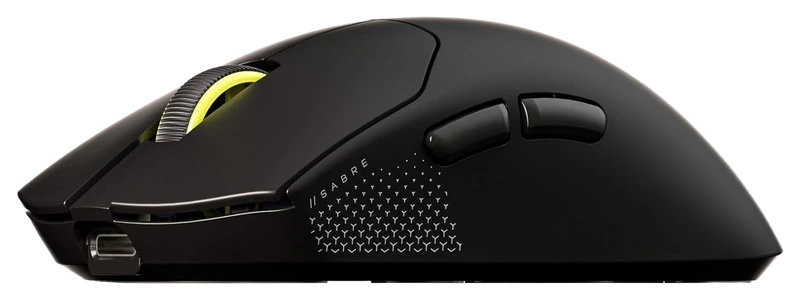
Verified Hours
158verified hours
Verified Hours
157verified hours
Verified Hours
156verified hours
INPHIC
Verified Hours
118verified hours
Verified Hours
117verified hours
Verified Hours
116verified hours
Logitech
Verified Hours
115verified hours
Verified Hours
114verified hours
Verified Hours
112verified hours
Verified Hours
111verified hours
Verified Hours
110verified hours
Redragon
Verified Hours
78verified hours
Verified Hours
77verified hours
Glorious
Verified Hours
76verified hours
Verified Hours
75verified hours
JYCSTE
Verified Hours
74verified hours
Razer
Verified Hours
73verified hours
Verified Hours
71verified hours
ATTACK SHARK
Verified Hours
38verified hours
Verified Hours
37verified hours
Verified Hours
36verified hours
Glorious
Verified Hours
35verified hours
Logitech
Verified Hours
34verified hours
Verified Hours
33verified hours
Verified Hours
32verified hours
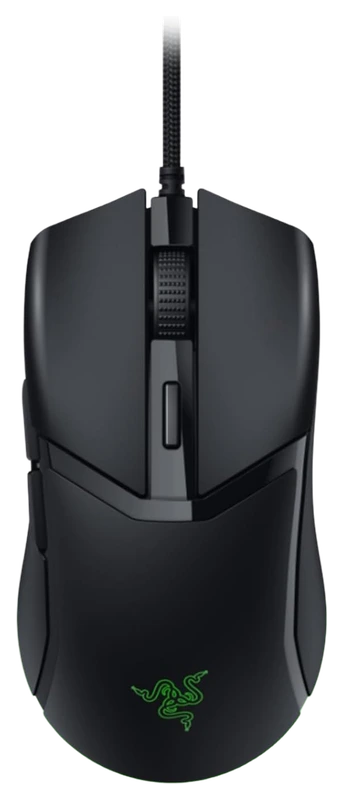
Razer
Verified Hours
31verified hours
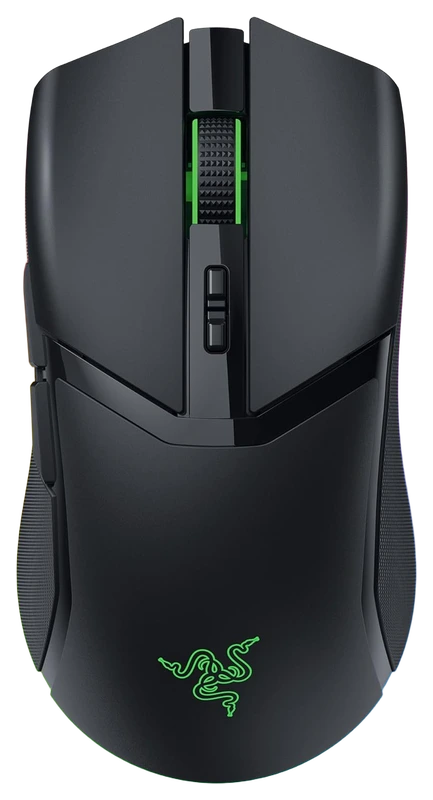
Verified Hours
30verified hours
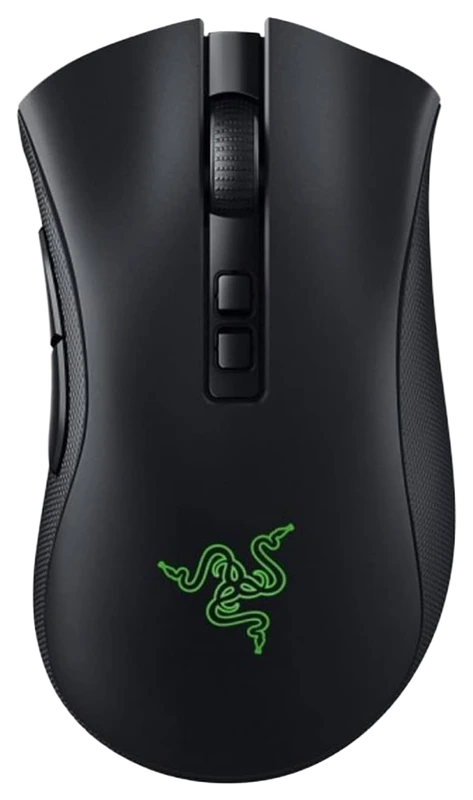
Verified Hours
29verified hours
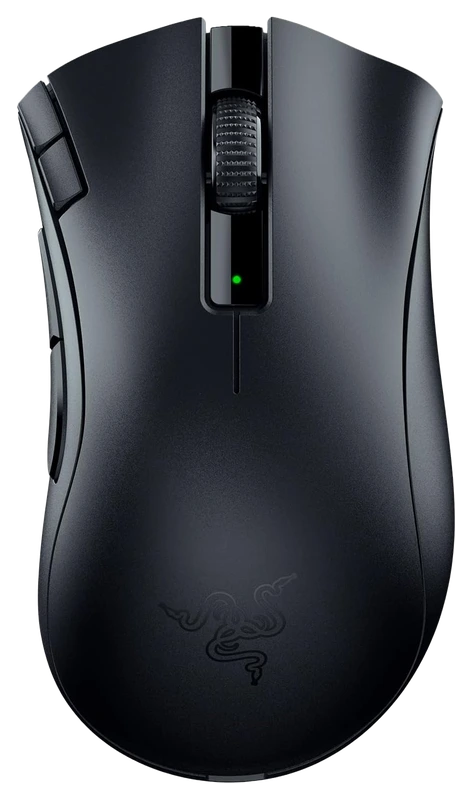
Verified Hours
28verified hours
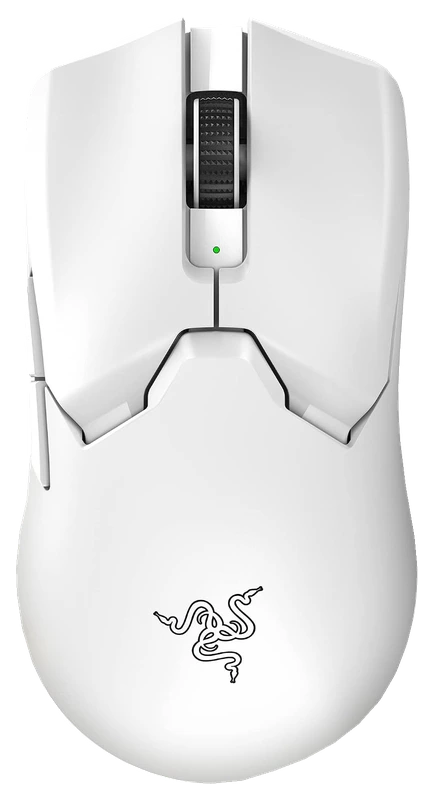
Verified Hours
27verified hours
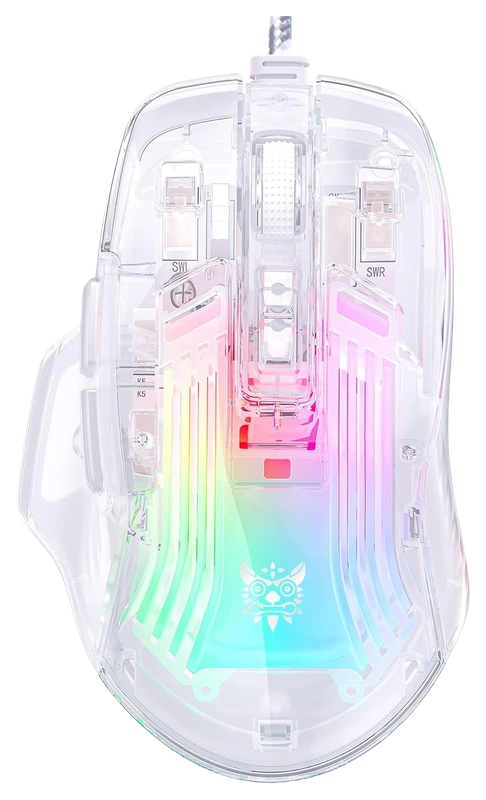
Verified Hours
26verified hours
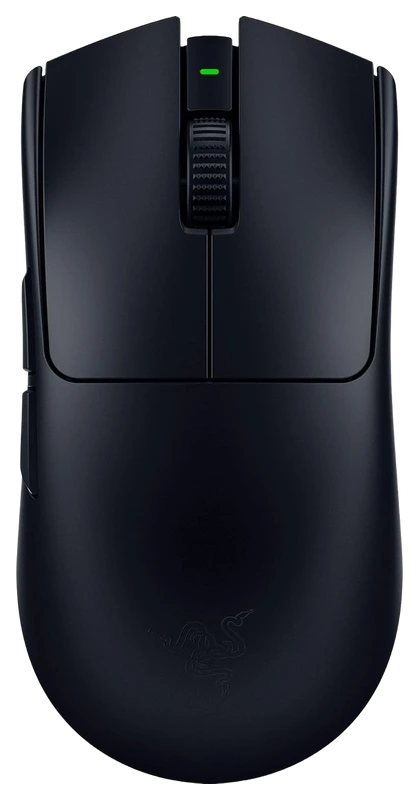
Razer
Verified Hours
0verified hours
Loading public OW2 setups…
Compare mice for Overwatch 2. Check shape, weight and fit for your grip.
Verified Hours determine the published order for Overwatch 2 mice in this snapshot.
Ranking answer
Compare the published ranking above, then check fit and specifications. Sign in with Steam to reveal the leading products and their verified hours.
Reveal with SteamCompare shape, dimensions, weight and connection options against your grip, hand size and desk space. The highest-ranked mouse is a starting point, not a guarantee of the best fit for you.
The Best Overwatch 2 Mice board is backed by 248,616 verified hours in the cited snapshot.
Compare length, width and height in mm with a mouse you already find comfortable. Check an ergonomic or symmetrical shell against your palm, claw or fingertip grip, then test side-button reach. A hand-size label alone cannot confirm fit.
Compare device weight in g, including the battery where applicable. Check USB, 2.4GHz receiver and Bluetooth modes separately, along with charging and the included receiver. Compare measured click and motion latency in the mode you will use; a wireless label alone gives no latency result.
Polling rate is how often a device sends input data to your PC. 1,000Hz, 4,000Hz and 8,000Hz correspond to calculated report intervals of 1ms, 0.25ms and 0.125ms. These intervals are not total input latency. Razer documents the extra processing demand; lower the rate if your game stutters and check receiver and firmware support.
Check the exact sensor, available DPI settings and lift-off adjustment in the maker's documentation. DPI describes sensitivity, not a quality score. Keep the game and its sensitivity scale fixed when comparing DPI × in-game sensitivity, often called eDPI; values from different games are not directly comparable. Logitech documents sensor and lift-off controls for its Superlight 2.
Optical switches detect a click with light rather than electrical contact points; Razer explains its optical switch mechanism. Check the exact switch type and compare measured click latency and the warranty. A switch rating is not a promised service life for the whole mouse. Check replacement feet, pad compatibility, coating wear and cleaning instructions before buying.
Check the exact model's current local price. Compare included accessories, delivery, return policy and warranty. Record the currency and check date for each offer. Start with this board's published order, then choose a model that meets your needs and budget. Rank does not show today's best value.
The useful connection is game experience and a player’s declared main. Keep the game, board and snapshot together when reading the ranking.
01 / Game
Steam hours connect the listed mouse choices to Overwatch experience, while players declare their main mouse. Read those hours alongside the setups, especially if your hero rotation mixes sustained aiming with frequent turns and ability use.
02 / Backing
Compare the verified hours backing each player-declared mouse. Open the full list to see more products, with the published hours and original ranks intact.
03 / Your main
Connect Steam through Hours.gg, then choose the mouse you declare as your OW2 main. Your saved gear and the published ranking update separately.
Before buying, confirm the shape, dimensions and receiver package of the exact model. Read the fit guidance
The published position covers this game’s mouse board, rather than a separate recommendation for each hero. Begin with its Verified Hours, then try the shortlist with the heroes you play. A shape that suits your usual aiming and turning is more relevant than copying an unrelated hero’s setup. Blizzard’s Overwatch Steam page
Hours’ established model connects verified game experience with players’ declared main gear. The ranking gives you that game-specific starting point when choosing a mouse. Manufacturer specifications help you check the resulting shortlist.
Players report their gear to Hours. Steam supplies game-playtime information. Keep those two sources distinct: a declared main is the player’s choice, and game time is the experience backing it.
Verified Hours are the verified player game time backing a player-declared main under Hours’ established methodology. This board keeps the published hours for each mouse in the OW2 snapshot. The numbers are game experience, not a laboratory score.
The ranking reflects the verified hours backing each player-declared mouse in Hours’ existing board. It does not measure hardware performance or confirm fit and compatibility with your setup. Use the ranking to start your decision, then check the exact model’s shape, dimensions and receiver package.
Steam records game time, which Hours connects with a player’s declared main under the established methodology. It does not record physical device-use duration.
Connect your account to verify available game playtime and open the top three when your account is signed in and Steam-verified. You can then choose the mouse you declare as your OW2 main.
Under the existing Hours model, your declared main carries your game’s hours in the published game scope. It records your choice; it does not establish when you bought the mouse or when you used it. See the established methodology for how those hours count.
Opening the full list displays more products. A product at rank 8 remains rank 8, with the same verified hours. The Steam rule follows original ranks 1–3, so opening the list cannot unlock them.
Check the exact model’s shape, dimensions and receiver package before buying. The fit guidance is available above. Those details support the playtime-led choice; they do not change this board’s order.
This board displays its published snapshot dated . Steam records cumulative game playtime; it does not isolate individual matches. Your account’s latest synced playtime and the published ranking update separately.
Game boards rank the most-used gear among Hours.gg's verified players in the named game, category and snapshot, measured in verified player hours. Each player's declared main carries their verified hours in the published game scope; these hours do not measure time spent using a specific device.
Bring your game experience
Connect Steam to reveal the top three and player setups. Then add your own gear.
Public playtime only - no inventory access
Public OW2 setups, ordered by total verified hours across supported games.


@syn0x

@unlockedsumo
Top 3 setups
Reveal their gear and find gamers with similar game hours or shared gear.
Players declare their gear; Steam verifies game time. Only saved gear is revealed.