Buying guides · Verified, Real Playtime
Best Gaming Mouse for Fingertip Grip
Verified, real playtime determines the order of these mice recommended for fingertip grip by their manufacturers. Follow the hours behind each position, then compare finger clearance, side grip and button reach for your hand.
At a glance
What the verified hours show
Explore this published ranking, then compare the features and fit for your setup. Sign in with Steam to reveal the leading products and their verified hours.
An exact-model manufacturer recommendation for fingertip grip is required. The published figures order qualifying models; they do not identify anyone's grip style or measure finger control.
Compare the rankingsPublished rankings
Products are ranked by verified playtime.
Board readout
4 ranked products in the published guide set
Best Gaming Mouse for Fingertip Grip — Verified Playtime · Across games · Updated
Top 3
Sign in with Steam to open the full top three
Steam opens the full top three and their verified hours. Any results ranked fourth or lower stay visible.
- Rank 4.
Verified Hours
30h
Read the guide
From ranking to shortlist
Leave room for your normal finger movement
Hold the mouse with your usual fingertips and move it through your normal range. Check whether the back contacts your palm when you pull it toward you and whether the side shape stays secure when you lift. Published dimensions help compare candidates, but they cannot reproduce that check.
Try corrections and resets in your own game
For CS2, check small crosshair corrections and a turn followed by a reset on the pad. For Apex Legends, include tracking and repeated changes of direction. Use the same sensitivity and pad while comparing whether the controls stay within reach.
Treat weight as a separate buying choice
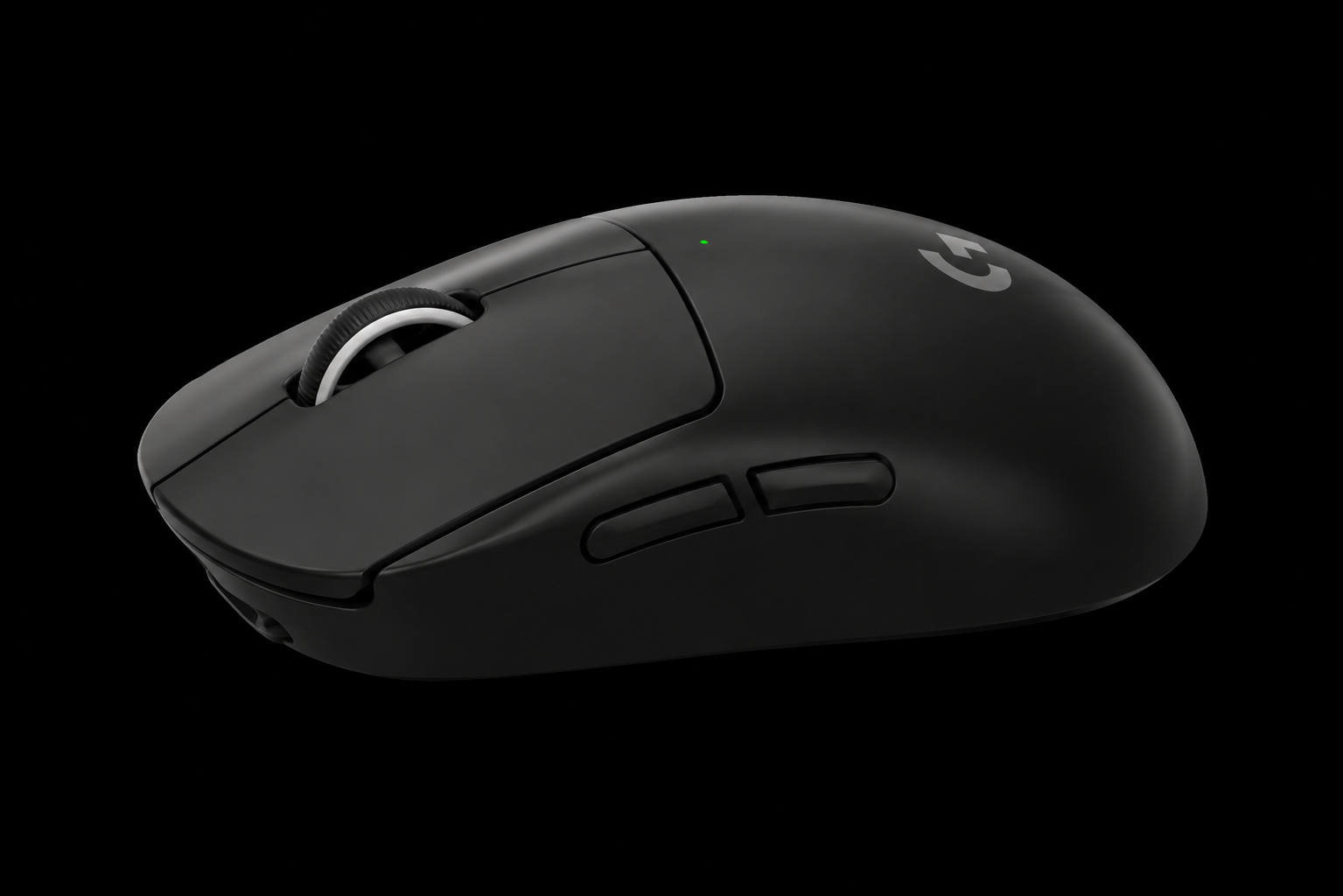
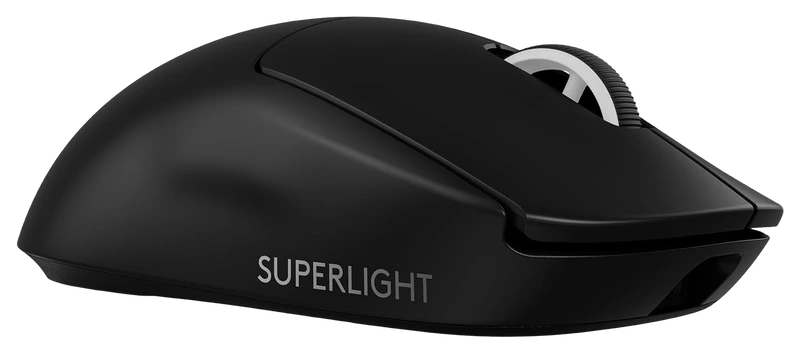
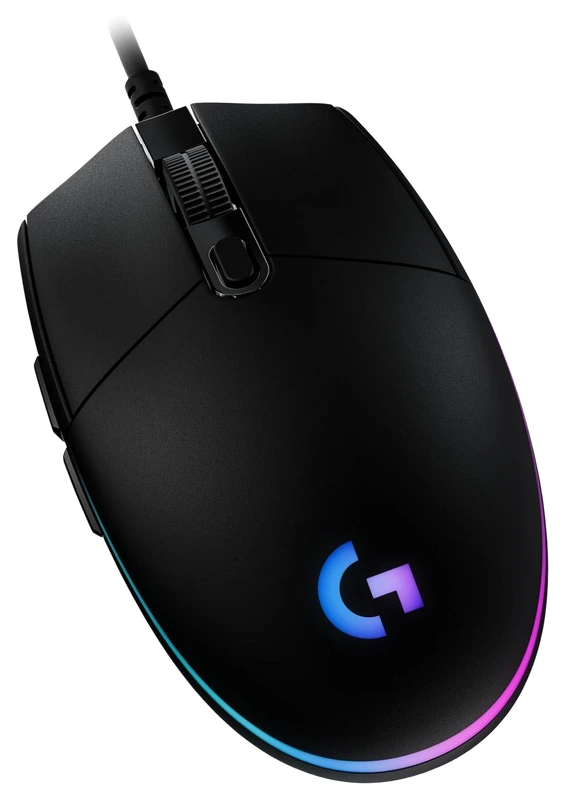
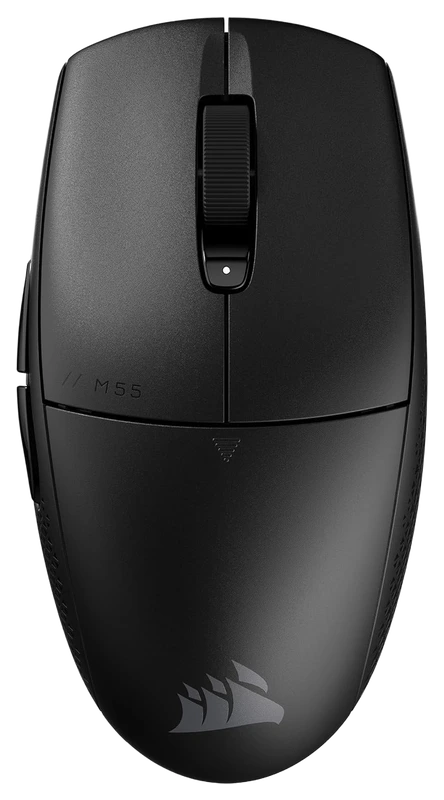
This is a grip shortlist with no weight cutoff. Logitech explicitly names PRO X Superlight 2 and G203 LIGHTSYNC for fingertip grip; Razer Cobra Pro and Corsair M55 WIRELESS also include this grip in their guidance. Check complete operating weight and the exact wired or wireless setup before buying.
Before you buy
Compare the fingertip-grip shortlist
Compare the exact models in this guide by their documented dimensions, weight and connections. The comparisons below are alphabetical; use the ranking above for the published order. A specification does not establish personal fit or measured gaming performance.
Manufacturer specifications checked . Ranking figures retain their own published snapshot date.
Leading-model comparison
Sign in with Steam to reveal this leading model and its specifications.
Reveal with SteamLeading-model comparison
Sign in with Steam to reveal this leading model and its specifications.
Reveal with SteamLeading-model comparison
Sign in with Steam to reveal this leading model and its specifications.
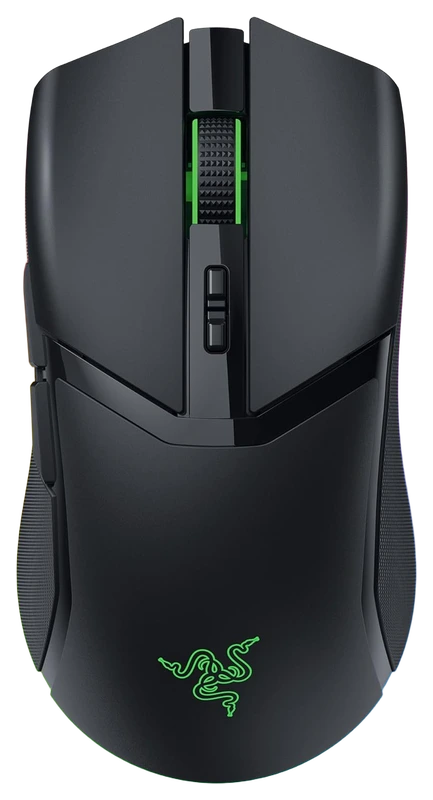
Reveal with SteamRazer Cobra Pro · black
- Approximate dimensions · length × width × height
- 119.6 × 62.5 × 38.1 mm
- Approximate manufacturer weight
- 77g excluding dongle and cable
- Connection
- 2.4GHz HyperSpeed receiver; Bluetooth; USB cable
- Controls
- 8 programmable buttons
Choose around the connection you will actually use and the buttons you can reach. The wireless charging puck and Mouse Dock Pro are sold separately; Cobra wired and Cobra HyperSpeed have different specifications.
Questions worth asking
Gaming Mice FAQ
What is the best mouse for fingertip grip?
Choose a shape you can move and lift with your normal finger placement while reaching the buttons. The models here have an explicit manufacturer recommendation for fingertip grip and can be compared using the published specifications. Personal fit still needs your own comparison.
Must a fingertip mouse weigh less than 55g?
This guide does not impose that threshold or claim a universal ideal weight. Compare published operating weight alongside shape and connection. A manufacturer recommendation for fingertip grip and a low weight are separate facts.
Will fingertip grip improve my aim?
This ranking does not measure changes in aim or prove an advantage for a grip style. Judge whether the mouse lets you keep your usual control during corrections, tracking, clicking and resetting on the pad.
What does this Hours.gg guide publish?
Sign in with Steam to read the answer and reveal the leading products.
Reveal with Steam