Buying guides · Verified, Real Playtime
Best Gaming Mouse for Palm Grip
Verified, real playtime determines the order of these mice recommended for palm grip by their manufacturers. Explore the hours behind each position, then compare palm support, shell size and button reach for your hand.
At a glance
What the verified hours show
Explore this published ranking, then compare the features and fit for your setup. Sign in with Steam to reveal the leading products and their verified hours.
An exact-model manufacturer recommendation for palm grip qualifies a mouse for this shortlist. The published figures order qualifying models; they do not measure hand fit or aim.
Compare the rankingsPublished rankings
Products are ranked by verified playtime.
Board readout
5 ranked products in the published guide set
Best Gaming Mouse for Palm Grip — Verified Playtime · Across games · Updated
Top 3
Sign in with Steam to open the full top three
Steam opens the full top three and their verified hours. Any results ranked fourth or lower stay visible.
- Rank 4.
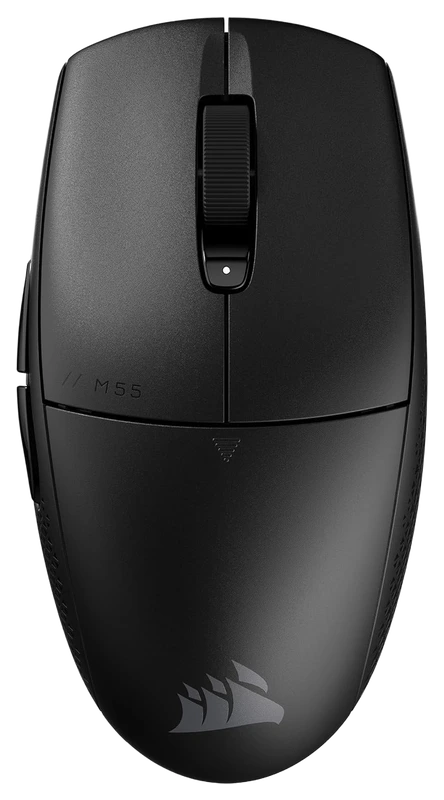
Verified Hours
37h
- Rank 5.
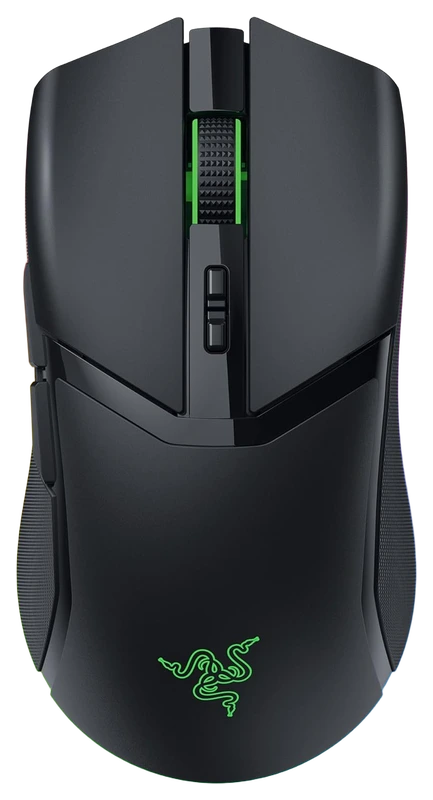
Verified Hours
30h
Read the guide
From ranking to shortlist
Keep your normal palm contact
Rest your hand as you do during a match and check where the back of the shell contacts it. Reach both main buttons and the side buttons without sliding your hand forward. A palm-grip label cannot tell you whether that contact point works for your hand.
Try the movements you make in your game
For CS2, try your usual crosshair corrections, a turn and a lift to reset the mouse on the pad. For Apex Legends, include sustained tracking and repeated direction changes. Keep sensitivity and the mousepad consistent so you can judge the shape without changing the rest of your setup.
Compare different shells within the shortlist
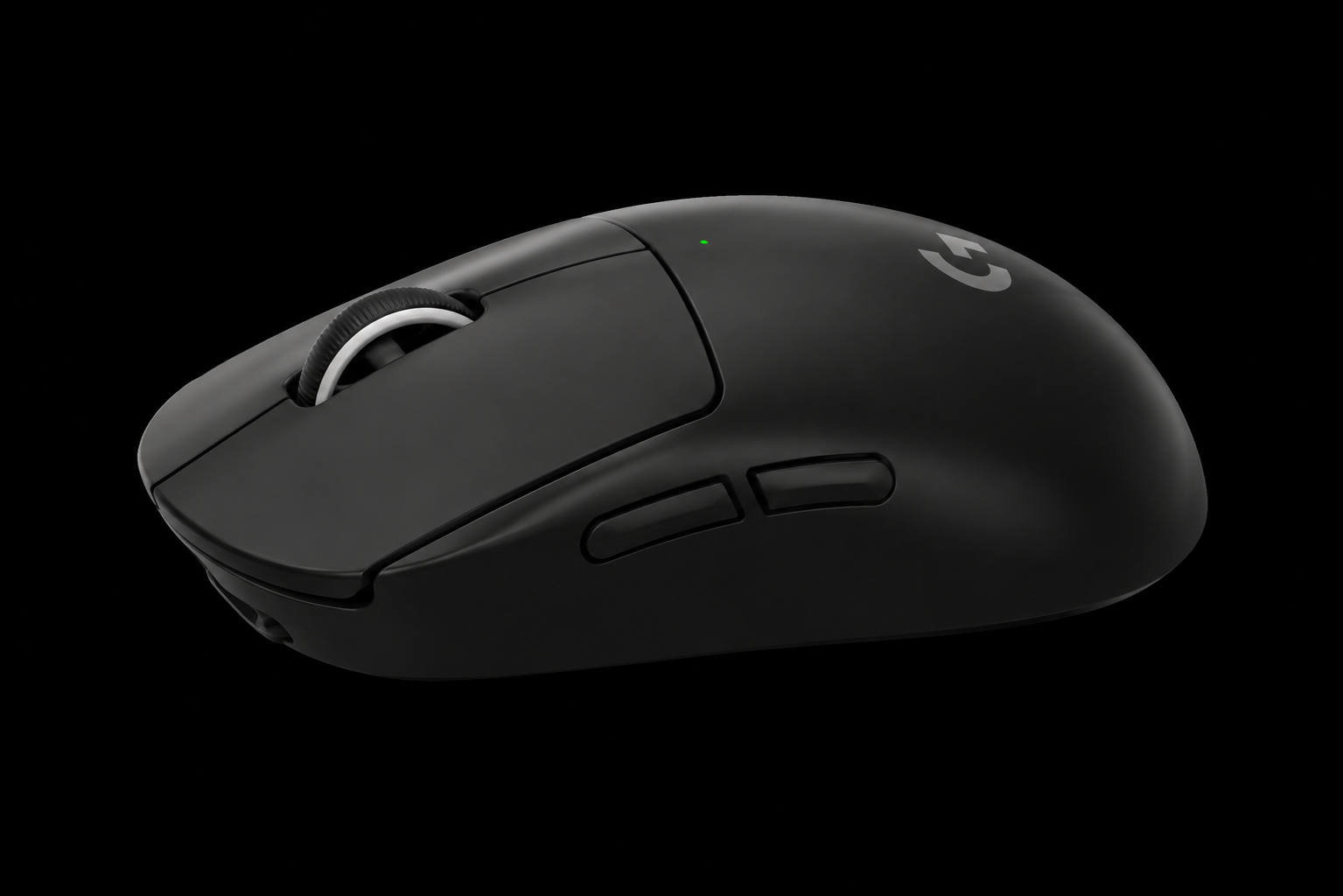
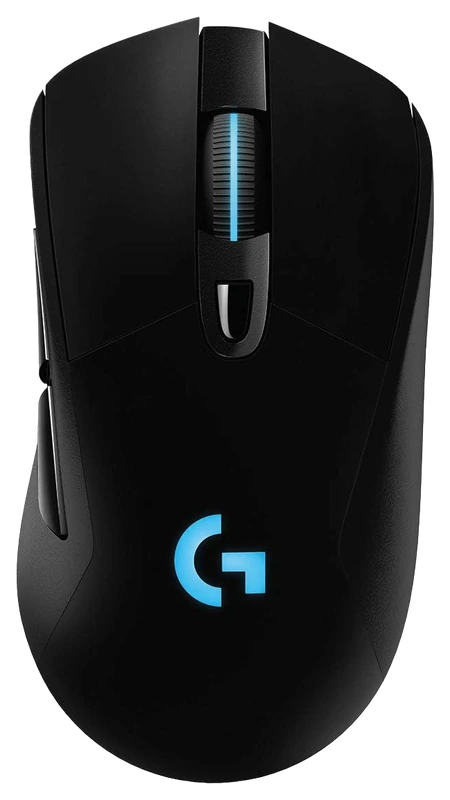
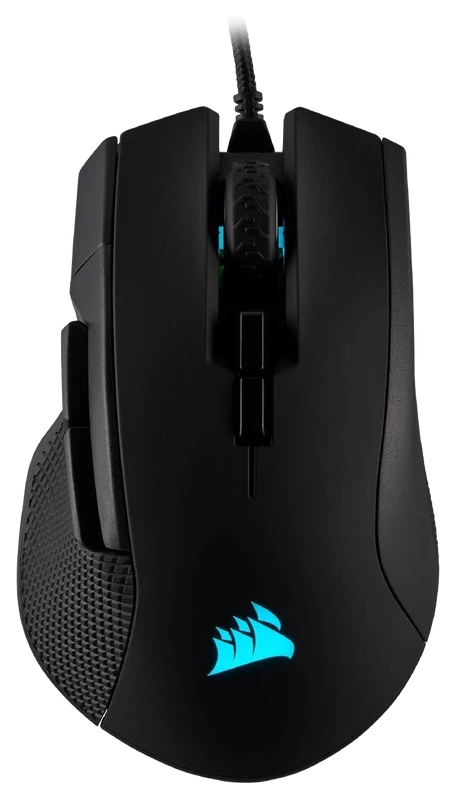
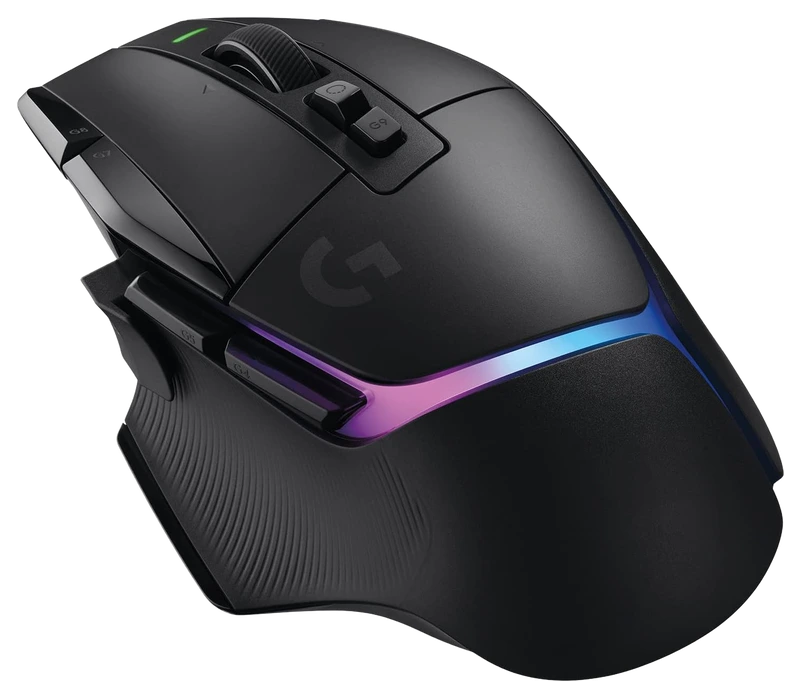
Logitech names G703 LIGHTSPEED and G502 X Plus as palm-grip examples; Corsair specifies palm grip for the wired IRONCLAW RGB. Razer includes palm among the Cobra Pro's intended grips. These are different designs: compare dimensions, controls and connection before deciding which to try.
Before you buy
Compare the palm-grip shortlist
Compare the exact models in this guide by their documented dimensions, weight and connections. The comparisons below are alphabetical; use the ranking above for the published order. A specification does not establish personal fit or measured gaming performance.
Manufacturer specifications checked . Ranking figures retain their own published snapshot date.
Leading-model comparison
Sign in with Steam to reveal this leading model and its specifications.
Reveal with SteamCorsair M55 WIRELESS
Consider Corsair M55 WIRELESS if you need Bluetooth and SLIPSTREAM wireless modes; check grip fit and weight with the required battery included.
- Dimensions · length × width × height
- 118.7 × 62.15 × 38.25 mm
- Manufacturer weight
- 59g without the required AA battery
- Connection
- 2.4GHz SLIPSTREAM receiver; Bluetooth
- Controls
- 6 programmable buttons
Include the battery when comparing operating weight; the listed 59g does not describe a ready-to-use mouse. Check the receiver and Bluetooth modes for your own setup. The 55g wired M55 is a separate model.
Leading-model comparison
Sign in with Steam to reveal this leading model and its specifications.
Reveal with SteamLeading-model comparison
Sign in with Steam to reveal this leading model and its specifications.
Reveal with SteamRazer Cobra Pro · black
- Approximate dimensions · length × width × height
- 119.6 × 62.5 × 38.1 mm
- Approximate manufacturer weight
- 77g excluding dongle and cable
- Connection
- 2.4GHz HyperSpeed receiver; Bluetooth; USB cable
- Controls
- 8 programmable buttons
Choose around the connection you will actually use and the buttons you can reach. The wireless charging puck and Mouse Dock Pro are sold separately; Cobra wired and Cobra HyperSpeed have different specifications.
Questions worth asking
Gaming Mice FAQ
What is the best gaming mouse for palm grip?
Start with a mouse whose documented grip recommendation and dimensions suit your shortlist, then check it with your own hand. The ranking here includes manufacturer-recommended palm-grip models. Its first place does not establish the most comfortable shape for everyone.
Does a palm-grip mouse need to be heavy?
This guide sets no weight requirement for palm grip. Compare the listed device weight separately from shell length, width and height. Choose the combination you can move and lift comfortably in your usual setup.
Is palm grip better for CS2?
The ranking figures do not measure grip style or prove that palm grip improves CS2 performance. Check whether your chosen mouse supports the grip you already use for aiming, clicking and resetting on the pad.
What does this Hours.gg guide publish?
Sign in with Steam to read the answer and reveal the leading products.
Reveal with Steam