Selected game

PUBG: Battlegrounds
23.4%of tracked playtime
Shared across all games
Wooting 60HE+
7Hz Timeless
AOC AG276QZD2

Verified, real playtime
11,748HRSAcross 11 tracked games
Most played tracked game
Counter-Strike 2
Shared loadout
3 of 5 gear slots
01 / The gear
The gear shared by this player.
Explore each product to learn more.
Sylvarion hasn’t shared a mouse here.
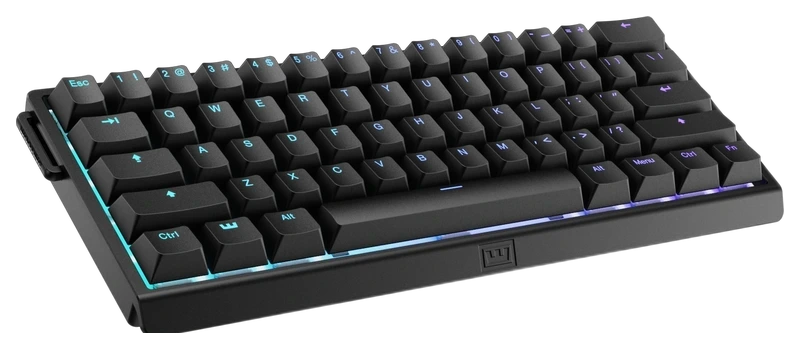
Current main across games
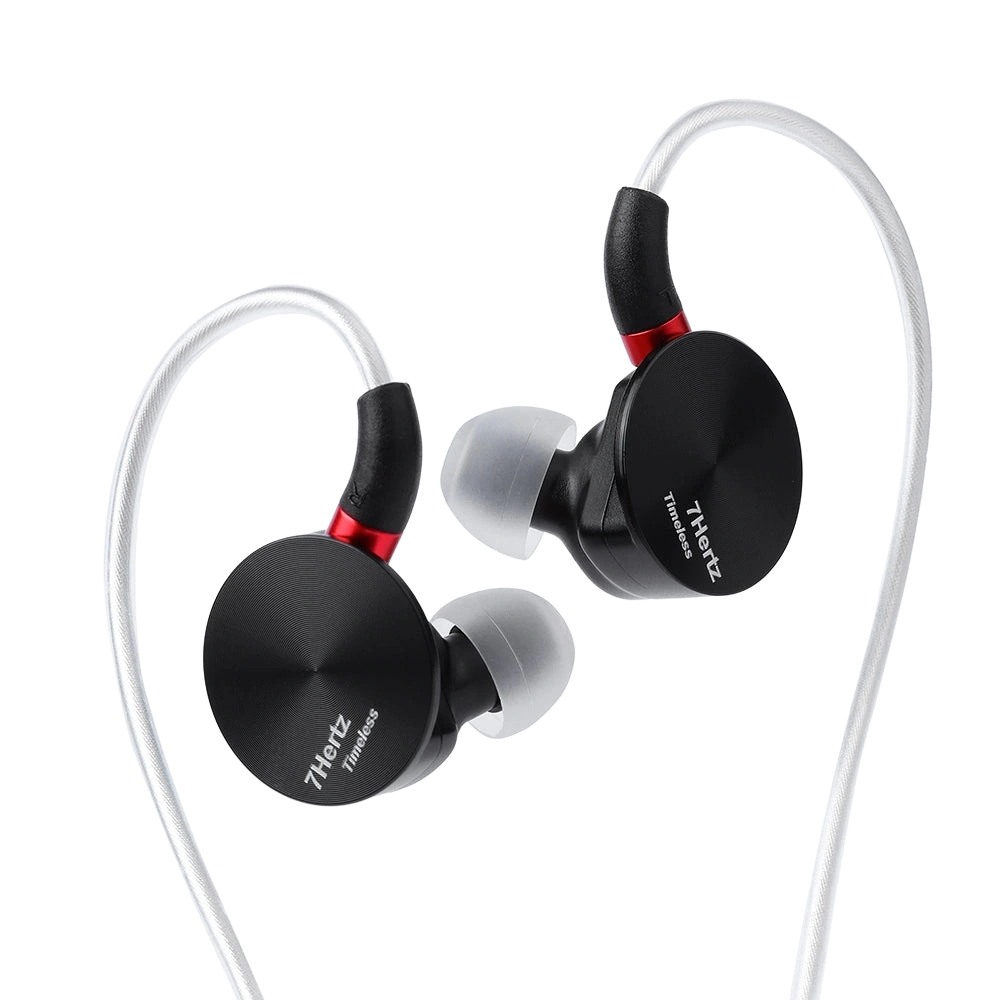
Current main across games
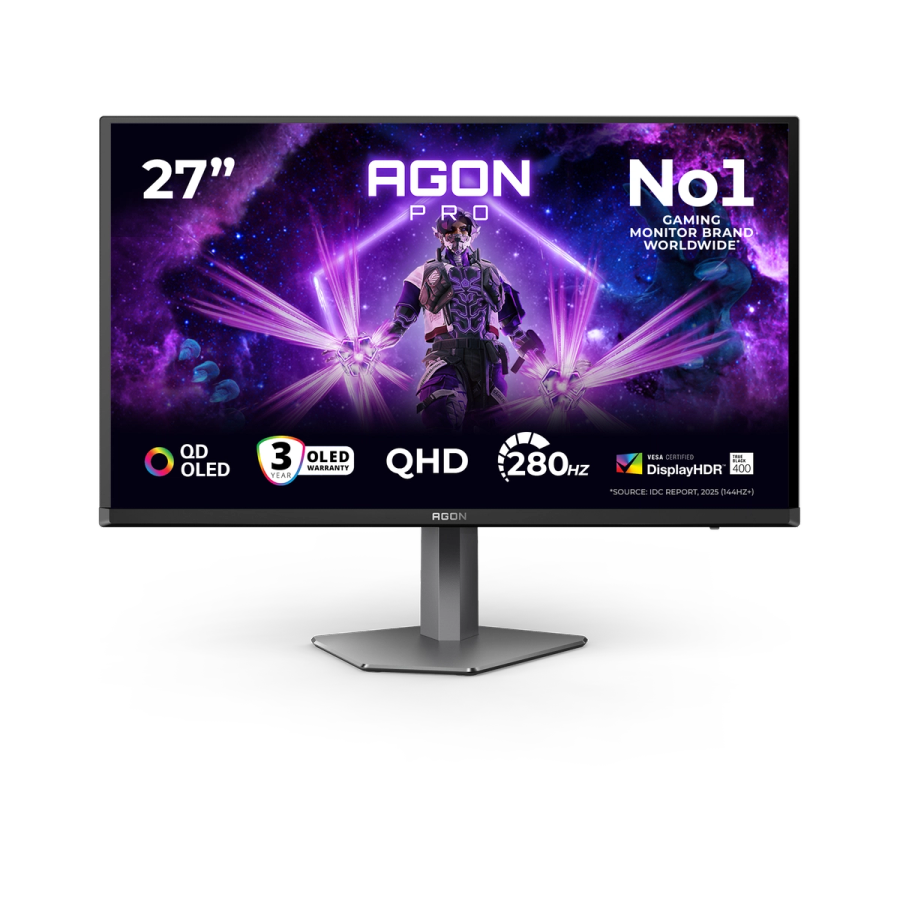
Current main across games
Sylvarion hasn’t shared a controller here.
Gear is reported by the player.
Compare gear02 / The games
Top three tracked games, plus every game with 1,000+ hours.
Select a game to explore its playtime and other players’ setups.
PUBG: Battlegrounds selected. 3 gear items shared across all games.
23.4%of tracked playtime
Shared across all games
Game hours come from Steam. Gear is reported by the player.
The three highest-hour eligible tracked games are shown, plus every additional game with 1,000+ hours. Each game is counted once. Percentages use all eligible tracked hours, including games outside the initial view. Fewer games appear when fewer are available. Game hours do not measure time spent using a device.