Rank 1.
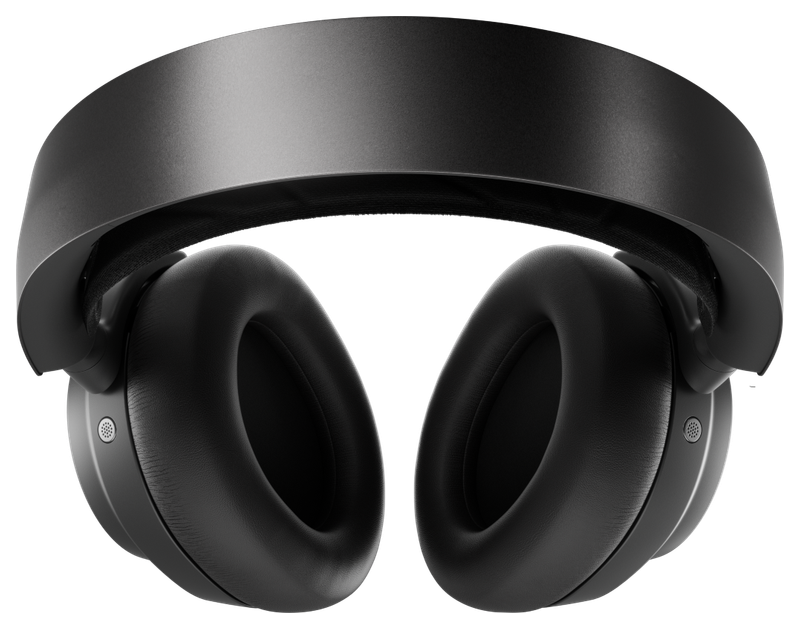
Arctis Nova Pro
(Wireless)SteelSeries

9,018verified hours
Verified Hours
15 players379h median
Explore headsets ranked by verified, real PUBG playtime. Compare connection support, microphone controls and fit alongside the hours backing each headset.
Compare 184 headsets for PUBG, backed by 87,168 Verified Hours. Every position—including the top three—is open to view with no account required.
Steam verifies game time. Players declare their gear.
A PUBG headset shortlist should reflect the game you actually spend time in, from quiet looting to a squad engagement. Verified, Real Playtime anchors these picks before you check your own listening and communication preferences.
Search and filters keep every headset’s published rank and hours.
SteelSeries
Verified Hours
15 players379h median
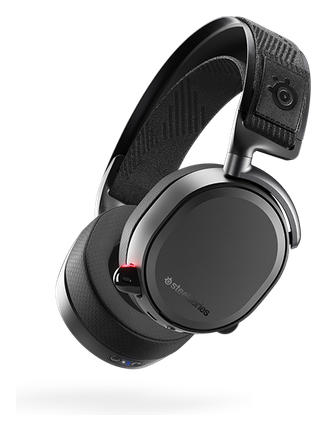
SteelSeries
Verified Hours
7 players111h median
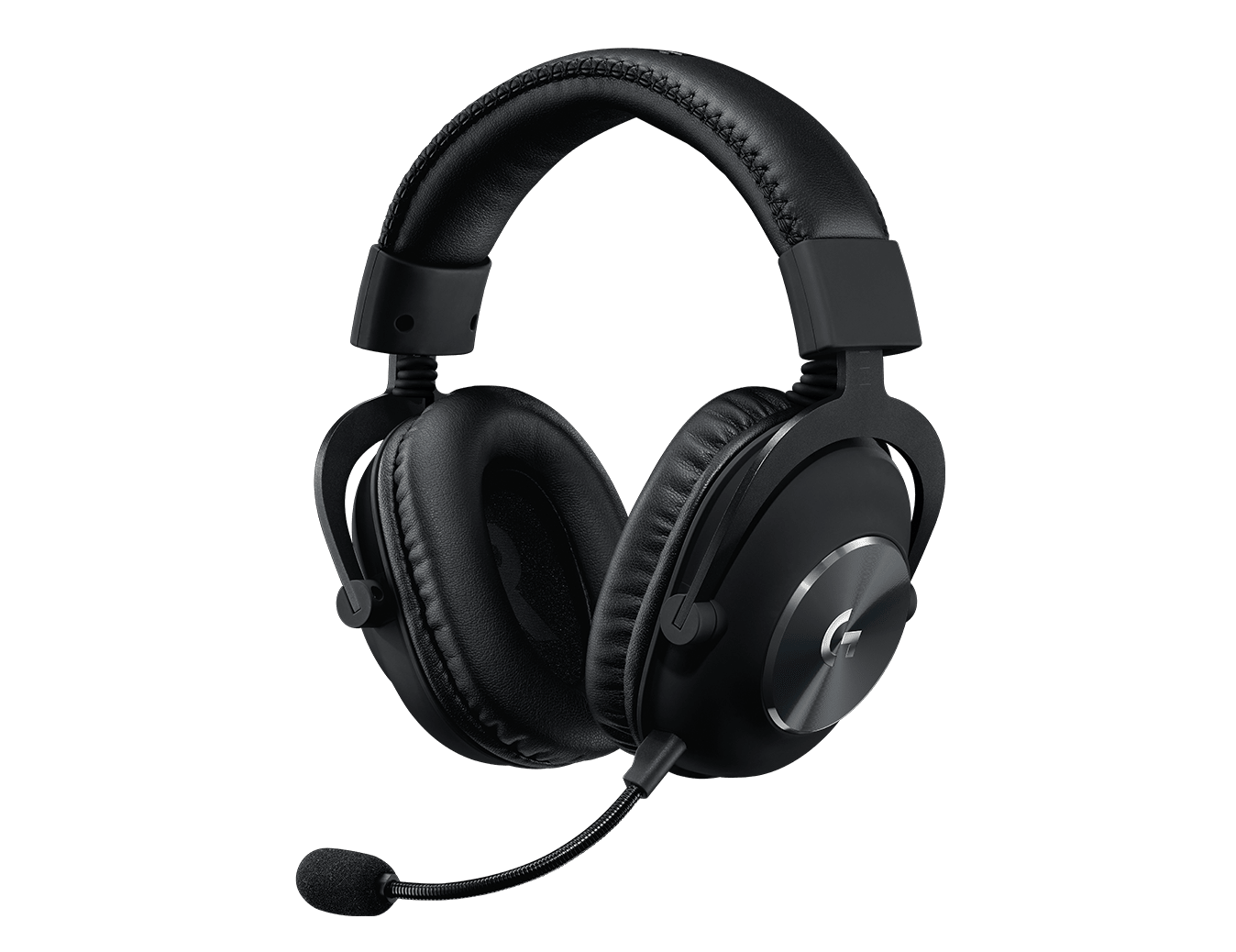
Logitech
Verified Hours
12 players272h median
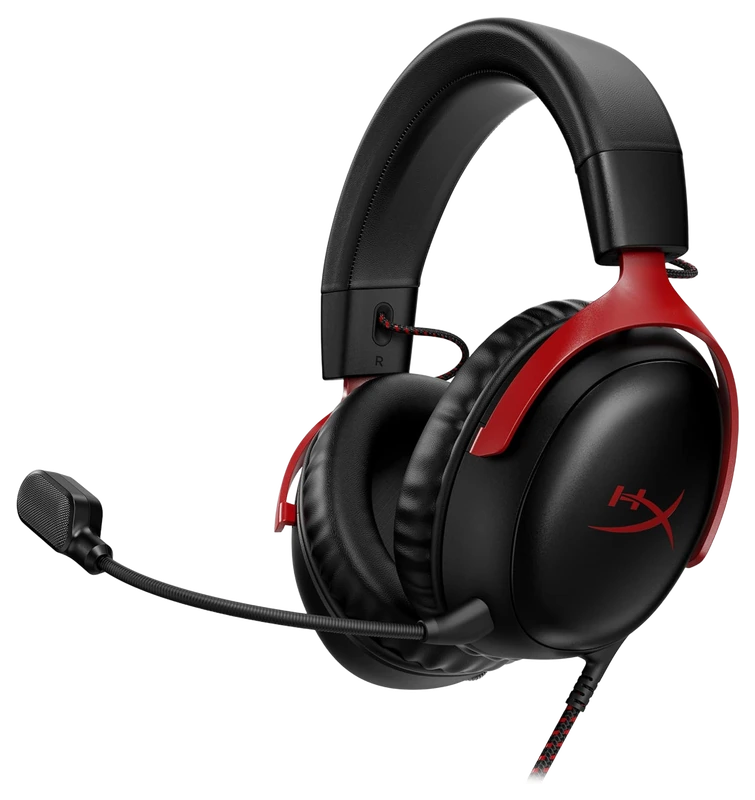
HyperX
Verified Hours
20 players81h median
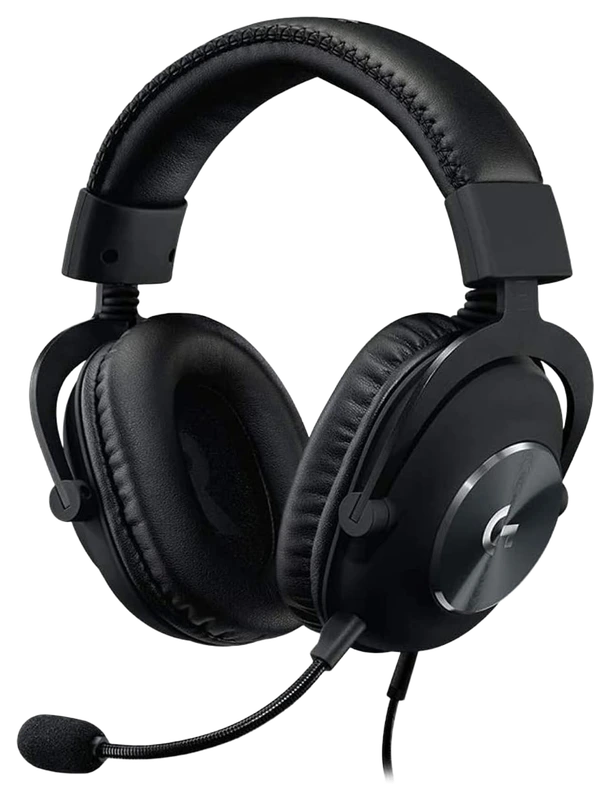
Logitech
Verified Hours
18 players26h median
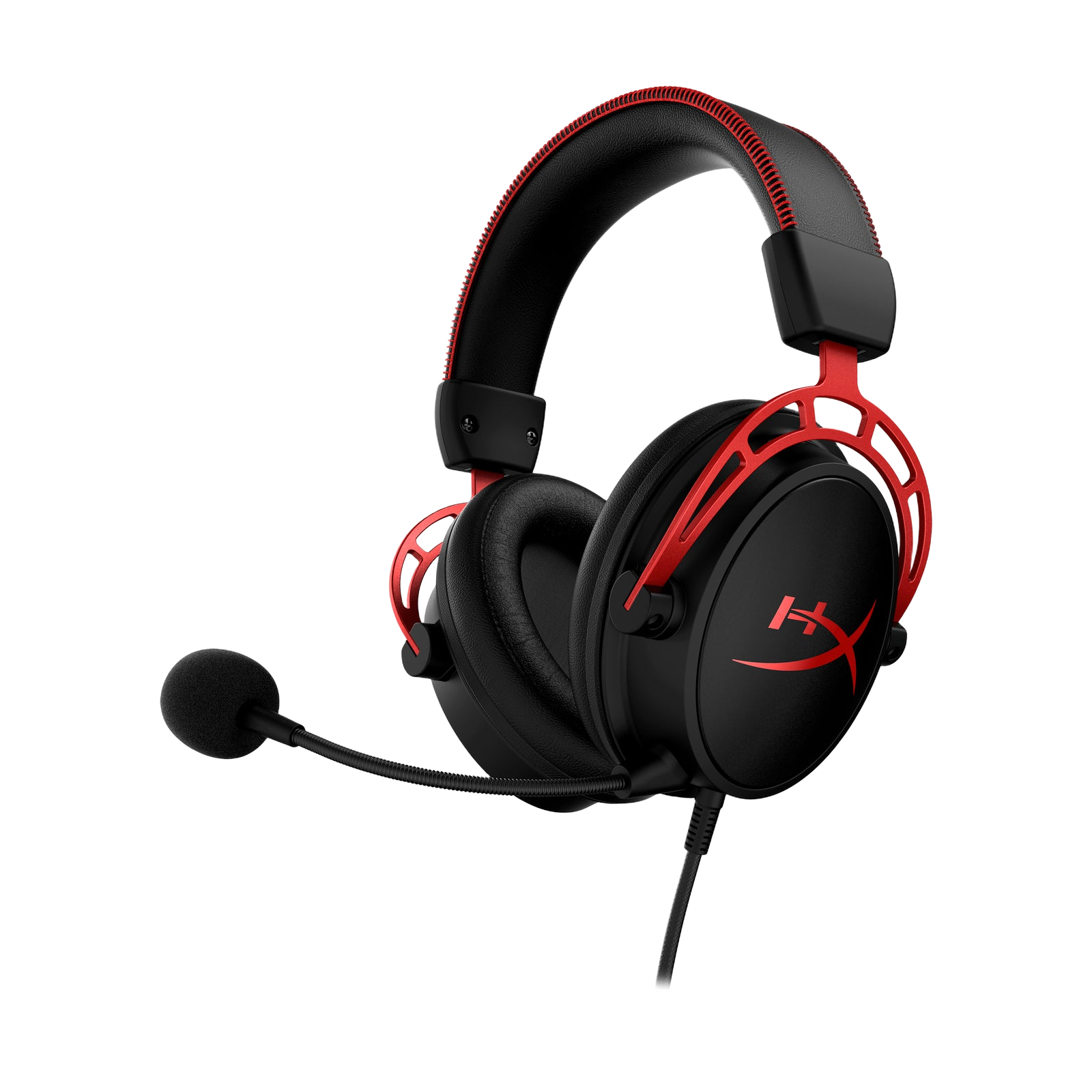
HyperX
Verified Hours
9 players199h median
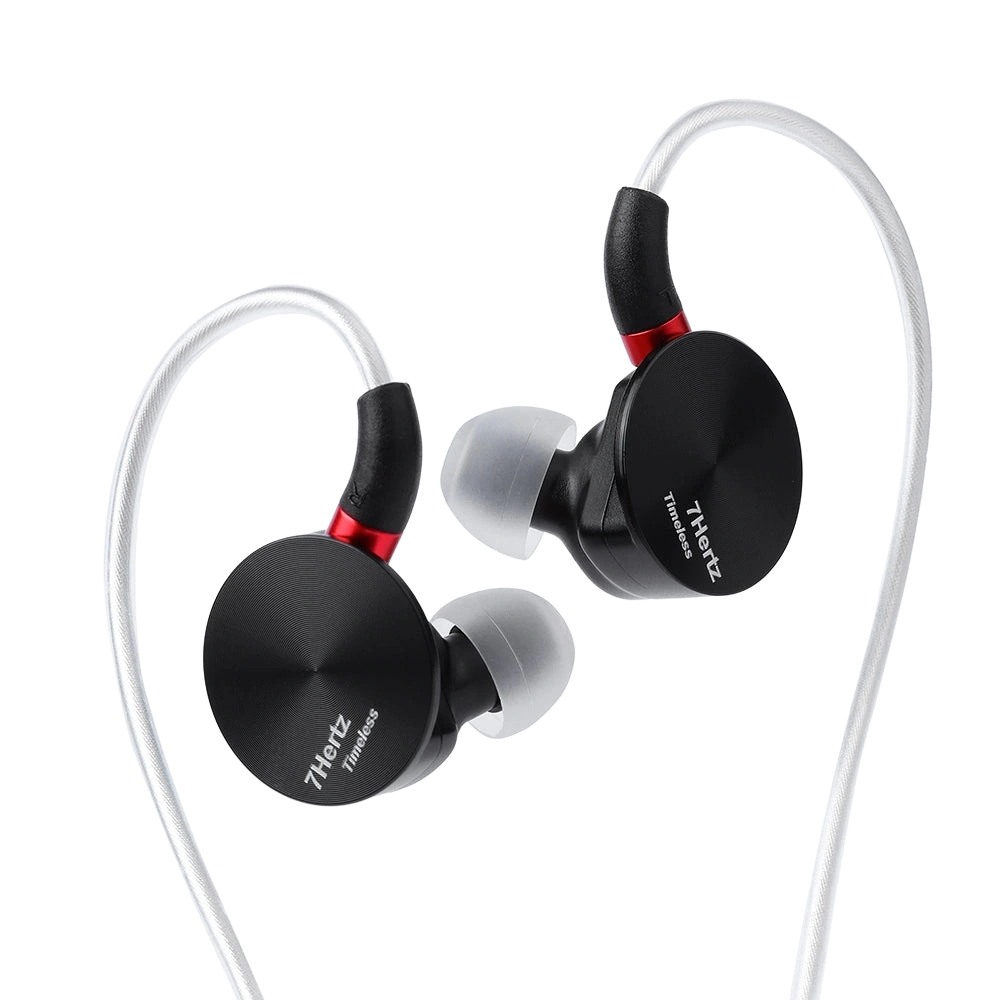
7Hz
Verified Hours
1 player2,754h medianSmall sample
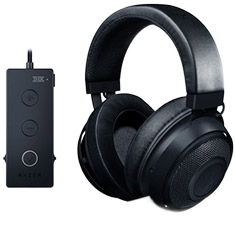
Razer
Verified Hours
2 players1,307h medianSmall sample
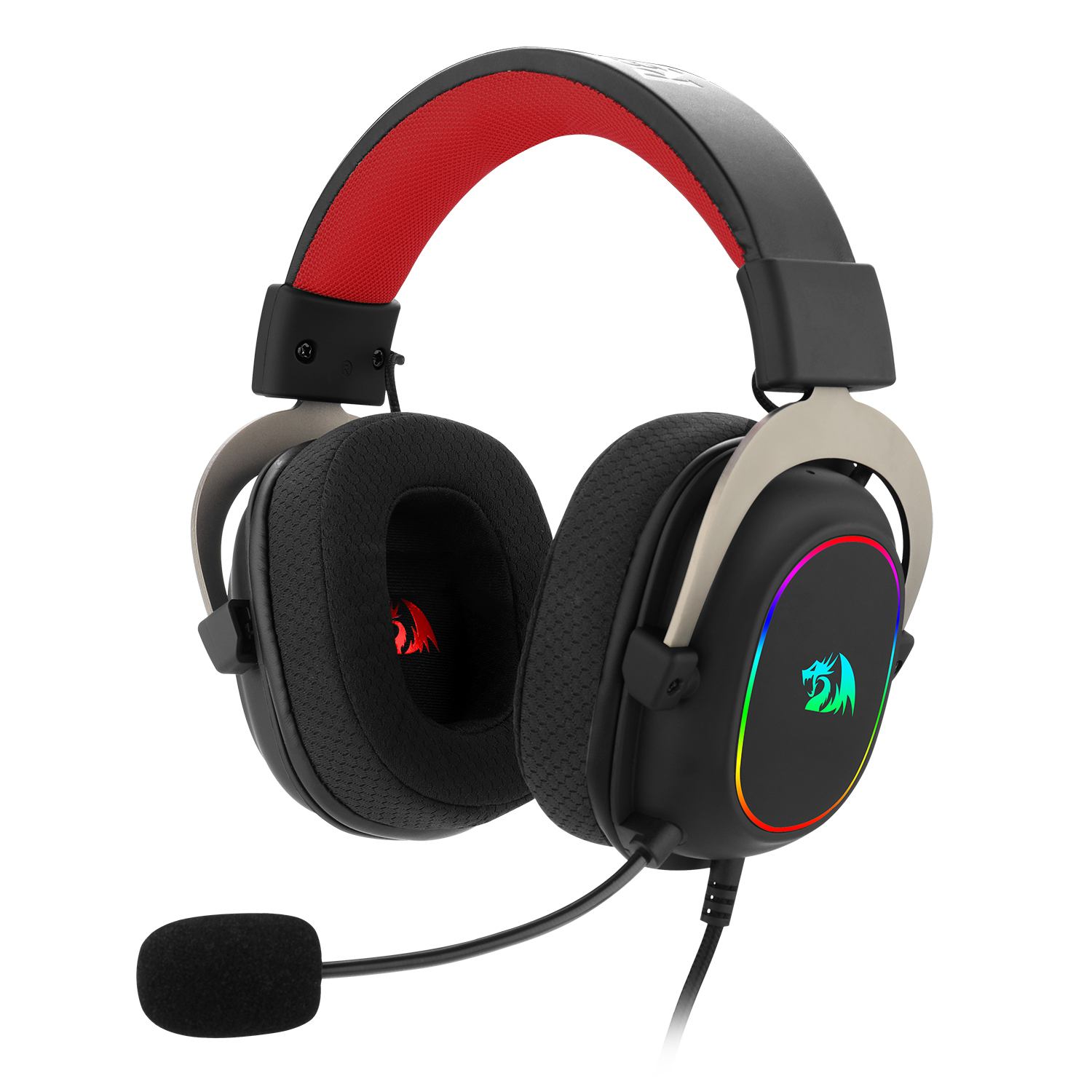
Redragon
Verified Hours
1 player2,427h medianSmall sample
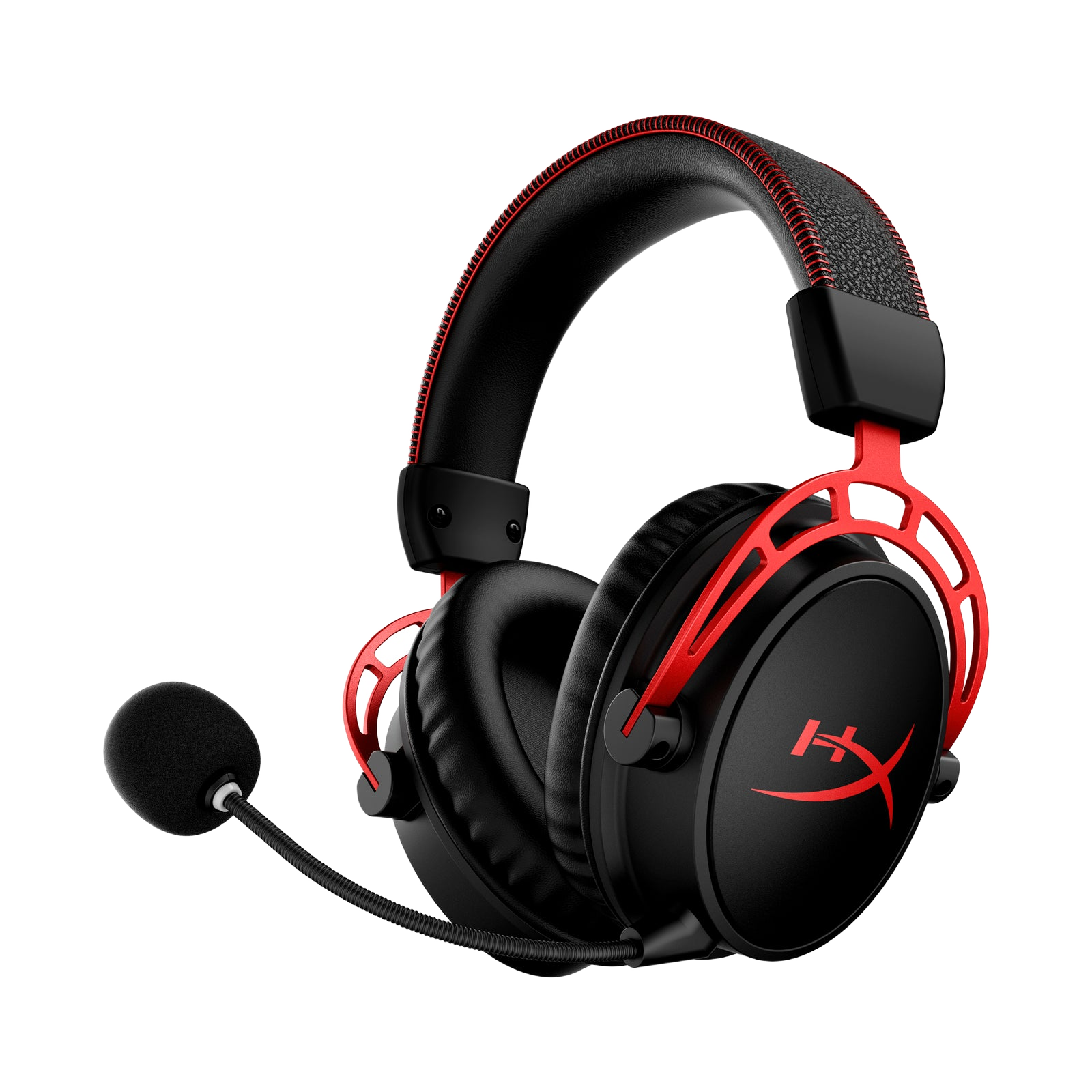
HyperX
Verified Hours
4 players670h medianSmall sample
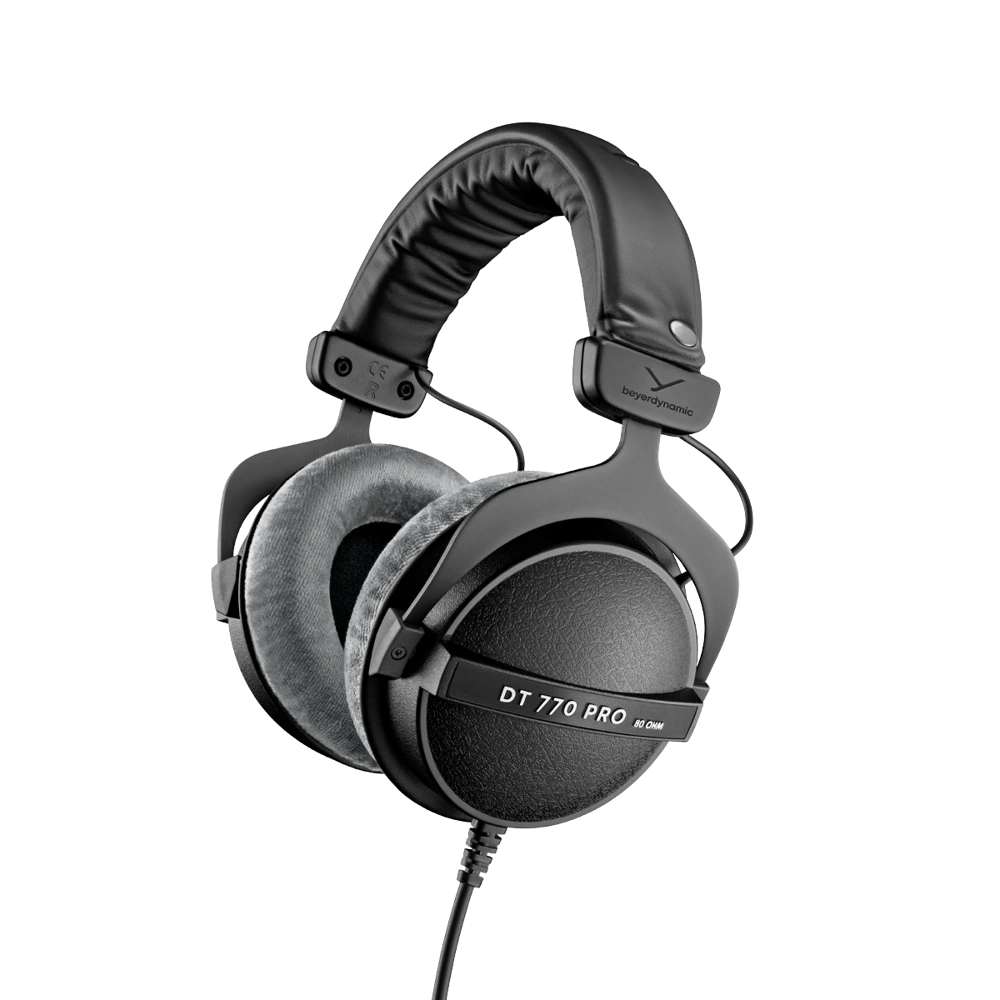
beyerdynamic
Verified Hours
6 players222h median
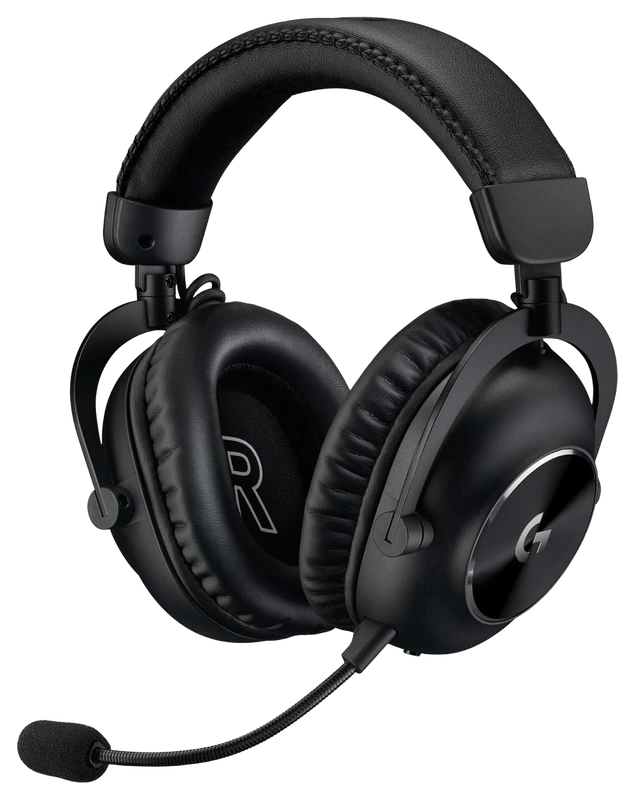
Logitech
Verified Hours
16 players93h median
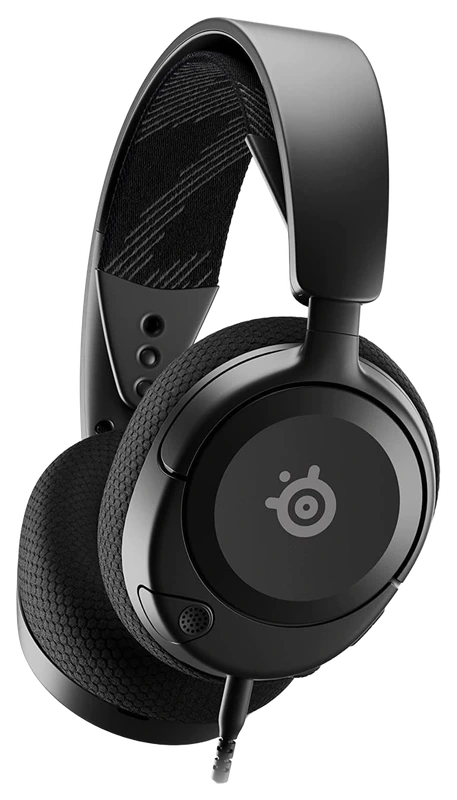
SteelSeries
Verified Hours
1 player1,854h medianSmall sample
HyperX
Verified Hours
1 player1,849h medianSmall sample
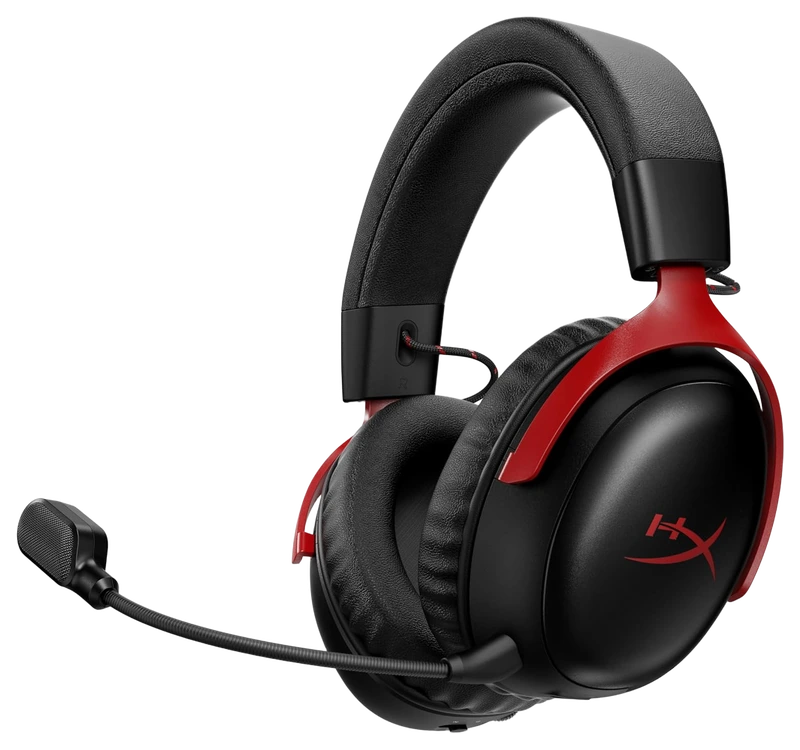
HyperX
Verified Hours
1 player1,709h medianSmall sample
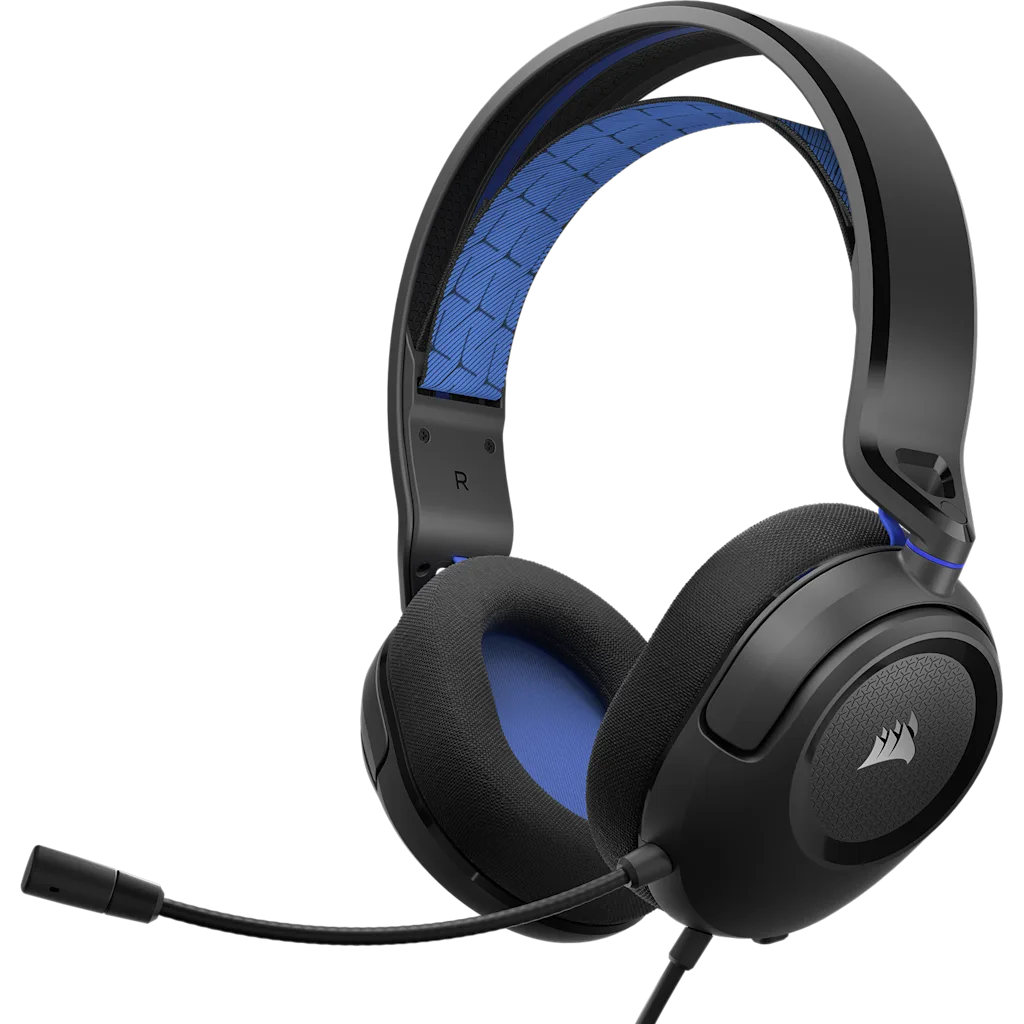
Corsair
Verified Hours
1 player1,632h medianSmall sample
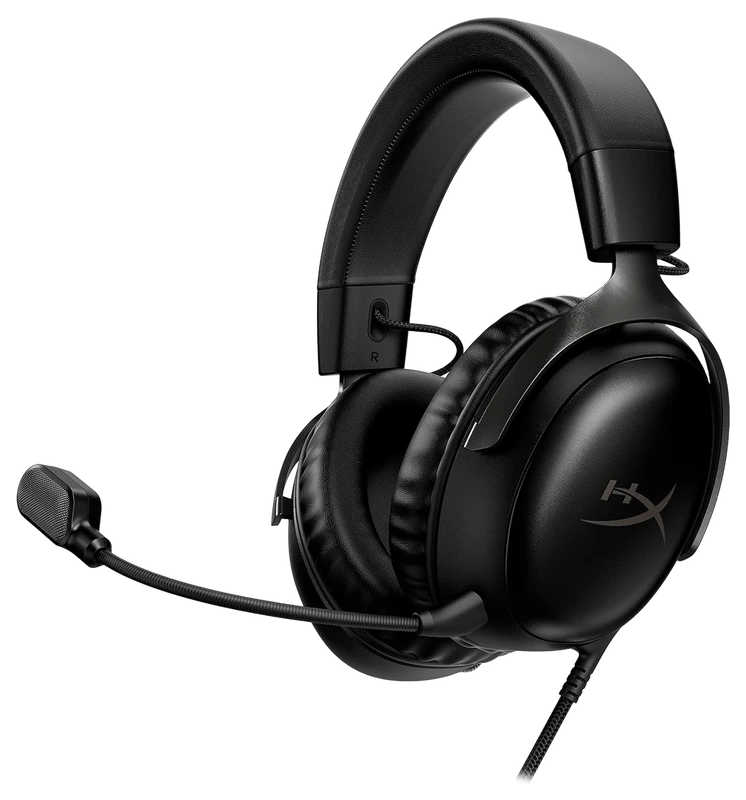
HyperX
Verified Hours
8 players27h median
HyperX
Verified Hours
2 players531h medianSmall sample
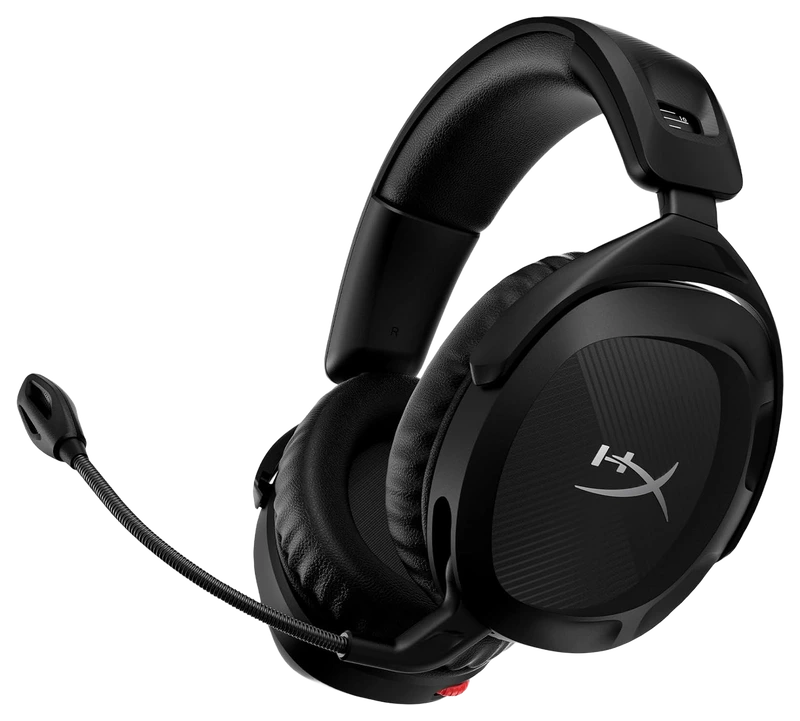
HyperX
Verified Hours
1 player1,055h medianSmall sample
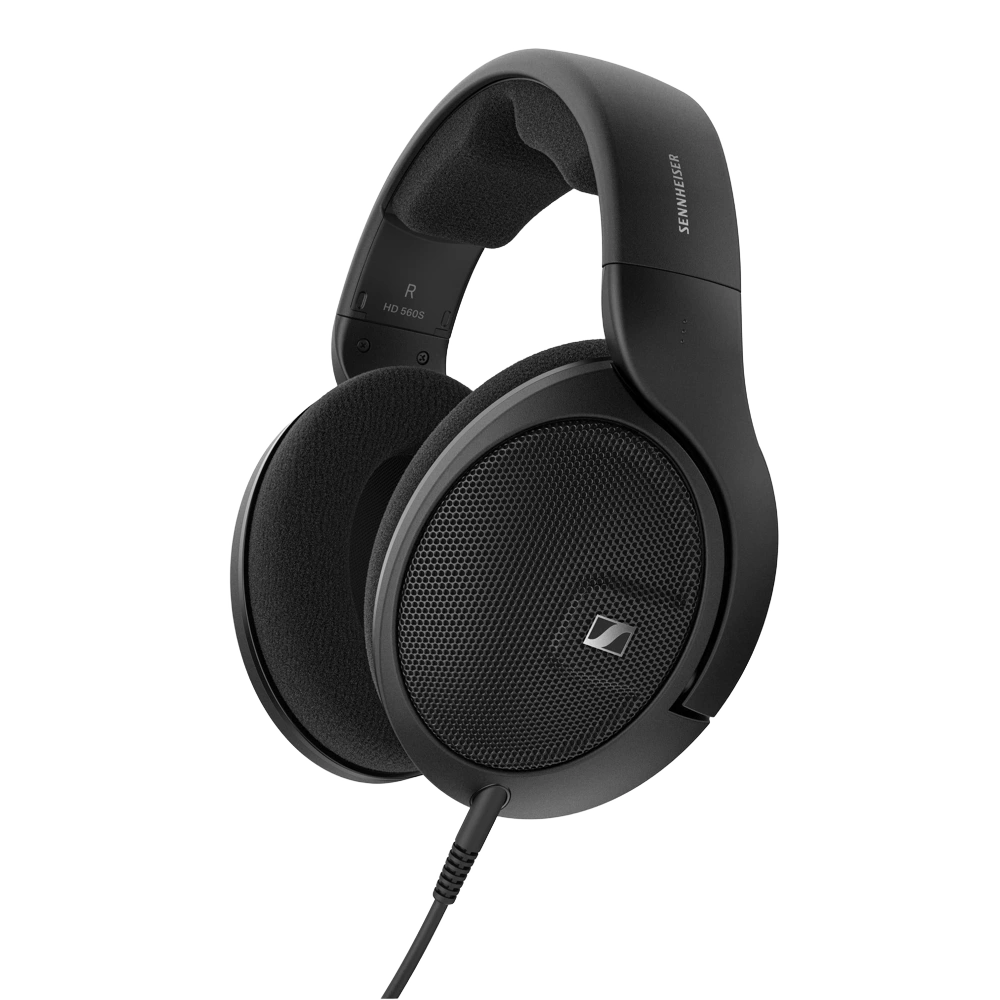
Sennheiser
Verified Hours
3 players66h medianSmall sample
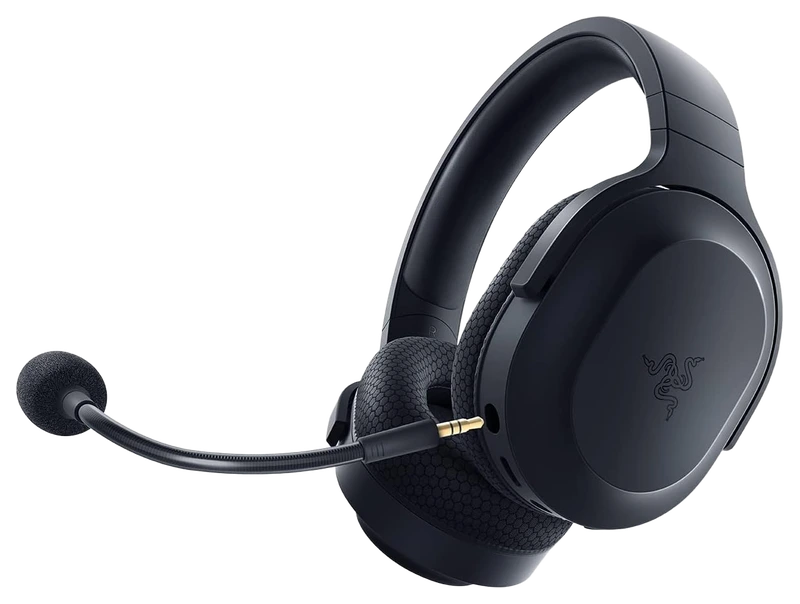
Razer
Verified Hours
1 player919h medianSmall sample
HyperX
Verified Hours
1 player917h medianSmall sample
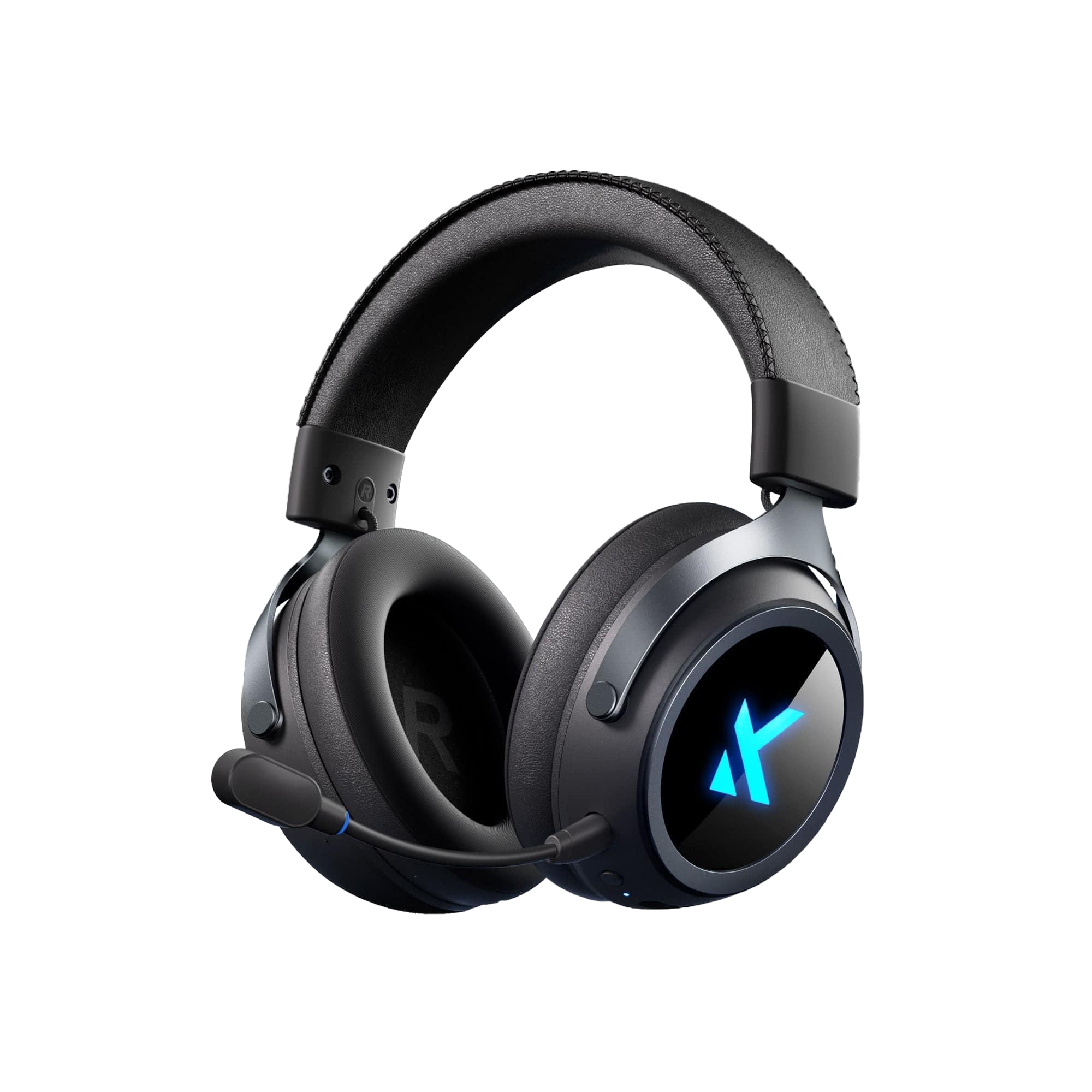
MCHOSE
Verified Hours
1 player914h medianSmall sample
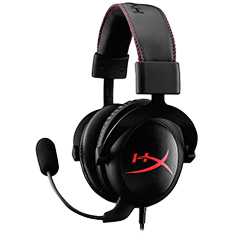
HyperX
Verified Hours
1 player858h medianSmall sample
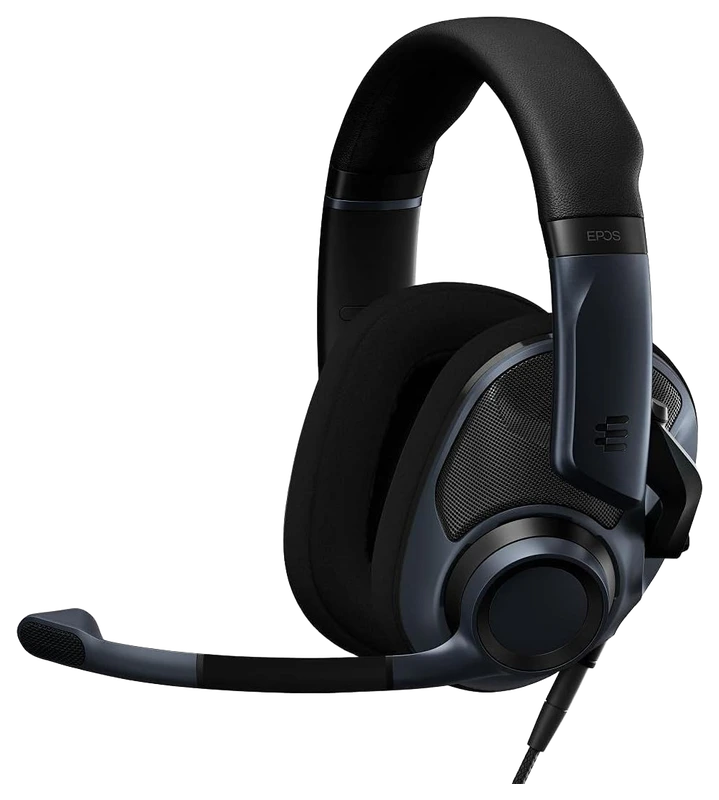
Verified Hours
1 player857h medianSmall sample
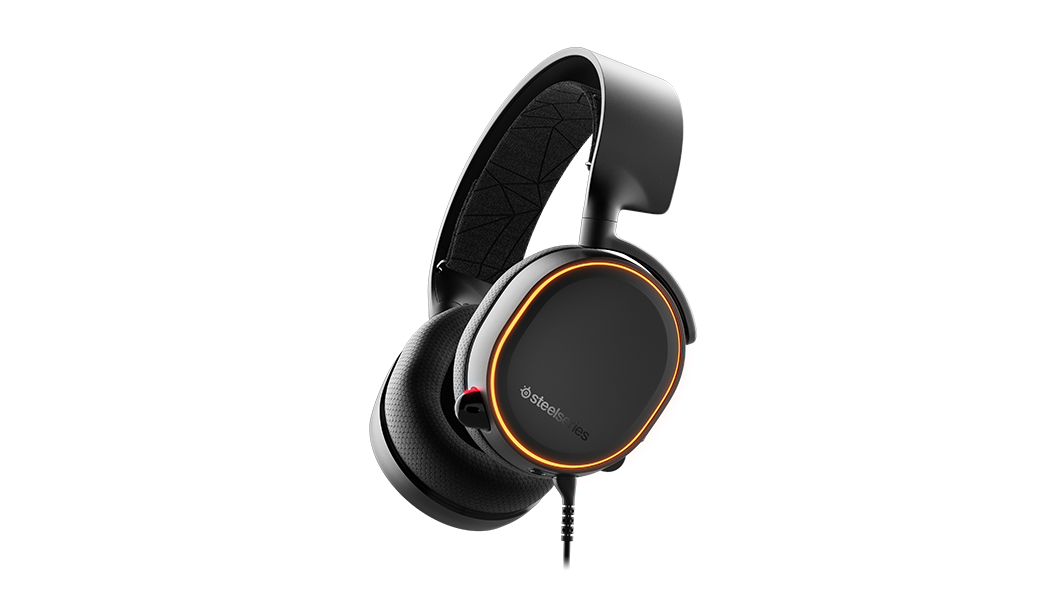
SteelSeries
Verified Hours
2 players411h medianSmall sample
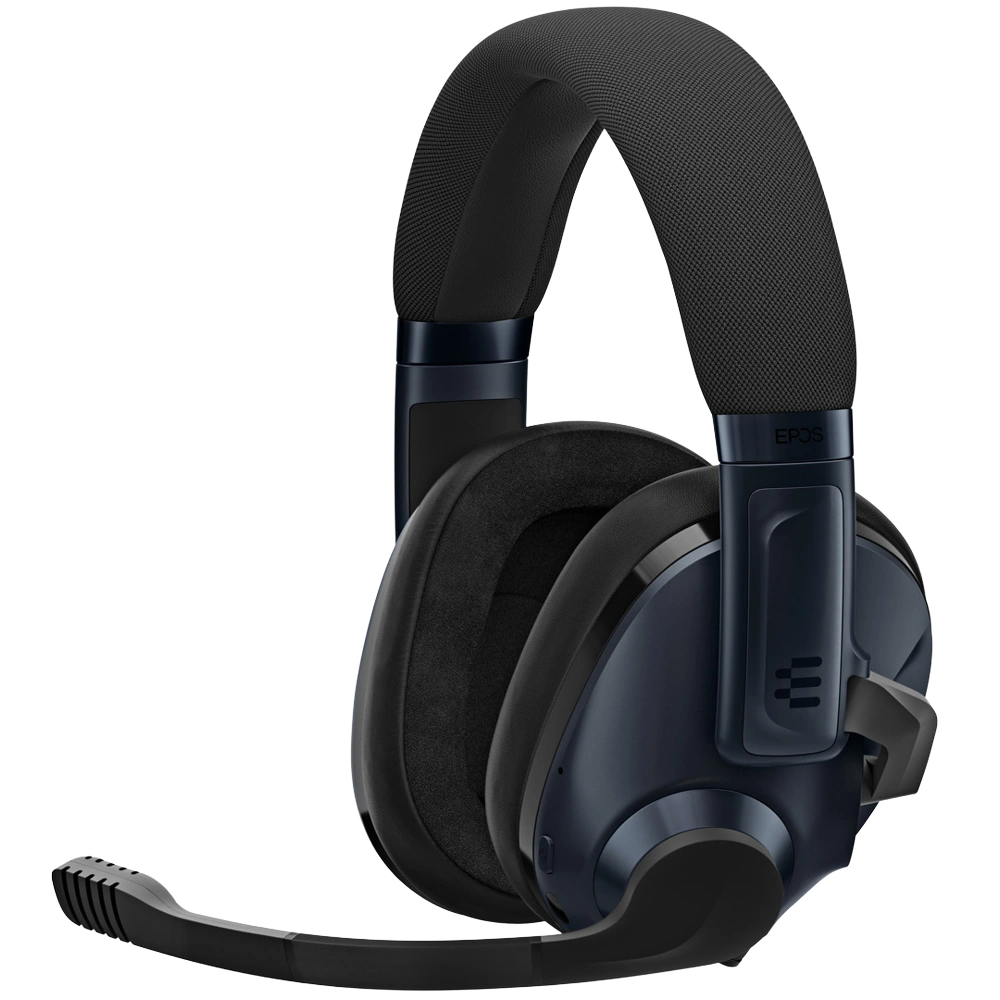
EPOS
Verified Hours
1 player793h medianSmall sample
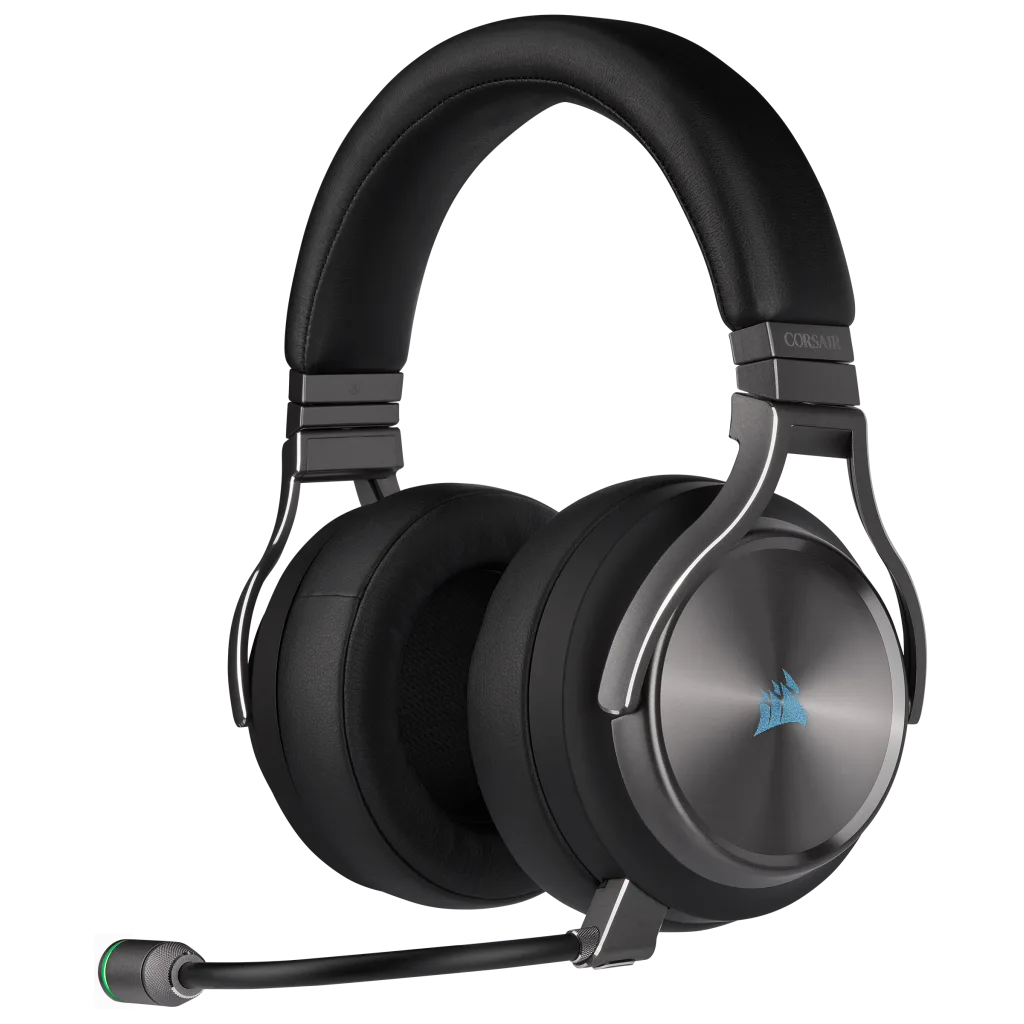
Corsair
Verified Hours
2 players370h medianSmall sample
Razer
Verified Hours
3 players12h medianSmall sample
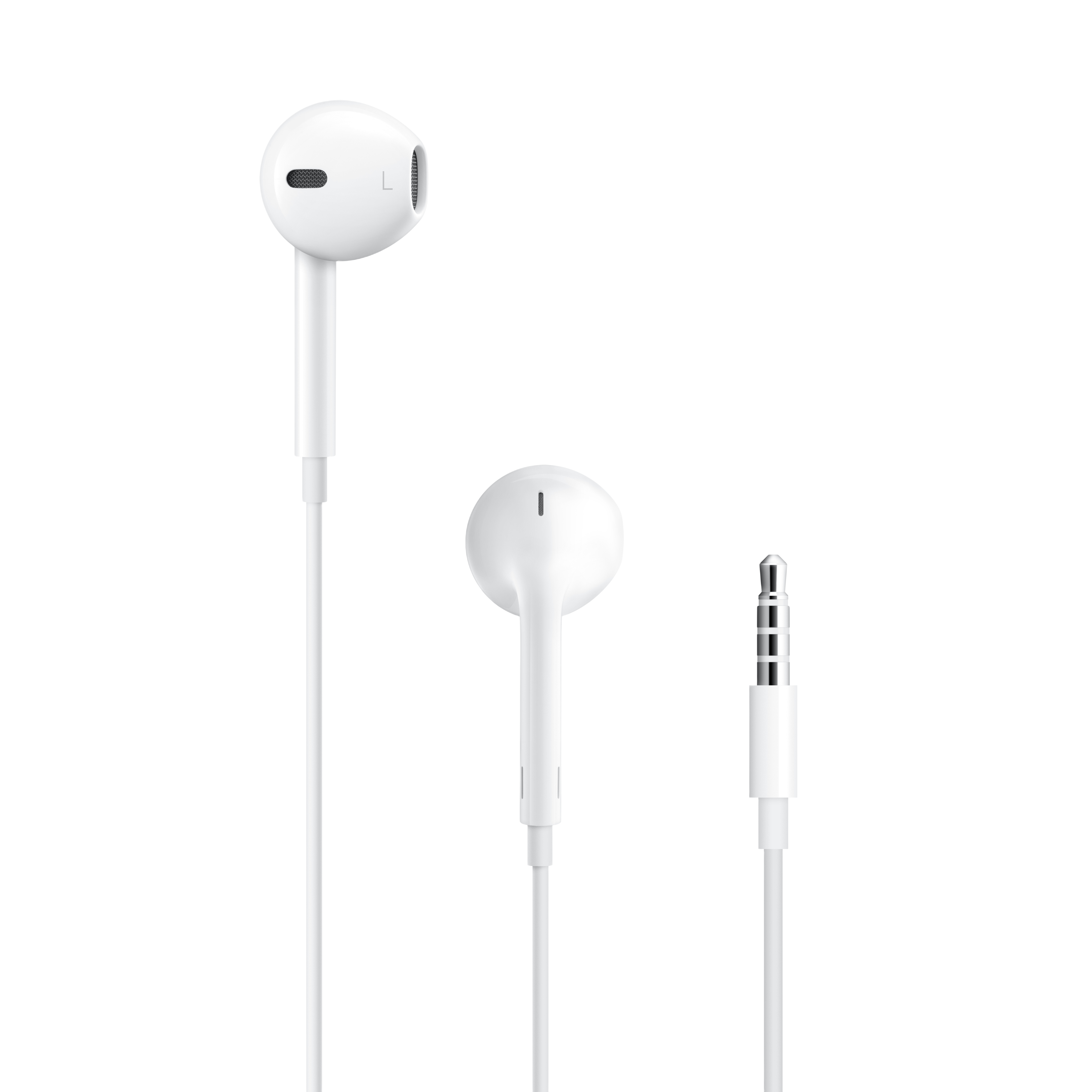
Apple
Verified Hours
3 players113h medianSmall sample
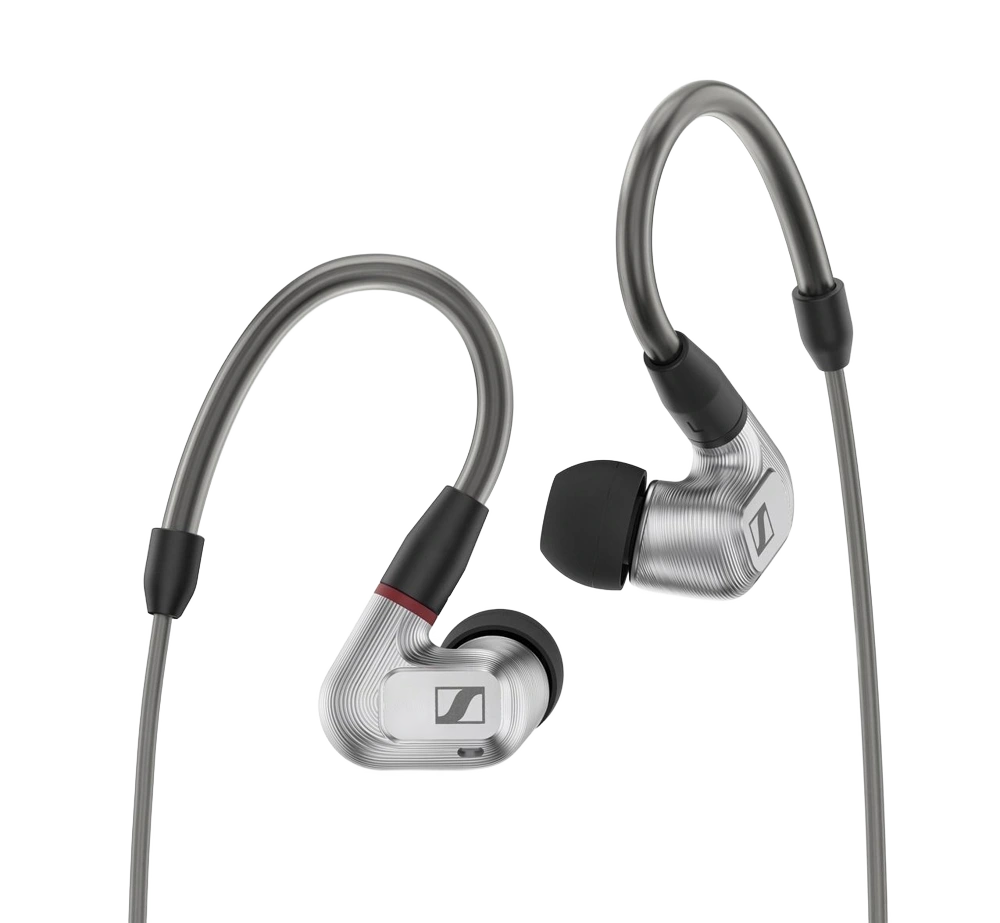
Sennheiser
Verified Hours
1 player681h medianSmall sample
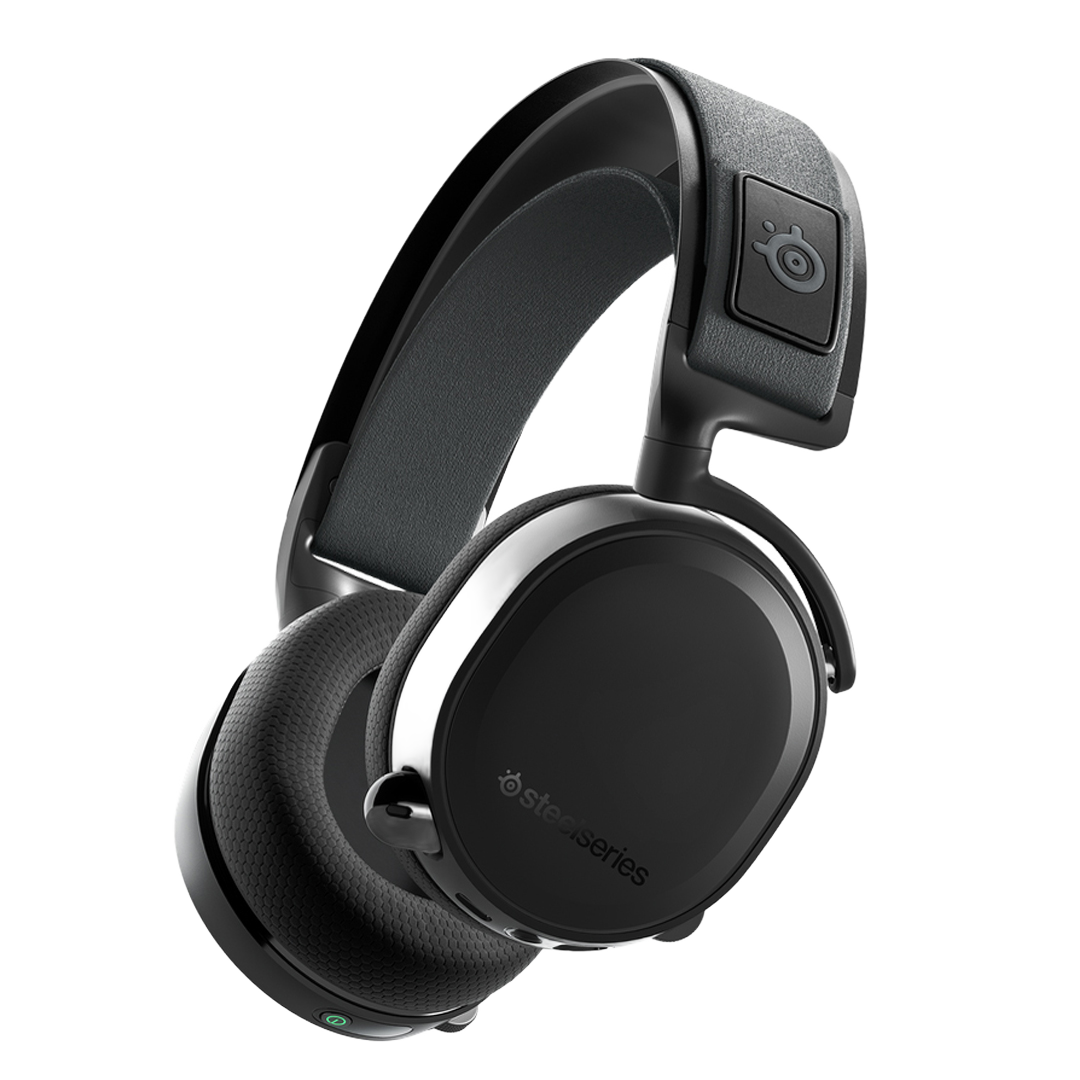
SteelSeries
Verified Hours
3 players274h medianSmall sample
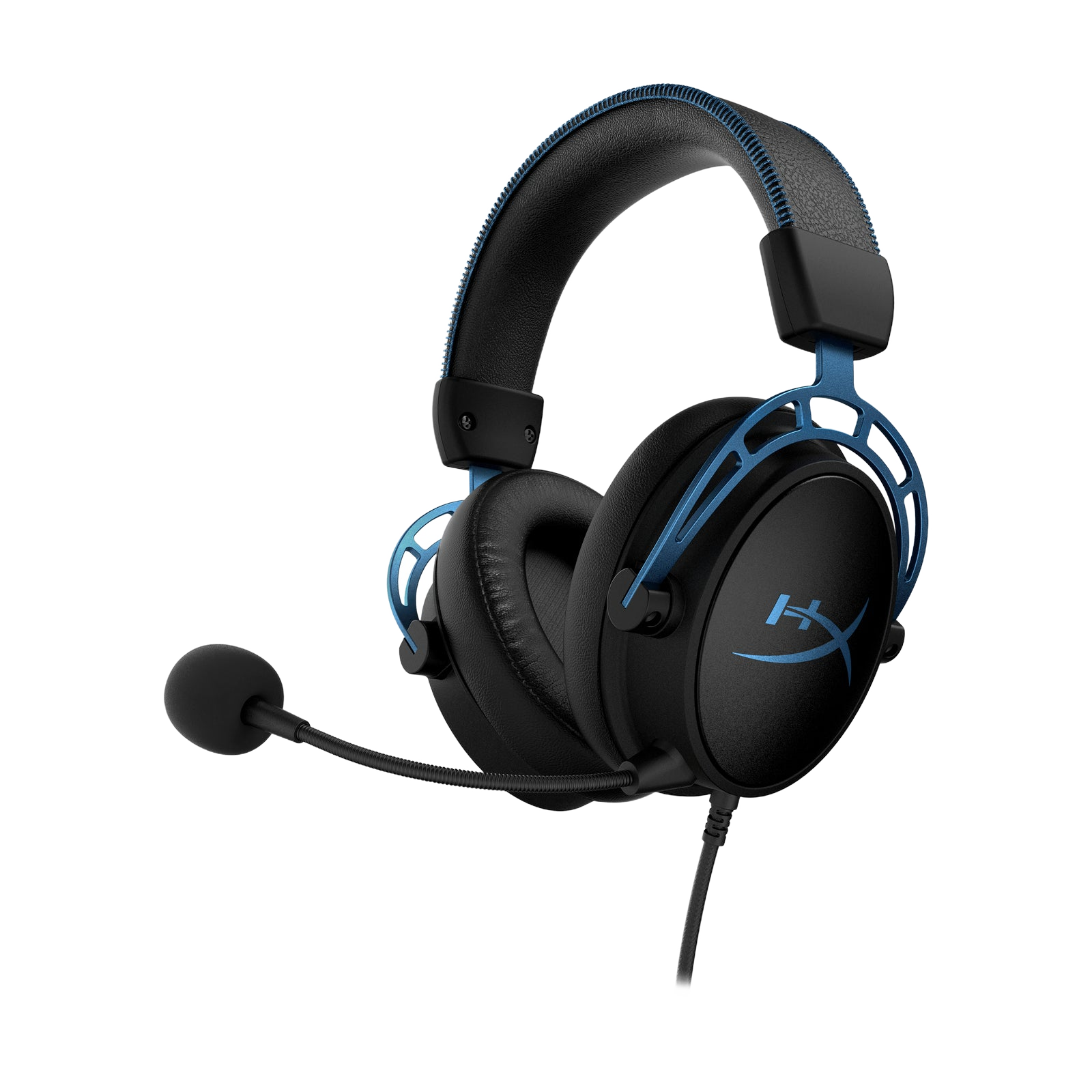
HyperX
Verified Hours
2 players323h medianSmall sample
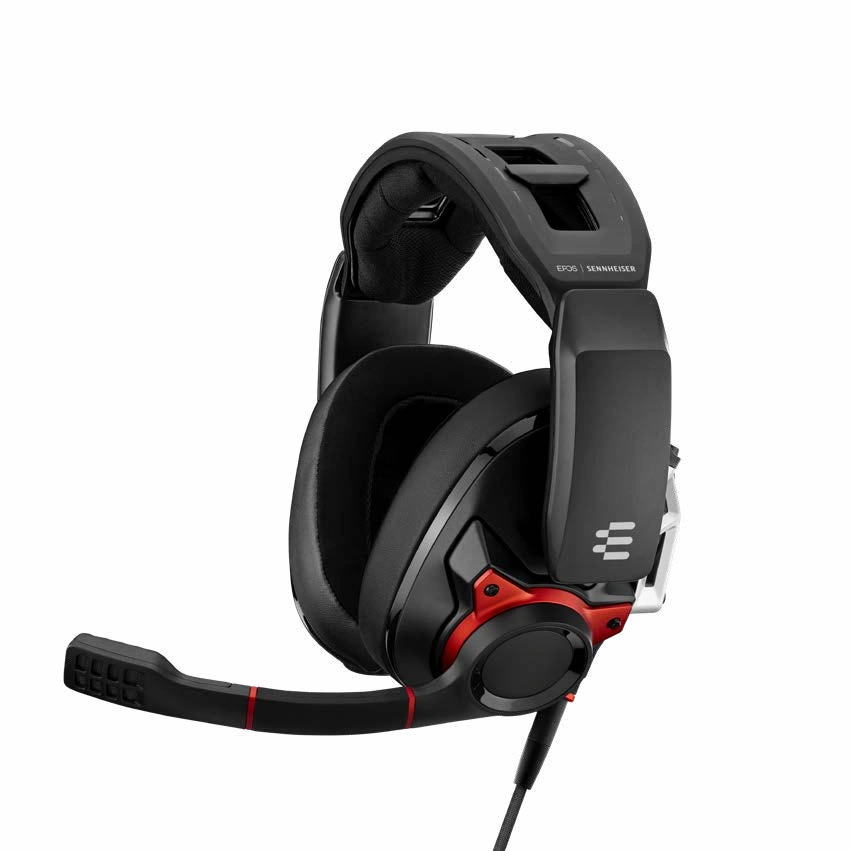
Sennheiser
Verified Hours
2 players313h medianSmall sample
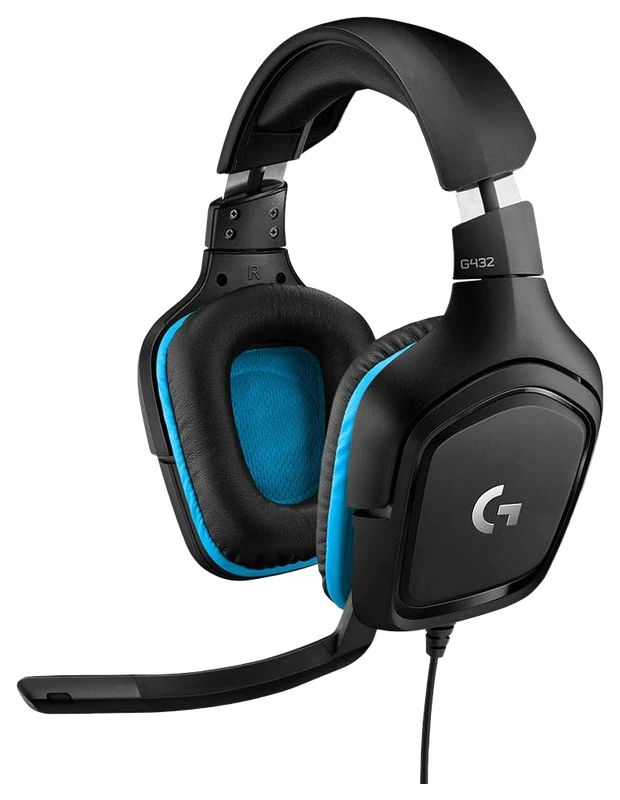
Logitech
Verified Hours
1 player588h medianSmall sample
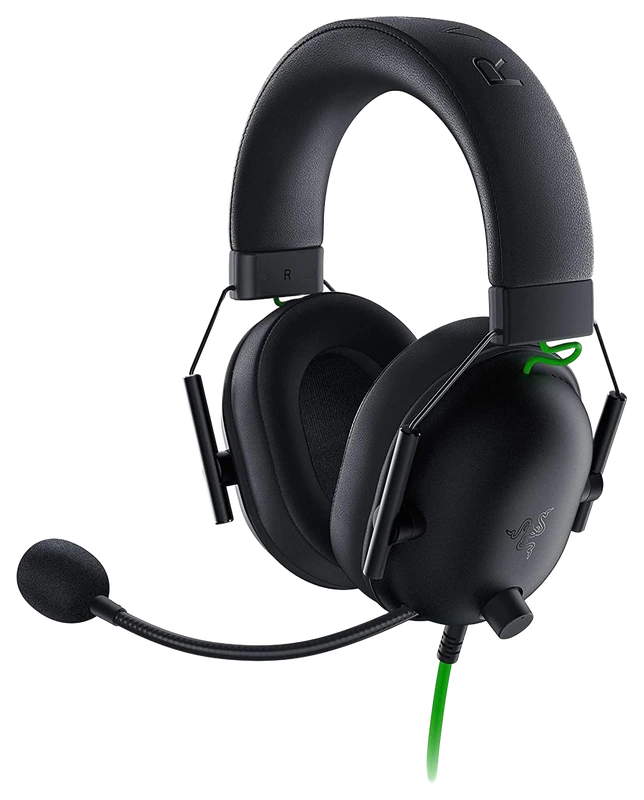
Razer
Verified Hours
1 player575h medianSmall sample
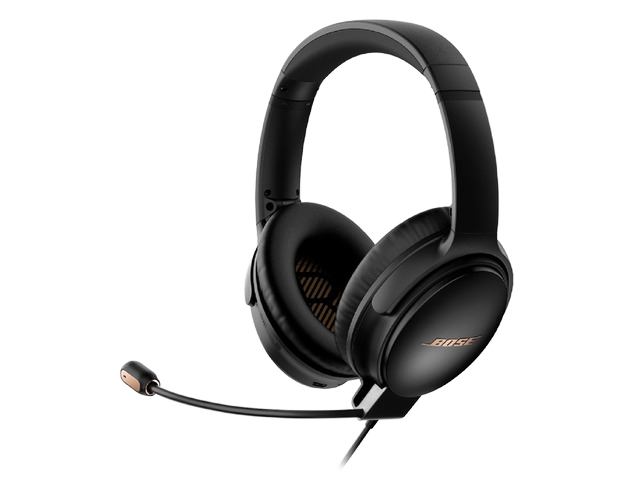
Bose
Verified Hours
1 player565h medianSmall sample
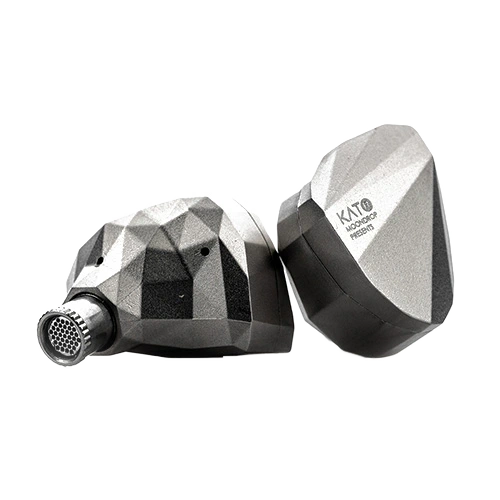
Moondrop
Verified Hours
2 players277h medianSmall sample
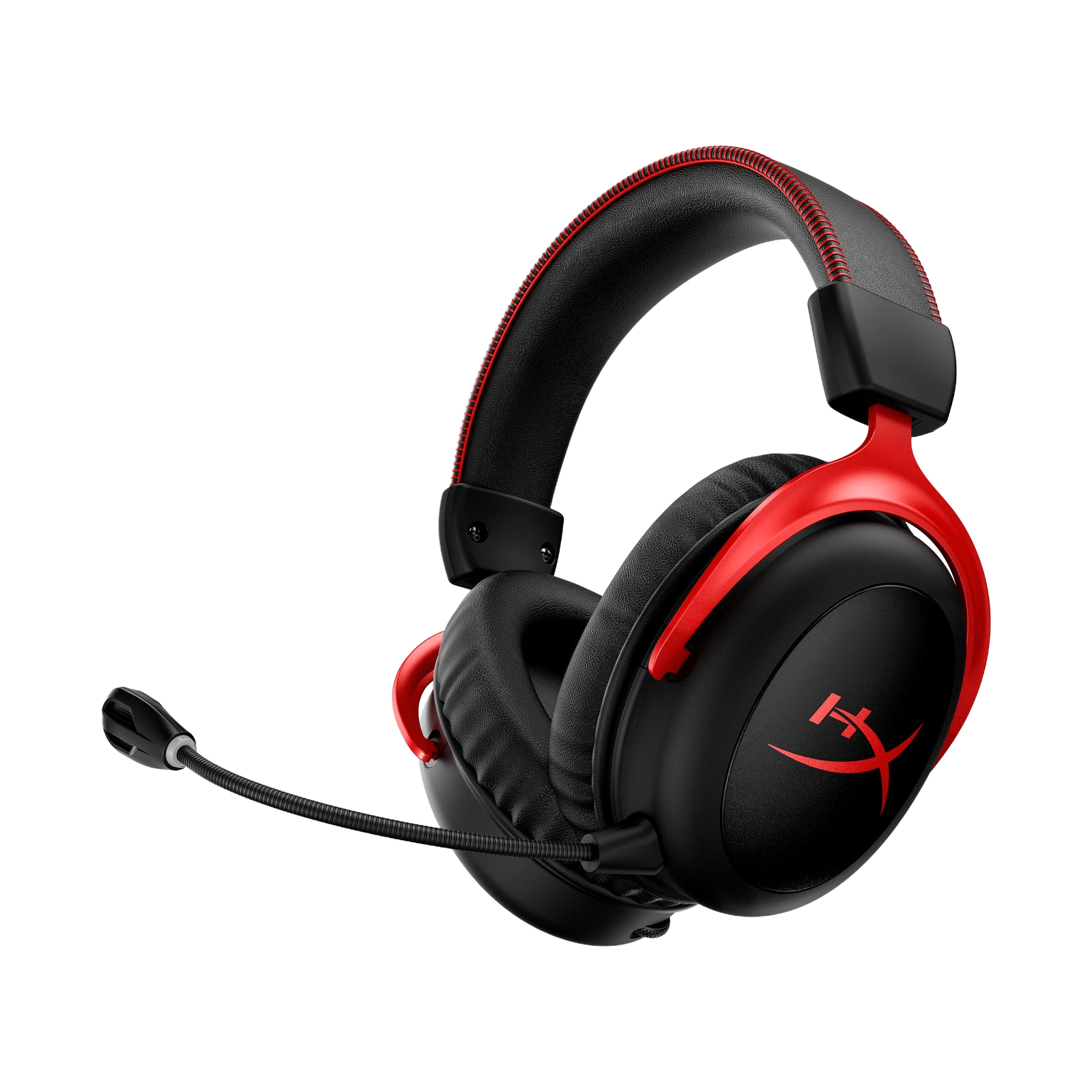
HyperX
Verified Hours
4 players20h medianSmall sample
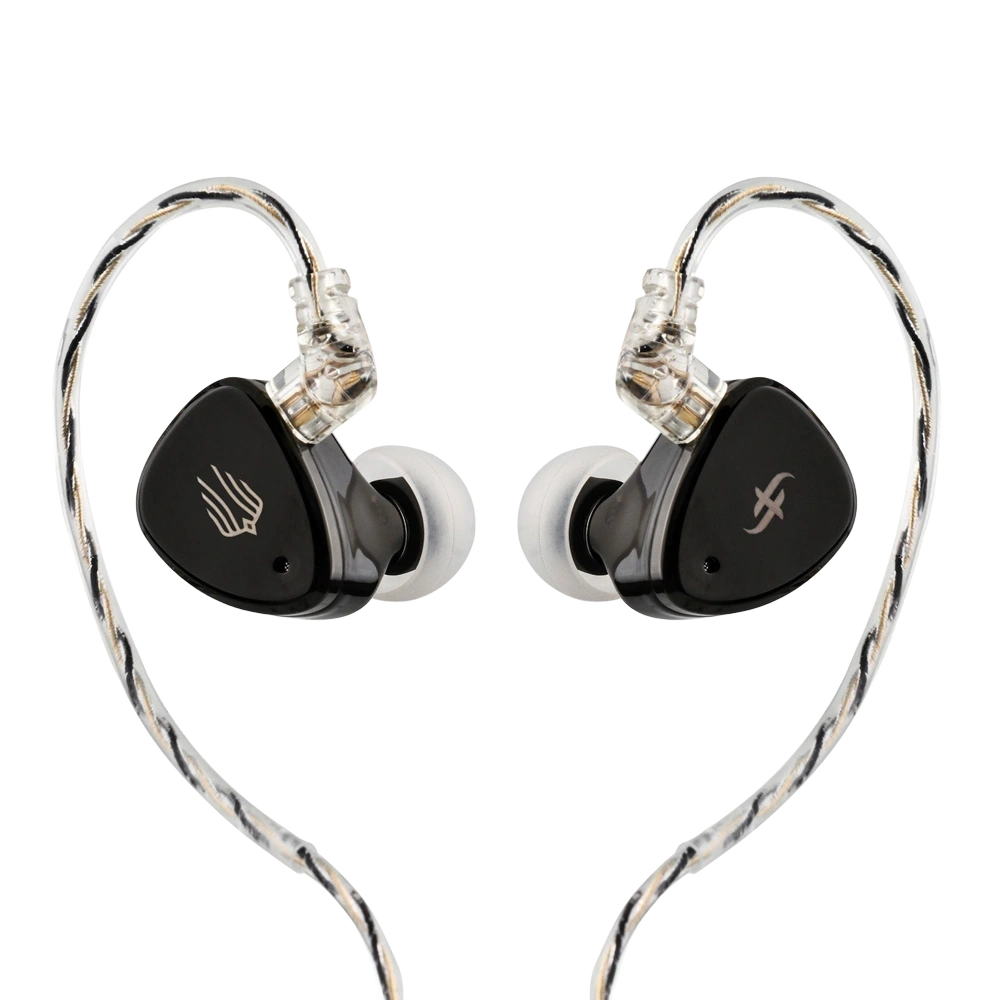
Simgot
Verified Hours
1 player513h medianSmall sample
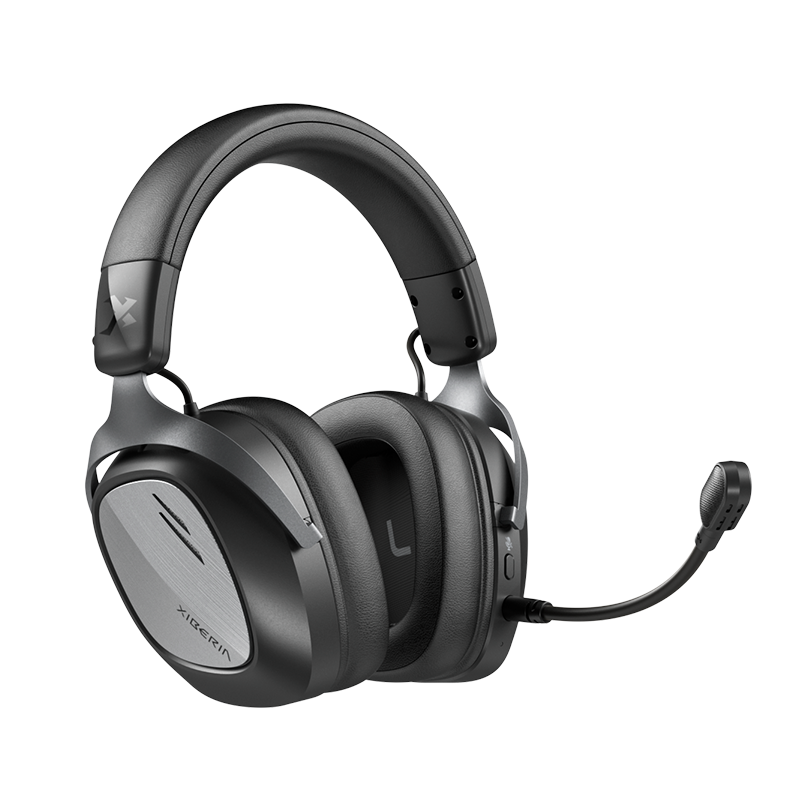
Xiberia
Verified Hours
1 player503h medianSmall sample
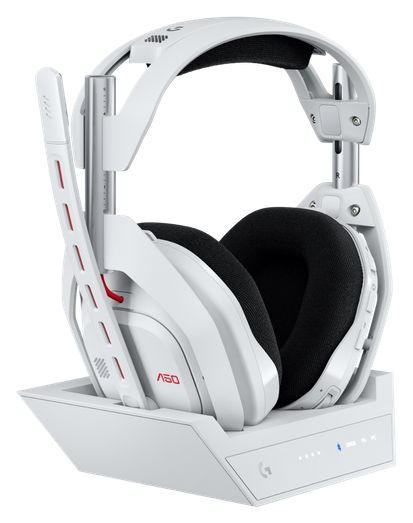
ASTRO
Verified Hours
5 players43h median
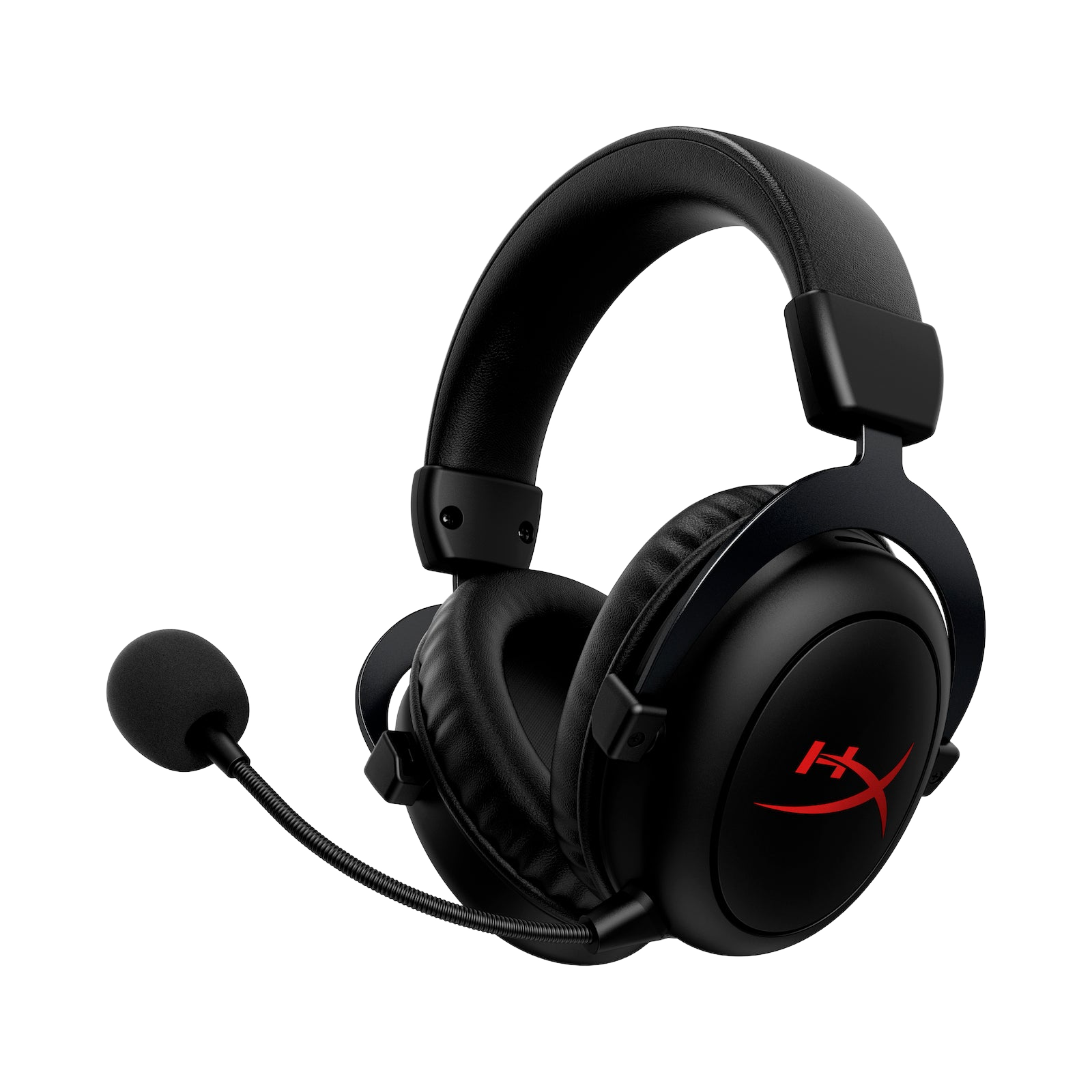
HyperX
Verified Hours
2 players242h medianSmall sample
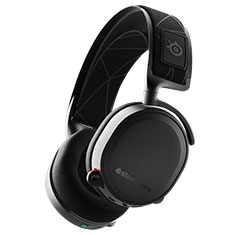
SteelSeries
Verified Hours
4 players91h medianSmall sample
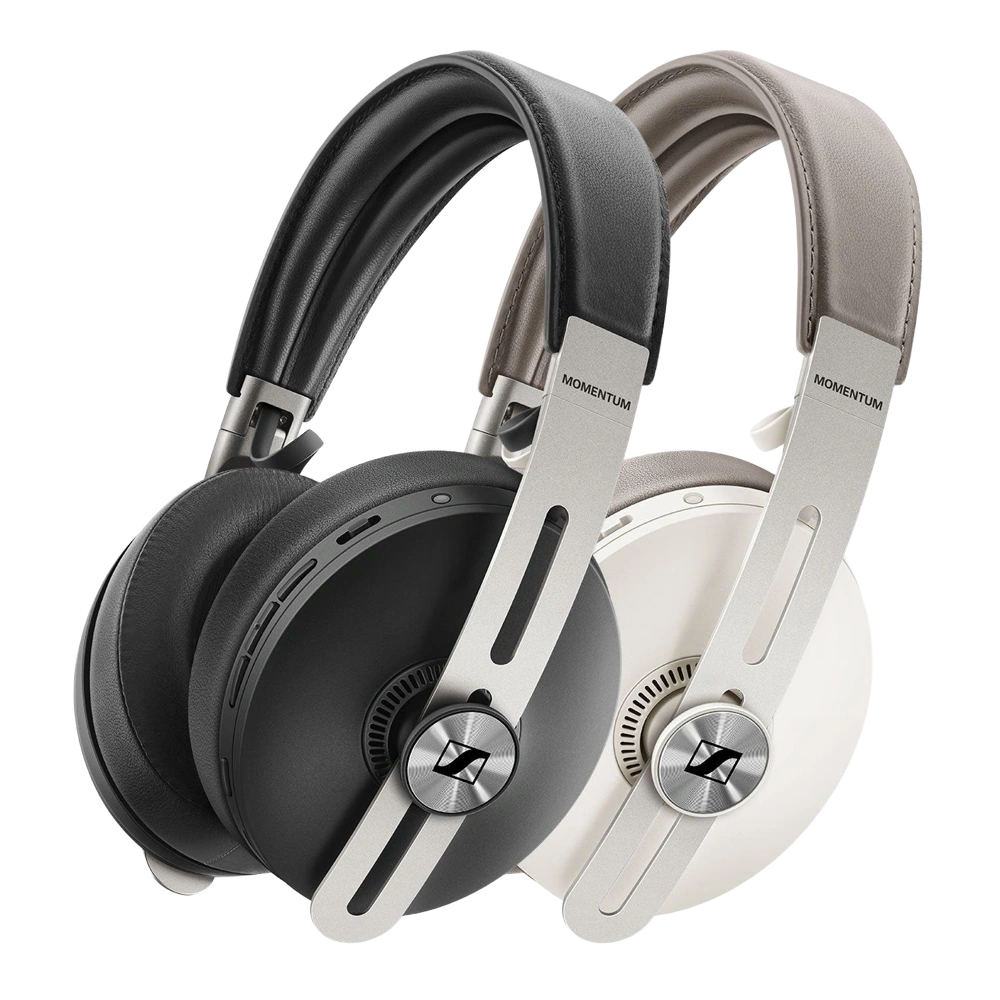
Sennheiser
Verified Hours
1 player451h medianSmall sample
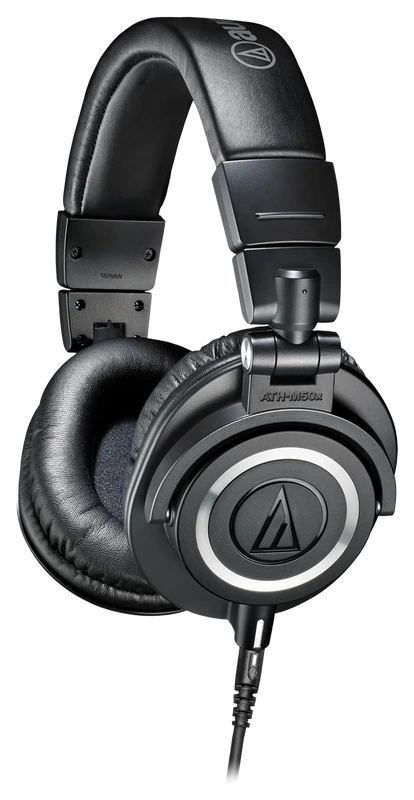
Audio-Technica
Verified Hours
1 player439h medianSmall sample
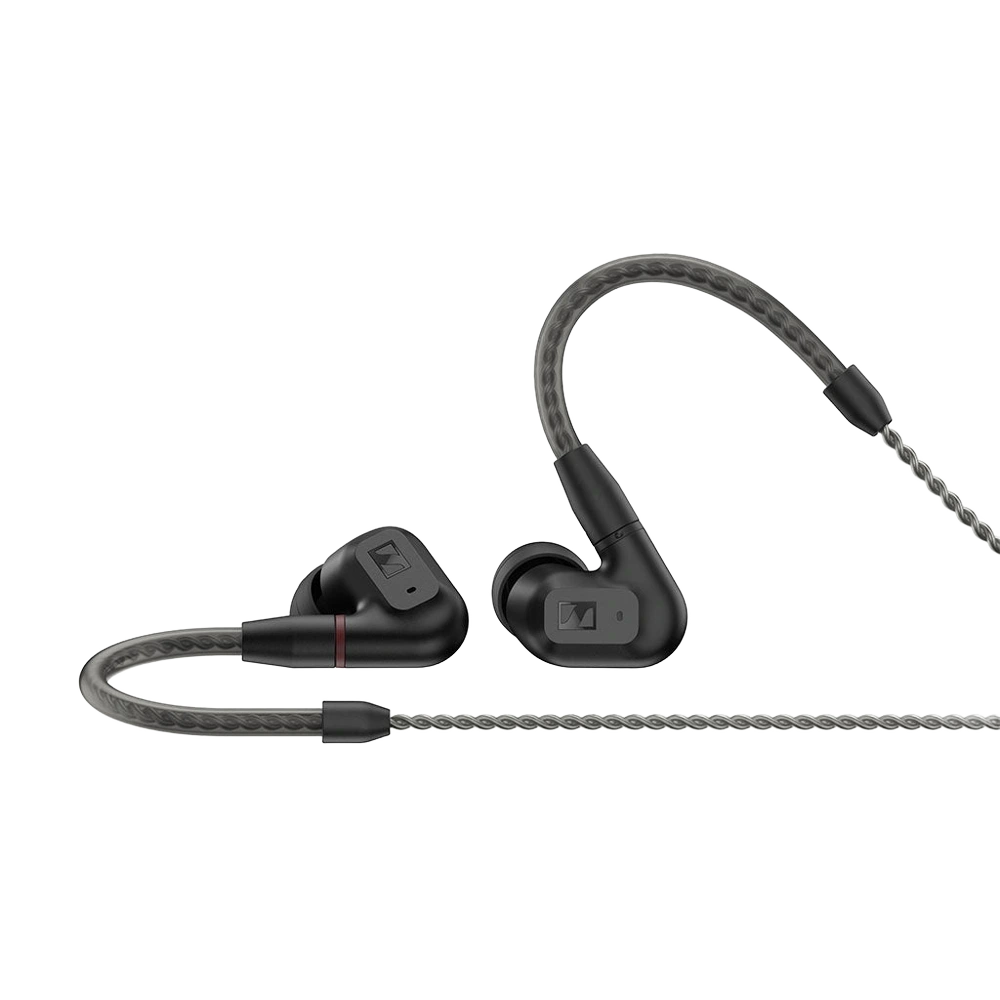
Sennheiser
Verified Hours
1 player429h medianSmall sample
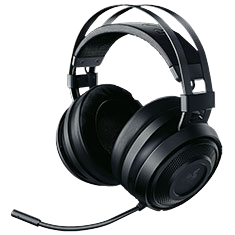
Razer
Verified Hours
1 player415h medianSmall sample
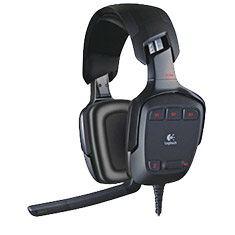
Logitech
Verified Hours
2 players206h medianSmall sample
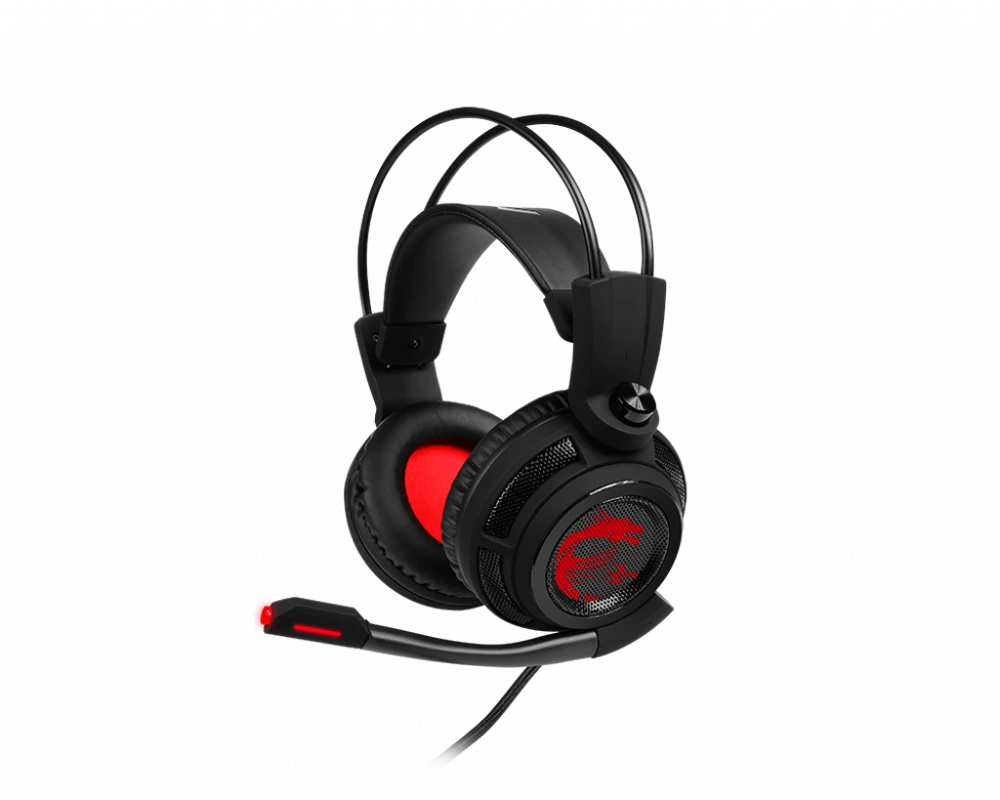
MSI
Verified Hours
2 players203h medianSmall sample
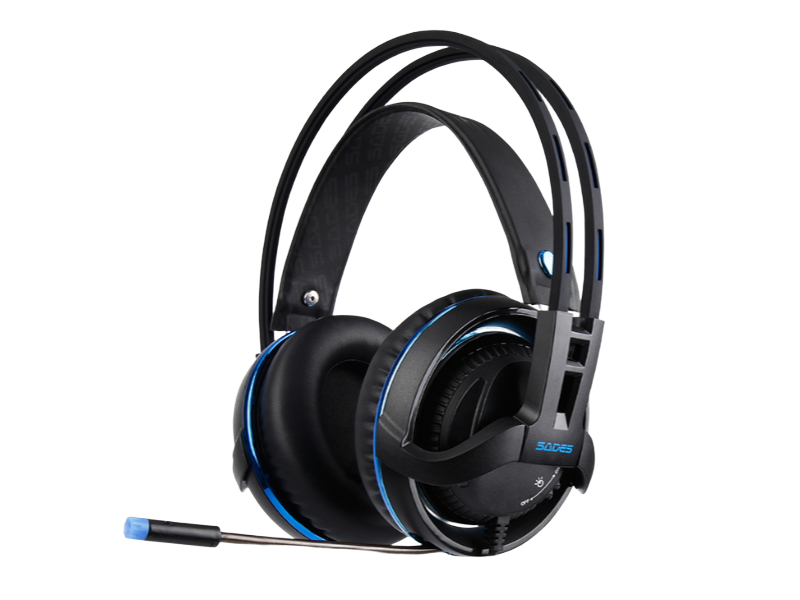
Sades
Verified Hours
1 player345h medianSmall sample
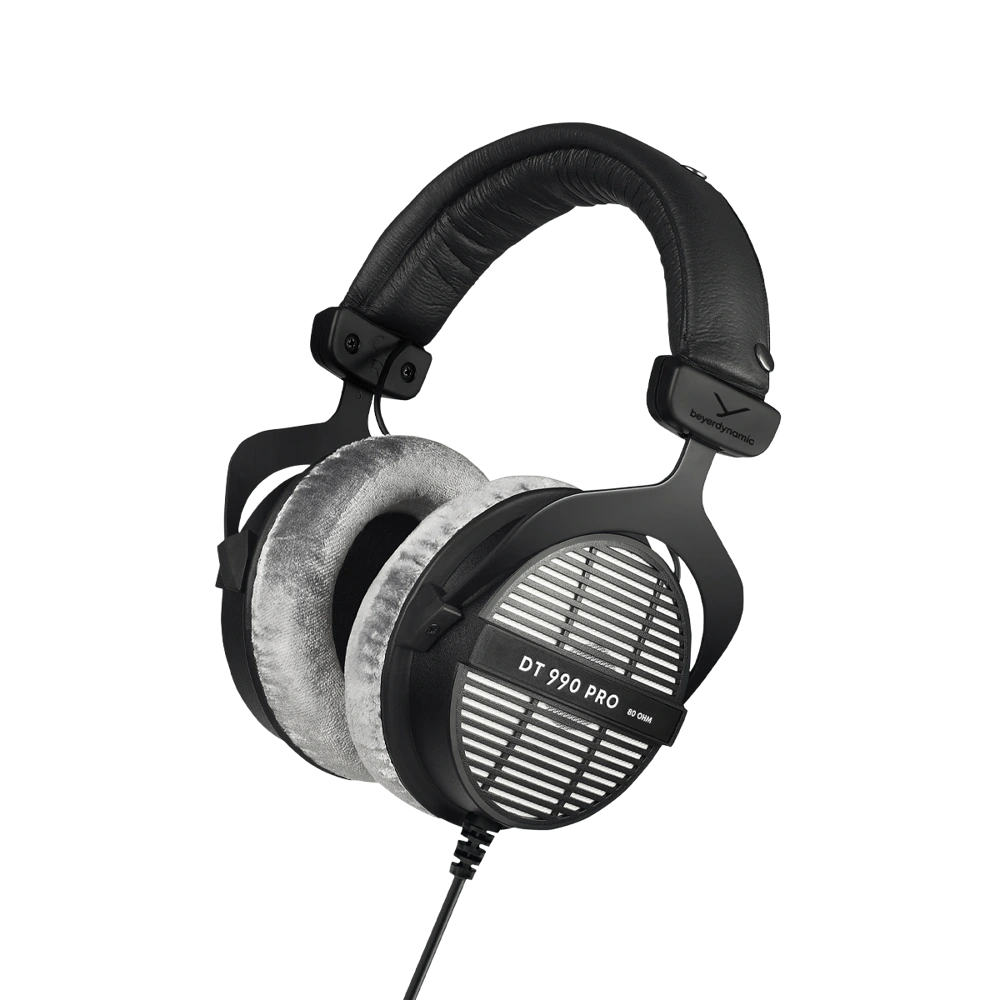
beyerdynamic
Verified Hours
3 players117h medianSmall sample
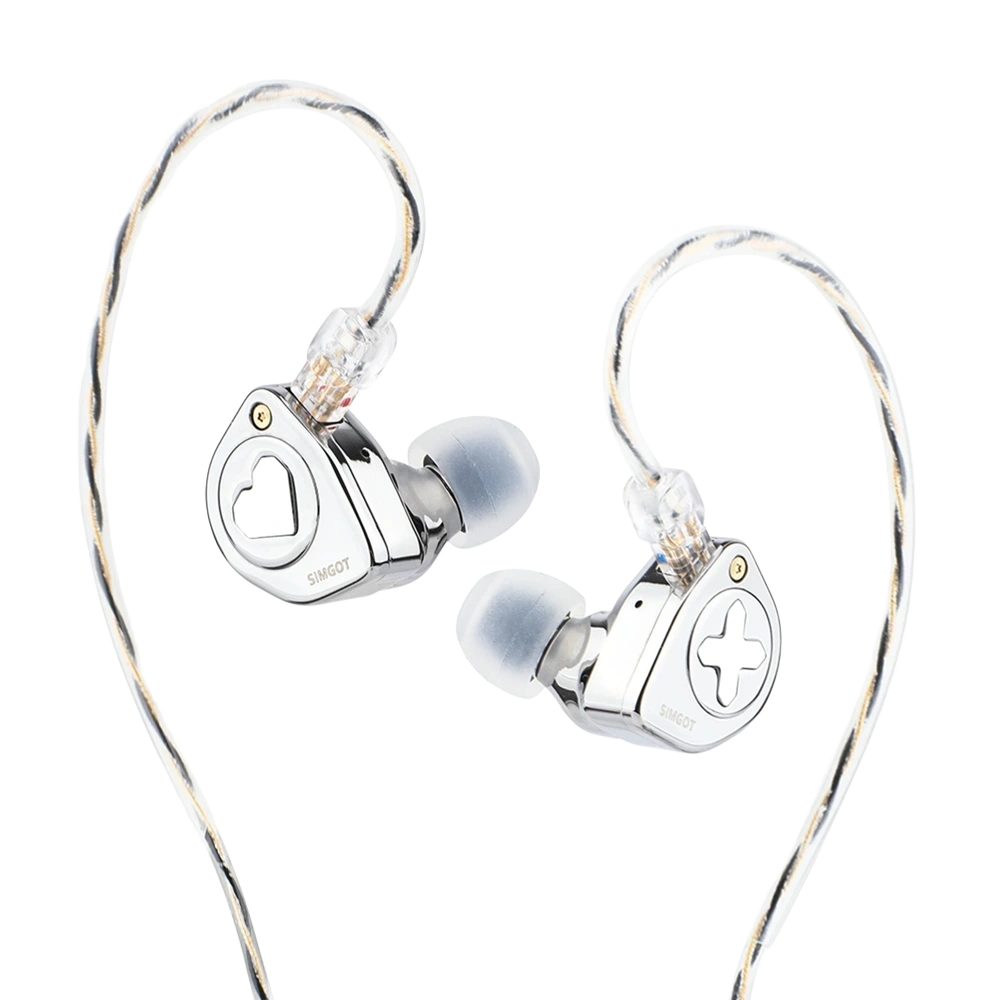
Simgot
Verified Hours
1 player327h medianSmall sample
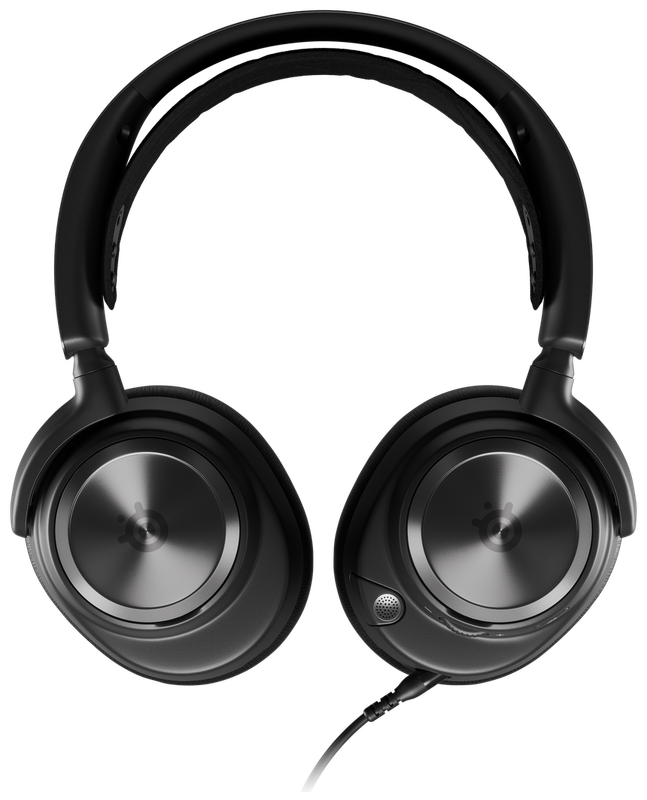
SteelSeries
Verified Hours
1 player297h medianSmall sample
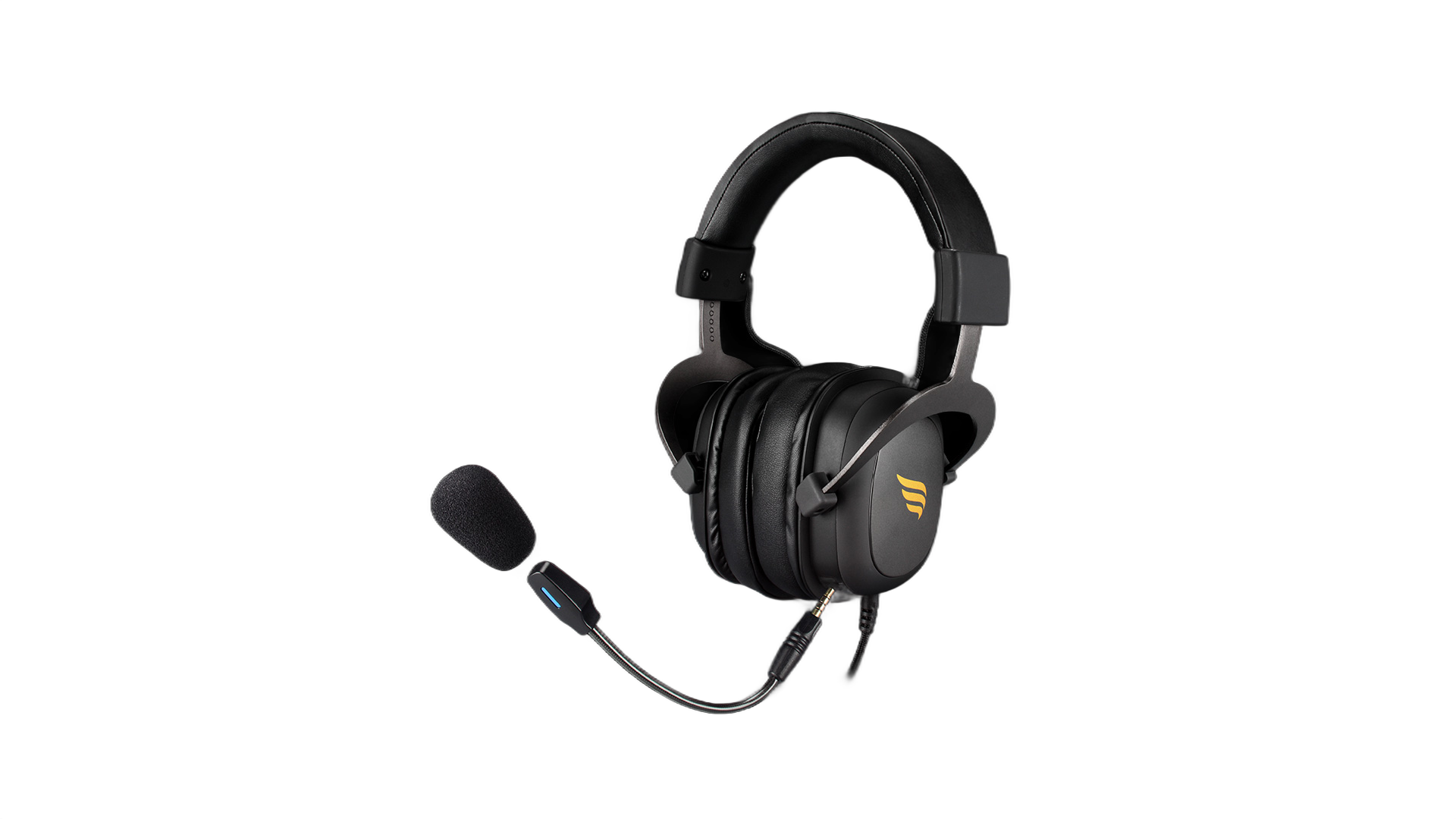
Fallen
Verified Hours
1 player275h medianSmall sample
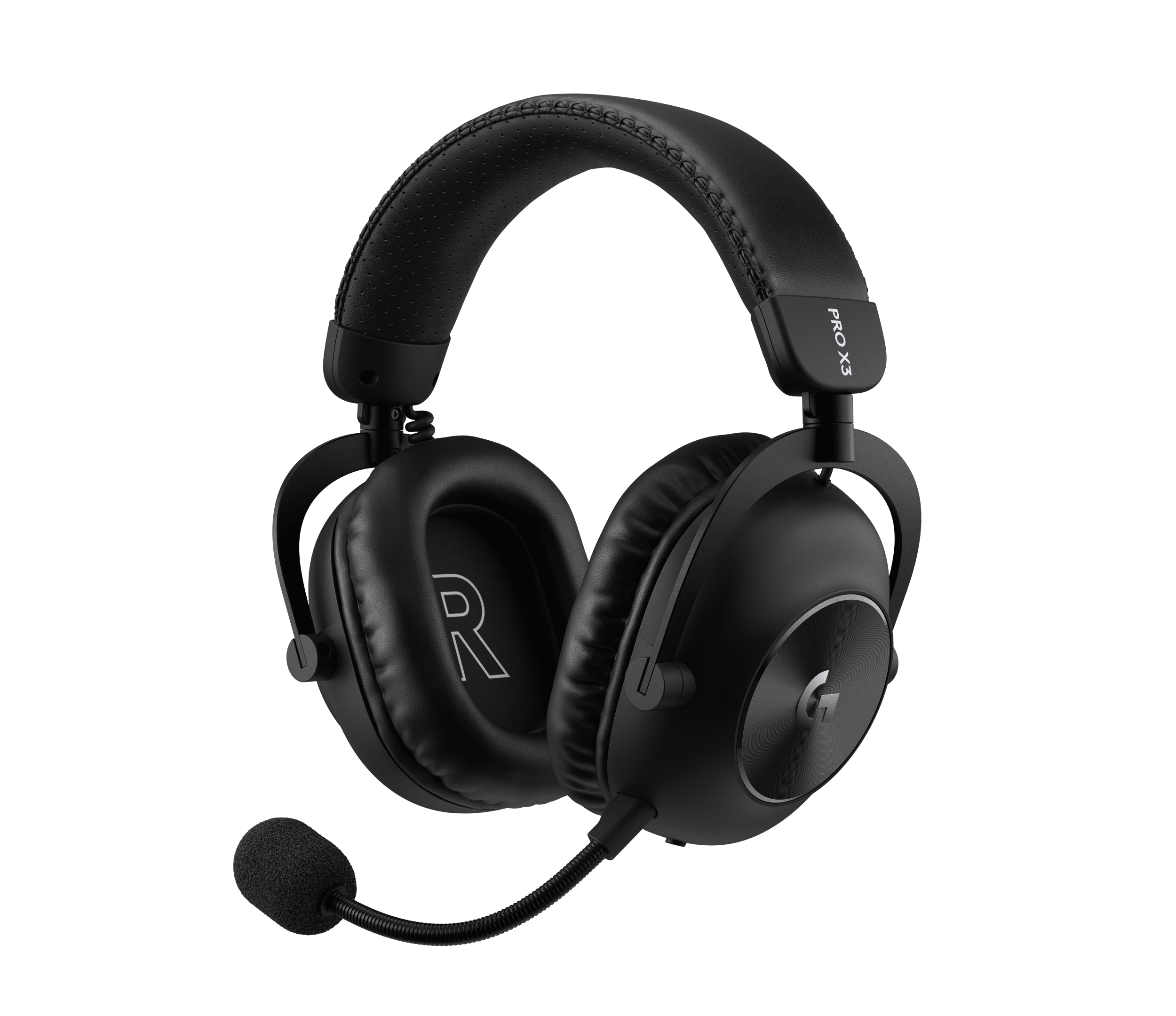
Logitech
Verified Hours
1 player275h medianSmall sample
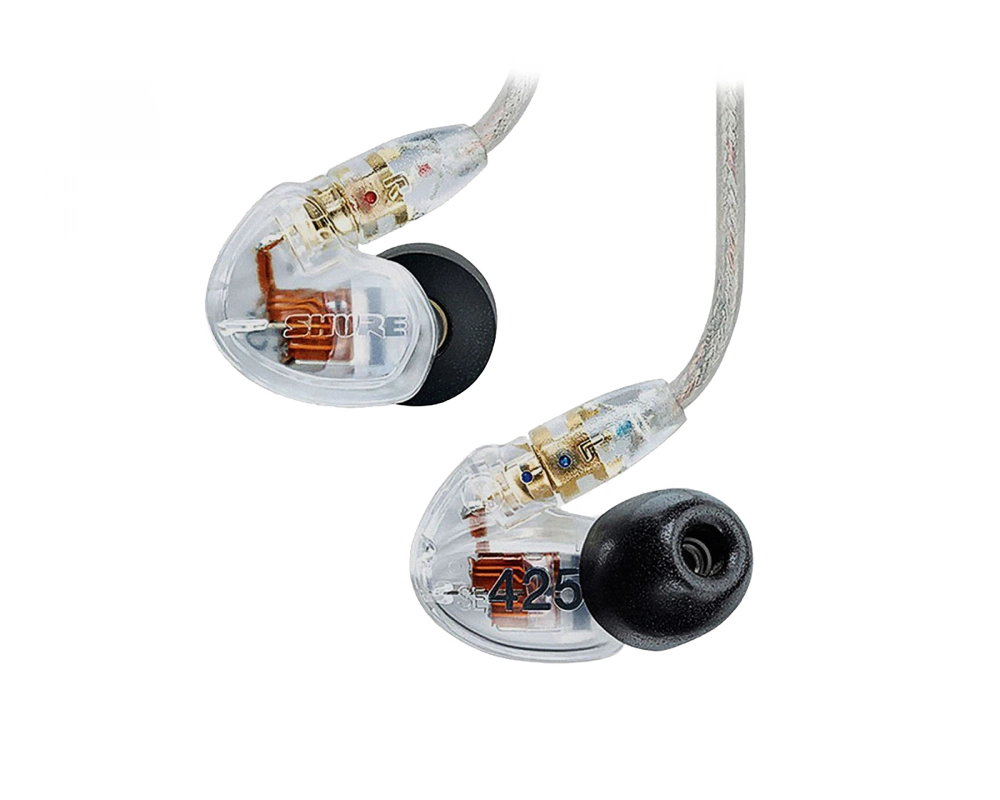
Shure
Verified Hours
1 player253h medianSmall sample
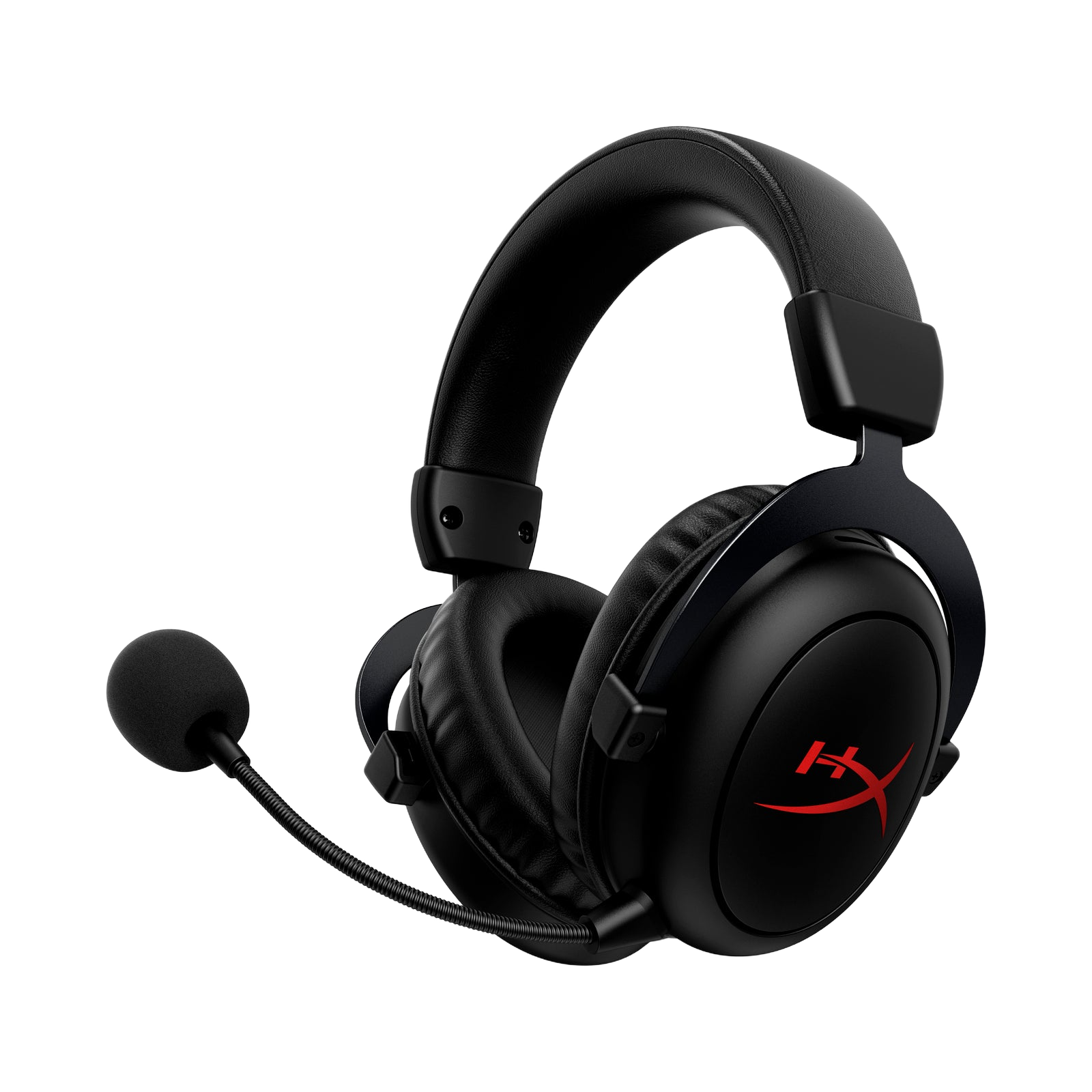
HyperX
Verified Hours
1 player211h medianSmall sample
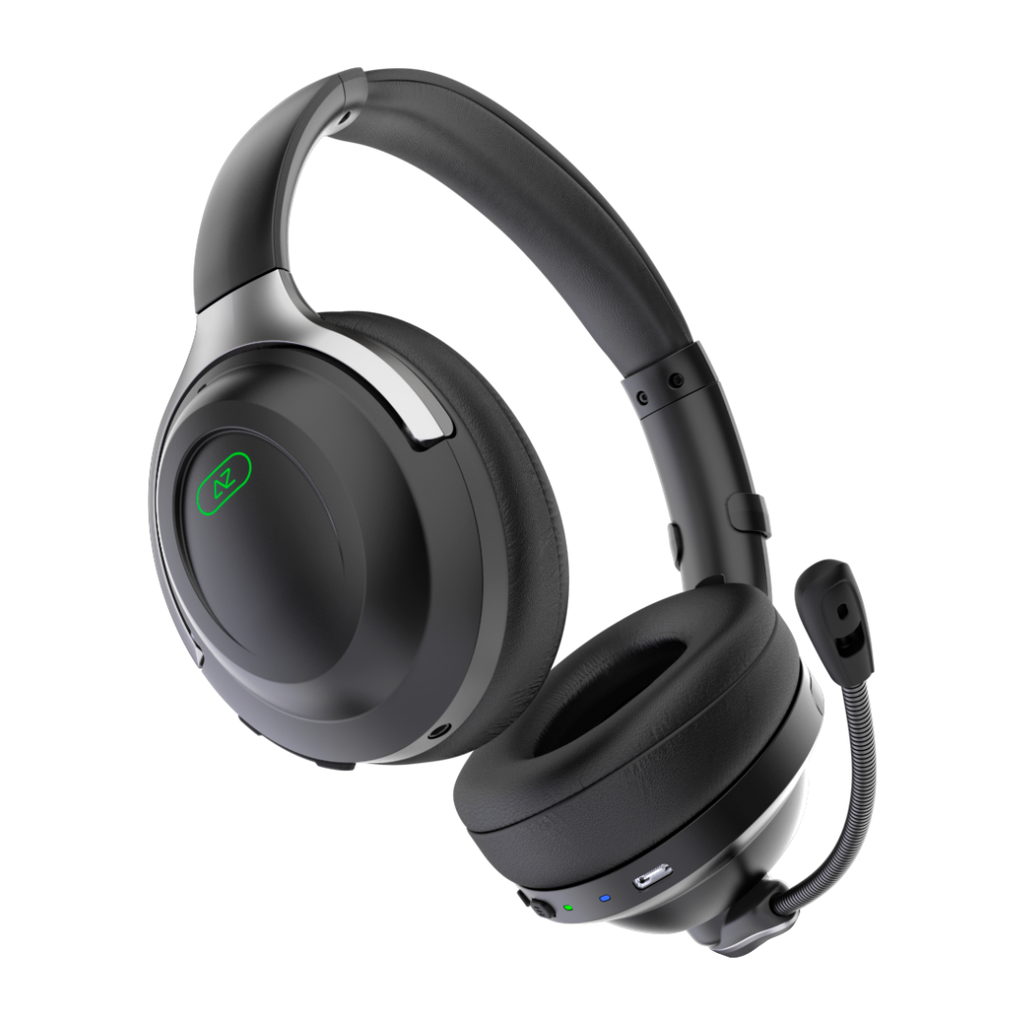
AceZone
Verified Hours
1 player195h medianSmall sample
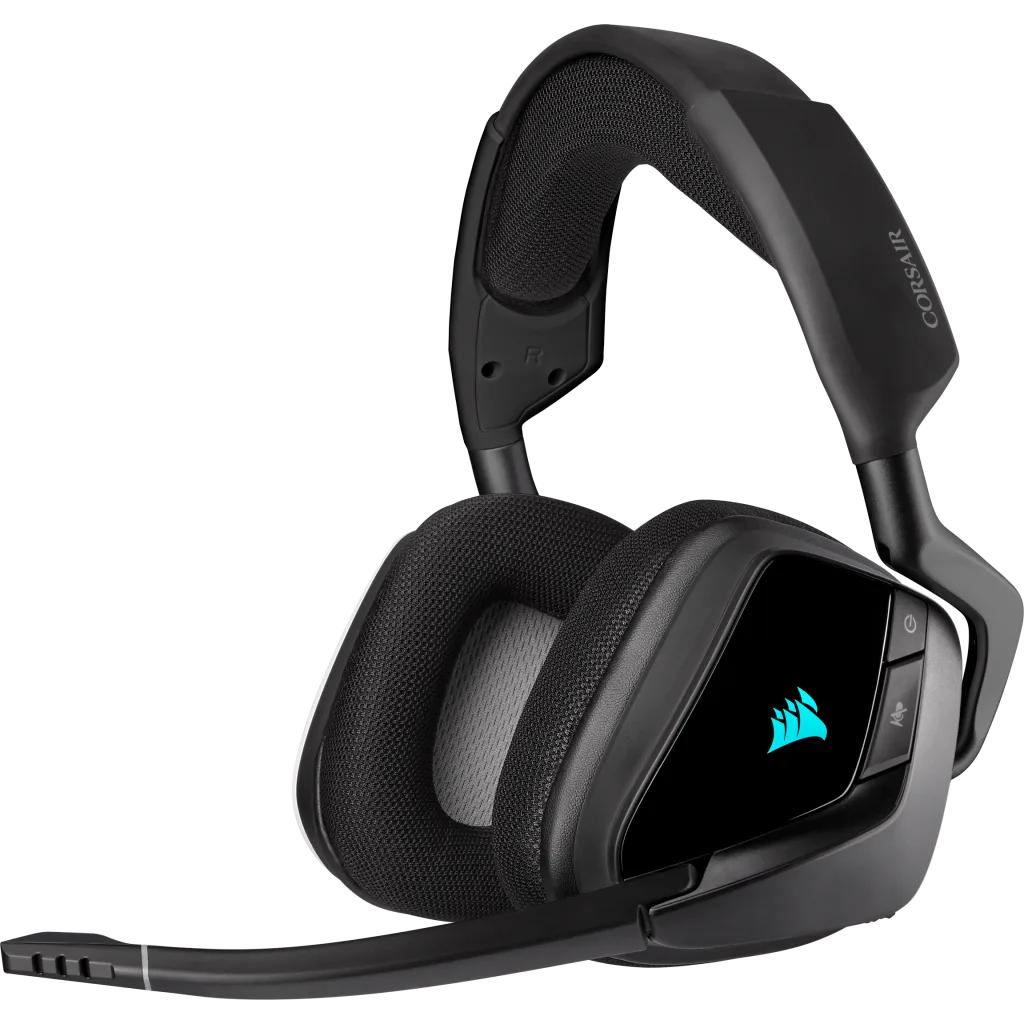
Corsair
Verified Hours
1 player175h medianSmall sample
Razer
Verified Hours
1 player174h medianSmall sample
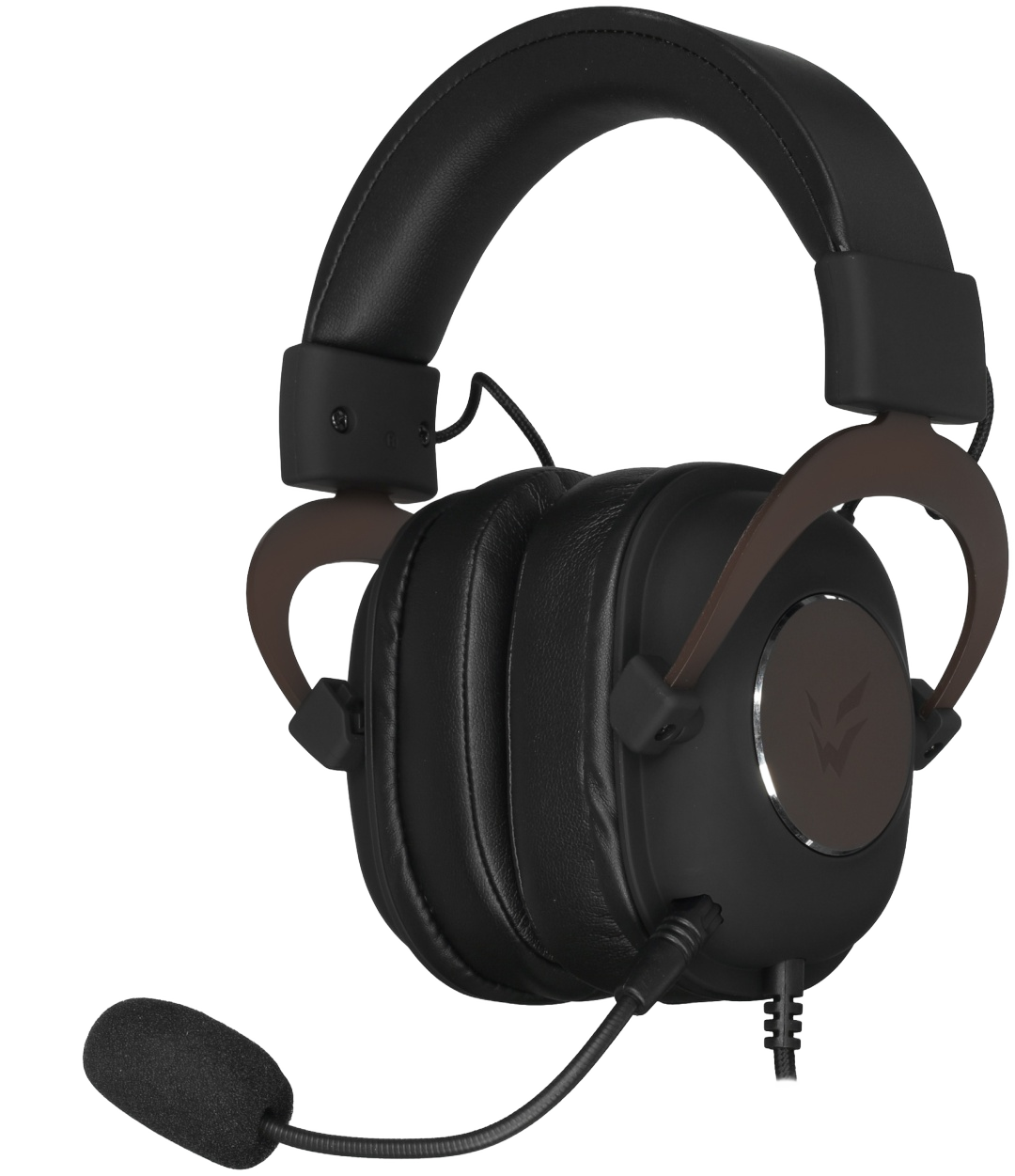
Ardor Gaming
Verified Hours
1 player173h medianSmall sample
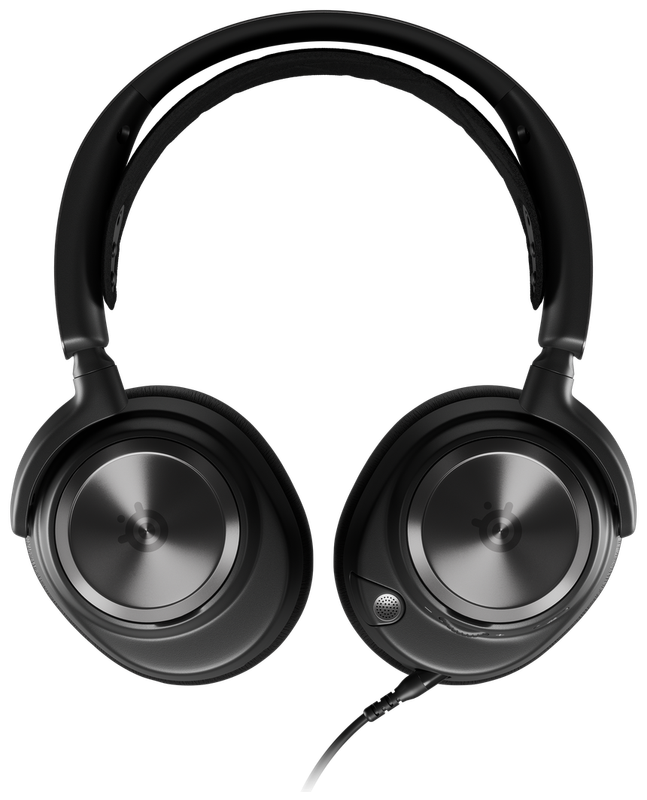
SteelSeries
Verified Hours
1 player126h medianSmall sample
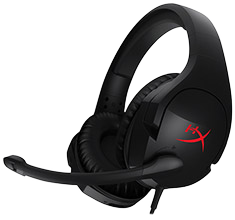
HyperX
Verified Hours
1 player125h medianSmall sample
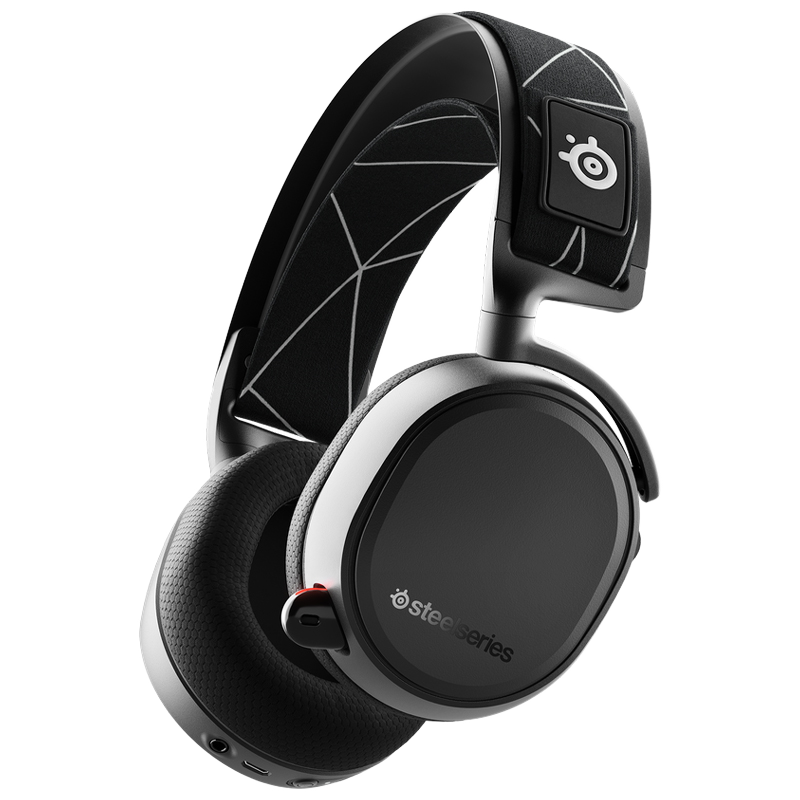
SteelSeries
Verified Hours
1 player121h medianSmall sample
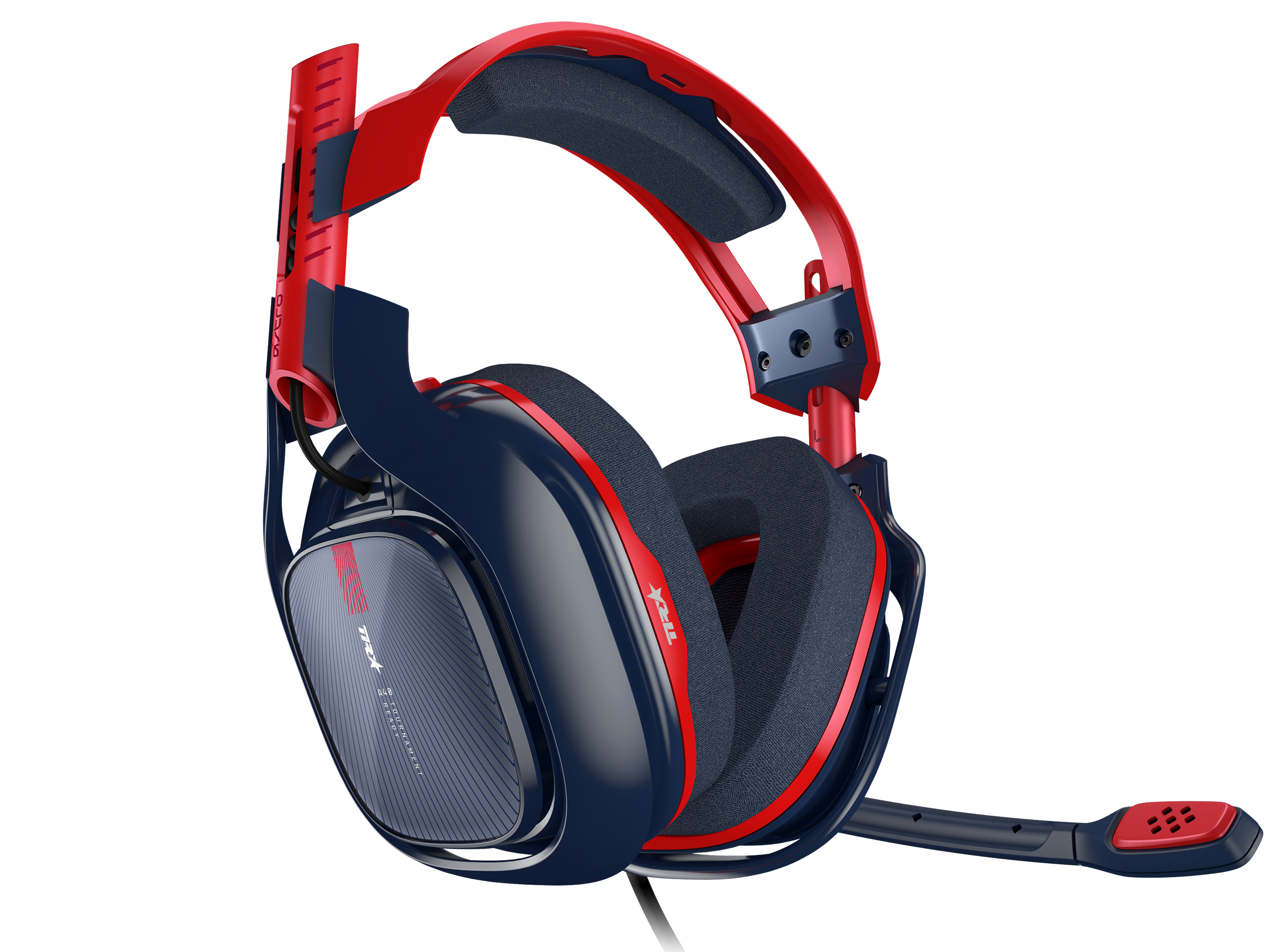
Astro
Verified Hours
1 player120h medianSmall sample
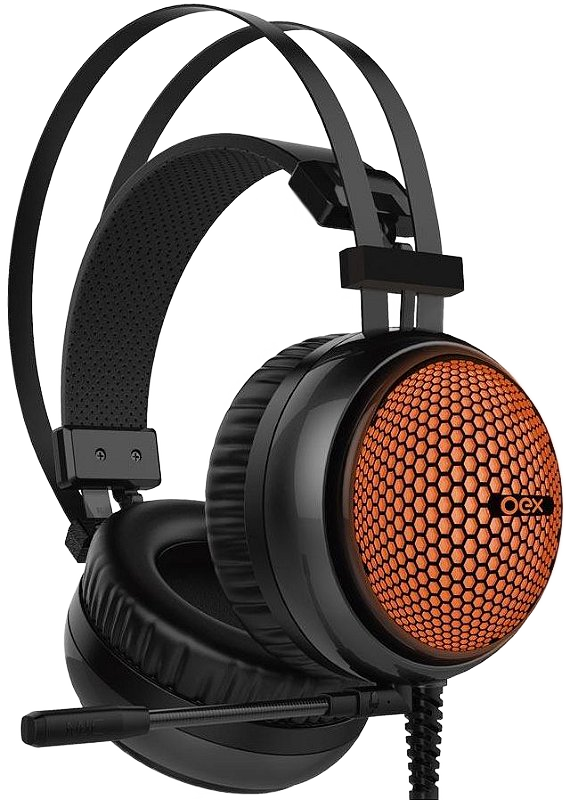
OEX
Verified Hours
1 player120h medianSmall sample
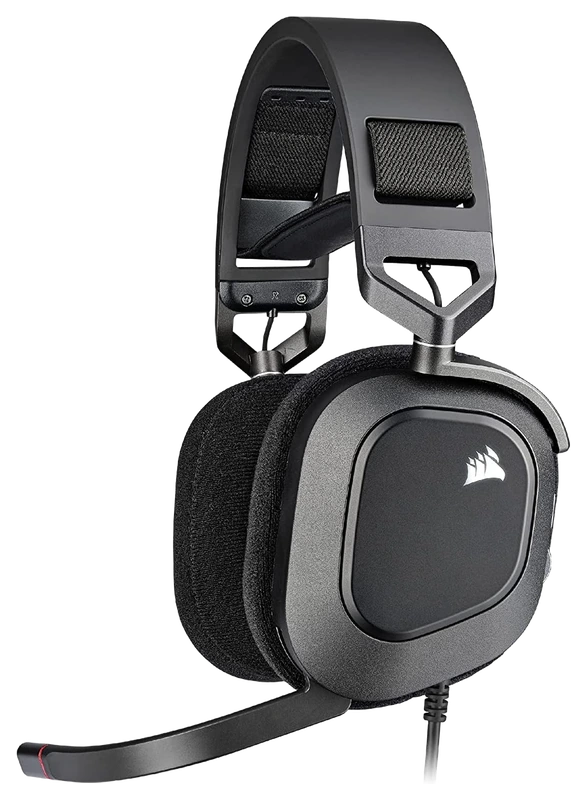
Corsair
Verified Hours
1 player113h medianSmall sample
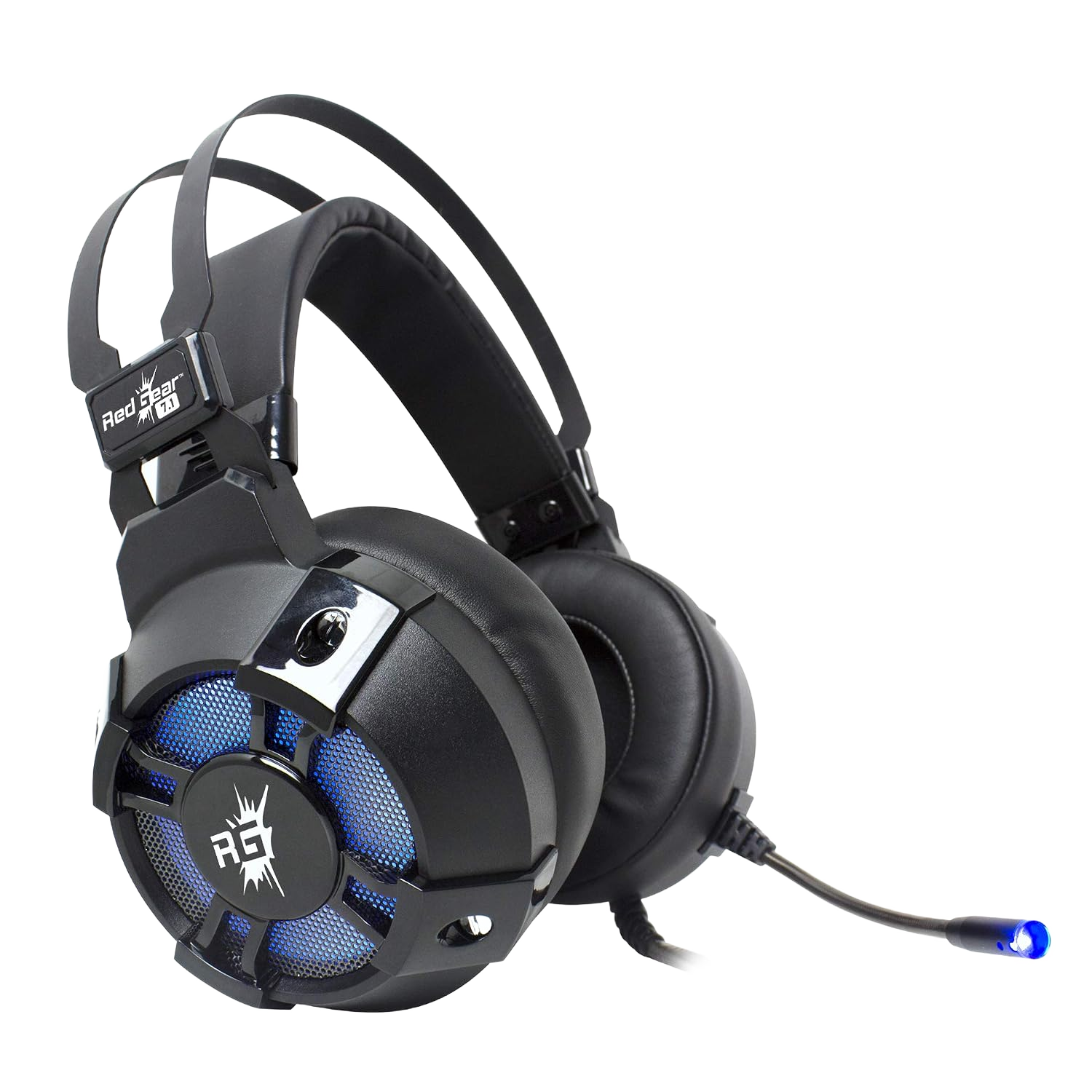
Redgear
Verified Hours
2 players48h medianSmall sample
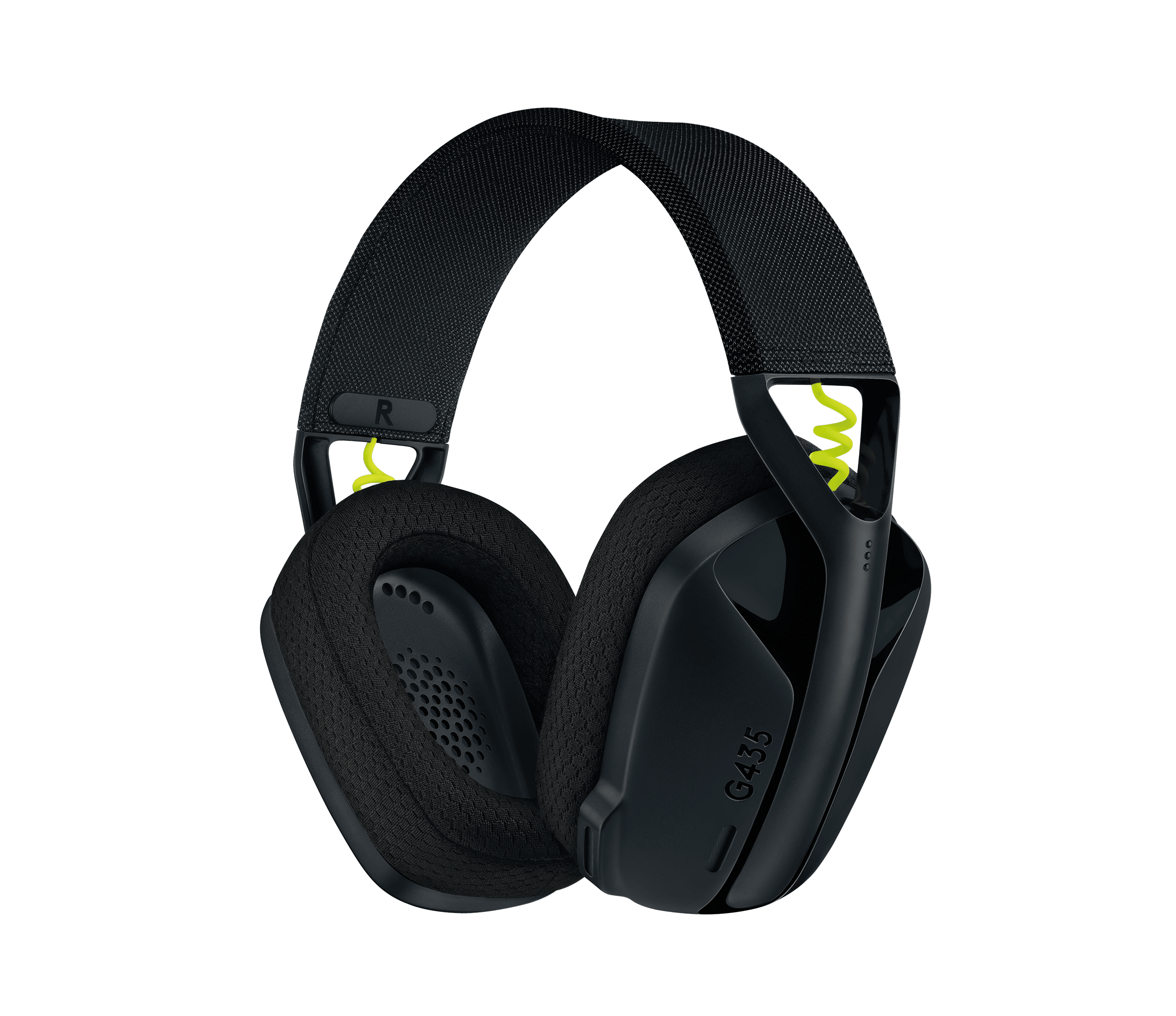
Logitech
Verified Hours
6 players8h median
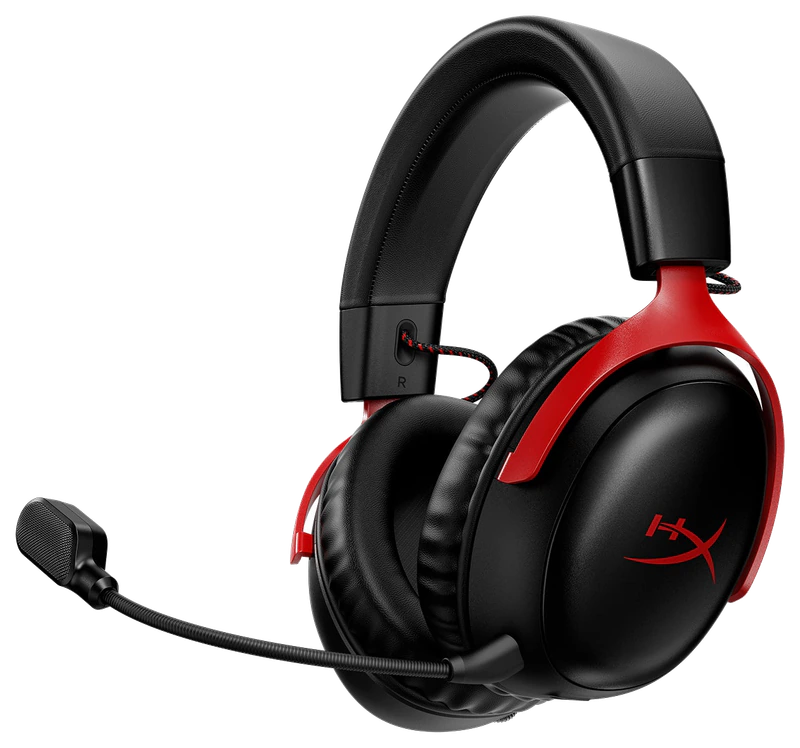
HyperX
Verified Hours
2 players44h medianSmall sample
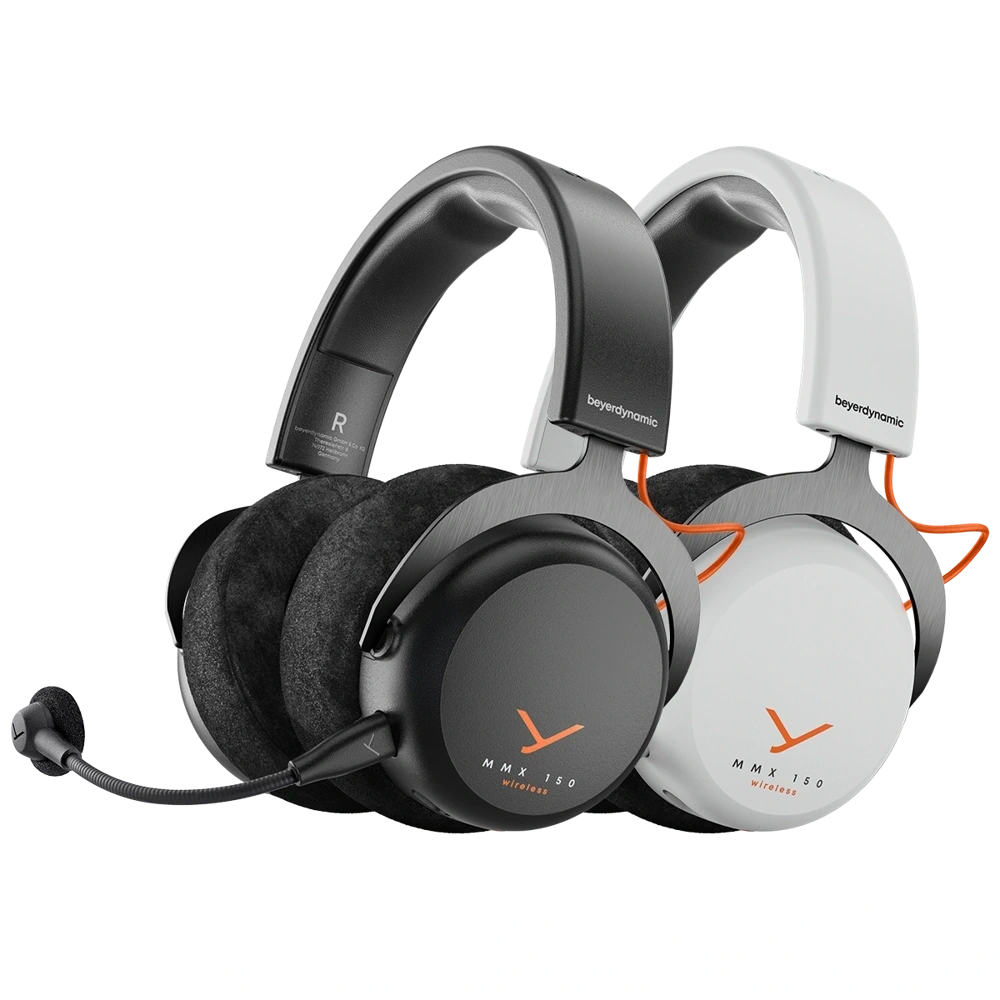
beyerdynamic
Verified Hours
1 player84h medianSmall sample
Logitech
Verified Hours
1 player81h medianSmall sample
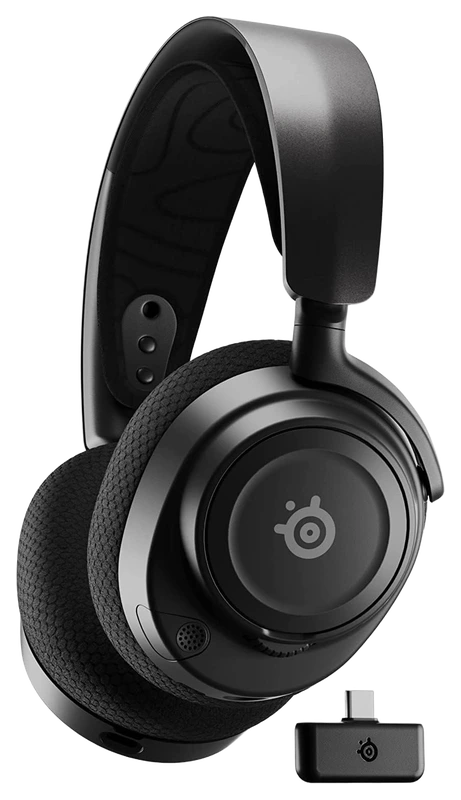
SteelSeries
Verified Hours
1 player72h medianSmall sample
Razer
Verified Hours
2 players32h medianSmall sample
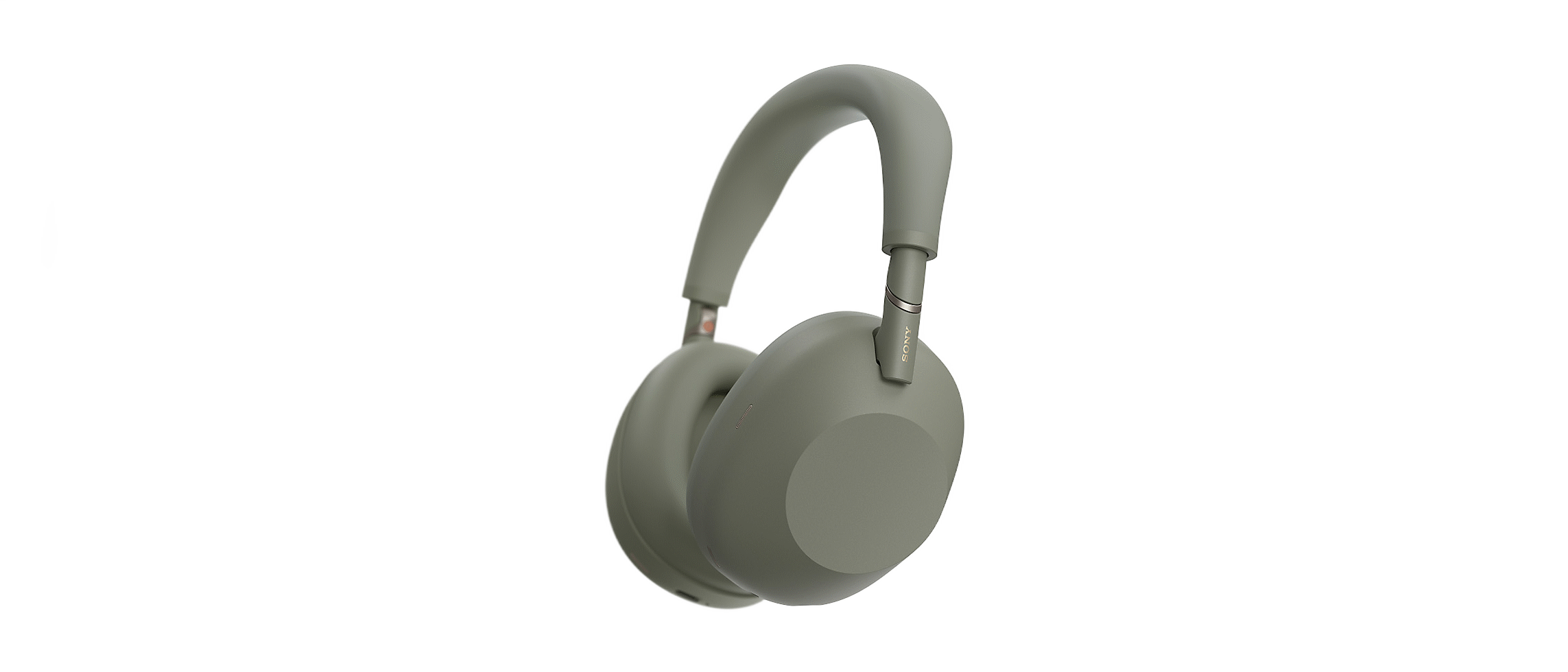
Sony
Verified Hours
1 player61h medianSmall sample
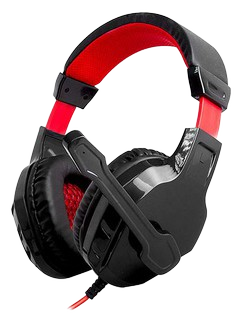
Rampage
Verified Hours
1 player60h medianSmall sample
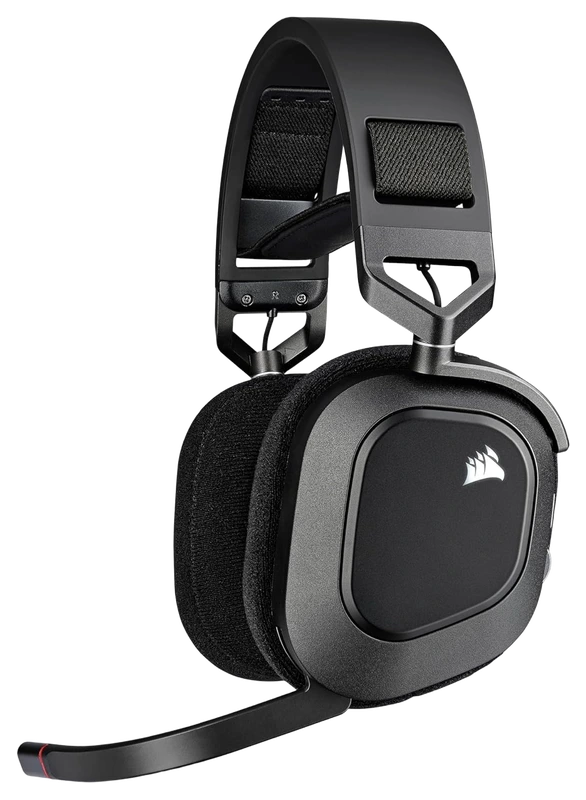
Corsair
Verified Hours
1 player54h medianSmall sample
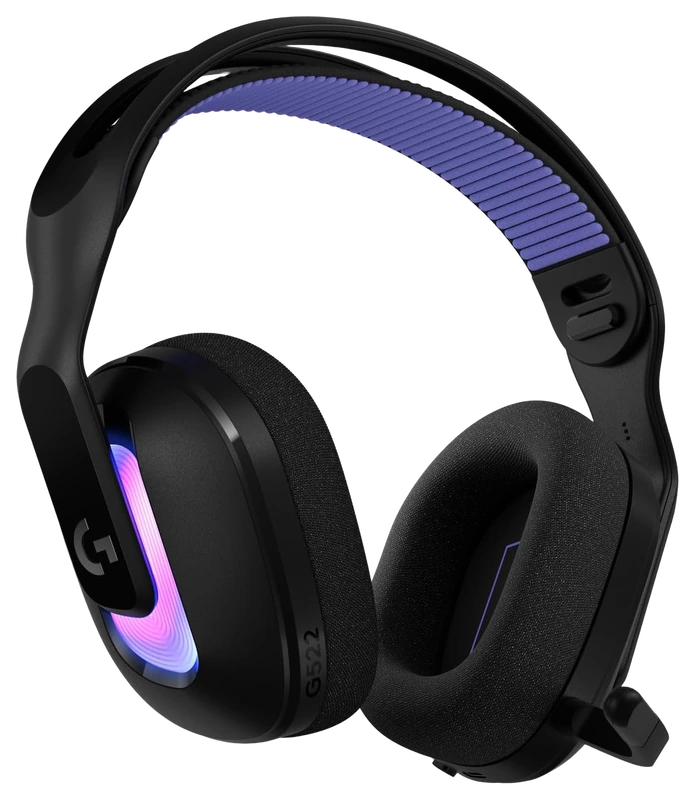
Logitech
Verified Hours
1 player53h medianSmall sample
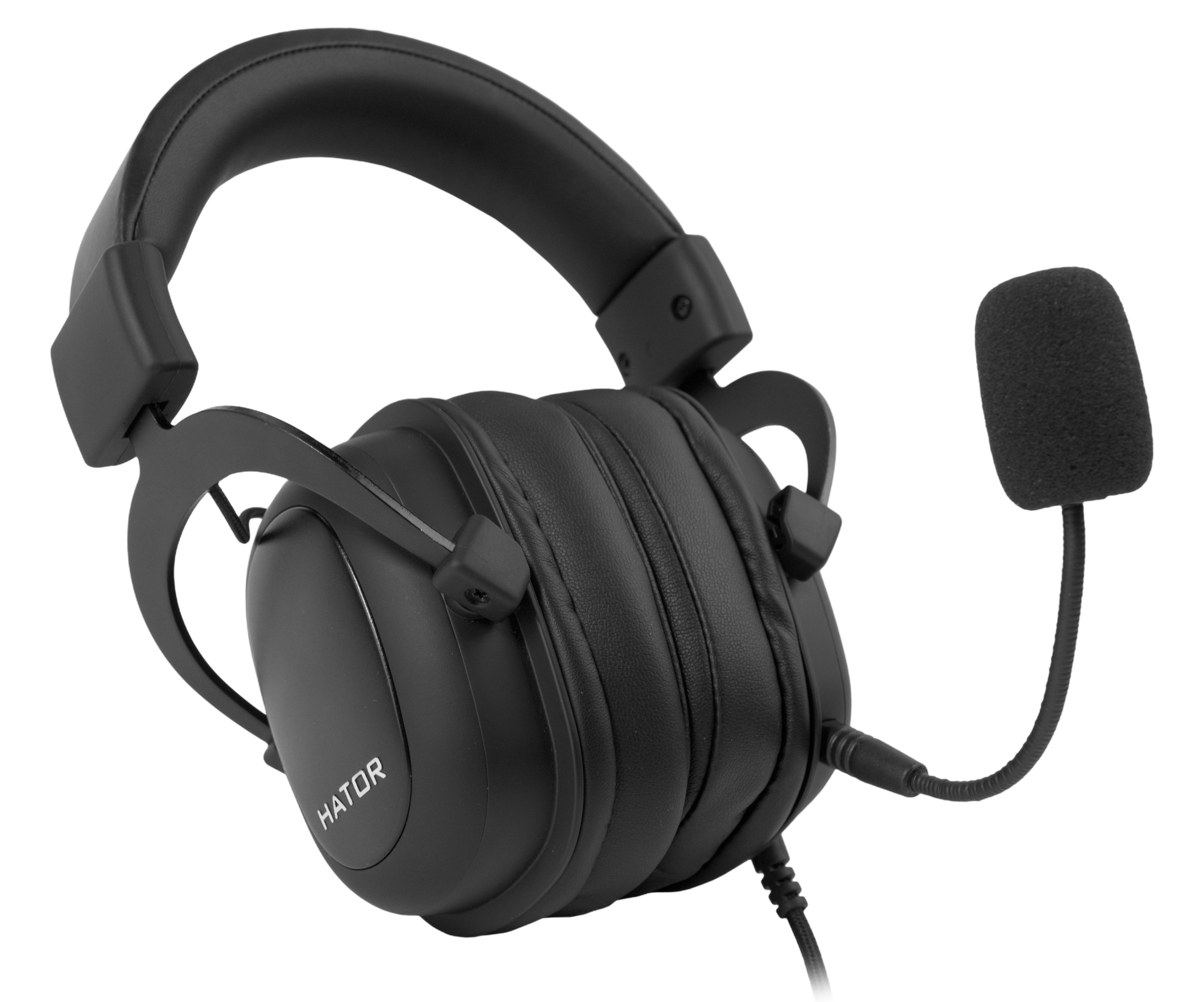
Hator
Verified Hours
1 player53h medianSmall sample
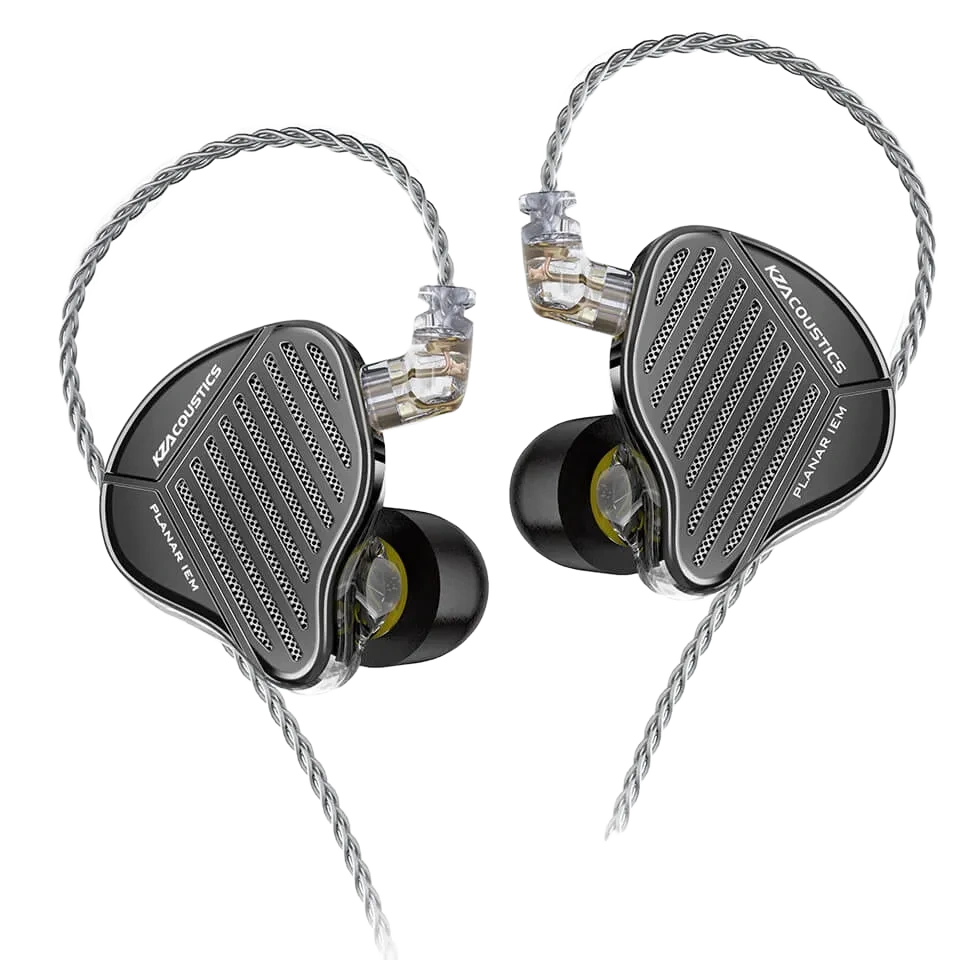
KZ
Verified Hours
1 player45h medianSmall sample
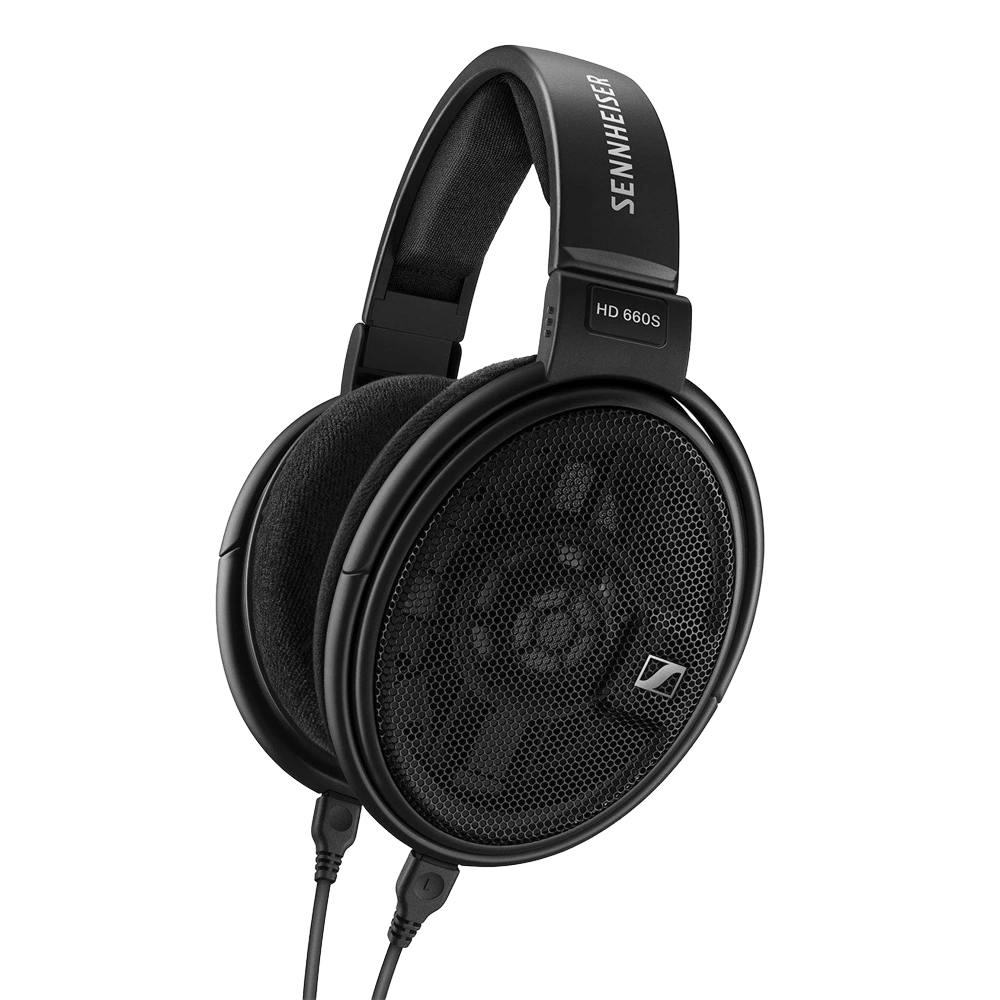
Sennheiser
Verified Hours
1 player43h medianSmall sample
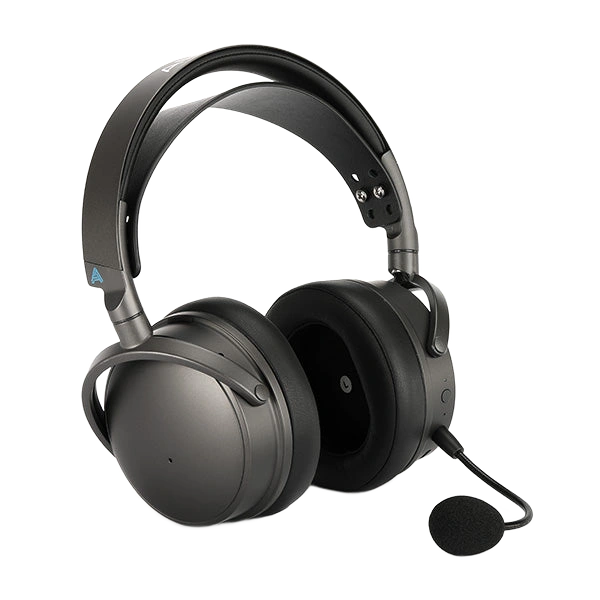
Audeze
Verified Hours
1 player41h medianSmall sample
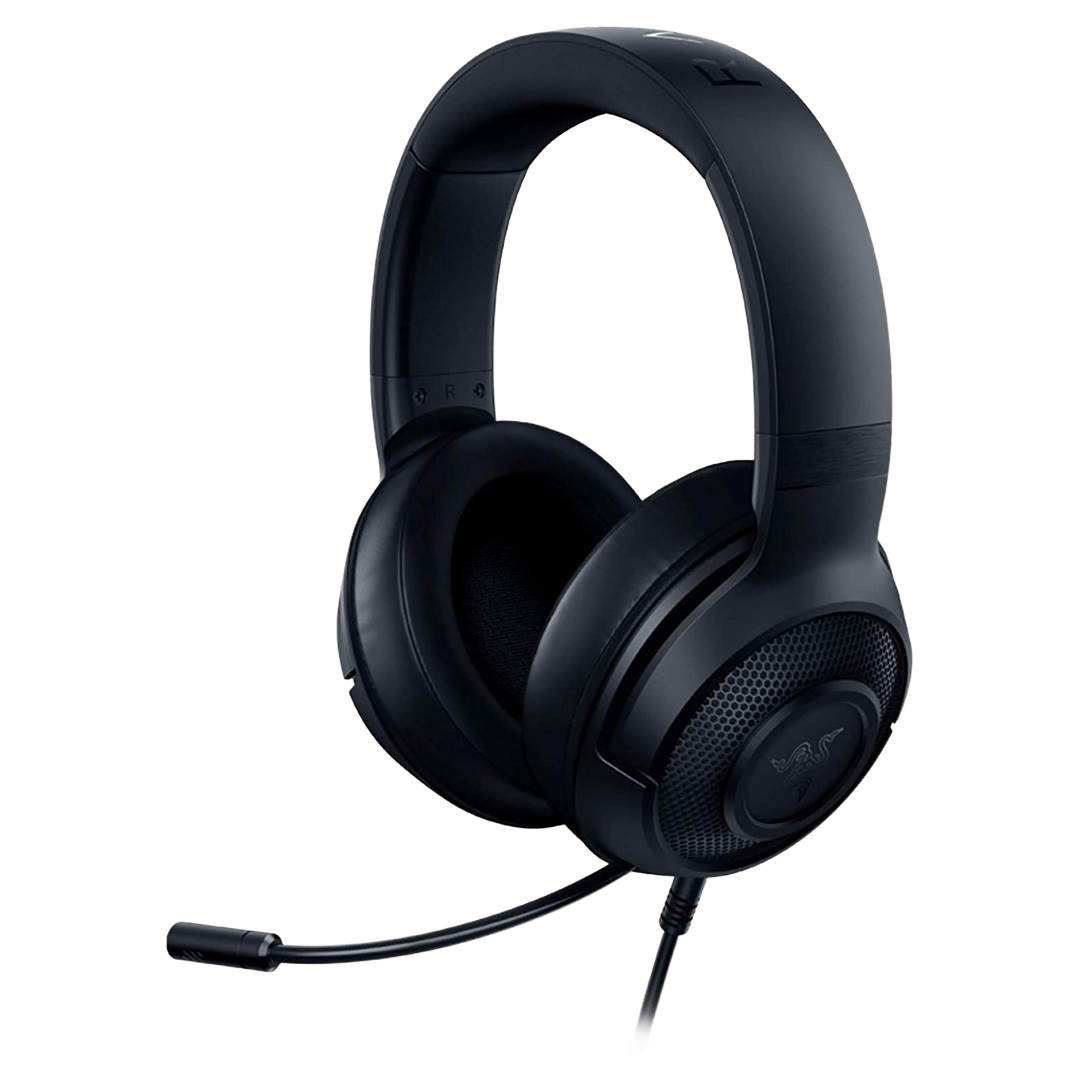
Razer
Verified Hours
1 player39h medianSmall sample
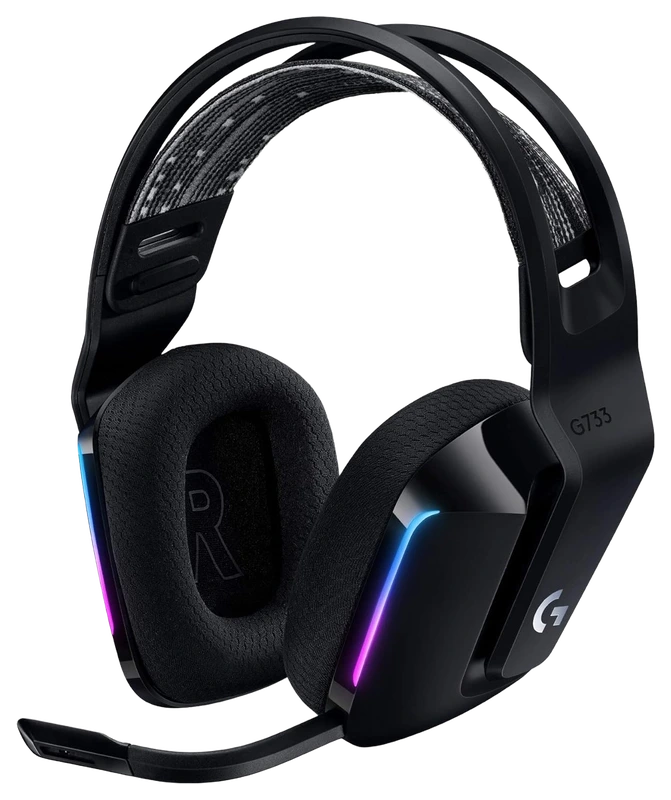
Logitech
Verified Hours
3 players3h medianSmall sample
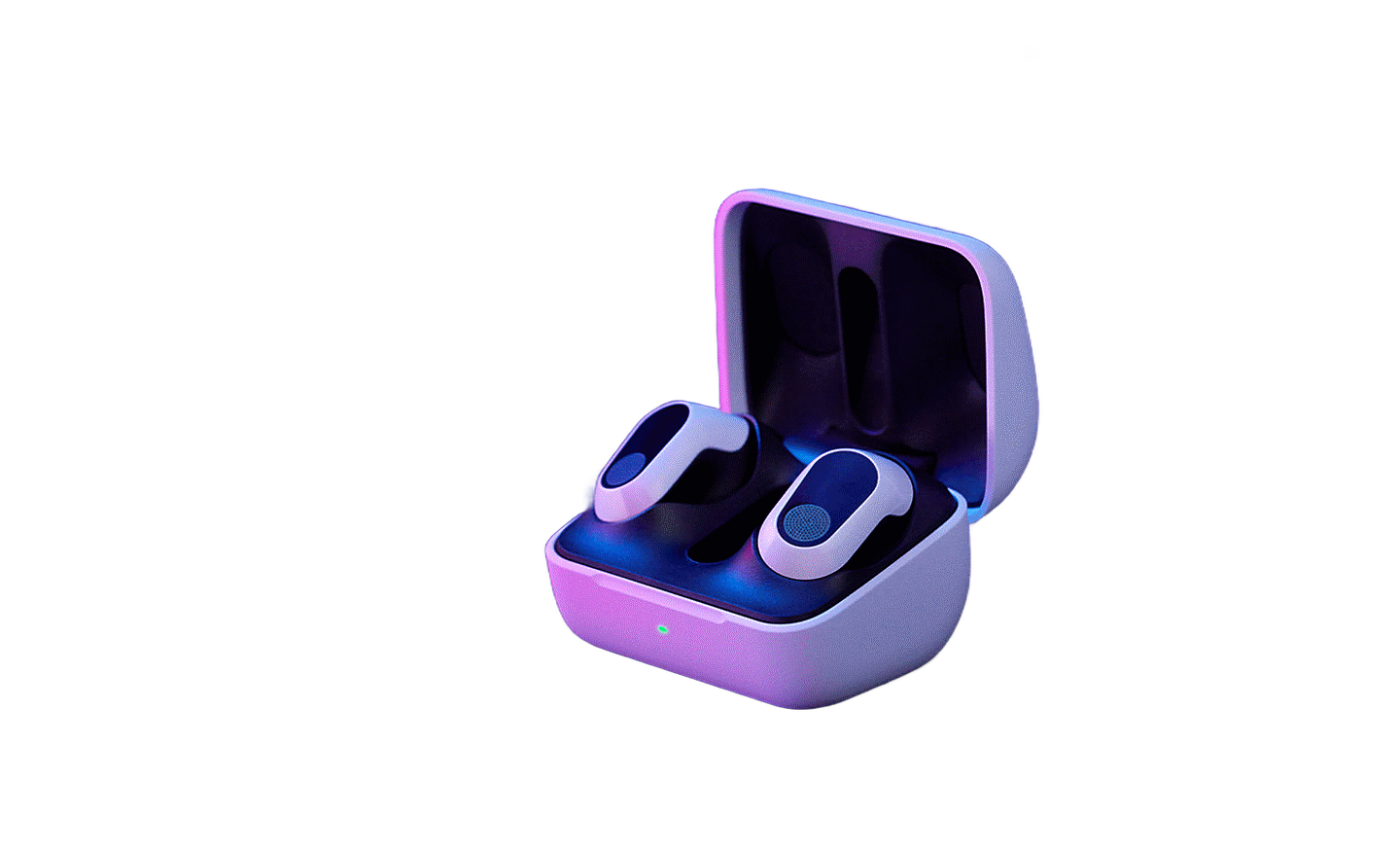
Sony
Verified Hours
1 player36h medianSmall sample
Razer
Verified Hours
1 player32h medianSmall sample
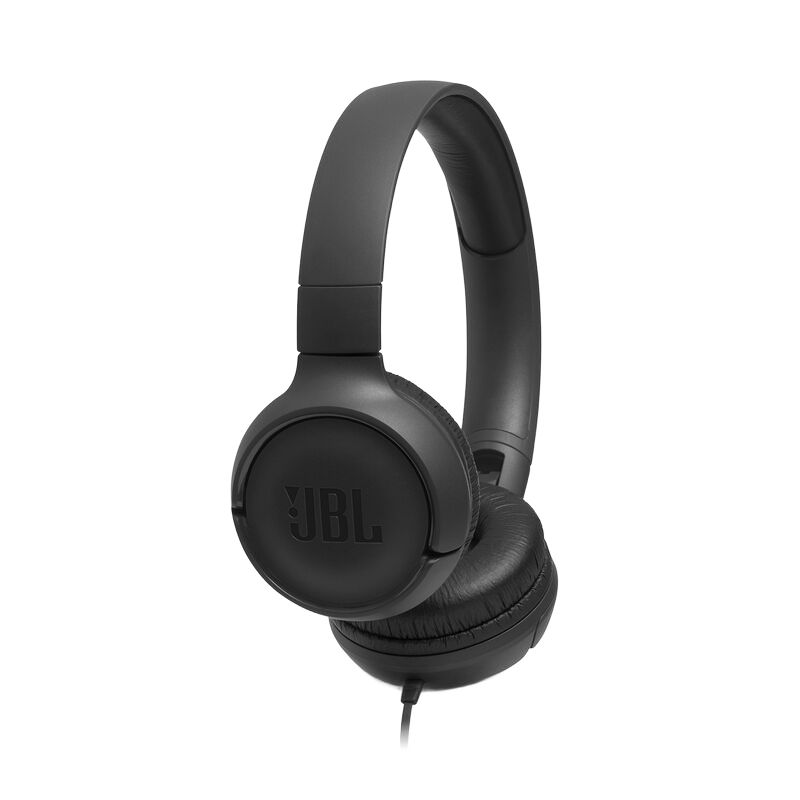
JBL
Verified Hours
1 player30h medianSmall sample
Razer
Verified Hours
2 players13h medianSmall sample
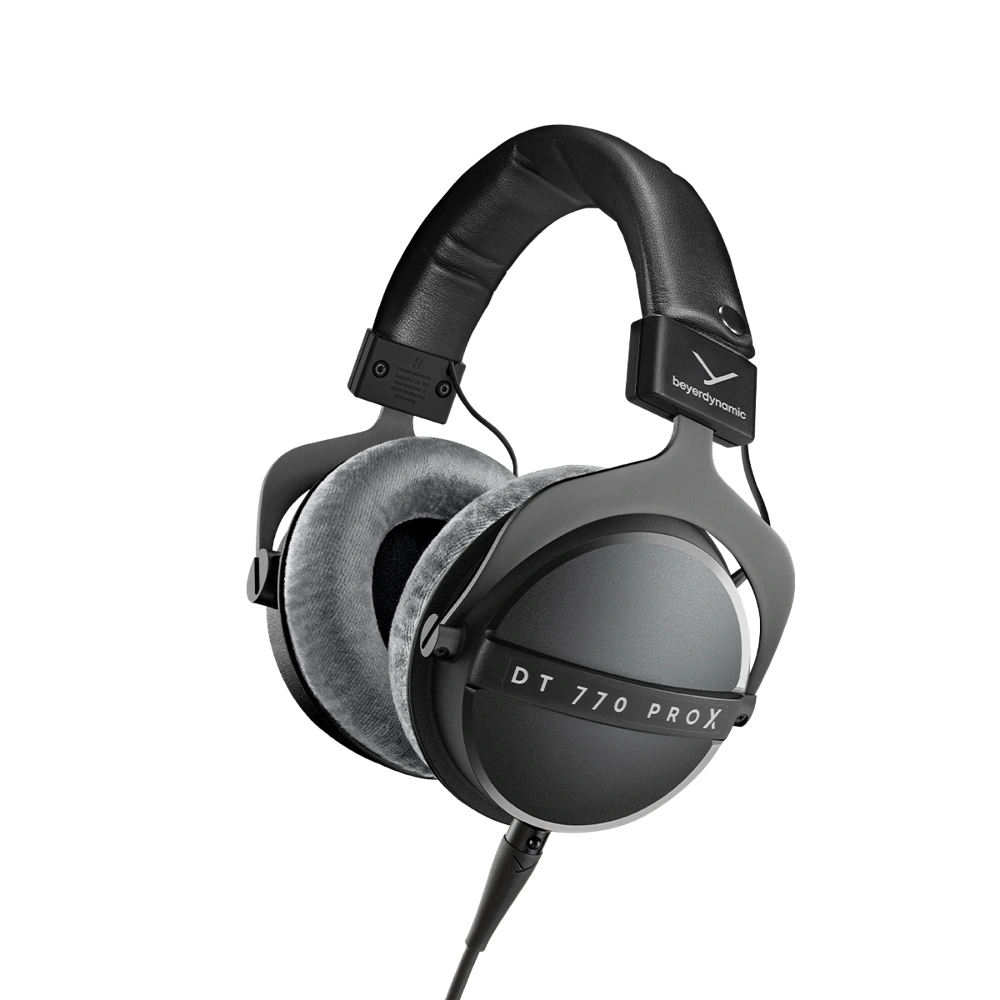
beyerdynamic
Verified Hours
1 player26h medianSmall sample
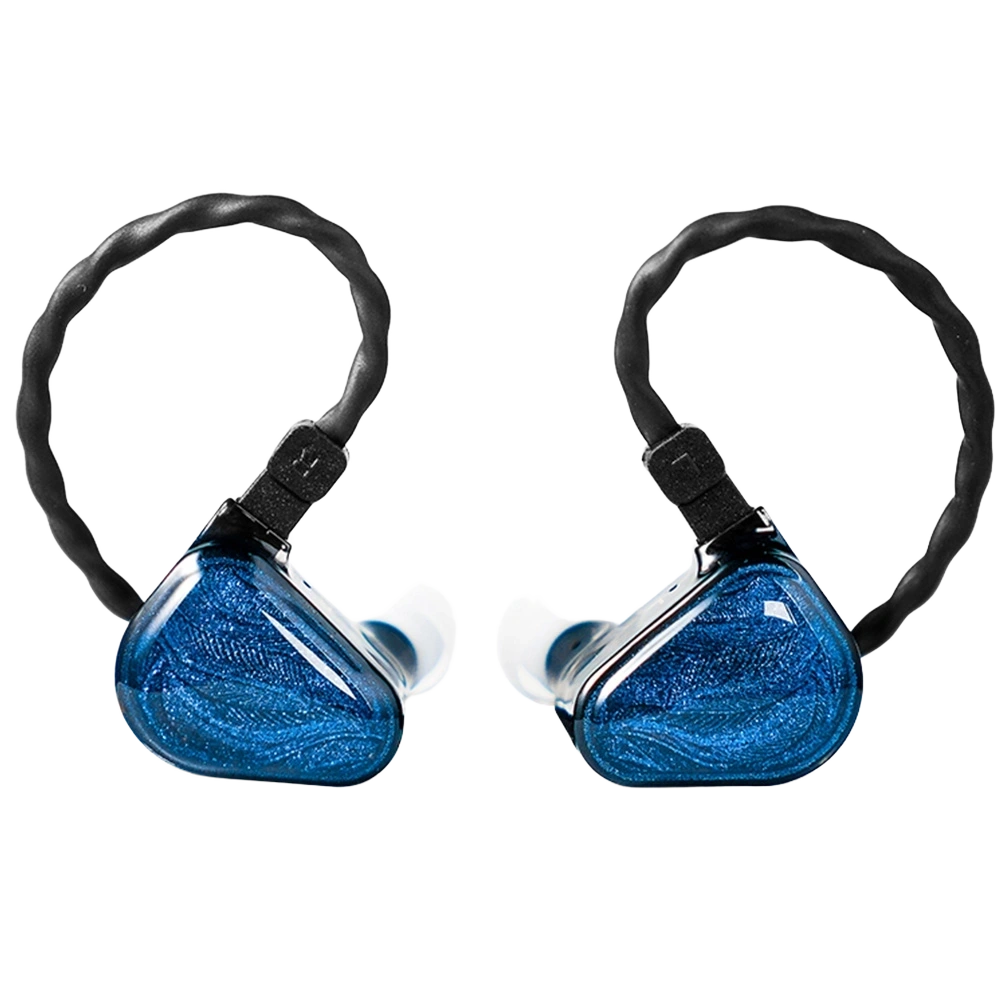
Truthear
Verified Hours
1 player24h medianSmall sample
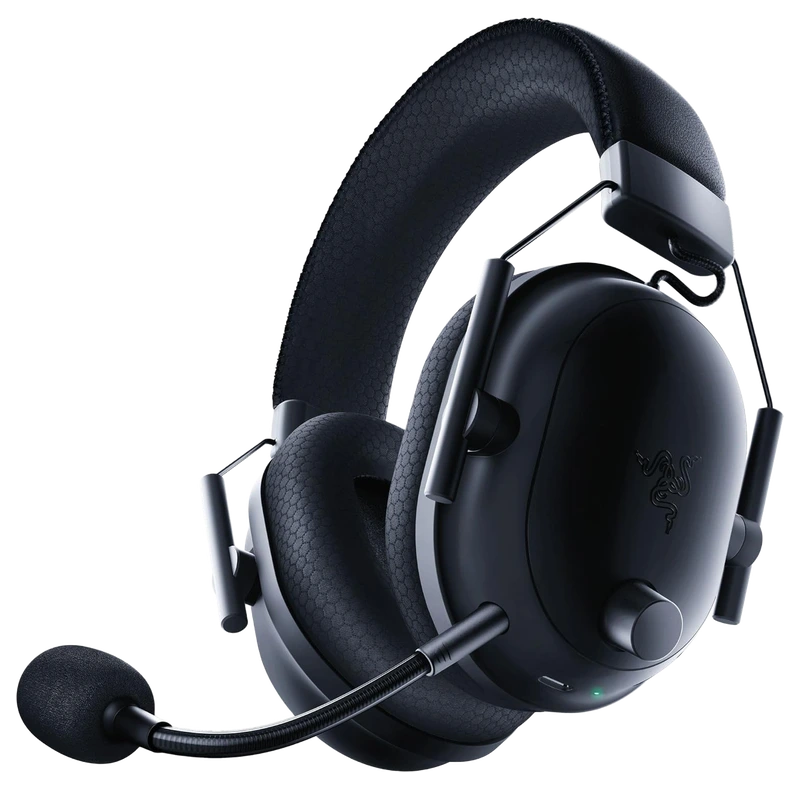
Razer
Verified Hours
1 player22h medianSmall sample
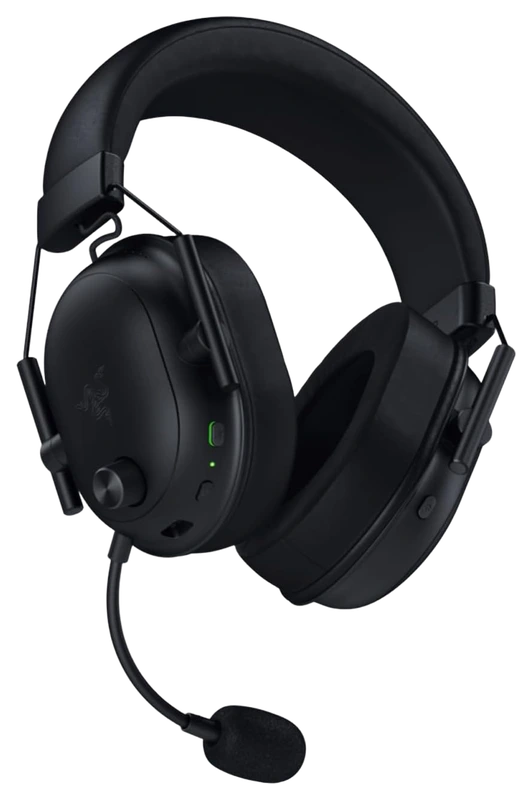
Razer
Verified Hours
2 players11h medianSmall sample
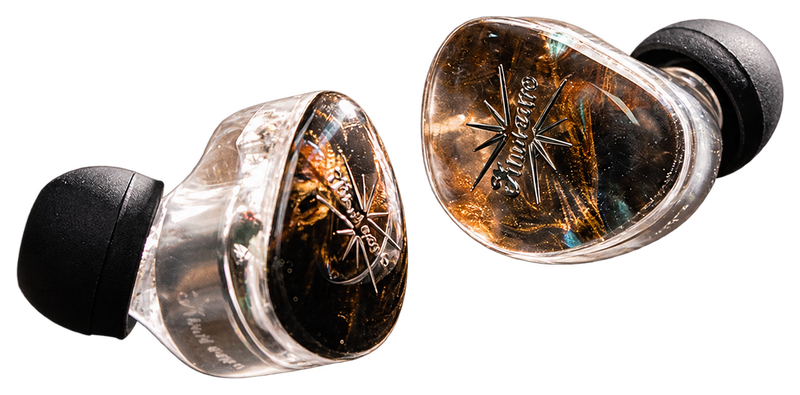
Kiwi Ears
Verified Hours
1 player16h medianSmall sample
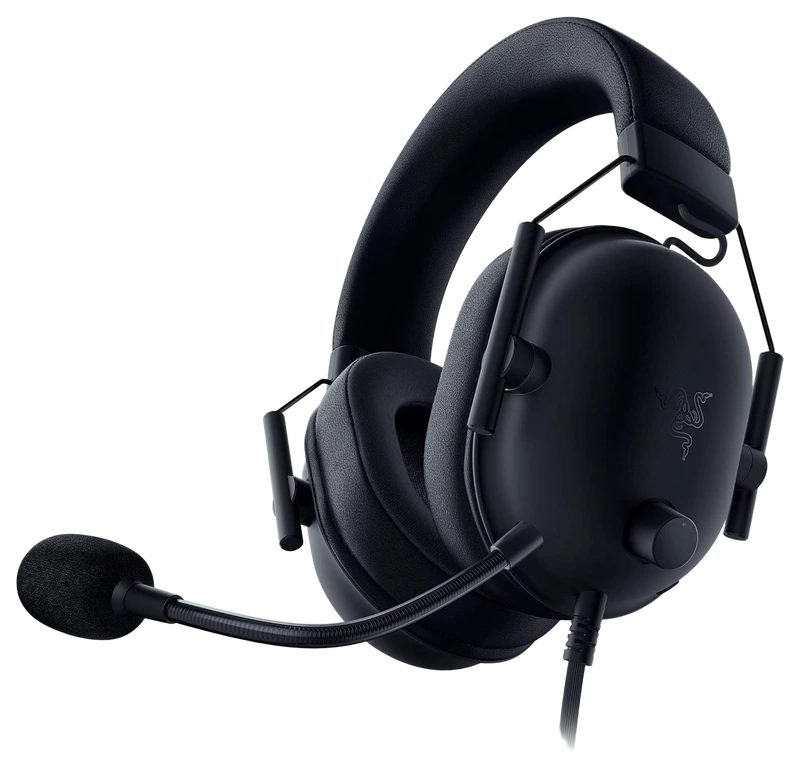
Razer
Verified Hours
1 player10h medianSmall sample
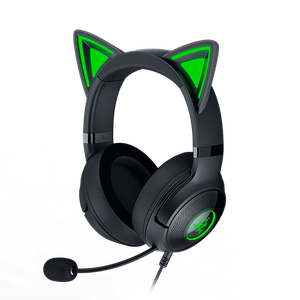
Razer
Verified Hours
1 player10h medianSmall sample
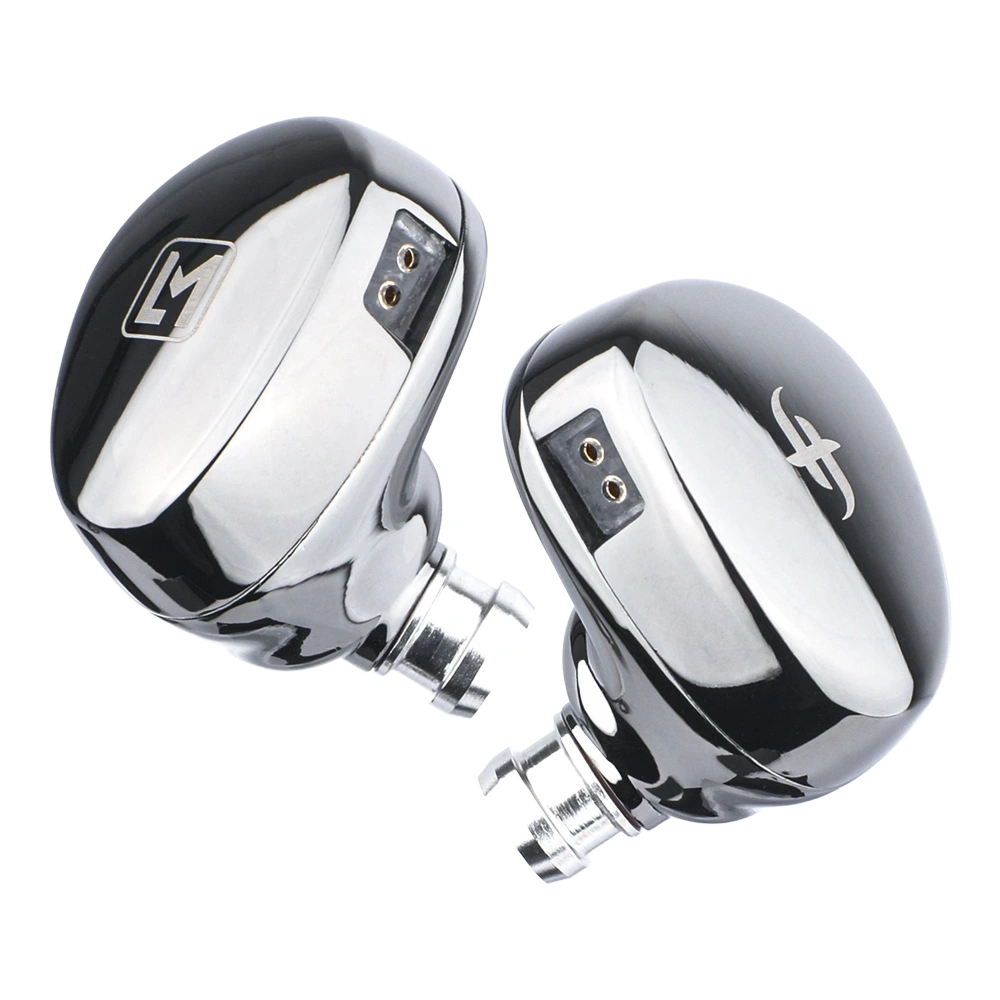
Simgot
Verified Hours
1 player10h medianSmall sample
KZ
Verified Hours
1 player8h medianSmall sample
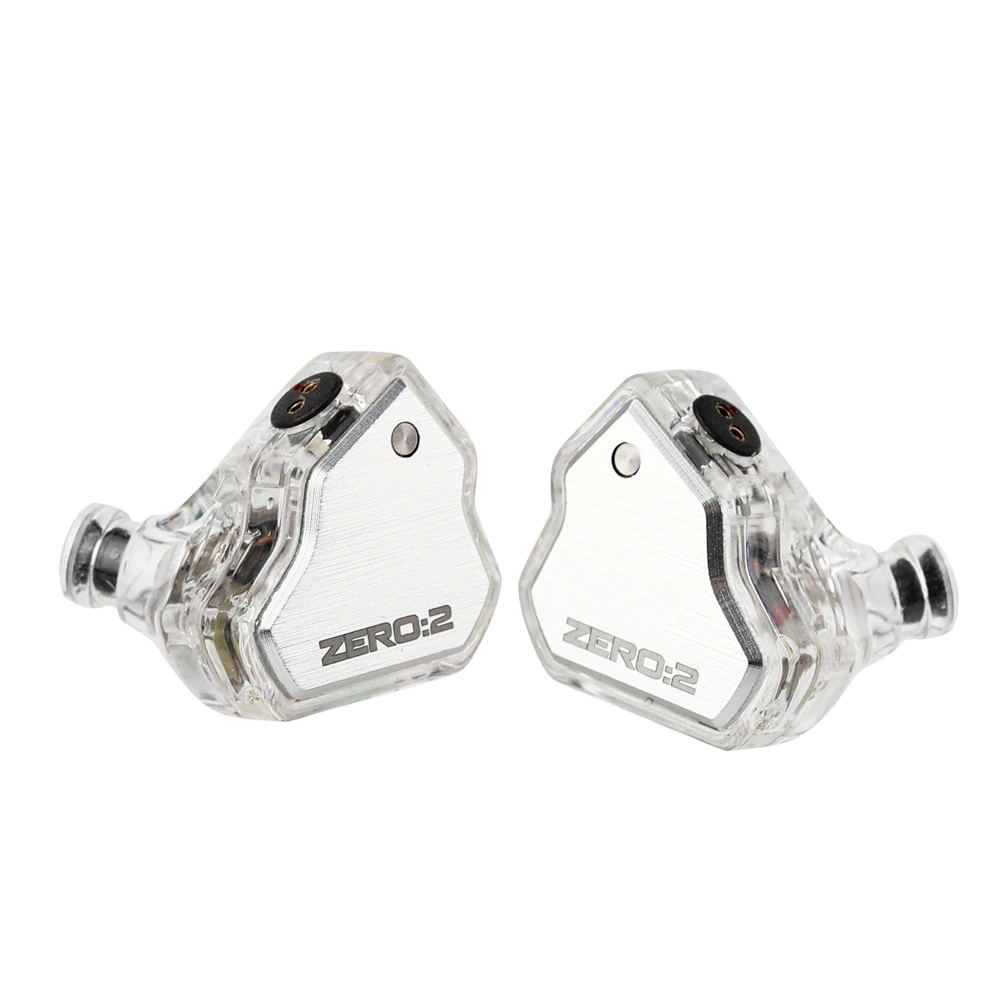
Salnotes
Verified Hours
1 player8h medianSmall sample
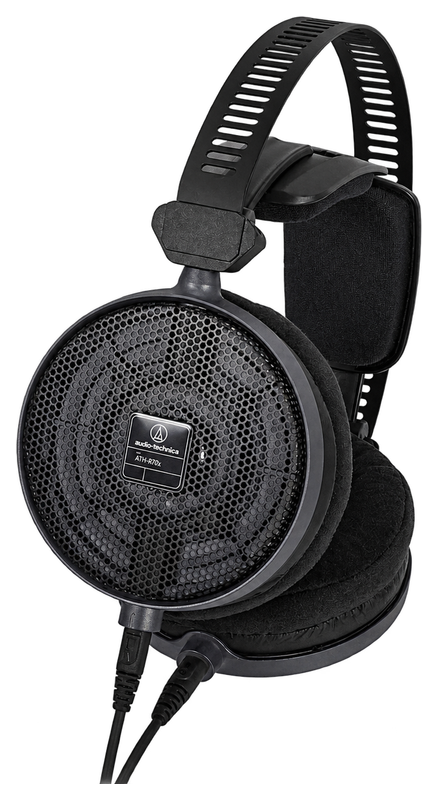
Audio-Technica
Verified Hours
1 player7h medianSmall sample
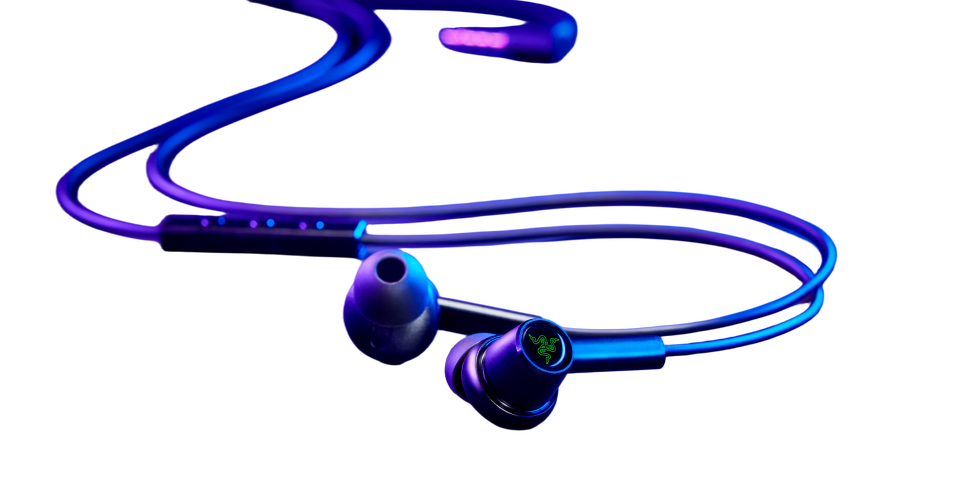
Razer
Verified Hours
1 player7h medianSmall sample
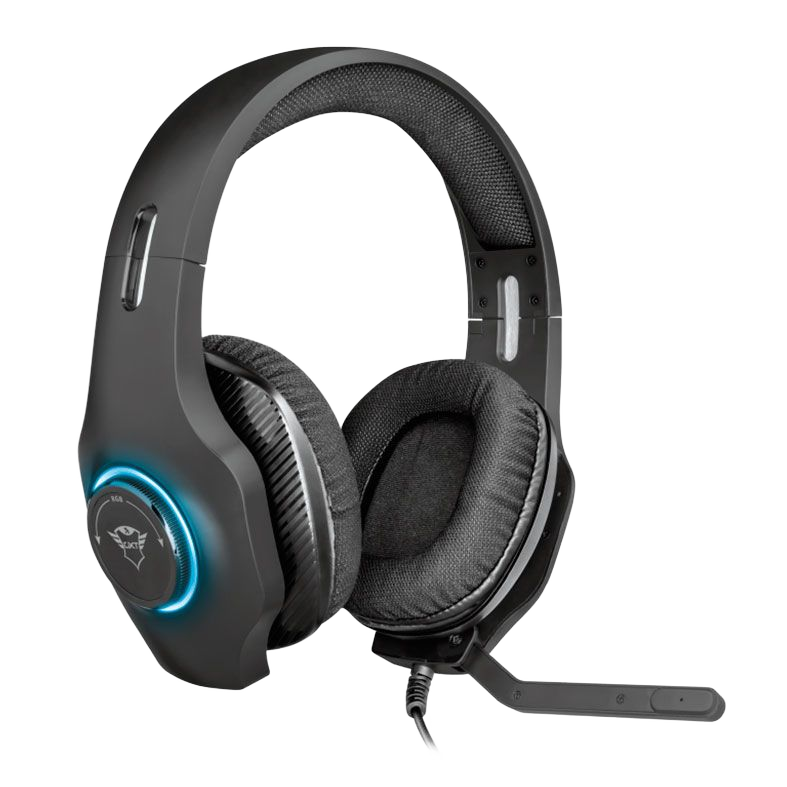
Trust
Verified Hours
1 player4h medianSmall sample
Razer
Verified Hours
1 player4h medianSmall sample
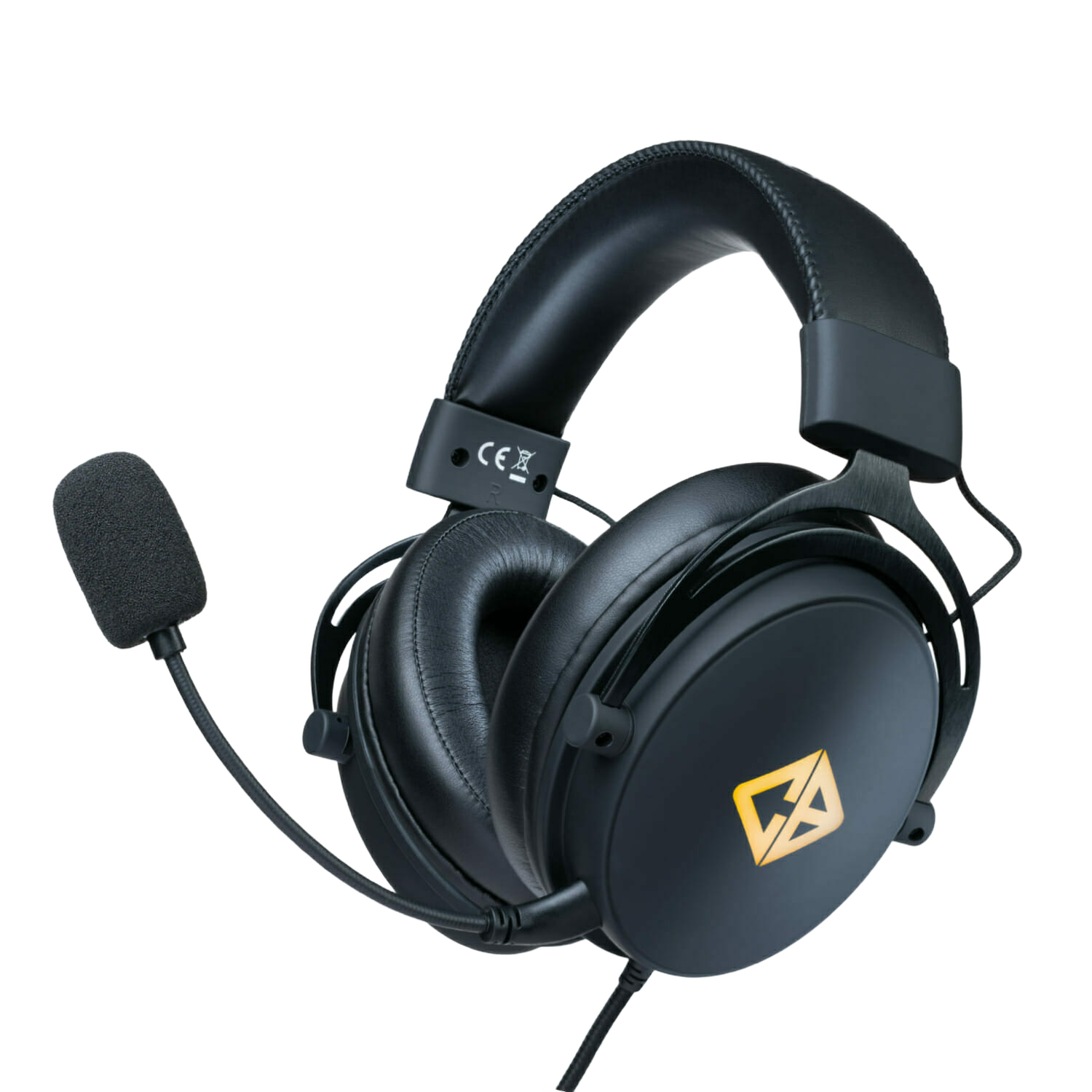
Cosmic Byte
Verified Hours
1 player3h medianSmall sample
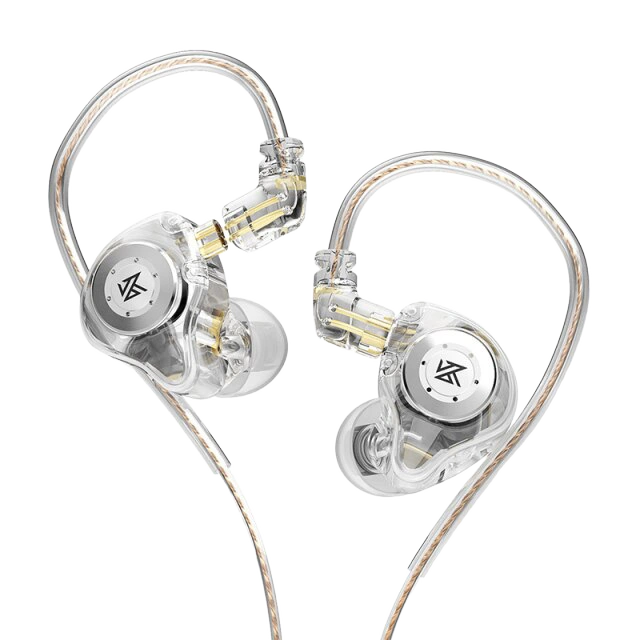
KZ
Verified Hours
2 players2h medianSmall sample
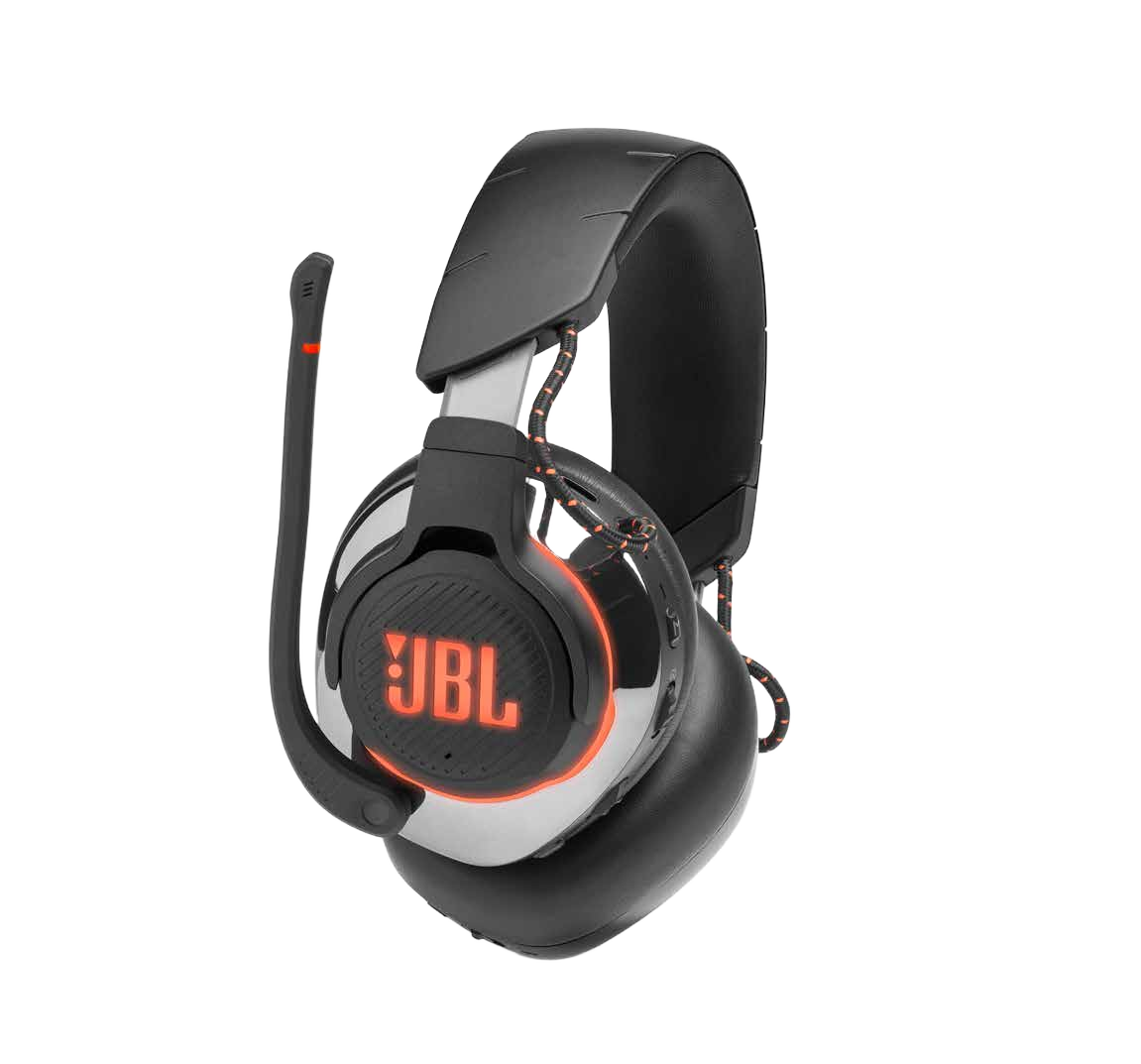
JBL
Verified Hours
1 player3h medianSmall sample
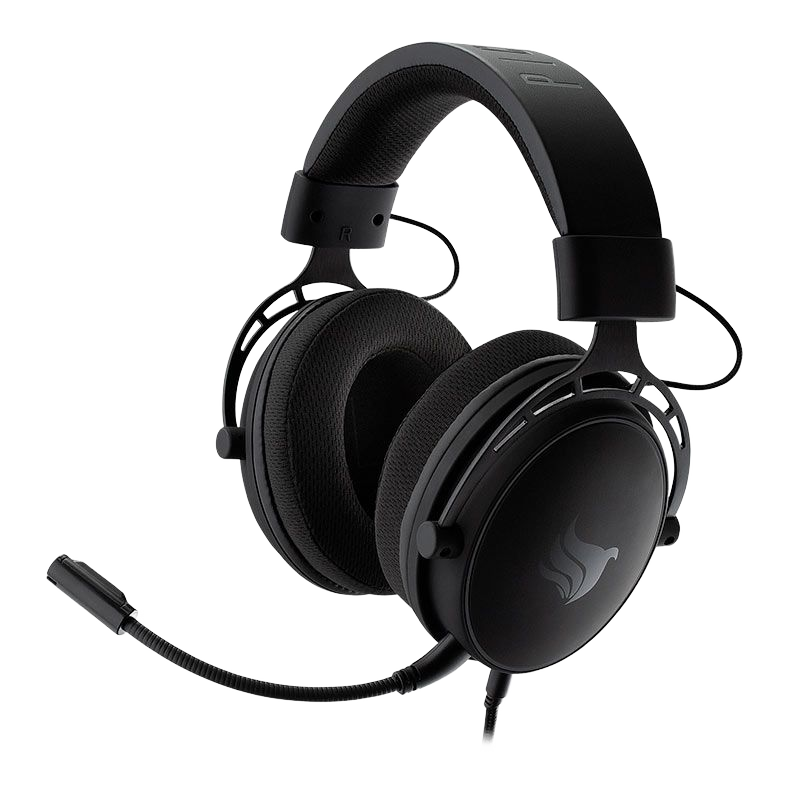
Pichau
Verified Hours
1 player3h medianSmall sample
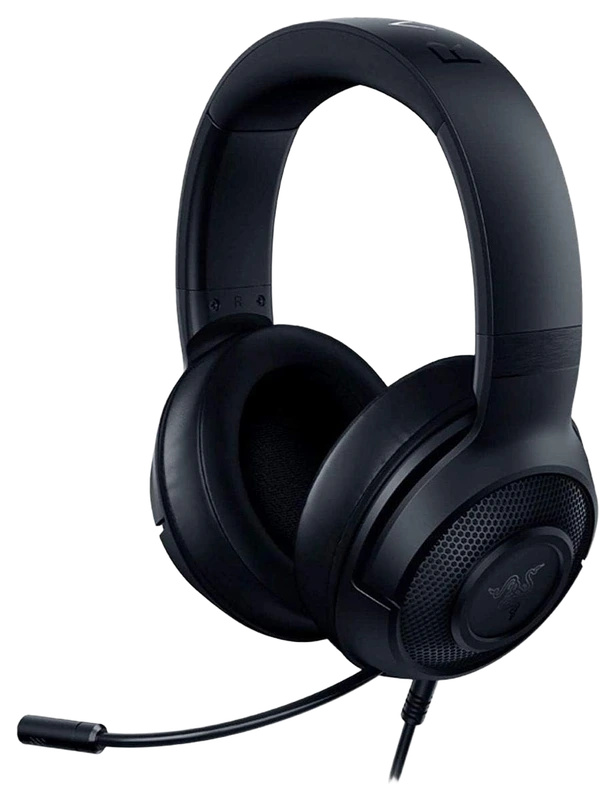
Verified Hours
1 player2h medianSmall sample
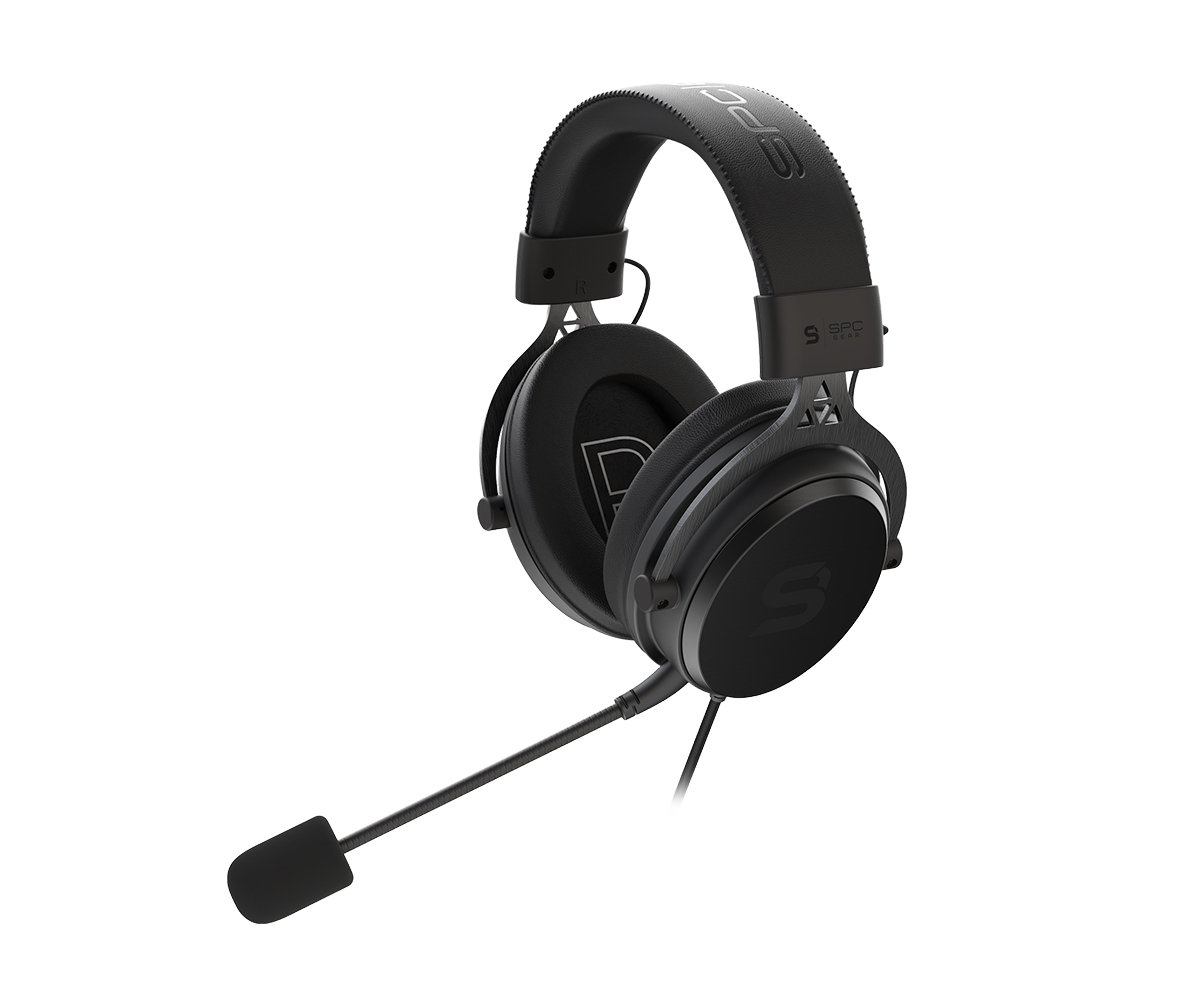
SPC Gear
Verified Hours
1 player2h medianSmall sample
SteelSeries
Verified Hours
1 player2h medianSmall sample
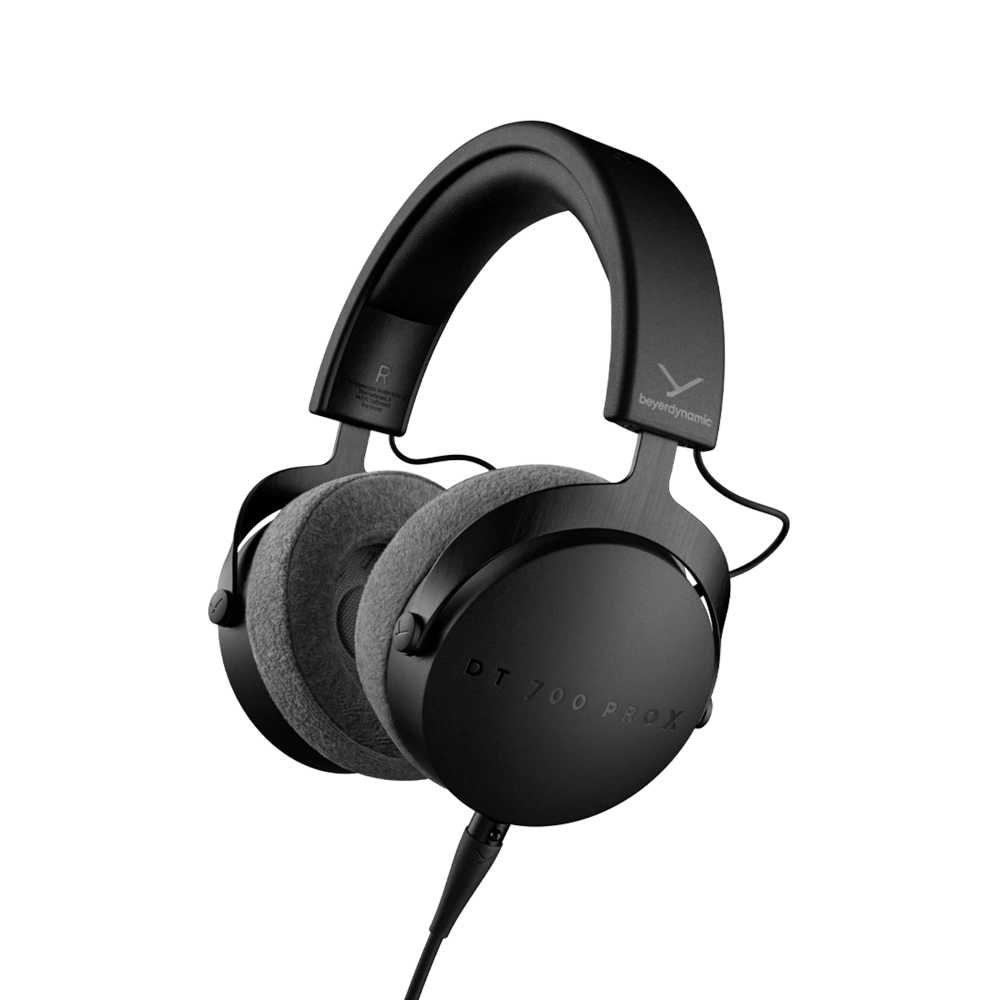
beyerdynamic
Verified Hours
1 player2h medianSmall sample
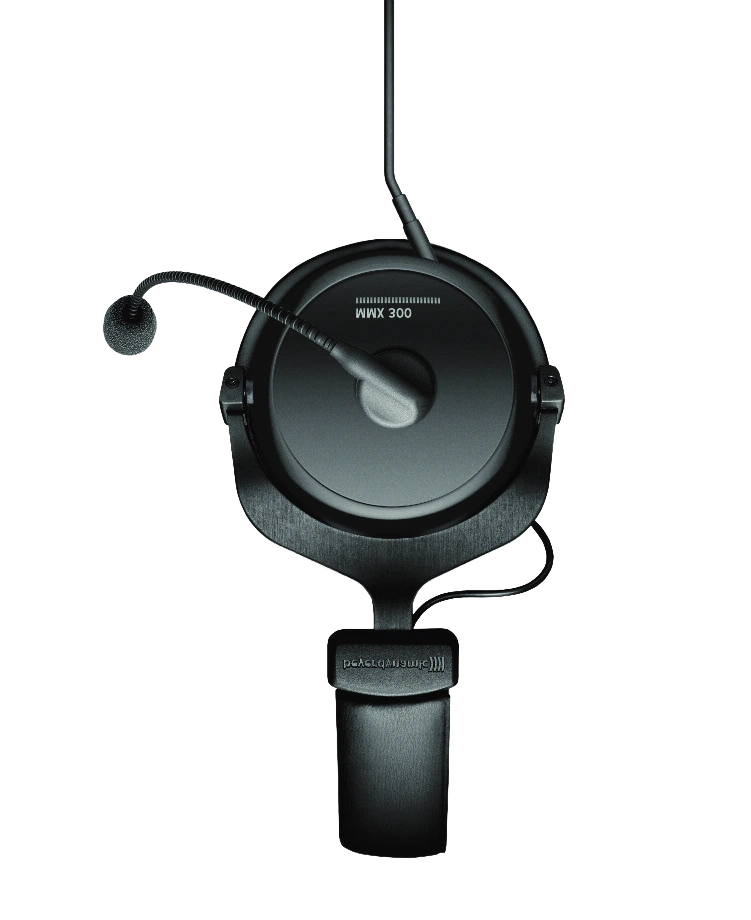
beyerdynamic
Verified Hours
1 player2h medianSmall sample
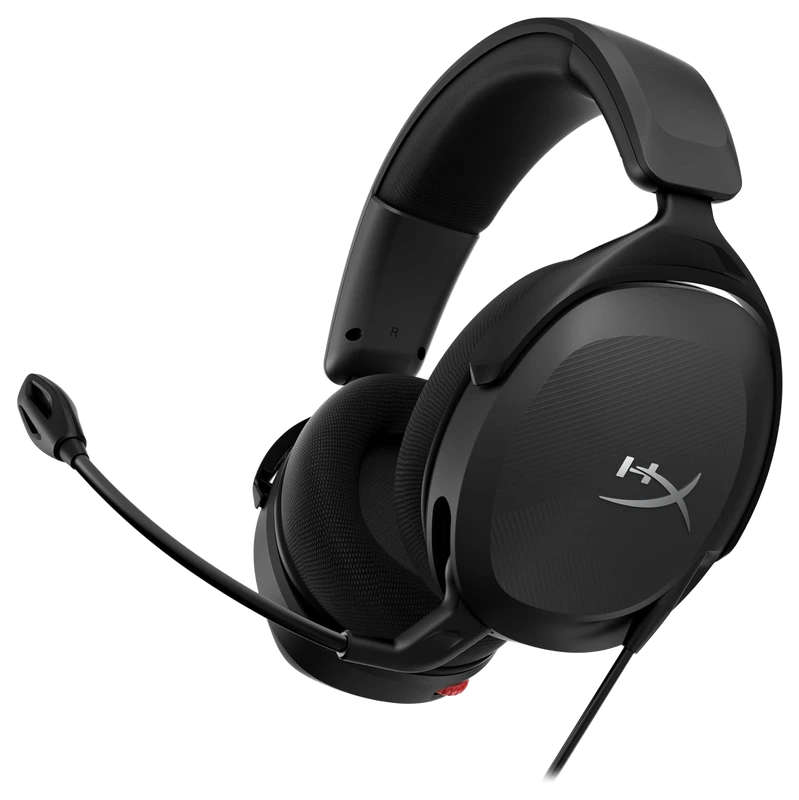
HyperX
Verified Hours
1 player1h medianSmall sample
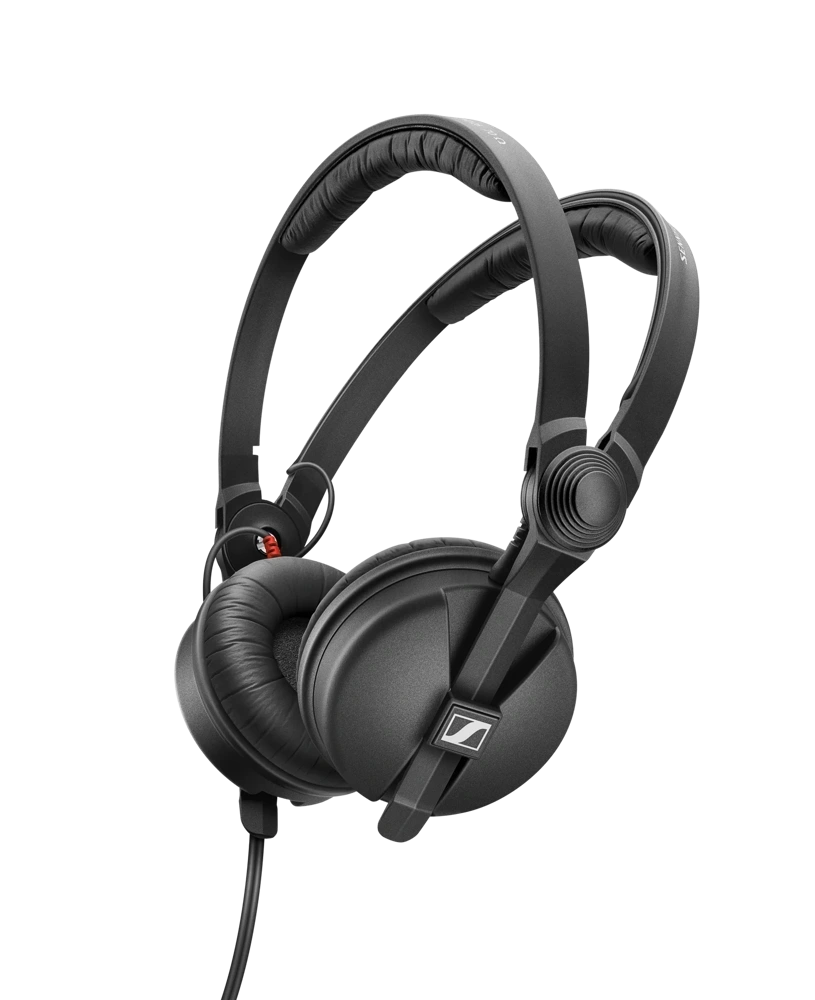
Sennheiser
Verified Hours
1 player1h medianSmall sample
Loading public PUBG setups…
Compare headsets for PUBG. Check connection support, microphone controls and fit.
Verified Hours determine the published order for PUBG: Battlegrounds headsets in this snapshot.
Ranking answer
SteelSeries Arctis Nova Pro Wireless ranks first for PUBG: Battlegrounds with 9,018 verified hours.
Next on this board are SteelSeries Arctis Pro Wireless and Logitech PRO X WIRELESS. Use these entries as a shortlist, then compare the product details before choosing your setup.
Compare comfort, microphone design, connection options and audio controls against your setup. The highest-ranked headset is a starting point, not a guarantee of the best fit for you.
The Best PUBG Headsets board is backed by 87,168 verified hours in the cited snapshot.
No. A 7.1 label or driver size does not establish positional accuracy. Compare assessments of the exact headset in the game and audio mode you use. Test stereo and supported spatial processing with familiar cues, keeping volume comparable. The ranking measures player hours, not imaging or soundstage.
Choose for your room: open-back headphones let outside sound in and leak audio out; closed-back designs aim to isolate you from surrounding noise. Neither design alone establishes better in-game accuracy. Beyerdynamic explains the isolation trade-off.
Check 3.5mm, USB, receiver and Bluetooth compatibility for both audio and microphone operation. Compare latency measurements in that exact mode. Listen to microphone samples, and check mute, sidetone (hearing your microphone audio through the headset) and volume controls, charging and whether a splitter or adapter is required.
Compare weight in g, earcup depth, pad material and headband adjustment, then try the fit with your glasses. Clamp pressure and the seal around the frames need a personal fit check. Look for replaceable pads and a suitable return policy; a low weight alone cannot promise comfort over a long session.
Check the headphone maker's output recommendations, impedance in ohms and sensitivity before adding a digital-to-analogue converter (DAC) or amplifier. For in-ear monitors (IEMs), compare tip fit, cable routing and whether you need a separate microphone. Neither a headset nor an IEM label establishes a better gaming result.
Check the exact model's current local price. Compare included accessories, delivery, return policy and warranty. Record the currency and check date for each offer. Start with this board's published order, then choose a model that meets your needs and budget. Rank does not show today's best value.
The useful connection is game experience and a player’s declared main. Keep the game, board and snapshot together when reading the ranking.
01 / Game
Use the published PUBG Steam hours and player-declared headsets together. This is the PC PUBG board, not a PUBG Mobile equipment census. It does not split a headset's hours into solo, duo or squad experience, so match your shortlist to how you play.
02 / Backing
Compare the verified hours backing each player-declared headset. Open the full list to see more products, with the published hours and original ranks intact.
03 / Your main
Connect Steam through Hours.gg, then choose the headset you declare as your PUBG main. Your saved gear and the published ranking update separately.
Before buying, confirm the fit, microphone and connections of the exact model. Read the fit guidance
PUBG Support documents voice controls for Mute, Push to Talk and Always, plus channels for everyone or teammates. Check the channel as well as the microphone before a squad session. A headset's Verified Hours help you shortlist the gear; they do not tell you which voice settings its players chose. PUBG Support's voice chat setup
Hours’ established model connects verified game experience with players’ declared main gear. The ranking gives you that game-specific starting point when choosing a headset. Manufacturer specifications help you check the resulting shortlist.
Players report their gear to Hours. Steam supplies game-playtime information. Keep those two sources distinct: a declared main is the player’s choice, and game time is the experience backing it.
Verified Hours are the verified game time backing a player-declared main under Hours’ established methodology. This board keeps the published hours for each headset in the PUBG snapshot. The numbers are game experience, not a laboratory score.
The ranking reflects the verified hours backing each player-declared headset in Hours’ existing board. It does not measure hardware performance or confirm fit and compatibility with your setup. Use the ranking to start your decision, then check the exact model’s fit, microphone and connections.
Steam records game time, which Hours connects with a player’s declared main under the established methodology. It does not record physical device-use duration.
Every ranking position—including the top three—is open without signing in. Connect Steam only when you want to verify your game hours, save your main gear, and contribute your verified playtime to future snapshots.
Under the existing Hours model, your declared main carries your game’s hours in the published game scope. It records your choice; it does not establish when you bought the headset or when you used it. See the established methodology for how those hours count.
Opening the full list or applying search and hardware filters only narrows what is shown. A product at rank 8 remains rank 8, with its original published position and verified hours intact.
Check the exact model’s fit, microphone and connections before buying. The fit guidance is available above. Those details support the playtime-led choice; they do not change this board’s order.
This board displays its published snapshot dated . Steam records cumulative game playtime; it does not isolate individual matches. Your account’s latest synced playtime and the published ranking update separately.
Buying for PUBG
Check the exact model's 3.5mm, USB or wireless support against your PC and any other devices you use. Include adapters, receiver placement and charging in the comparison.
Check whether the microphone is fixed or detachable, where the mute and volume controls sit, and whether you need software to adjust them. These details matter when switching between game audio and team chat.
A surround label or larger driver does not establish clearer directional cues. Check the supported processing and compare it with the game's audio options. The verified-playtime ranking describes player backing, rather than measured positional-audio accuracy.
Game boards rank declared mains by Steam-recorded game hours in the named game, category and snapshot. These figures measure game time and do not measure time spent using a specific device.
These figures count verified hours for Steam accounts with a recorded main gear selection in this game and category. Each account is counted once. Full verified game hours are counted without a contribution cap. Zero means no eligible contribution in this snapshot. These figures do not measure time using a device.
Bring your game experience
Connect Steam to verify your game hours, save your main gear, and explore player setups.
Public playtime only - no inventory access
Featured public PUBG setups with declared headset gear, ordered by verified PUBG hours.


Featured setups
Reveal their gear and find gamers with similar game hours or shared gear.
Players declare their gear; Steam verifies game time. Only saved gear is revealed.