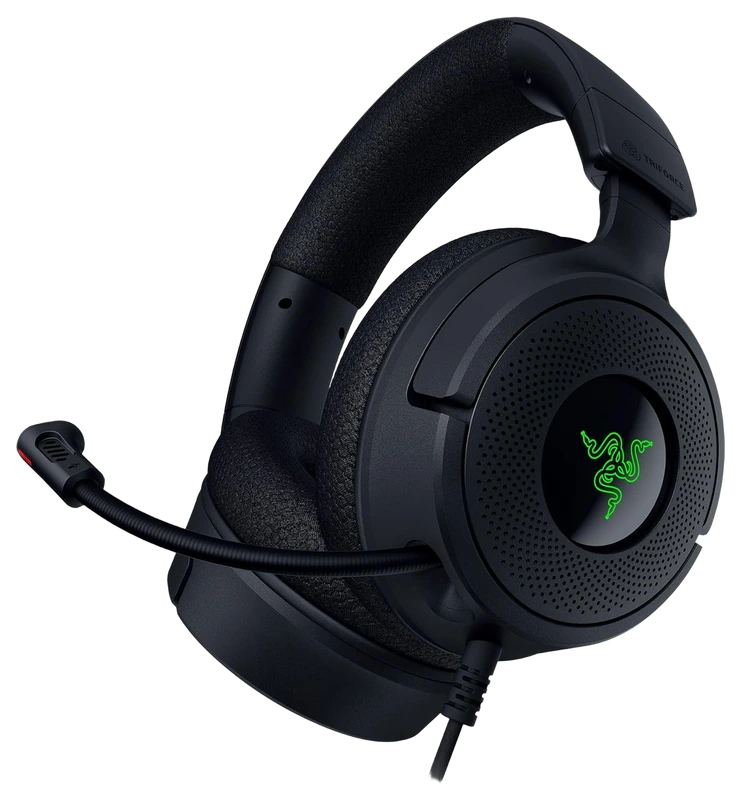
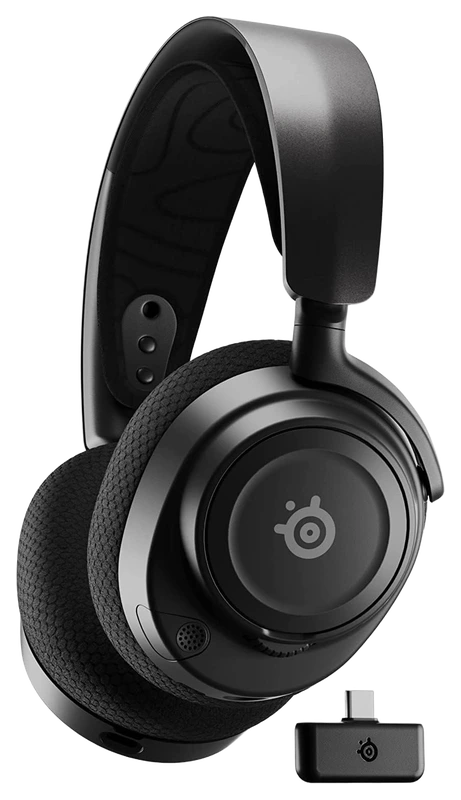
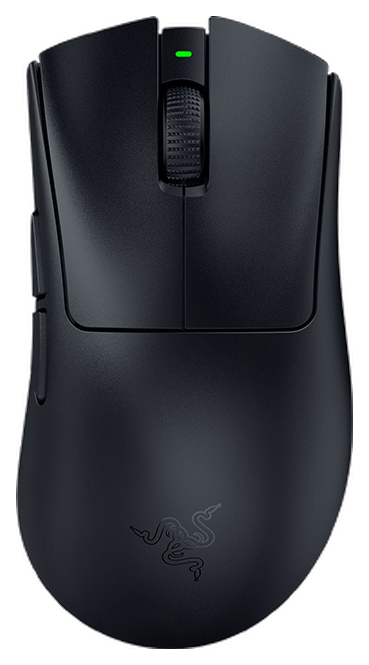
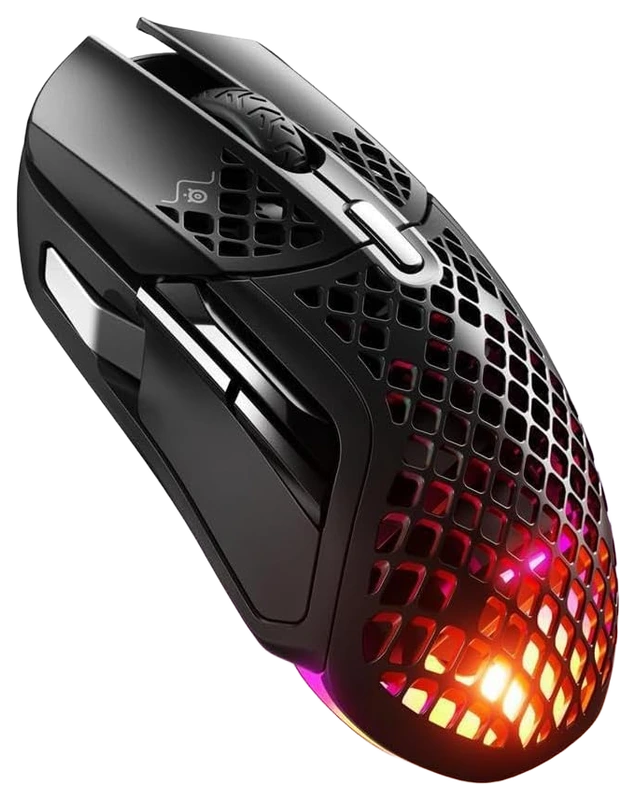
Rank 1.
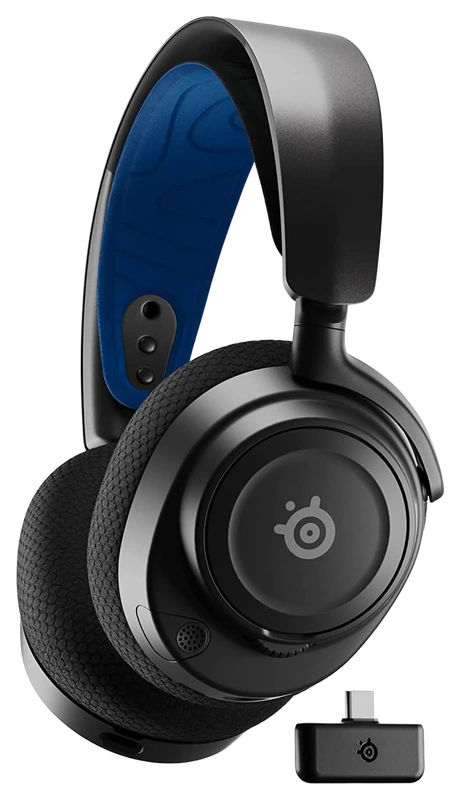
Verified Hours
6,011verified hours
Explore headsets ranked by verified, real PUBG playtime. Compare connection support, microphone controls and fit alongside the hours backing each headset.
Compare 61 headsets for PUBG, backed by 118,489 Verified Hours. Steam opens the top three; the rest of the ranking stays visible.
Steam verifies game time. Players declare their gear.
A PUBG headset shortlist should reflect the game you actually spend time in, from quiet looting to a squad engagement. Verified, Real Playtime anchors these picks before you check your own listening and communication preferences. Steam opens ranks 1–3; ranks 4–61 stay visible.
Top 3
Steam opens the full top three and their verified-hour totals. Any results ranked fourth or lower stay visible.
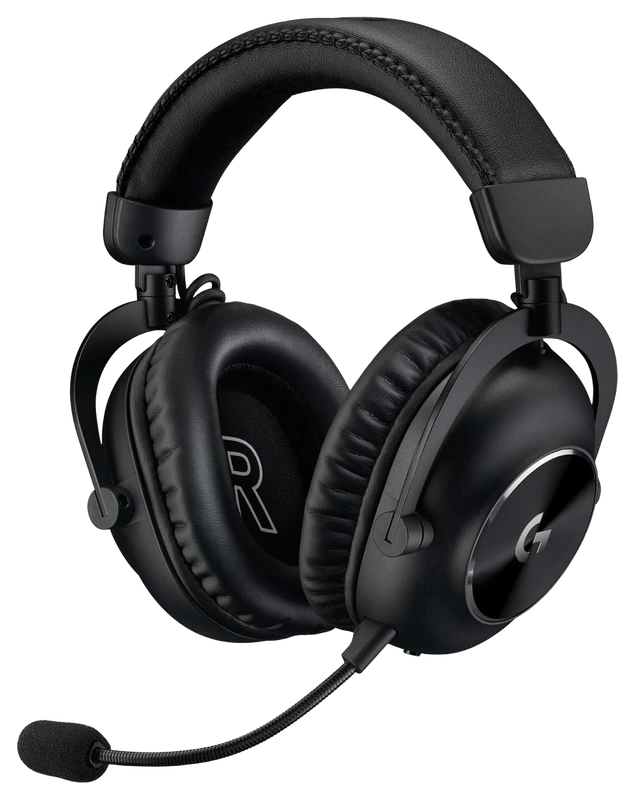
Logitech
Verified Hours
5,538verified hours
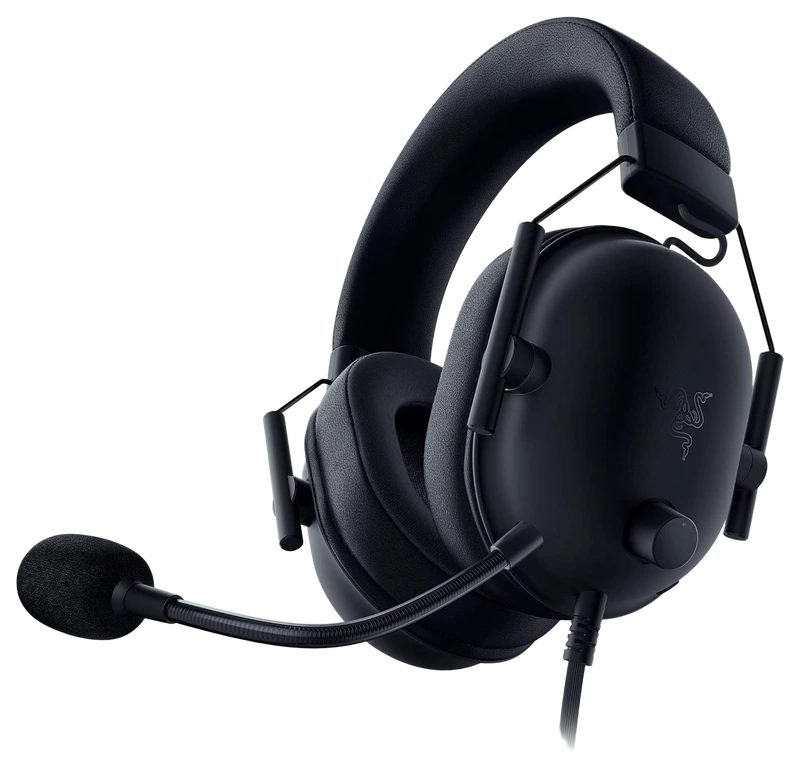
Verified Hours
5,490verified hours
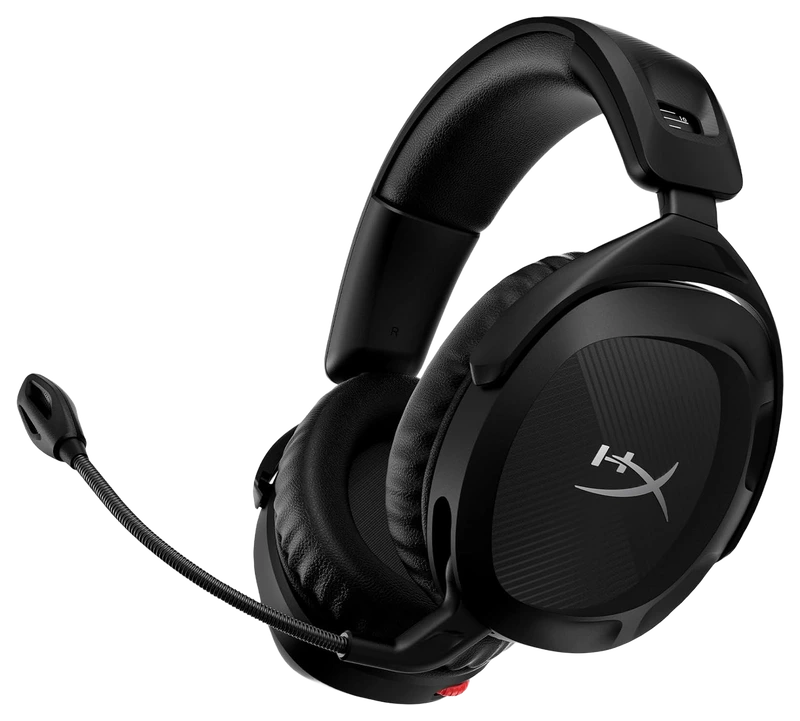
Verified Hours
5,263verified hours
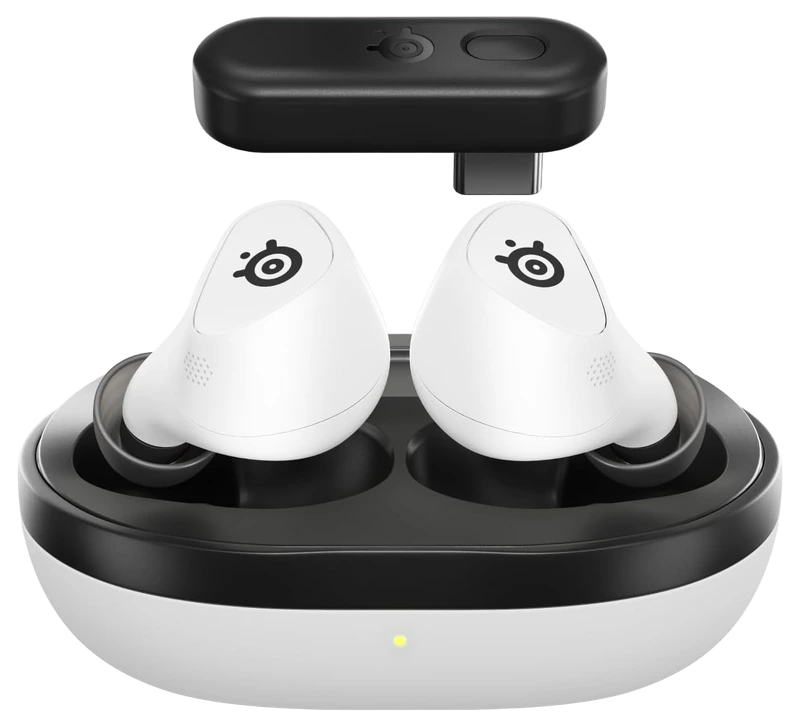
SteelSeries
Verified Hours
5,059verified hours
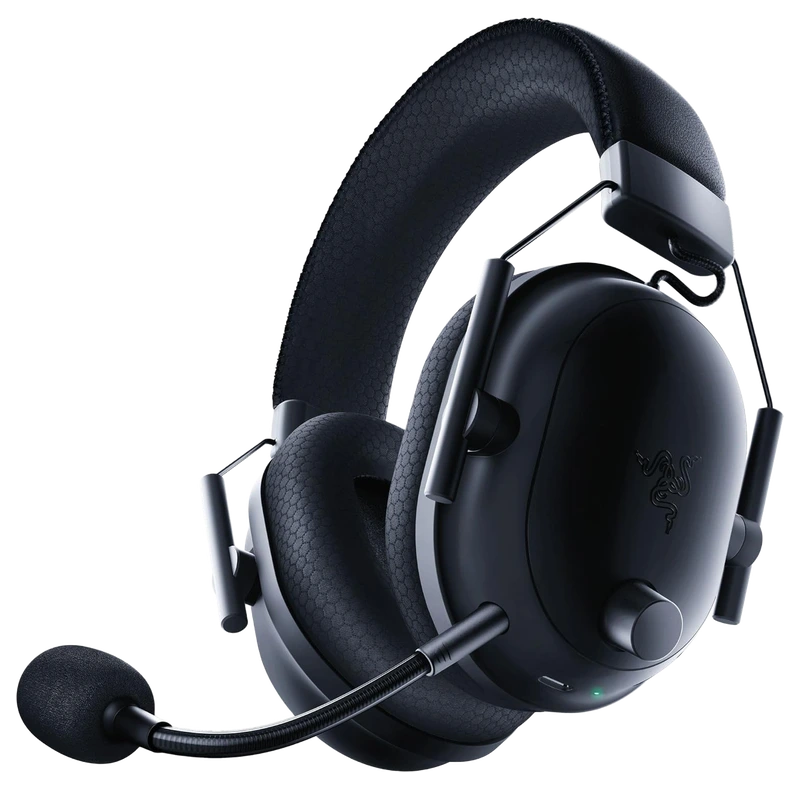
Verified Hours
4,979verified hours
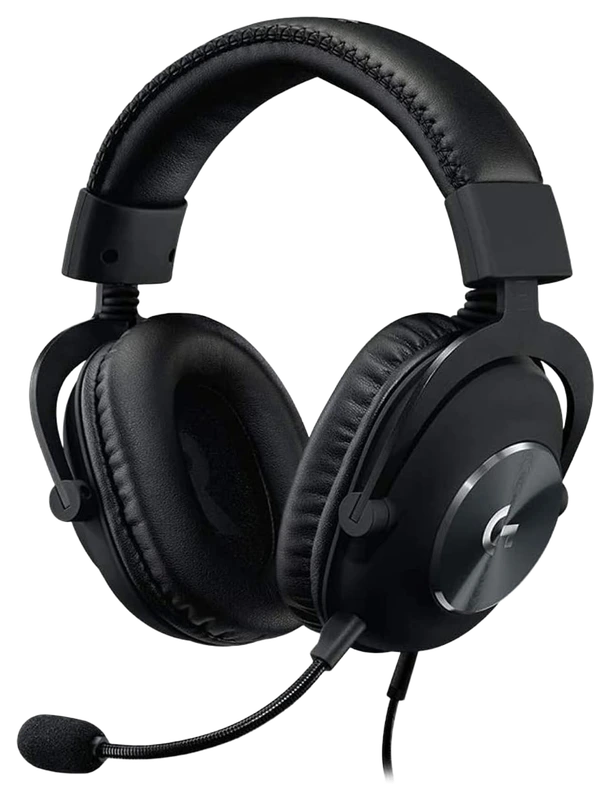
Logitech
Verified Hours
4,408verified hours
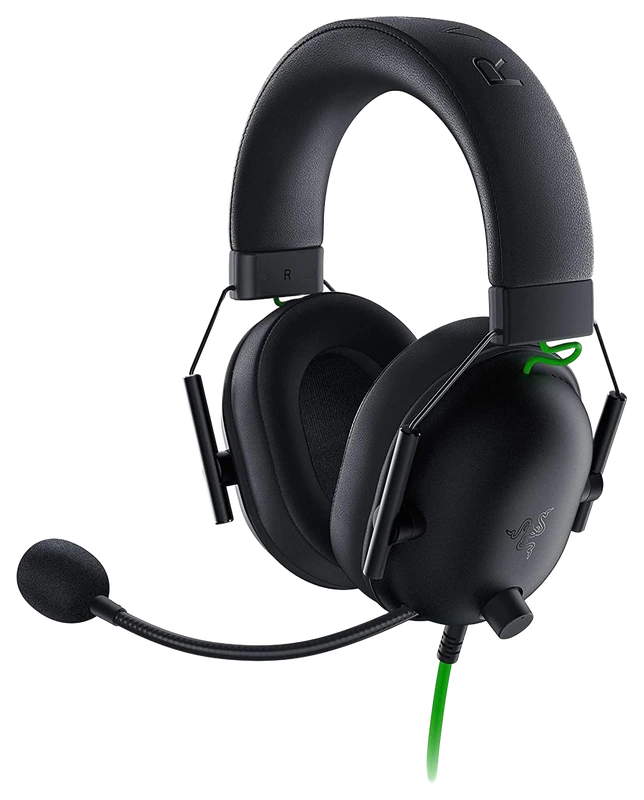
Verified Hours
4,331verified hours
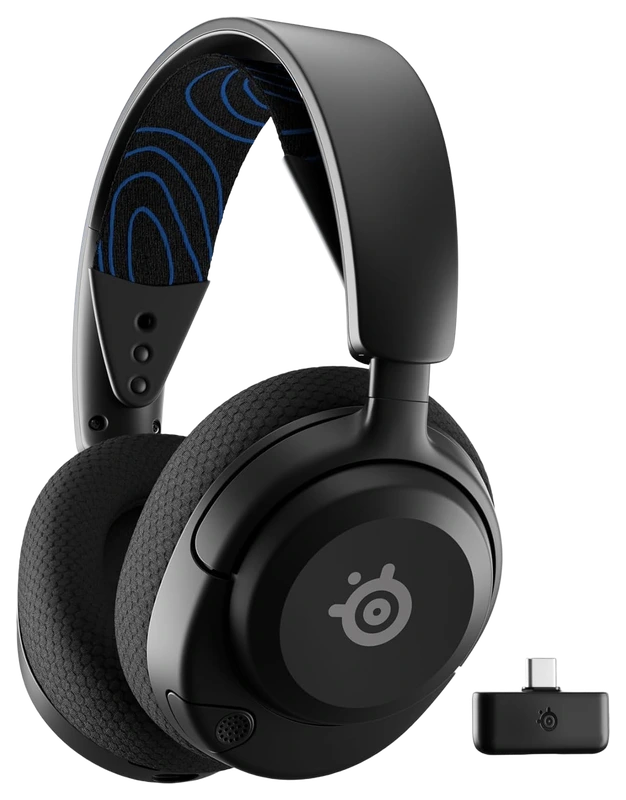
SteelSeries
Verified Hours
3,880verified hours
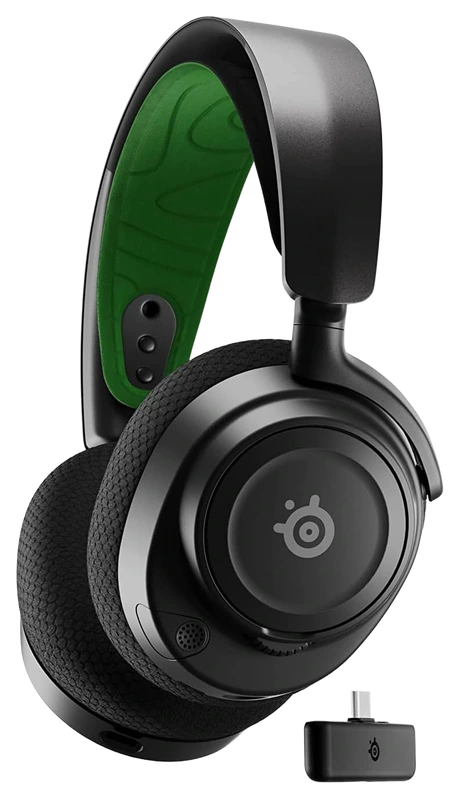
Verified Hours
3,844verified hours
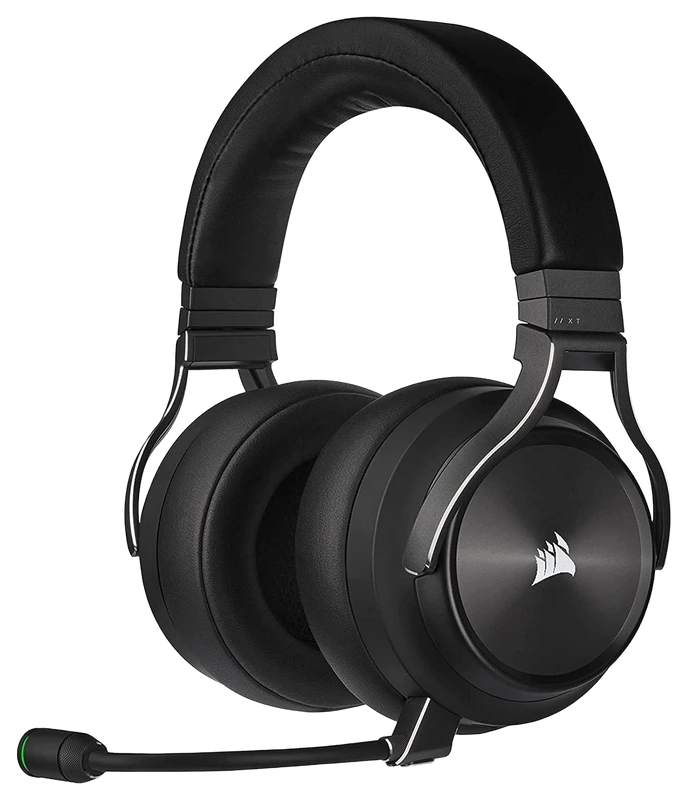
Verified Hours
3,243verified hours
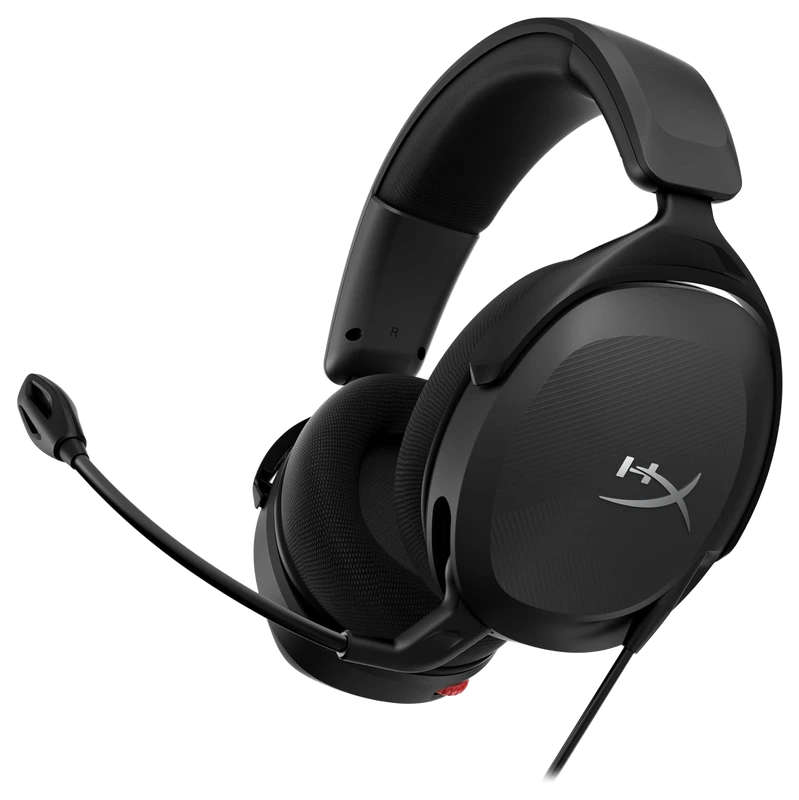
Verified Hours
3,105verified hours
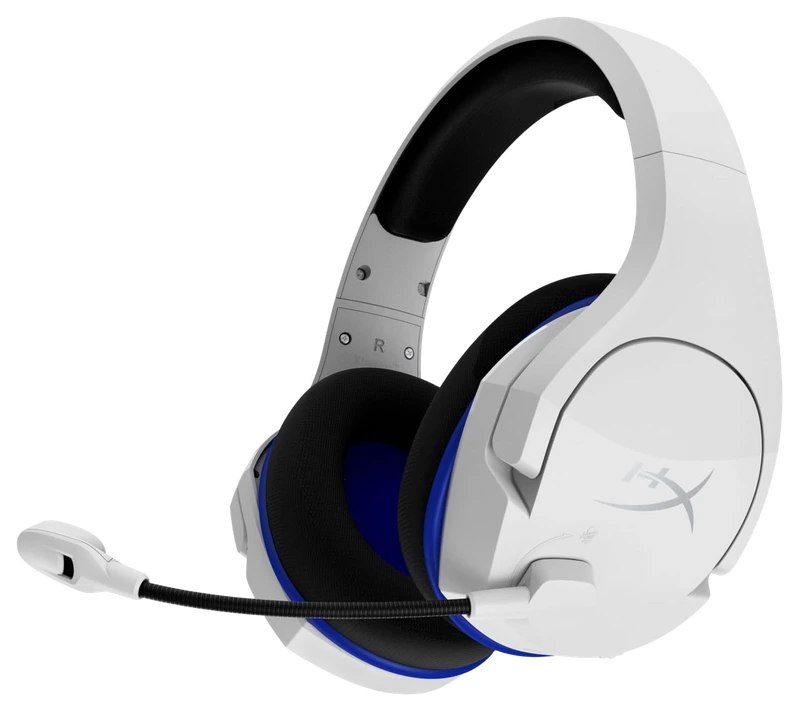
Verified Hours
3,019verified hours
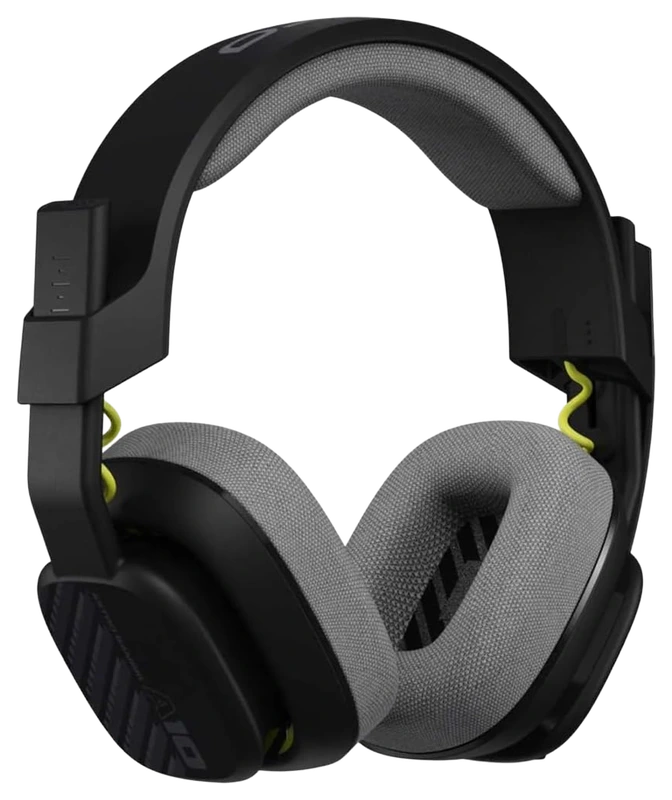
ASTRO Gaming
Verified Hours
2,962verified hours
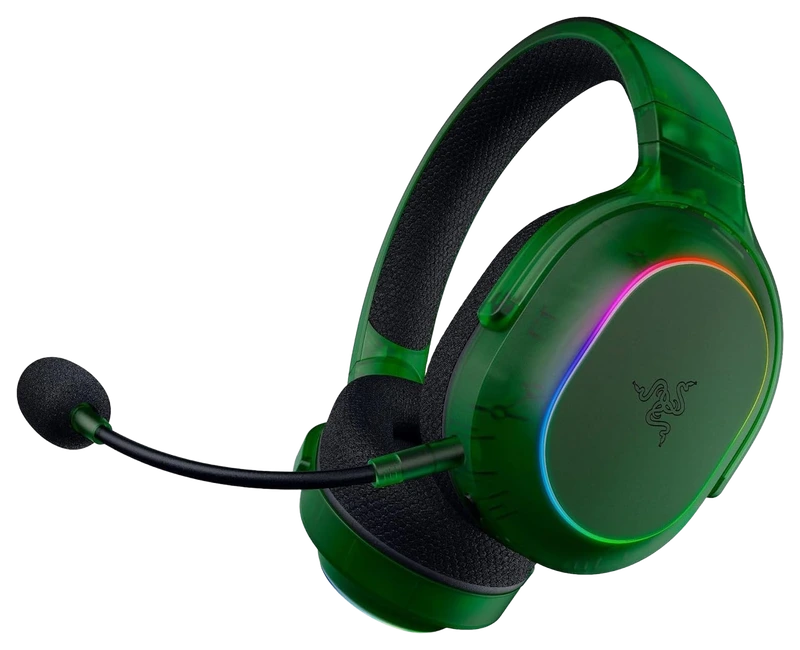
Verified Hours
2,942verified hours
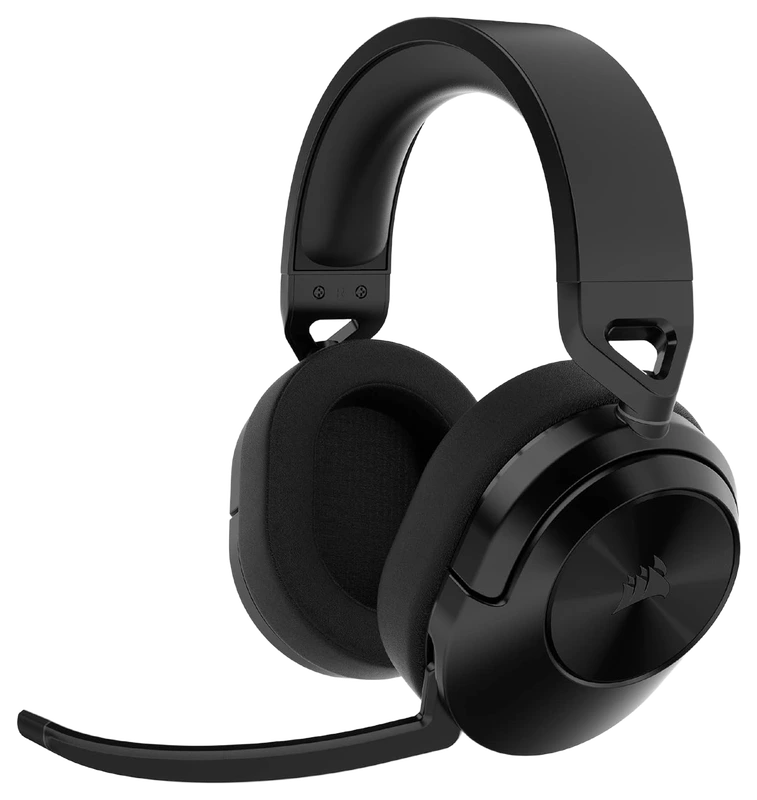
Corsair
Verified Hours
2,838verified hours
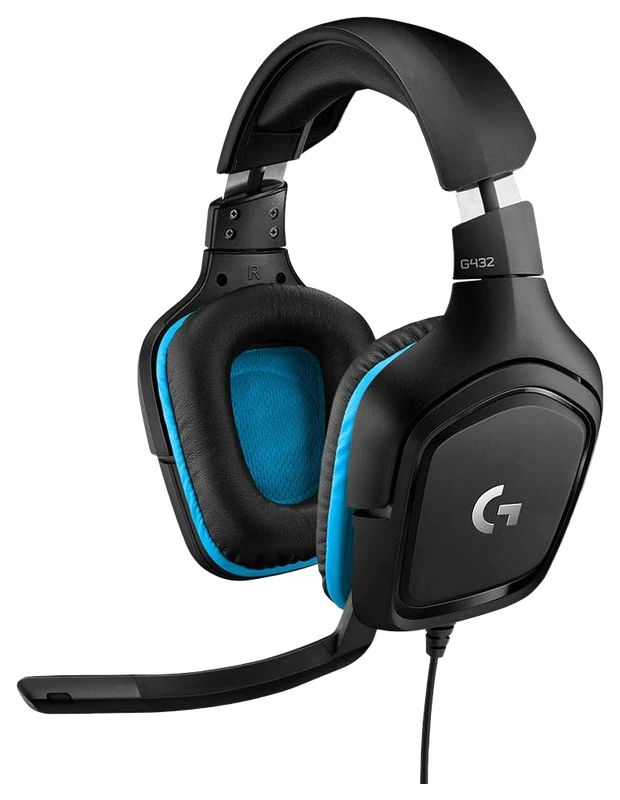
Logitech
Verified Hours
2,837verified hours
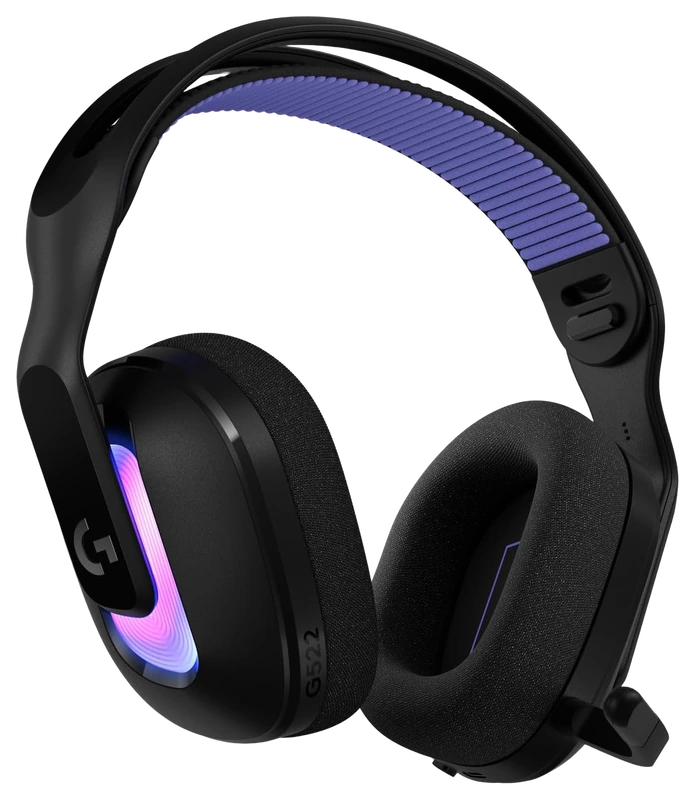
Logitech
Verified Hours
2,770verified hours
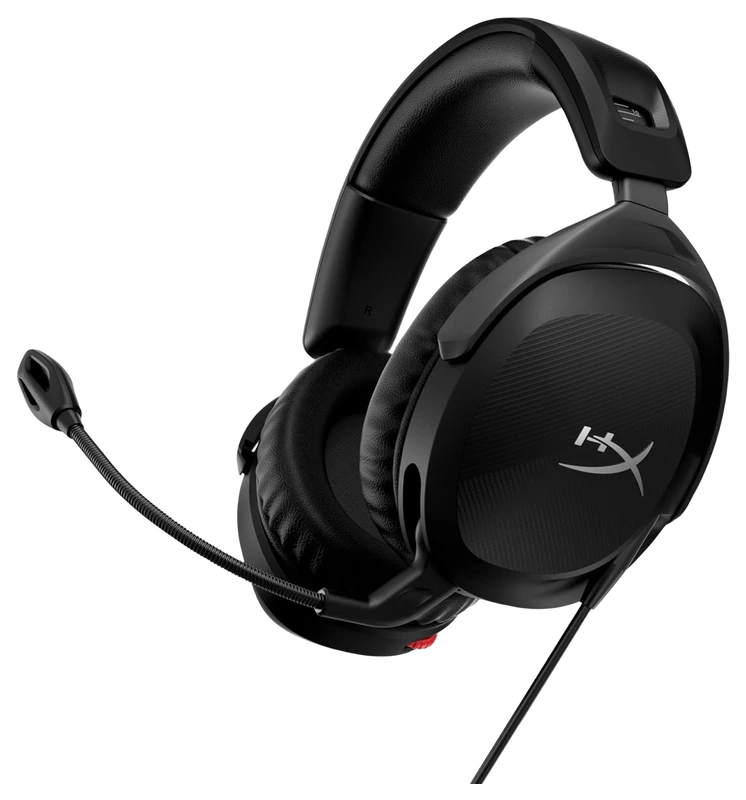
Verified Hours
2,651verified hours
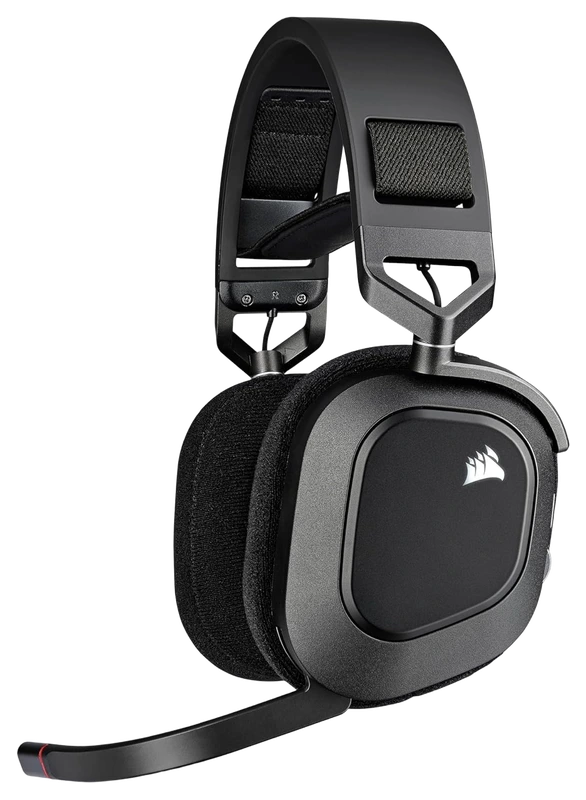
Verified Hours
2,637verified hours
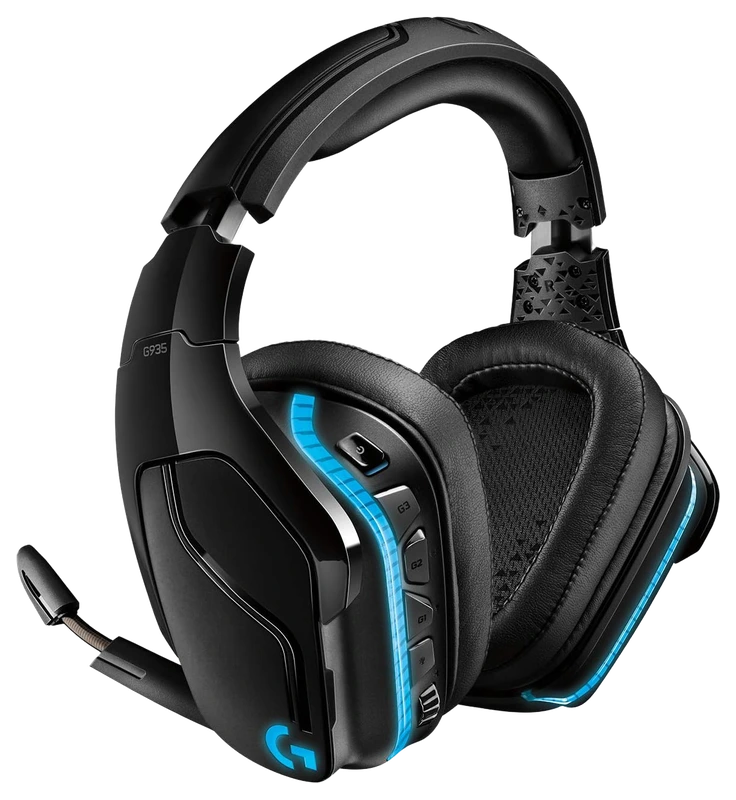
Verified Hours
2,582verified hours
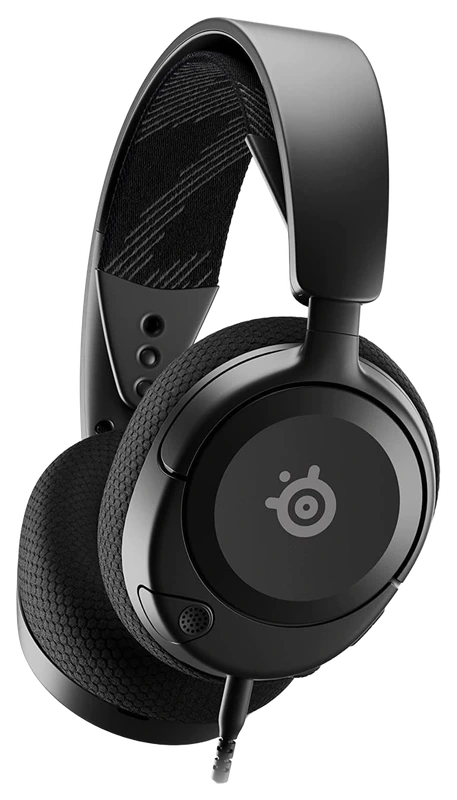
SteelSeries
Verified Hours
2,424verified hours
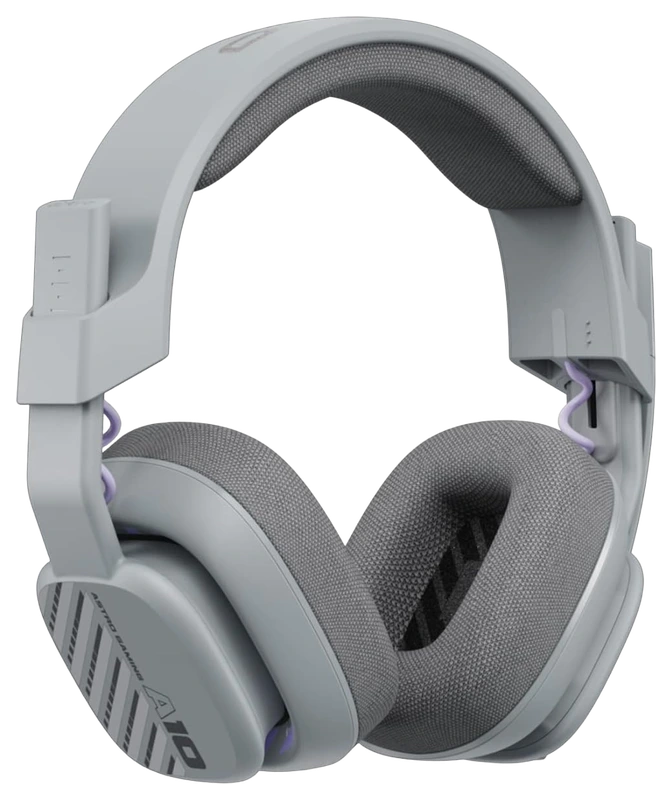
Astro
Verified Hours
2,143verified hours
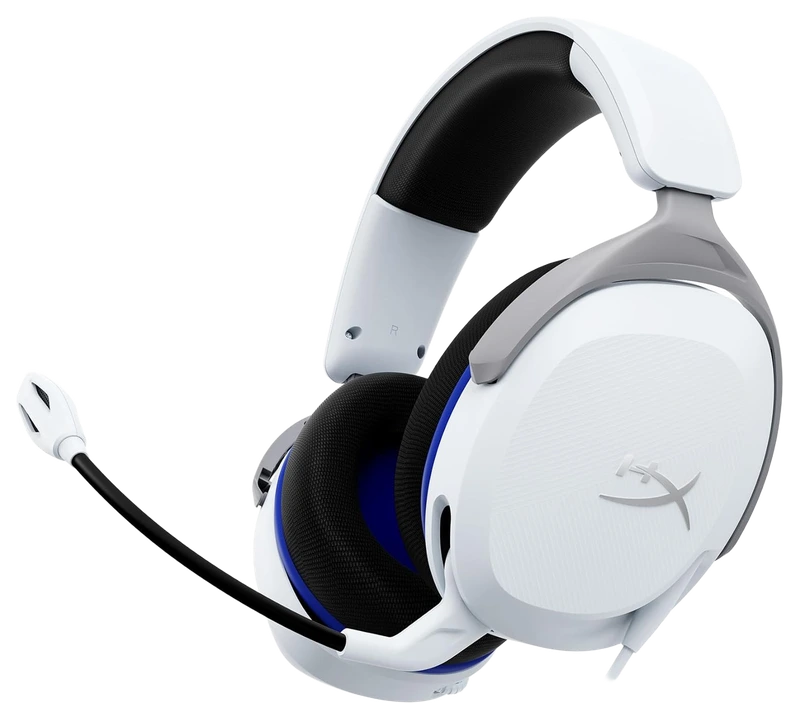
Verified Hours
2,062verified hours
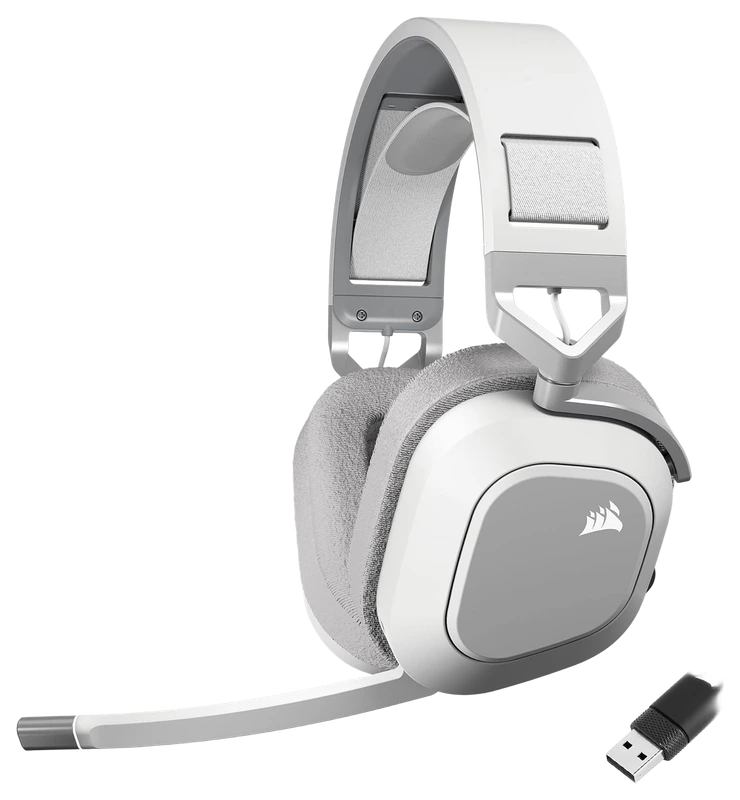
Verified Hours
1,842verified hours
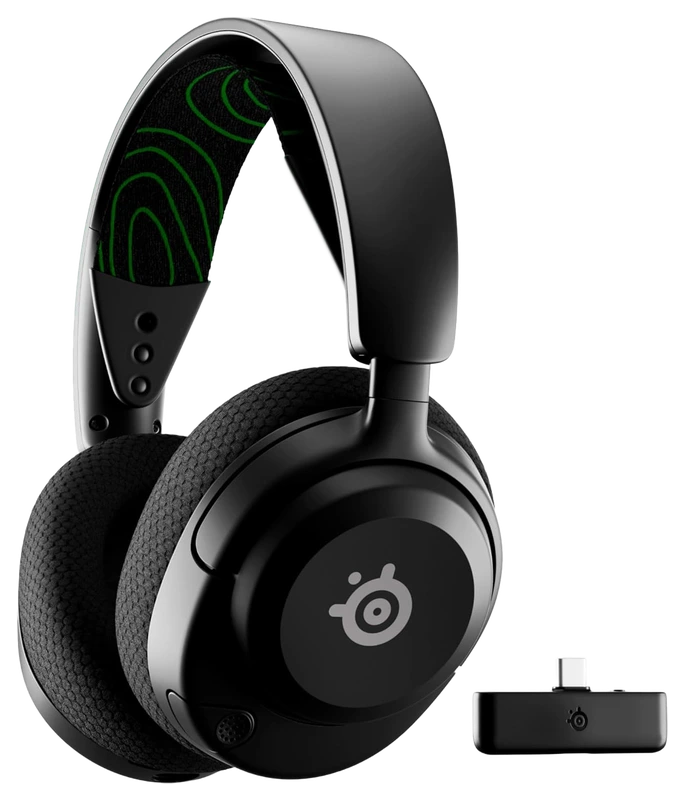
SteelSeries
Verified Hours
1,545verified hours
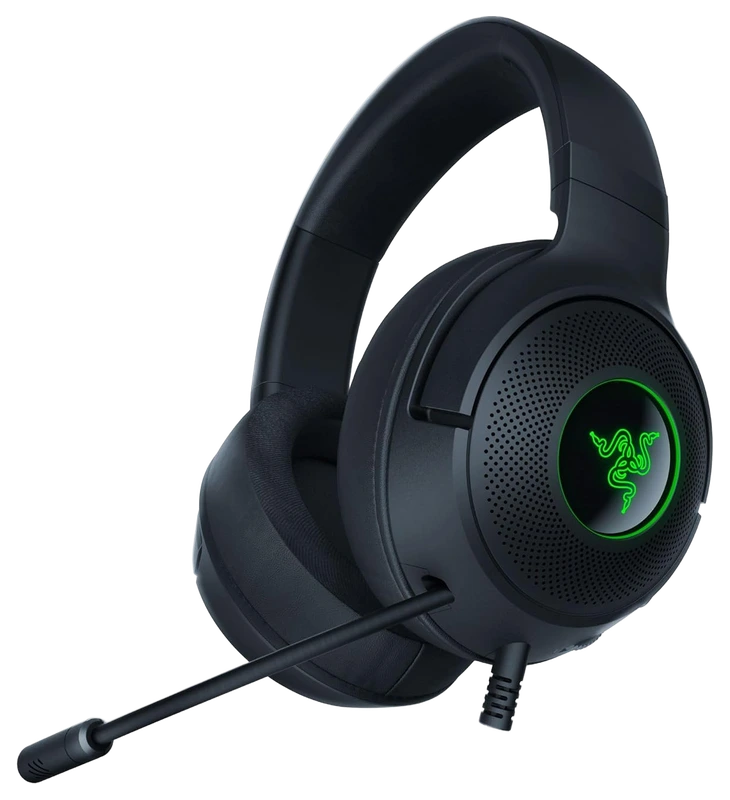
Verified Hours
1,444verified hours
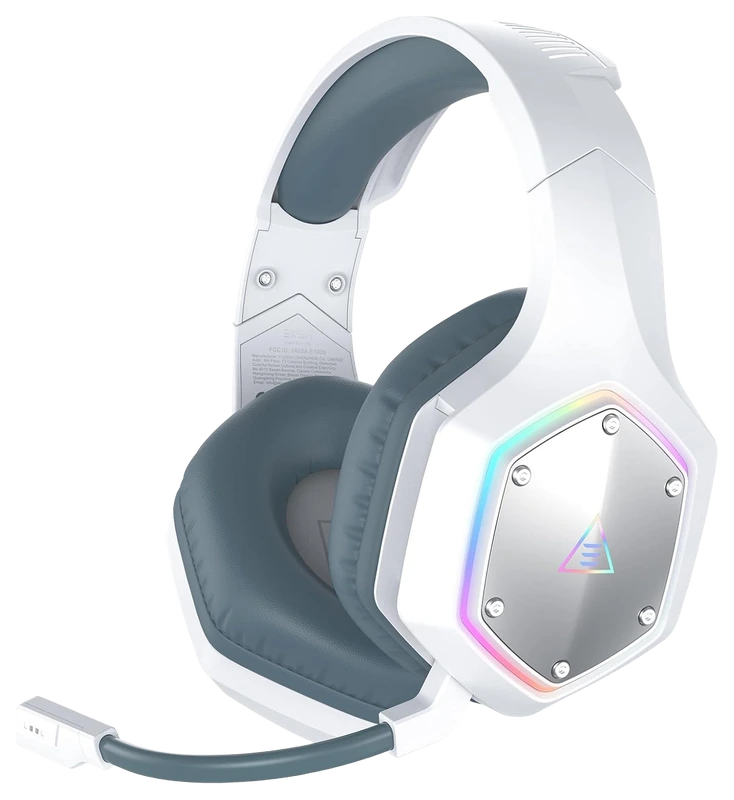
Verified Hours
1,401verified hours
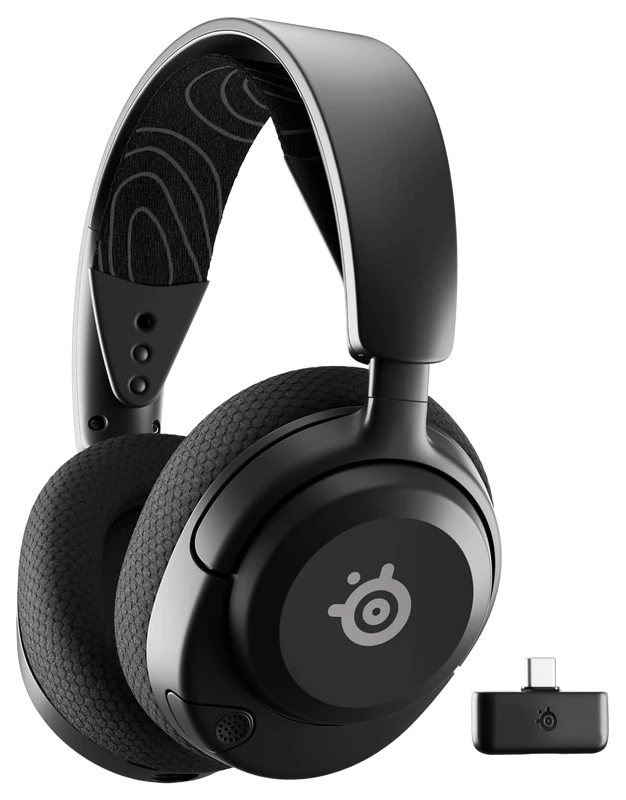
Verified Hours
1,208verified hours
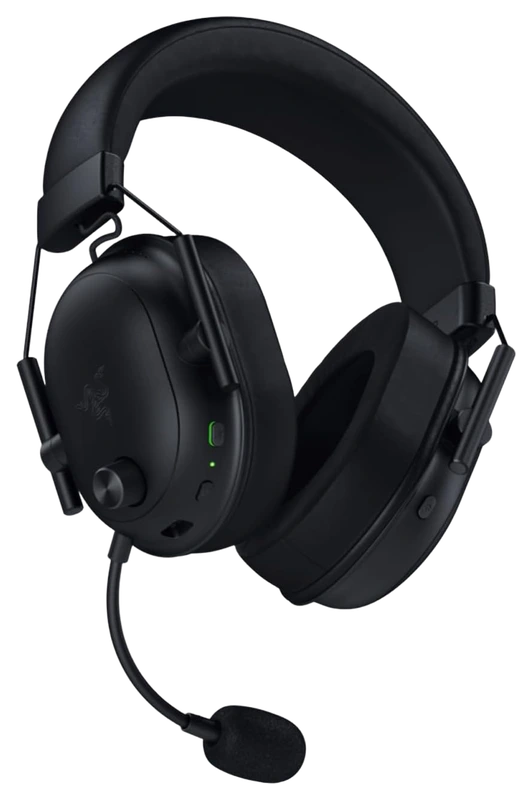
Verified Hours
1,094verified hours
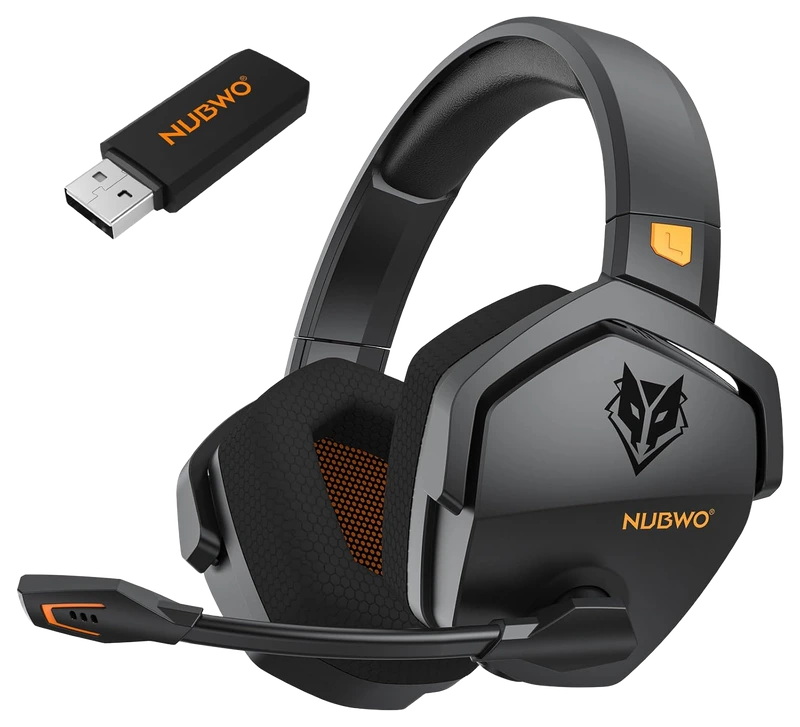
Verified Hours
1,047verified hours
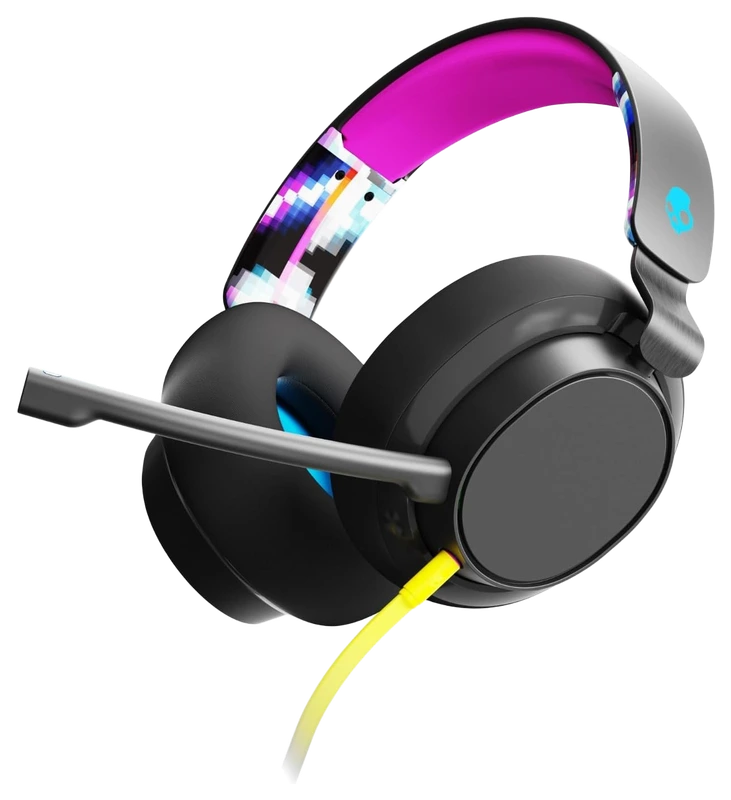
Verified Hours
1,014verified hours
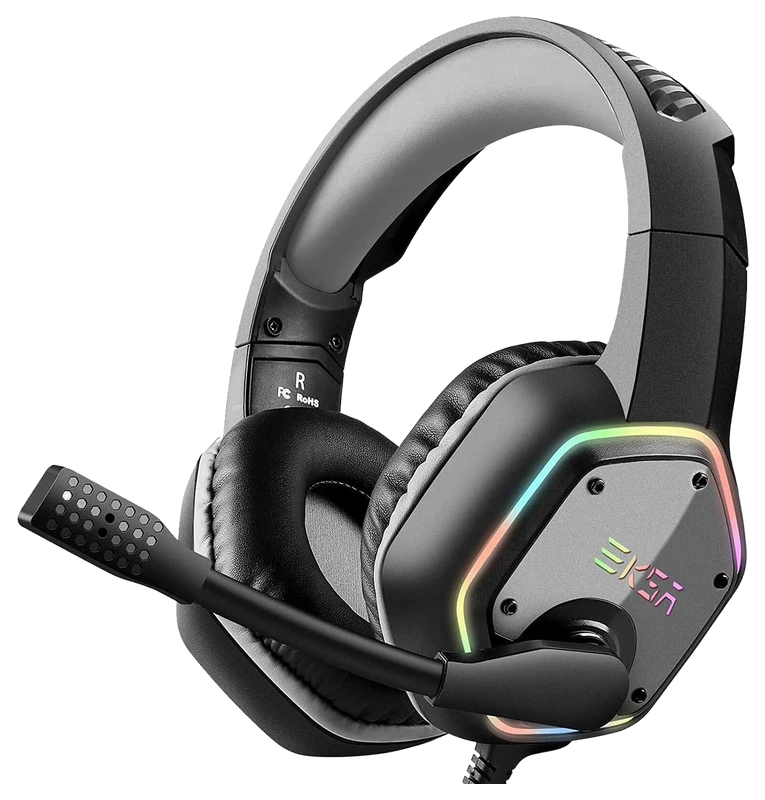
EKSA
Verified Hours
958verified hours
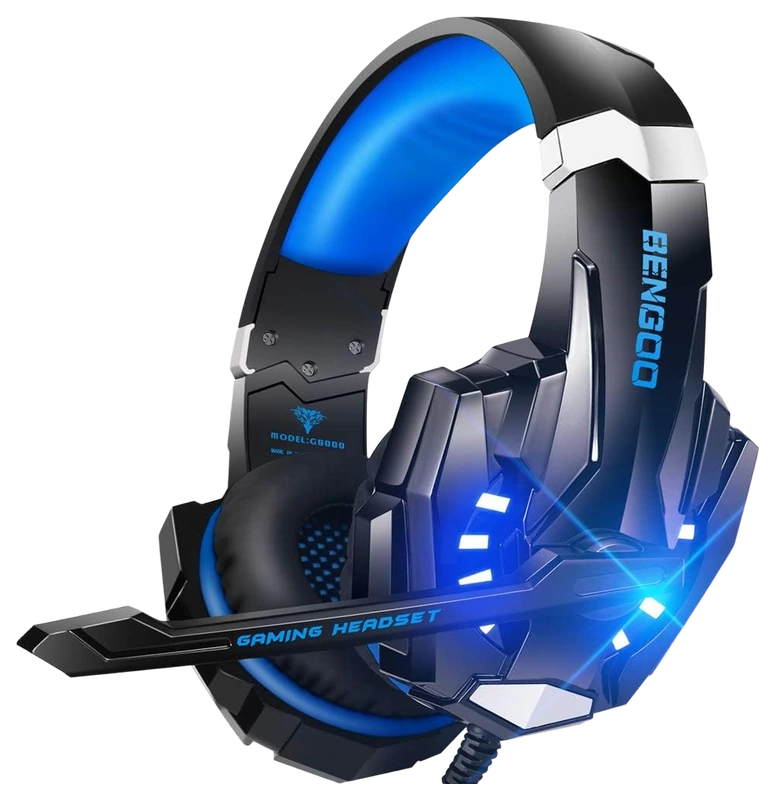
Bengoo
Verified Hours
895verified hours
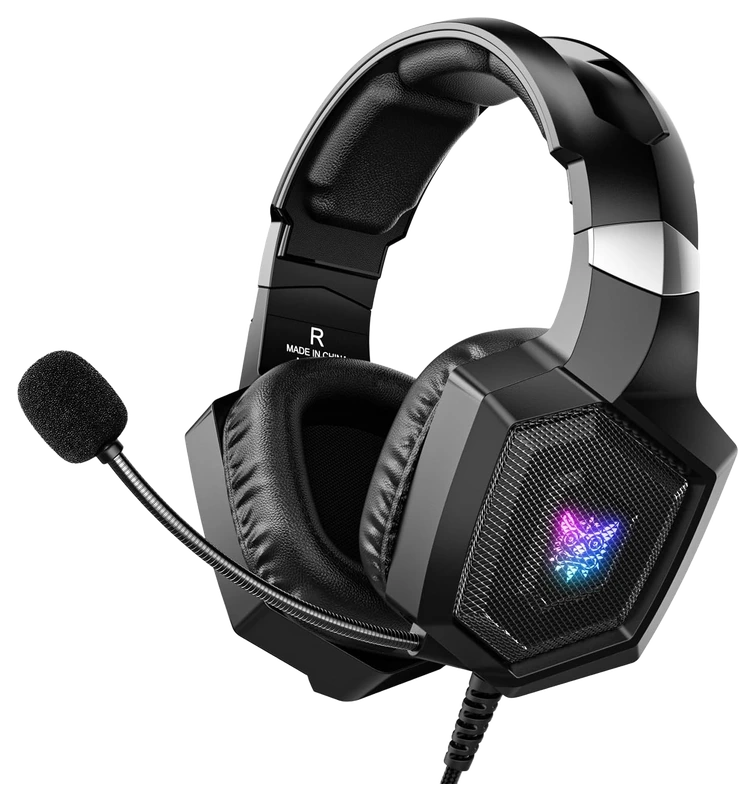
Nanddi
Verified Hours
726verified hours
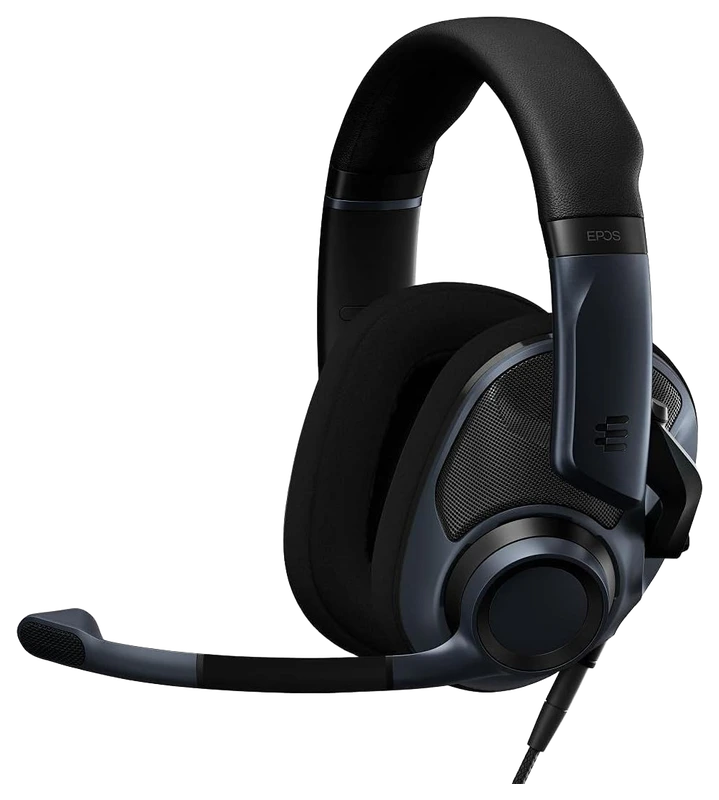
Verified Hours
616verified hours
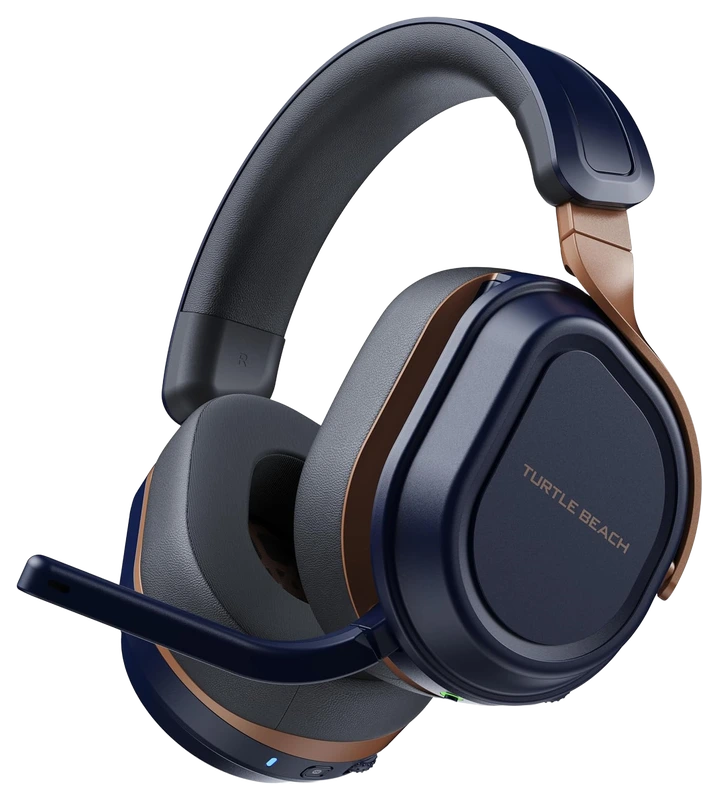
Verified Hours
518verified hours
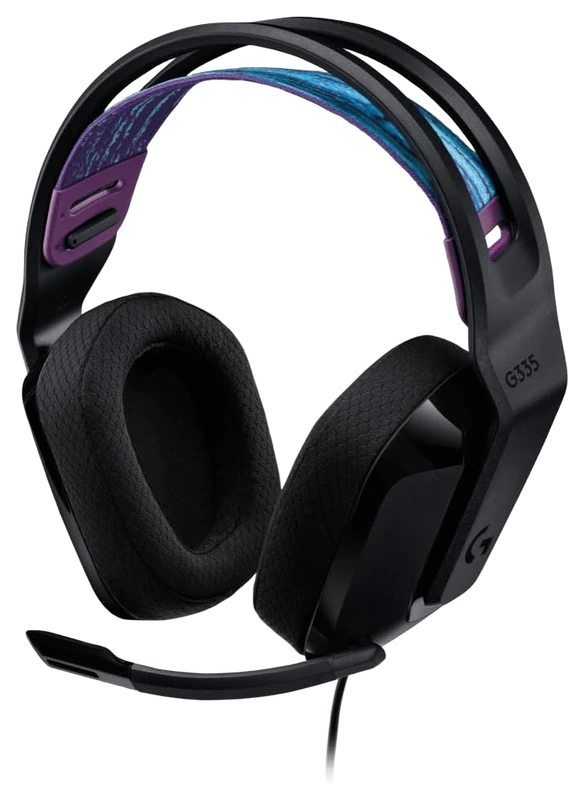
Logitech
Verified Hours
517verified hours
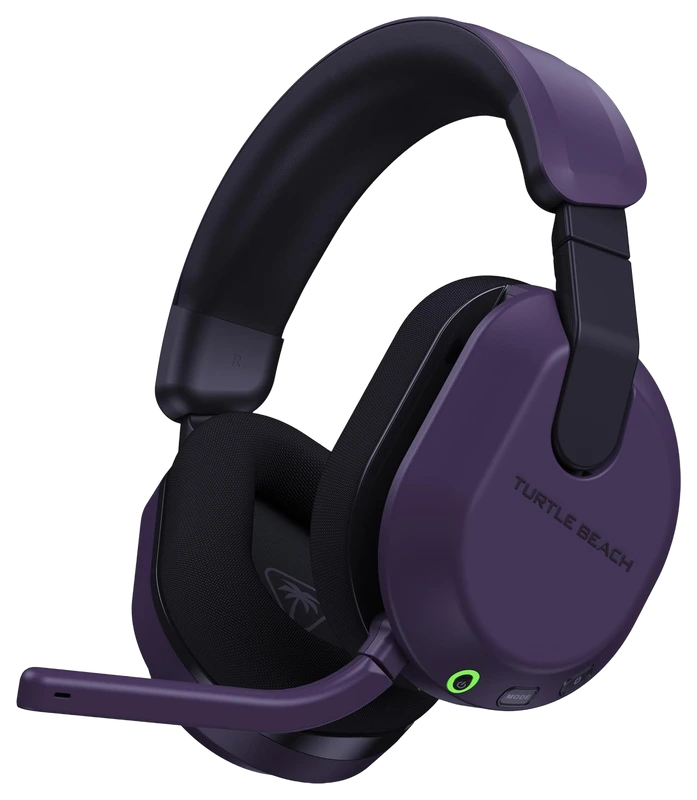
Turtle Beach
Verified Hours
516verified hours
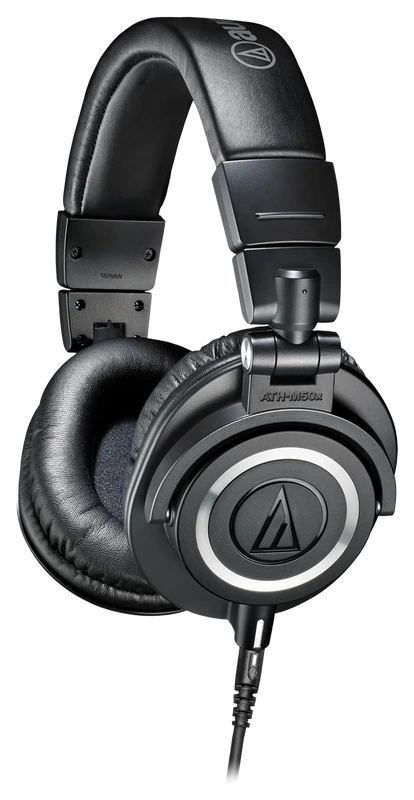
Verified Hours
478verified hours
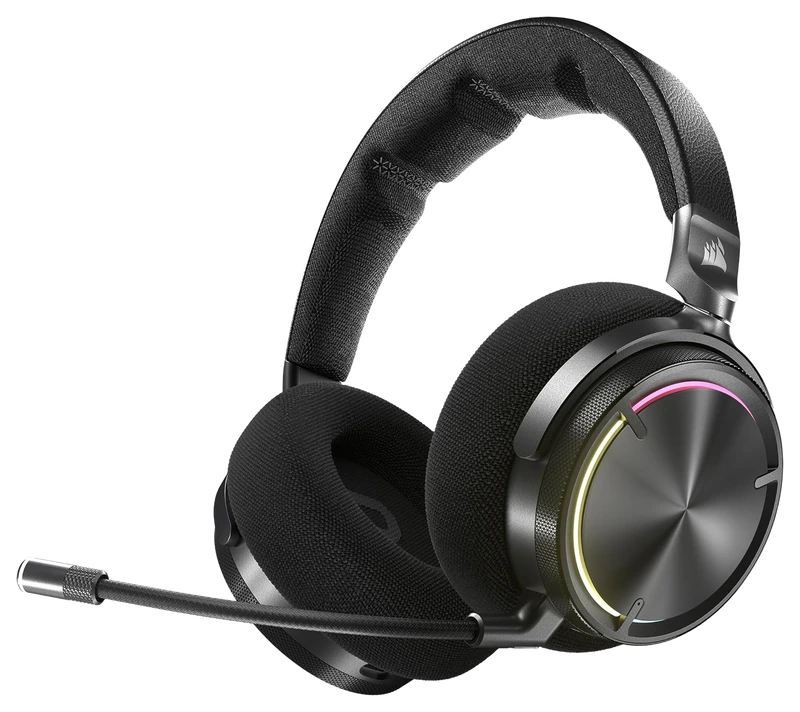
Verified Hours
438verified hours
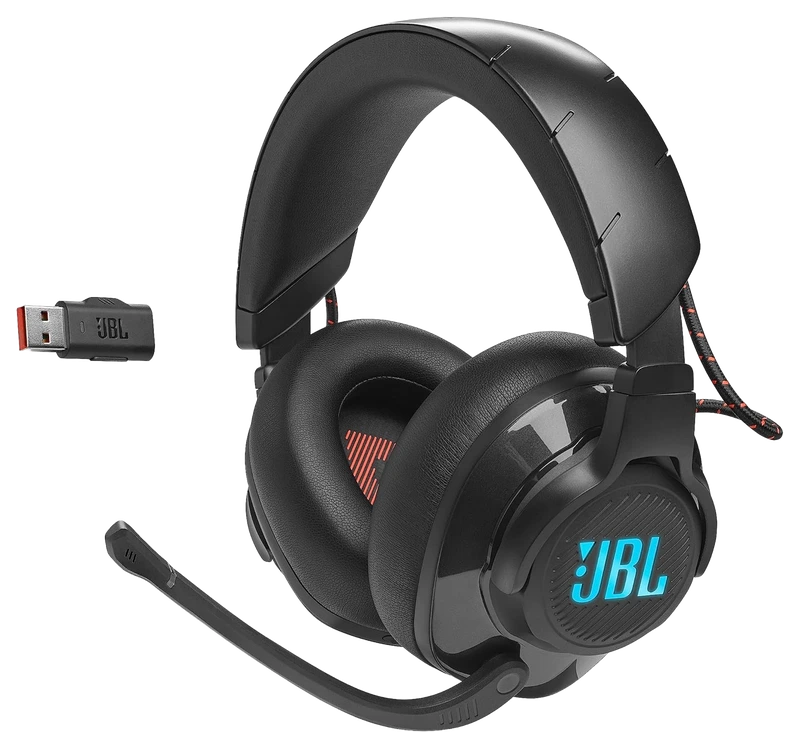
Verified Hours
437verified hours
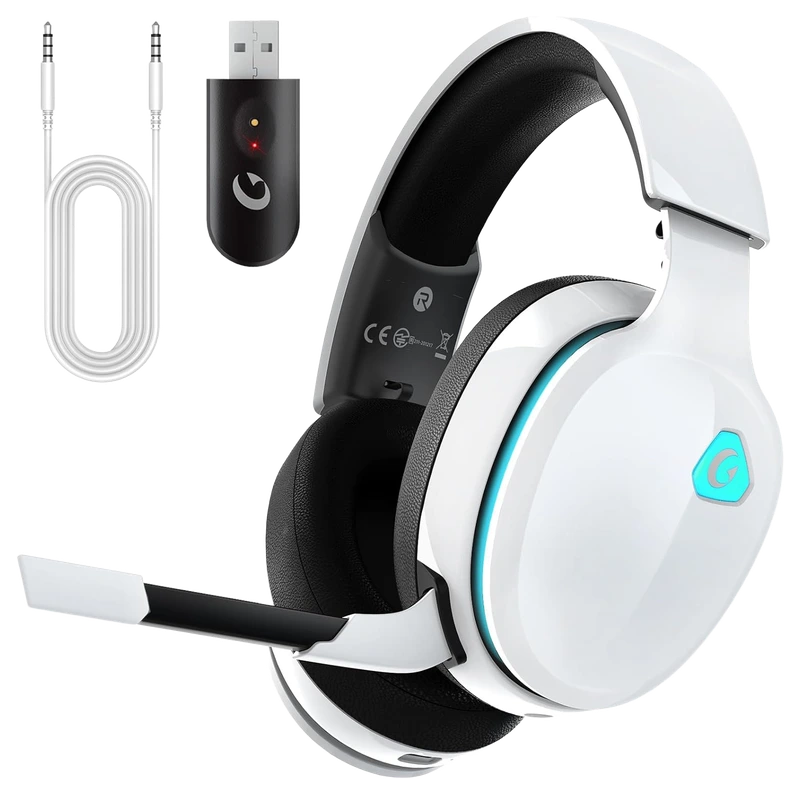
Gvyugke
Verified Hours
398verified hours
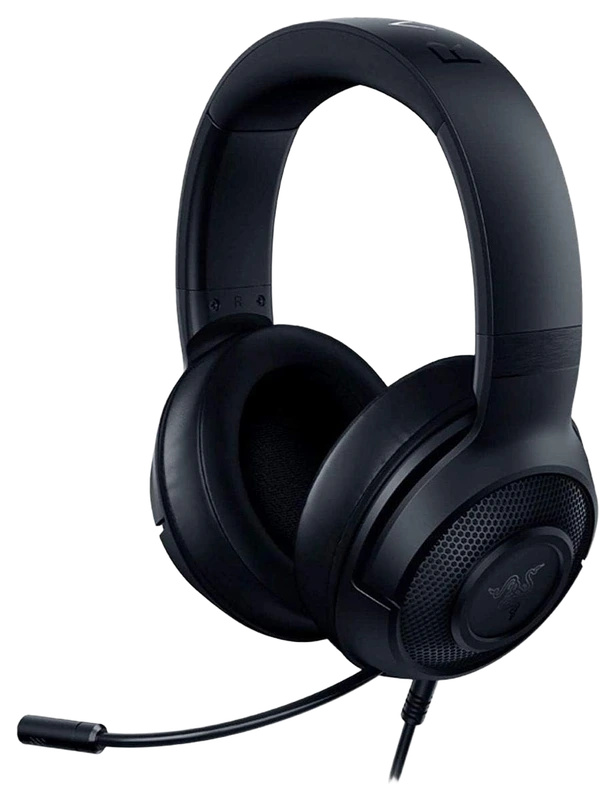
Verified Hours
397verified hours
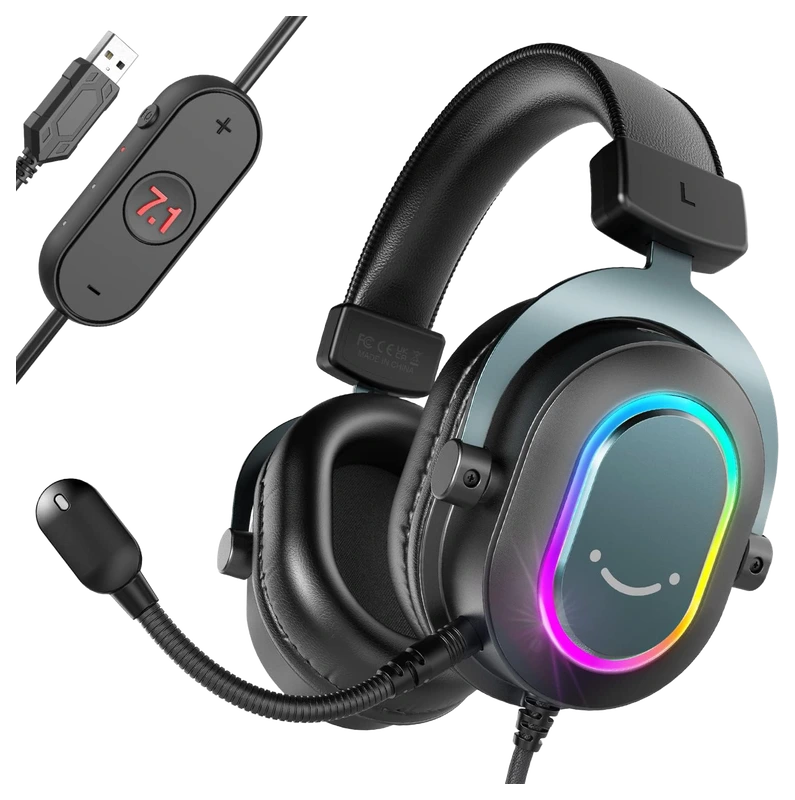
FIFINE
Verified Hours
318verified hours
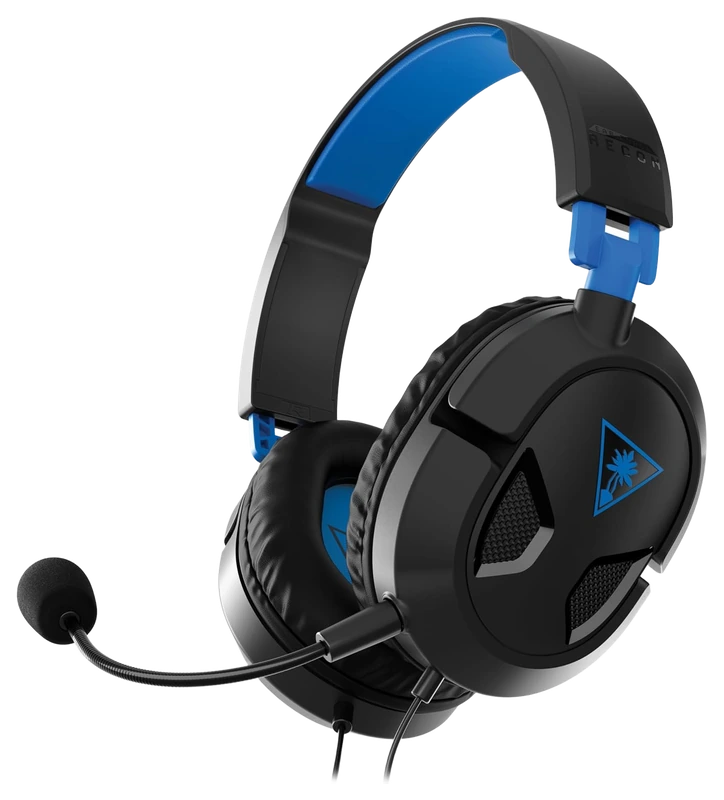
Turtle Beach
Verified Hours
317verified hours
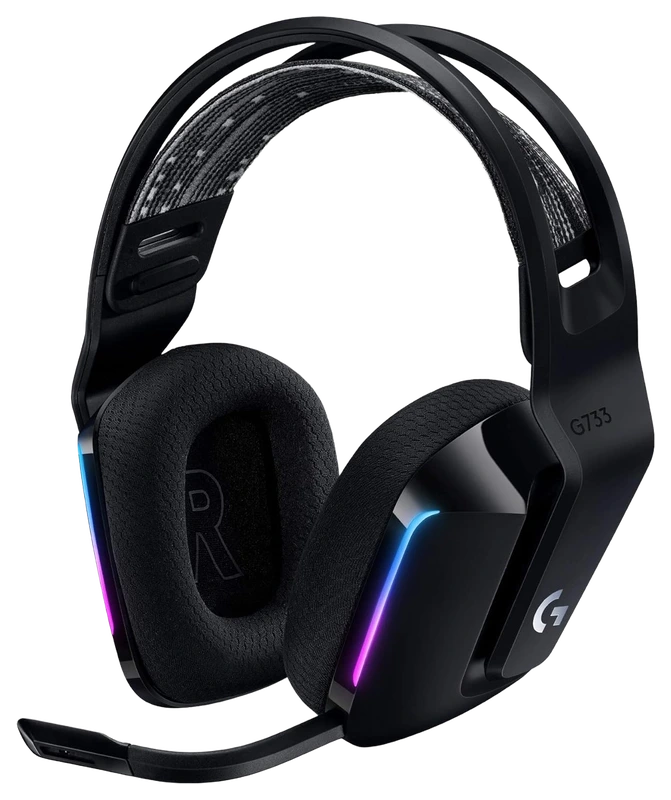
Logitech
Verified Hours
206verified hours
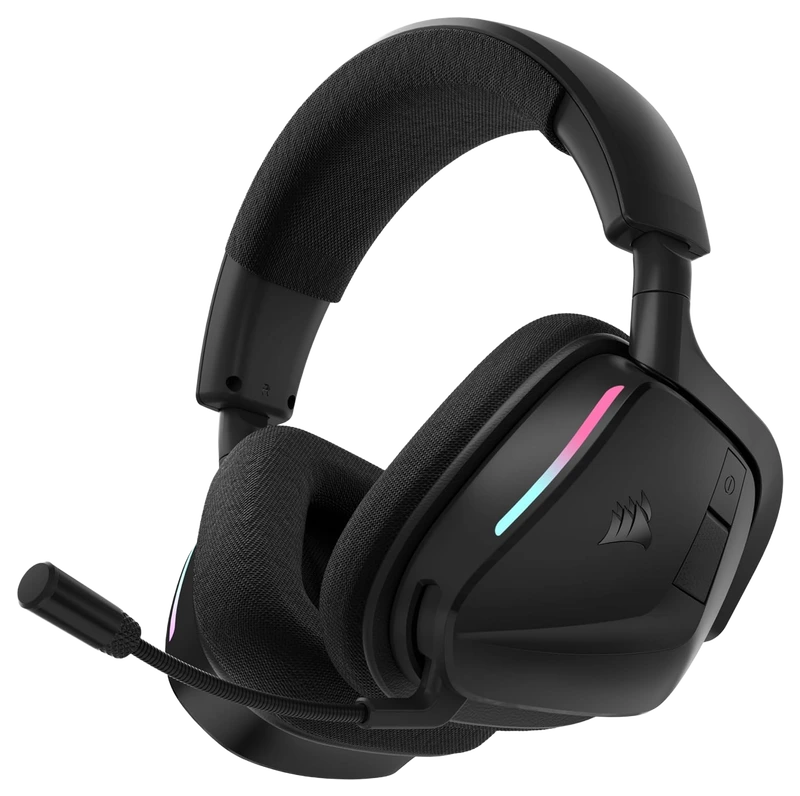
Corsair
Verified Hours
176verified hours
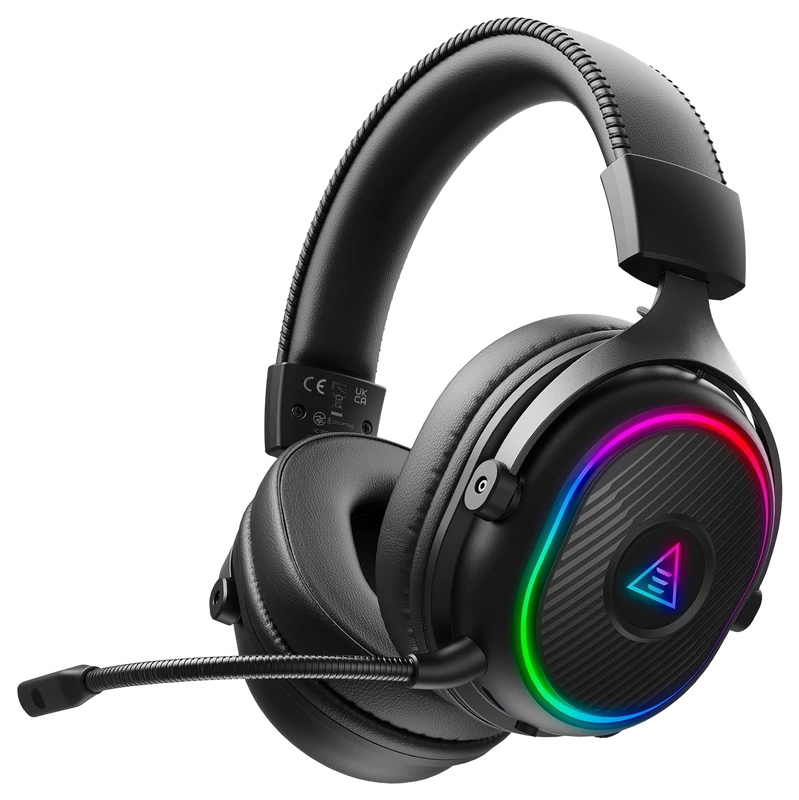
Verified Hours
158verified hours
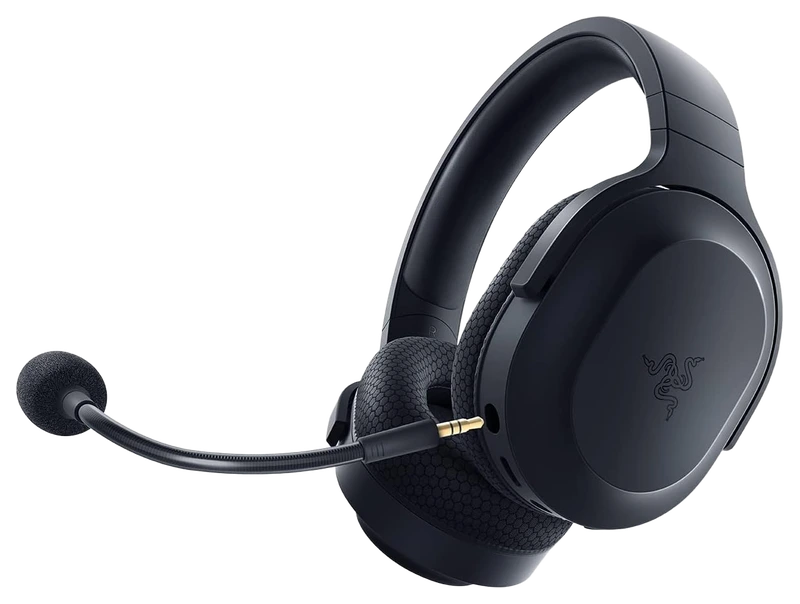
Verified Hours
157verified hours
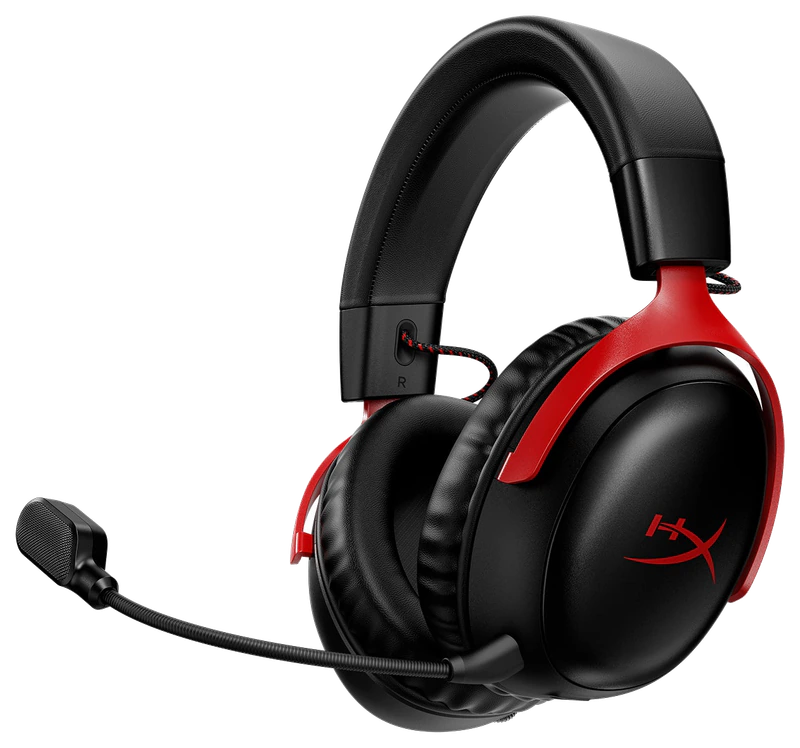
Verified Hours
156verified hours
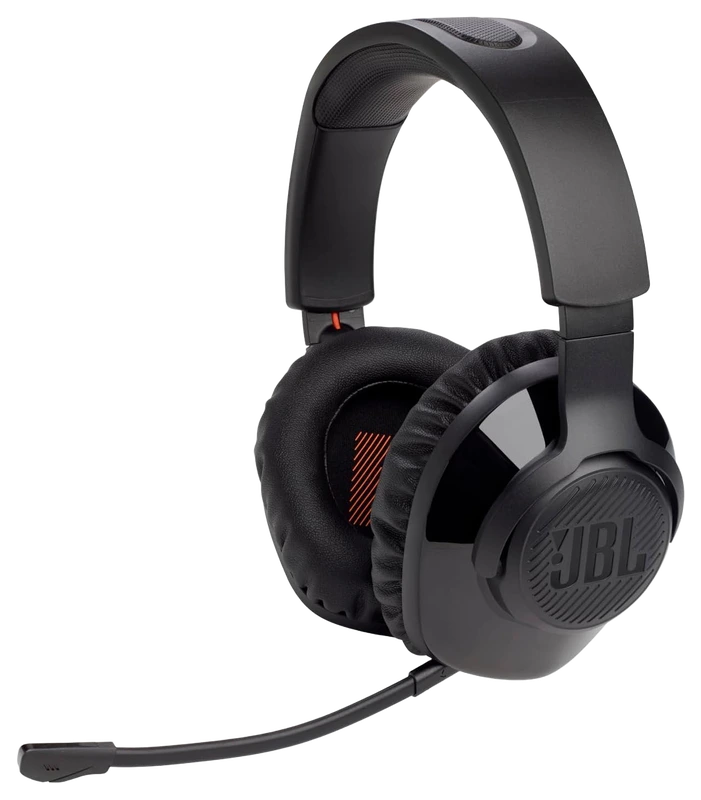
Verified Hours
118verified hours
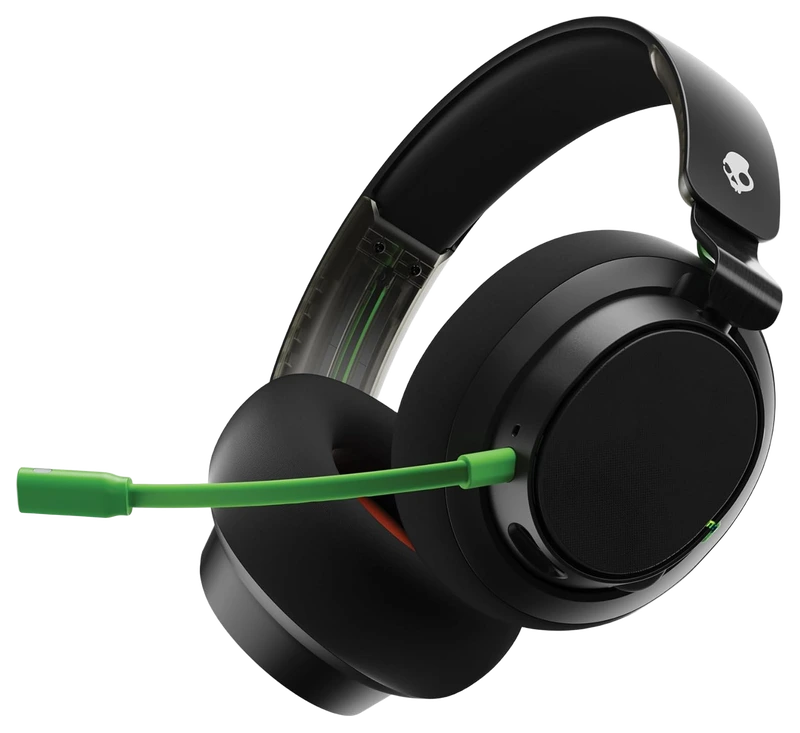
Verified Hours
117verified hours
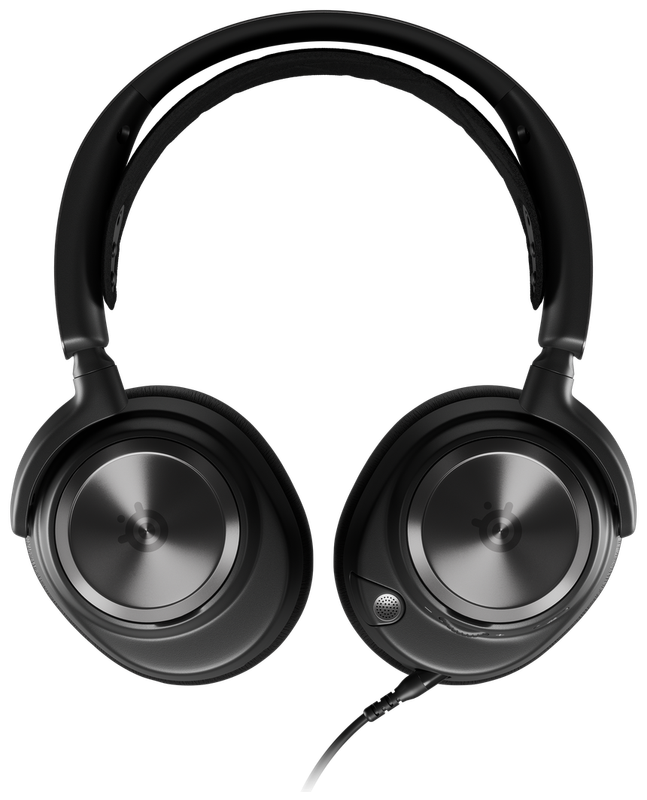
Verified Hours
116verified hours
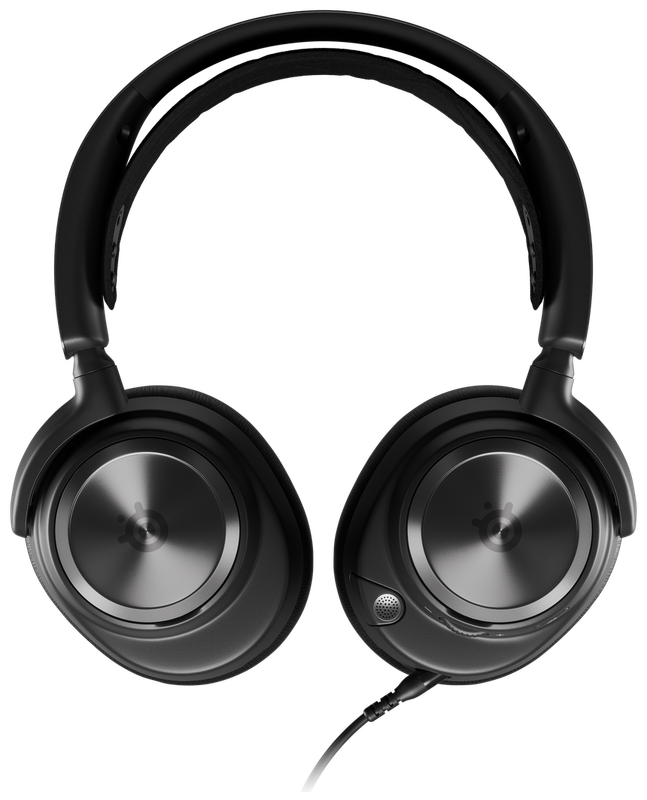
Verified Hours
114verified hours
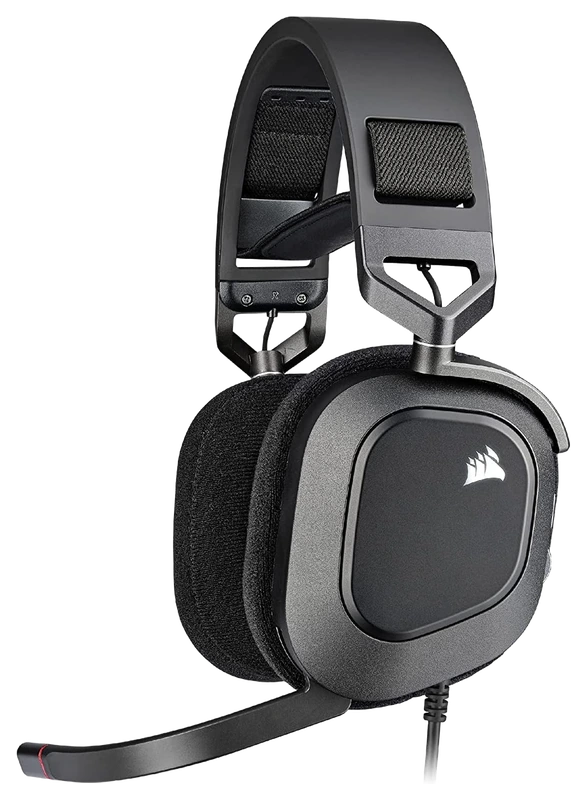
Corsair
Verified Hours
78verified hours
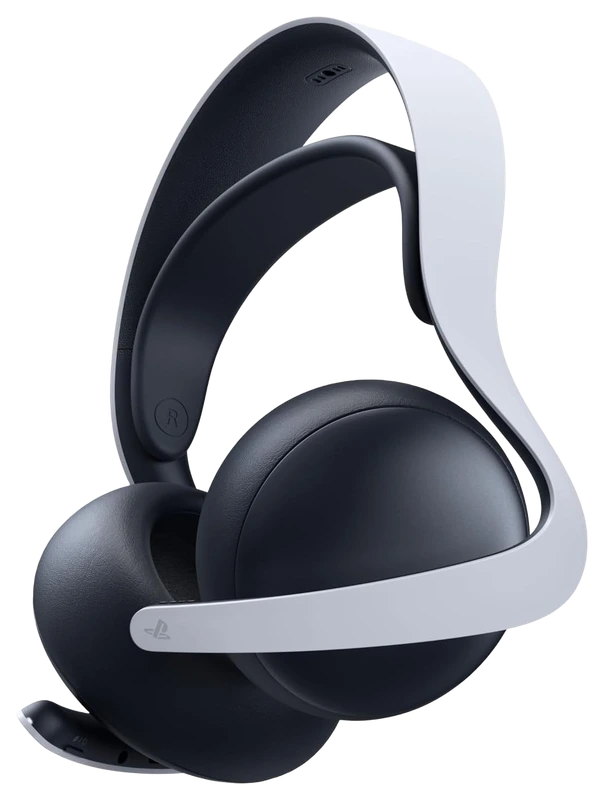
Verified Hours
77verified hours
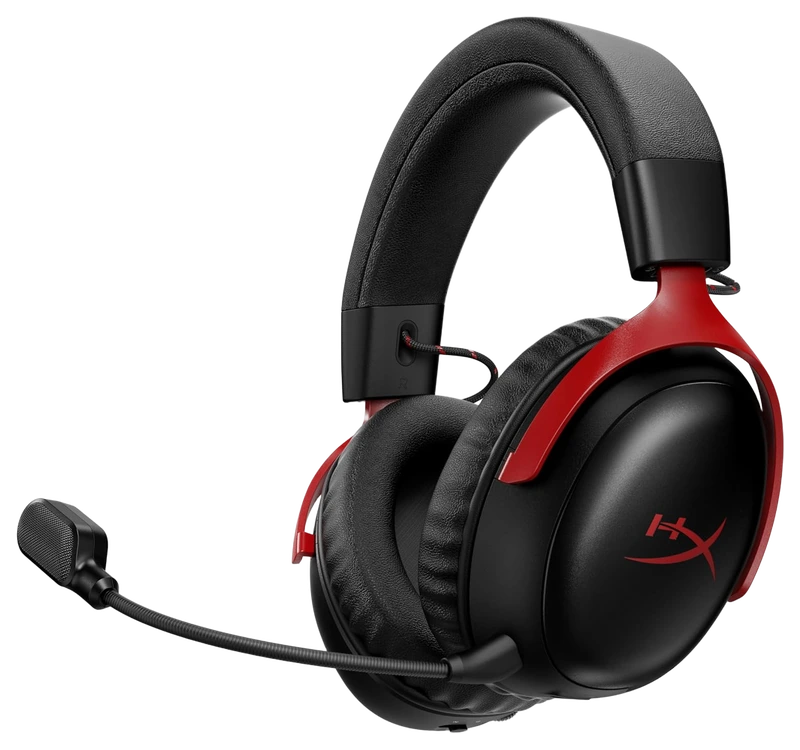
HyperX
Verified Hours
38verified hours
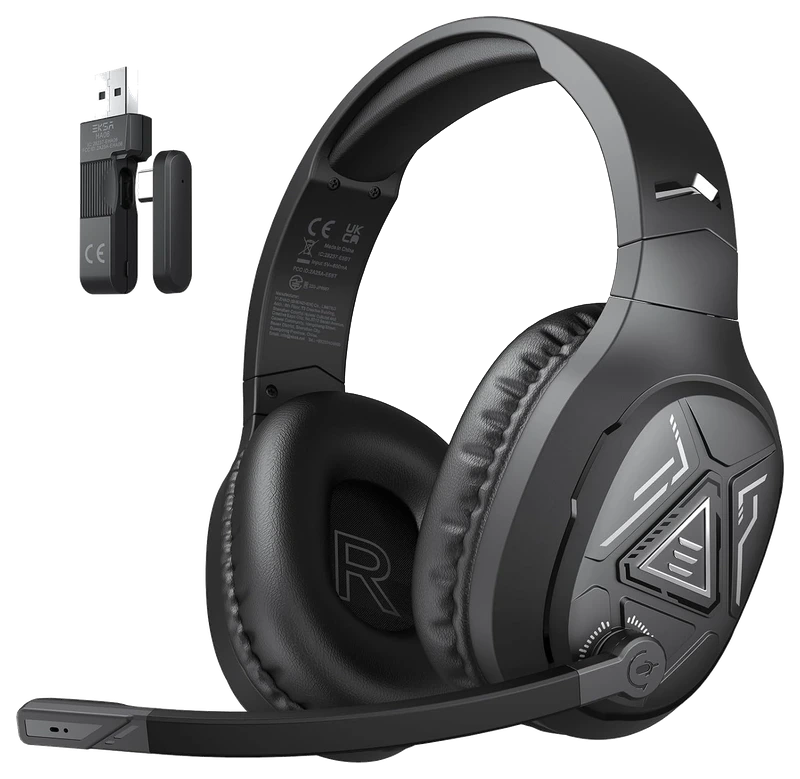
Verified Hours
37verified hours
Loading public PUBG setups…
Compare headsets for PUBG. Check connection support, microphone controls and fit.
Verified Hours determine the published order for PUBG: Battlegrounds headsets in this snapshot.
Ranking answer
Compare the published ranking above, then check fit and specifications. Sign in with Steam to reveal the leading products and their verified hours.
Reveal with SteamCompare comfort, microphone design, connection options and audio controls against your setup. The highest-ranked headset is a starting point, not a guarantee of the best fit for you.
The Best PUBG Headsets board is backed by 118,489 verified hours in the cited snapshot.
No. A 7.1 label or driver size does not establish positional accuracy. Compare assessments of the exact headset in the game and audio mode you use. Test stereo and supported spatial processing with familiar cues, keeping volume comparable. The ranking measures player hours, not imaging or soundstage.
Choose for your room: open-back headphones let outside sound in and leak audio out; closed-back designs aim to isolate you from surrounding noise. Neither design alone establishes better in-game accuracy. Beyerdynamic explains the isolation trade-off.
Check 3.5mm, USB, receiver and Bluetooth compatibility for both audio and microphone operation. Compare latency measurements in that exact mode. Listen to microphone samples, and check mute, sidetone (hearing your microphone audio through the headset) and volume controls, charging and whether a splitter or adapter is required.
Compare weight in g, earcup depth, pad material and headband adjustment, then try the fit with your glasses. Clamp pressure and the seal around the frames need a personal fit check. Look for replaceable pads and a suitable return policy; a low weight alone cannot promise comfort over a long session.
Check the headphone maker's output recommendations, impedance in ohms and sensitivity before adding a digital-to-analogue converter (DAC) or amplifier. For in-ear monitors (IEMs), compare tip fit, cable routing and whether you need a separate microphone. Neither a headset nor an IEM label establishes a better gaming result.
Check the exact model's current local price. Compare included accessories, delivery, return policy and warranty. Record the currency and check date for each offer. Start with this board's published order, then choose a model that meets your needs and budget. Rank does not show today's best value.
The useful connection is game experience and a player’s declared main. Keep the game, board and snapshot together when reading the ranking.
01 / Game
Use the published PUBG Steam hours and player-declared headsets together. This is the PC PUBG board, not a PUBG Mobile equipment census. It does not split a headset's hours into solo, duo or squad experience, so match your shortlist to how you play.
02 / Backing
Compare the verified hours backing each player-declared headset. Open the full list to see more products, with the published hours and original ranks intact.
03 / Your main
Connect Steam through Hours.gg, then choose the headset you declare as your PUBG main. Your saved gear and the published ranking update separately.
Before buying, confirm the fit, microphone and connections of the exact model. Read the fit guidance
PUBG Support documents voice controls for Mute, Push to Talk and Always, plus channels for everyone or teammates. Check the channel as well as the microphone before a squad session. A headset's Verified Hours help you shortlist the gear; they do not tell you which voice settings its players chose. PUBG Support's voice chat setup
Hours’ established model connects verified game experience with players’ declared main gear. The ranking gives you that game-specific starting point when choosing a headset. Manufacturer specifications help you check the resulting shortlist.
Players report their gear to Hours. Steam supplies game-playtime information. Keep those two sources distinct: a declared main is the player’s choice, and game time is the experience backing it.
Verified Hours are the verified player game time backing a player-declared main under Hours’ established methodology. This board keeps the published hours for each headset in the PUBG snapshot. The numbers are game experience, not a laboratory score.
The ranking reflects the verified hours backing each player-declared headset in Hours’ existing board. It does not measure hardware performance or confirm fit and compatibility with your setup. Use the ranking to start your decision, then check the exact model’s fit, microphone and connections.
Steam records game time, which Hours connects with a player’s declared main under the established methodology. It does not record physical device-use duration.
Connect your account to verify available game playtime and open the top three when your account is signed in and Steam-verified. You can then choose the headset you declare as your PUBG main.
Under the existing Hours model, your declared main carries your game’s hours in the published game scope. It records your choice; it does not establish when you bought the headset or when you used it. See the established methodology for how those hours count.
Opening the full list displays more products. A product at rank 8 remains rank 8, with the same verified hours. The Steam rule follows original ranks 1–3, so opening the list cannot unlock them.
Check the exact model’s fit, microphone and connections before buying. The fit guidance is available above. Those details support the playtime-led choice; they do not change this board’s order.
This board displays its published snapshot dated . Steam records cumulative game playtime; it does not isolate individual matches. Your account’s latest synced playtime and the published ranking update separately.
Buying for PUBG
Check the exact model's 3.5mm, USB or wireless support against your PC and any other devices you use. Include adapters, receiver placement and charging in the comparison.
Check whether the microphone is fixed or detachable, where the mute and volume controls sit, and whether you need software to adjust them. These details matter when switching between game audio and team chat.
A surround label or larger driver does not establish clearer directional cues. Check the supported processing and compare it with the game's audio options. The verified-playtime ranking describes player backing, rather than measured positional-audio accuracy.
Game boards rank the most-used gear among Hours.gg's verified players in the named game, category and snapshot, measured in verified player hours. Each player's declared main carries their verified hours in the published game scope; these hours do not measure time spent using a specific device.
Bring your game experience
Connect Steam to reveal the top three and player setups. Then add your own gear.
Public playtime only - no inventory access
Public PUBG setups, ordered by total verified hours across supported games.

@brad


@kkkkk
Top 3 setups
Reveal their gear and find gamers with similar game hours or shared gear.
Players declare their gear; Steam verifies game time. Only saved gear is revealed.