Buying guides · Verified, Real Playtime
Best Gaming Headset
Compare gaming headsets. Check platform support, microphone needs and earcup fit.
- Verified Hours
- 118,489
- Headsets ranked
- 61
- Ranking updated
- 20 Aug 2026
At a glance
What the verified hours show
Explore this ranking backed by verified player playtime, then compare the features and fit for your setup. Sign in with Steam to reveal the leading products and their verified-hour totals.
The broad headset ranking does not replace acoustic testing or a personal fit check. Use documented requirements to narrow it first.
Compare the rankingsVerified Playtime Rankings
Products are ranked by real, verified player hours.
Board readout
61 ranked products in the published guide set
Best Gaming Headset · Across games · Updated
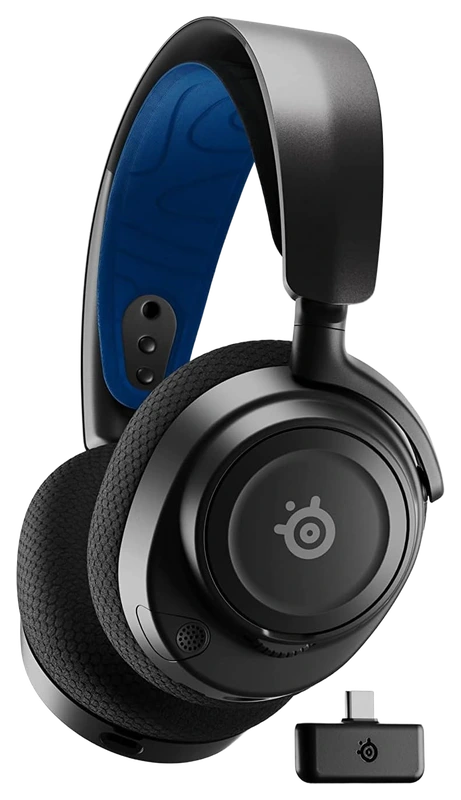
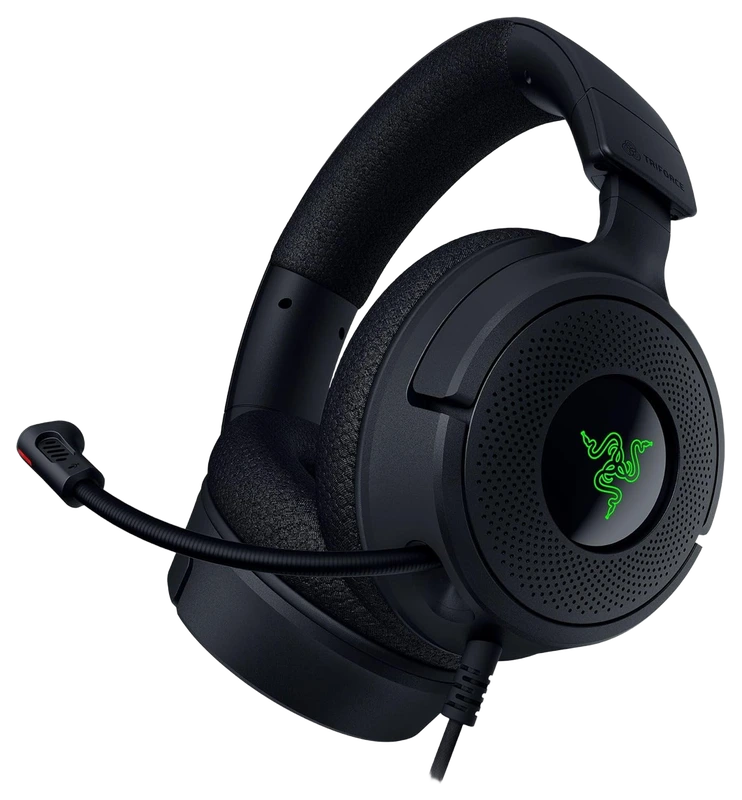
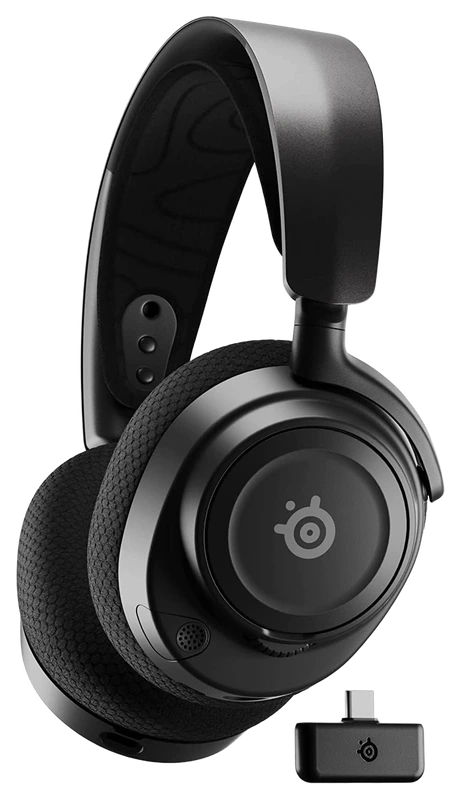
Top 3
Sign in with Steam to open the full top three
Steam opens the full top three and their verified-hour totals. Any results ranked fourth or lower stay visible.
- Rank 4.
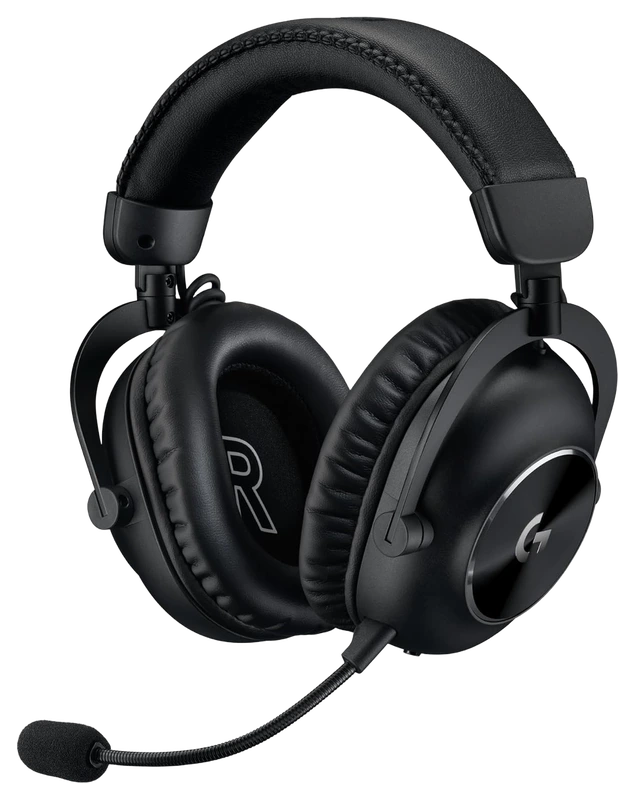
Verified Playtime
5,538verified hours
- Rank 5.
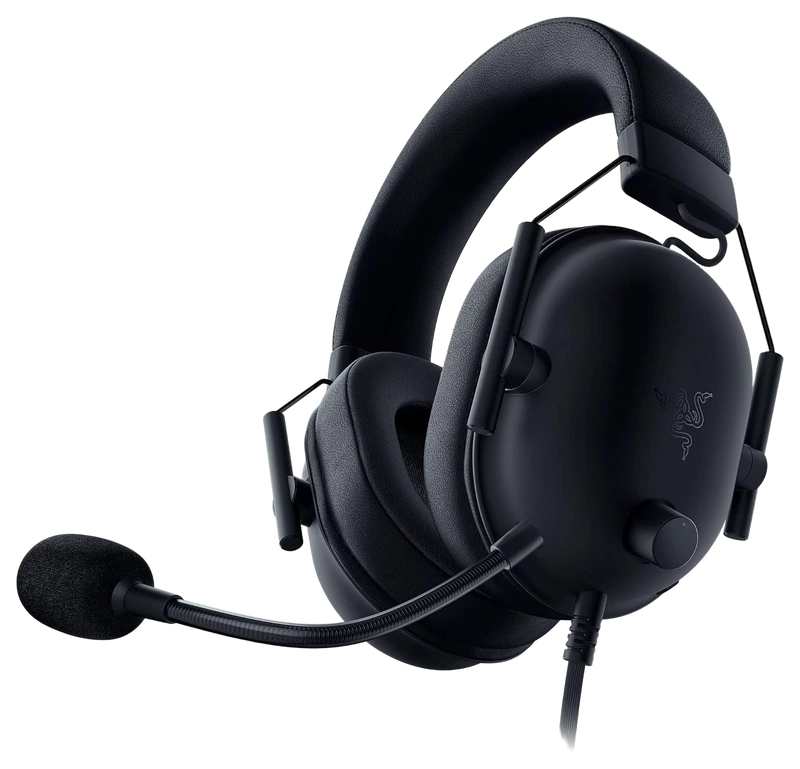
Verified Playtime
5,490verified hours
- Rank 6.
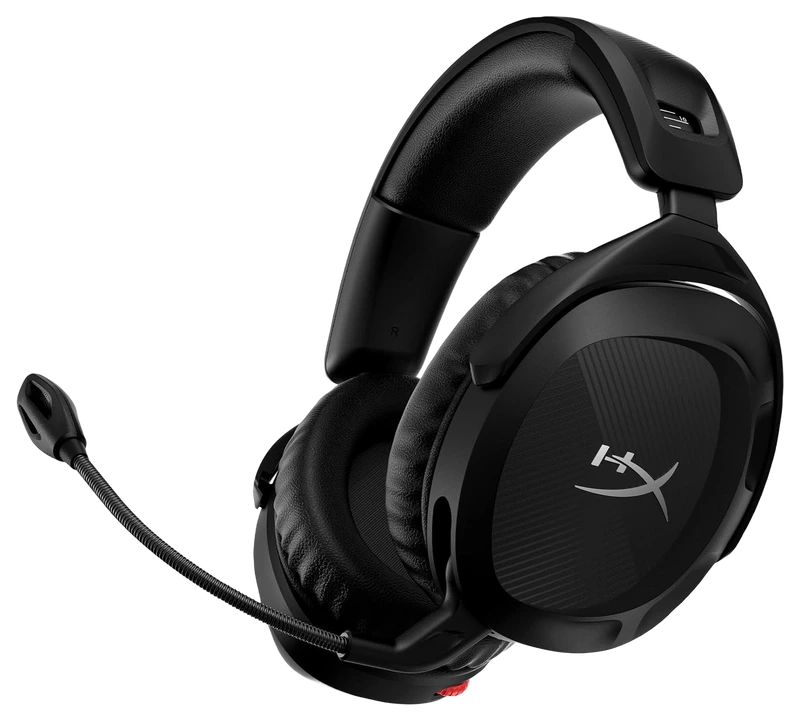
Verified Playtime
5,263verified hours
- Rank 7.
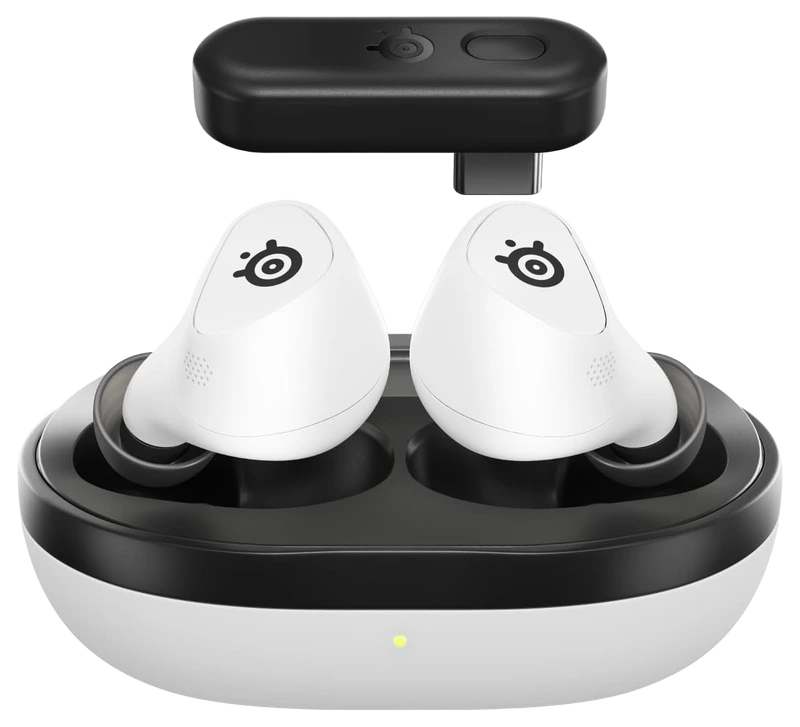
SteelSeries
Arctis GameBu Ds Gaming Headset, White
Verified Playtime
5,059verified hours
- Rank 8.
Verified Playtime
4,979verified hours
- Rank 9.
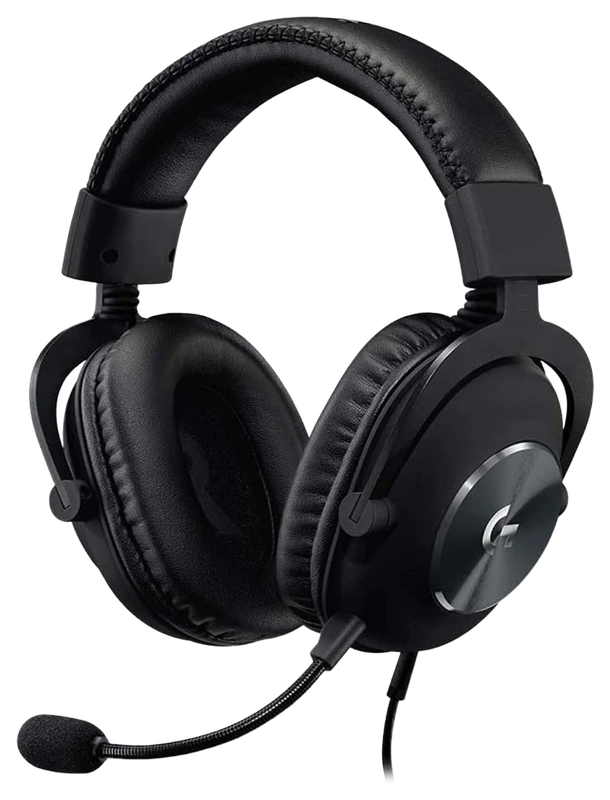
Logitech
G PRO X Gaming Headset
Verified Playtime
4,408verified hours
- Rank 10.
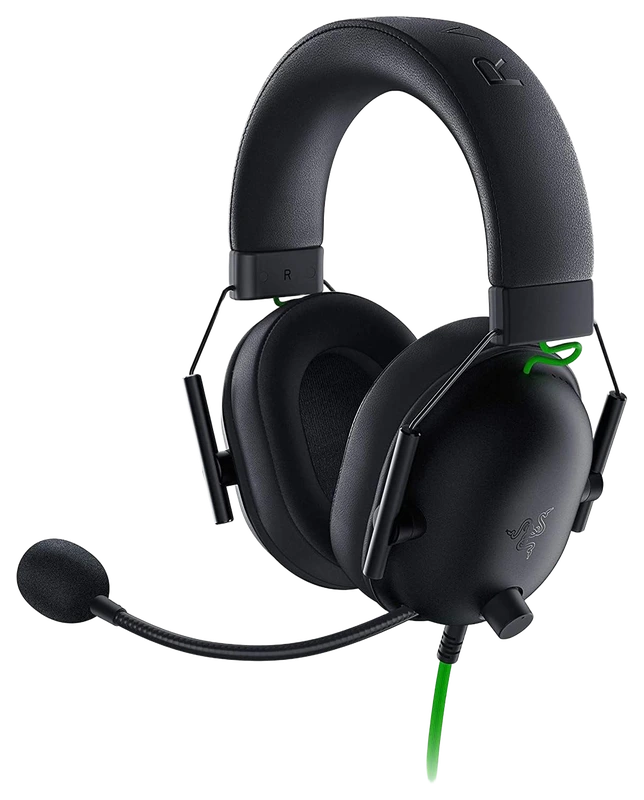
Verified Playtime
4,331verified hours
Showing 10 of 61 productsAll 61 productsShow all 61 productsShow top 10
- Rank 11.
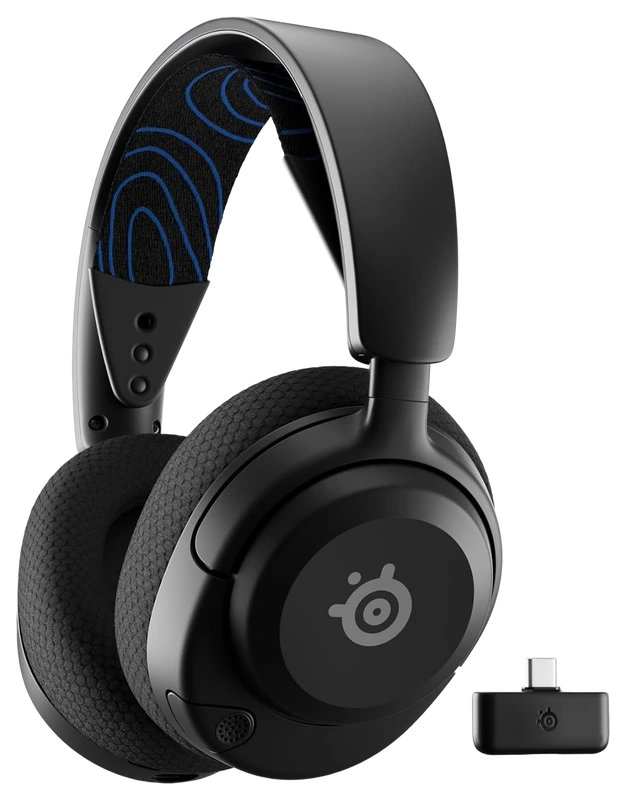
SteelSeries
Arctis Nova 5P (Wireless) PS5 Gaming Headset
Verified Playtime
3,880verified hours
- Rank 12.
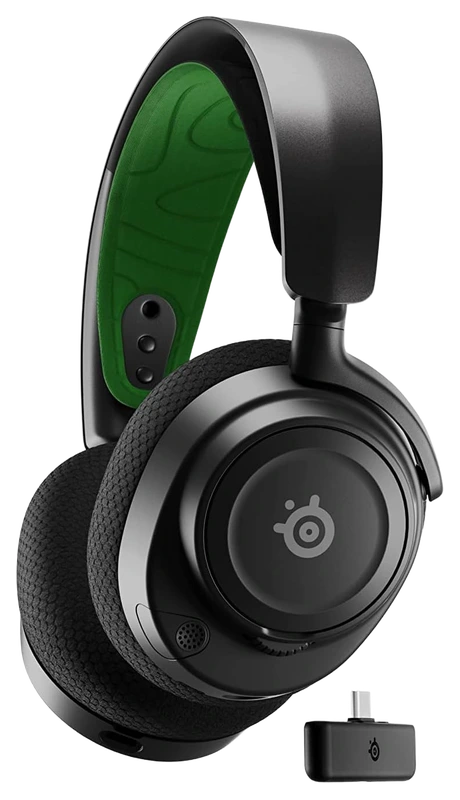
Verified Playtime
3,844verified hours
- Rank 13.
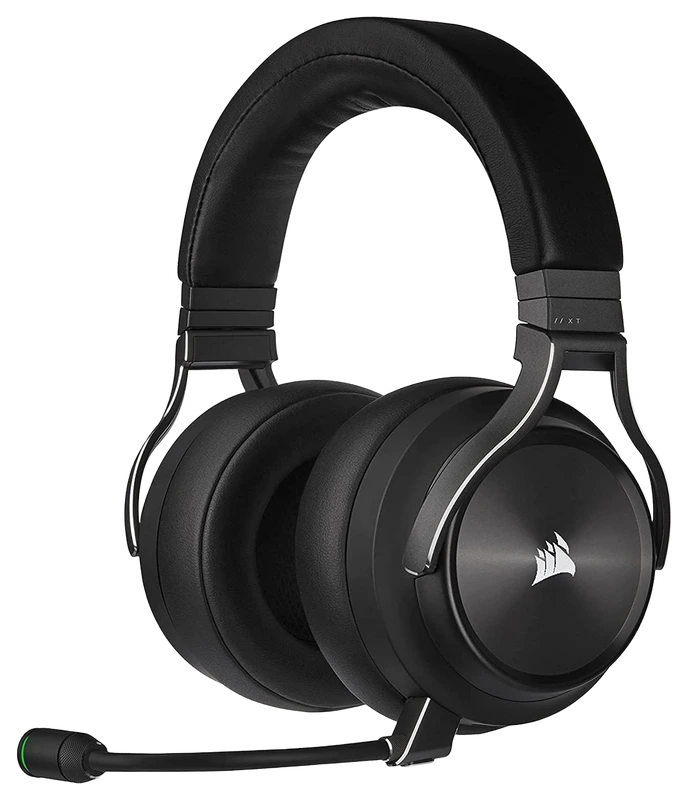
Verified Playtime
3,243verified hours
- Rank 14.
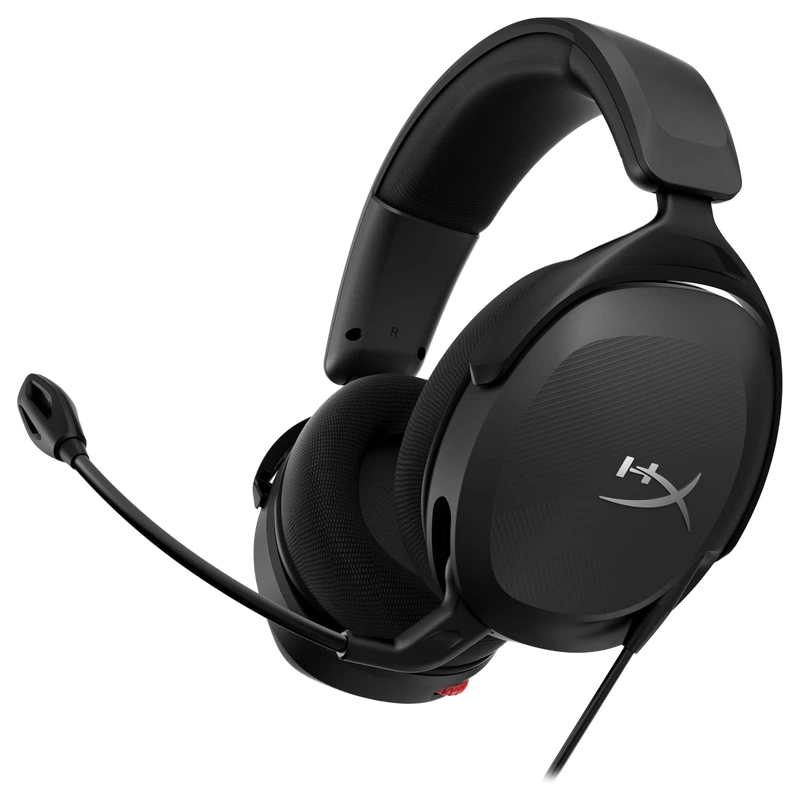
Verified Playtime
3,105verified hours
- Rank 15.
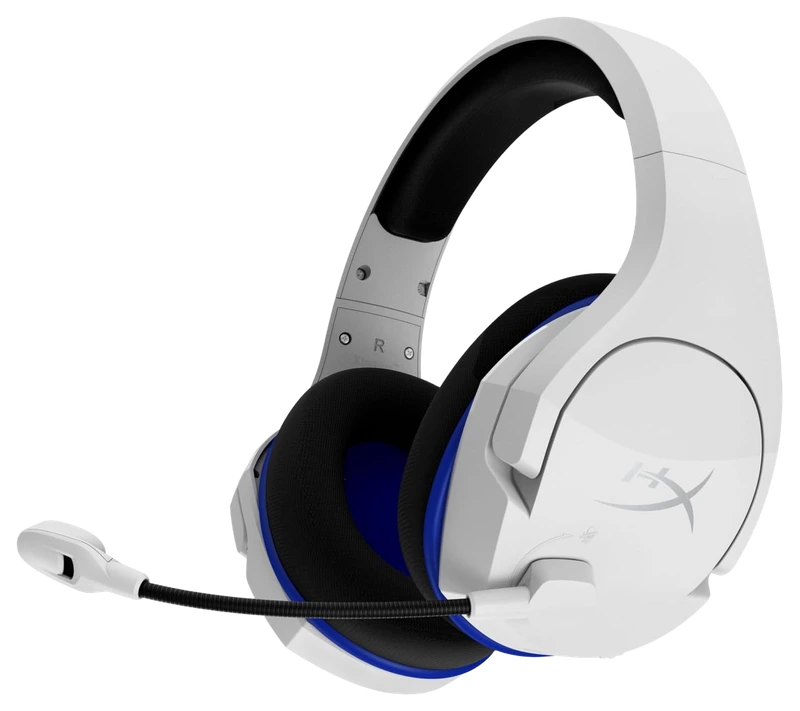
Verified Playtime
3,019verified hours
- Rank 16.
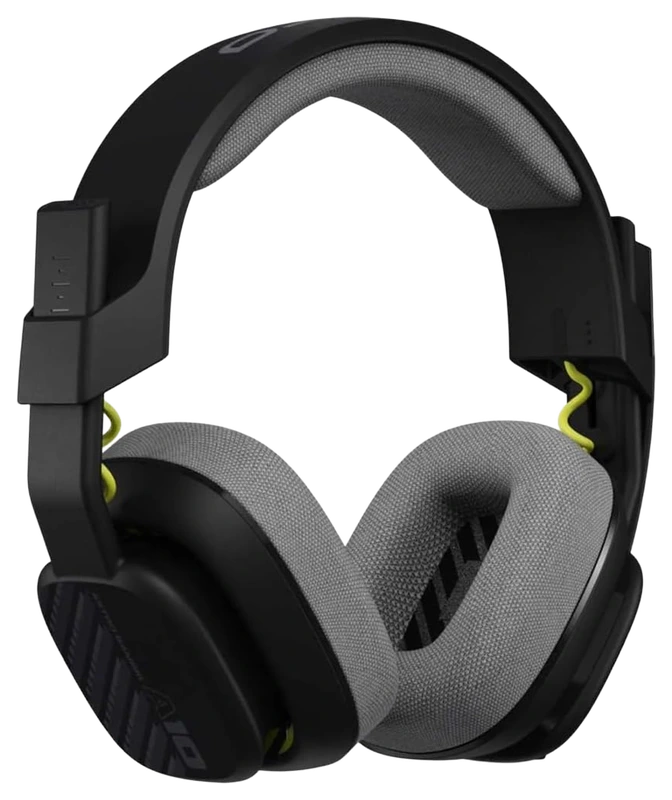
Verified Playtime
2,962verified hours
- Rank 17.
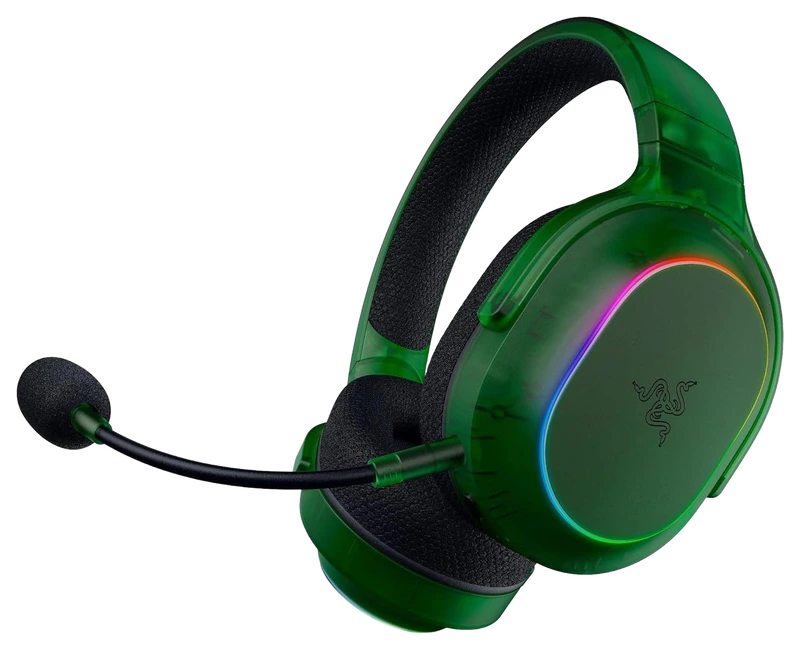
Verified Playtime
2,942verified hours
- Rank 18.
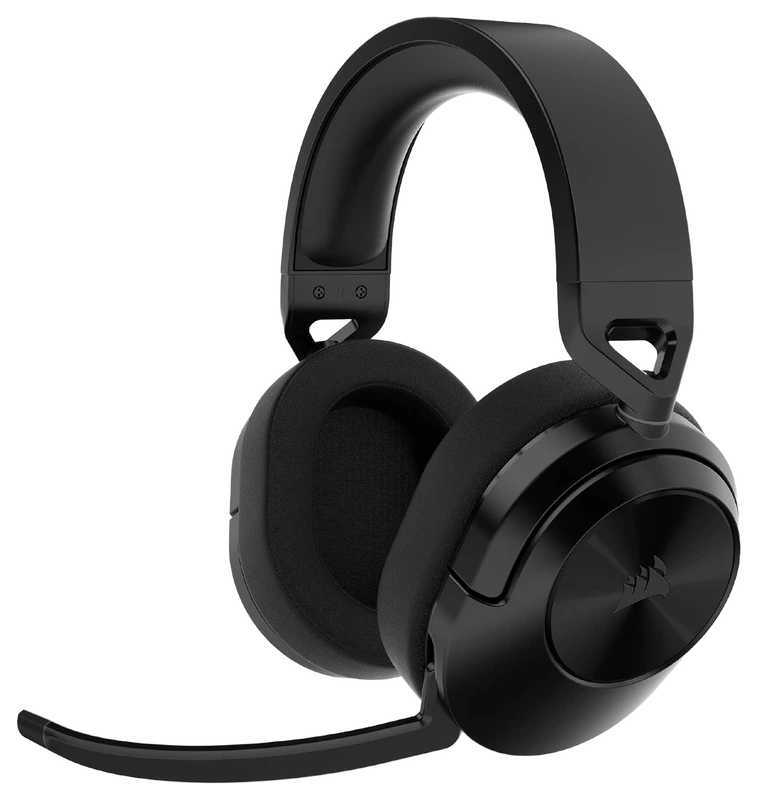
Verified Playtime
2,838verified hours
- Rank 19.
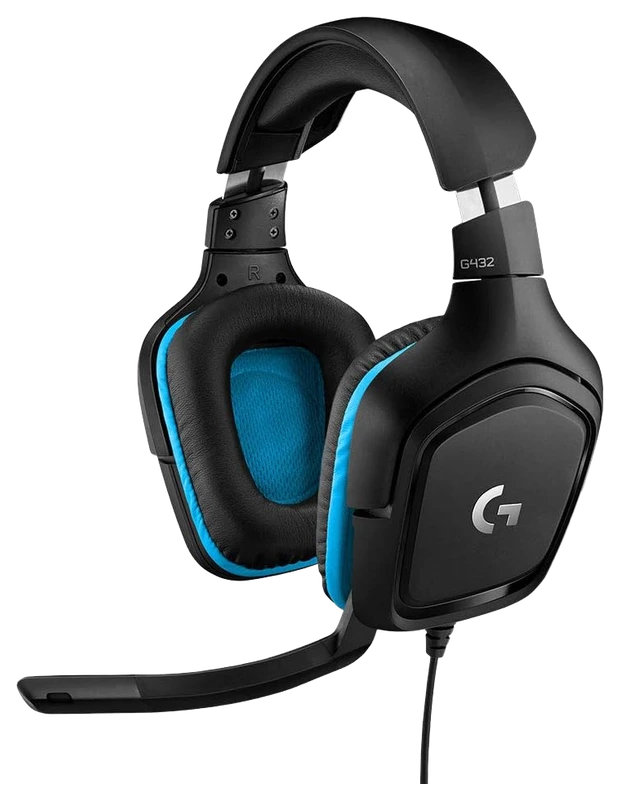
Verified Playtime
2,837verified hours
- Rank 20.
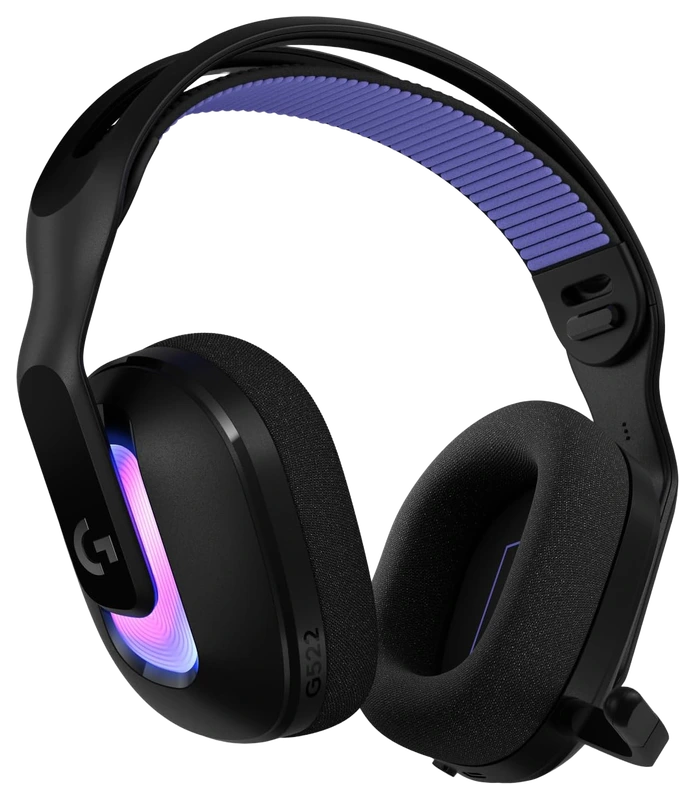
Verified Playtime
2,770verified hours
- Rank 21.
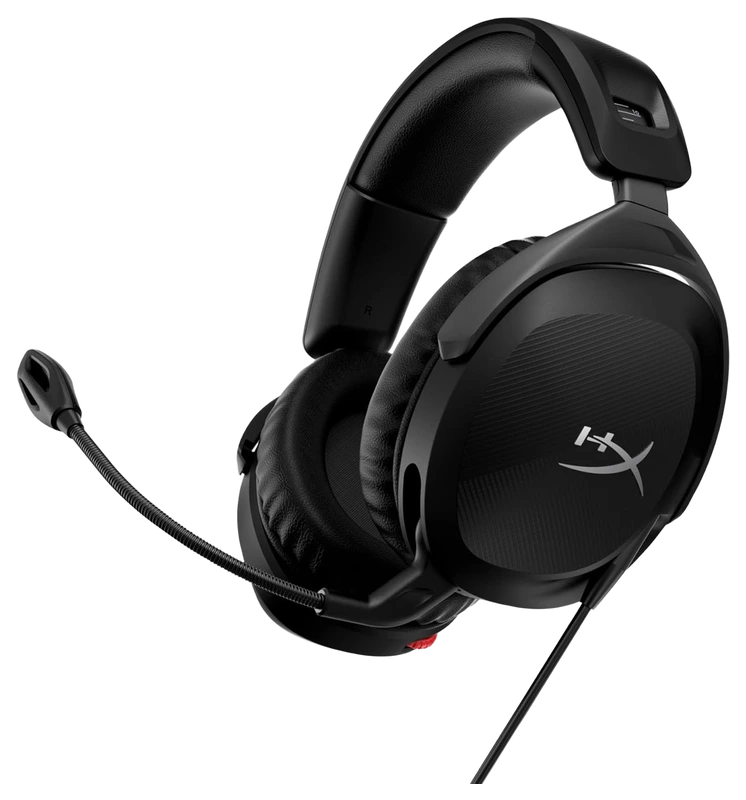
Verified Playtime
2,651verified hours
- Rank 22.
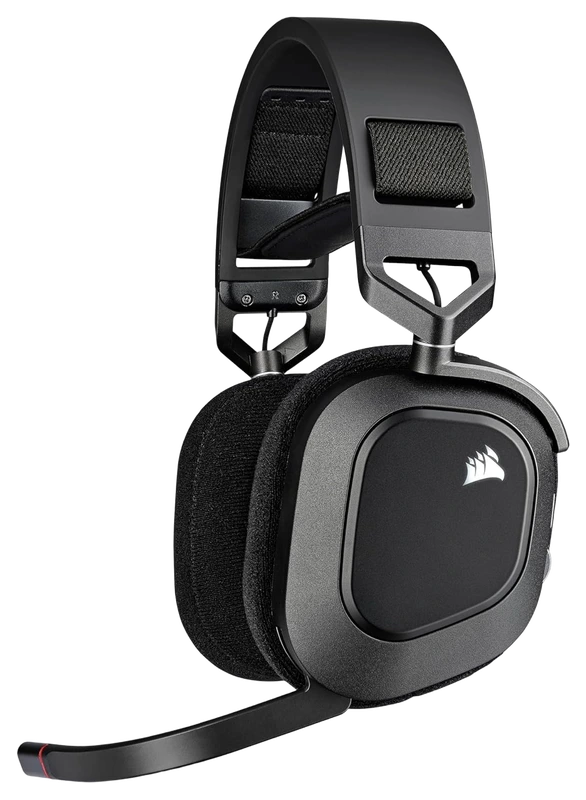
Verified Playtime
2,637verified hours
- Rank 23.
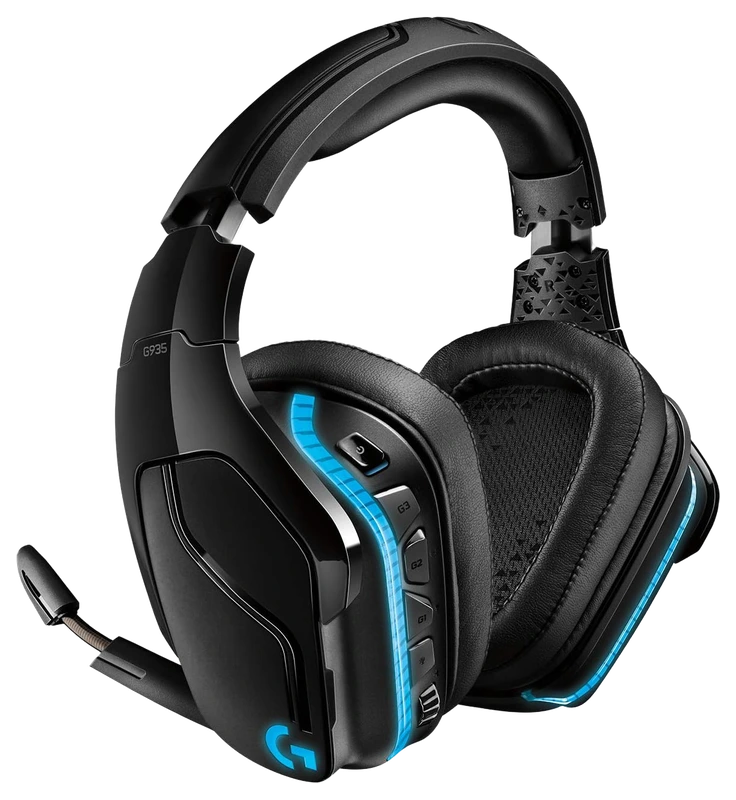
Verified Playtime
2,582verified hours
- Rank 24.
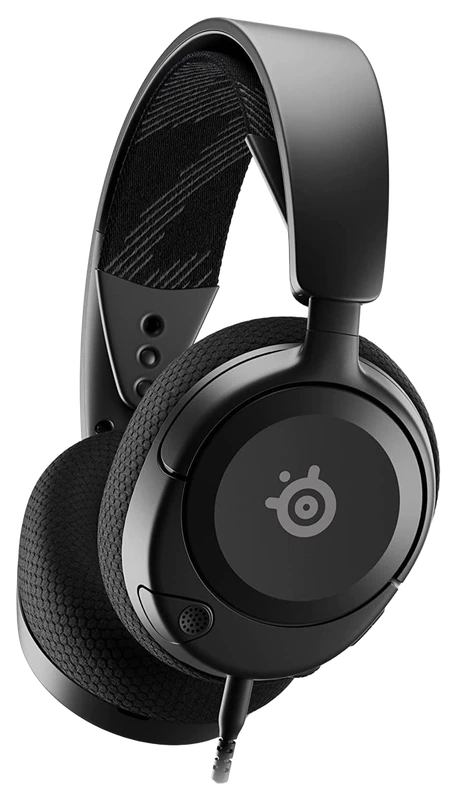
Verified Playtime
2,424verified hours
- Rank 25.
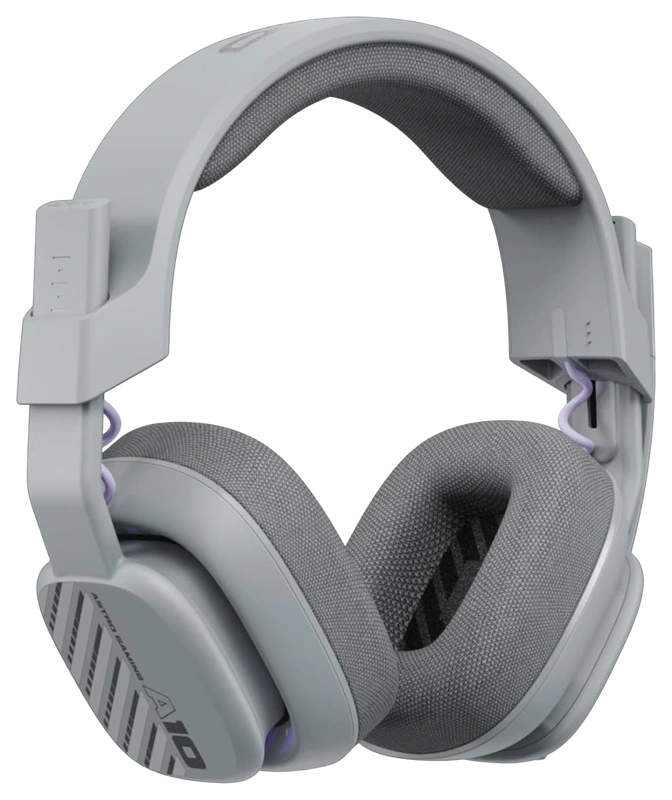
Verified Playtime
2,143verified hours
- Rank 26.
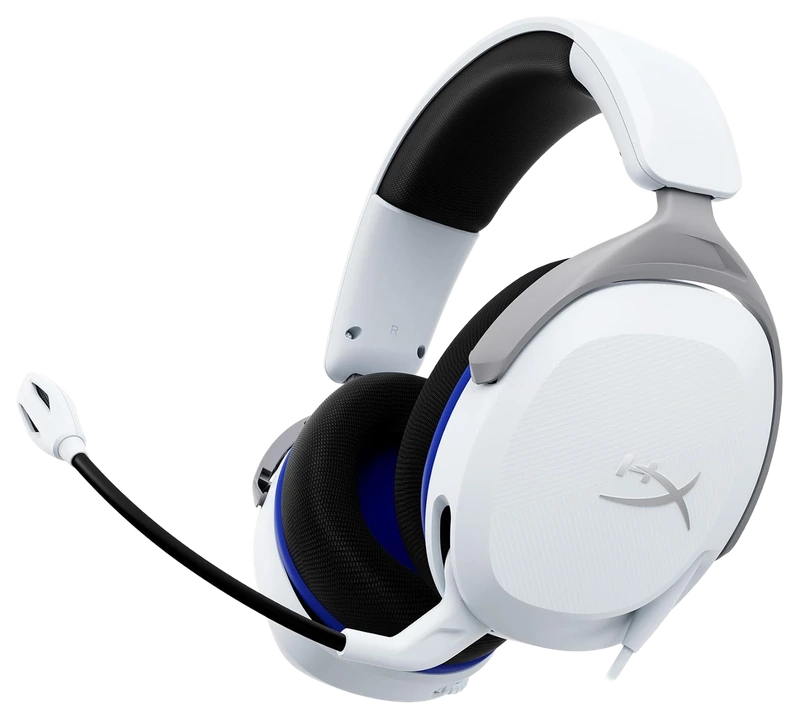
Verified Playtime
2,062verified hours
- Rank 27.
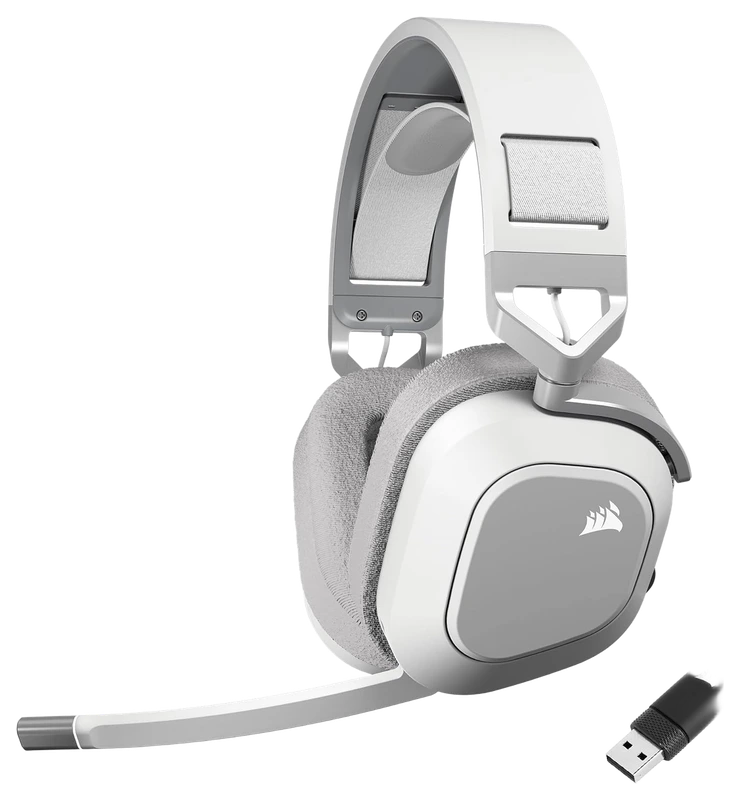
Verified Playtime
1,842verified hours
- Rank 28.
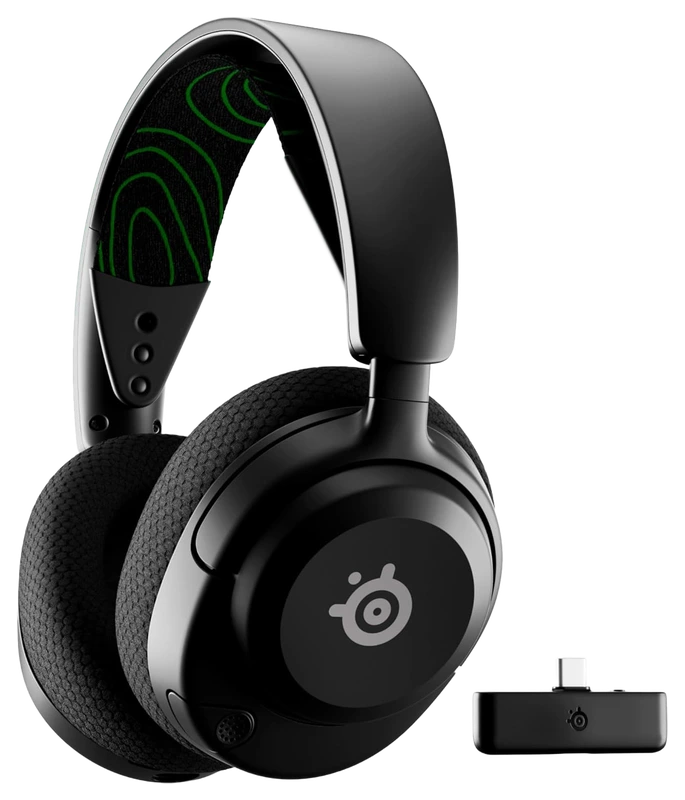
Verified Playtime
1,545verified hours
- Rank 29.
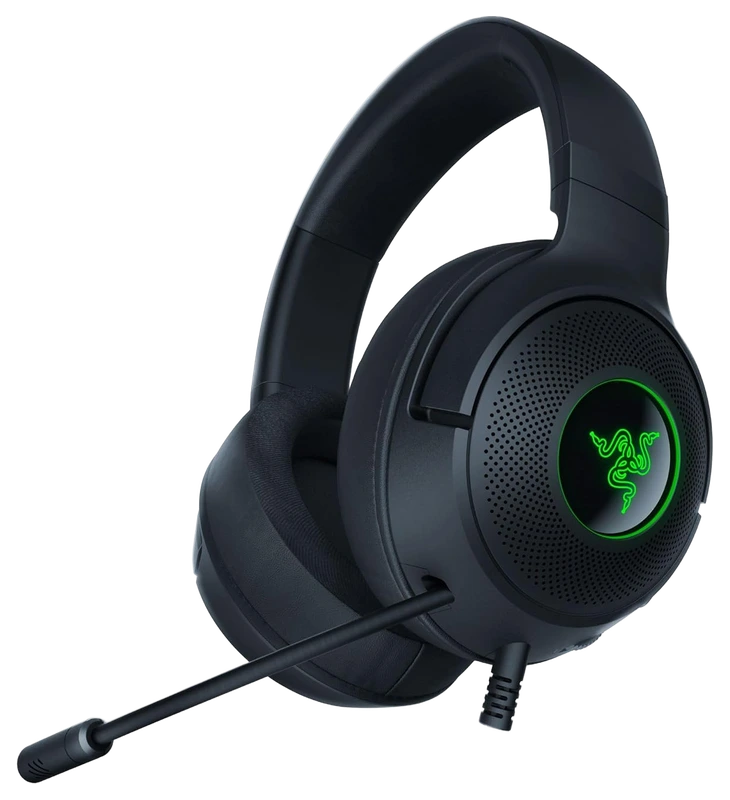
Verified Playtime
1,444verified hours
- Rank 30.
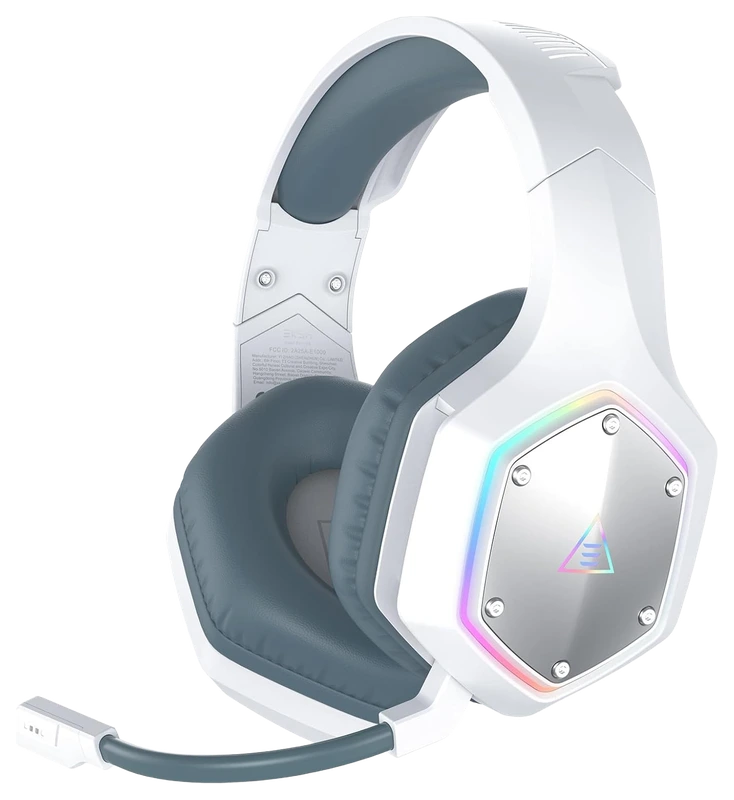
Verified Playtime
1,401verified hours
- Rank 31.
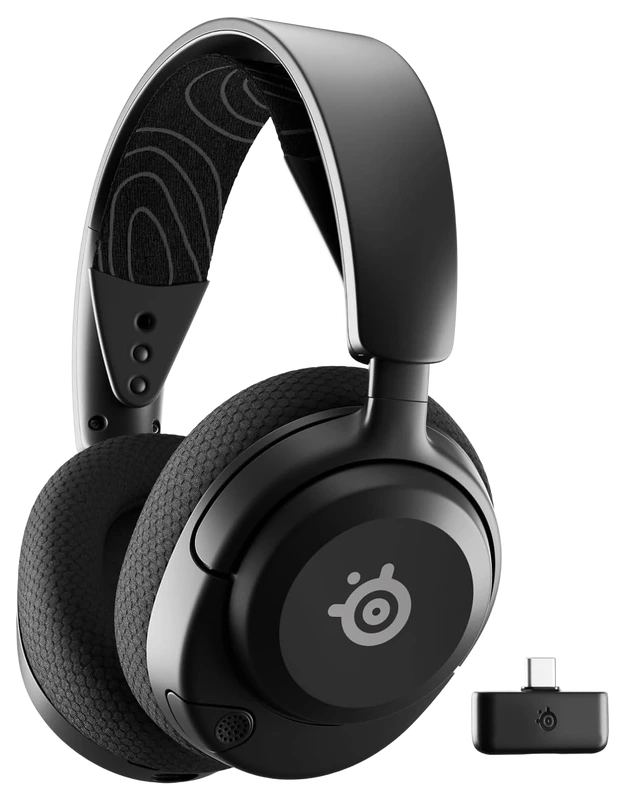
Verified Playtime
1,208verified hours
- Rank 32.
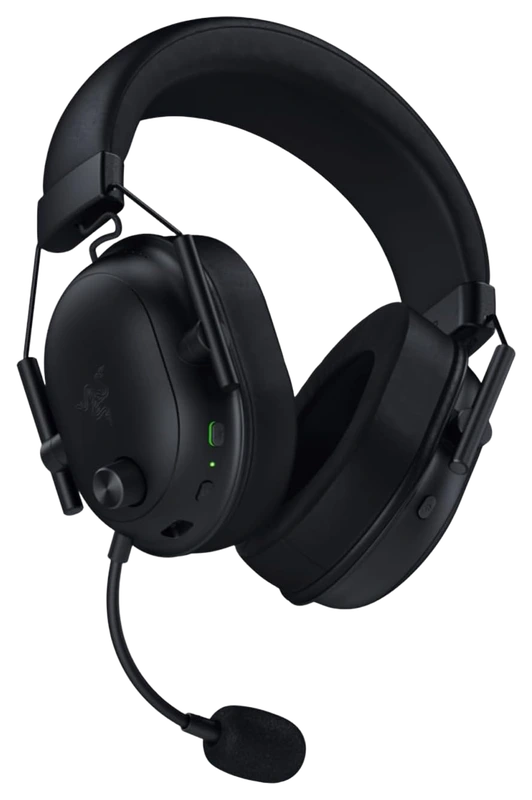
Verified Playtime
1,094verified hours
- Rank 33.
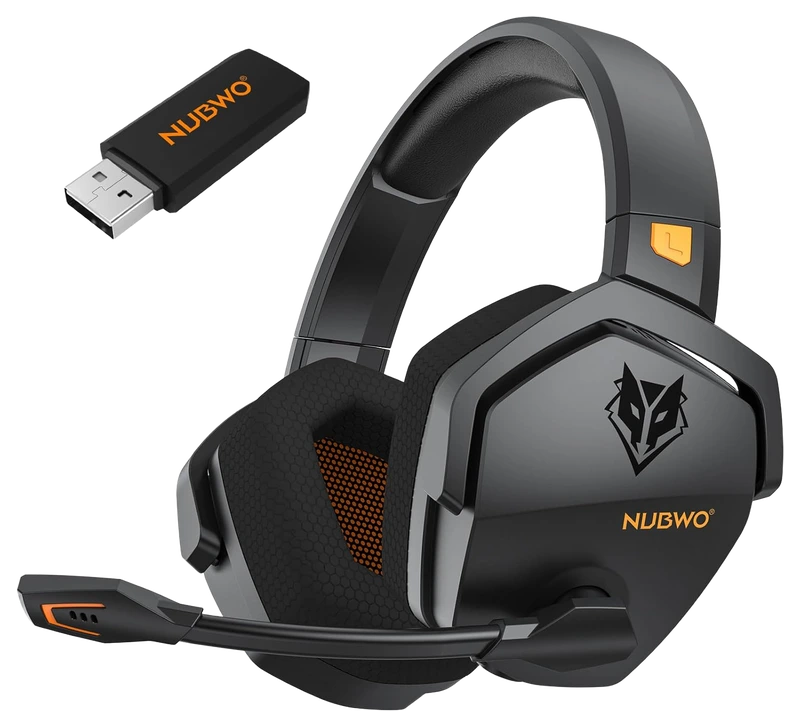
Verified Playtime
1,047verified hours
- Rank 34.
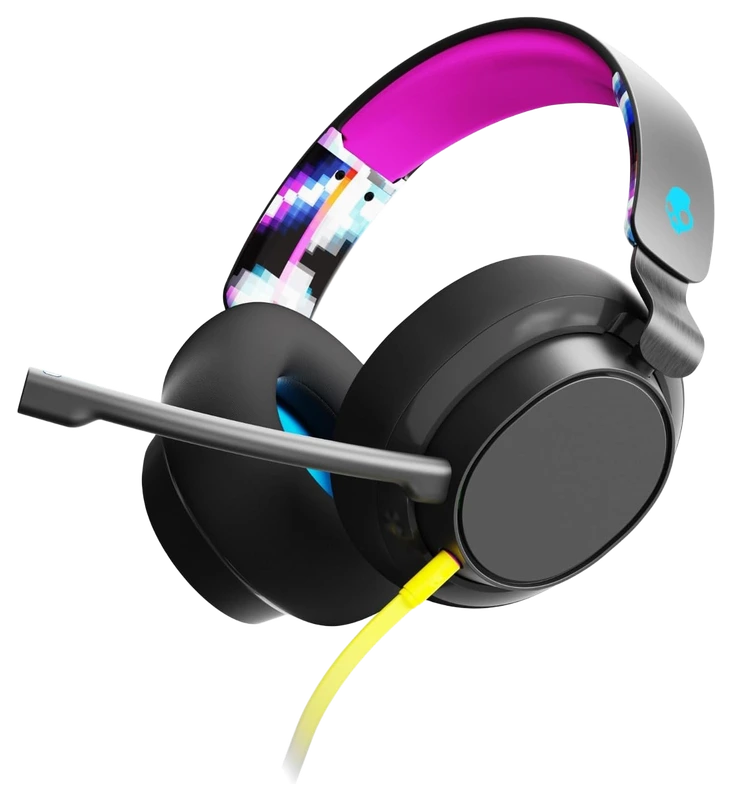
Verified Playtime
1,014verified hours
- Rank 35.
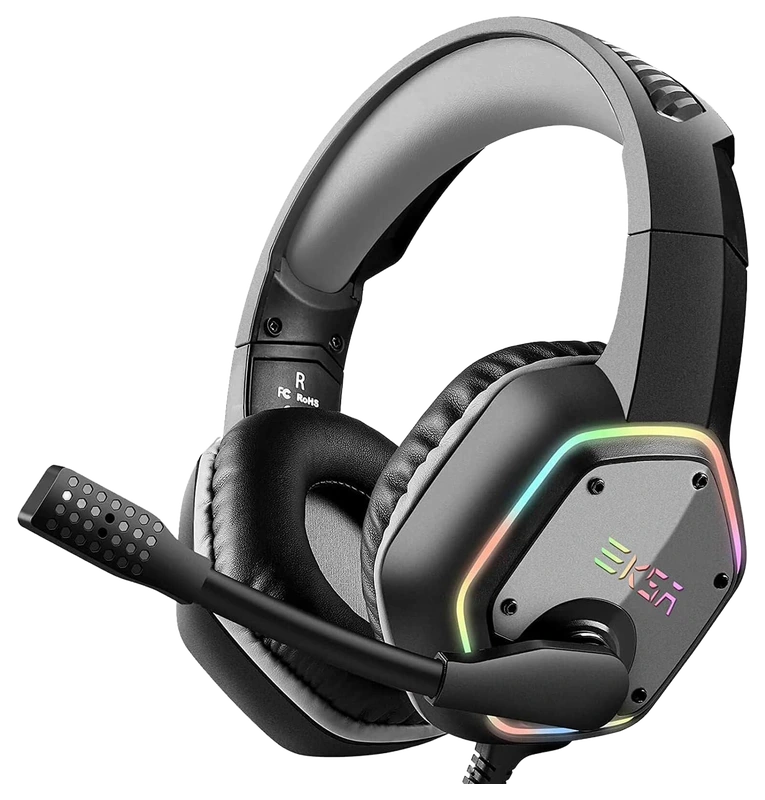
Verified Playtime
958verified hours
- Rank 36.
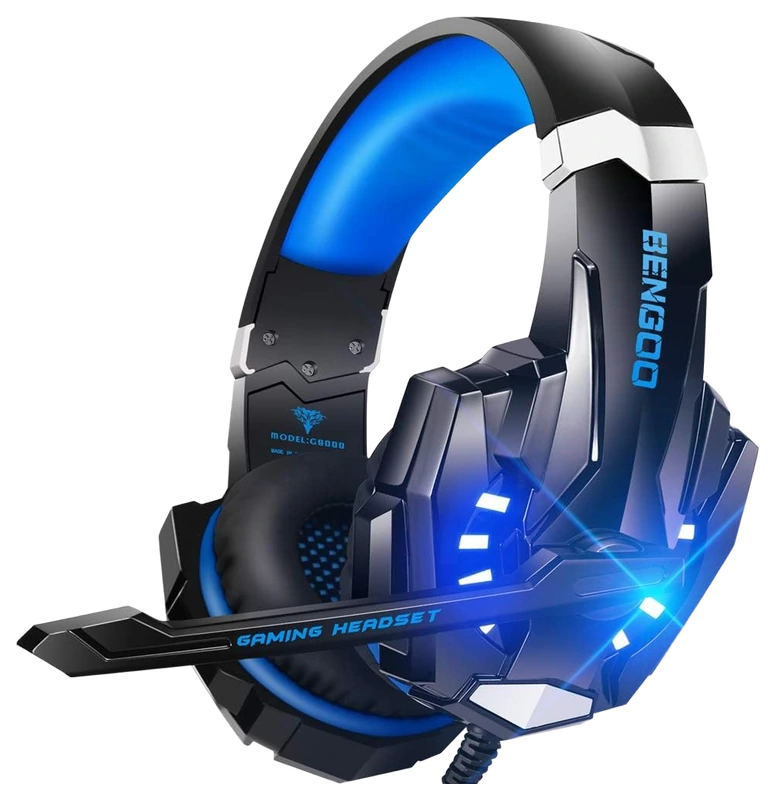
Verified Playtime
895verified hours
- Rank 37.
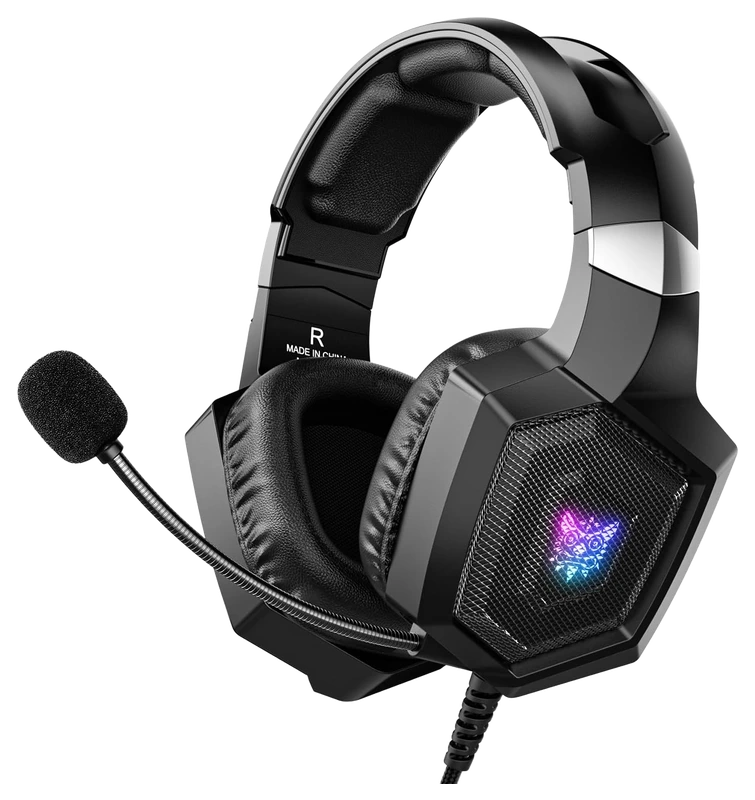
Verified Playtime
726verified hours
- Rank 38.
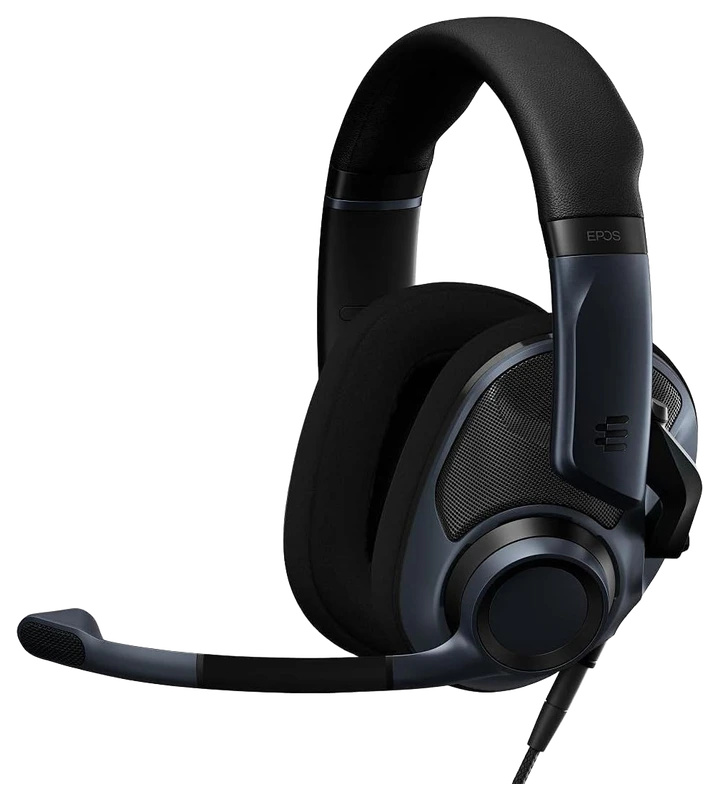
Verified Playtime
616verified hours
- Rank 39.
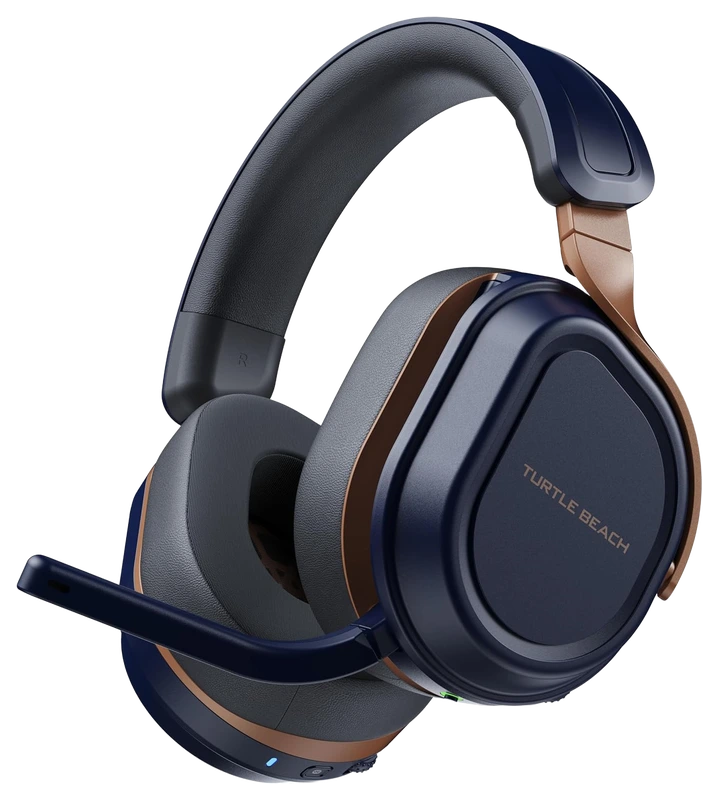
Verified Playtime
518verified hours
- Rank 40.
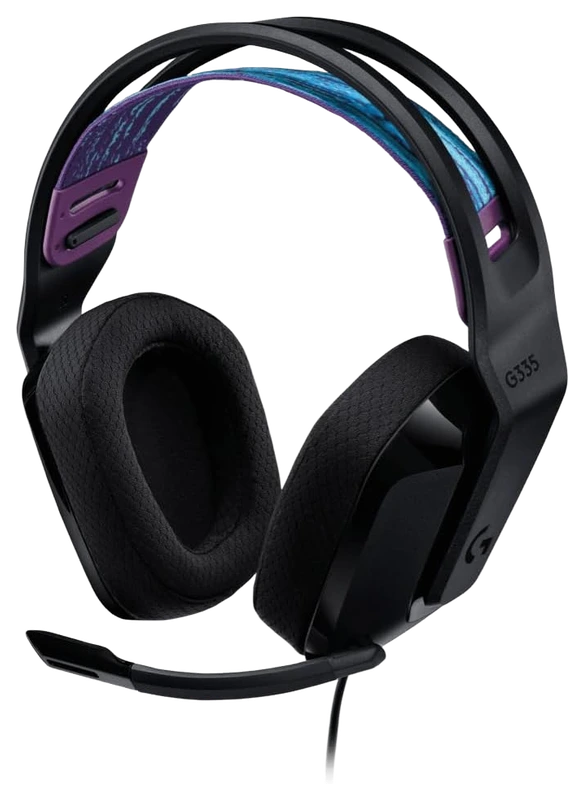
Verified Playtime
517verified hours
- Rank 41.
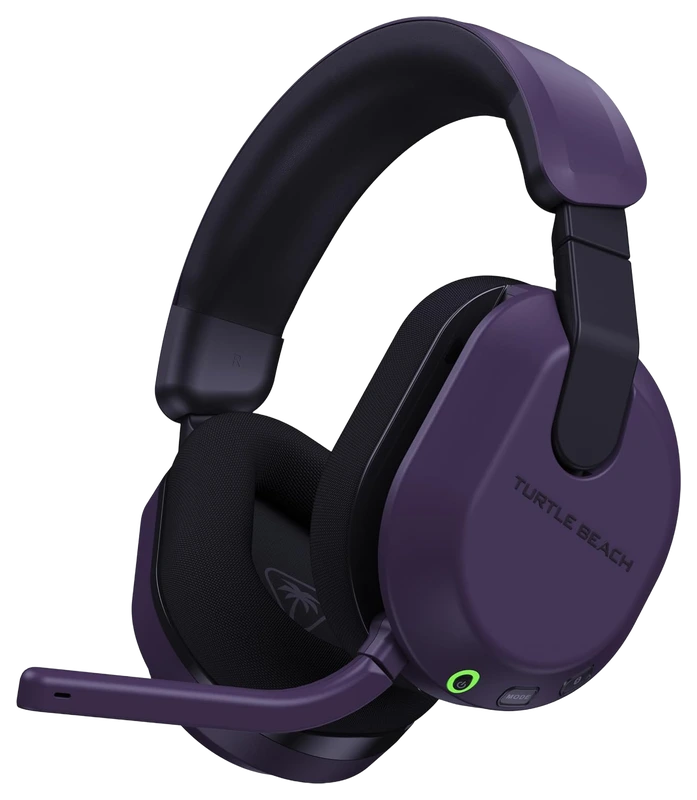
Verified Playtime
516verified hours
- Rank 42.
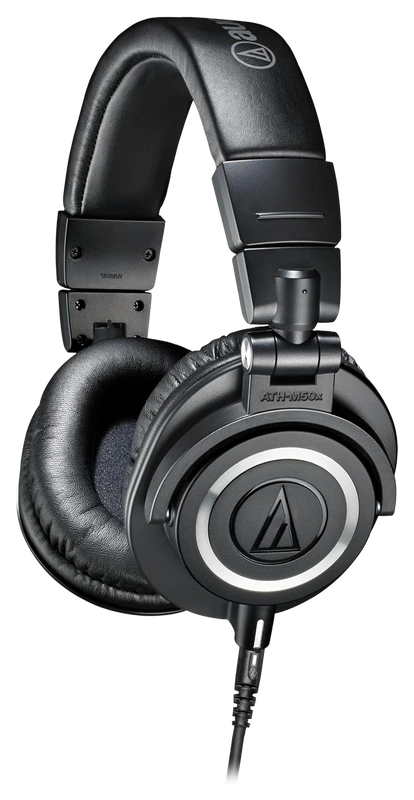
Audio-Technica
ATH-M50x Professional Monitor Headphones, Black
Verified Playtime
478verified hours
- Rank 43.
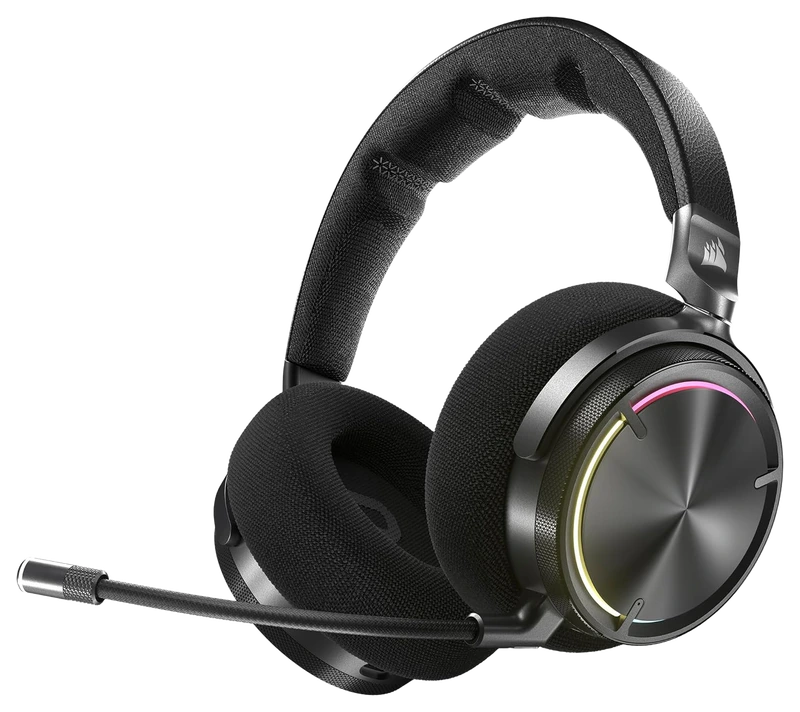
Verified Playtime
438verified hours
- Rank 44.
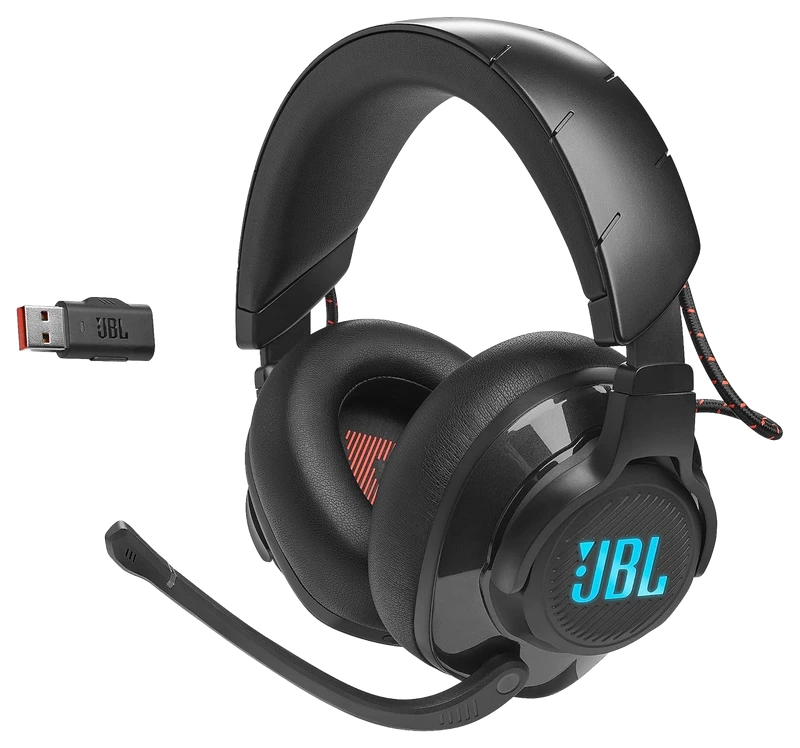
Verified Playtime
437verified hours
- Rank 45.
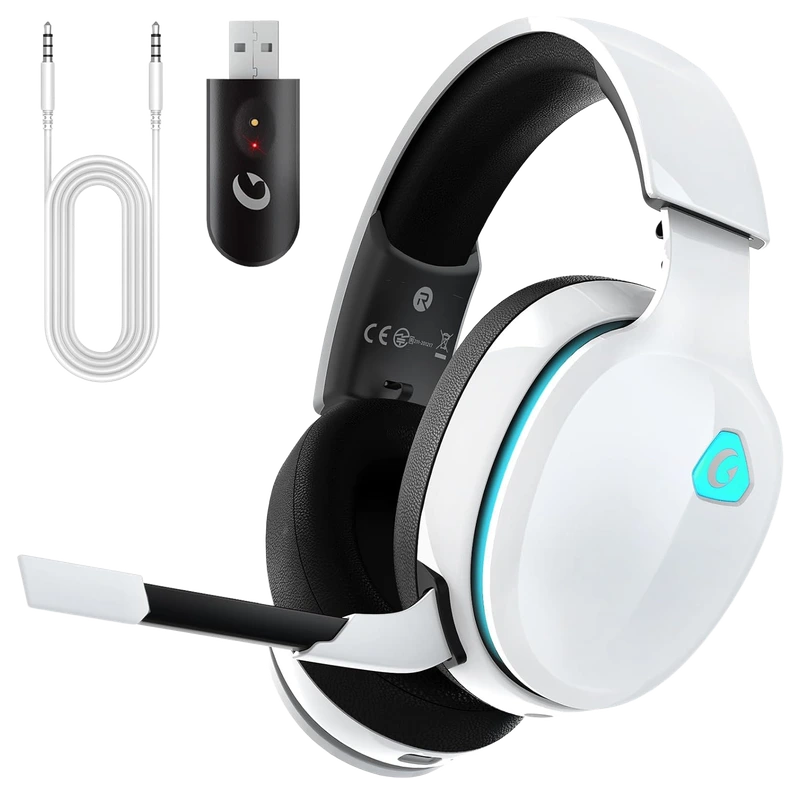
Gvyugke
Gaming Headset, 2.4GHz
Verified Playtime
398verified hours
- Rank 46.
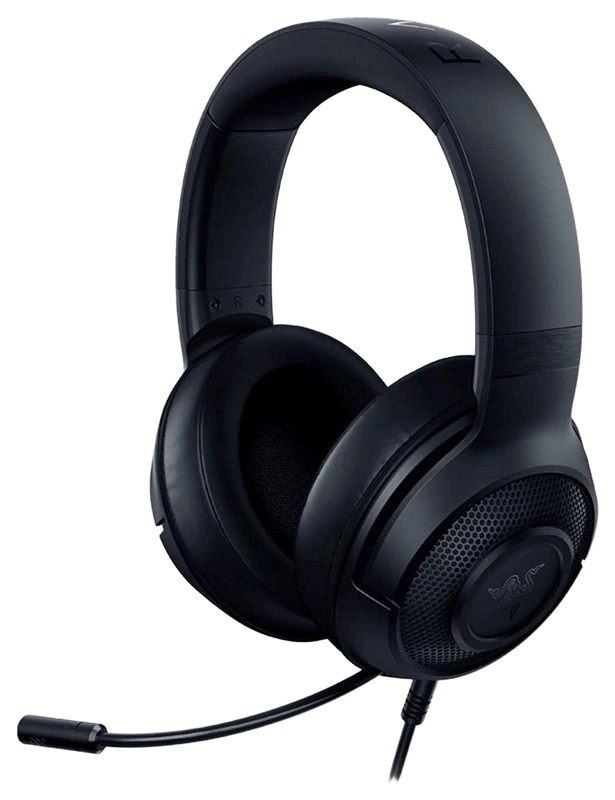
Verified Playtime
397verified hours
- Rank 47.
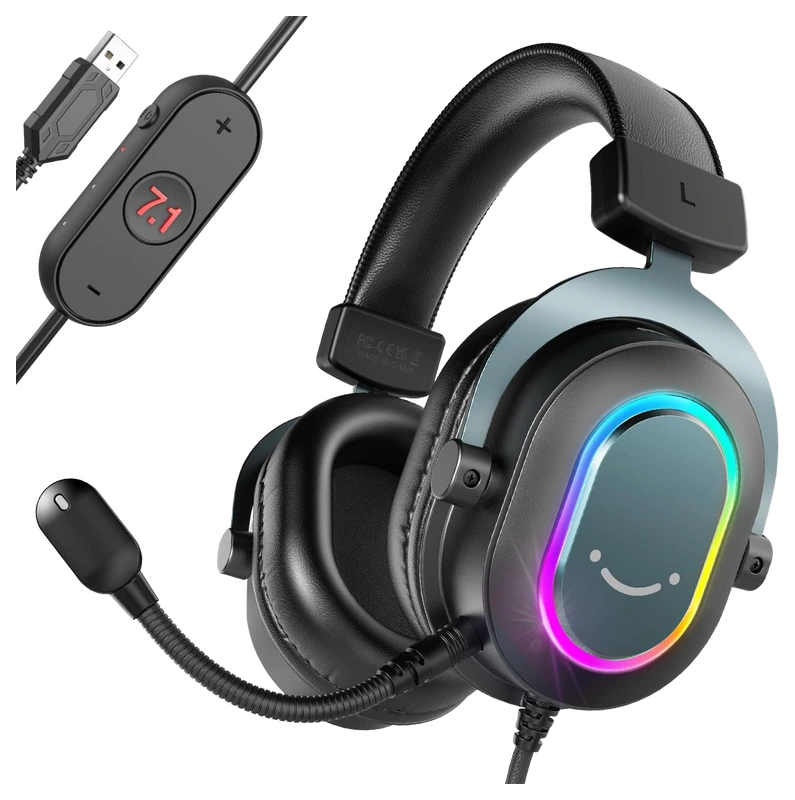
Verified Playtime
318verified hours
- Rank 48.
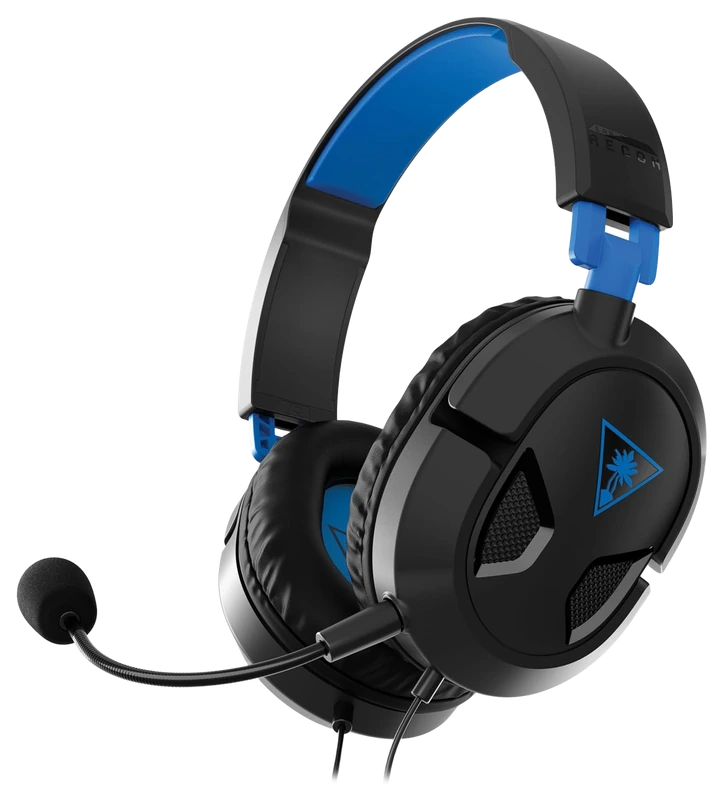
Turtle Beach
Recon 50 Playstation Gaming Headset for PS5
Verified Playtime
317verified hours
- Rank 49.
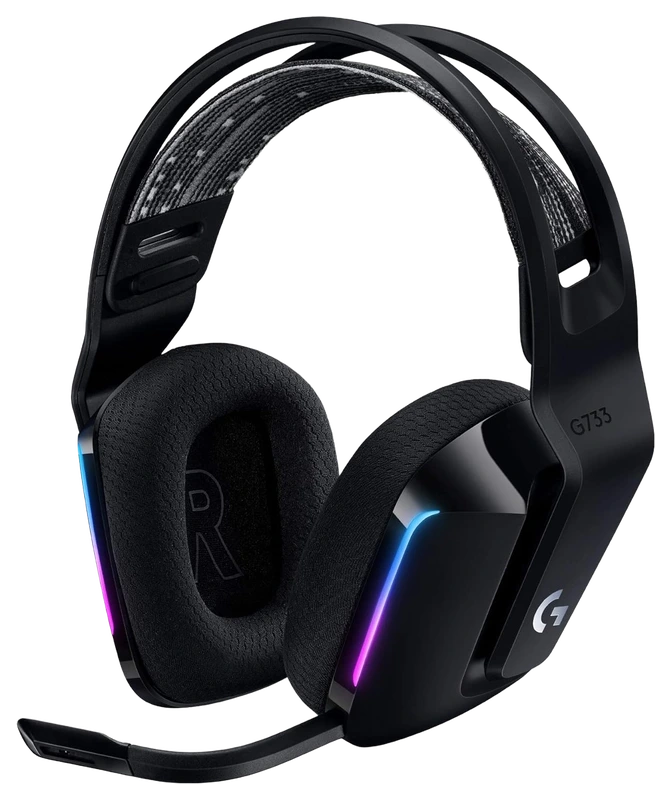
Verified Playtime
206verified hours
- Rank 50.
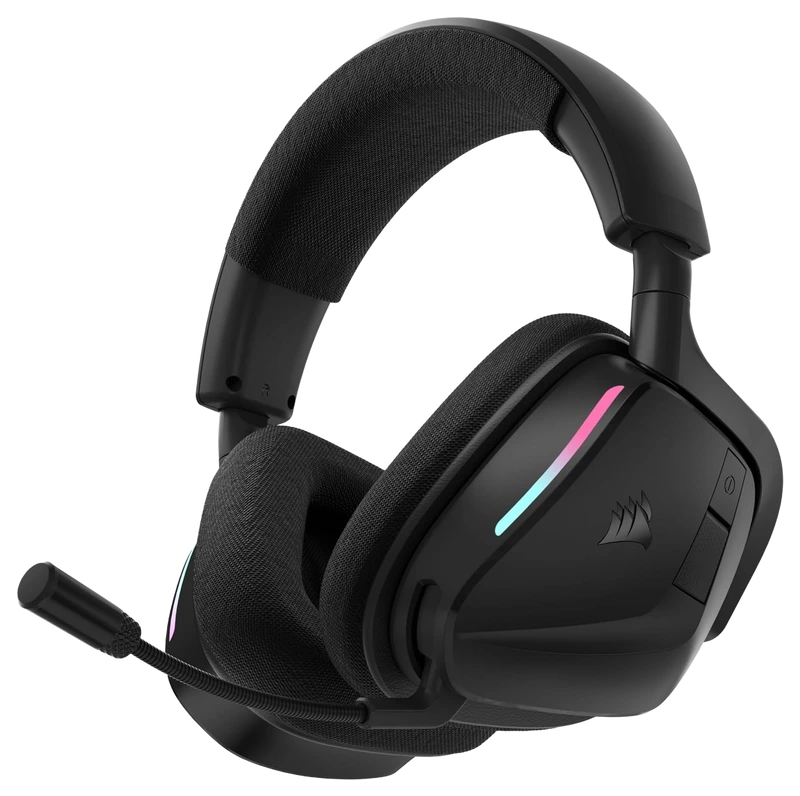
Verified Playtime
176verified hours
- Rank 51.
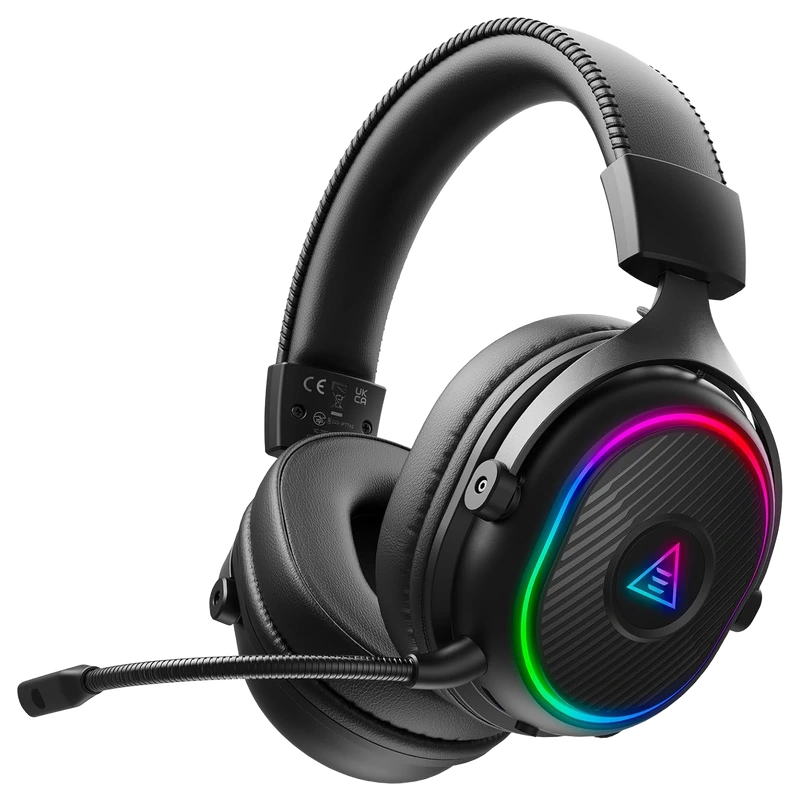
Verified Playtime
158verified hours
- Rank 52.
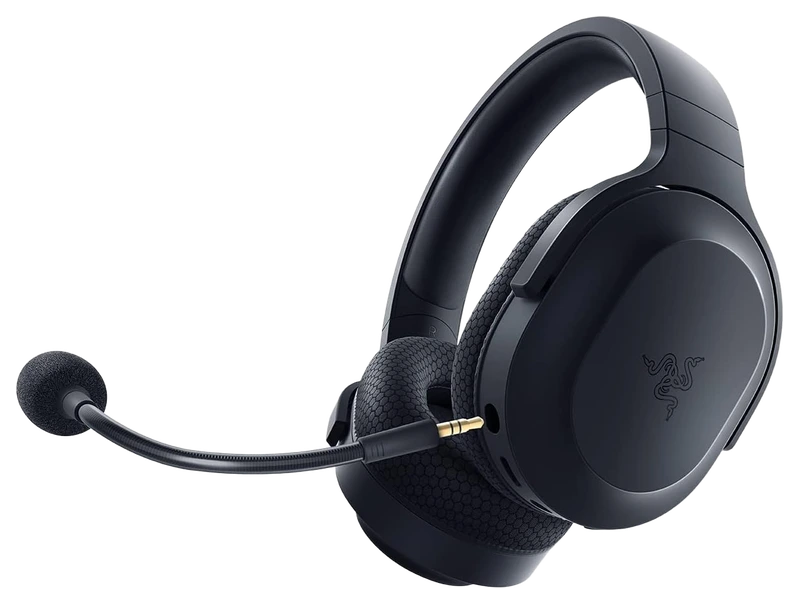
Verified Playtime
157verified hours
- Rank 53.
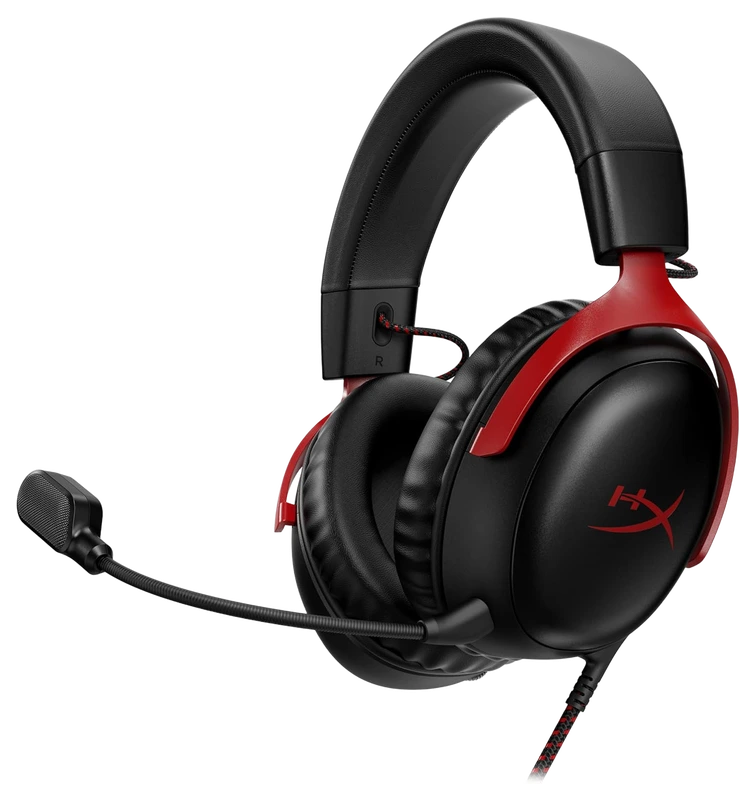
Verified Playtime
156verified hours
- Rank 54.
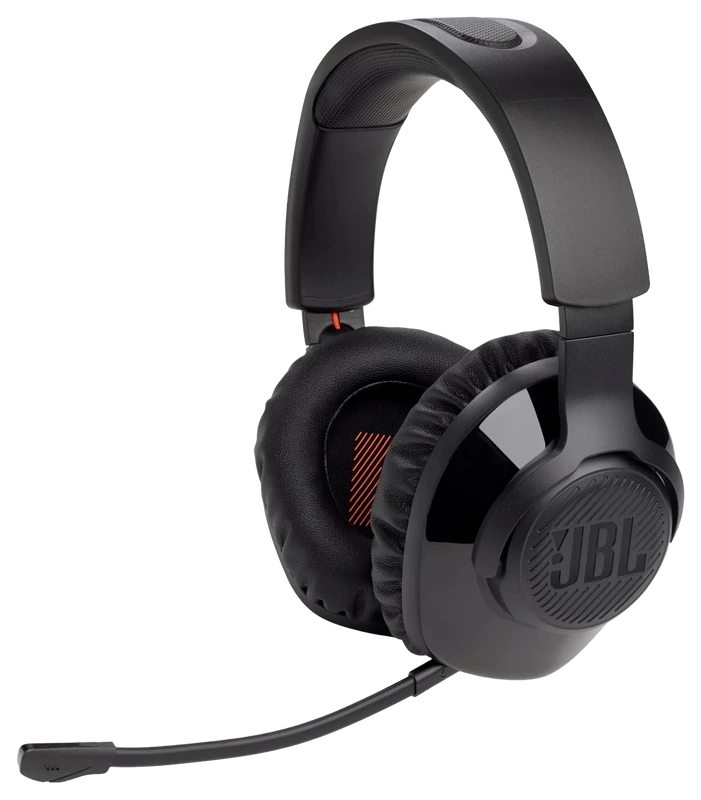
Verified Playtime
118verified hours
- Rank 55.
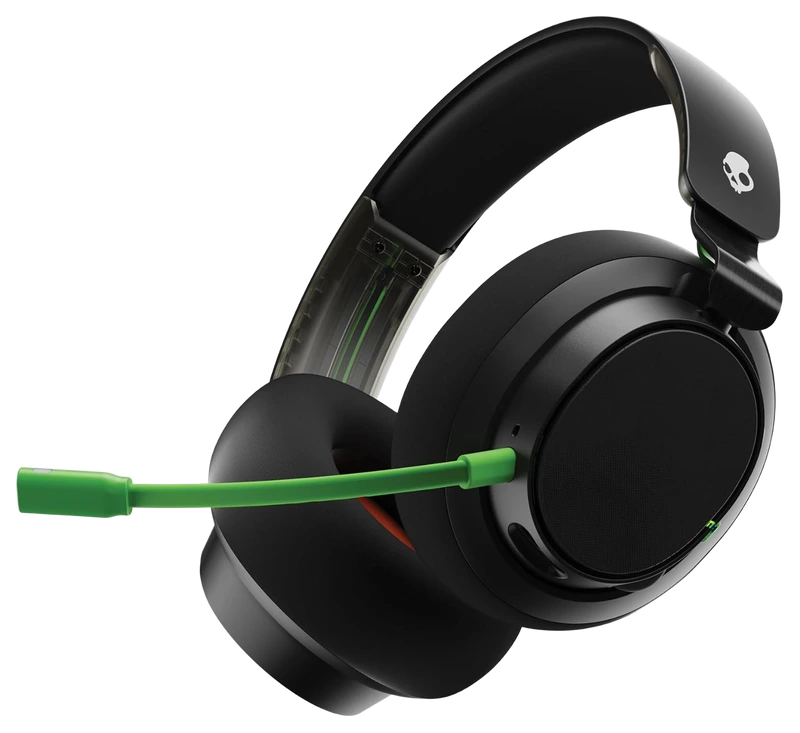
Verified Playtime
117verified hours
- Rank 56.
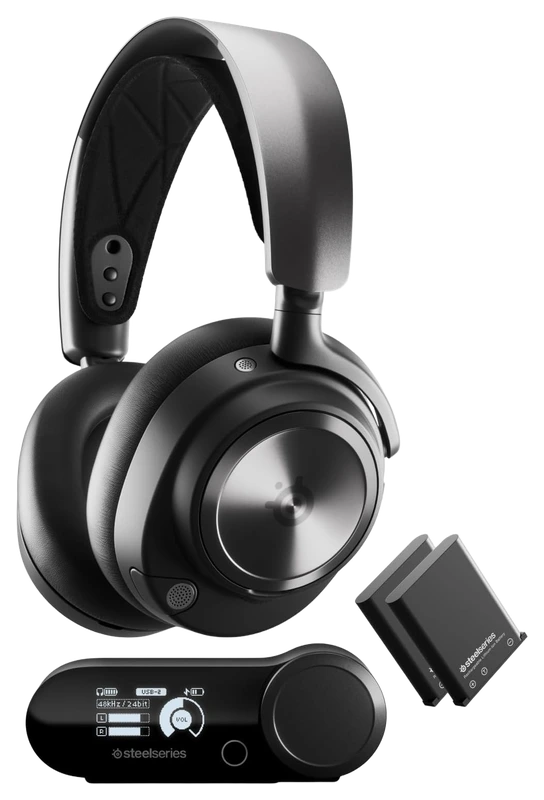
Verified Playtime
116verified hours
- Rank 57.
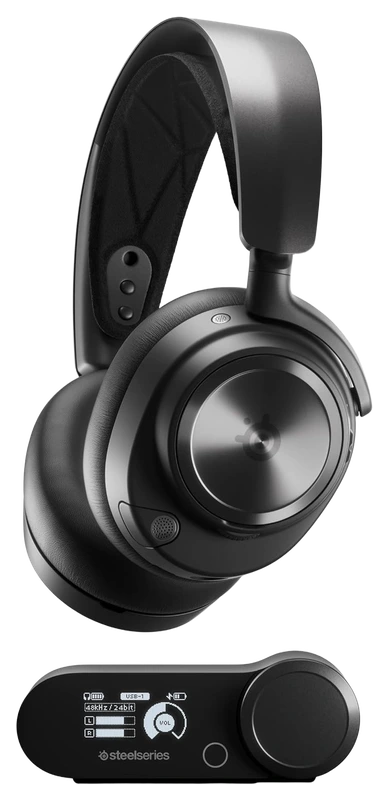
Verified Playtime
114verified hours
- Rank 58.
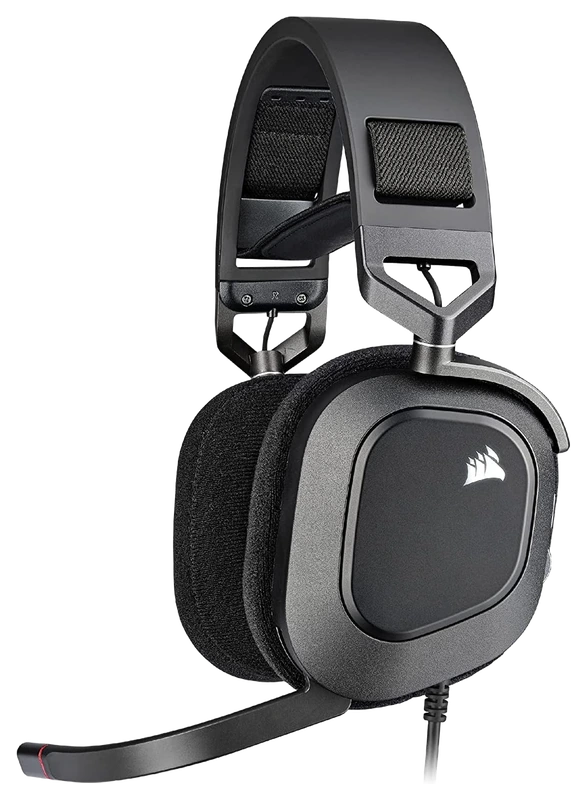
Verified Playtime
78verified hours
- Rank 59.
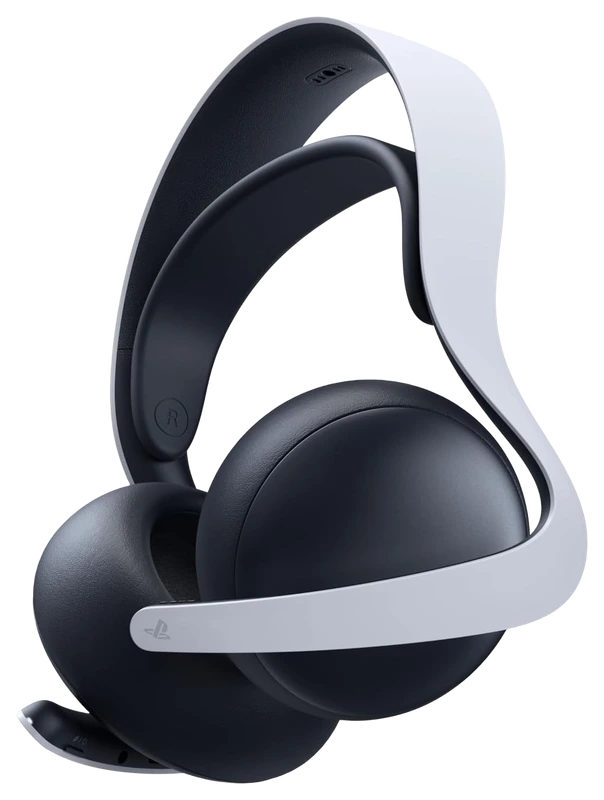
Verified Playtime
77verified hours
- Rank 60.
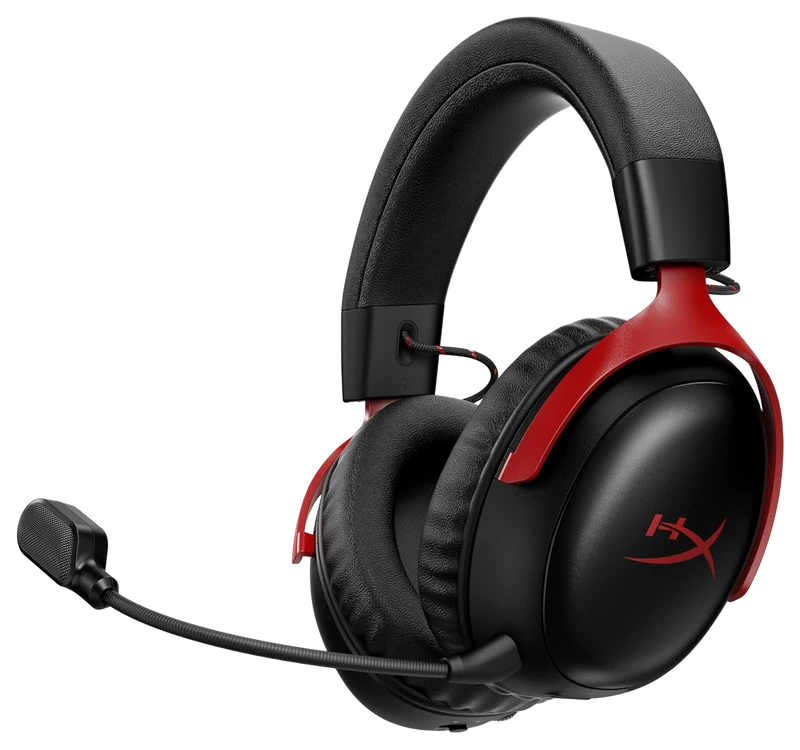
Verified Playtime
38verified hours
- Rank 61.
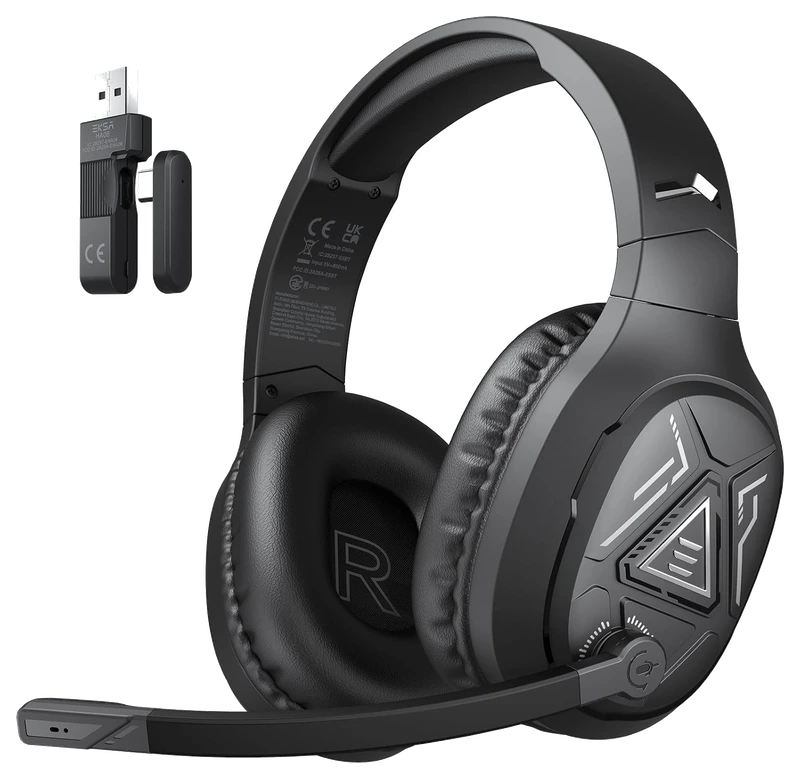
Verified Playtime
37verified hours
Your needs come first
Find your fit. Then compare the hours.
Confirm your platform and connection
Check support for your PC or console, the included receiver or adapter, and whether both audio and microphone work in your intended mode. Similar-looking variants can support different platforms; a family name is not enough to establish compatibility.
Plan for your room and voice chat
Decide how much outside sound you need to block and whether people nearby should hear your audio. Check microphone recordings made in conditions similar to yours. A separate microphone may change which features you need from the headset itself.
Treat comfort as a fit question
Consider headband adjustment, ear-pad size and depth, glasses clearance and weight. A popular headset can still fit you poorly. Check the return policy and replacement-pad availability instead of treating verified playtime as a comfort test.
Use the right evidence for sound
Use acoustic reviews for sound and microphone claims, and compare game-specific player backing where available. Footstep perception also depends on the game’s mix and your audio settings. Do not choose a headset solely because a general ranking puts it first.
Verified Hours do not establish imaging accuracy, frequency response, microphone quality or an advantage in hearing footsteps. Those claims need appropriate acoustic measurements or clearly described listening tests.
Read the guide
From ranking to shortlist
Start with your room and platform
Decide whether you need isolation from nearby sound and confirm audio and microphone support on your device. Check the exact receiver or cable variant before comparing features.
Compare sound and voice separately
Look for relevant listening evidence, acoustic measurements and microphone recordings. Surround-software support is a feature, rather than proof that a headset helps locate footsteps more accurately.
Check adjustment and replaceable parts
Compare earcup space, headband adjustment, weight and the fit around your glasses if you wear them. Check earpad availability and return terms before relying on a ranking as a comfort test.
Sources for the buying notes
Questions worth asking
Gaming Headsets FAQ
Will the highest-ranked headset be the most comfortable?
The ranking does not measure your head shape, glasses or preferred clamping. Compare the fit and adjustment of suitable models alongside the published ranking.
What does this Hours.gg guide publish?
Sign in with Steam to read the answer and reveal the leading products.
Reveal with Steam