Buying guides · Verified, Real Playtime
Best Gaming Keyboard
Compare gaming keyboards. Check key layout, switch feel and room for your mouse.
- Verified Hours
- 153,560
- Keyboards ranked
- 83
- Ranking updated
- 20 Aug 2026
At a glance
What the verified hours show
Explore this ranking backed by verified player playtime, then compare the features and fit for your setup. Sign in with Steam to reveal the leading products and their verified-hour totals.
This broad guide covers keyboards across the represented games. Use a specialist guide for a documented layout or feature requirement.
Compare the rankingsVerified Playtime Rankings
Products are ranked by real, verified player hours.
Board readout
83 ranked products in the published guide set
Best Gaming Keyboard · Across games · Updated
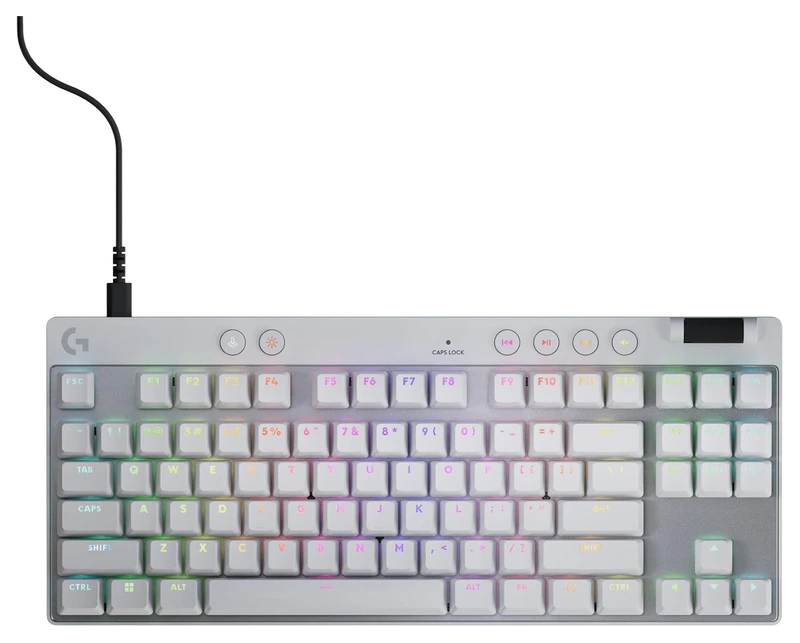
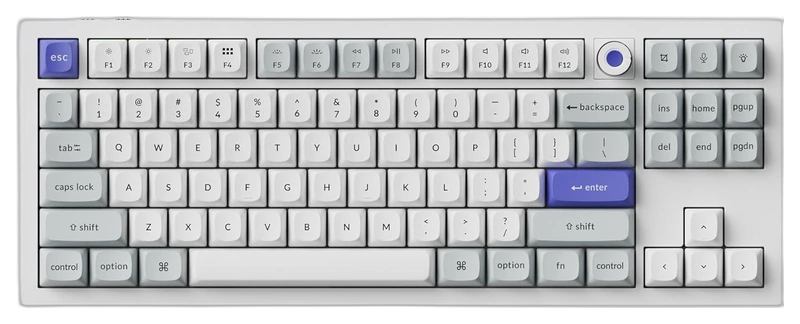
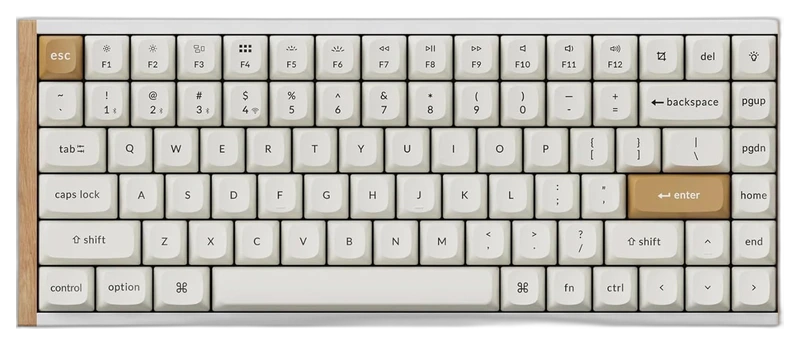
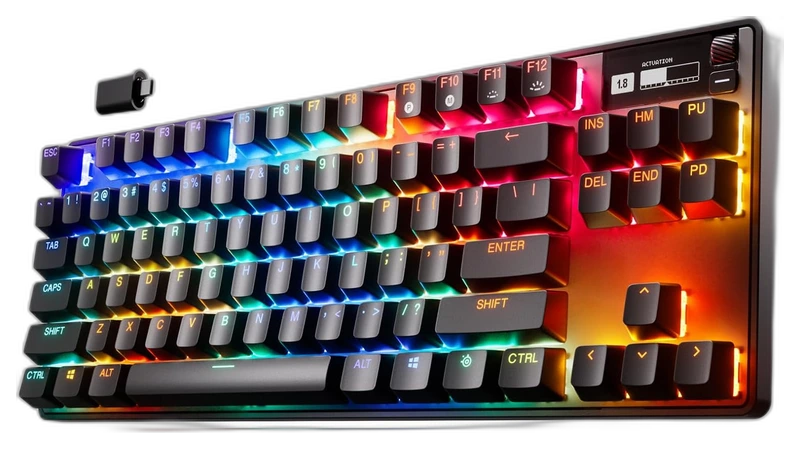
Top 3
Sign in with Steam to open the full top three
Steam opens the full top three and their verified-hour totals. Any results ranked fourth or lower stay visible.
- Rank 4.
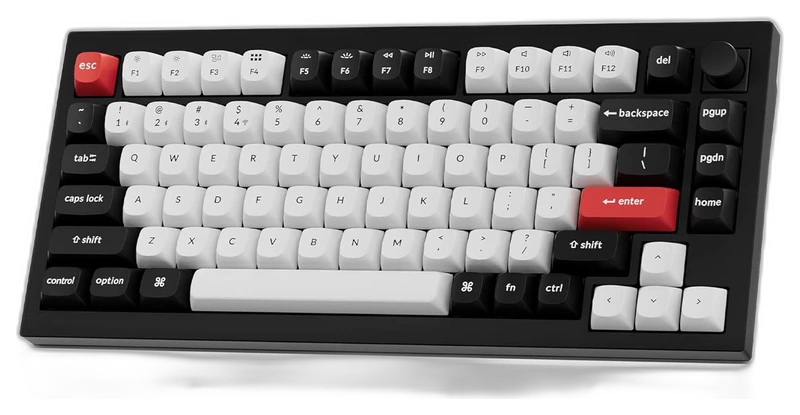
Keychron
Q1 HE Wireless Keyboard
Verified Playtime
11,822verified hours
- Rank 5.
Verified Playtime
10,800verified hours
- Rank 6.
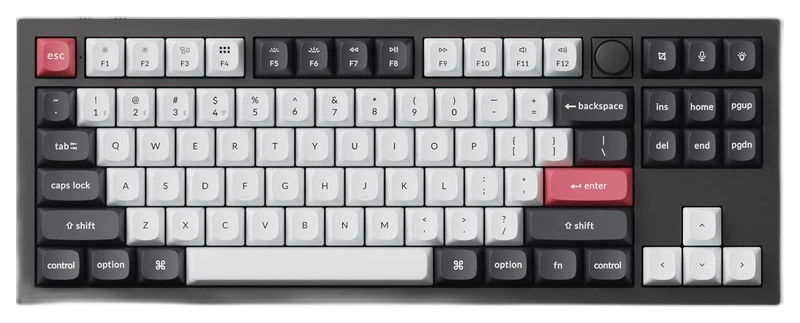
Keychron
Q3 HE Wireless Keyboard
Verified Playtime
10,638verified hours
- Rank 7.
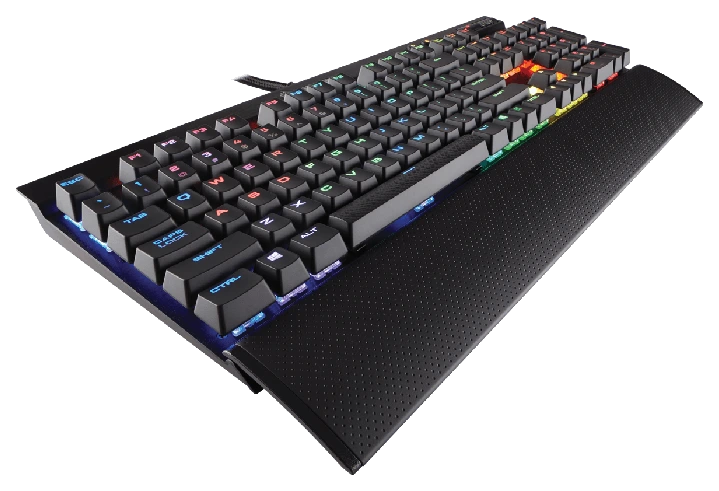
Verified Playtime
6,400verified hours
- Rank 8.
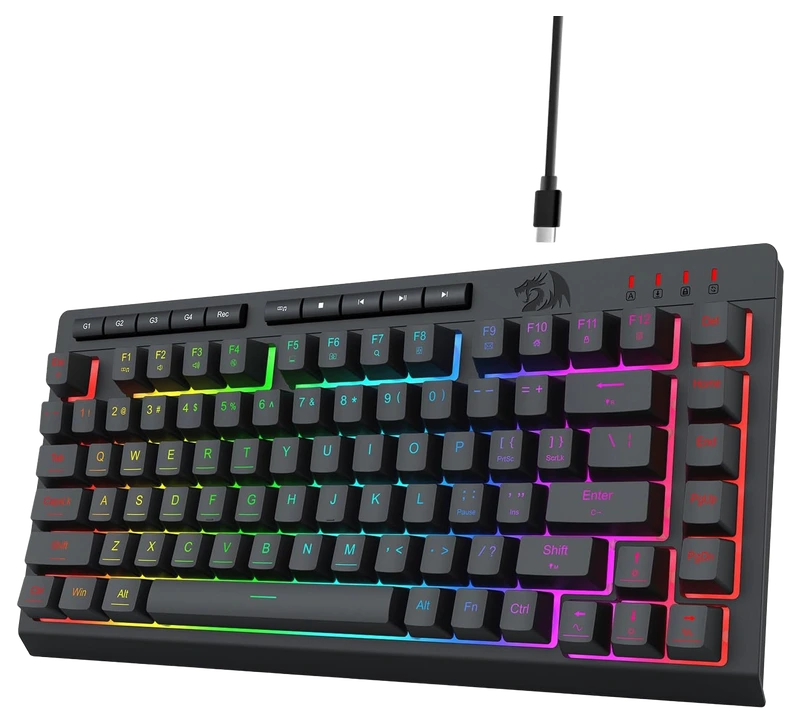
Verified Playtime
3,729verified hours
- Rank 9.
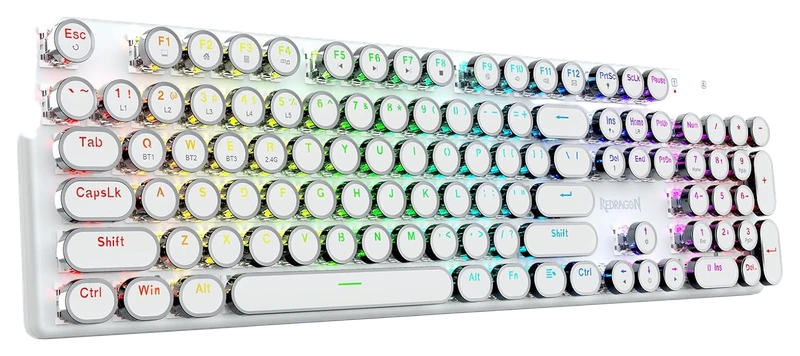
Verified Playtime
3,579verified hours
- Rank 10.
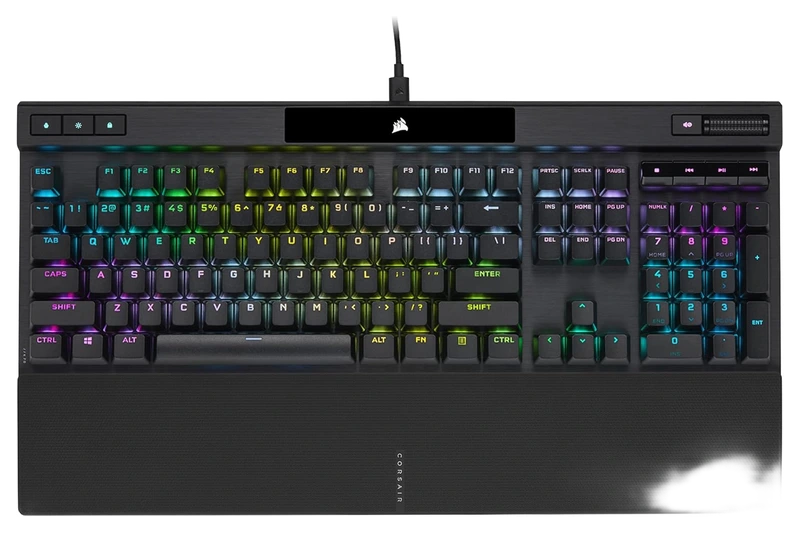
Verified Playtime
3,492verified hours
Showing 10 of 83 productsAll 83 productsShow all 83 productsShow top 10
- Rank 11.
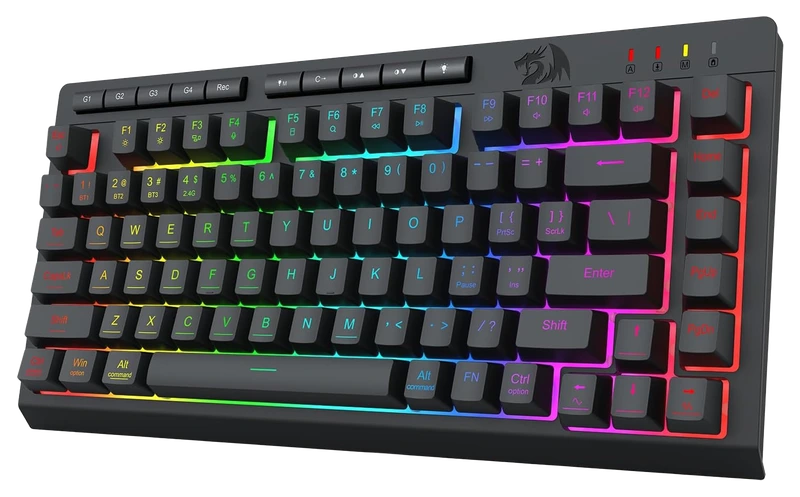
Verified Playtime
3,343verified hours
- Rank 12.
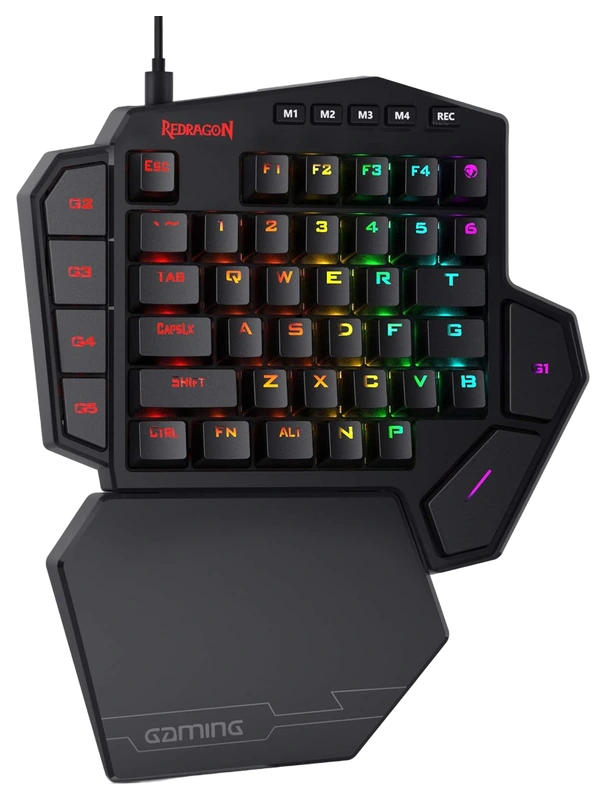
Verified Playtime
3,224verified hours
- Rank 13.
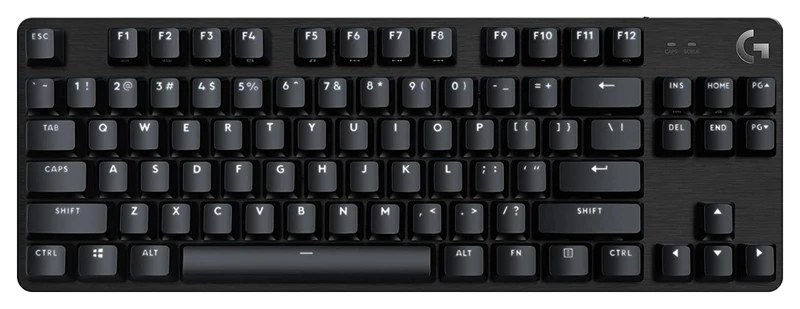
Verified Playtime
3,168verified hours
- Rank 14.
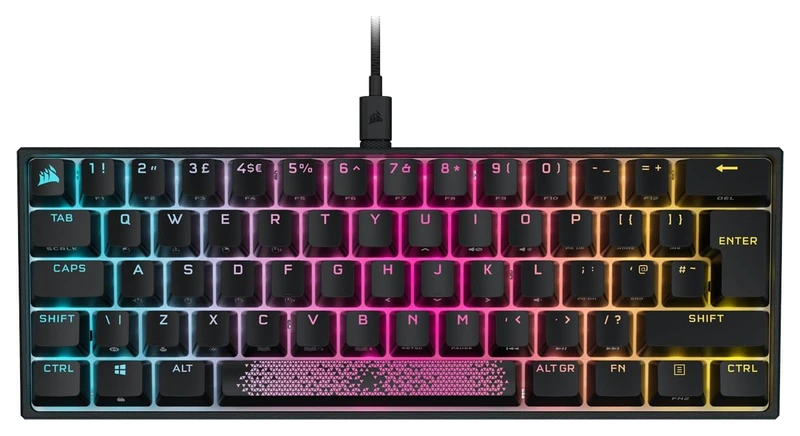
Verified Playtime
3,139verified hours
- Rank 15.
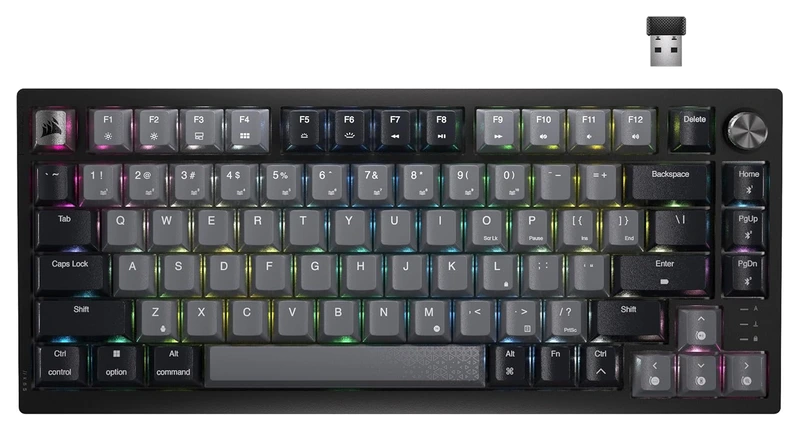
Verified Playtime
3,052verified hours
- Rank 16.
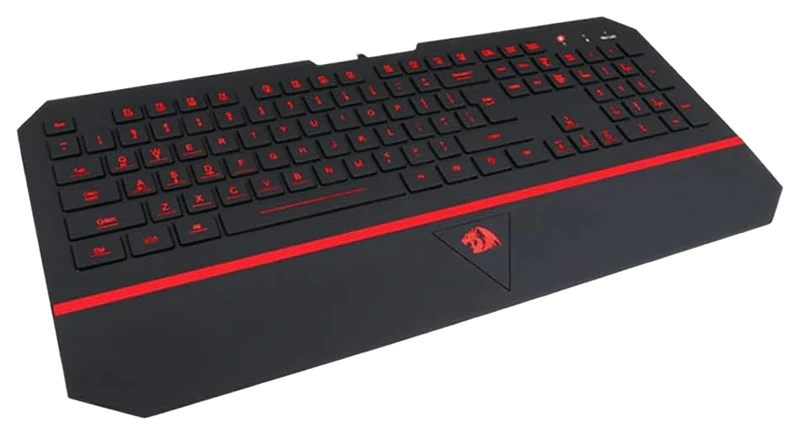
Verified Playtime
2,543verified hours
- Rank 17.
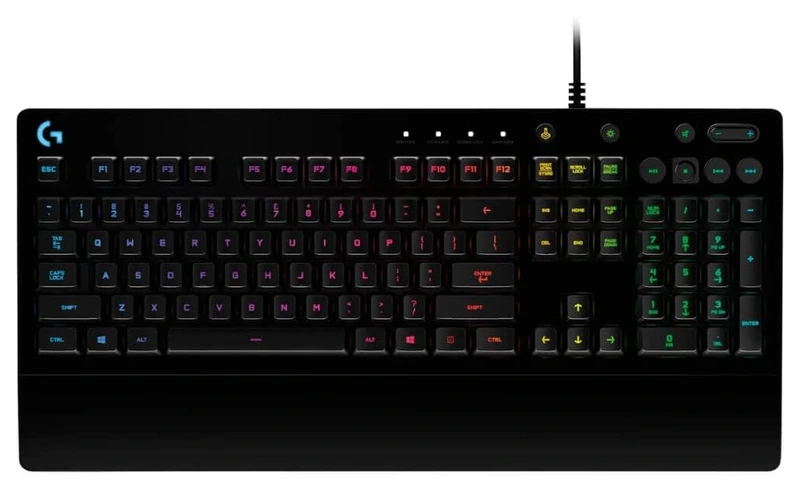
Logitech
G G213 Prodigy Gaming Keyboard
Verified Playtime
2,425verified hours
- Rank 18.
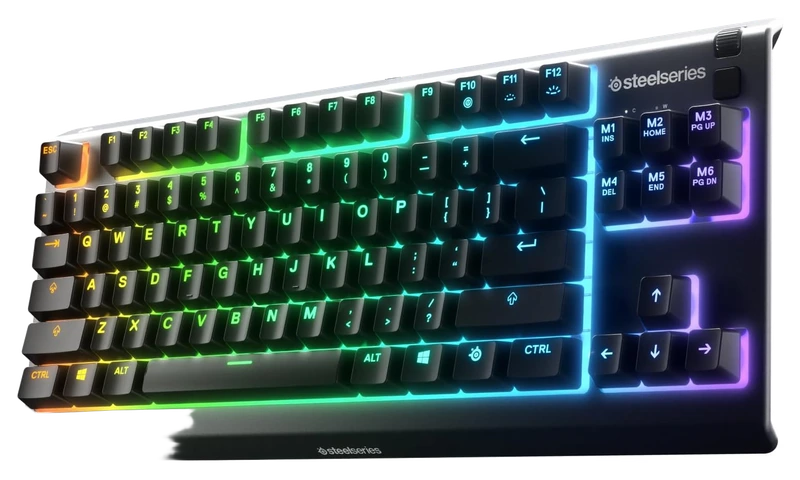
Verified Playtime
2,145verified hours
- Rank 19.
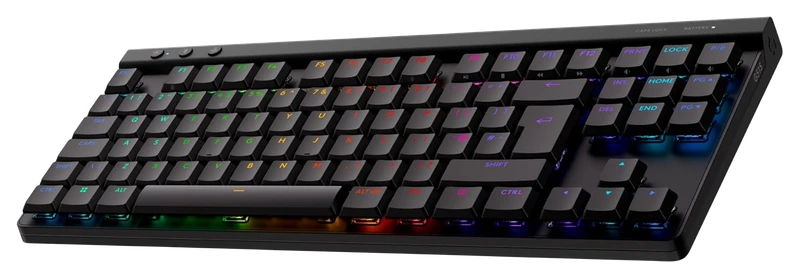
Verified Playtime
1,739verified hours
- Rank 20.
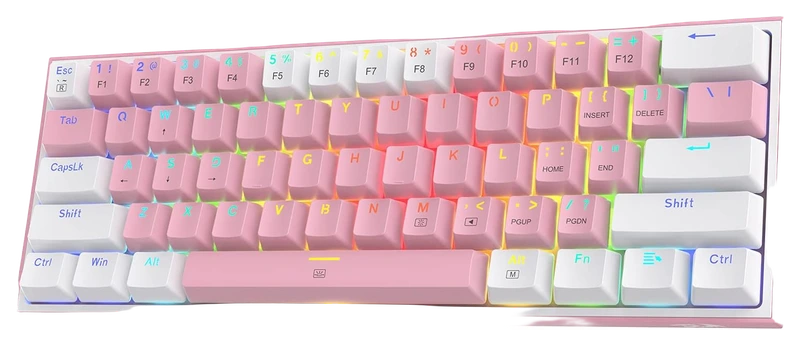
Verified Playtime
1,696verified hours
- Rank 21.
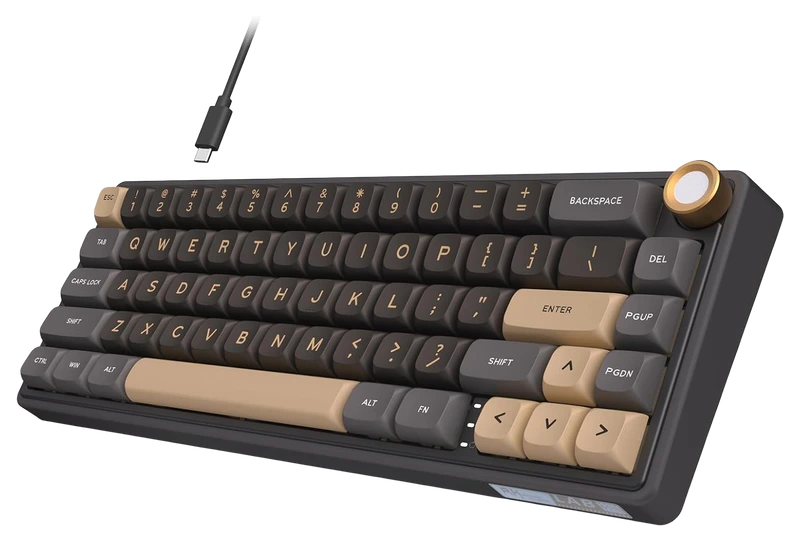
RK ROYAL KLUDGE
R65 (Wired) Gaming Keyboard with Volume Knob
Verified Playtime
1,602verified hours
- Rank 22.
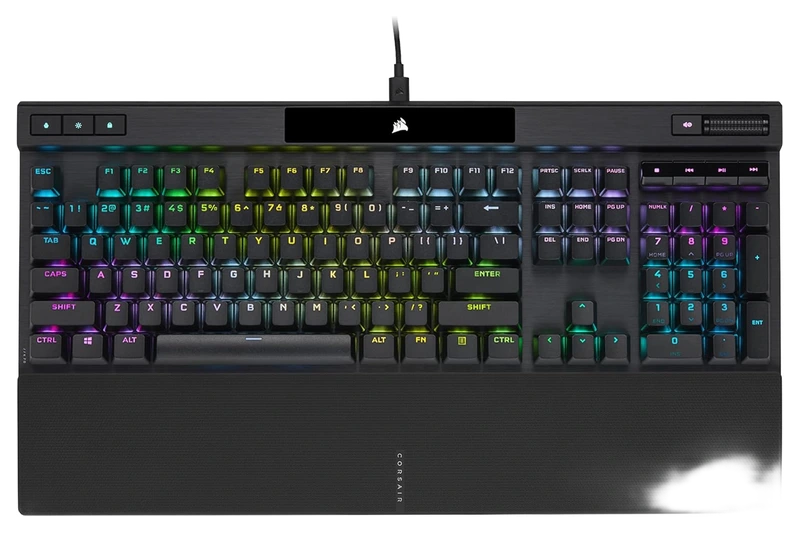
Verified Playtime
1,523verified hours
- Rank 23.
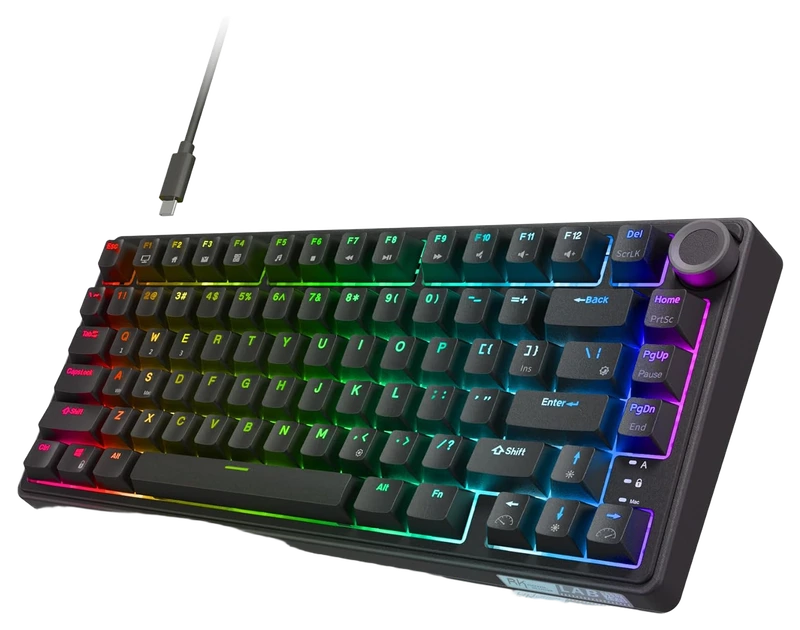
RK ROYAL KLUDGE
R75 (Wired) Mechanical Gaming Keyboard
Verified Playtime
1,362verified hours
- Rank 24.
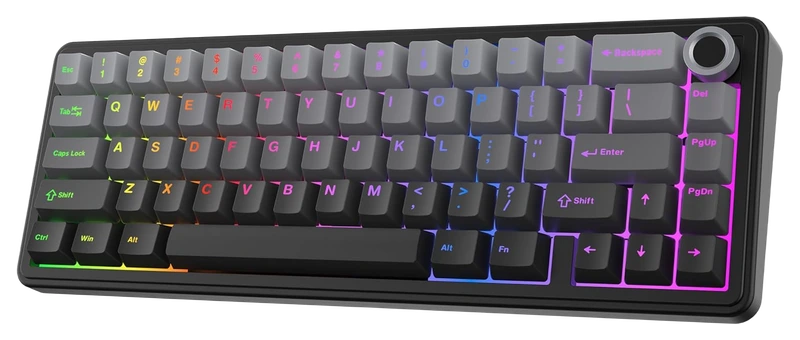
Verified Playtime
1,318verified hours
- Rank 25.
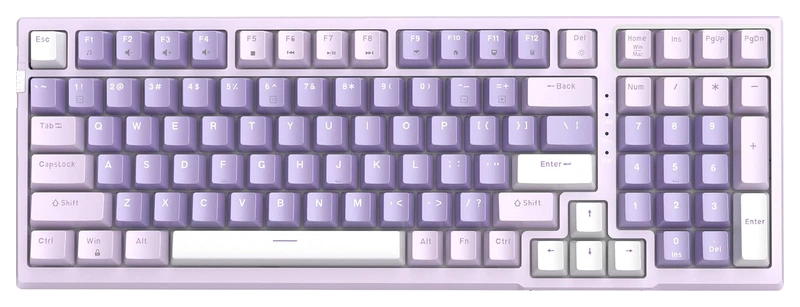
Verified Playtime
1,317verified hours
- Rank 26.
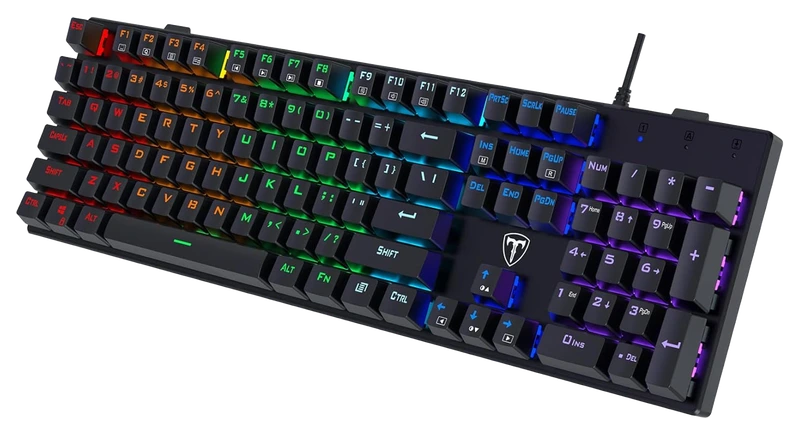
Verified Playtime
1,316verified hours
- Rank 27.
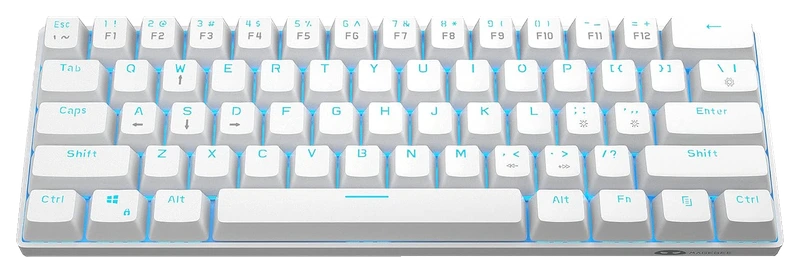
Verified Playtime
1,278verified hours
- Rank 28.
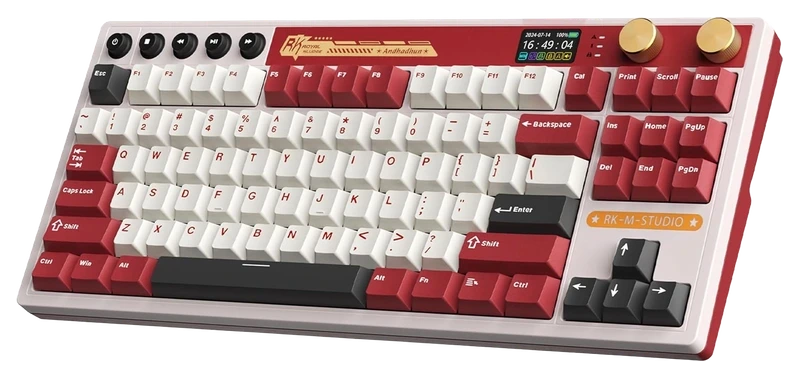
RK ROYAL KLUDGE
M87 (Wireless) Gaming Keyboard with Screen and Dual Knob
Verified Playtime
1,277verified hours
- Rank 29.
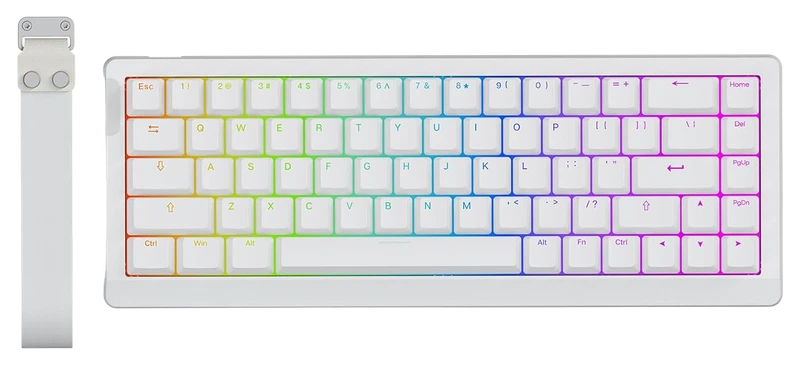
Verified Playtime
1,198verified hours
- Rank 30.
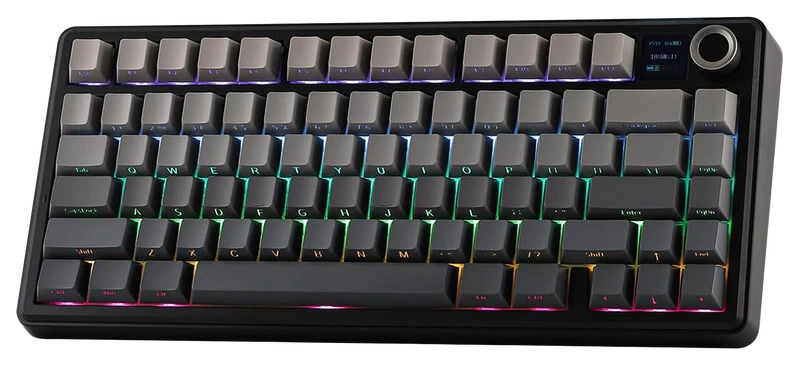
Verified Playtime
1,158verified hours
- Rank 31.
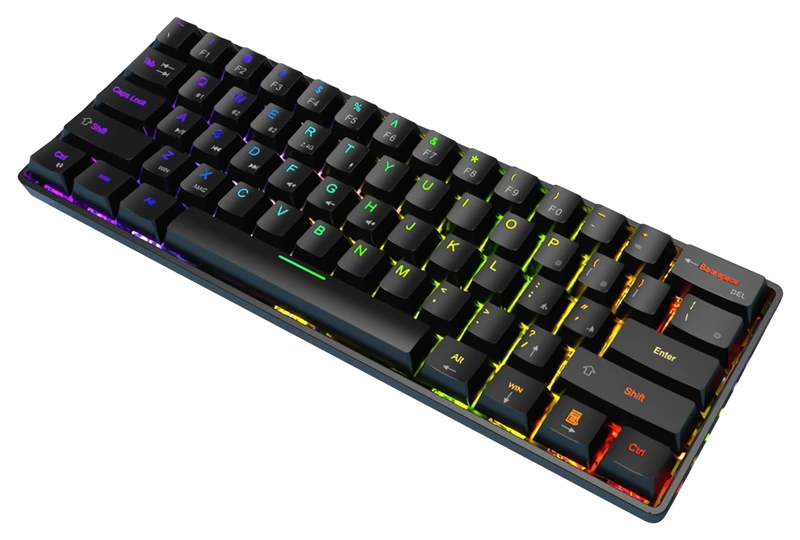
Verified Playtime
1,157verified hours
- Rank 32.
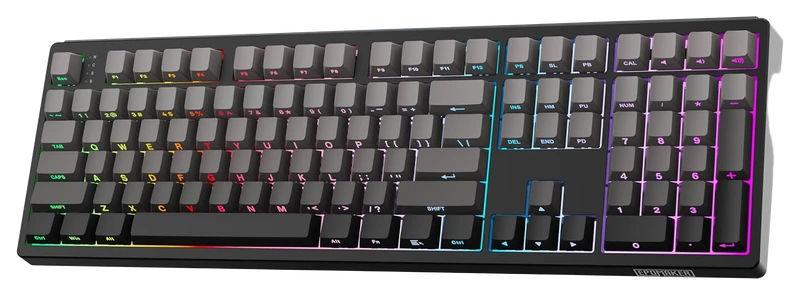
Verified Playtime
1,089verified hours
- Rank 33.
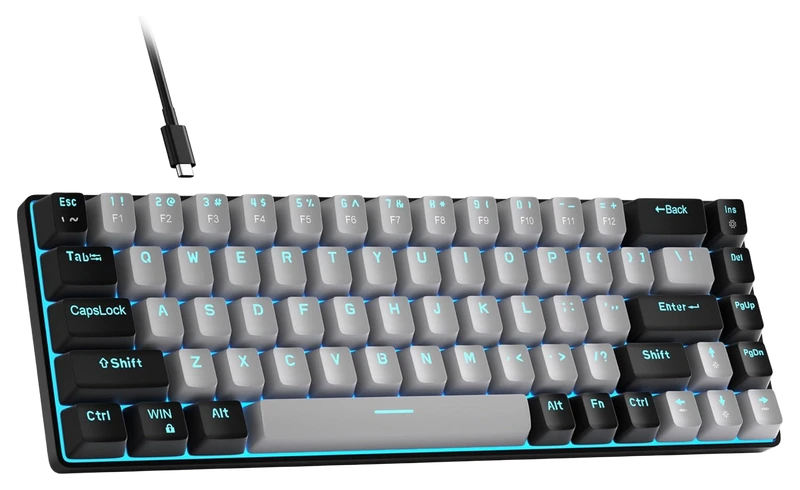
Verified Playtime
1,042verified hours
- Rank 34.
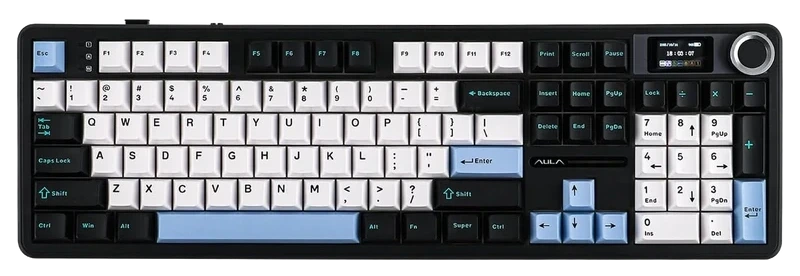
Verified Playtime
1,038verified hours
- Rank 35.
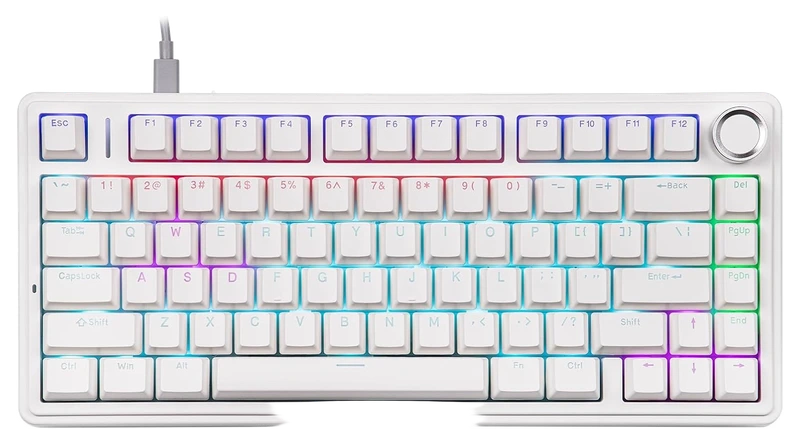
Verified Playtime
1,037verified hours
- Rank 36.
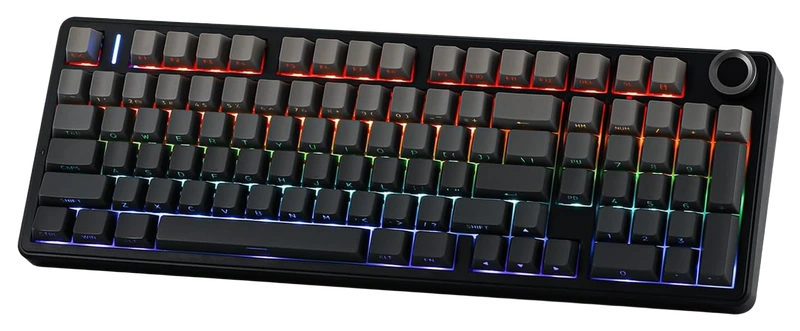
Verified Playtime
898verified hours
- Rank 37.
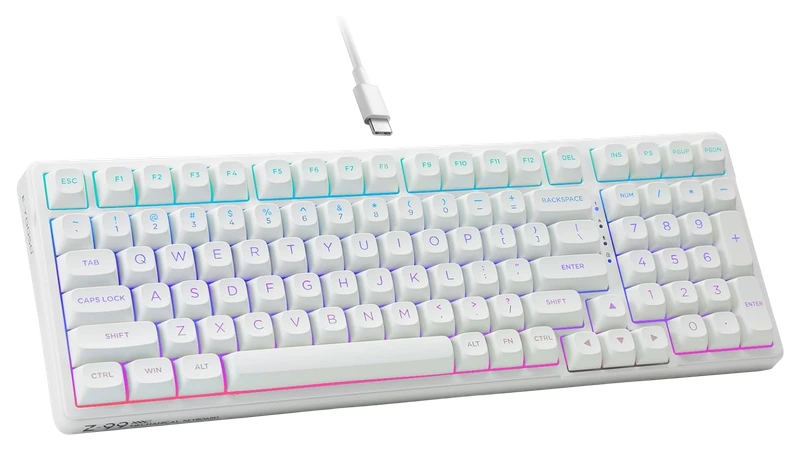
Verified Playtime
798verified hours
- Rank 38.
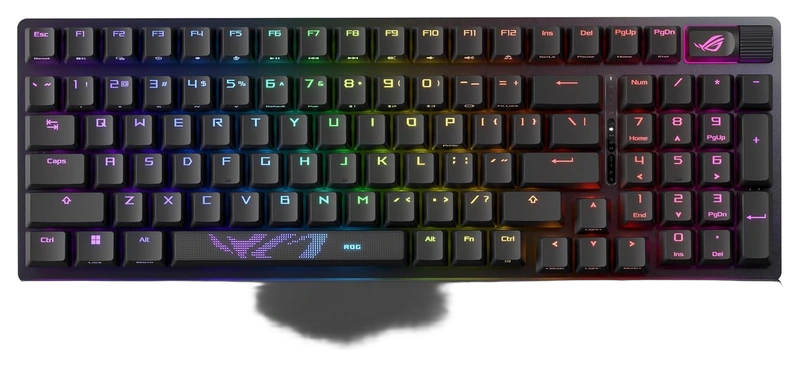
Verified Playtime
797verified hours
- Rank 39.
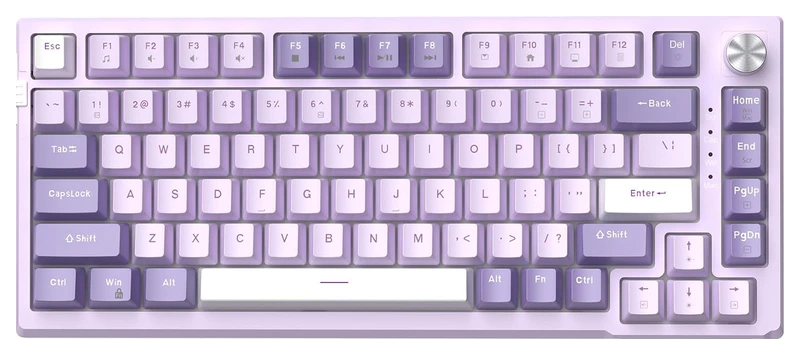
Verified Playtime
740verified hours
- Rank 40.
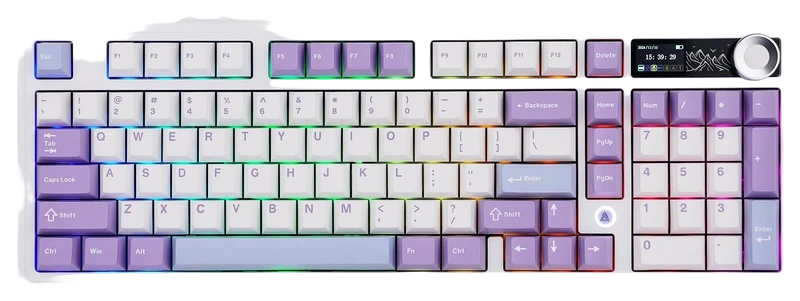
Verified Playtime
678verified hours
- Rank 41.
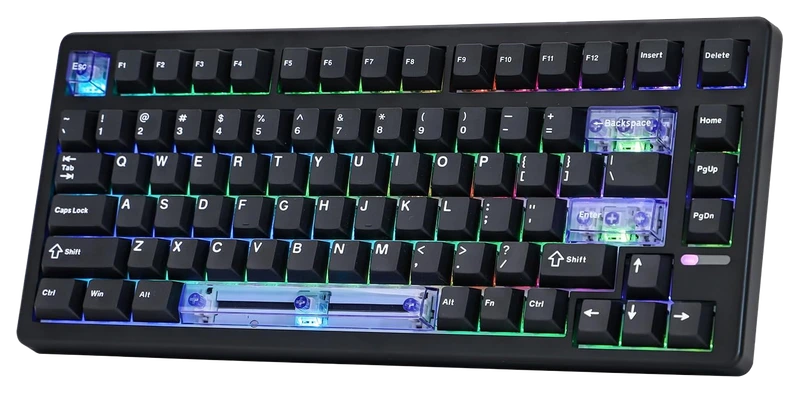
EPOMAKER
HE80 Hall Effect Gaming Keyboard
Verified Playtime
677verified hours
- Rank 42.
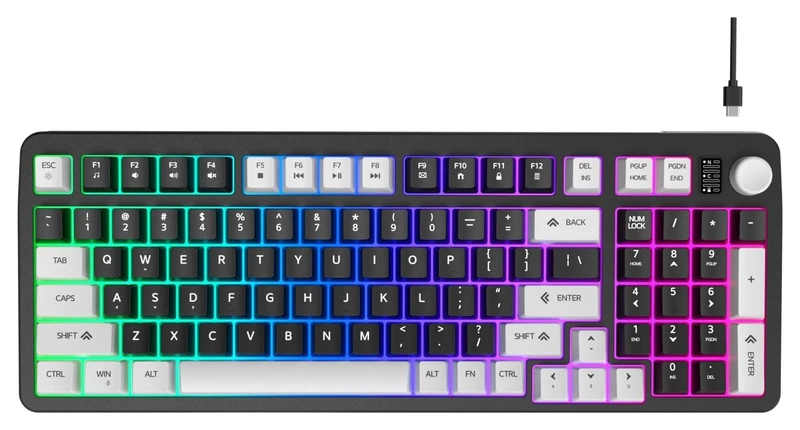
Verified Playtime
638verified hours
- Rank 43.
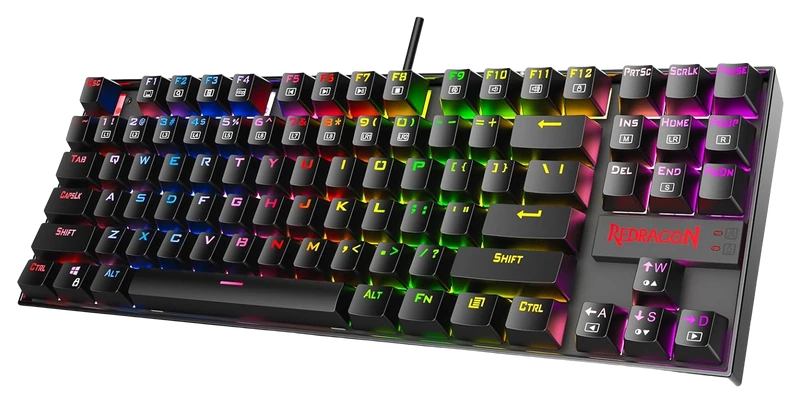
Verified Playtime
637verified hours
- Rank 44.
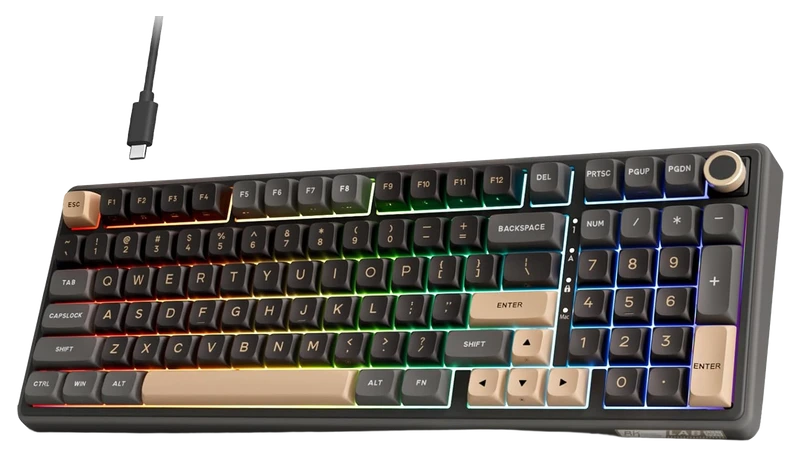
RK ROYAL KLUDGE
R98 Pro Creamy Gaming Keyboard
Verified Playtime
598verified hours
- Rank 45.
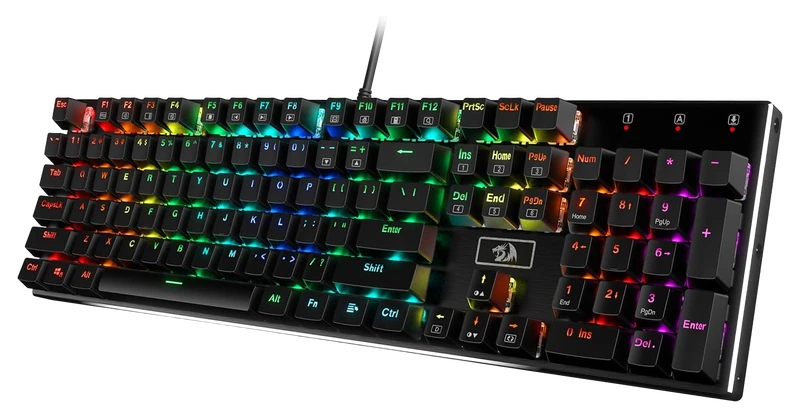
Verified Playtime
597verified hours
- Rank 46.
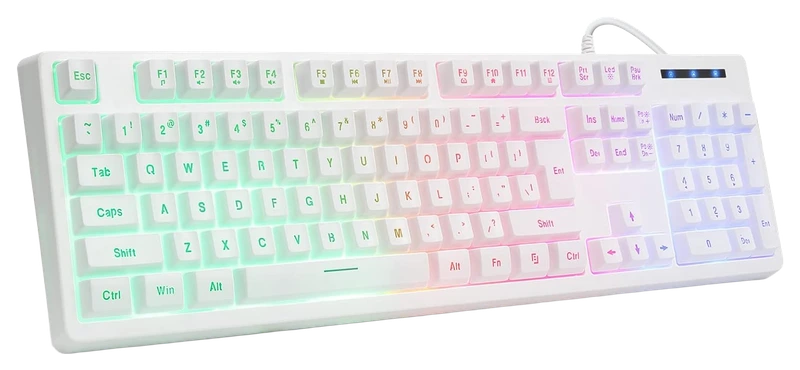
Verified Playtime
596verified hours
- Rank 47.
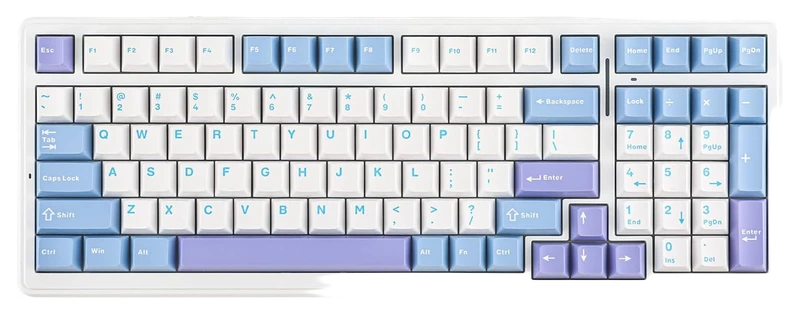
Verified Playtime
595verified hours
- Rank 48.
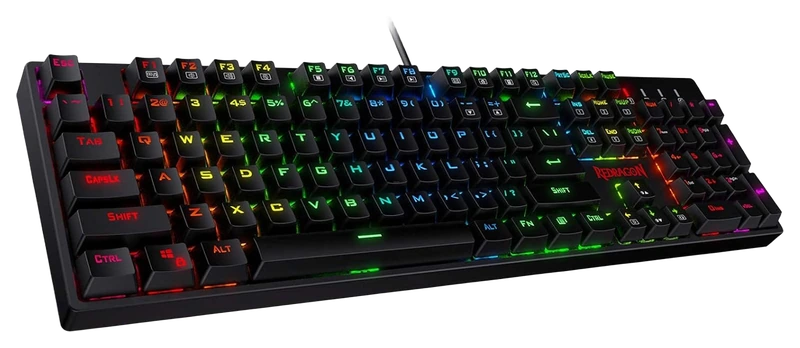
Redragon
K582 SURARA RGB Gaming Keyboard
Verified Playtime
594verified hours
- Rank 49.
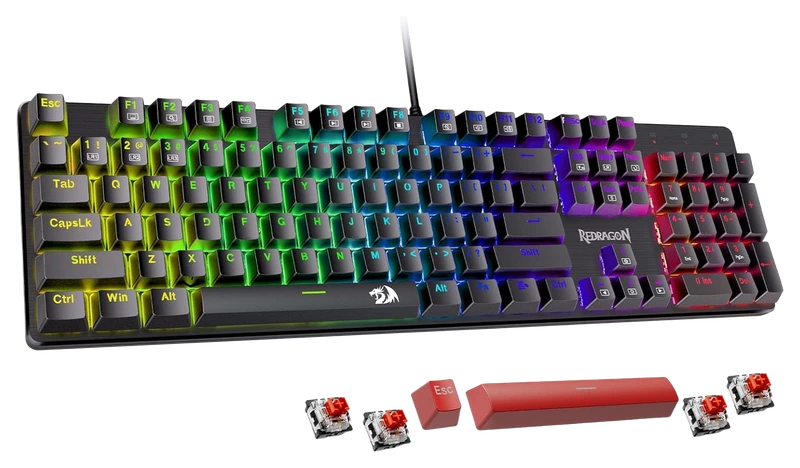
Verified Playtime
593verified hours
- Rank 50.
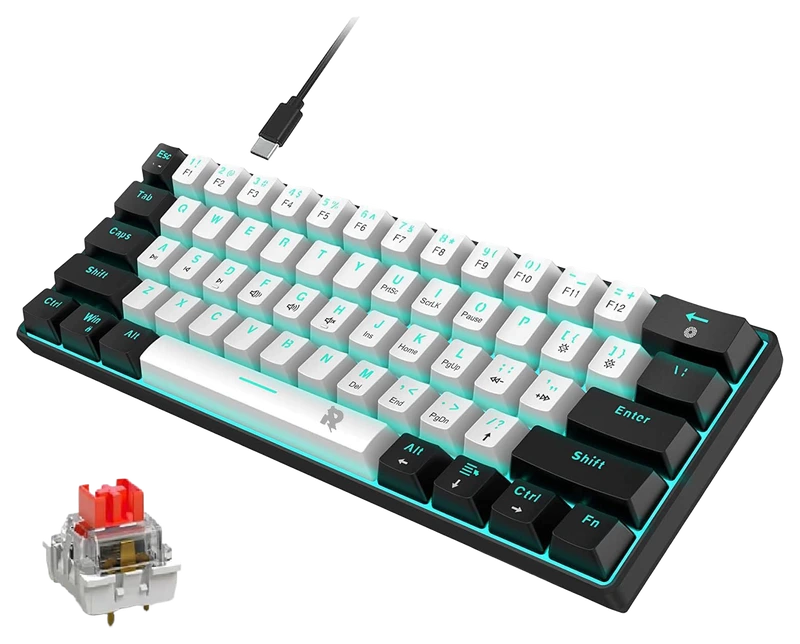
Verified Playtime
558verified hours
- Rank 51.
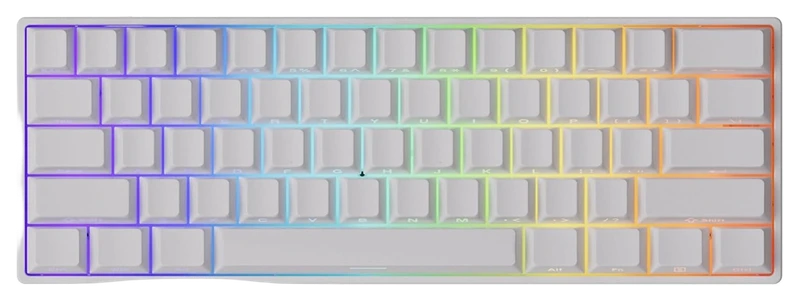
Verified Playtime
557verified hours
- Rank 52.
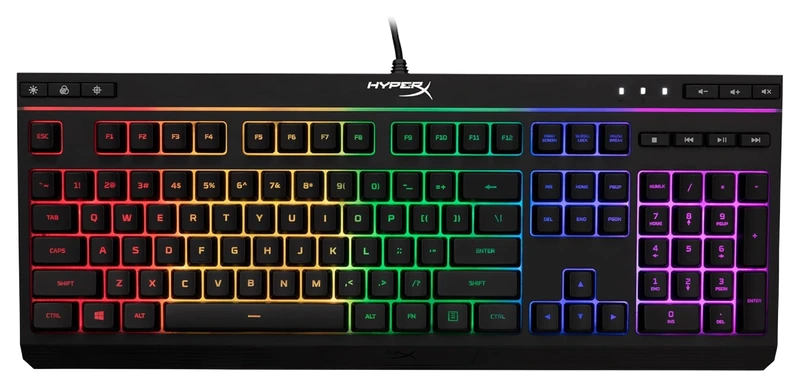
Verified Playtime
556verified hours
- Rank 53.
Verified Playtime
555verified hours
- Rank 54.
Verified Playtime
554verified hours
- Rank 55.
Verified Playtime
553verified hours
- Rank 56.
Verified Playtime
552verified hours
- Rank 57.
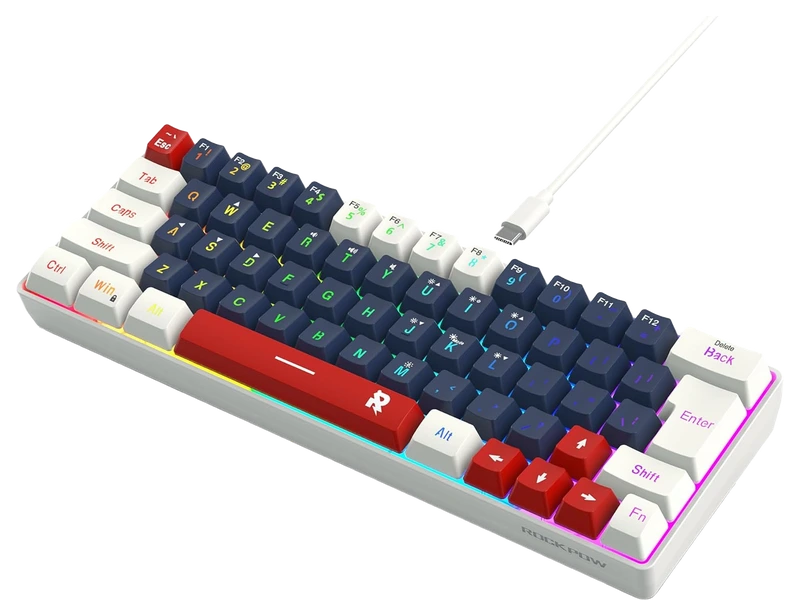
Verified Playtime
518verified hours
- Rank 58.
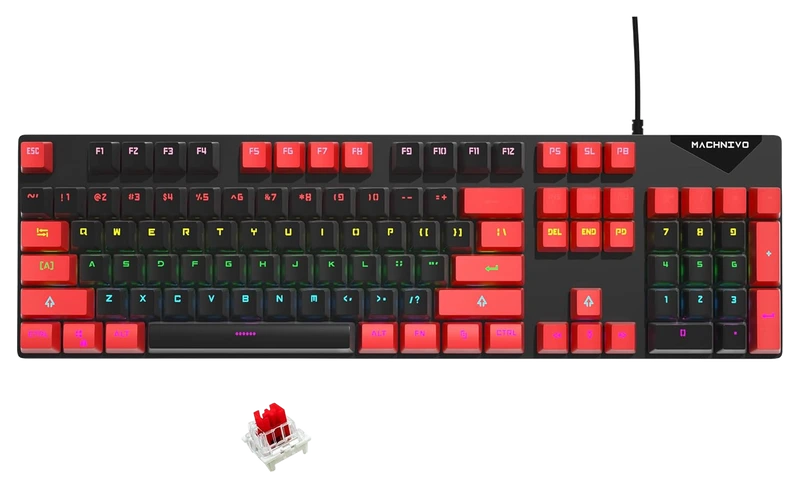
Verified Playtime
517verified hours
- Rank 59.
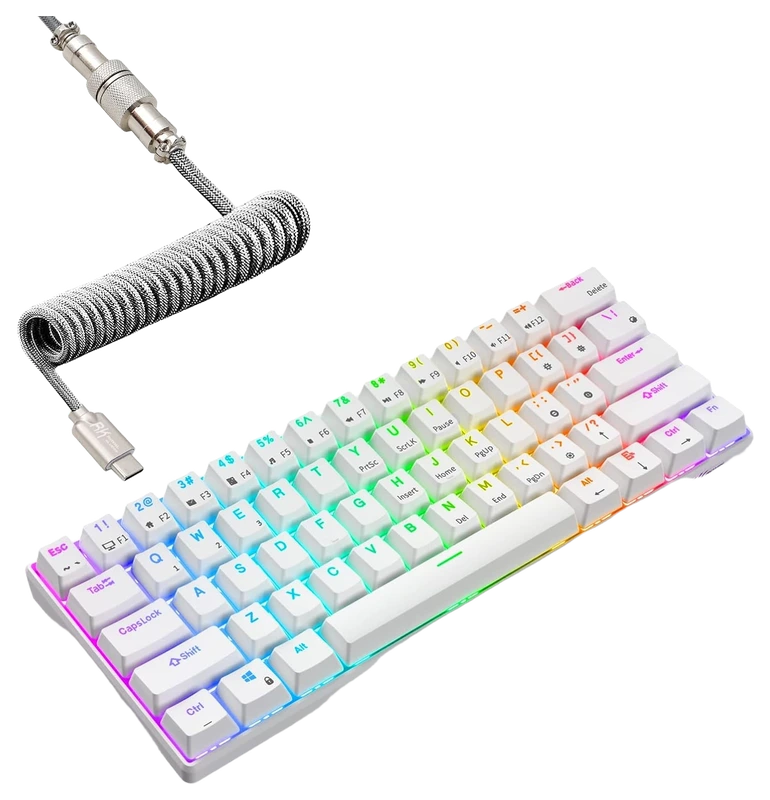
RK ROYAL KLUDGE
RK61 60% Mechanical Keyboard with Coiled Cable
Verified Playtime
460verified hours
- Rank 60.
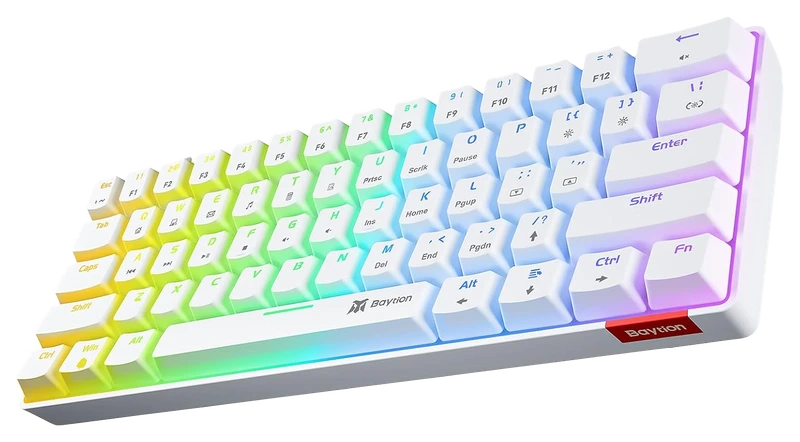
Verified Playtime
405verified hours
- Rank 61.
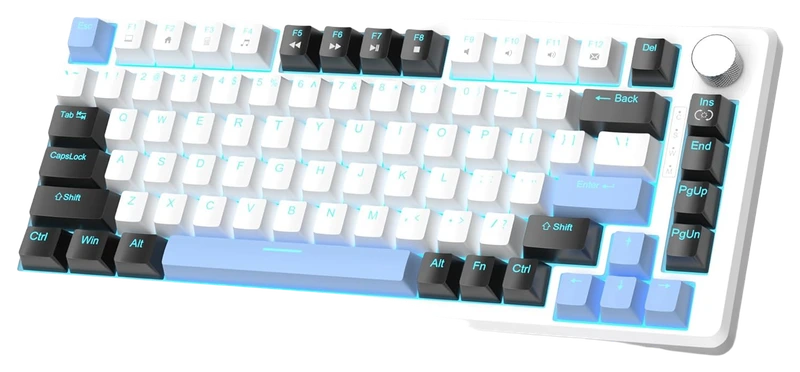
Verified Playtime
365verified hours
- Rank 62.
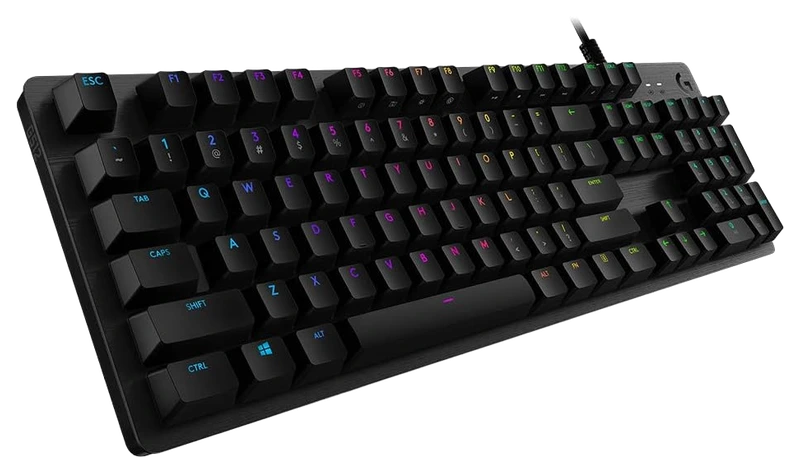
Verified Playtime
318verified hours
- Rank 63.
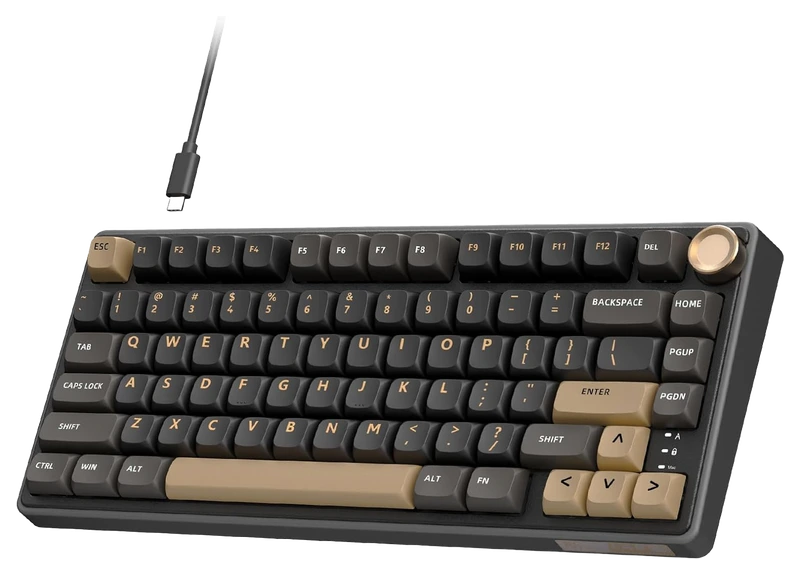
RK ROYAL KLUDGE
R75 (Wired) Gaming Keyboard with Volume Knob
Verified Playtime
317verified hours
- Rank 64.
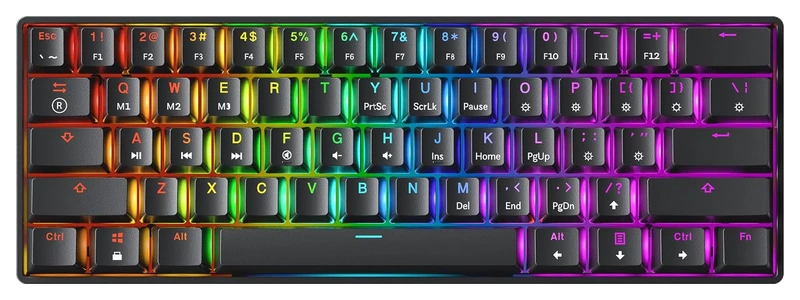
Verified Playtime
256verified hours
- Rank 65.
Verified Playtime
238verified hours
- Rank 66.
Verified Playtime
237verified hours
- Rank 67.
Verified Playtime
198verified hours
- Rank 68.
Verified Playtime
197verified hours
- Rank 69.
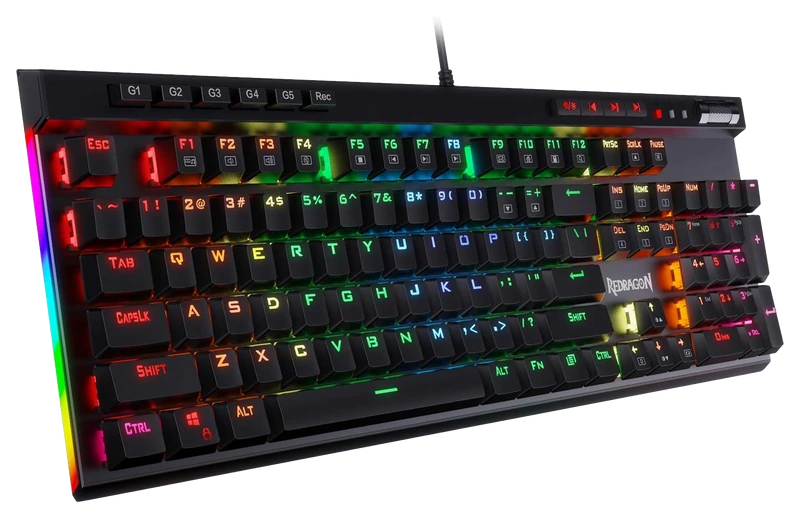
Verified Playtime
158verified hours
- Rank 70.
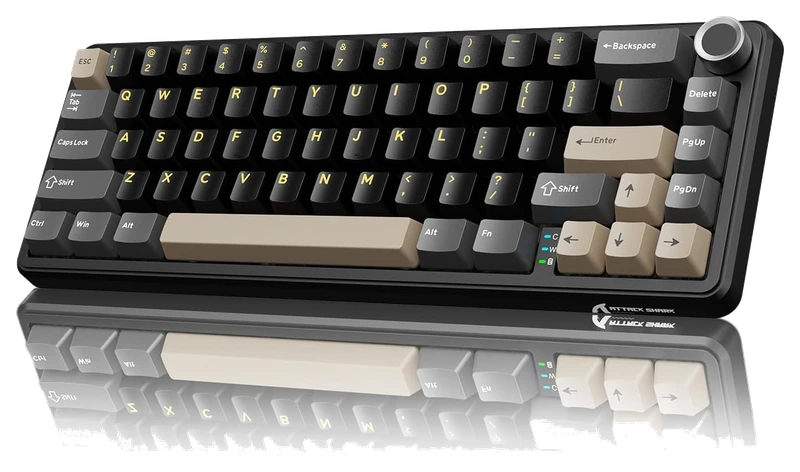
Verified Playtime
157verified hours
- Rank 71.
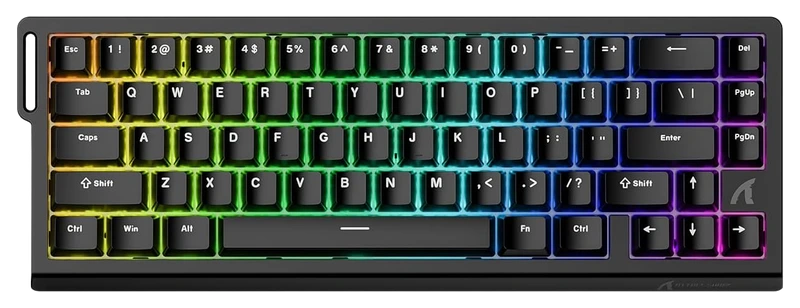
Verified Playtime
156verified hours
- Rank 72.
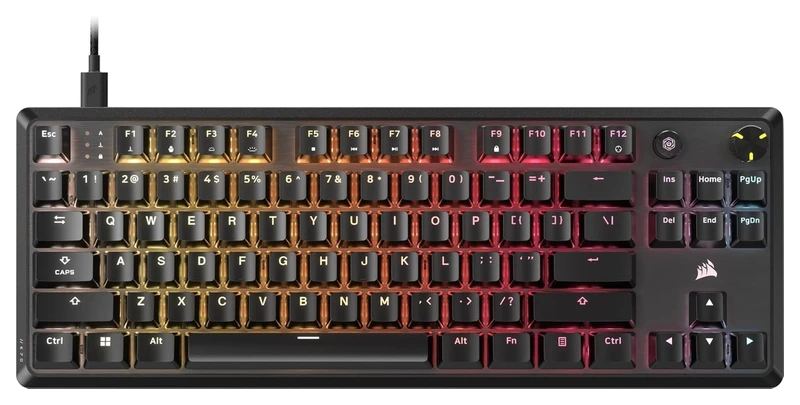
Verified Playtime
155verified hours
- Rank 73.
Verified Playtime
153verified hours
- Rank 74.
Verified Playtime
118verified hours
- Rank 75.
Verified Playtime
117verified hours
- Rank 76.
Verified Playtime
116verified hours
- Rank 77.
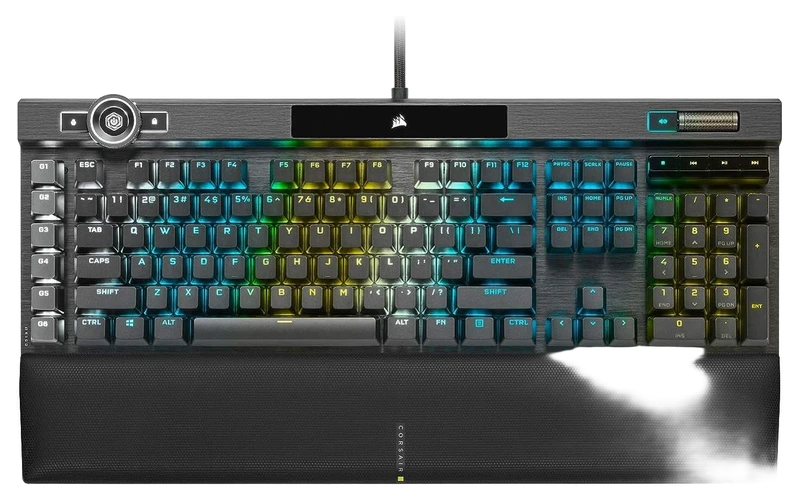
Verified Playtime
115verified hours
- Rank 78.
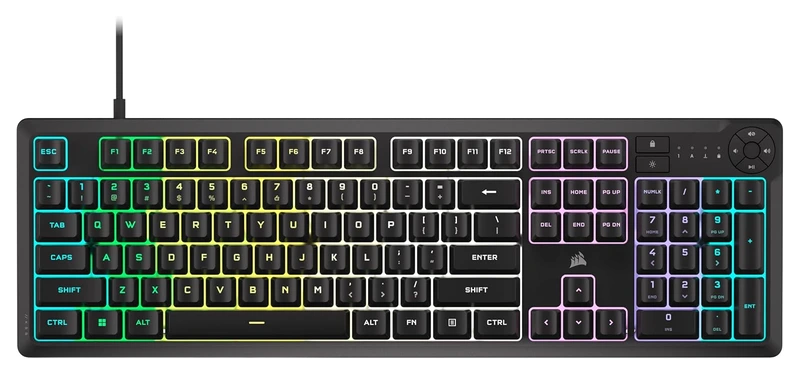
Verified Playtime
114verified hours
- Rank 79.
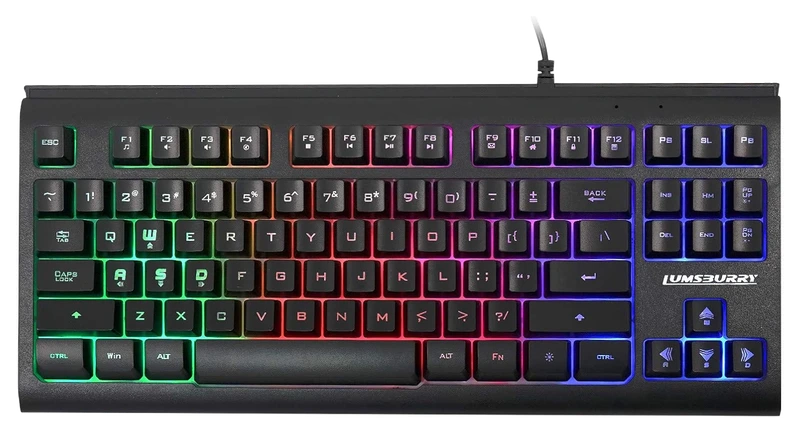
Lumsburry
Computer Keyboard, 87 Keys Compact
Verified Playtime
113verified hours
- Rank 80.
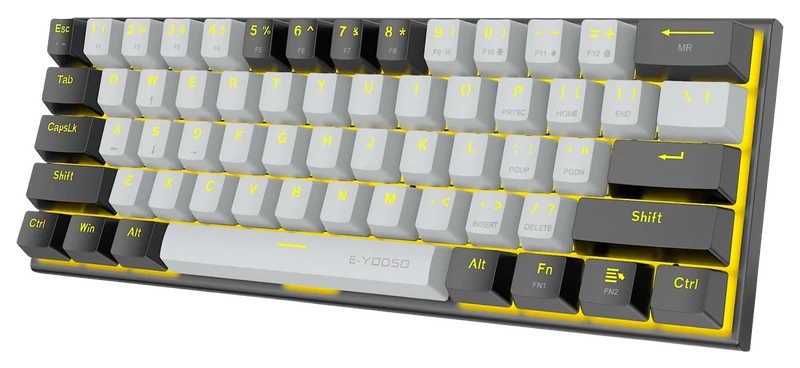
Verified Playtime
78verified hours
- Rank 81.
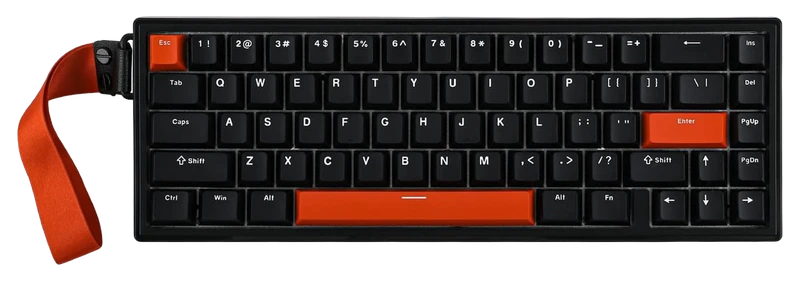
Verified Playtime
77verified hours
- Rank 82.
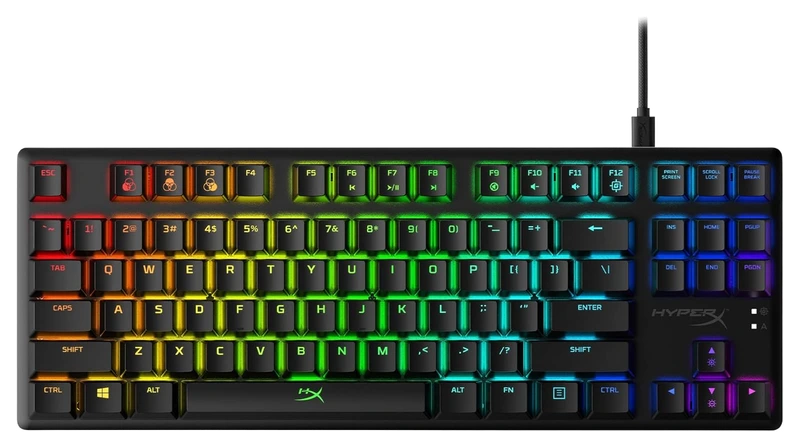
Verified Playtime
76verified hours
- Rank 83.
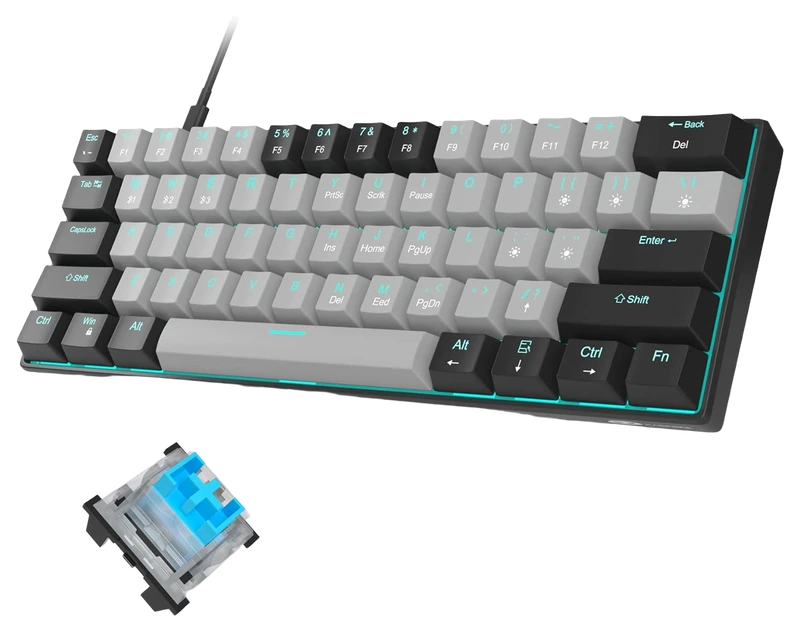
Verified Playtime
13verified hours
Your needs come first
Find your fit. Then compare the hours.
Keep the keys you actually need
Decide whether you need dedicated arrow keys, a function row and a number pad. Look at the actual key map rather than relying only on a percentage label. A board with more keys does not belong in a 60% shortlist simply because it leads the general ranking.
Separate switch feel from features
Check the switch option, actuation settings and software support on the exact model. If rapid trigger is important, confirm that it is supported and configurable; do not infer it from RGB lighting, a gaming label or the popularity of the brand.
Check the whole setup
Allow enough desk space for your mouse, check the connection and operating-system support, and consider noise in the room where you play. Look for clear information on remapping, onboard profiles and replacement parts if those matter to you.
Compare the right configuration
Match the layout, switches and included accessories before comparing prices or reviews. Use verified playtime to compare player backing, then use independent measurements where you need evidence about latency. Confirm local availability and the return policy before ordering.
Verified Hours measure player backing, not measured input latency, switch consistency or build quality. Layout, switch technology and supported features must be checked on the exact keyboard variant.
Read the guide
From ranking to shortlist
Choose your key map before your switch
List the arrow, function, navigation and number-pad keys you use. Compare full-size, tenkeyless and compact layouts with your actual shortcuts, rather than choosing the smallest board by default.
Verify the feature you are buying for
Check rapid-trigger, adjustable actuation and remapping on the exact variant. A magnetic switch or gaming label alone cannot establish every input feature.
Compare sound and serviceability
Look for information on your chosen switch configuration, replaceable parts and software support. If sound matters, use comparable recordings or measurements rather than a quiet marketing label.
Sources for the buying notes
Questions worth asking
Gaming Keyboards FAQ
Should I buy the highest-ranked keyboard?
Use the ranking to compare its published scope, then check layout, controls, connection and fit. The leader may not have the keys or features you need.
What does this Hours.gg guide publish?
Sign in with Steam to read the answer and reveal the leading products.
Reveal with Steam