Buying guides · Verified, Real Playtime
Best Wireless Gaming Keyboard
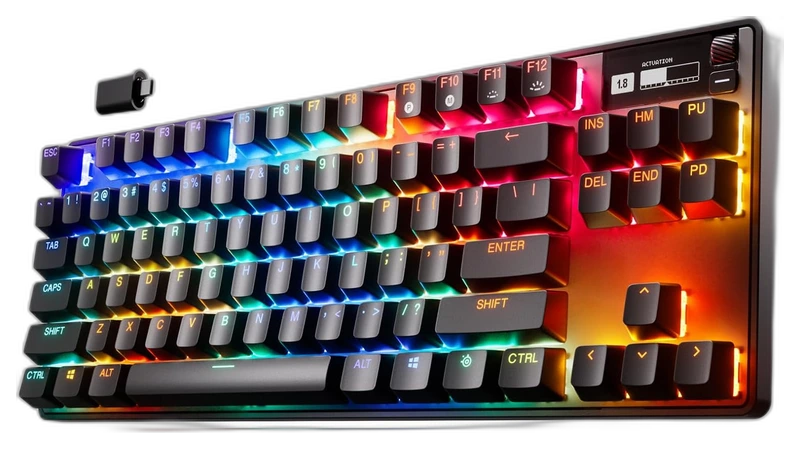
Compare wireless gaming keyboards. Check layout, switch options and included accessories.
- Verified Hours
- 55,295
- Keyboards ranked
- 18
- Ranking updated
- 20 Aug 2026
At a glance
What the verified hours show
Explore this ranking backed by verified player playtime, then compare the features and fit for your setup. Sign in with Steam to reveal the leading products and their verified-hour totals.
The exact model needs documented wireless connectivity. The connection label does not establish latency in every mode.
Compare the rankingsVerified Playtime Rankings
Products are ranked by real, verified player hours.
Board readout
18 ranked products in the published guide set
Best Wireless Gaming Keyboard · Across games · Updated
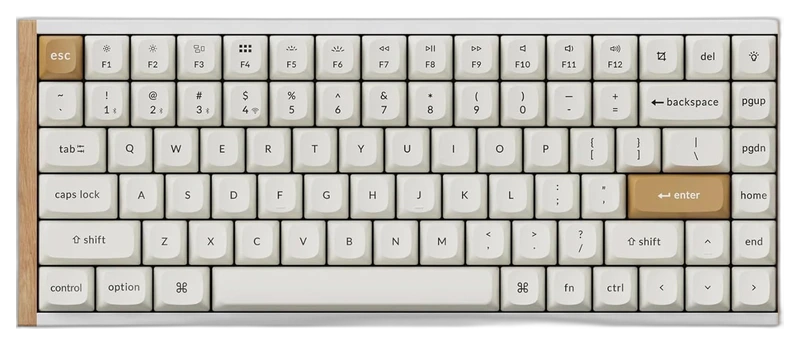
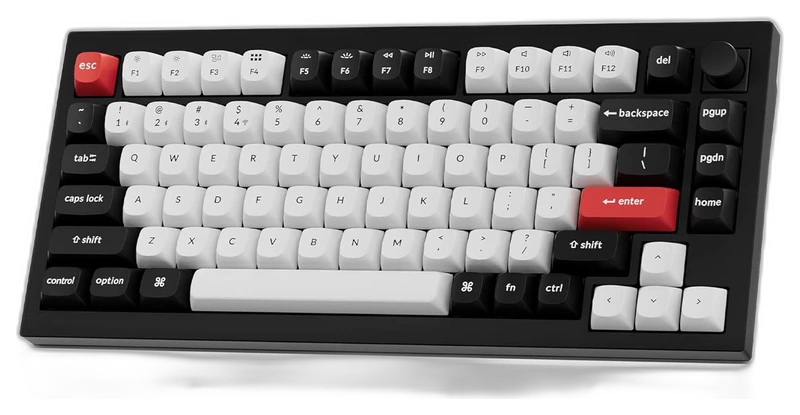
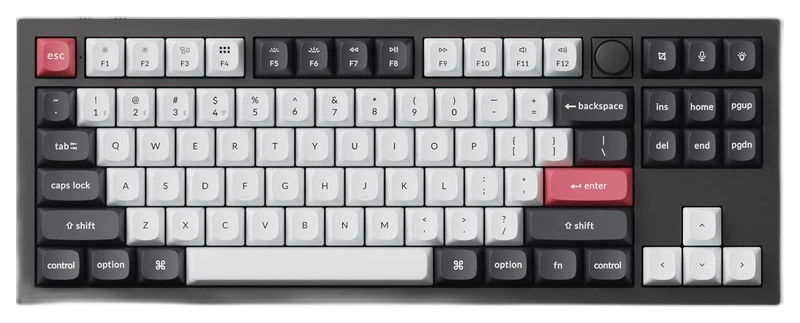
Top 3
Sign in with Steam to open the full top three
Steam opens the full top three and their verified-hour totals. Any results ranked fourth or lower stay visible.
- Rank 4.
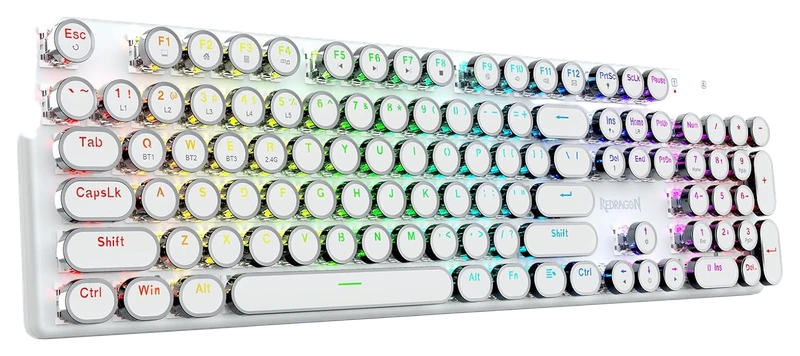
Verified Playtime
3,579verified hours
- Rank 5.
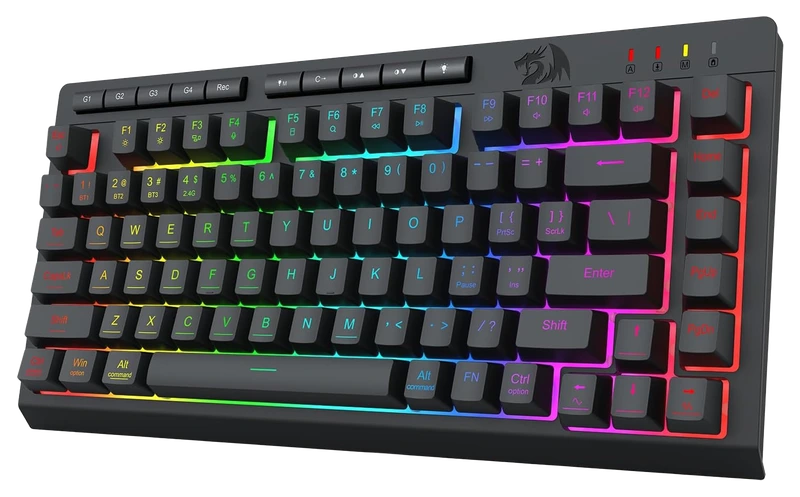
Verified Playtime
3,343verified hours
- Rank 6.
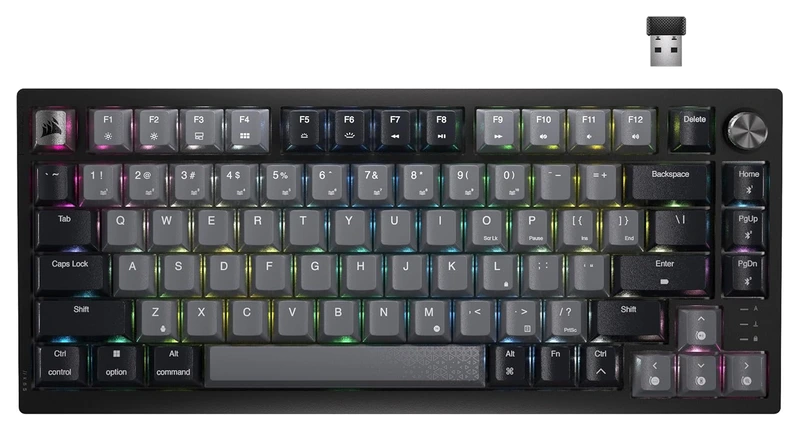
Verified Playtime
3,052verified hours
- Rank 7.
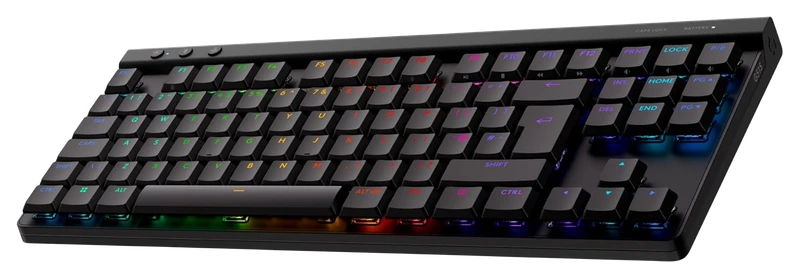
Verified Playtime
1,739verified hours
- Rank 8.
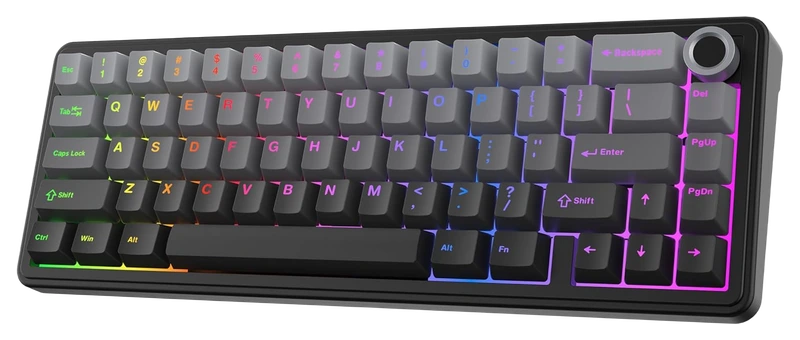
Verified Playtime
1,318verified hours
- Rank 9.
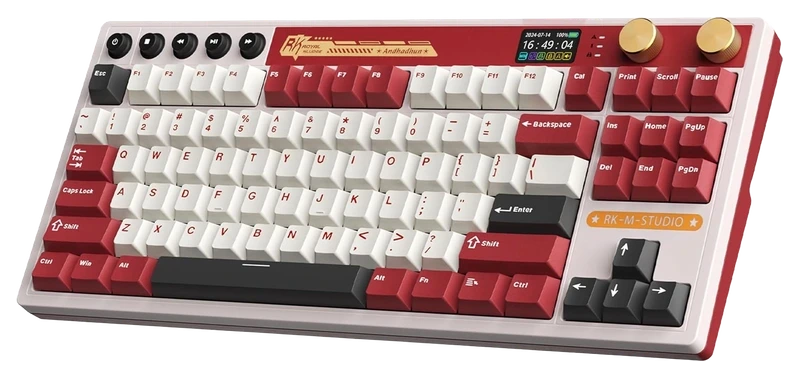
RK ROYAL KLUDGE
M87 (Wireless) Gaming Keyboard with Screen and Dual Knob
Verified Playtime
1,277verified hours
- Rank 10.
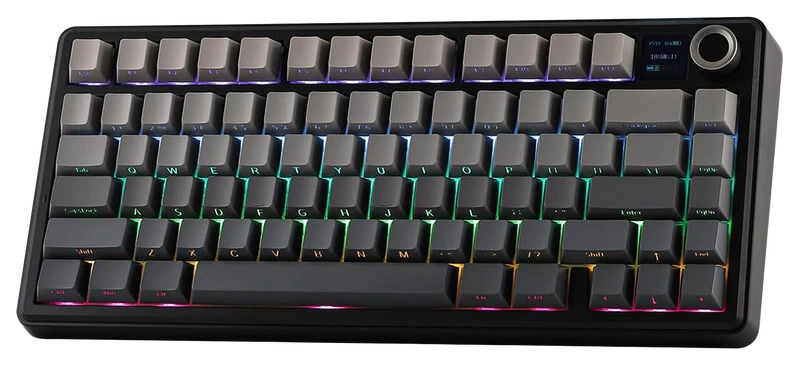
Verified Playtime
1,158verified hours
Showing 10 of 18 productsAll 18 productsShow all 18 productsShow top 10
- Rank 11.
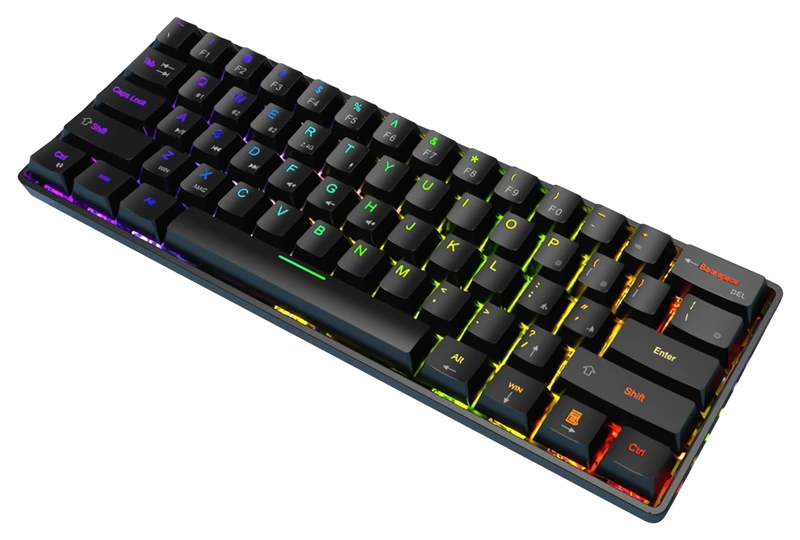
Verified Playtime
1,157verified hours
- Rank 12.
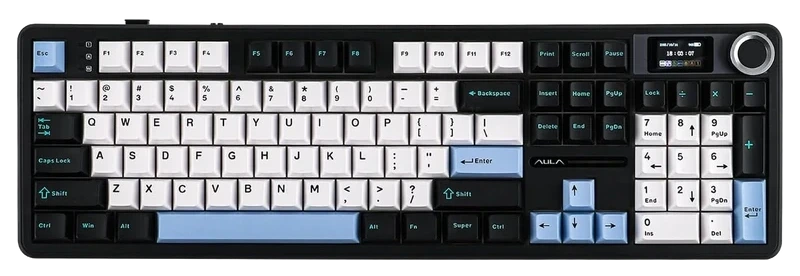
Verified Playtime
1,038verified hours
- Rank 13.
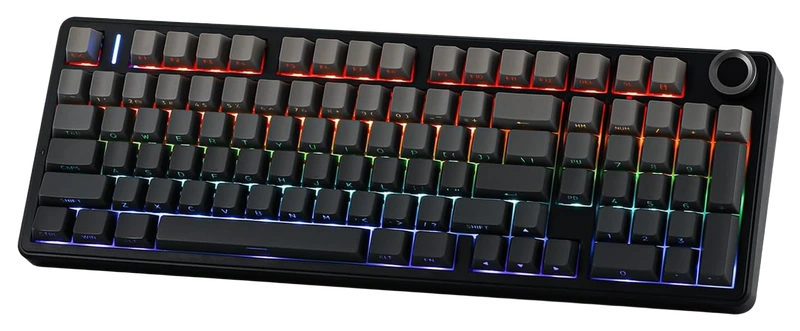
Verified Playtime
898verified hours
- Rank 14.
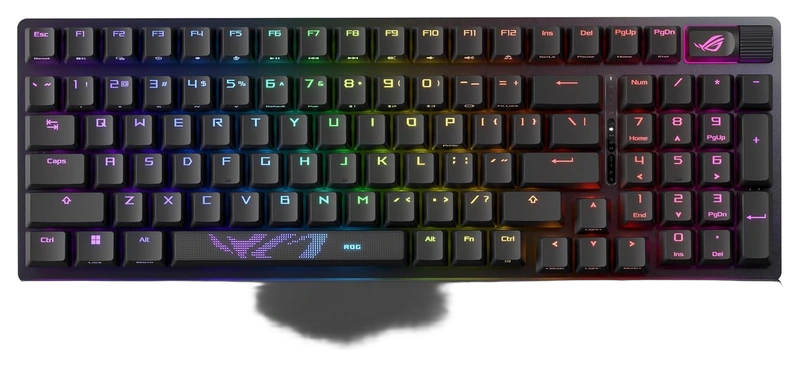
Verified Playtime
797verified hours
- Rank 15.
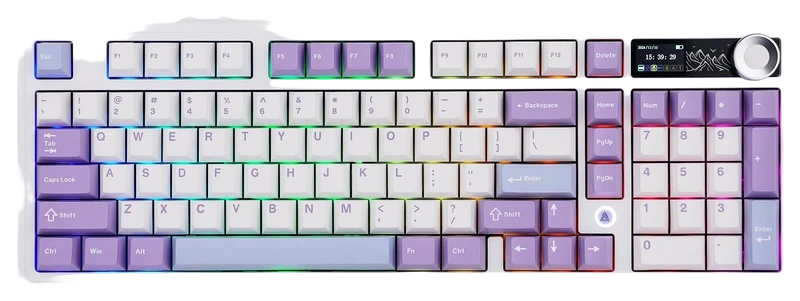
Verified Playtime
678verified hours
- Rank 16.
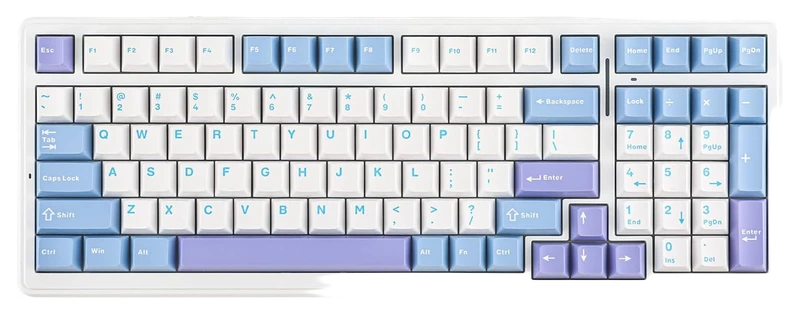
Verified Playtime
595verified hours
- Rank 17.
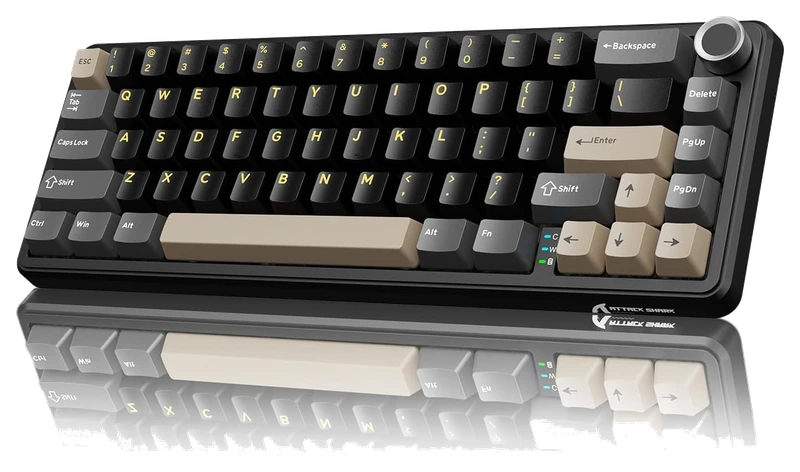
Verified Playtime
157verified hours
- Rank 18.
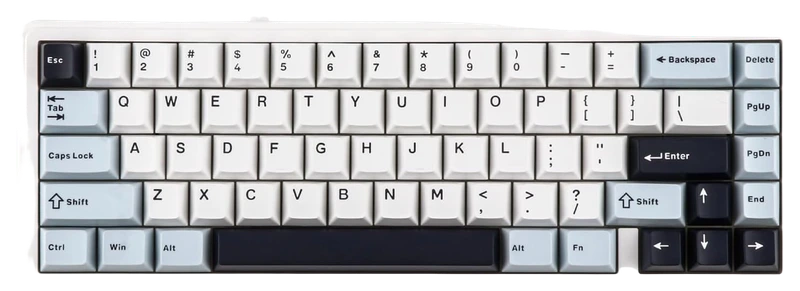
Verified Playtime
118verified hours
Read the guide
From ranking to shortlist
Choose the actual gaming connection
Confirm whether the model uses Bluetooth, a dedicated receiver or both. Check measurements for the exact mode and any receiver needed for a higher polling rate; a result measured by cable may not describe wireless operation.
Check sleep, charging and device switching
Look up wake behavior, battery information and whether the board works over a cable while charging. If you swap between work and gaming devices, check which shortcuts select each connection.
Keep the layout and saved settings you need
Check the regional key map and which settings stay on the keyboard. Confirm configuration-software support on your operating system before relying on macros or actuation adjustments.
Sources for the buying notes
Questions worth asking
Gaming Keyboards FAQ
Does a wireless keyboard need a USB receiver?
Some use a dedicated receiver, some support Bluetooth and some offer both. Check the exact model and package rather than assuming a receiver is included.
What does this Hours.gg guide publish?
Sign in with Steam to read the answer and reveal the leading products.
Reveal with Steam