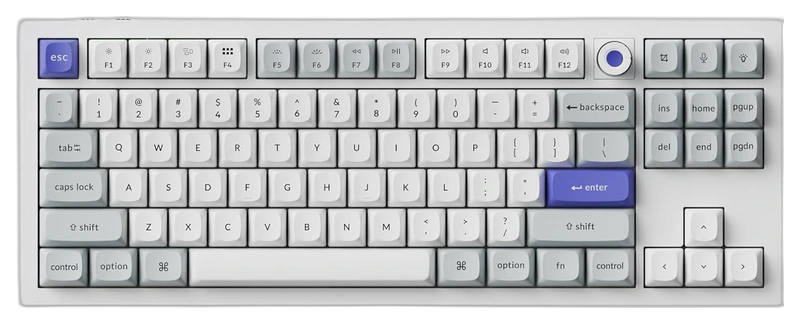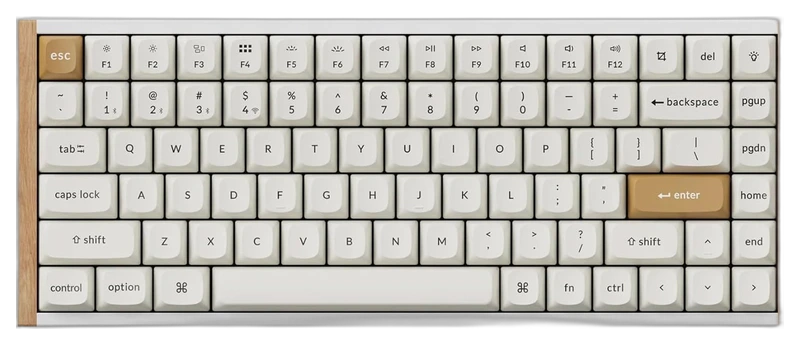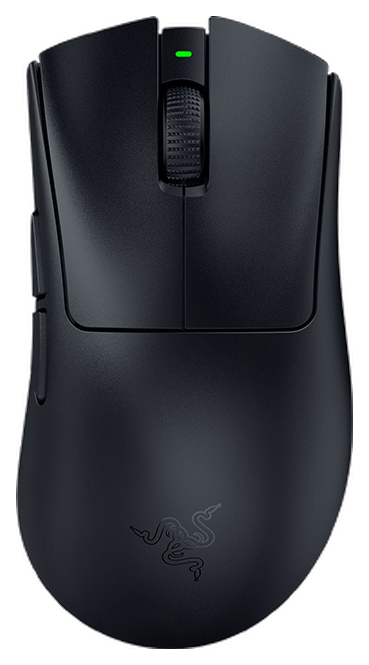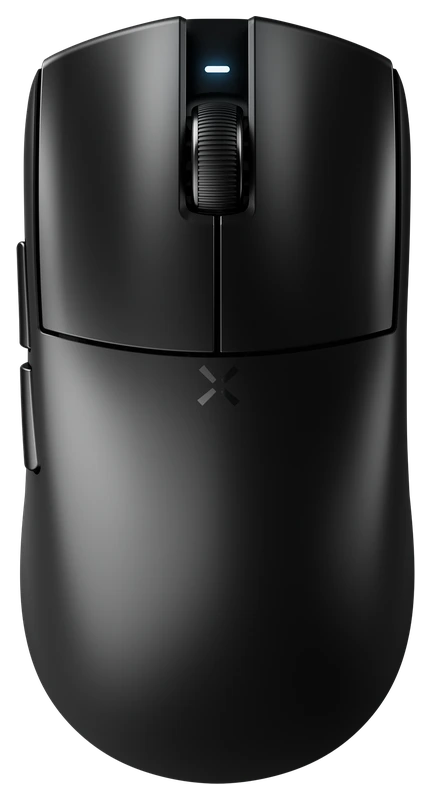
Rank 1.
Verified Hours
13,895verified hours
Explore keyboards ranked by verified, real THE FINALS playtime. Compare the layout, switch feel and mouse space you need alongside each keyboard’s verified hours.
Compare 83 keyboards for The Finals, backed by 153,560 Verified Hours. Steam opens the top three; the rest of the ranking stays visible.
Steam verifies game time. Players declare their gear.
THE FINALS asks you to move, interact and switch gadgets around an objective. Use Verified, Real Playtime to form your keyboard shortlist, then check that these actions remain comfortable alongside the bindings for your chosen loadout. Steam opens ranks 1–3; ranks 4–83 stay visible.
Top 3
Steam opens the full top three and their verified-hour totals. Any results ranked fourth or lower stay visible.
Keychron
Verified Hours
11,822verified hours
Verified Hours
10,800verified hours
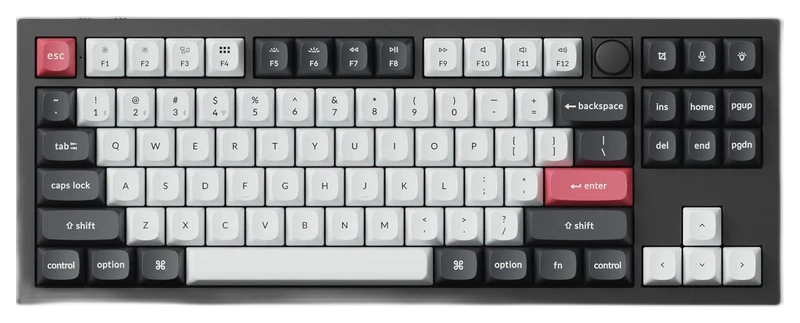
Keychron
Verified Hours
10,638verified hours
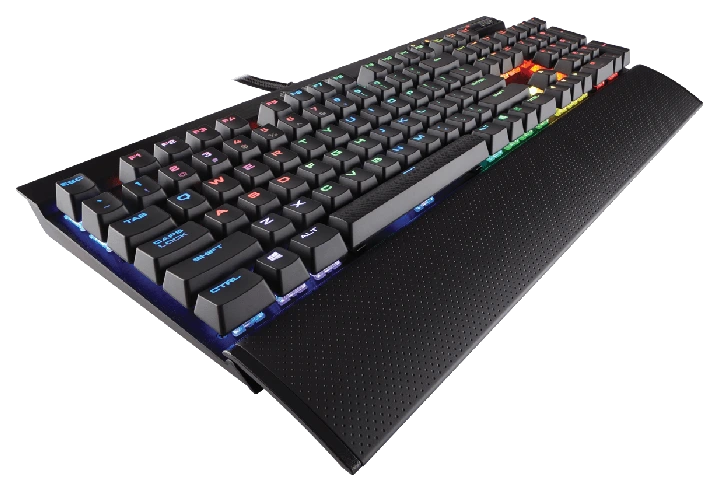
Corsair
Verified Hours
6,400verified hours
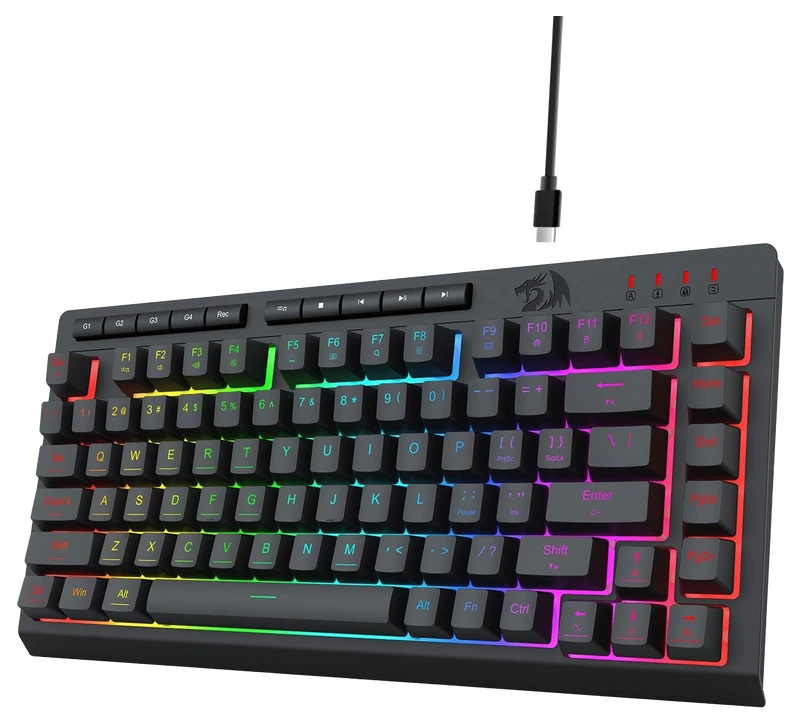
Redragon
Verified Hours
3,729verified hours
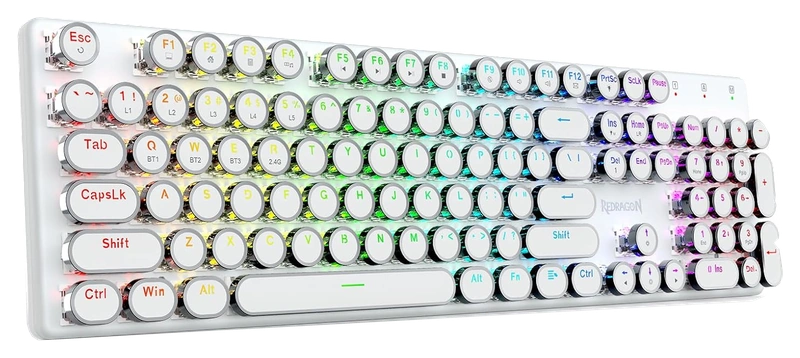
Verified Hours
3,579verified hours
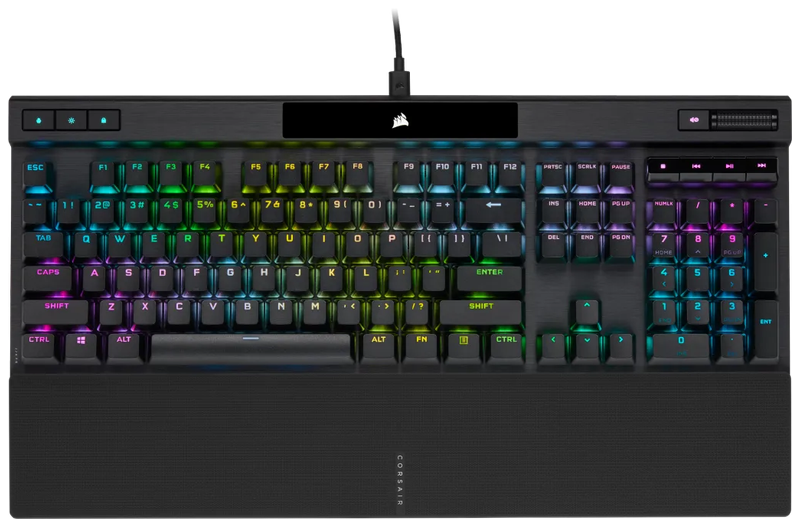
Verified Hours
3,492verified hours
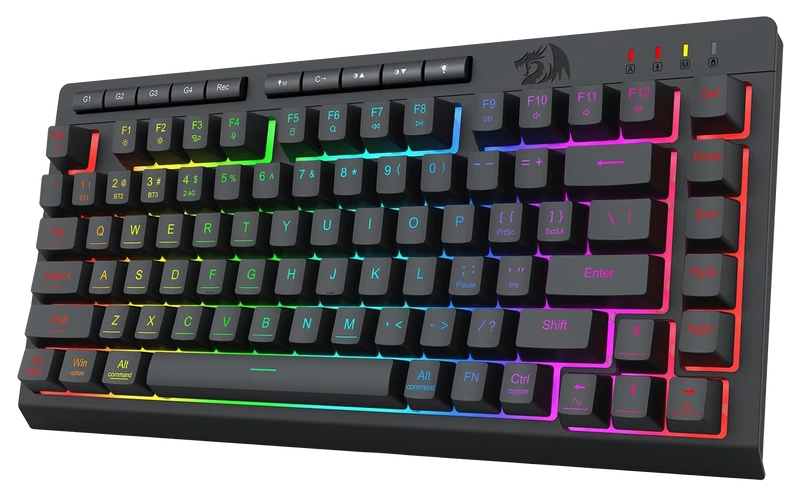
Redragon
Verified Hours
3,343verified hours
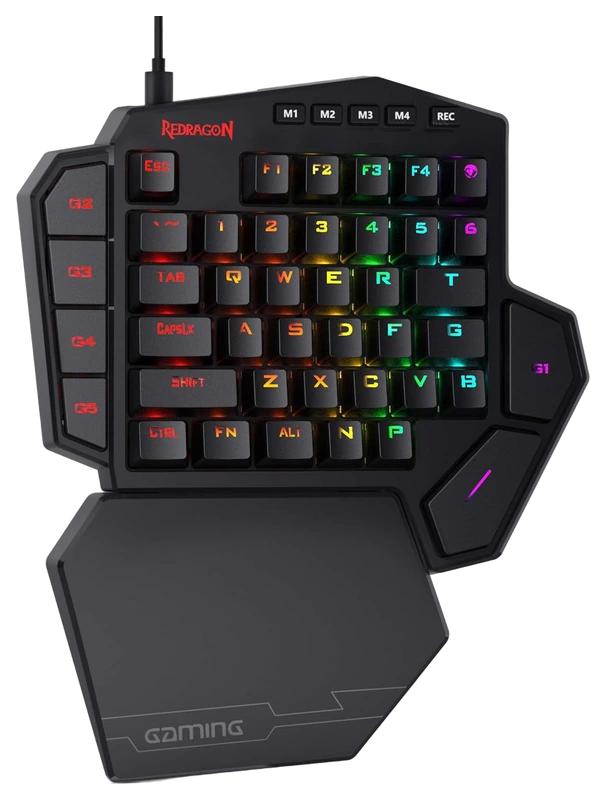
Verified Hours
3,224verified hours
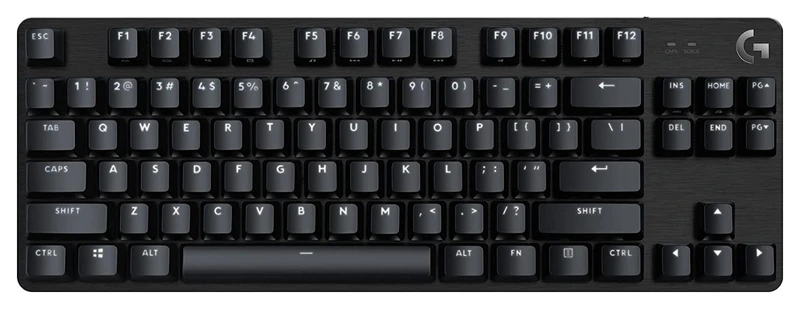
Verified Hours
3,168verified hours
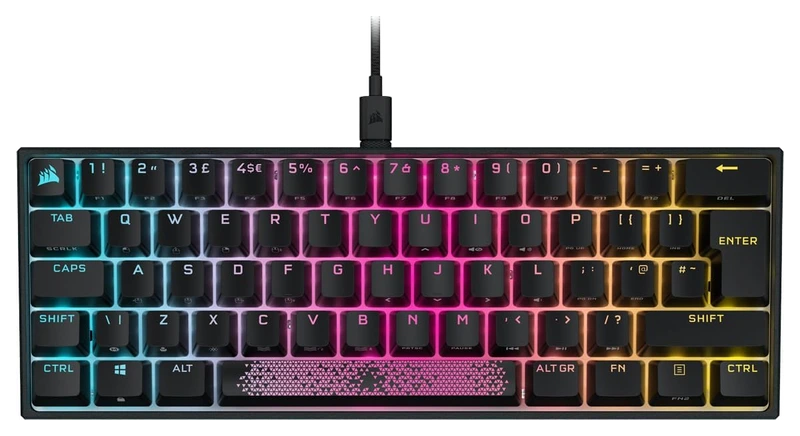
Verified Hours
3,139verified hours
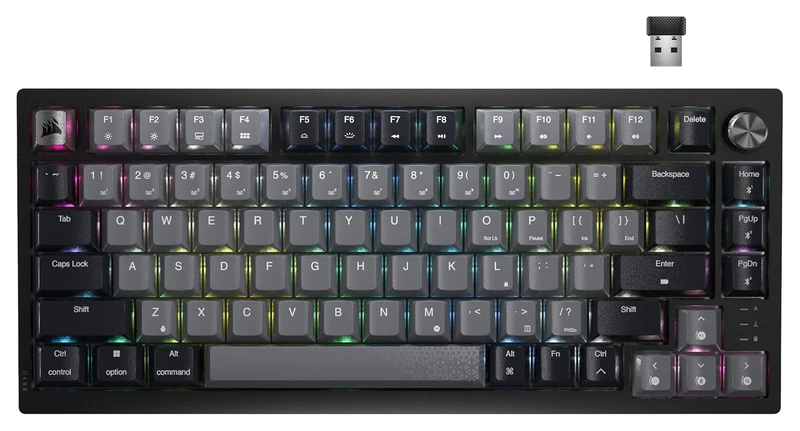
Verified Hours
3,052verified hours
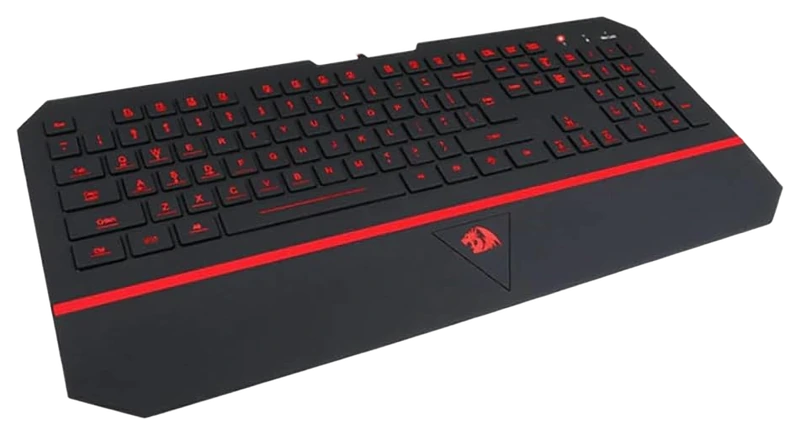
Redragon
Verified Hours
2,543verified hours
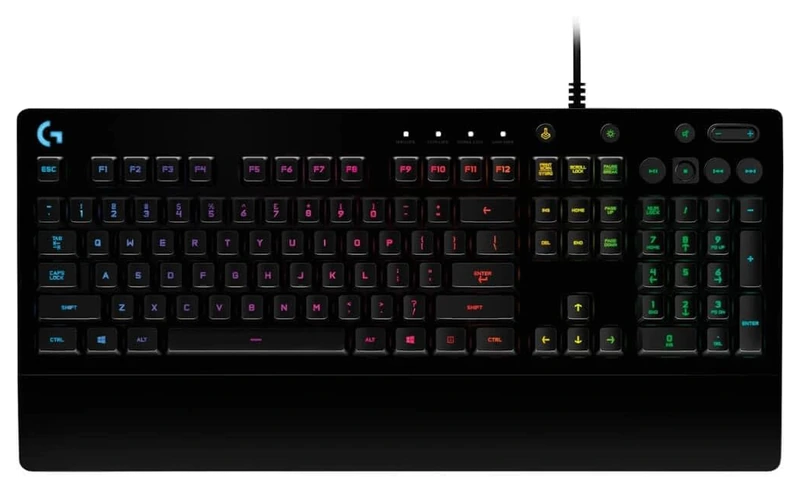
Logitech
Verified Hours
2,425verified hours
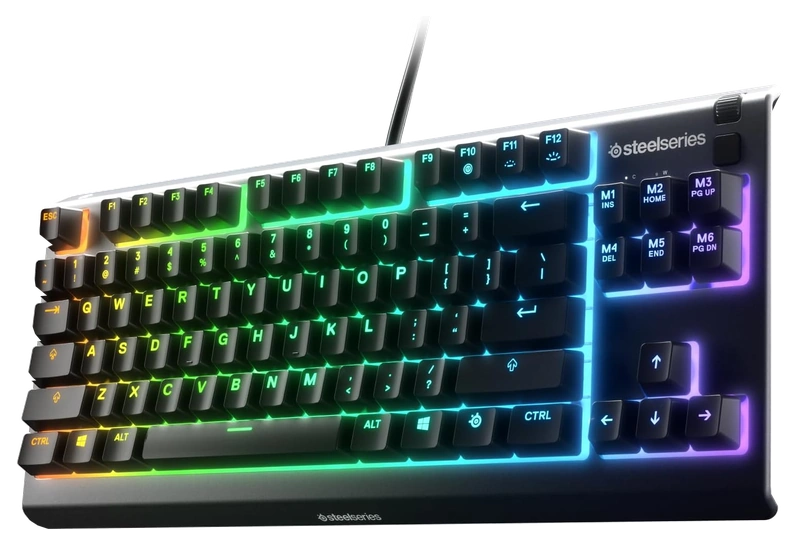
Verified Hours
2,145verified hours
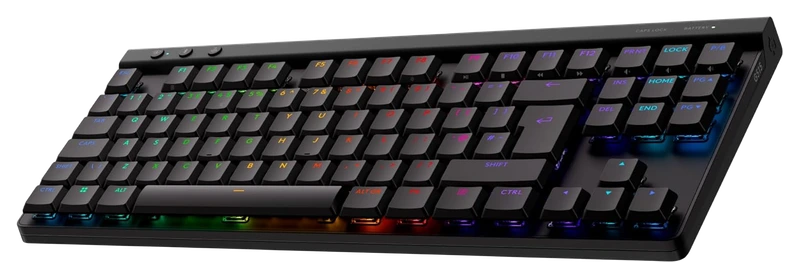
Logitech
Verified Hours
1,739verified hours
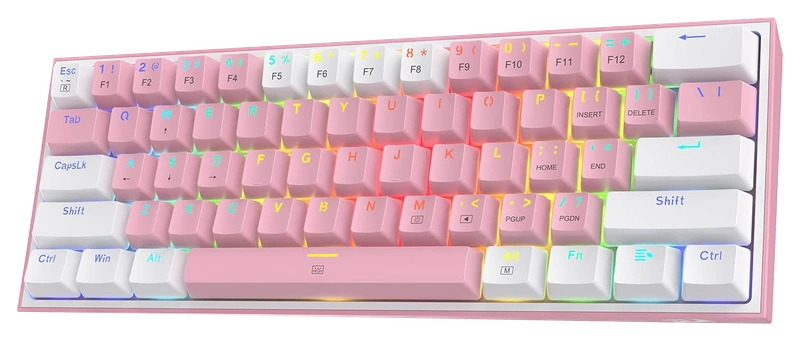
Verified Hours
1,696verified hours
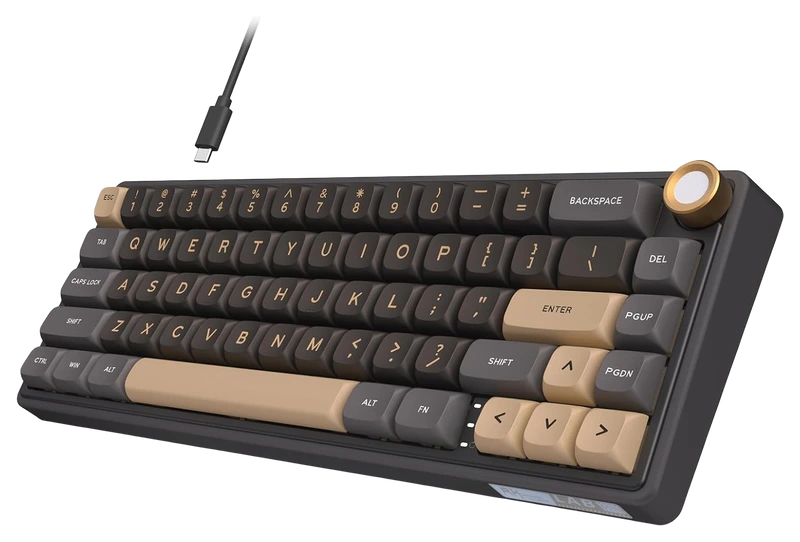
RK ROYAL KLUDGE
Verified Hours
1,602verified hours
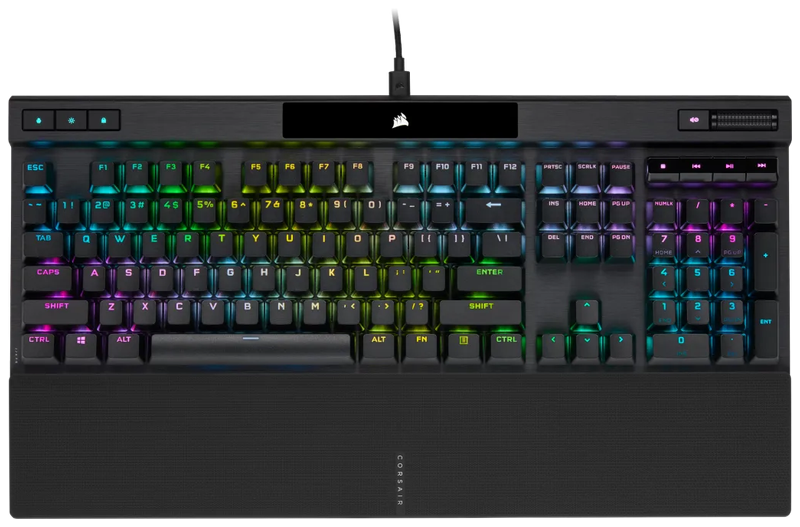
Verified Hours
1,523verified hours
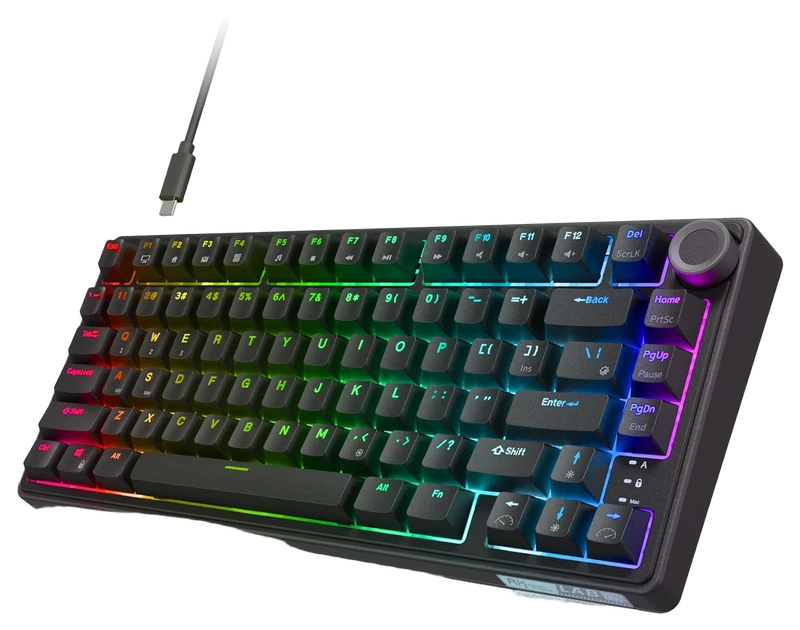
RK ROYAL KLUDGE
Verified Hours
1,362verified hours
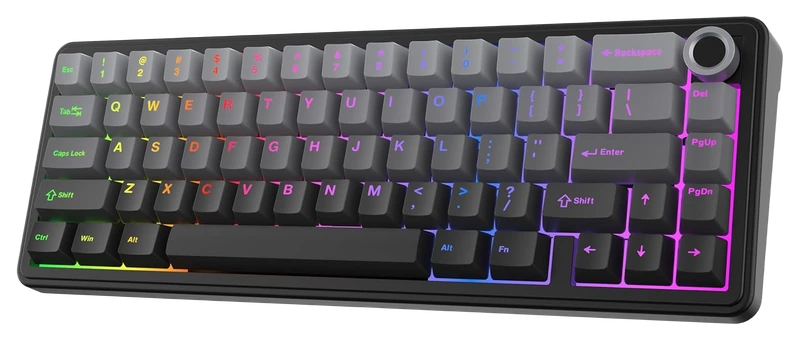
Verified Hours
1,318verified hours
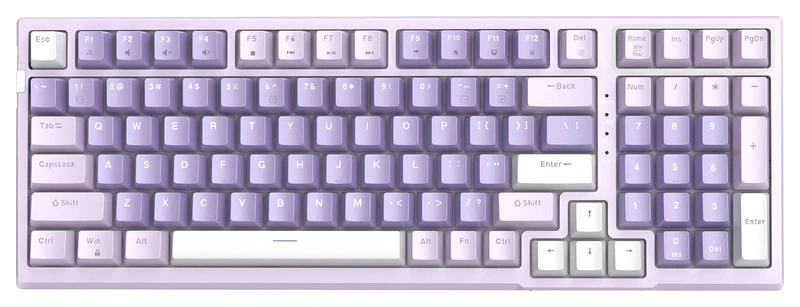
MageGee
Verified Hours
1,317verified hours
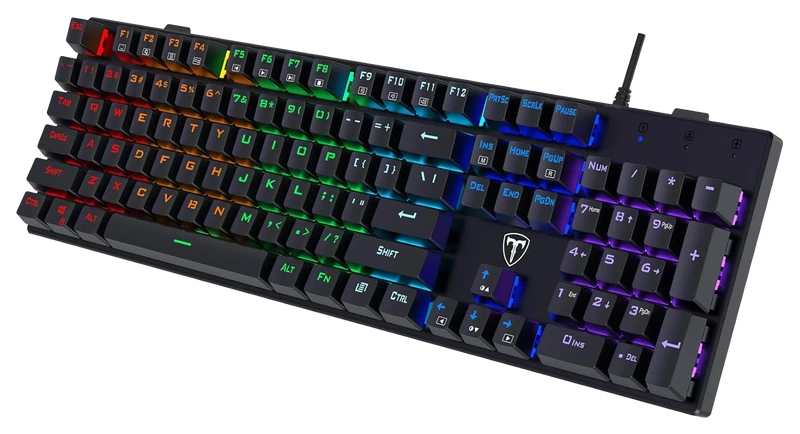
RisoPhy
Verified Hours
1,316verified hours
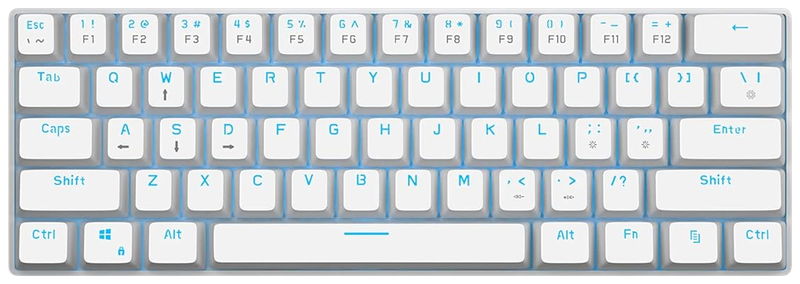
MageGee
Verified Hours
1,278verified hours
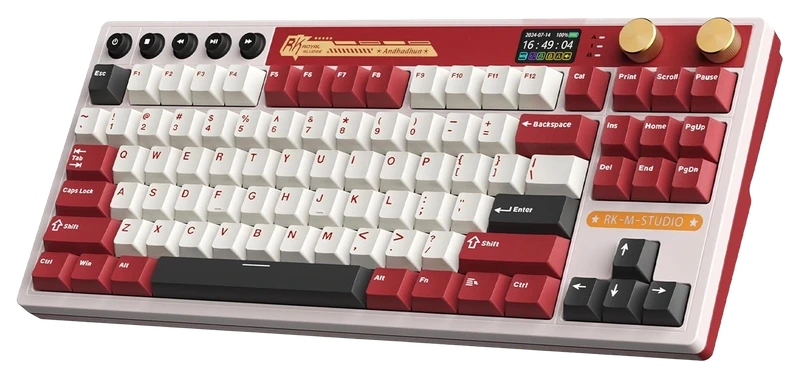
RK ROYAL KLUDGE
Verified Hours
1,277verified hours
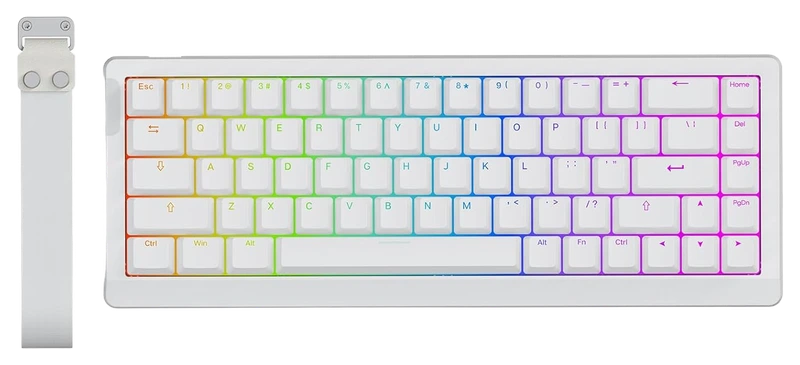
EPOMAKER
Verified Hours
1,198verified hours
Verified Hours
1,158verified hours
QZTHOU
Verified Hours
1,157verified hours
Verified Hours
1,089verified hours
MageGee
Verified Hours
1,042verified hours
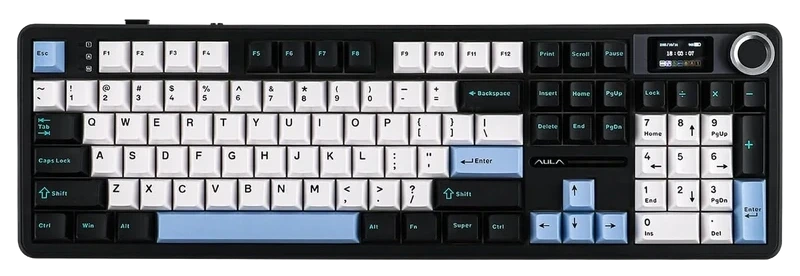
Verified Hours
1,038verified hours
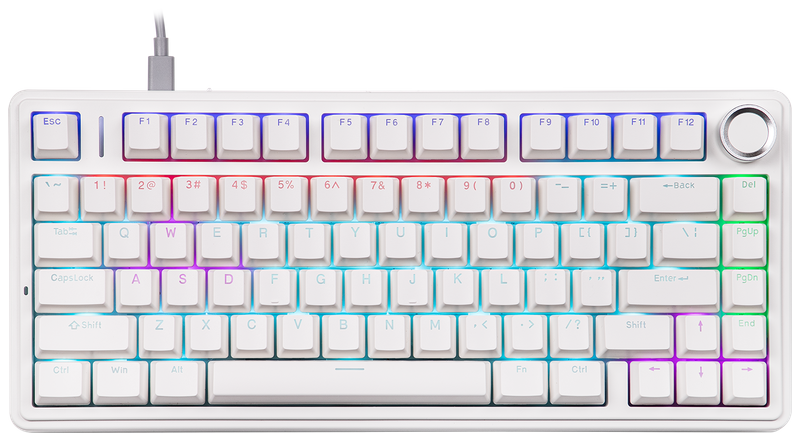
EPOMAKER
Verified Hours
1,037verified hours
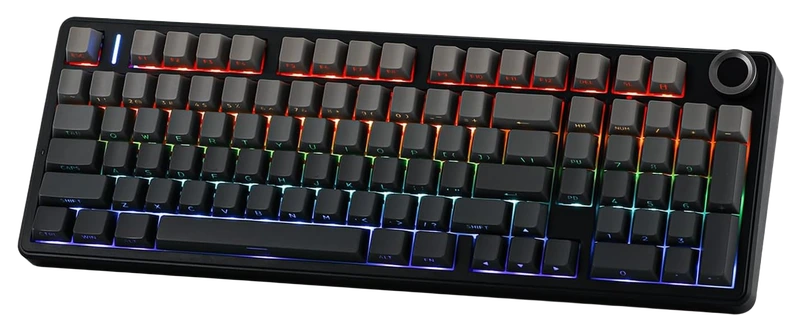
Verified Hours
898verified hours
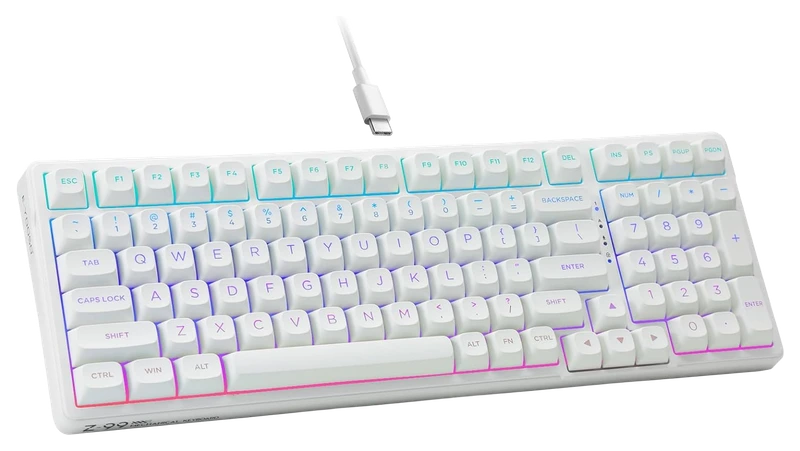
Verified Hours
798verified hours
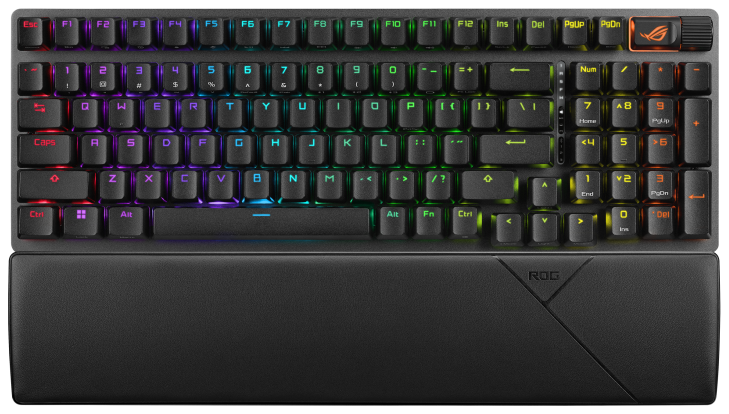
Verified Hours
797verified hours
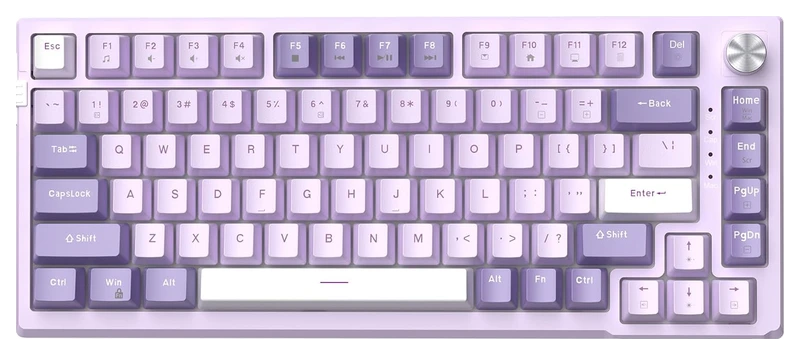
MageGee
Verified Hours
740verified hours
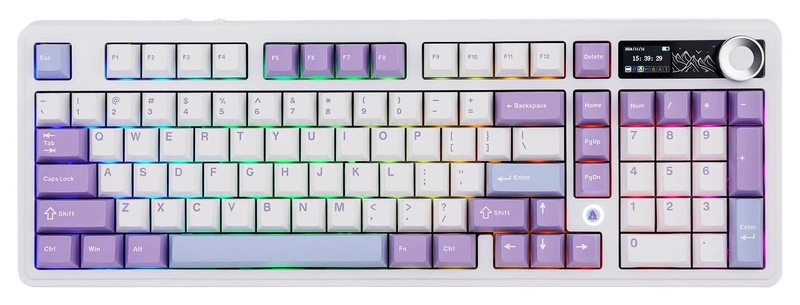
Verified Hours
678verified hours
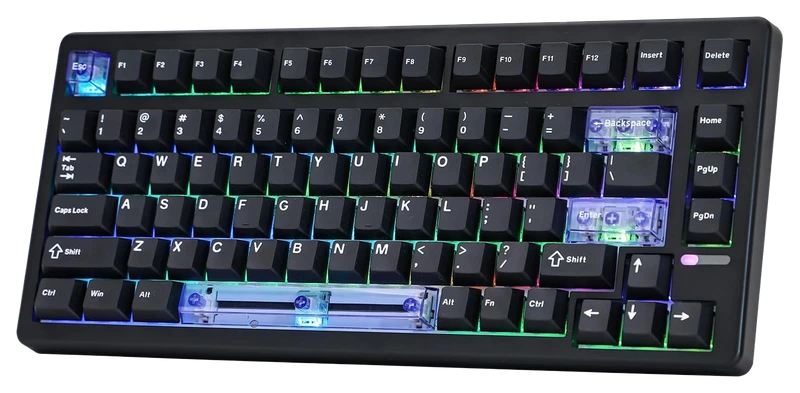
EPOMAKER
Verified Hours
677verified hours
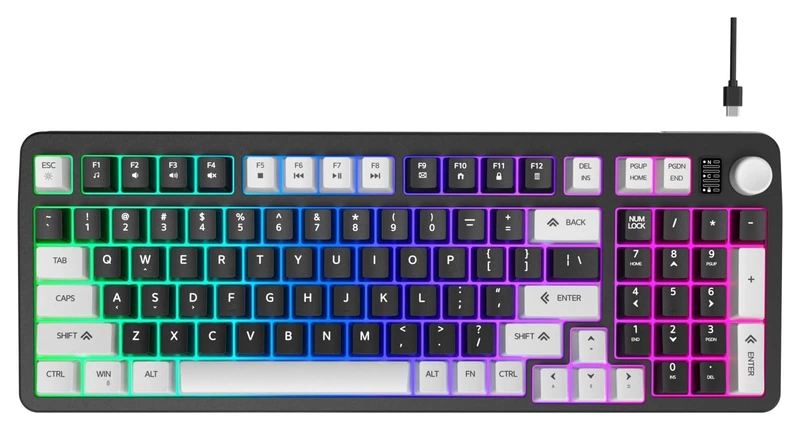
Hofotek
Verified Hours
638verified hours
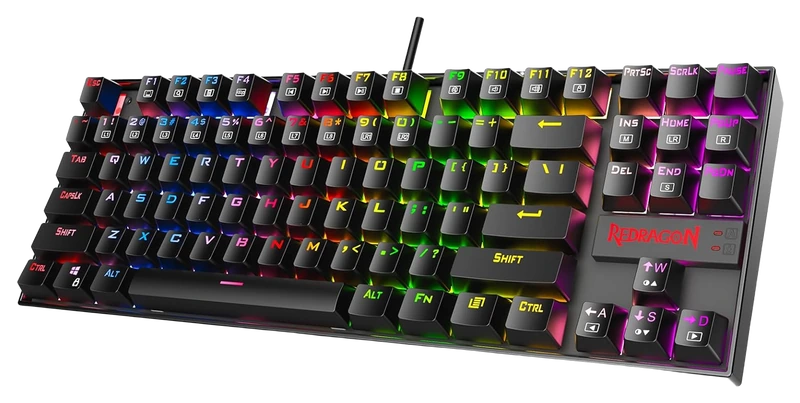
Redragon
Verified Hours
637verified hours
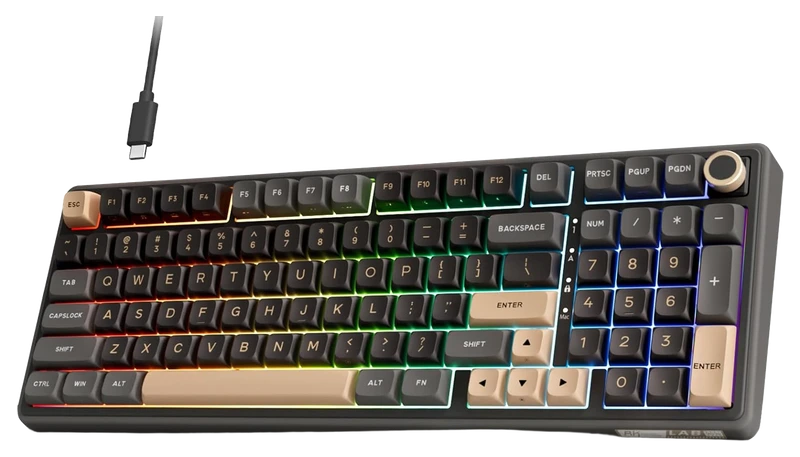
RK ROYAL KLUDGE
Verified Hours
598verified hours
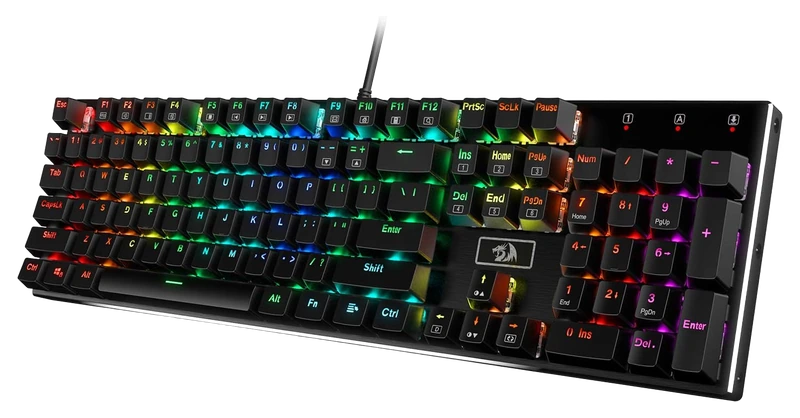
Verified Hours
597verified hours
HUO JI
Verified Hours
596verified hours
Verified Hours
595verified hours
Redragon
Verified Hours
594verified hours
Redragon
Verified Hours
593verified hours
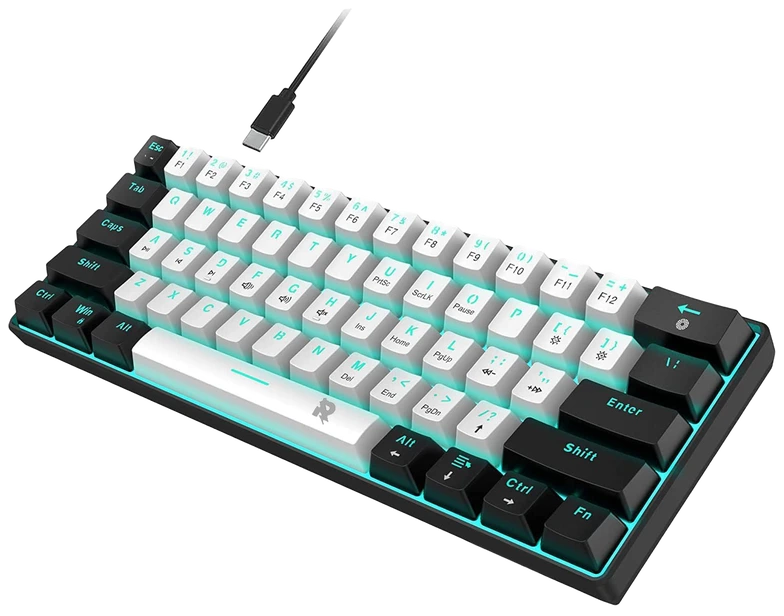
ROCK POW
Verified Hours
558verified hours
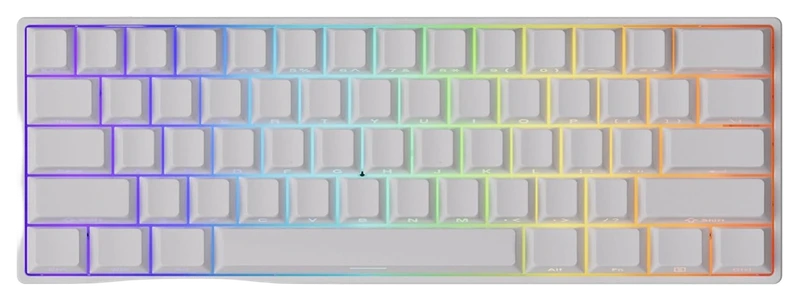
MONSGEEK
Verified Hours
557verified hours
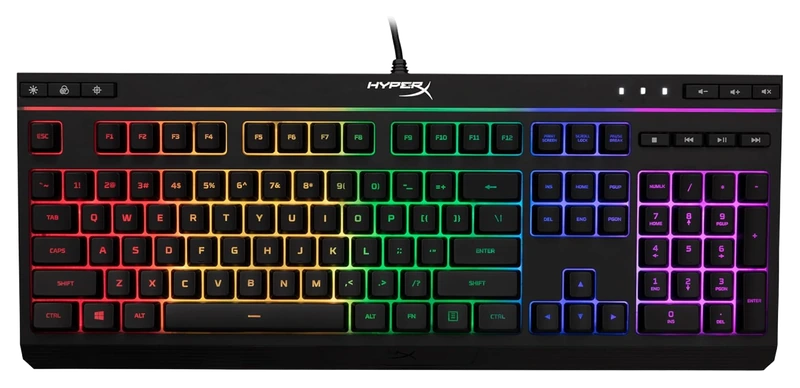
Verified Hours
556verified hours
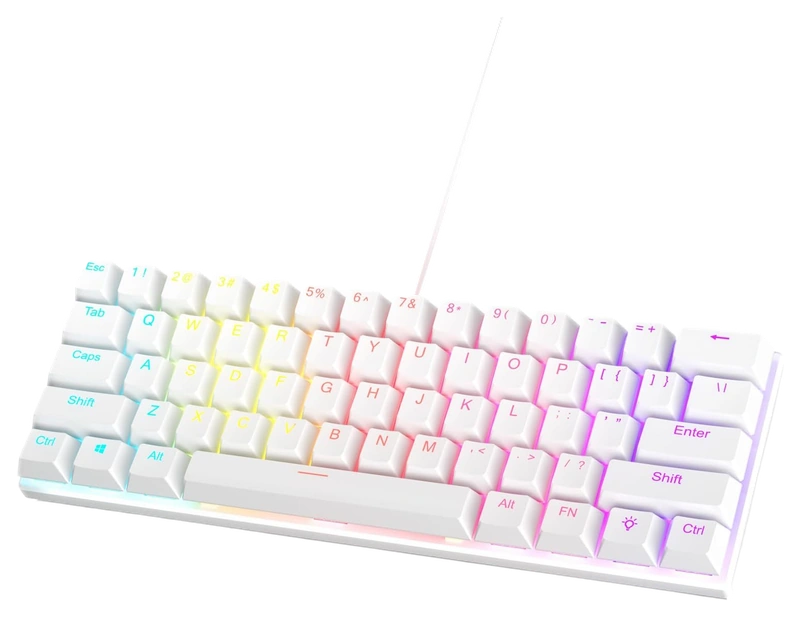
Verified Hours
555verified hours
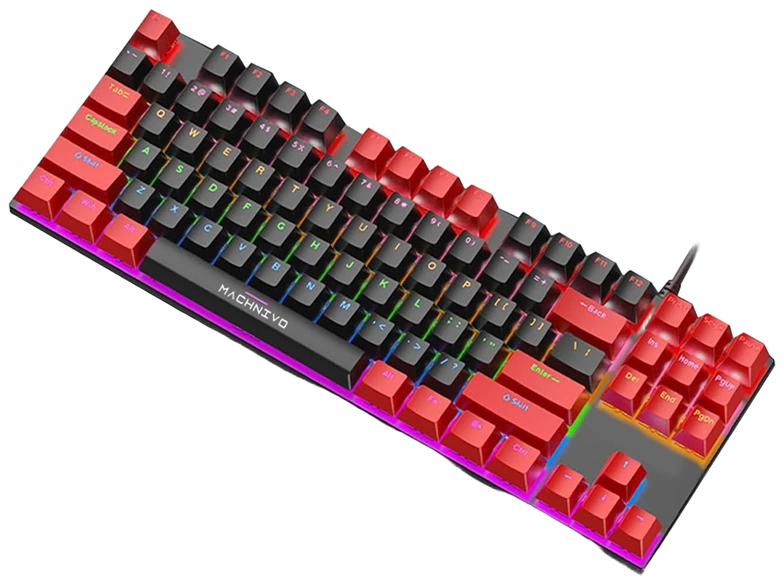
Verified Hours
554verified hours
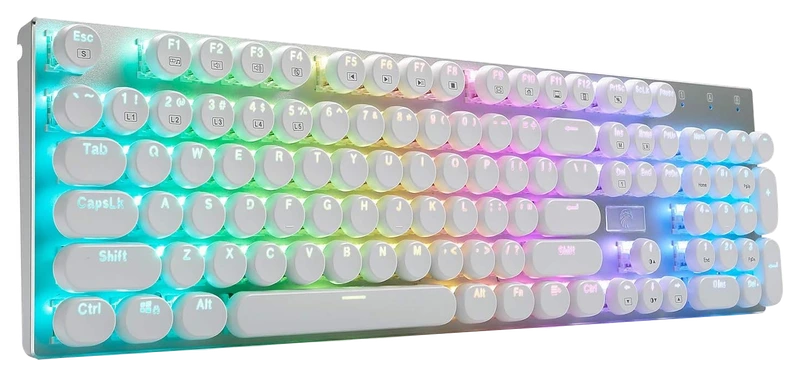
Verified Hours
553verified hours
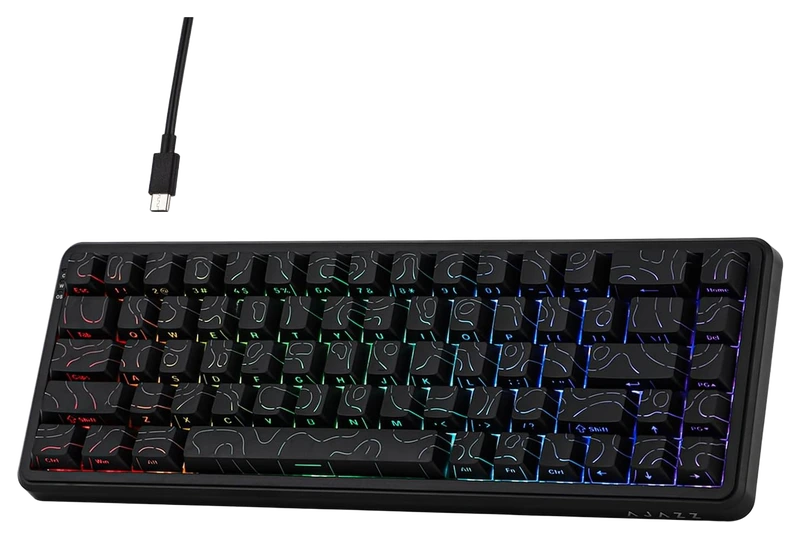
MechLands
Verified Hours
552verified hours
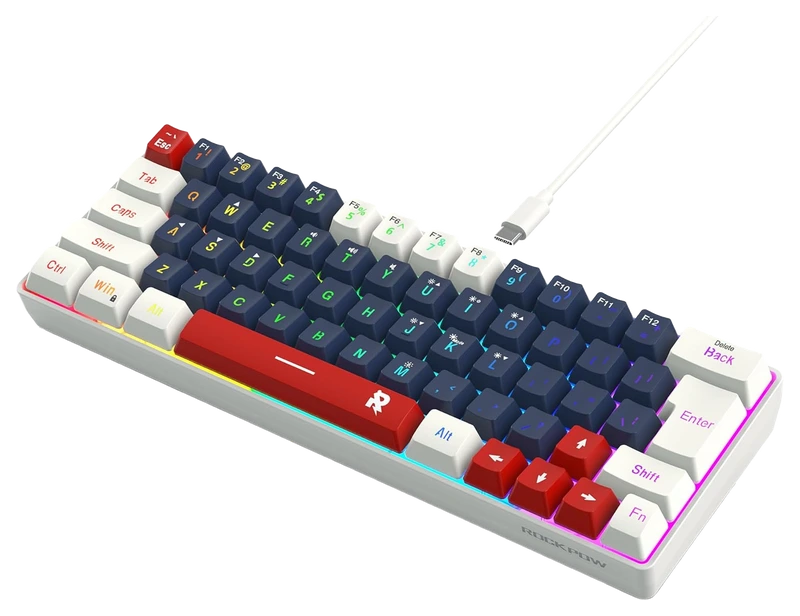
ROCK POW
Verified Hours
518verified hours
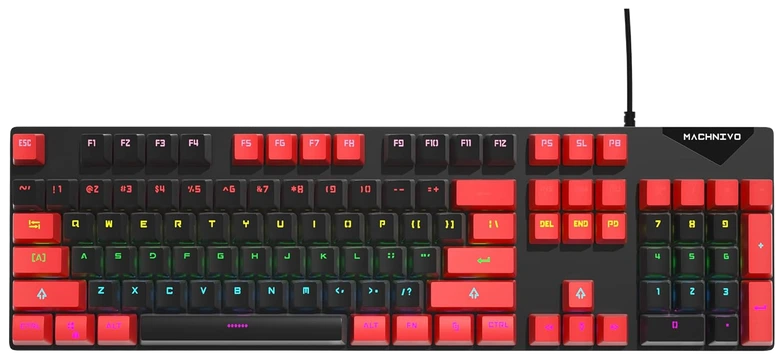
Verified Hours
517verified hours
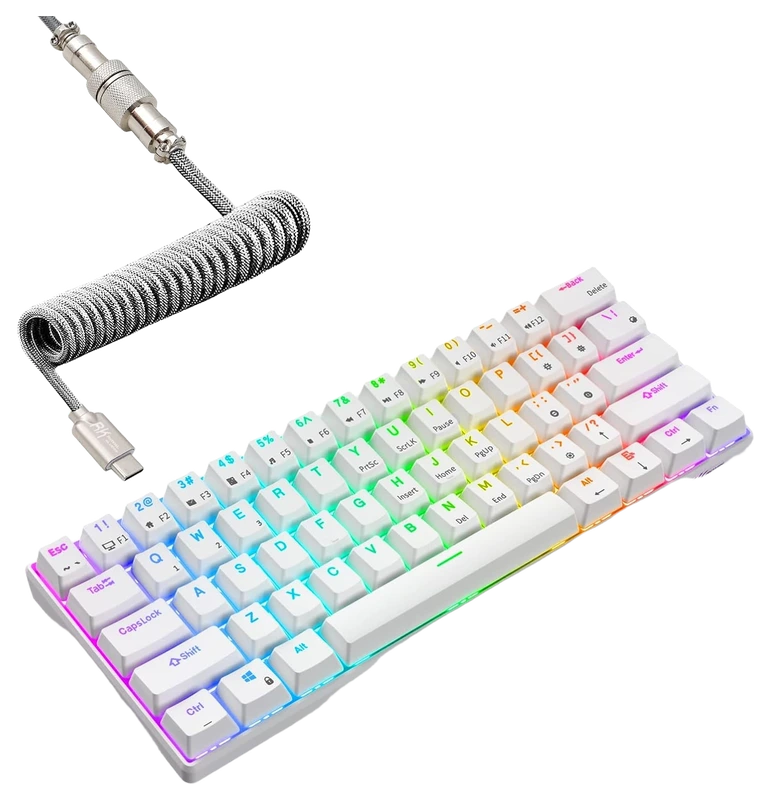
RK ROYAL KLUDGE
Verified Hours
460verified hours
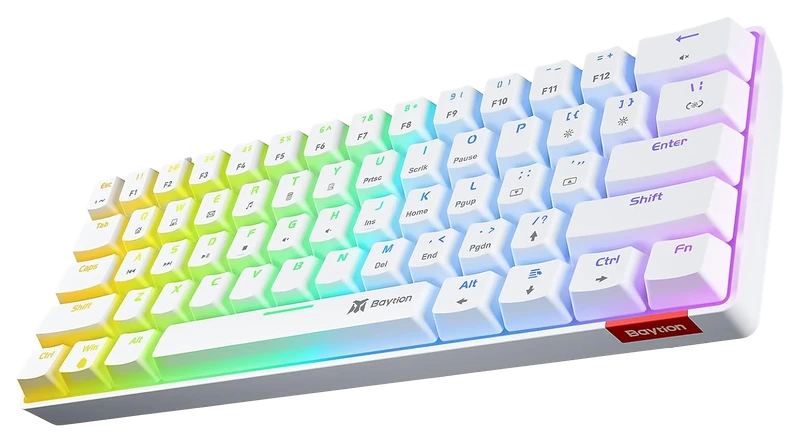
Baytion
Verified Hours
405verified hours
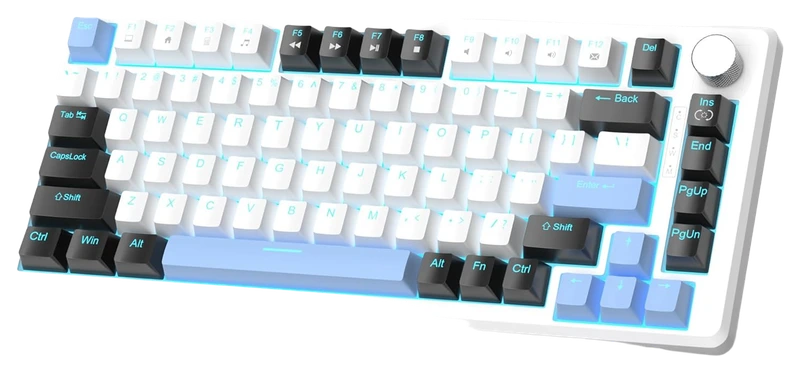
MageGee
Verified Hours
365verified hours
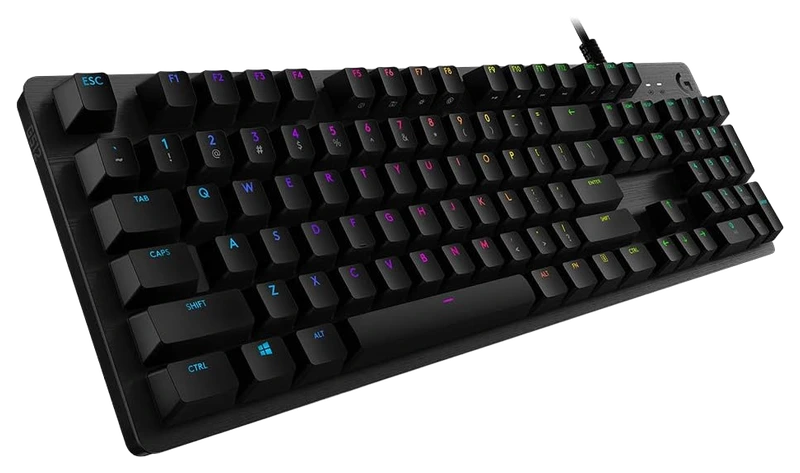
Verified Hours
318verified hours
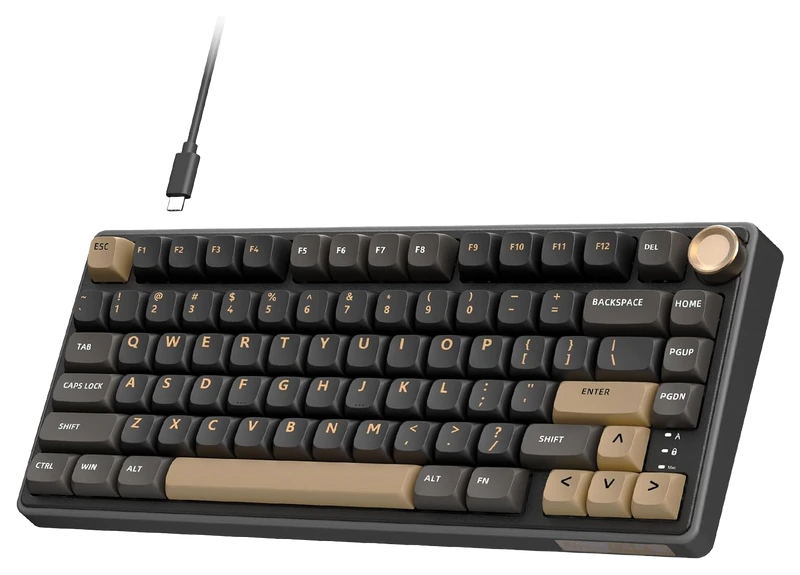
RK ROYAL KLUDGE
Verified Hours
317verified hours
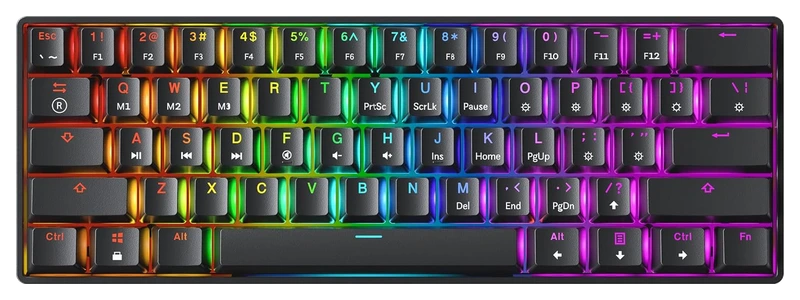
GK61
Verified Hours
256verified hours
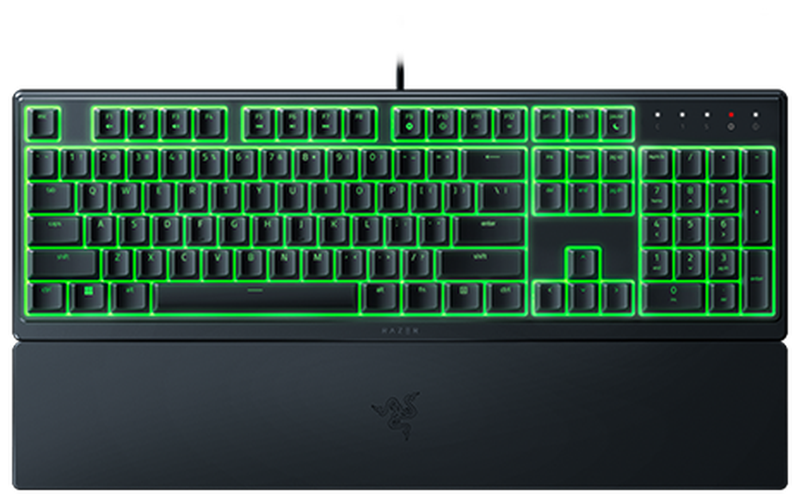
Verified Hours
238verified hours
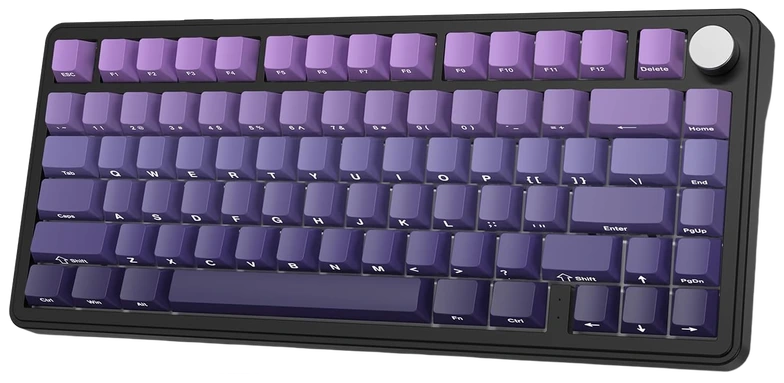
Verified Hours
237verified hours
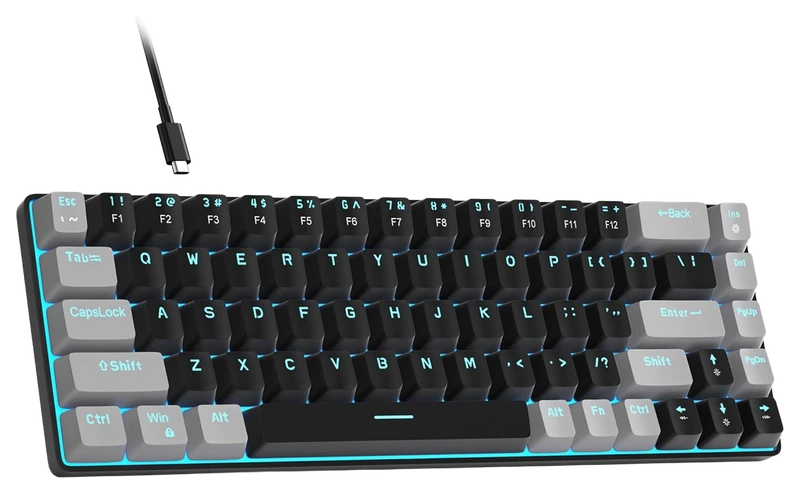
Verified Hours
198verified hours
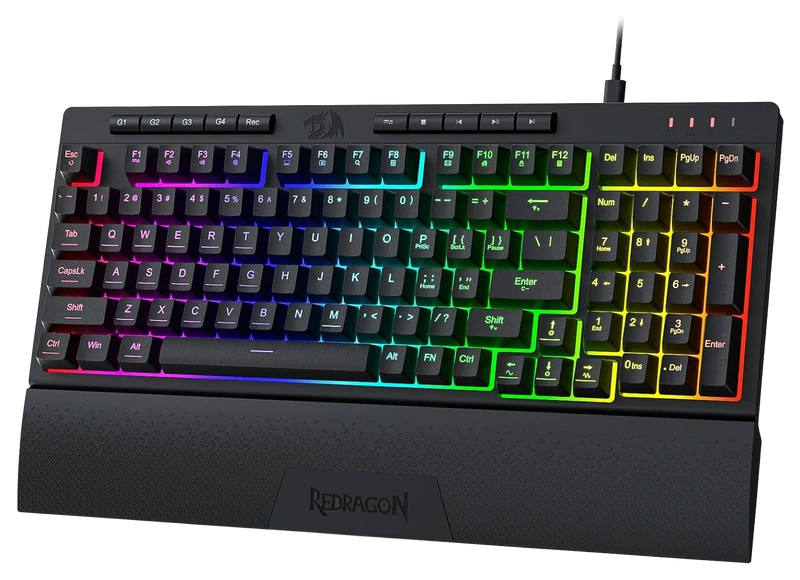
Verified Hours
197verified hours
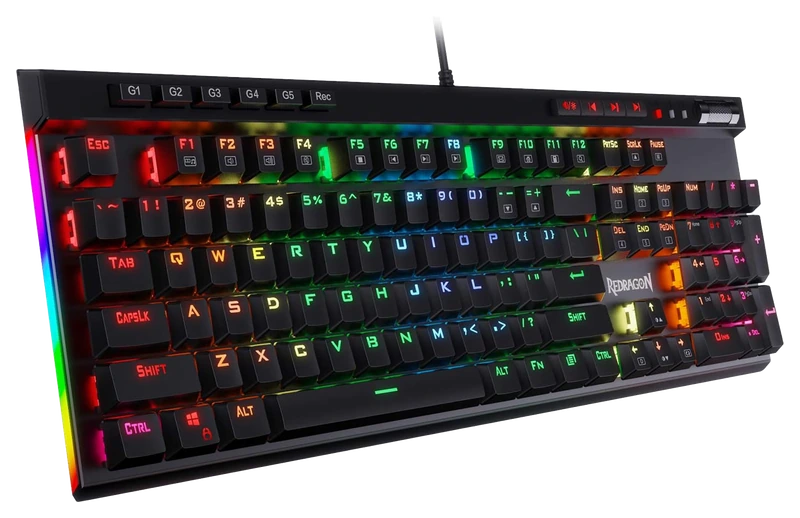
Verified Hours
158verified hours
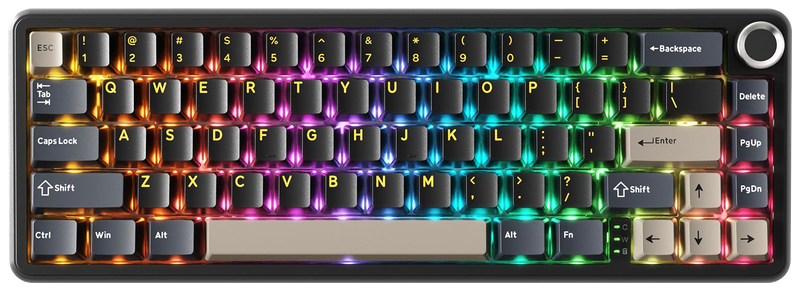
ATTACK SHARK
Verified Hours
157verified hours
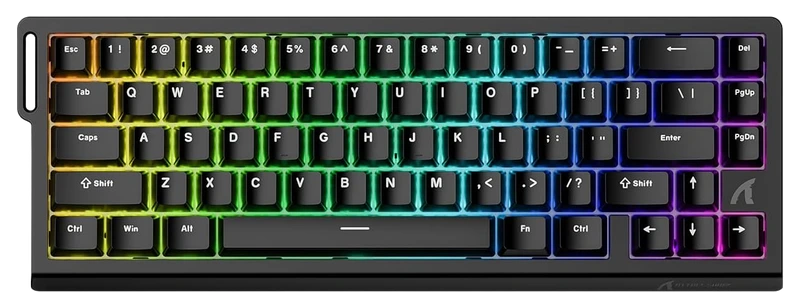
ATTACK SHARK
Verified Hours
156verified hours
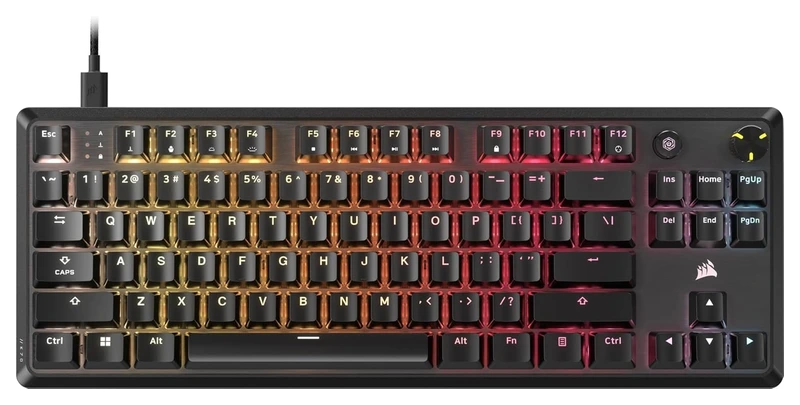
Verified Hours
155verified hours
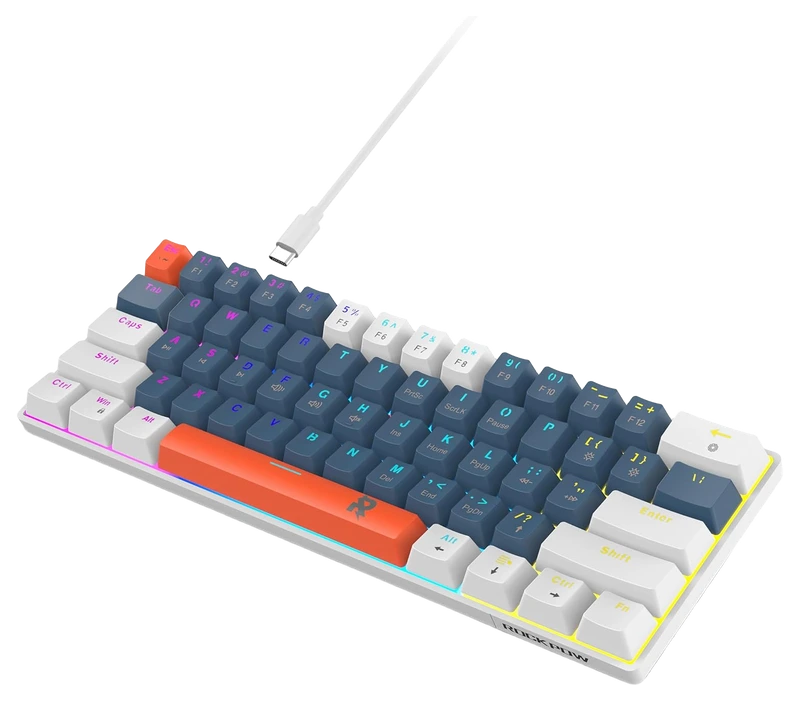
ROCK POW
Verified Hours
153verified hours
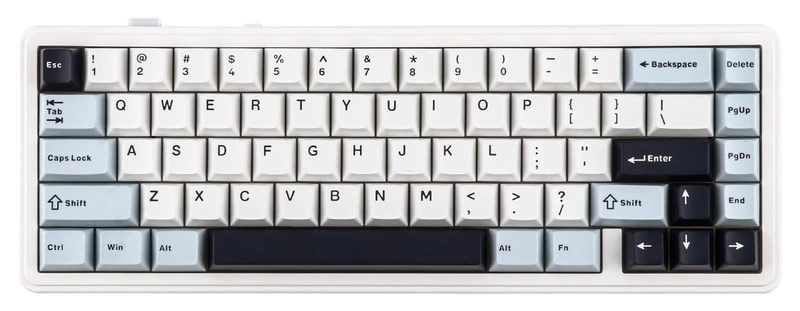
Verified Hours
118verified hours
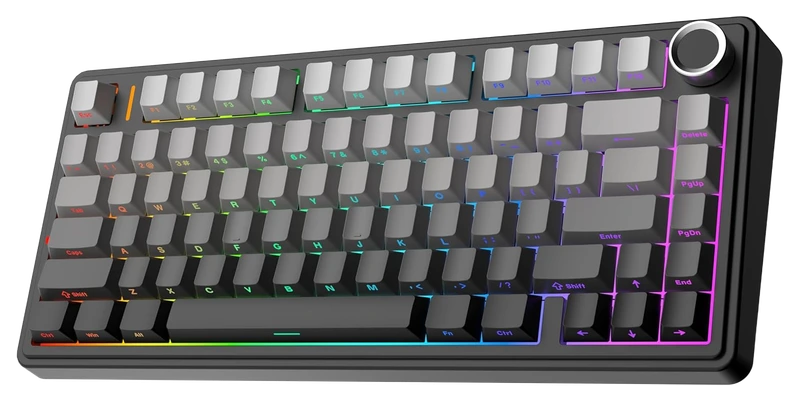
Verified Hours
117verified hours
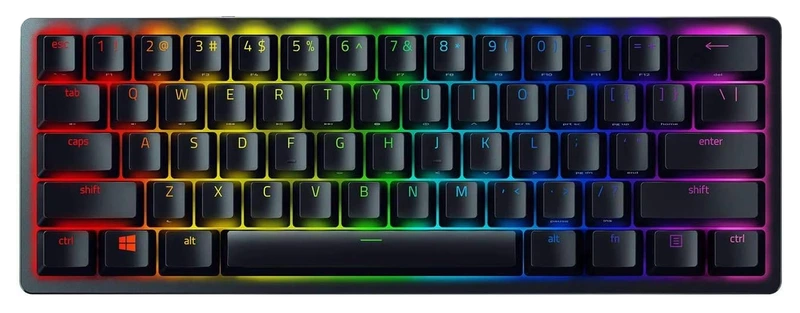
Verified Hours
116verified hours
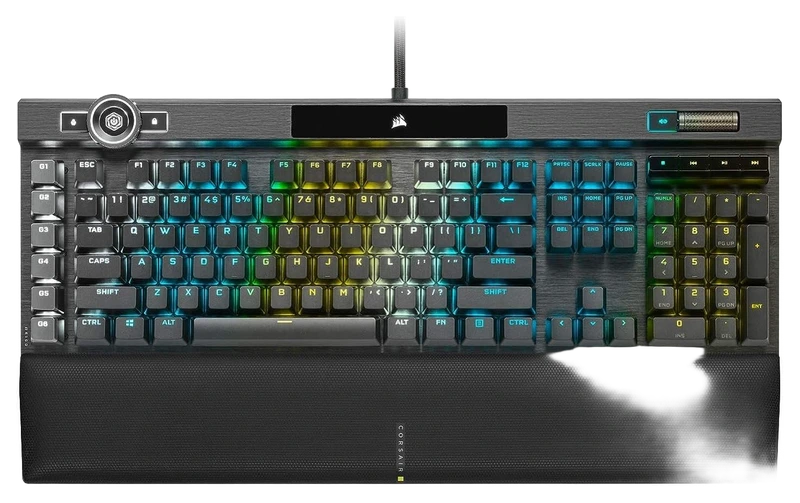
Verified Hours
115verified hours
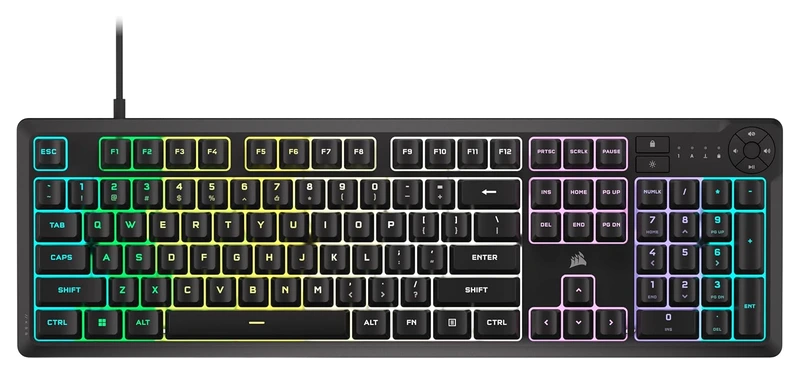
Verified Hours
114verified hours
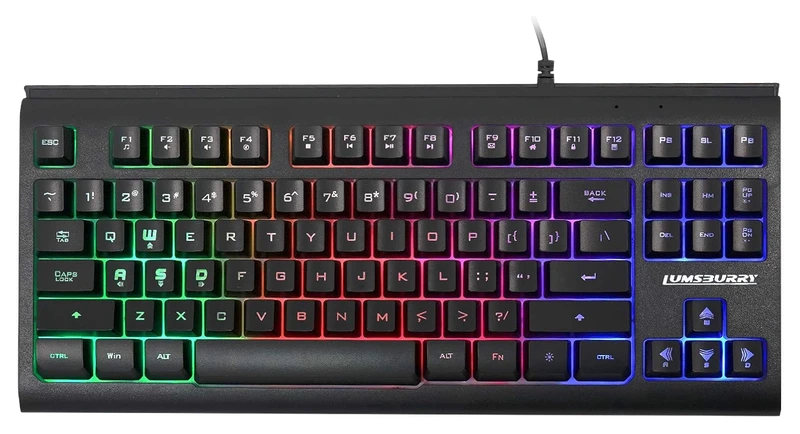
Verified Hours
113verified hours
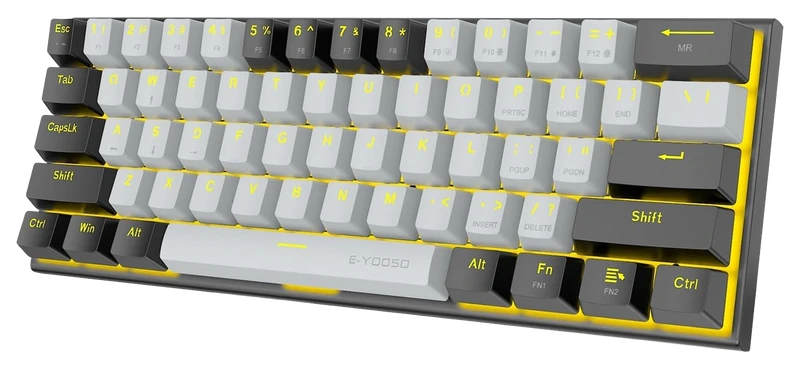
Verified Hours
78verified hours
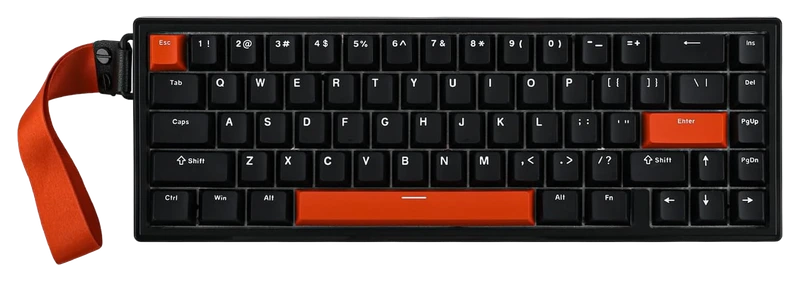
Verified Hours
77verified hours
Verified Hours
76verified hours
Verified Hours
13verified hours
Loading public FINALS setups…
Compare keyboards for THE FINALS. Check layout, switch feel and space for your mouse.
Verified Hours determine the published order for THE FINALS keyboards in this snapshot.
Ranking answer
Compare the published ranking above, then check fit and specifications. Sign in with Steam to reveal the leading products and their verified hours.
Reveal with SteamCompare layout, switch feel, actuation options and firmware support against the keys and mouse space you need. The highest-ranked keyboard is a starting point, not a guarantee of the best fit for you.
The Best The Finals Keyboards board is backed by 153,560 verified hours in the cited snapshot.
Choose the smallest layout that keeps your required keys accessible. A typical 60% layout puts arrows and function keys on layers; 65% keeps dedicated arrows; tenkeyless (TKL) removes the number pad. Full size keeps it. Check the exact key map against game binds and typing needs. Keychron compares the layouts.
Choose linear, tactile or magnetic switches by the feel and adjustment you need. Check the exact switch compatibility before replacing them. Adjustable actuation sets the press depth; rapid trigger changes activation and reset with key movement. Wooting explains rapid trigger and its model-specific controls; Hall-effect switches alone do not confirm every feature.
Polling rate is how often a device sends input data to your PC. Compare measurements for the exact USB, receiver or Bluetooth mode and firmware. A 1,000Hz report rate has a calculated 1ms interval; 8,000Hz has 0.125ms. Neither is a measured key-to-screen response. Check the supported rate for each mode and whether profiles remain available without the configuration app.
Check keycap profile (the keycap height and shape), key label placement, case height and wrist support against your desk. Compare sound recordings made in similar conditions. A switch name does not guarantee quiet typing. Check replacement keycaps, supported hot-swap switches (replaceable without soldering), firmware recovery and the warranty. Hot-swap compatibility varies by keyboard.
Check the exact model's current local price. Compare included accessories, delivery, return policy and warranty. Record the currency and check date for each offer. Start with this board's published order, then choose a model that meets your needs and budget. Rank does not show today's best value.
The useful connection is game experience and a player’s declared main. Keep the game, board and snapshot together when reading the ranking.
01 / Game
The keyboard ranking associates declared mains with verified THE FINALS game hours. That keeps the decision grounded in this game while your loadout remains personal: review how you reach gadgets and objective interactions when translating the published playtime order into a choice.
02 / Backing
Compare the verified hours backing each player-declared keyboard. Open the full list to see more products, with the published hours and original ranks intact.
03 / Your main
Connect Steam through Hours.gg, then choose the keyboard you declare as your FINALS main. Your saved gear and the published ranking update separately.
Before buying, confirm the layout, key map and connections of the exact model. Read the fit guidance
Check THE FINALS' Toggle Interact Mode setting. Embark documents an option for keyboard and gamepad that lets a single press toggle an interaction, including stealing a Cashout. Try the available behavior with your movement and gadget keys before judging whether an awkward reach requires changing keyboards. Embark: THE FINALS interaction controls
Hours’ established model connects verified game experience with players’ declared main gear. The ranking gives you that game-specific starting point when choosing a keyboard. Manufacturer specifications help you check the resulting shortlist.
Players report their gear to Hours. Steam supplies game-playtime information. Keep those two sources distinct: a declared main is the player’s choice, and game time is the experience backing it.
Verified Hours are the verified player game time backing a player-declared main under Hours’ established methodology. This board keeps the published hours for each keyboard in the FINALS snapshot. The numbers are game experience, not a laboratory score.
The ranking reflects the verified hours backing each player-declared keyboard in Hours’ existing board. It does not measure hardware performance or confirm fit and compatibility with your setup. Use the ranking to start your decision, then check the exact model’s layout, key map and connections.
Steam records game time, which Hours connects with a player’s declared main under the established methodology. It does not record physical device-use duration.
Connect your account to verify available game playtime and open the top three when your account is signed in and Steam-verified. You can then choose the keyboard you declare as your FINALS main.
Under the existing Hours model, your declared main carries your game’s hours in the published game scope. It records your choice; it does not establish when you bought the keyboard or when you used it. See the established methodology for how those hours count.
Opening the full list displays more products. A product at rank 8 remains rank 8, with the same verified hours. The Steam rule follows original ranks 1–3, so opening the list cannot unlock them.
Check the exact model’s layout, key map and connections before buying. The fit guidance is available above. Those details support the playtime-led choice; they do not change this board’s order.
This board displays its published snapshot dated . Steam records cumulative game playtime; it does not isolate individual matches. Your account’s latest synced playtime and the published ranking update separately.
Game boards rank the most-used gear among Hours.gg's verified players in the named game, category and snapshot, measured in verified player hours. Each player's declared main carries their verified hours in the published game scope; these hours do not measure time spent using a specific device.
Bring your game experience
Connect Steam to reveal the top three and player setups. Then add your own gear.
Public playtime only - no inventory access
Public FINALS setups, ordered by total verified hours across supported games.

@brad

@stinger
@syn0x
Top 3 setups
Reveal their gear and find gamers with similar game hours or shared gear.
Players declare their gear; Steam verifies game time. Only saved gear is revealed.