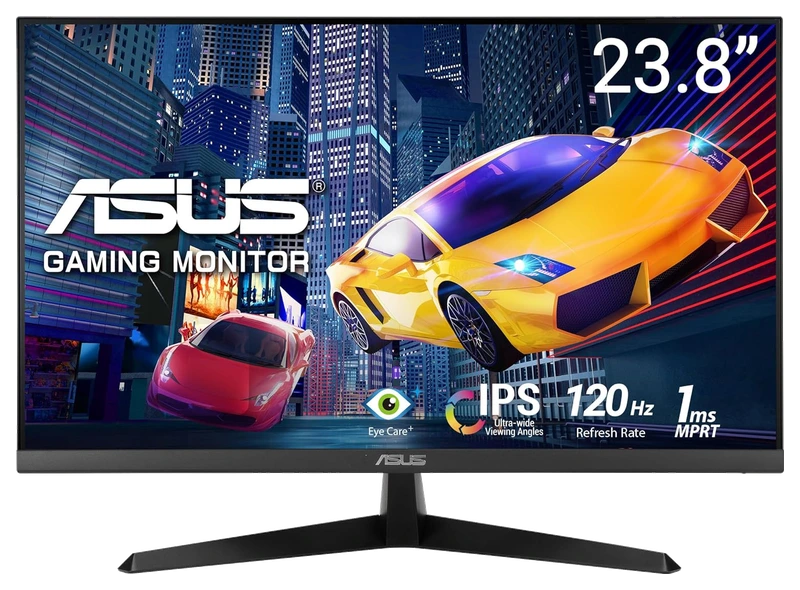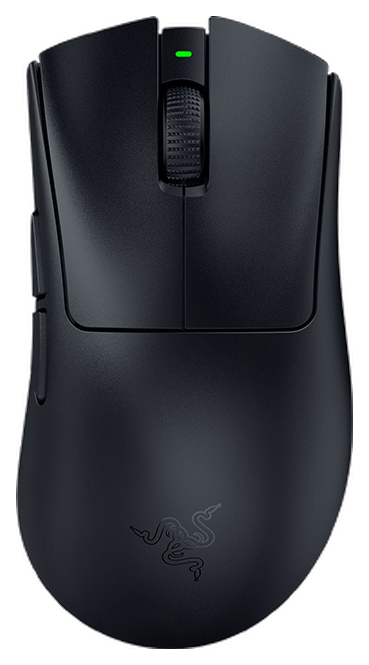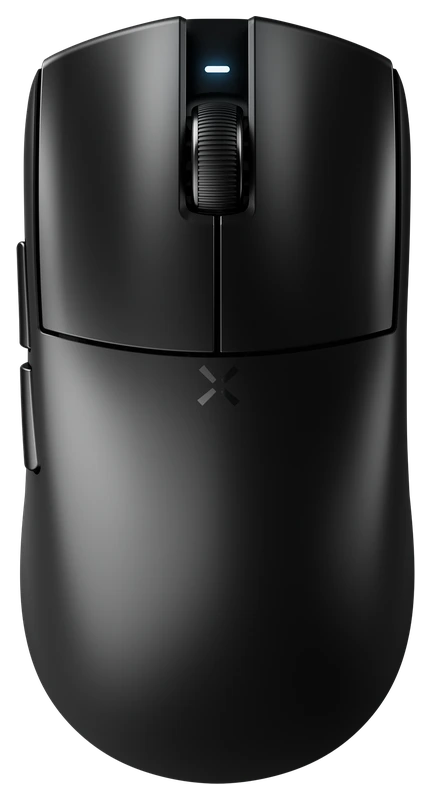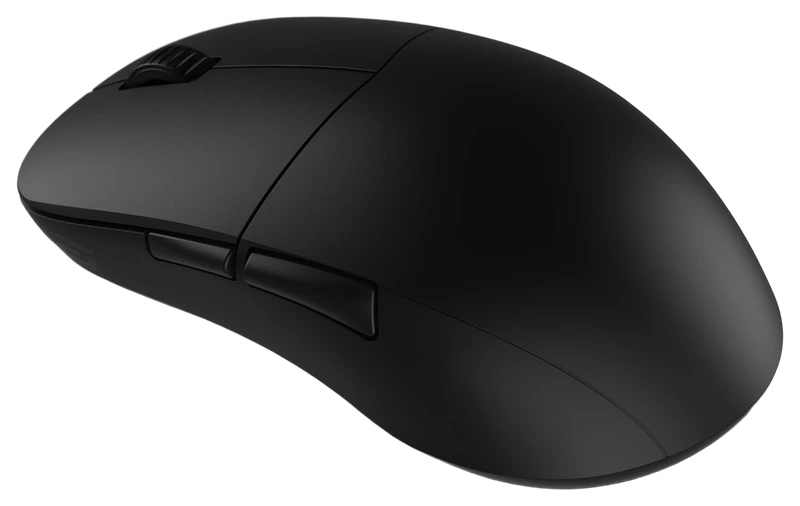
Rank 1.
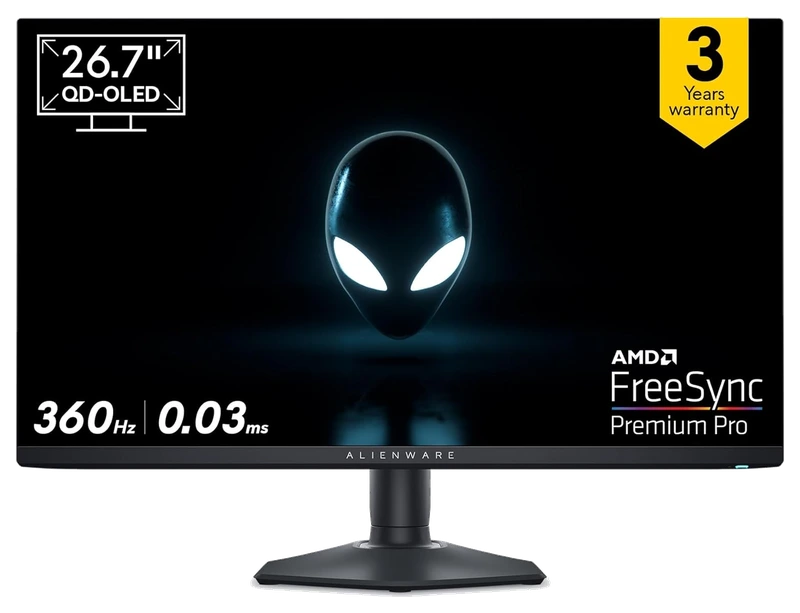
Alienware
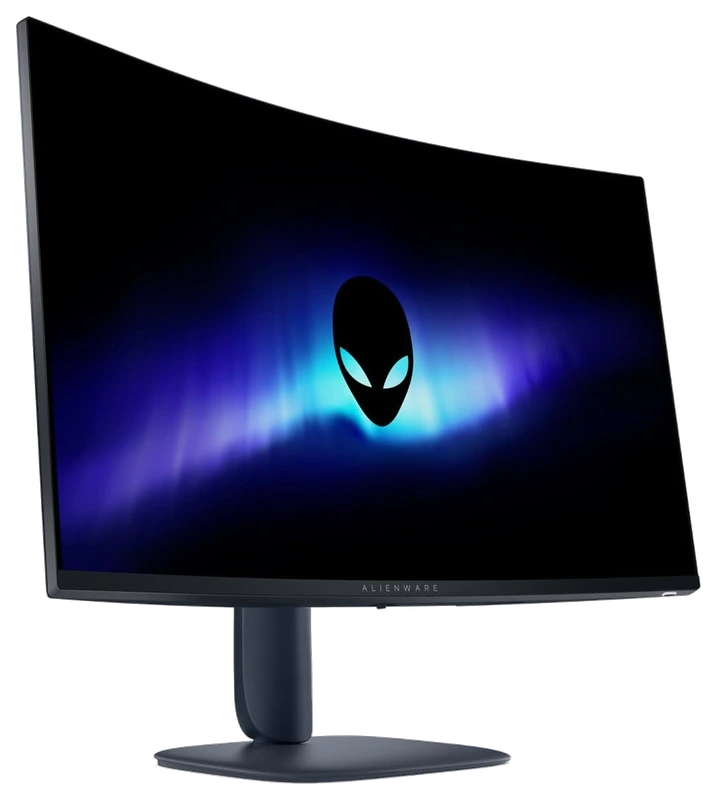
Dell Alienware 27" QD OLED
Verified Hours
3,215verified hours
Explore monitors ranked by verified, real THE FINALS playtime. Check resolution, refresh rates and connections against your setup as you explore the ranking.
Compare 95 monitors for The Finals, backed by 72,718 Verified Hours. Steam opens the top three; the rest of the ranking stays visible.
Steam verifies game time. Players declare their gear.
In THE FINALS, the building around a fight can become part of the fight. Verified, Real Playtime shows monitors its players declare for those changing arenas, giving your shortlist a foundation in this game's own player experience. Steam opens ranks 1–3; ranks 4–95 stay visible.
Top 3
Steam opens the full top three and their verified-hour totals. Any results ranked fourth or lower stay visible.
Verified Hours
2,583verified hours
Verified Hours
2,478verified hours
Verified Hours
2,477verified hours
Verified Hours
2,262verified hours
Verified Hours
2,135verified hours
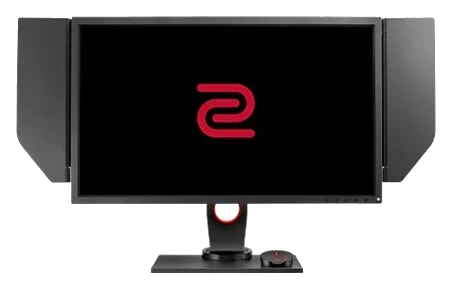
BenQ Zowie
Verified Hours
1,900verified hours
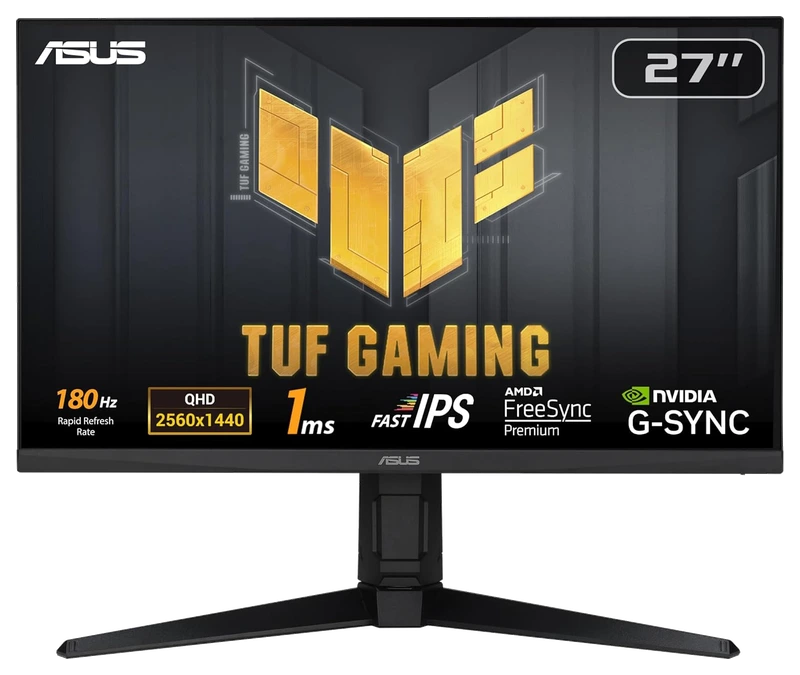
Verified Hours
1,859verified hours
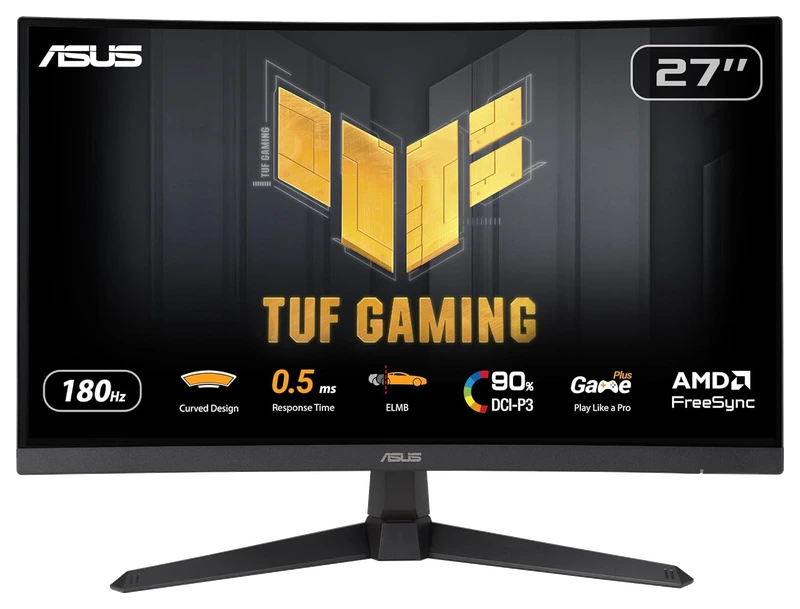
Verified Hours
1,785verified hours
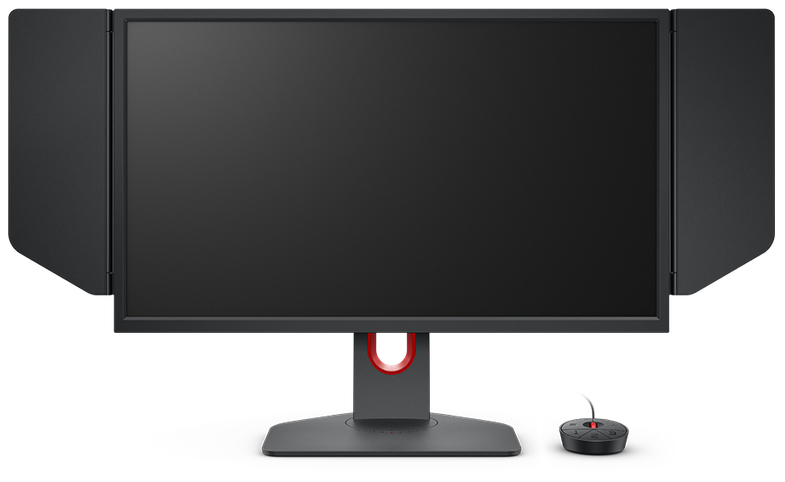
BenQ Zowie
Verified Hours
1,680verified hours
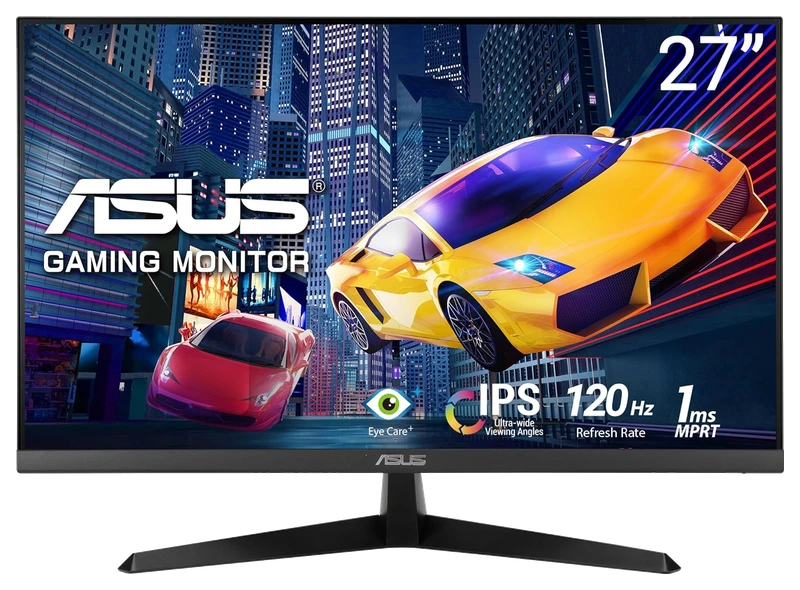
Verified Hours
1,678verified hours
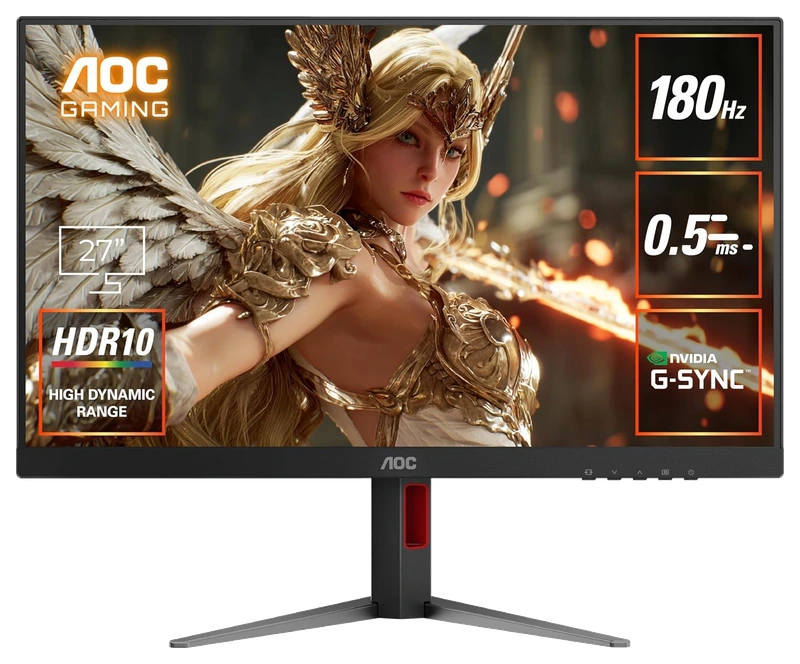
Verified Hours
1,677verified hours
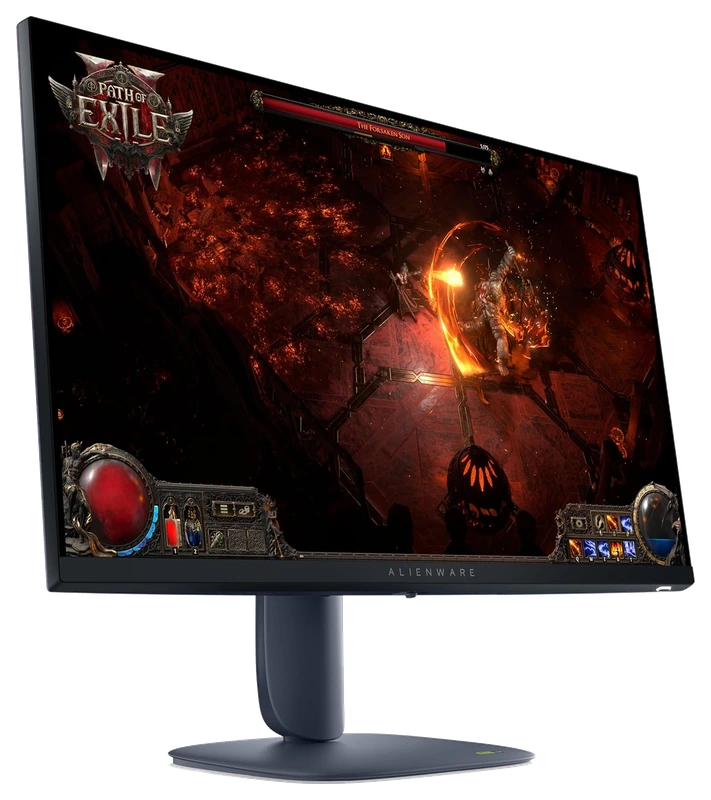
Alienware
Verified Hours
1,484verified hours
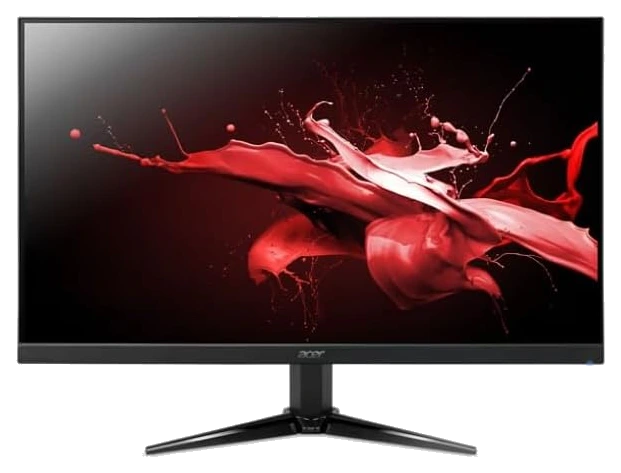
Amazon Renewed
Verified Hours
1,478verified hours
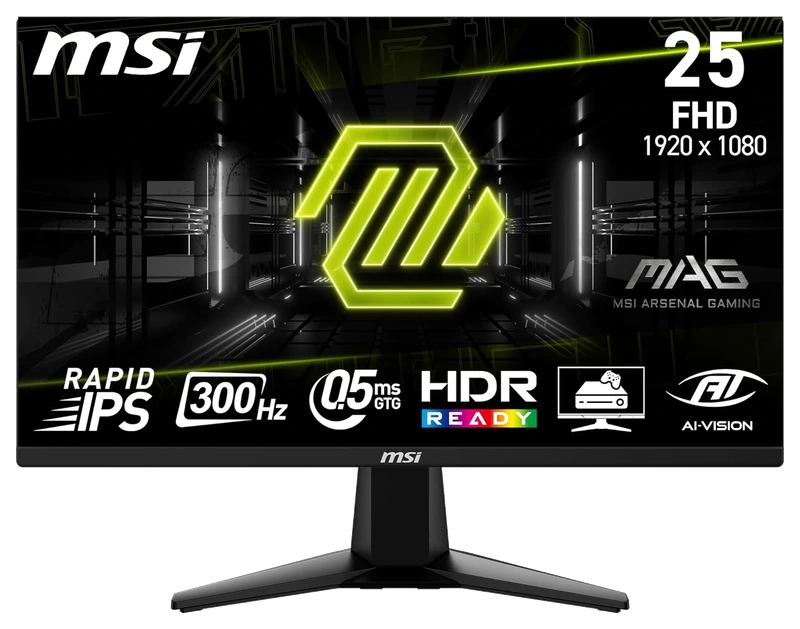
Verified Hours
1,477verified hours
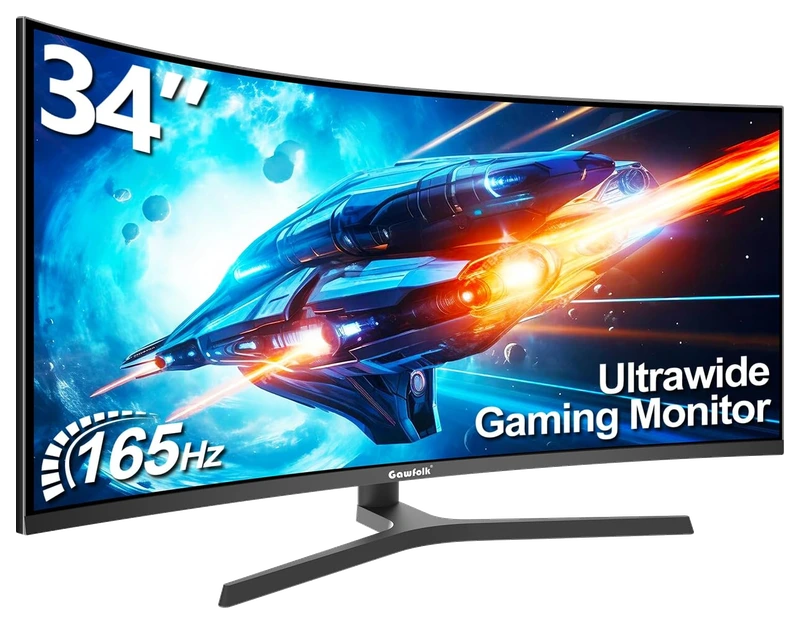
Verified Hours
1,370verified hours
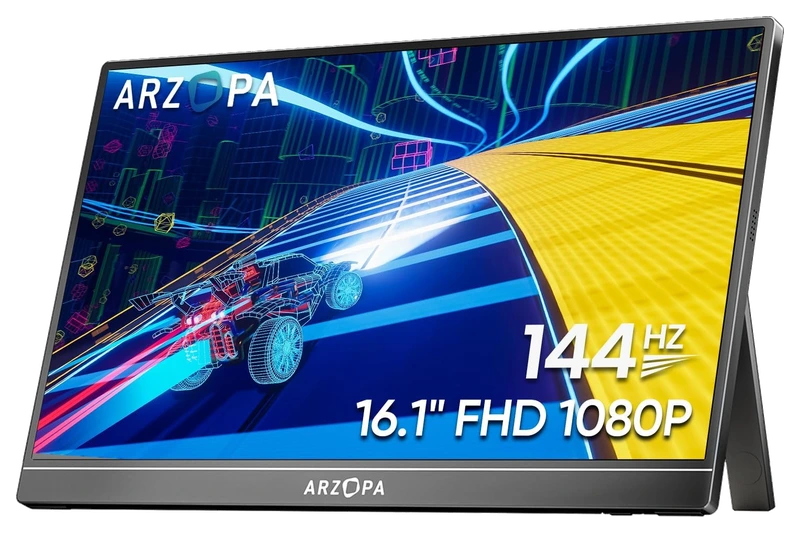
Verified Hours
1,278verified hours
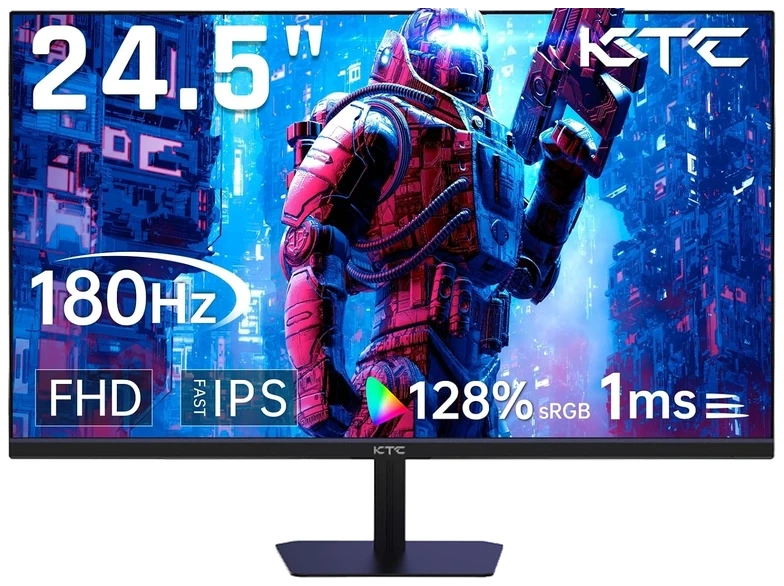
KTC
Verified Hours
1,277verified hours
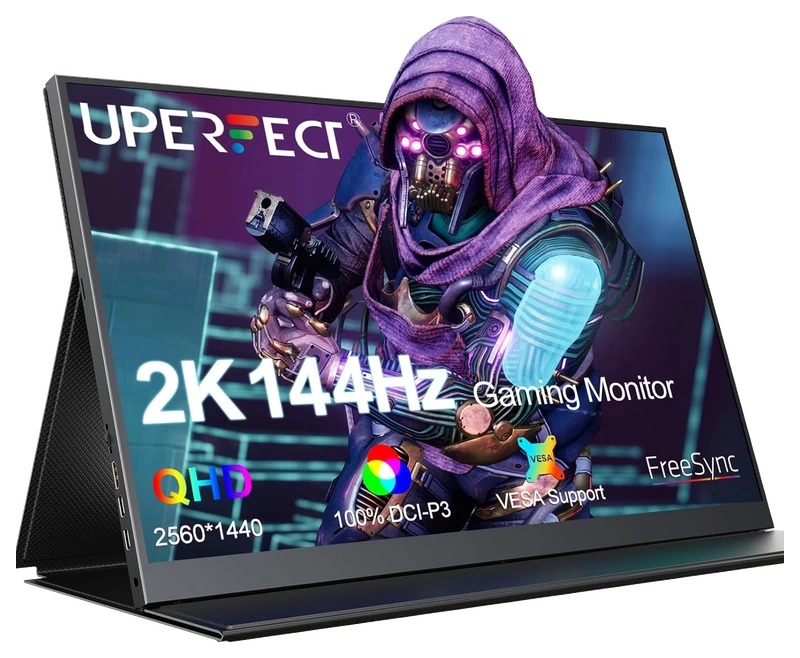
UPERFECT
Verified Hours
1,202verified hours
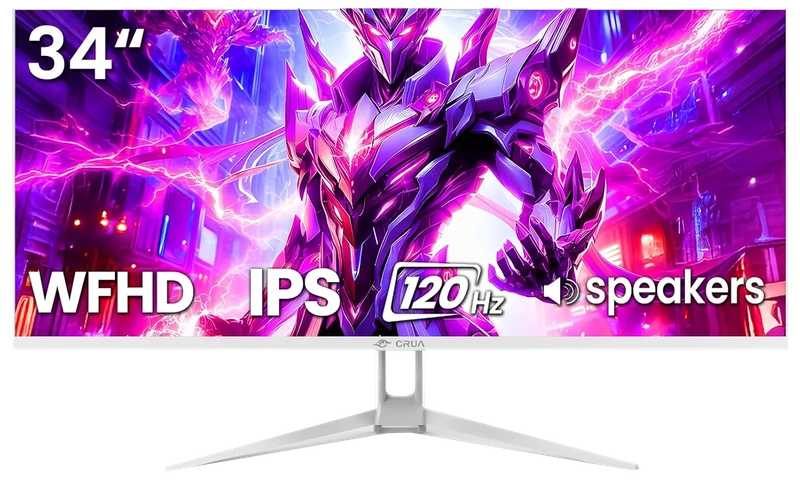
Verified Hours
1,118verified hours
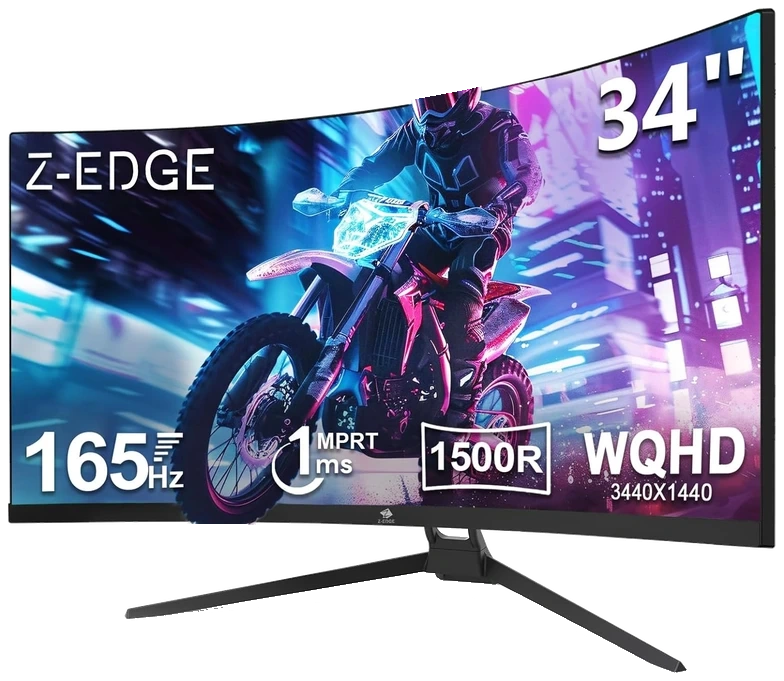
Verified Hours
1,117verified hours
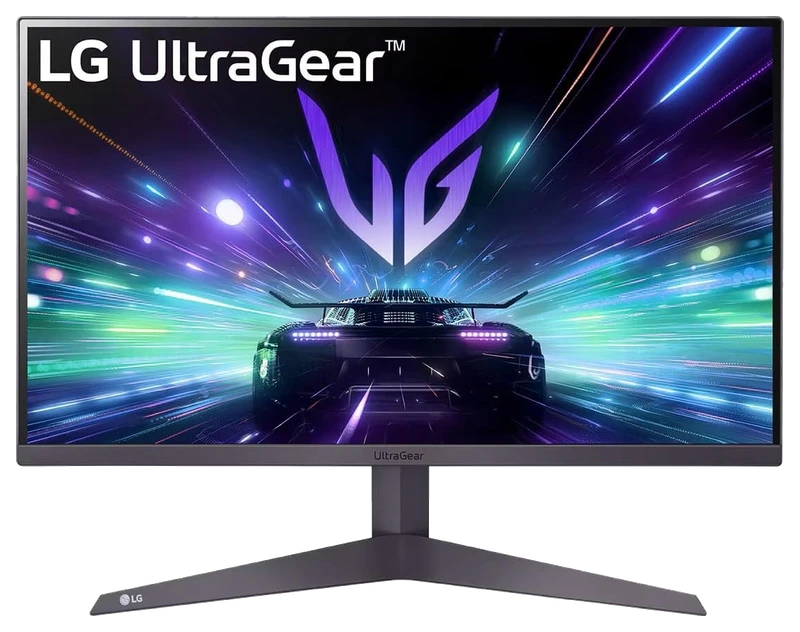
Verified Hours
1,078verified hours
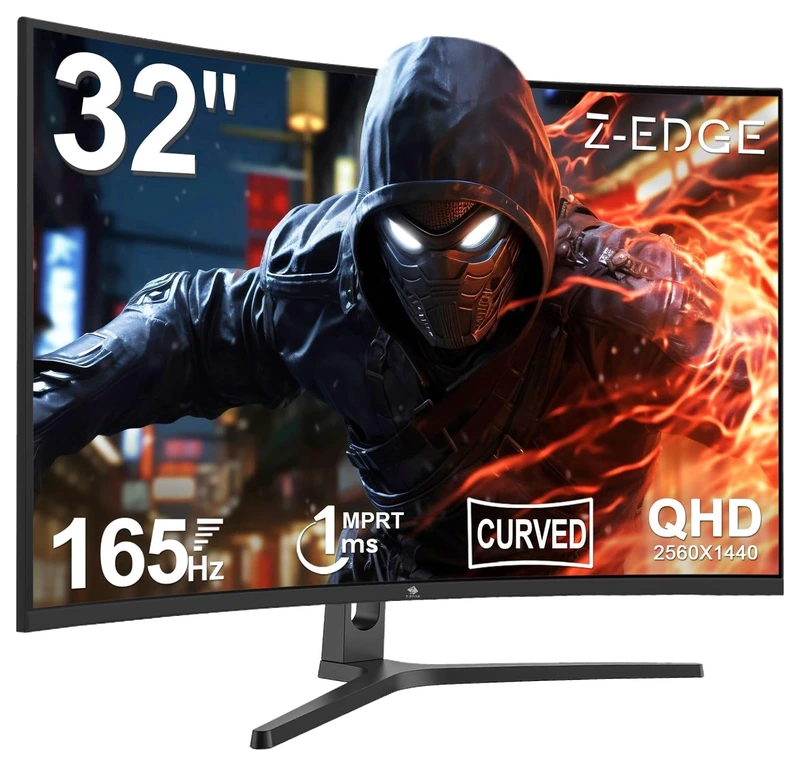
Z Z-Edge
Verified Hours
1,077verified hours
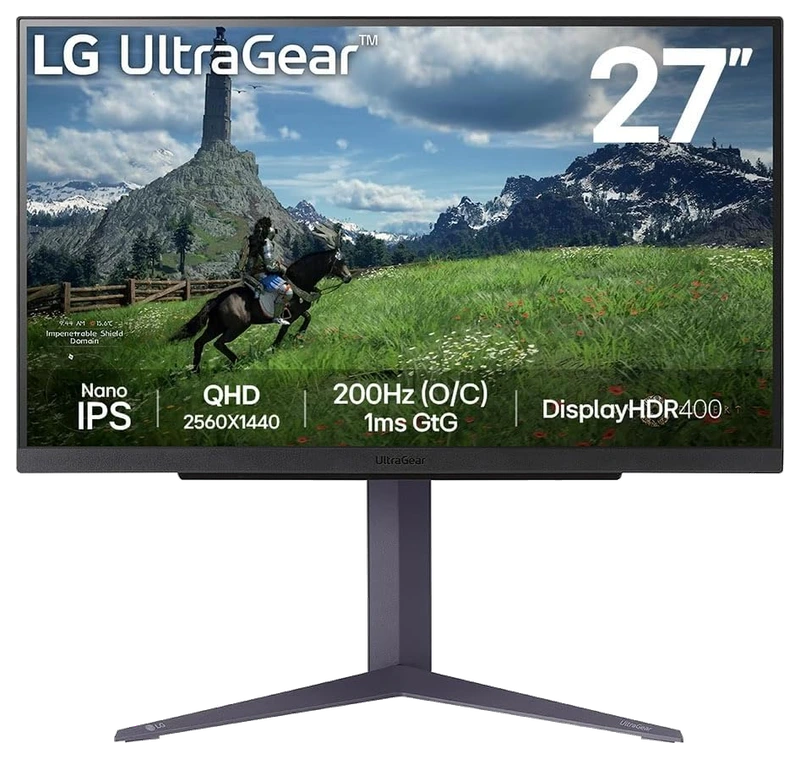
Verified Hours
1,038verified hours
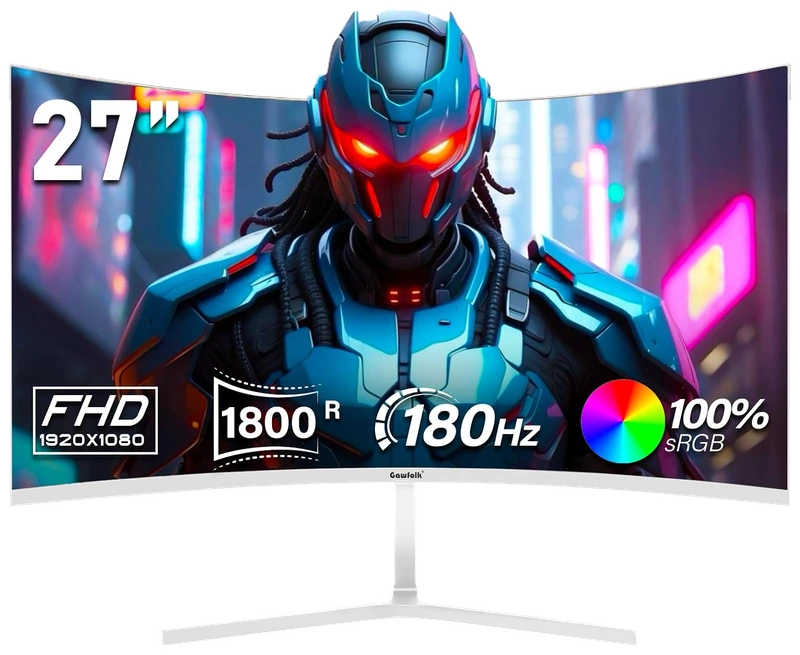
Gawfolk
Verified Hours
1,037verified hours
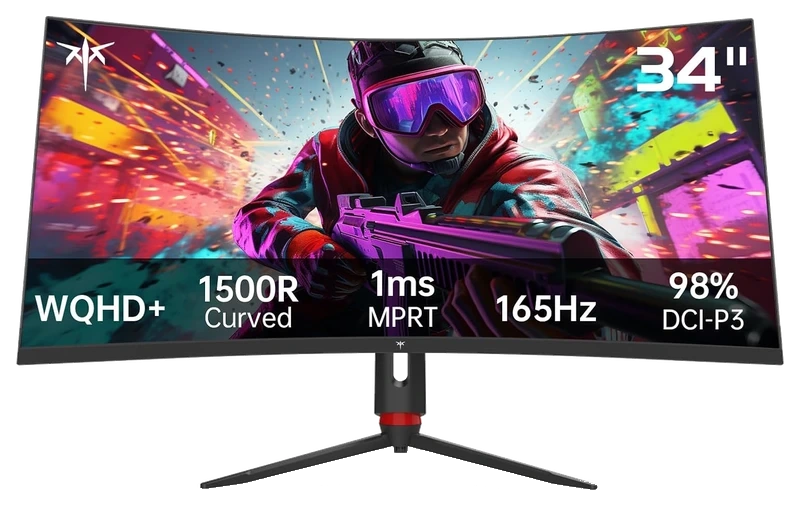
Verified Hours
967verified hours
Verified Hours
958verified hours
Verified Hours
957verified hours
Z Z-Edge
Verified Hours
956verified hours
Verified Hours
955verified hours
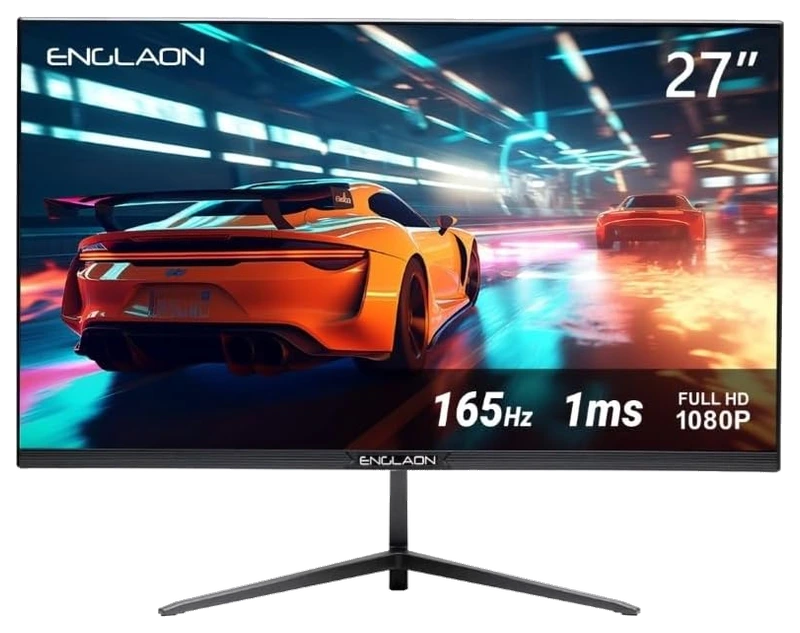
ENGLAON
Verified Hours
805verified hours
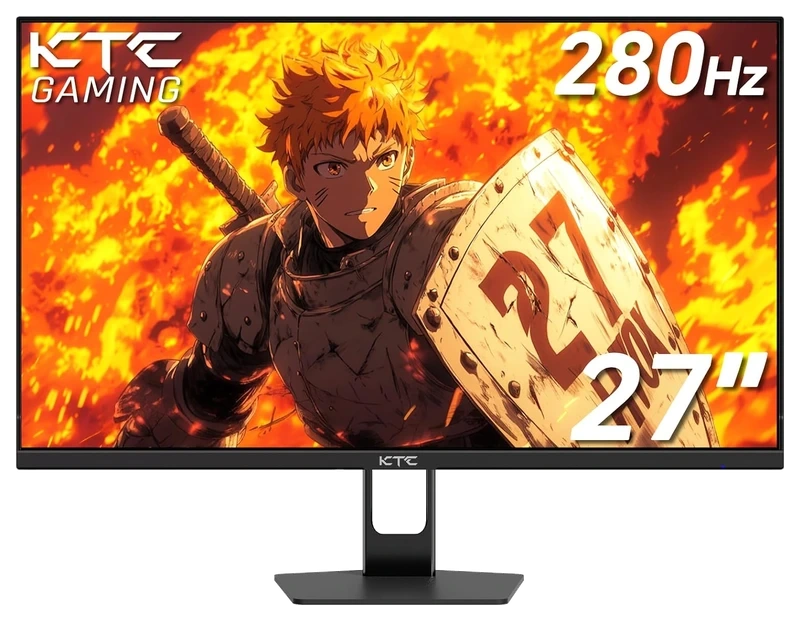
Verified Hours
765verified hours
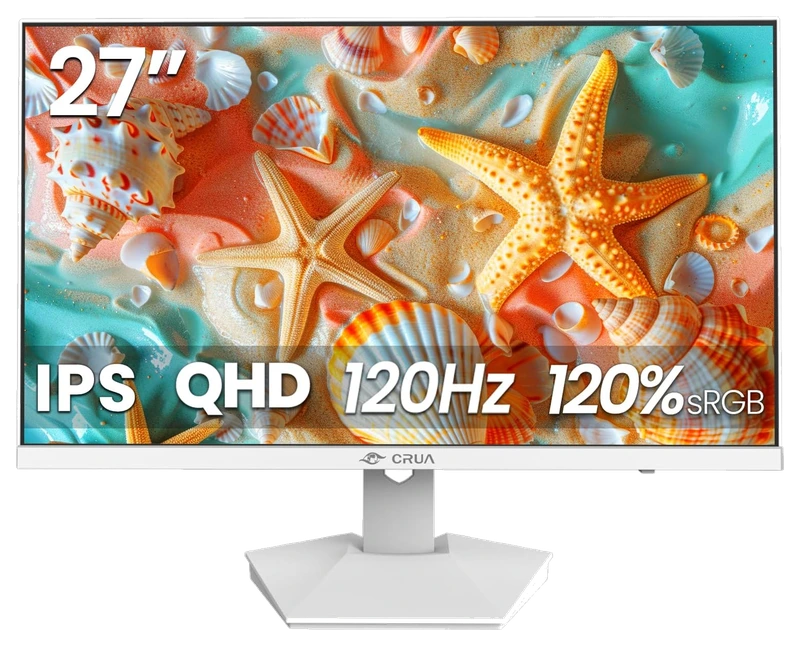
Verified Hours
645verified hours
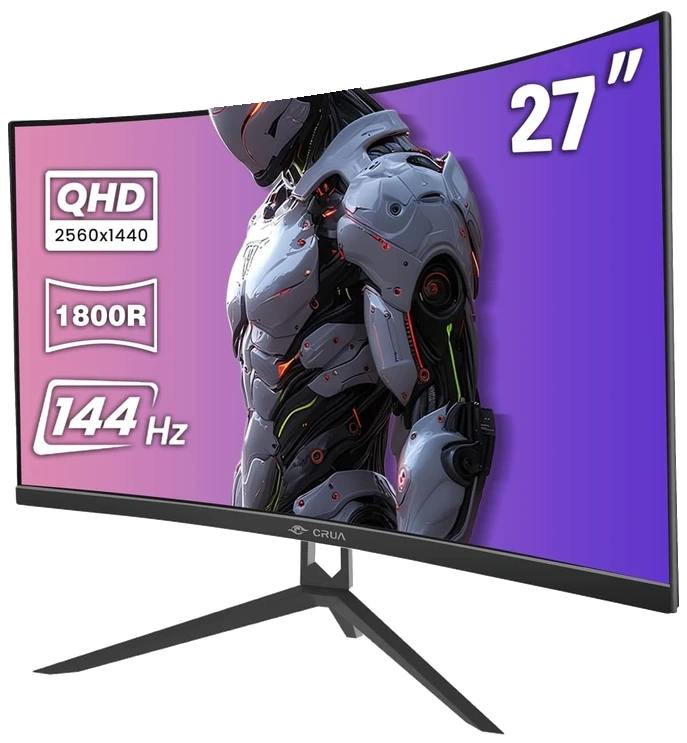
CRUA
Verified Hours
598verified hours
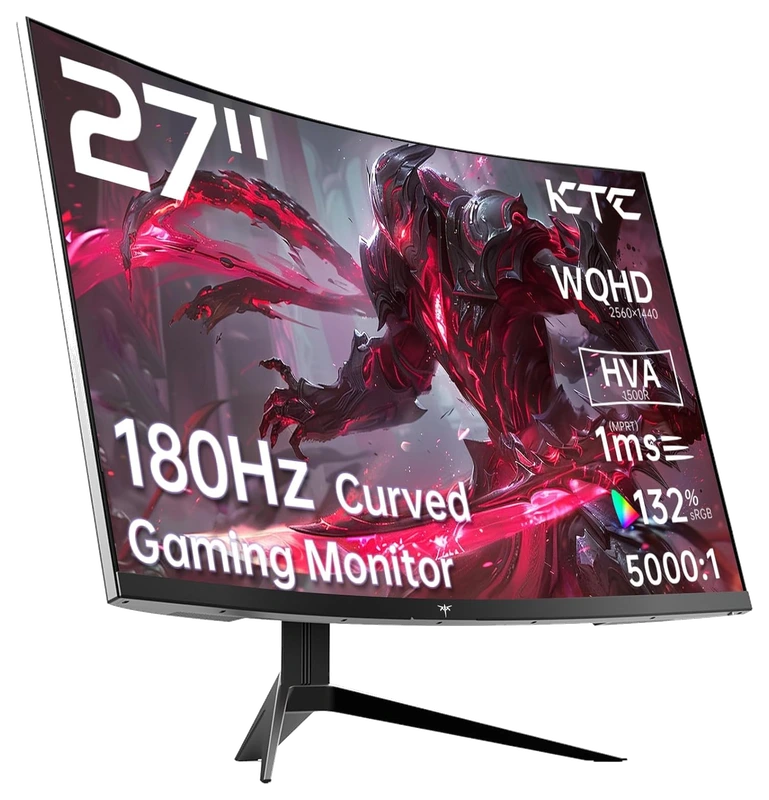
Verified Hours
597verified hours
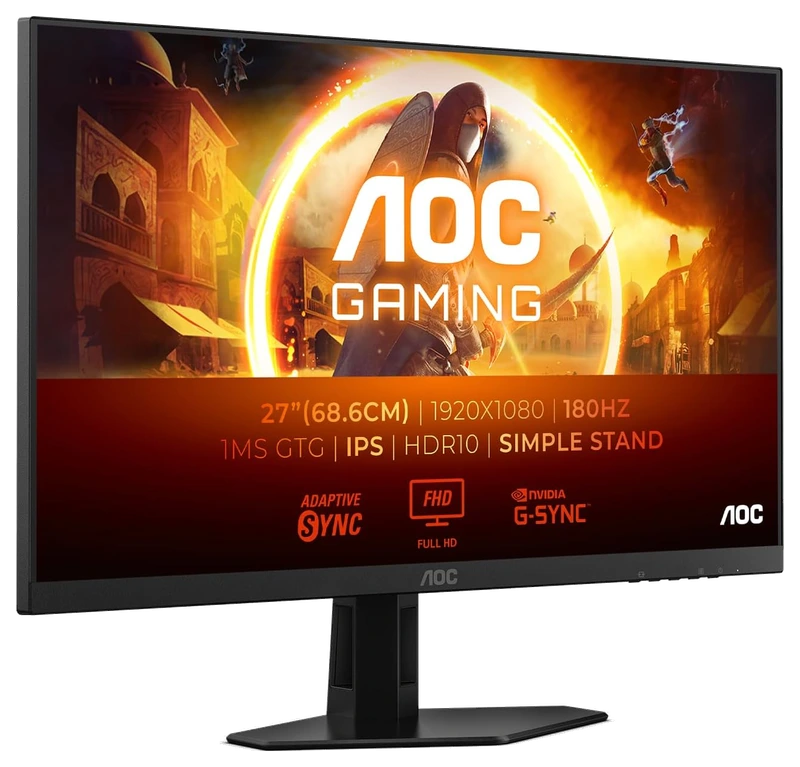
Verified Hours
558verified hours
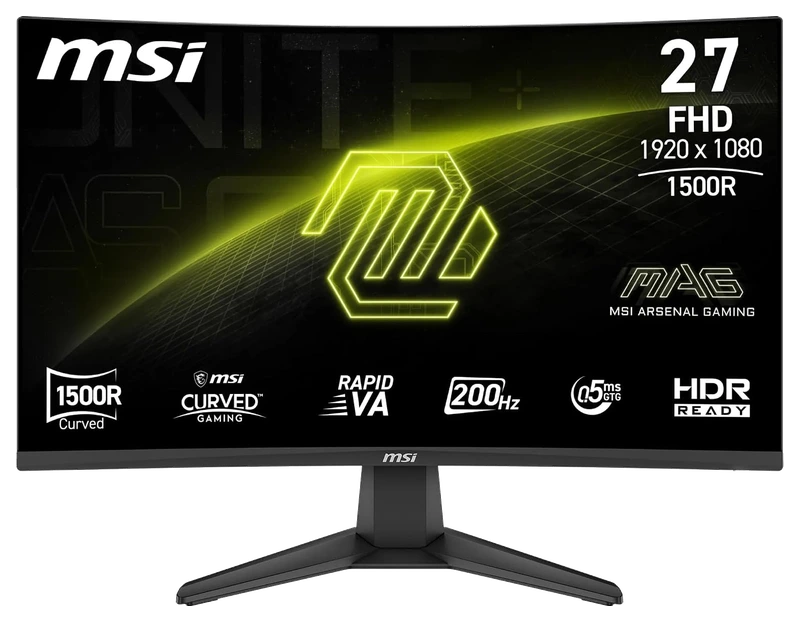
Verified Hours
556verified hours
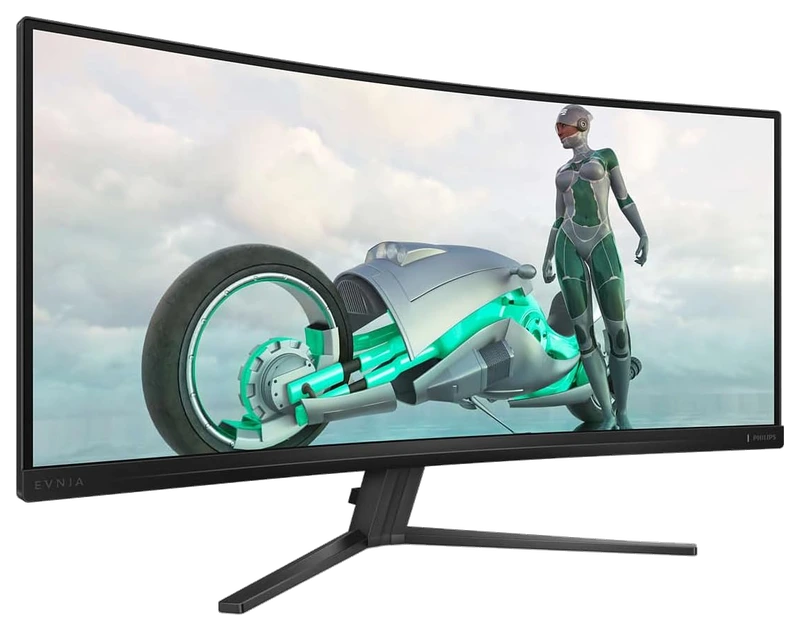
Verified Hours
555verified hours
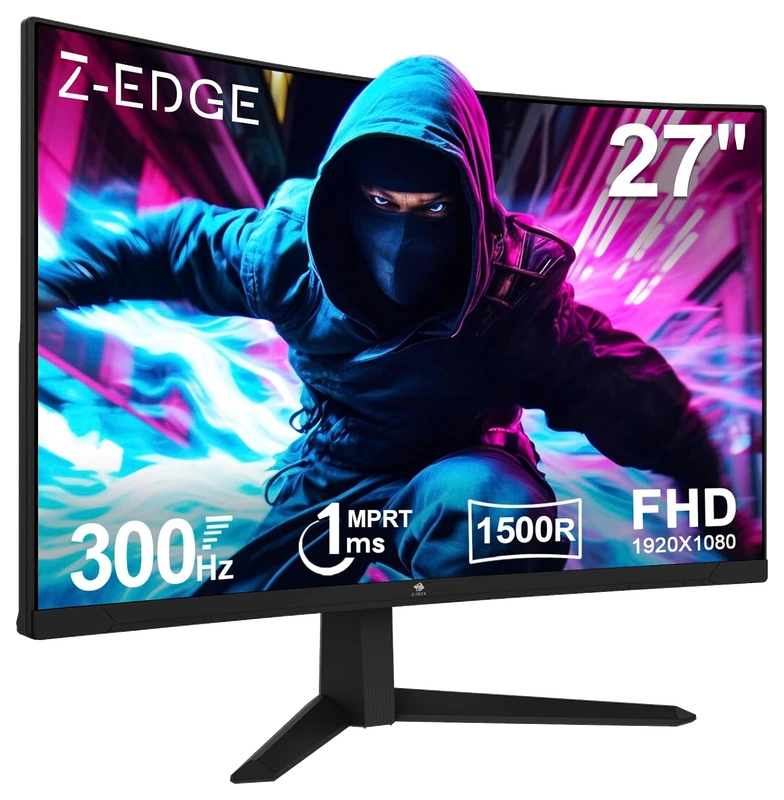
Verified Hours
518verified hours
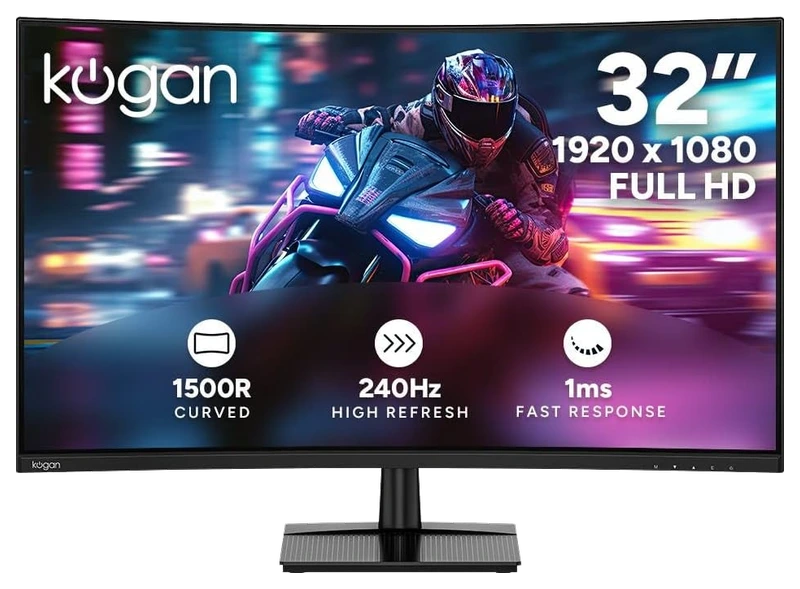
Verified Hours
517verified hours
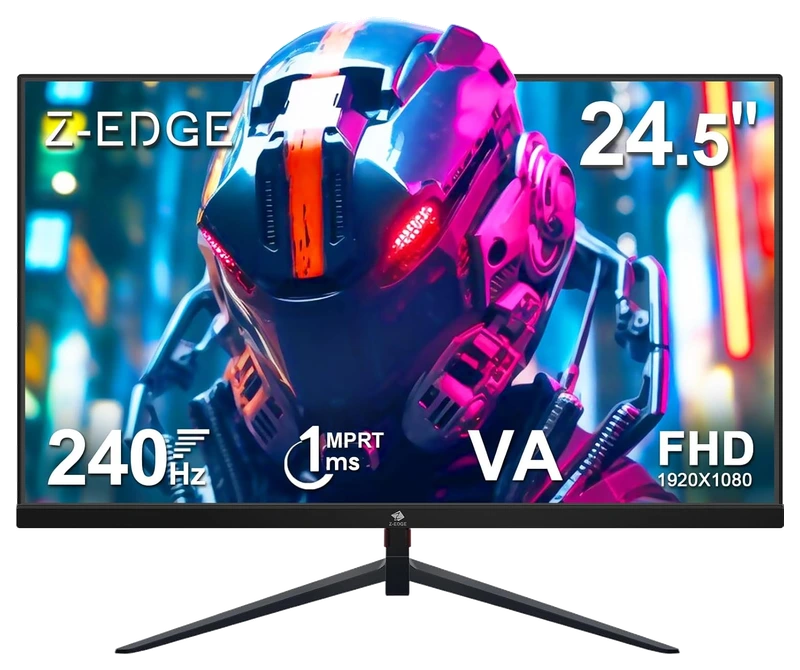
Z Z-Edge
Verified Hours
516verified hours
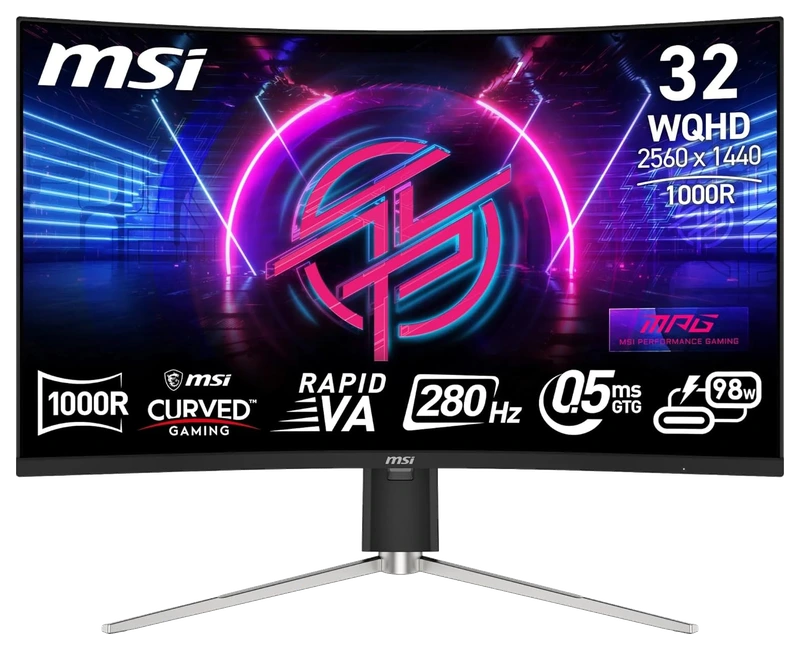
Verified Hours
515verified hours
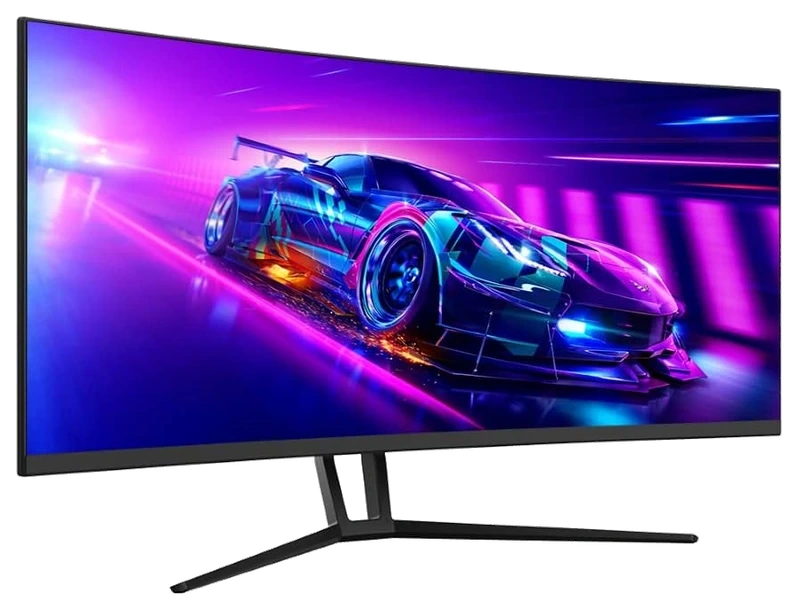
Verified Hours
514verified hours
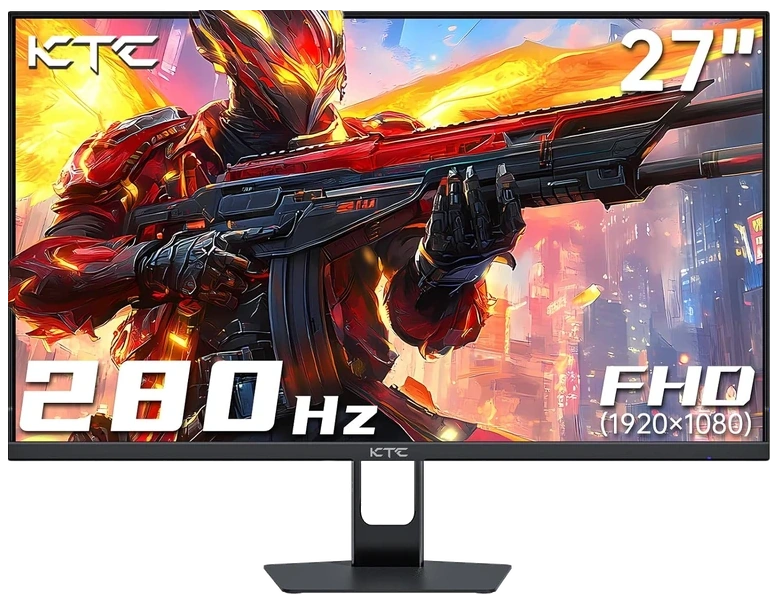
Verified Hours
513verified hours
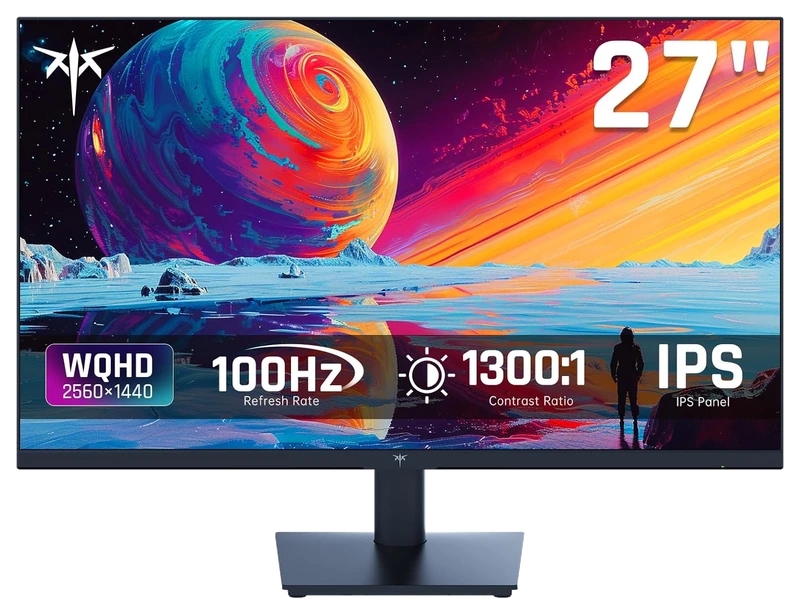
Verified Hours
512verified hours
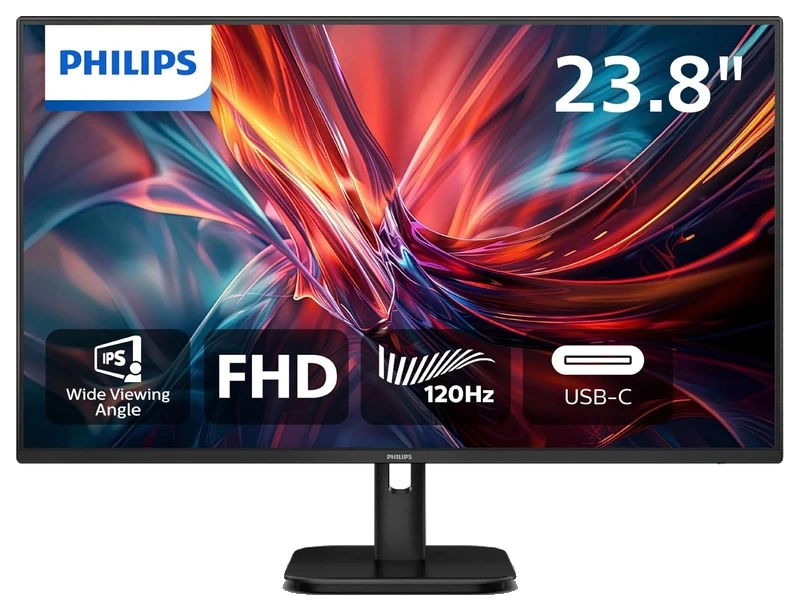
Verified Hours
511verified hours
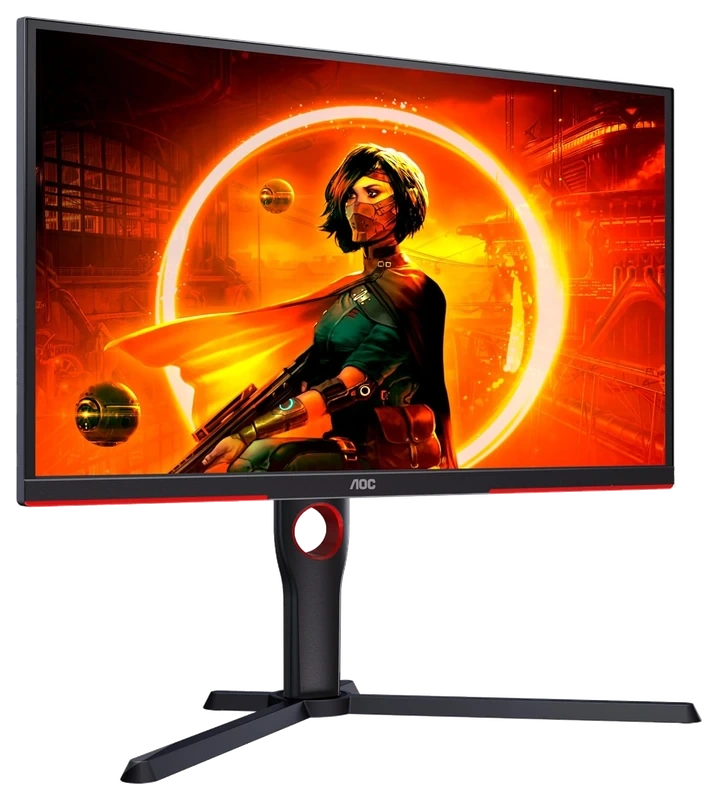
Verified Hours
478verified hours
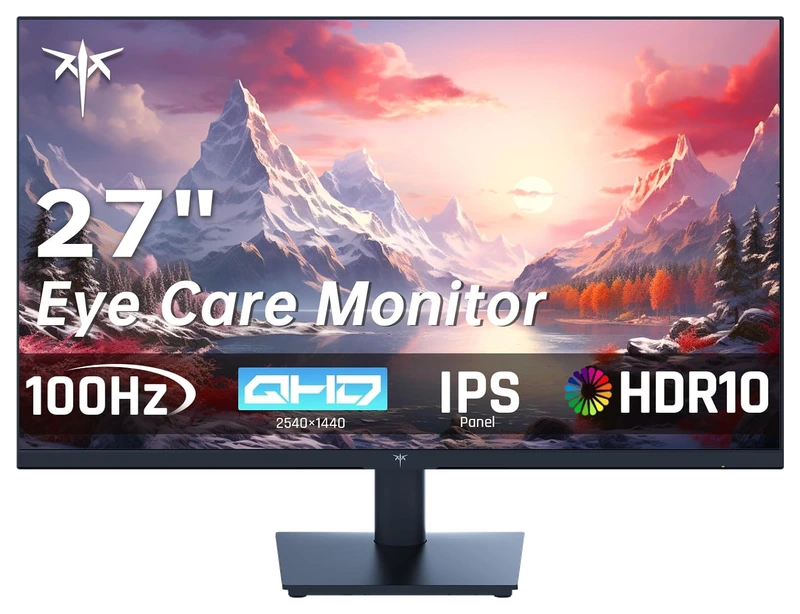
Verified Hours
477verified hours
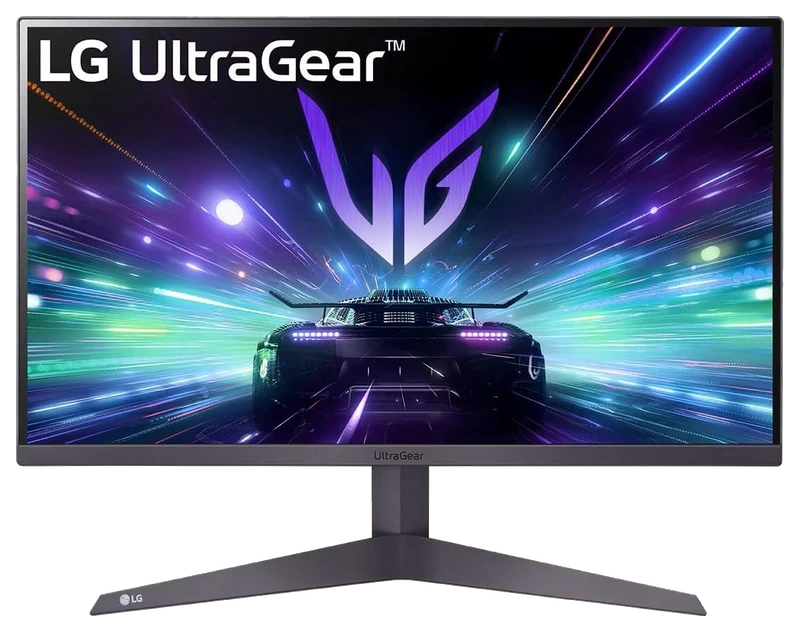
Verified Hours
476verified hours
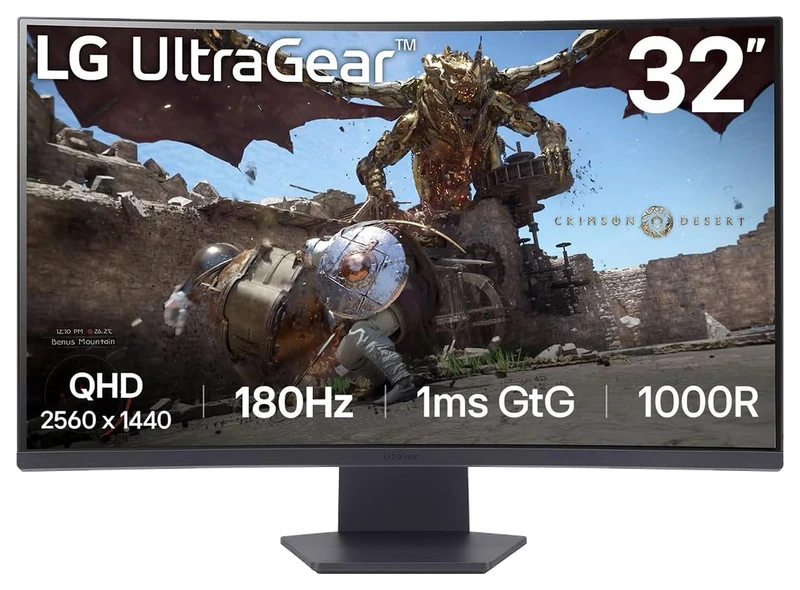
Verified Hours
475verified hours
Verified Hours
474verified hours
Verified Hours
438verified hours
Verified Hours
437verified hours
Verified Hours
436verified hours
Amazon Renewed
Verified Hours
360verified hours
Z-EDGE
Verified Hours
358verified hours
Verified Hours
357verified hours
Verified Hours
356verified hours
Verified Hours
355verified hours
Gawfolk
Verified Hours
354verified hours
Verified Hours
318verified hours
Verified Hours
317verified hours
Verified Hours
278verified hours
Verified Hours
277verified hours
Verified Hours
276verified hours
Verified Hours
275verified hours
Verified Hours
274verified hours
Verified Hours
273verified hours
Verified Hours
238verified hours
Gawfolk
Verified Hours
237verified hours
Verified Hours
236verified hours
Amazon Renewed
Verified Hours
198verified hours
Verified Hours
197verified hours
Verified Hours
196verified hours
Verified Hours
195verified hours
Verified Hours
158verified hours
Verified Hours
157verified hours
CRUA
Verified Hours
156verified hours
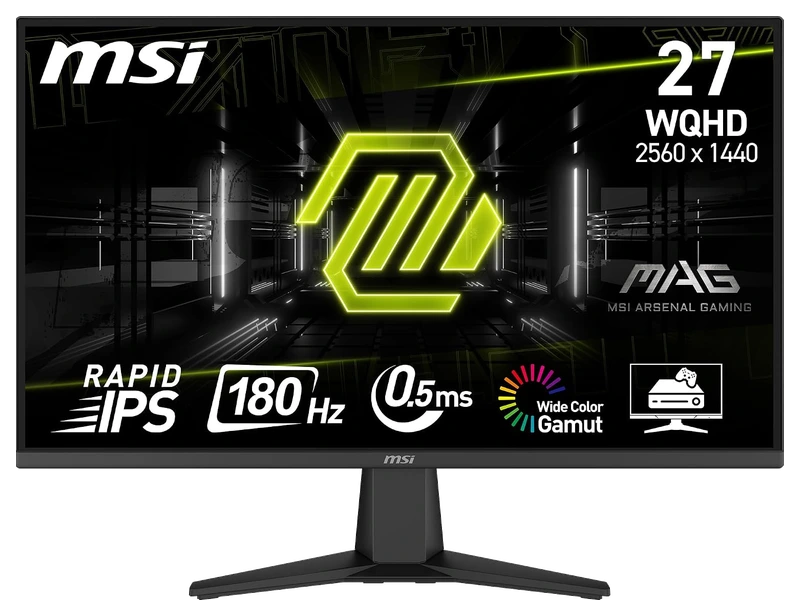
Verified Hours
118verified hours
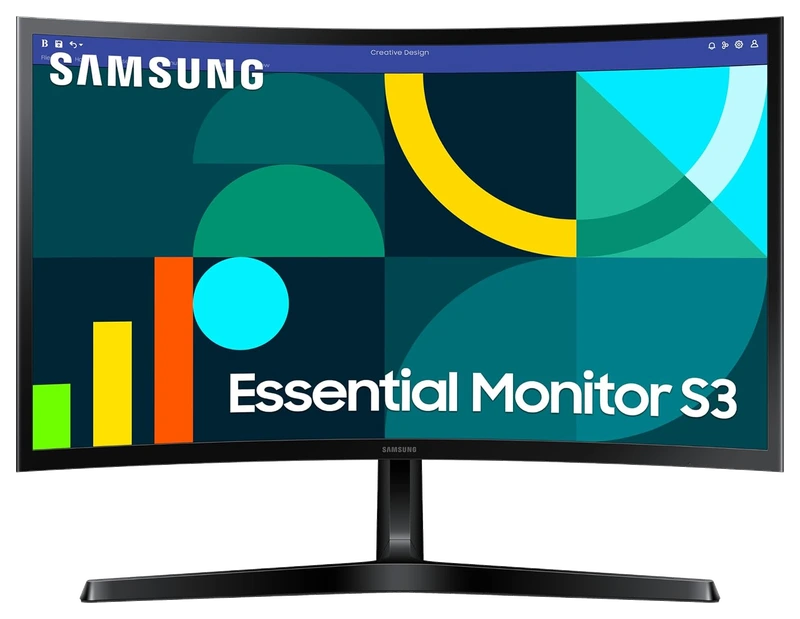
Verified Hours
117verified hours
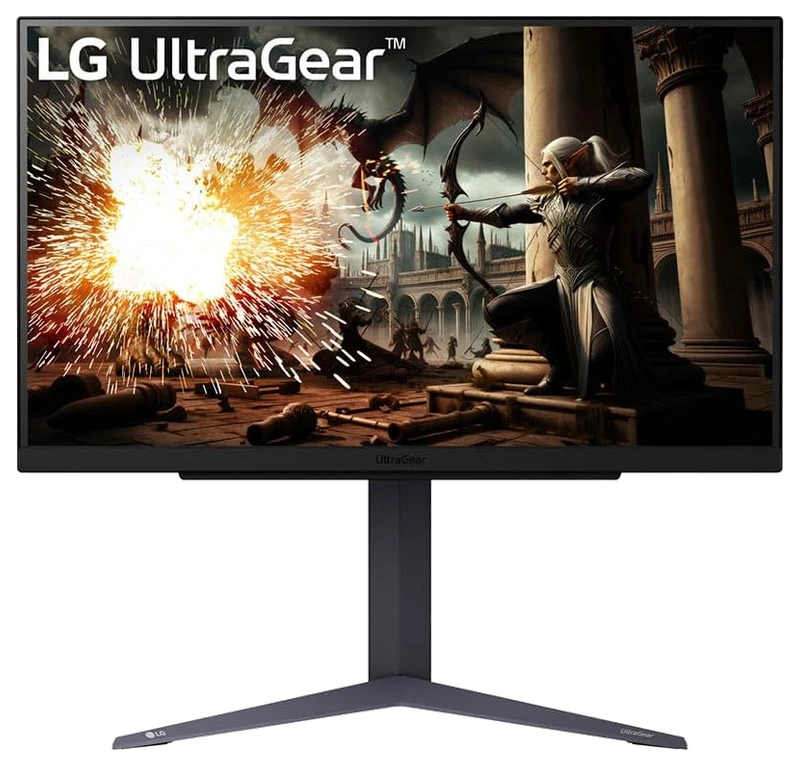
Verified Hours
115verified hours
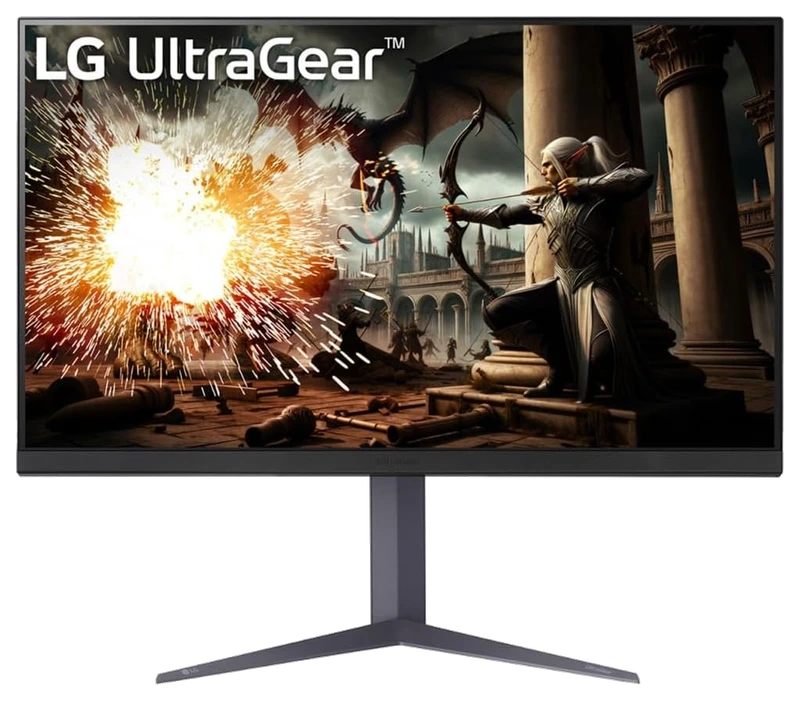
Verified Hours
114verified hours
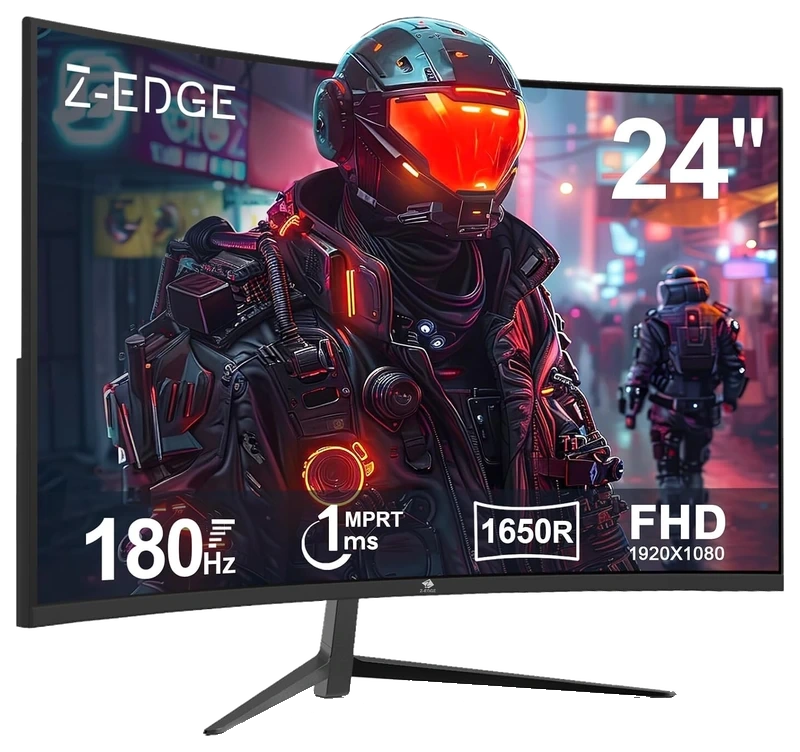
Z Z-Edge
Verified Hours
113verified hours
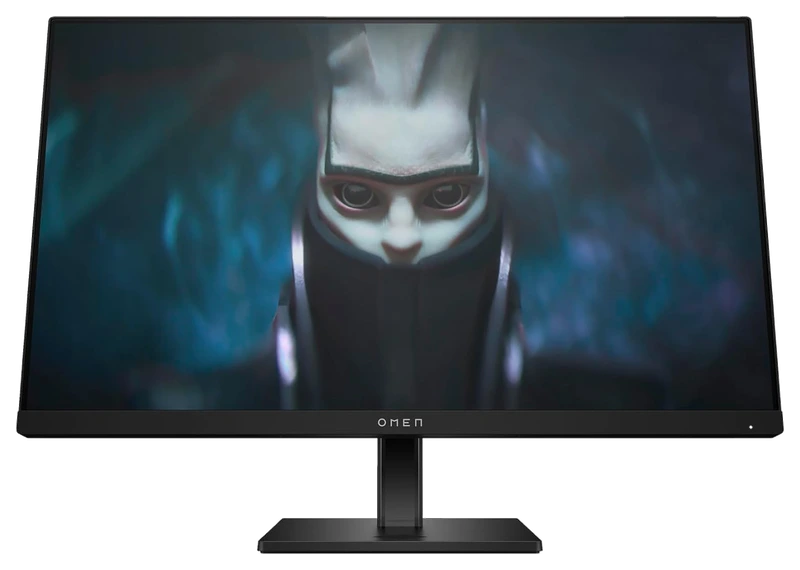
Verified Hours
78verified hours
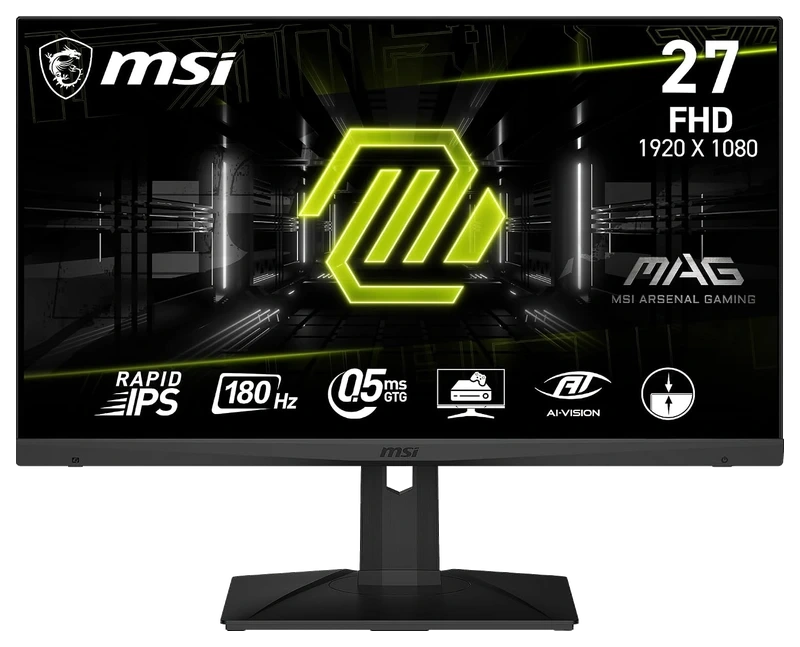
Verified Hours
77verified hours
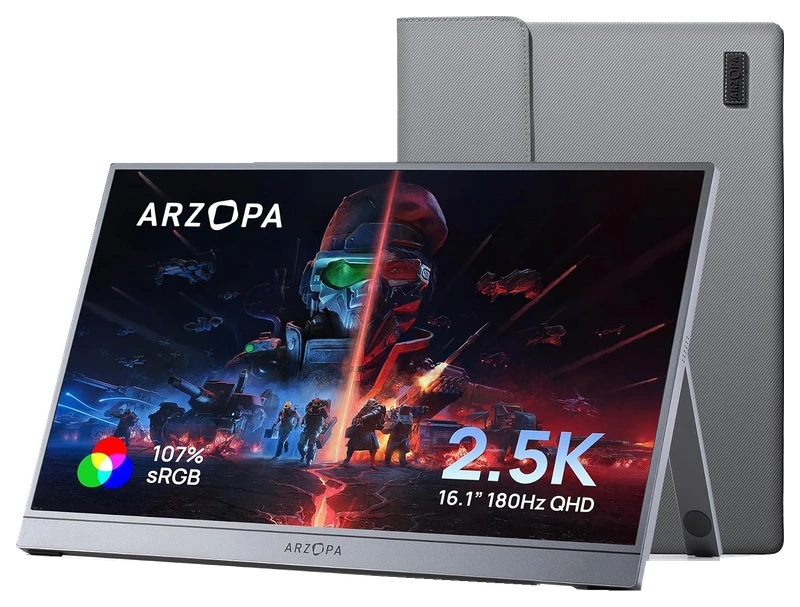
Verified Hours
76verified hours
Verified Hours
75verified hours
Verified Hours
74verified hours
Verified Hours
73verified hours
Z-EDGE
Verified Hours
72verified hours
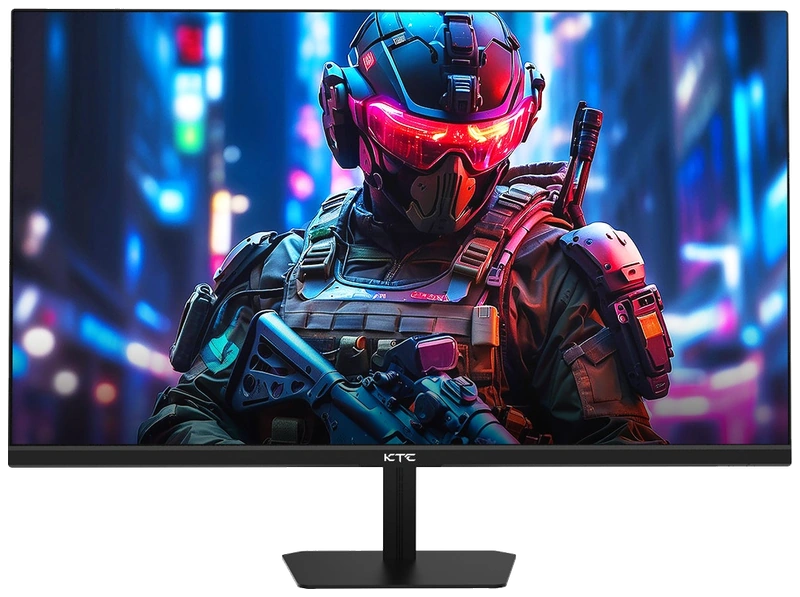
Verified Hours
38verified hours
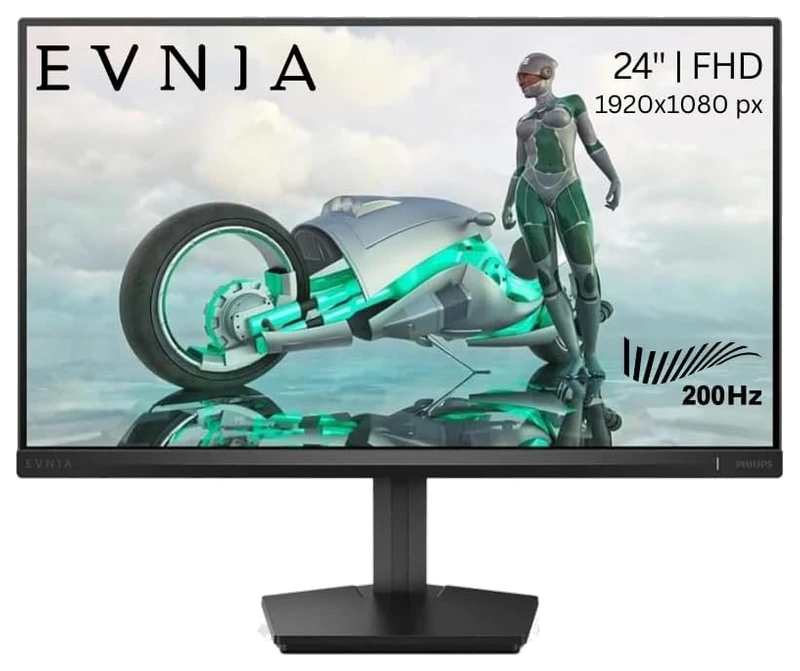
Verified Hours
37verified hours
Verified Hours
0verified hours
Loading public FINALS setups…
Compare monitors for THE FINALS. Check resolution, refresh rates and connections.
Verified Hours determine the published order for THE FINALS monitors in this snapshot.
Ranking answer
Compare the published ranking above, then check fit and specifications. Sign in with Steam to reveal the leading products and their verified hours.
Reveal with SteamCompare resolution, refresh rate, panel behaviour and connections against your system and desk setup. The highest-ranked monitor is a starting point, not a guarantee of the best fit for you.
The Best The Finals Monitors board is backed by 72,718 verified hours in the cited snapshot.
Their calculated refresh intervals are about 4.17ms, 2.78ms and 1.85ms respectively. These are display cycles, not measured response times or input lag. Match the refresh rate to the frame rate your PC sustains at your chosen resolution, then check supported HDMI or DisplayPort modes.
Compare the exact model at the refresh rates you use, including its overdrive setting (used to speed up pixel changes) and tested input. Check pixel response, overshoot (pixels going past the target colour) and input lag separately. A manufacturer's advertised response time does not describe every transition or the full button-to-screen delay.
Choose by measured motion clarity, viewing conditions and use outside gaming. OLED adds a static-image retention risk: MSI explains OLED burn-in and panel care. Check the exact panel's care instructions and regional burn-in warranty before deciding; a panel label alone does not establish the better display.
Compare native resolution, screen size, viewing distance and desk space. Check whether your GPU and selected input support the resolution and refresh rate together. Try the game's supported aspect-ratio and scaling options before buying for a particular stretched or ultrawide view.
Check the exact model. Strobing controls the backlight; variable refresh rate (VRR) follows changing frame delivery. ZOWIE documents that DyAc and VRR cannot operate together. Compare supported modes, brightness and motion clarity at the frame rate you actually sustain rather than applying that restriction to every monitor.
Check the exact model's current local price. Compare included accessories, delivery, return policy and warranty. Record the currency and check date for each offer. Start with this board's published order, then choose a model that meets your needs and budget. Rank does not show today's best value.
The useful connection is game experience and a player’s declared main. Keep the game, board and snapshot together when reading the ranking.
01 / Game
THE FINALS hours connect each player's game experience with their declared main monitor. Read that experience across changing arenas and encounters; the figure captures accumulated game time behind a choice, without claiming to measure how a display renders any particular collapse or explosion.
02 / Backing
Compare the verified hours backing each player-declared monitor. Open the full list to see more products, with the published hours and original ranks intact.
03 / Your main
Connect Steam through Hours.gg, then choose the monitor you declare as your FINALS main. Your saved gear and the published ranking update separately.
Before buying, confirm the size, resolution and supported inputs of the exact model. Read the fit guidance
Embark makes environmental destruction part of the arena's tactical possibilities. When examining a shortlisted screen, follow a familiar scene before and after the surroundings change: which routes and opponents are you trying to read? That puts the player-backed monitor choices in context, without turning their hours into a destruction or graphics benchmark. Embark's THE FINALS game overview
Hours’ established model connects verified game experience with players’ declared main gear. The ranking gives you that game-specific starting point when choosing a monitor. Manufacturer specifications help you check the resulting shortlist.
Players report their gear to Hours. Steam supplies game-playtime information. Keep those two sources distinct: a declared main is the player’s choice, and game time is the experience backing it.
Verified Hours are the verified player game time backing a player-declared main under Hours’ established methodology. This board keeps the published hours for each monitor in the FINALS snapshot. The numbers are game experience, not a laboratory score.
The ranking reflects the verified hours backing each player-declared monitor in Hours’ existing board. It does not measure hardware performance or confirm fit and compatibility with your setup. Use the ranking to start your decision, then check the exact model’s size, resolution and supported inputs.
Steam records game time, which Hours connects with a player’s declared main under the established methodology. It does not record physical device-use duration.
Connect your account to verify available game playtime and open the top three when your account is signed in and Steam-verified. You can then choose the monitor you declare as your FINALS main.
Under the existing Hours model, your declared main carries your game’s hours in the published game scope. It records your choice; it does not establish when you bought the monitor or when you used it. See the established methodology for how those hours count.
Opening the full list displays more products. A product at rank 8 remains rank 8, with the same verified hours. The Steam rule follows original ranks 1–3, so opening the list cannot unlock them.
Check the exact model’s size, resolution and supported inputs before buying. The fit guidance is available above. Those details support the playtime-led choice; they do not change this board’s order.
This board displays its published snapshot dated . Steam records cumulative game playtime; it does not isolate individual matches. Your account’s latest synced playtime and the published ranking update separately.
Game boards rank the most-used gear among Hours.gg's verified players in the named game, category and snapshot, measured in verified player hours. Each player's declared main carries their verified hours in the published game scope; these hours do not measure time spent using a specific device.
Bring your game experience
Connect Steam to reveal the top three and player setups. Then add your own gear.
Public playtime only - no inventory access
Public FINALS setups, ordered by total verified hours across supported games.

@brad

@stinger

@syn0x
Top 3 setups
Reveal their gear and find gamers with similar game hours or shared gear.
Players declare their gear; Steam verifies game time. Only saved gear is revealed.