Rank 1.
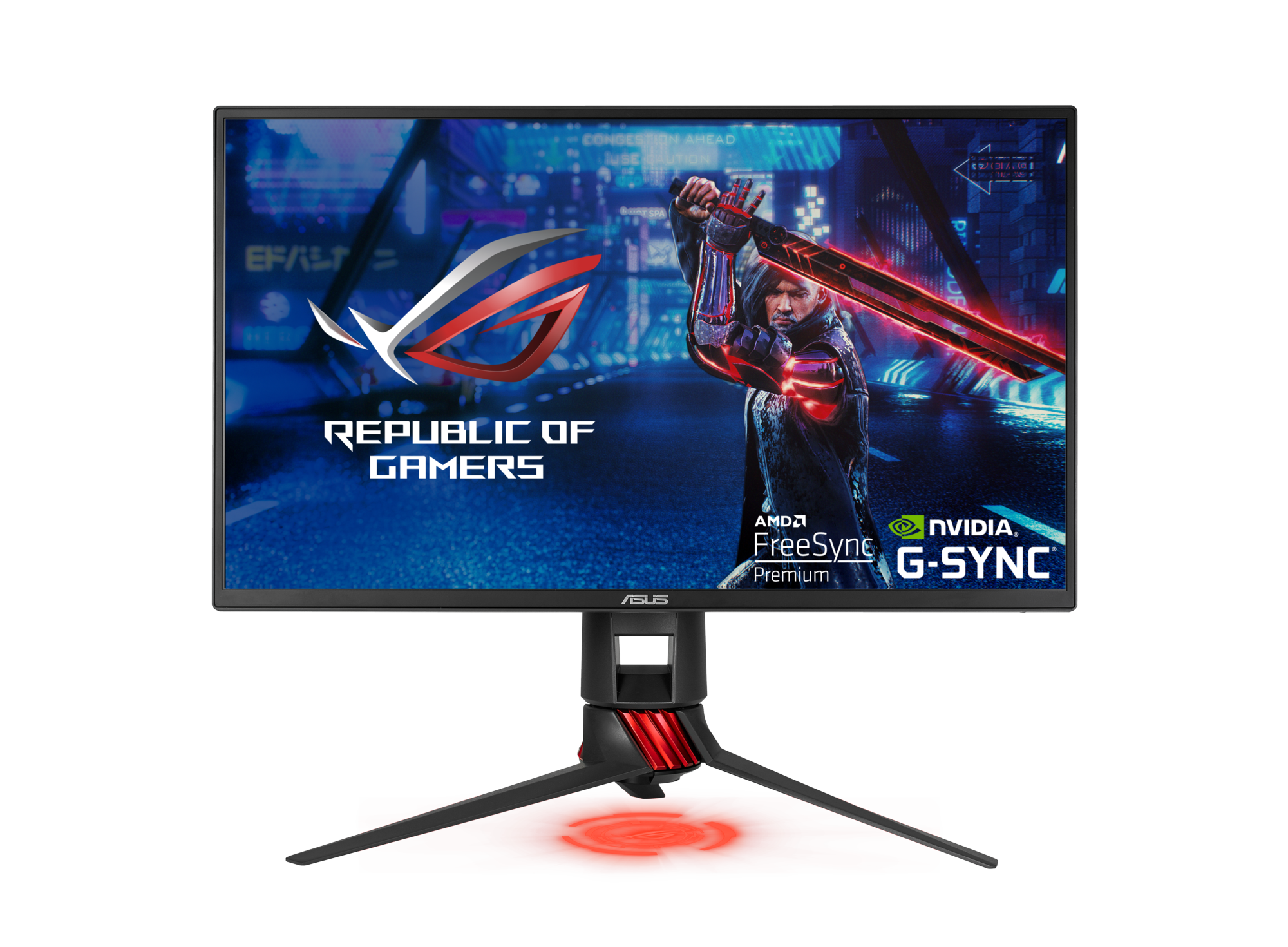
VG248QG
ASUS

30,515verified hours
Verified Hours
1 player30,515h medianSmall sample
Explore monitors ranked by verified, real Rust playtime. Check resolution, refresh rates and connections against your setup as you explore the ranking.
Compare 260 monitors for Rust, backed by 47,762 Verified Hours. Every position—including the top three—is open to view with no account required.
Steam verifies game time. Players declare their gear.
Reading terrain, working inside a base and defending it ask different things of your attention in Rust. Start with monitor choices backed by Verified, Real Playtime, then consider that whole survival routine when examining the shortlist.
Search and filters keep every monitor’s published rank and hours.
ASUS
Verified Hours
1 player30,515h medianSmall sample
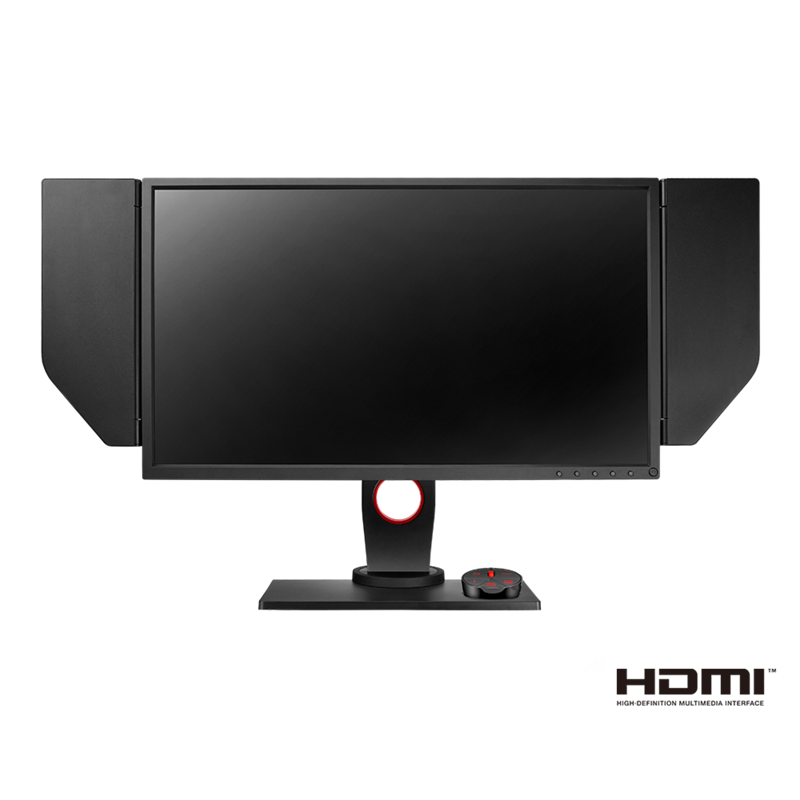
BenQ
Verified Hours
3 players75h medianSmall sample
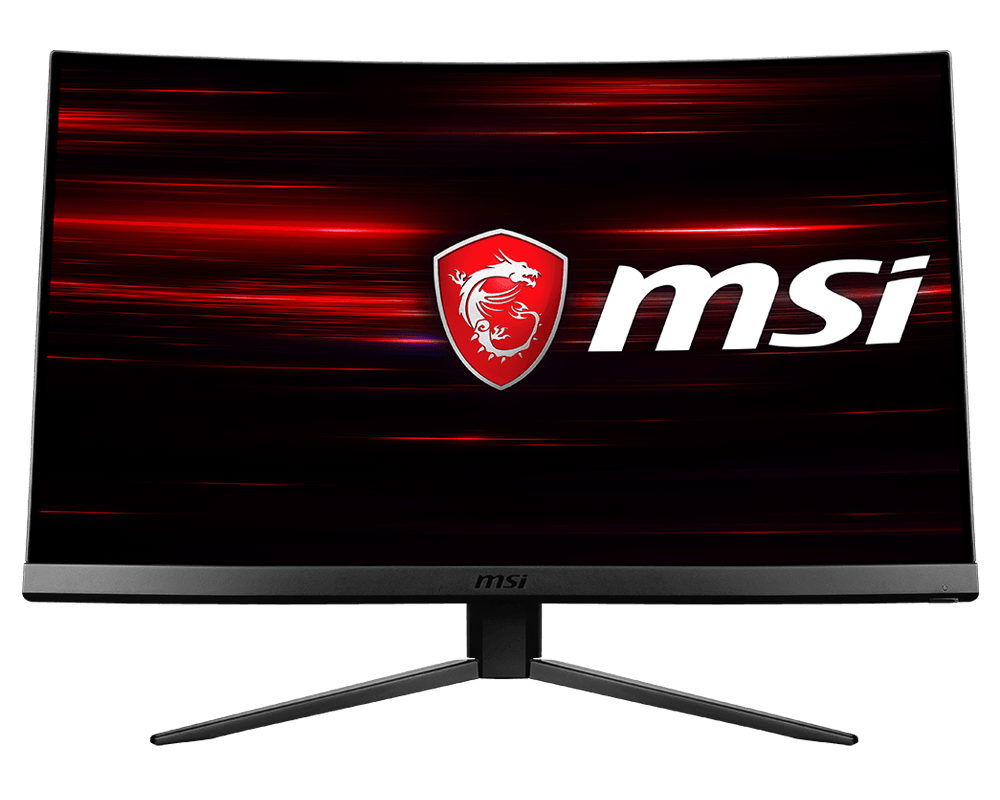
MSI
Verified Hours
2 players897h medianSmall sample
ASUS
Verified Hours
1 player1,681h medianSmall sample
Samsung
Verified Hours
1 player1,633h medianSmall sample
ASUS
Verified Hours
1 player1,321h medianSmall sample
Zowie
Verified Hours
3 players193h medianSmall sample
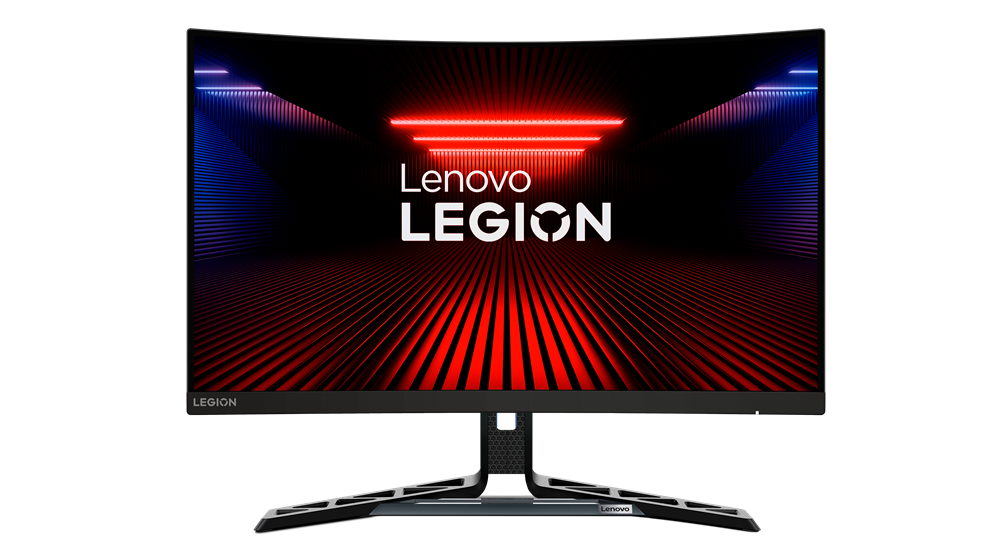
Lenovo
Verified Hours
1 player751h medianSmall sample
ASUS
Verified Hours
2 players361h medianSmall sample
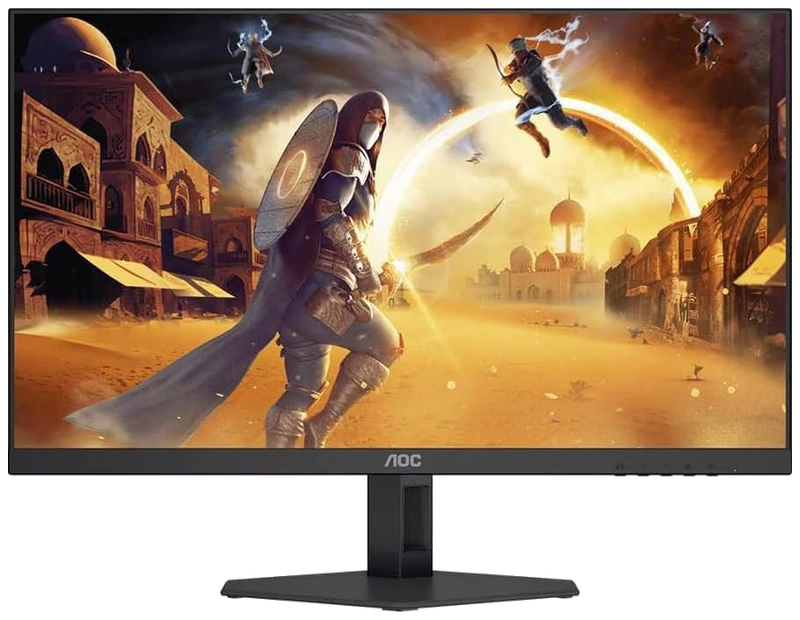
AOC
Verified Hours
1 player517h medianSmall sample
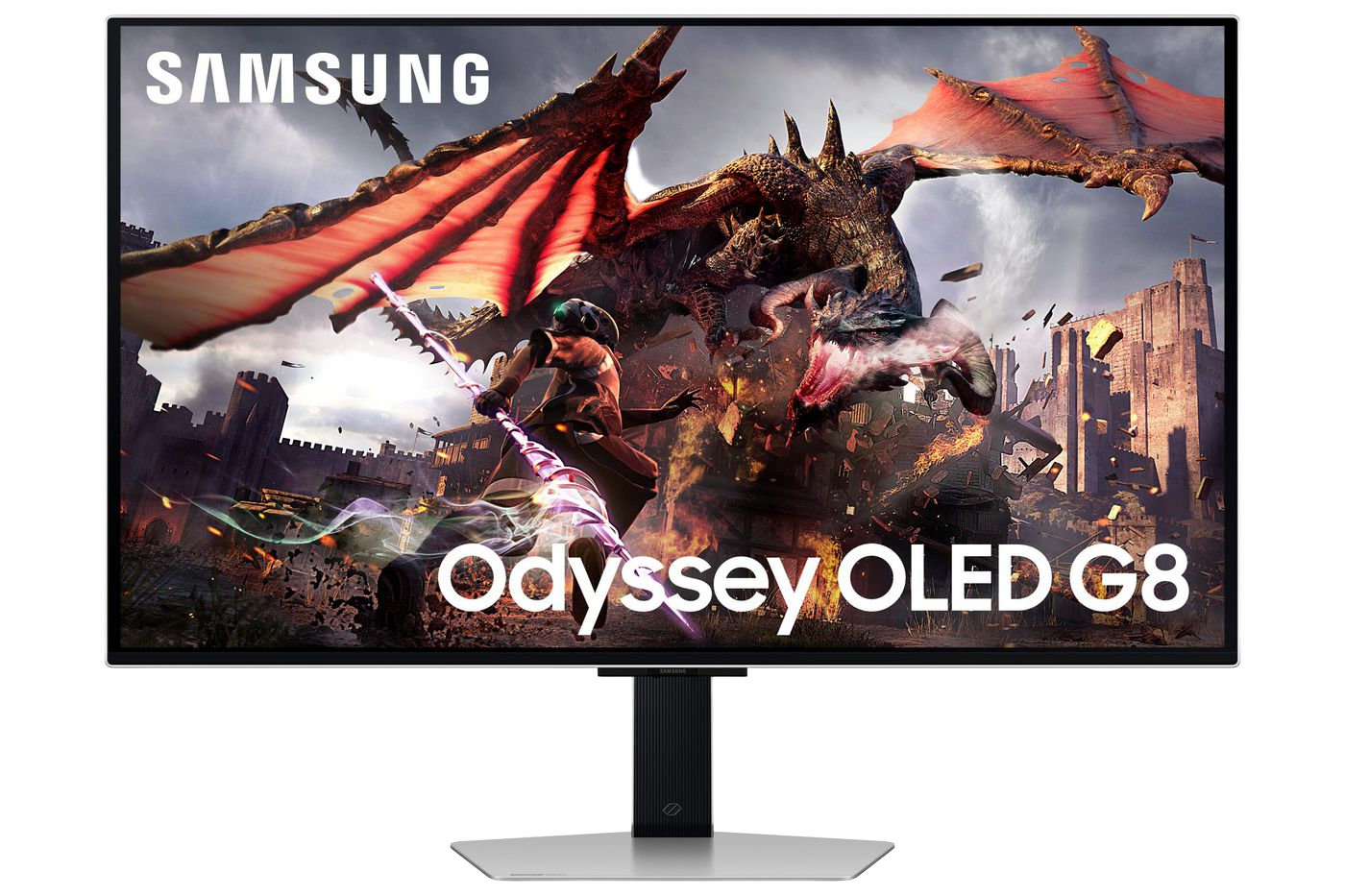
Samsung
Verified Hours
1 player488h medianSmall sample
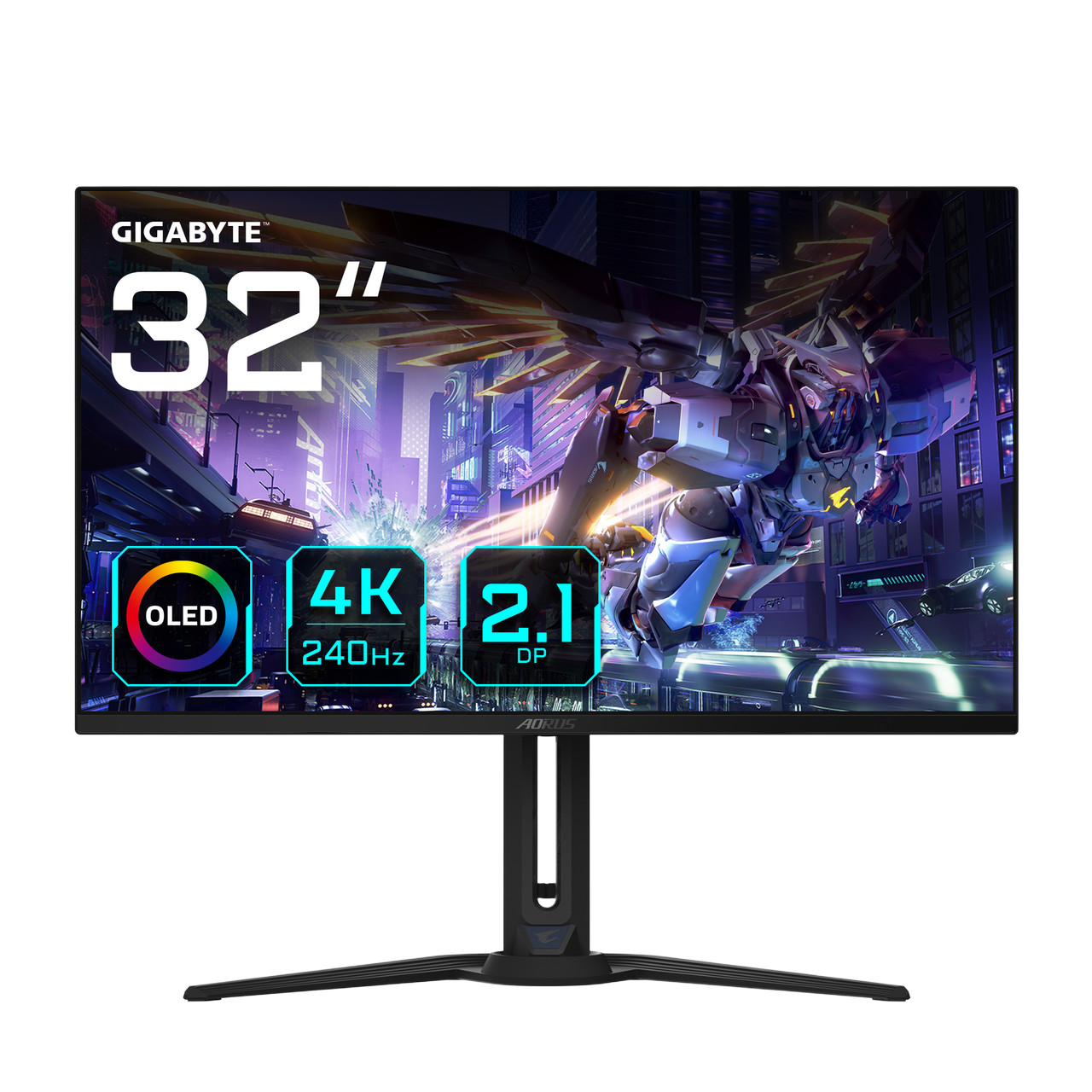
Gigabyte
Verified Hours
1 player467h medianSmall sample
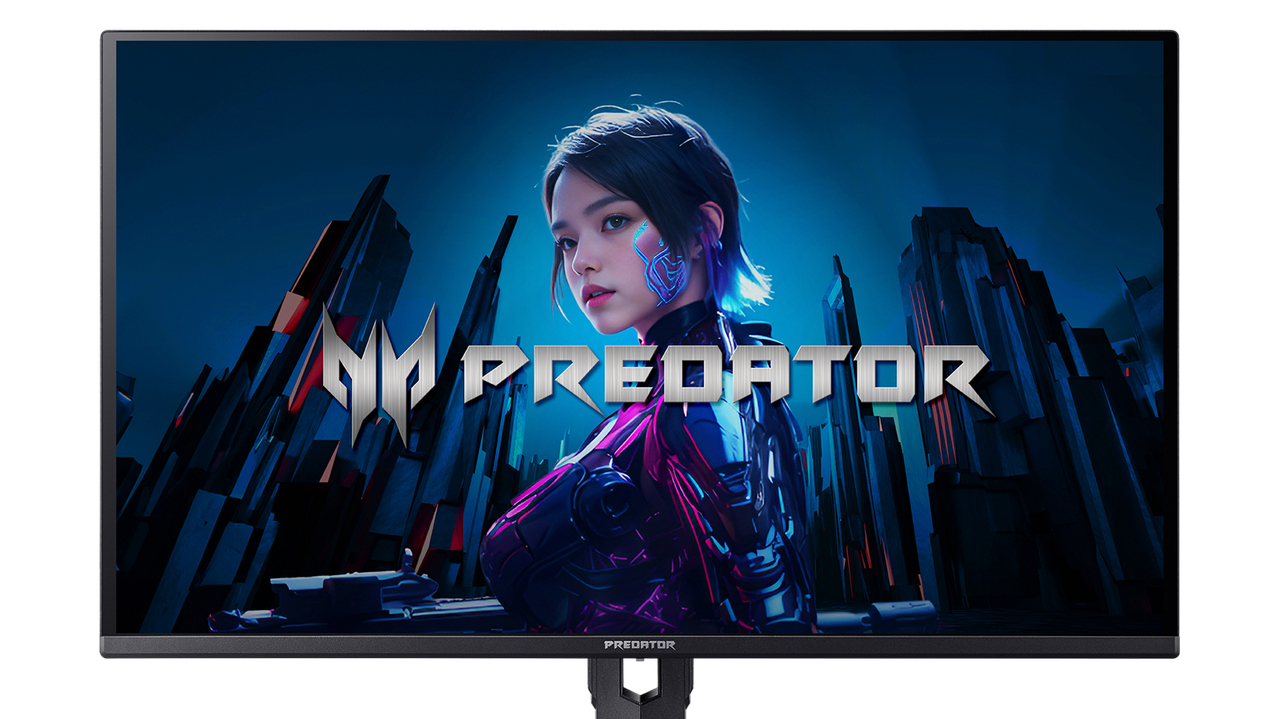
Acer
Verified Hours
1 player449h medianSmall sample
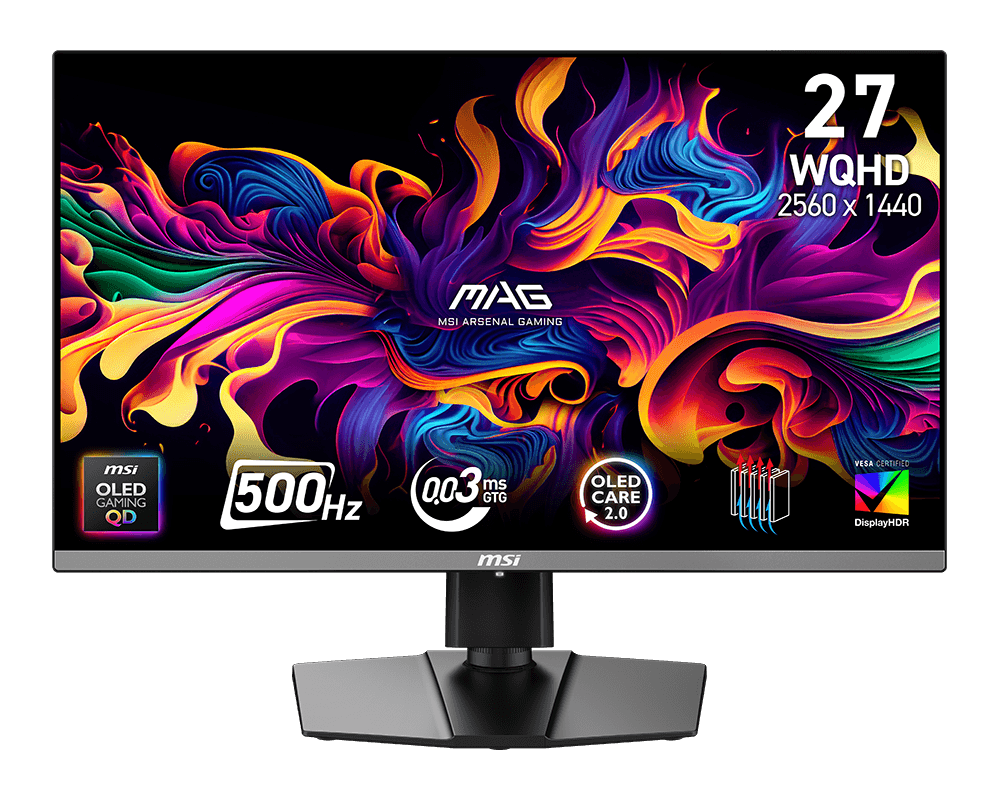
MSI
Verified Hours
1 player391h medianSmall sample
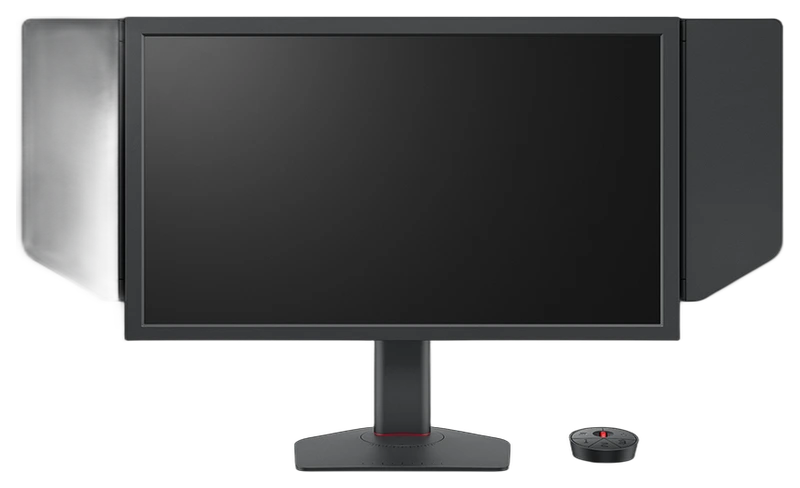
Zowie
Verified Hours
1 player372h medianSmall sample
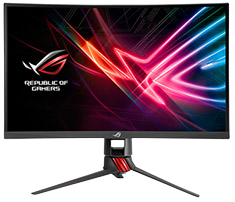
ASUS
Verified Hours
1 player281h medianSmall sample
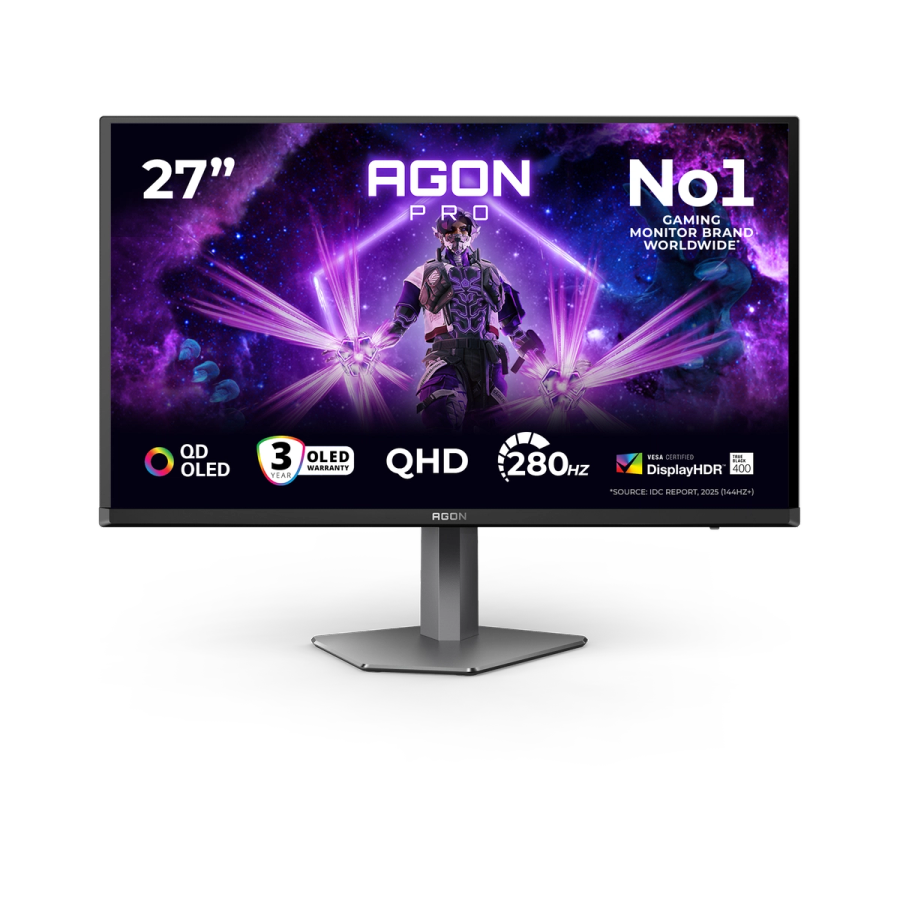
AOC
Verified Hours
1 player262h medianSmall sample
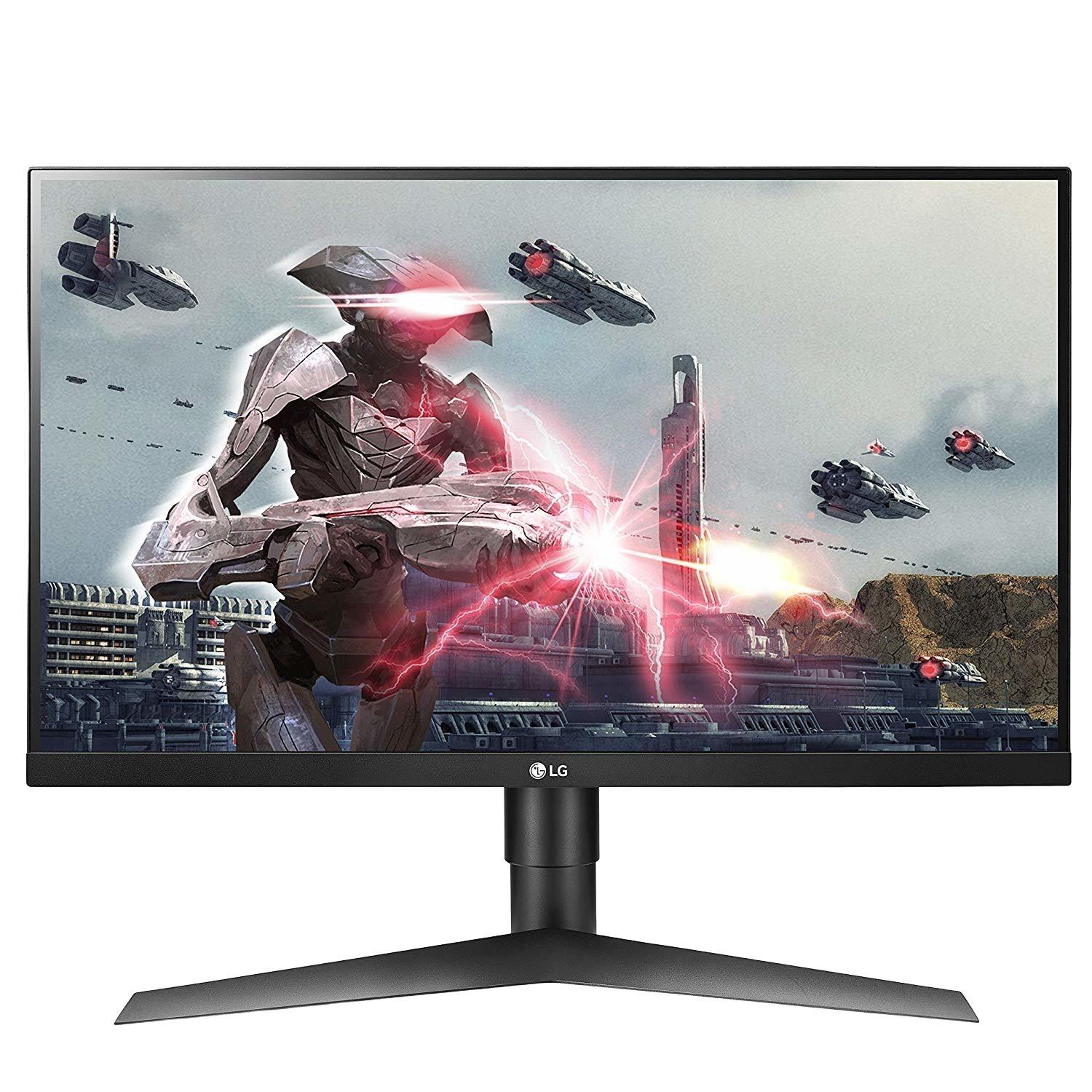
LG
Verified Hours
1 player183h medianSmall sample
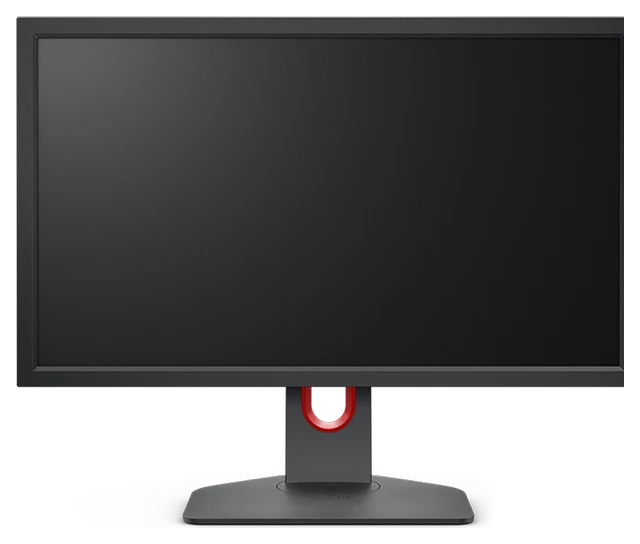
Zowie
Verified Hours
1 player181h medianSmall sample
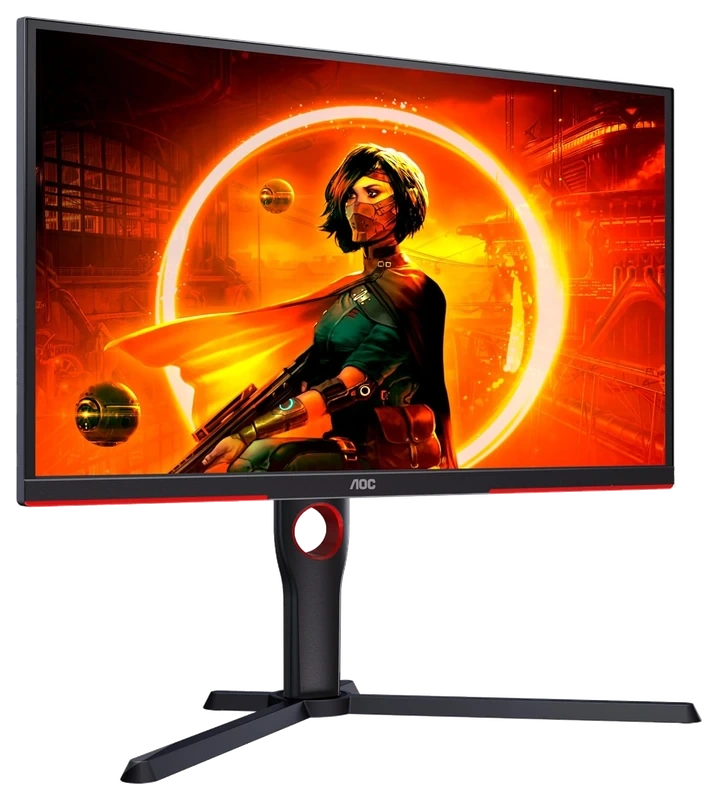
AOC
Verified Hours
1 player172h medianSmall sample
AOC
Verified Hours
1 player158h medianSmall sample
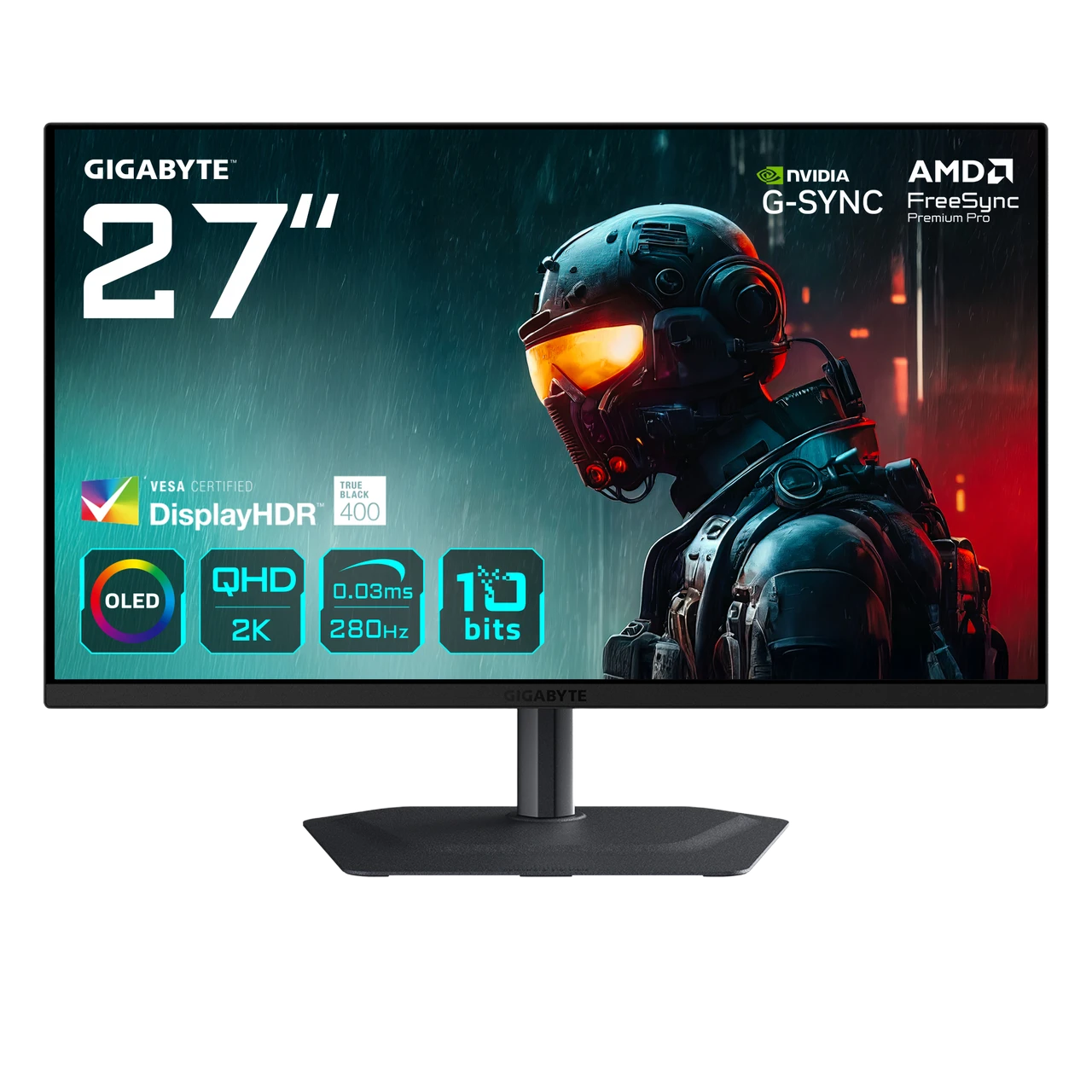
Gigabyte
Verified Hours
1 player156h medianSmall sample
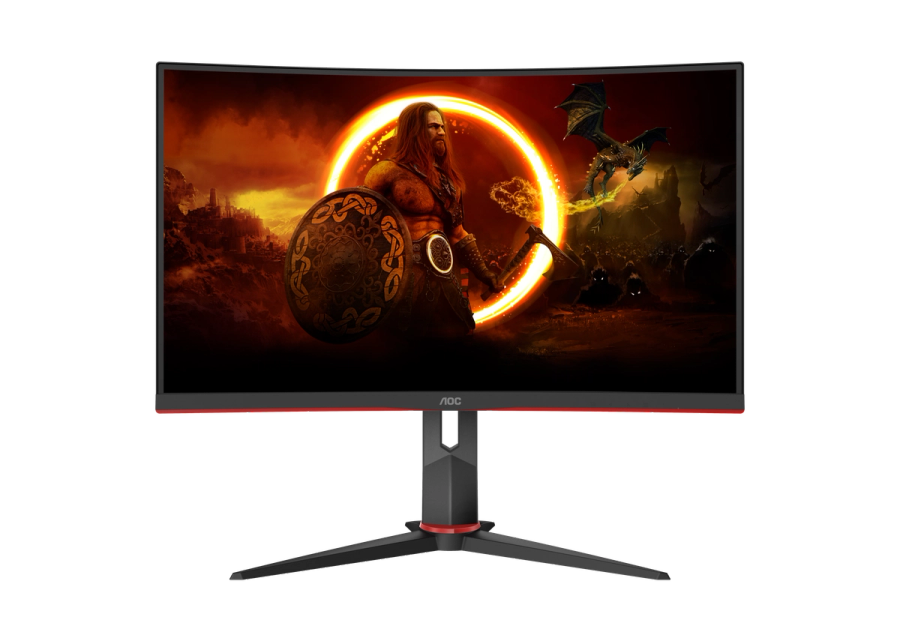
AOC
Verified Hours
1 player141h medianSmall sample
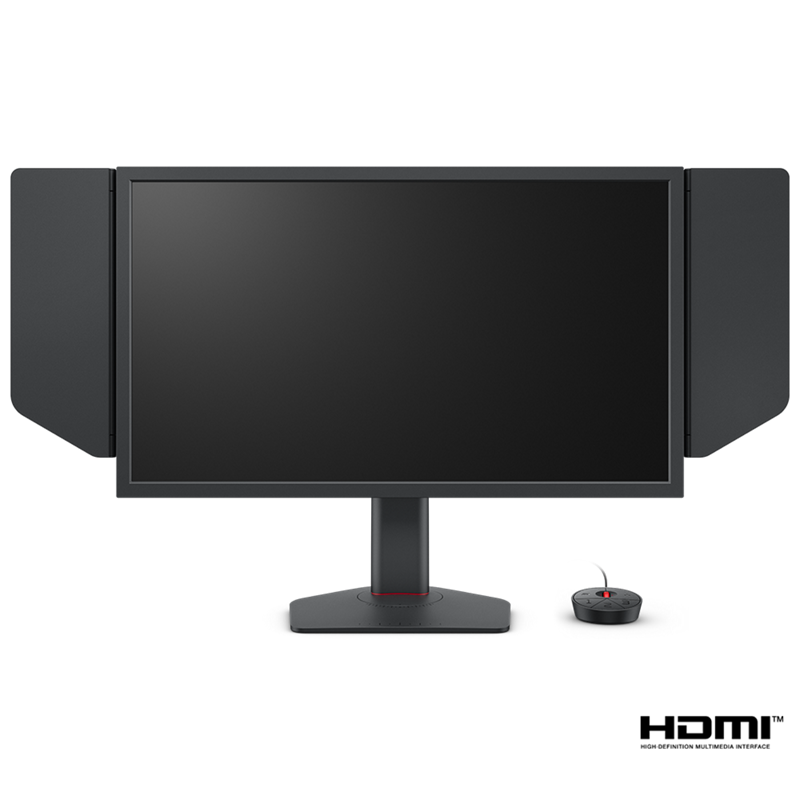
BenQ
Verified Hours
1 player139h medianSmall sample
LG
Verified Hours
1 player136h medianSmall sample
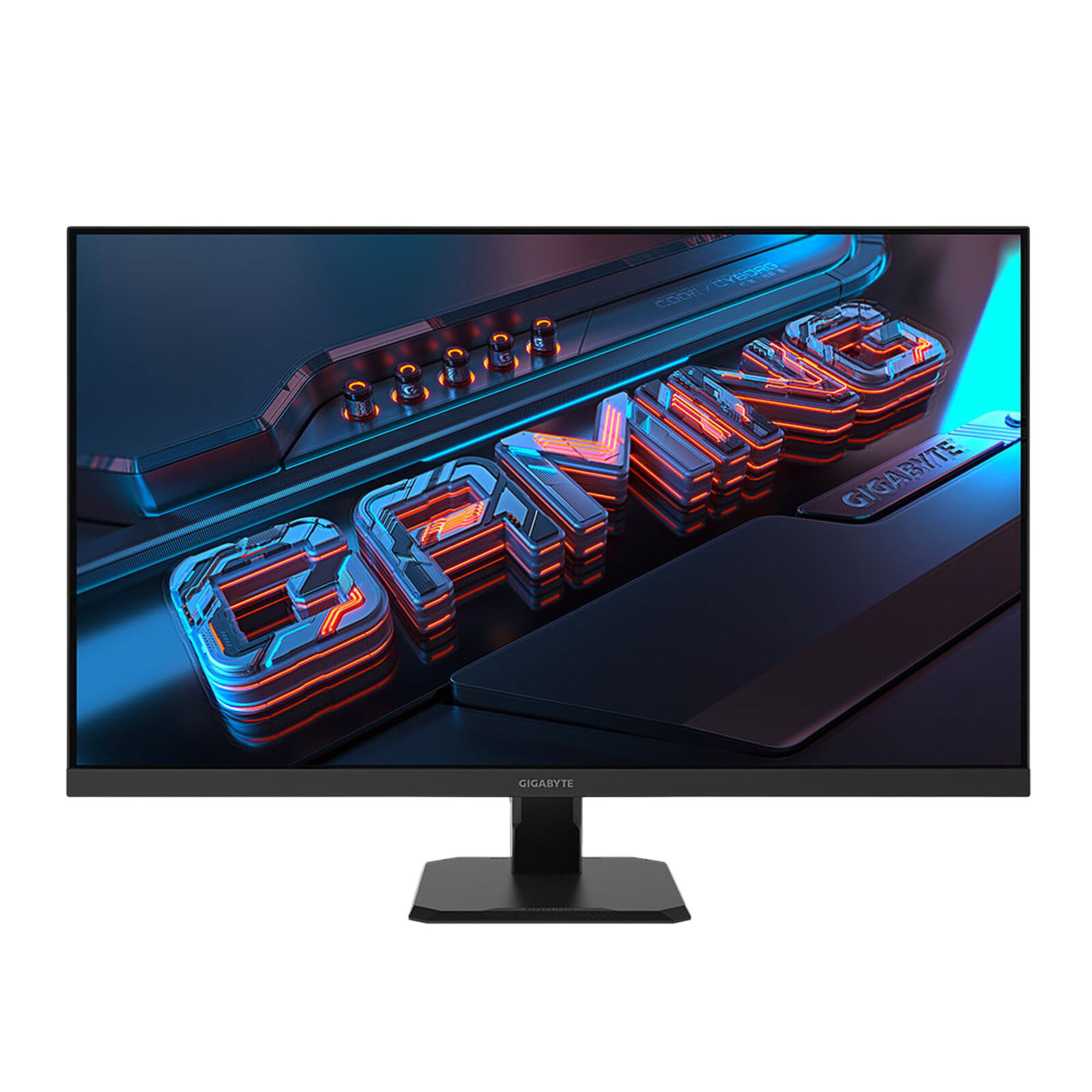
Gigabyte
Verified Hours
1 player109h medianSmall sample
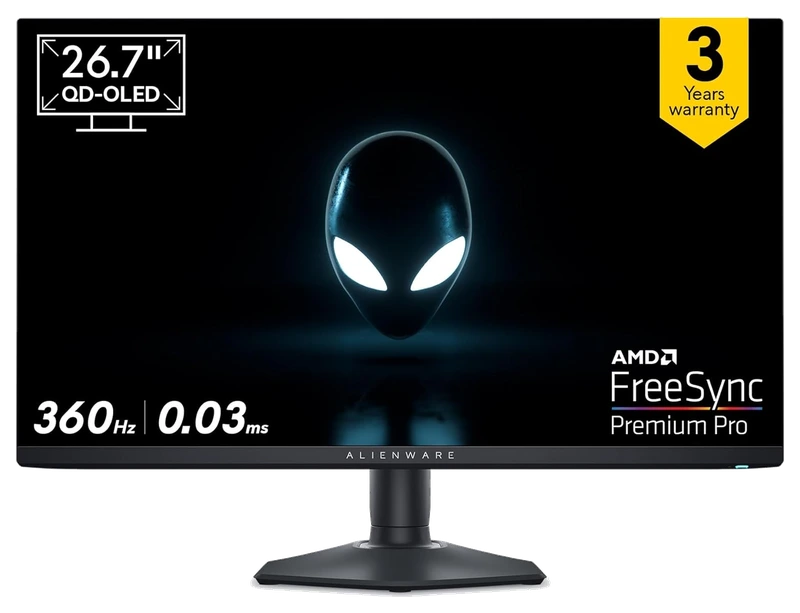
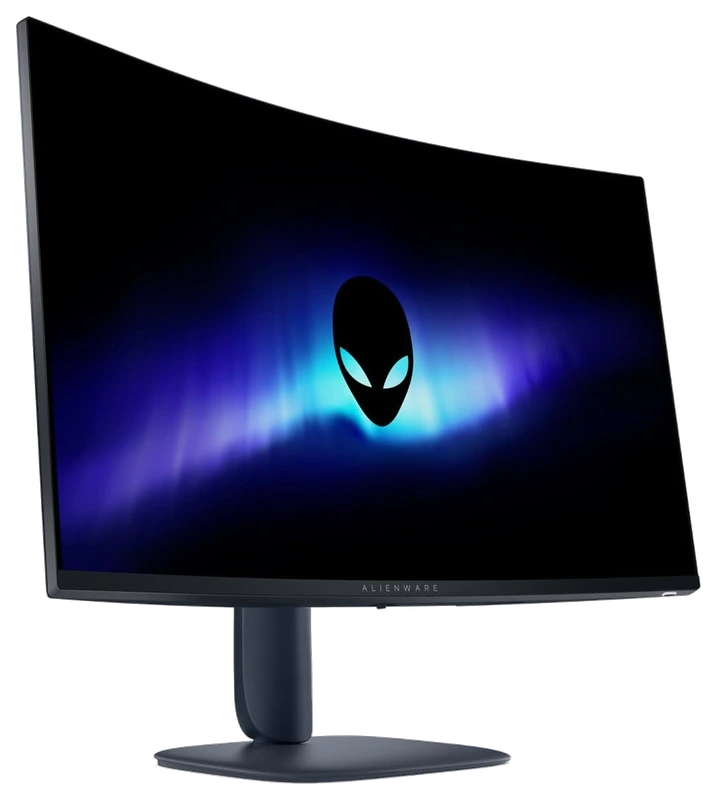
Alienware
Verified Hours
2 players53h medianSmall sample
ASUS
Verified Hours
2 players49h medianSmall sample

ASUS
Verified Hours
1 player90h medianSmall sample
ASUS
Verified Hours
1 player88h medianSmall sample
AOC
Verified Hours
1 player75h medianSmall sample
ASUS
Verified Hours
1 player70h medianSmall sample
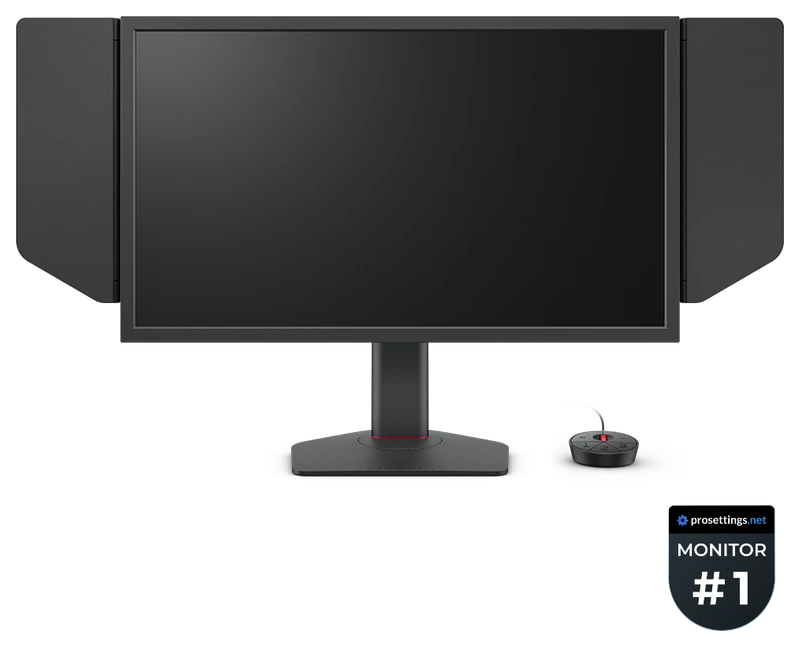
Zowie
Verified Hours
1 player68h medianSmall sample
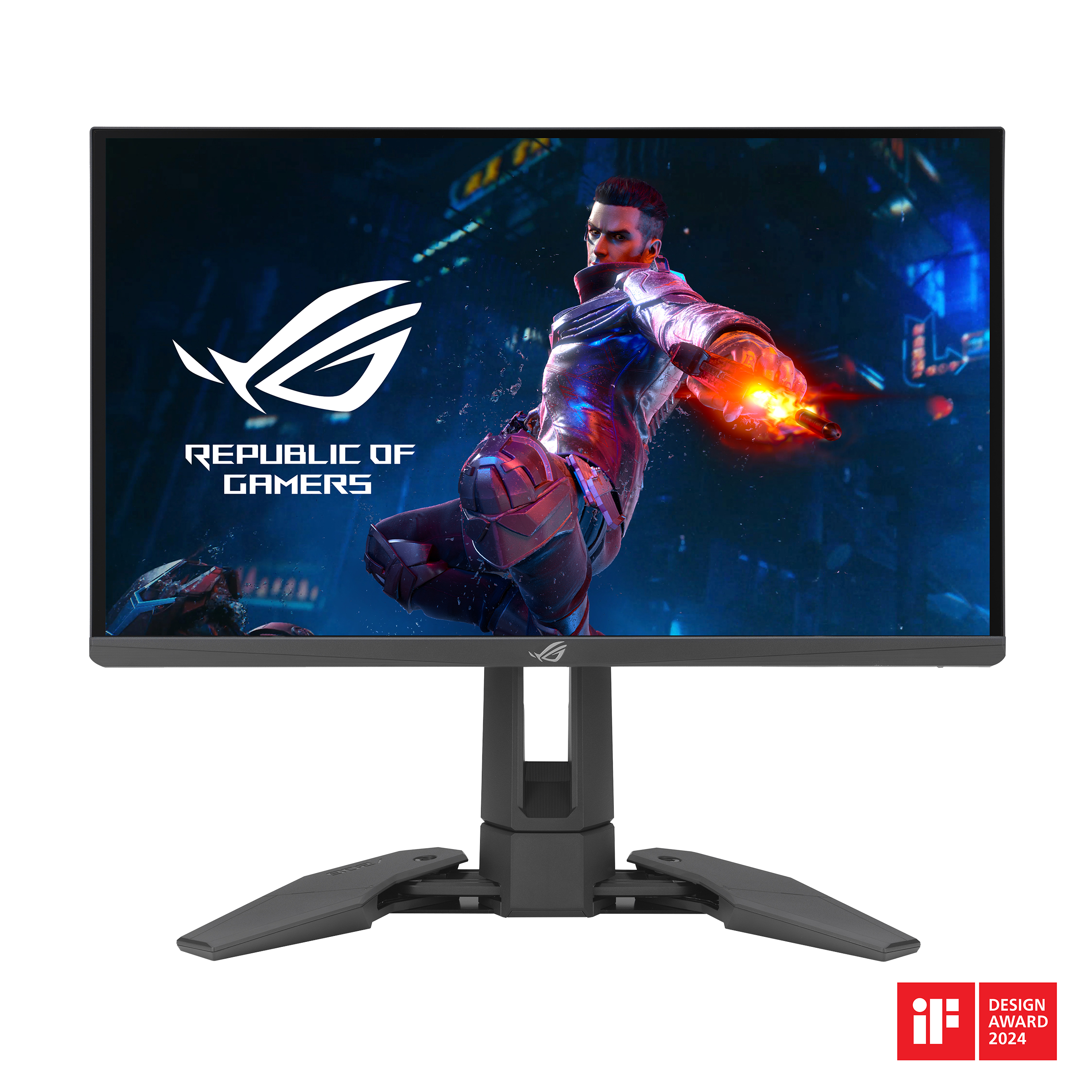
ASUS
Verified Hours
2 players28h medianSmall sample
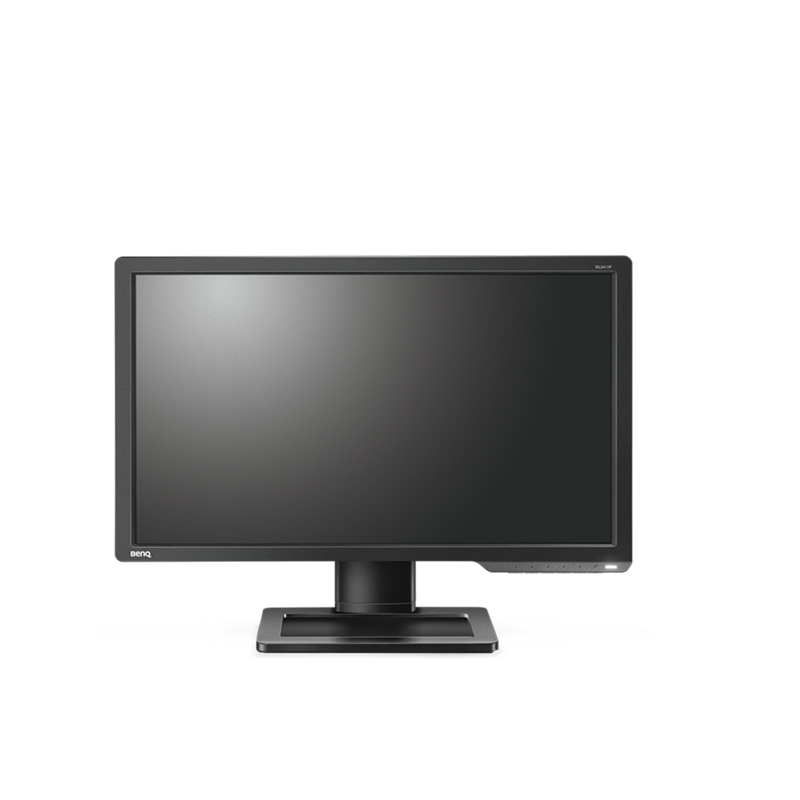
BenQ
Verified Hours
1 player56h medianSmall sample
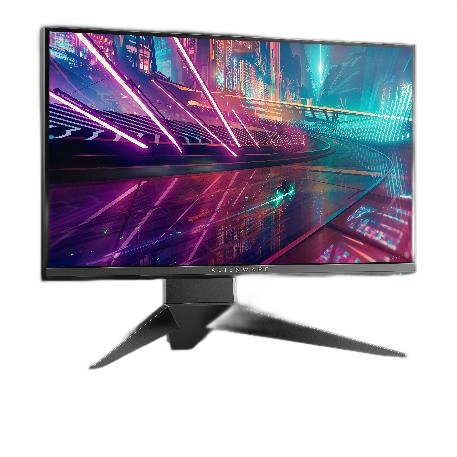
Dell
Verified Hours
1 player32h medianSmall sample
ASUS
Verified Hours
1 player27h medianSmall sample
BenQ
Verified Hours
1 player19h medianSmall sample
Acer
Verified Hours
1 player19h medianSmall sample
ASUS
Verified Hours
1 player18h medianSmall sample

ASUS
Verified Hours
1 player18h medianSmall sample
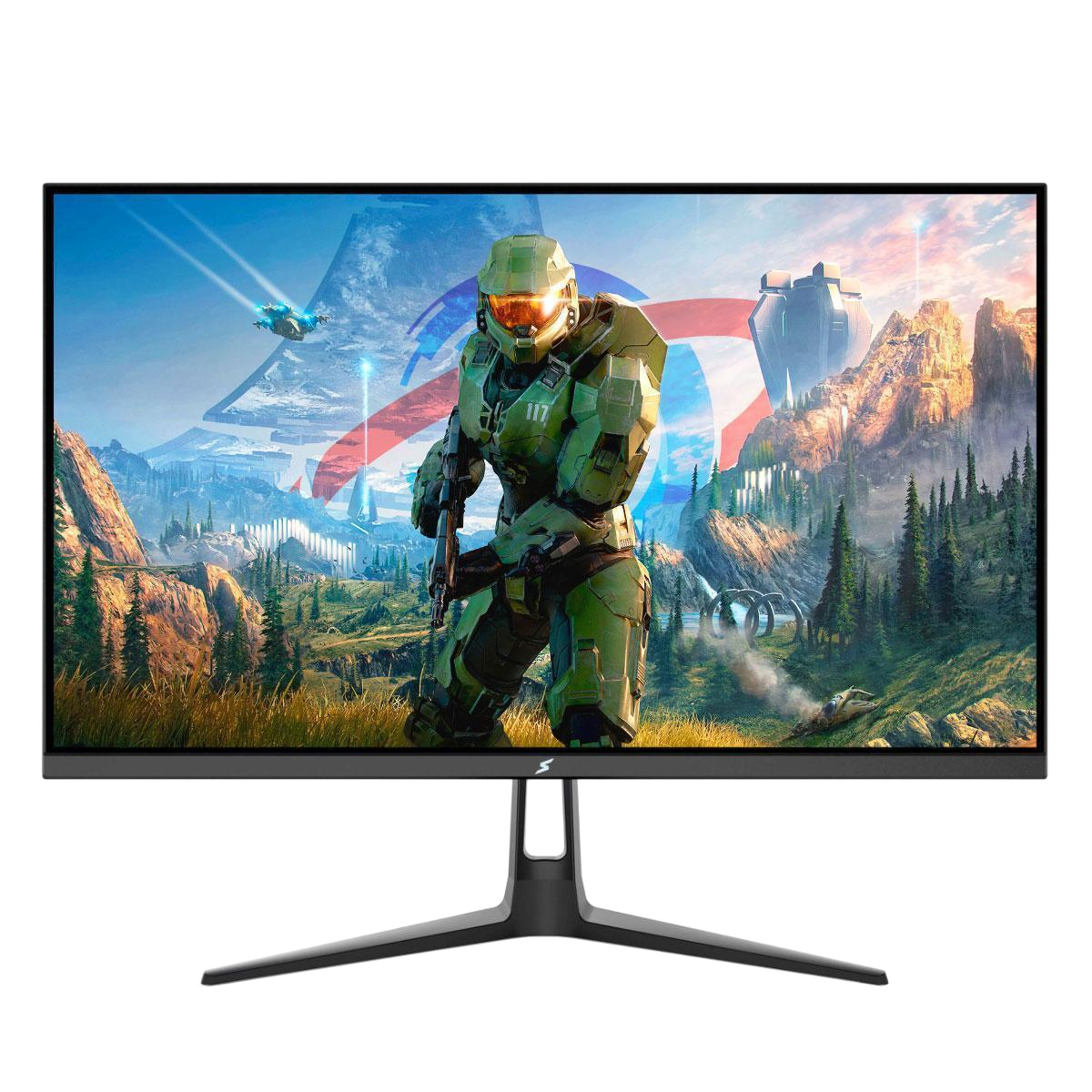
SuperFrame
Verified Hours
1 player15h medianSmall sample

ASUS
Verified Hours
1 player13h medianSmall sample
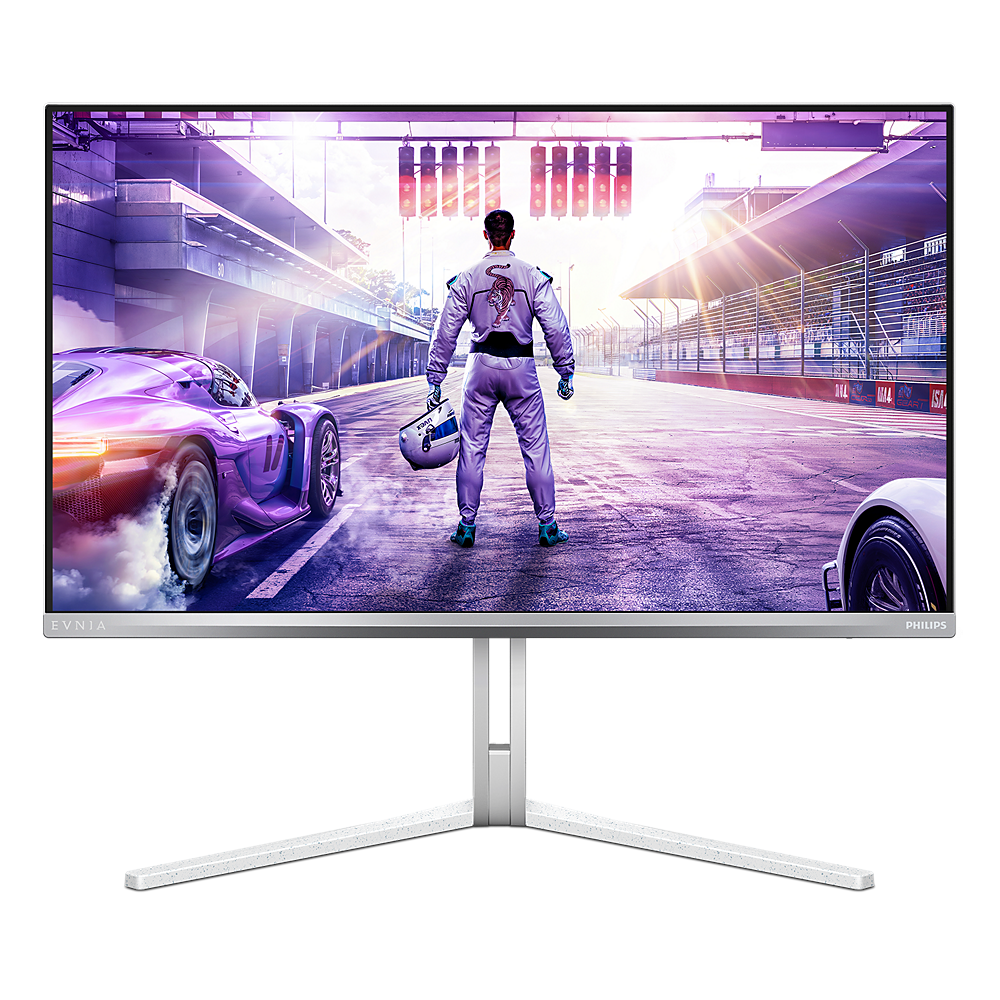
Philips
Verified Hours
1 player13h medianSmall sample
Dell
Verified Hours
1 player11h medianSmall sample
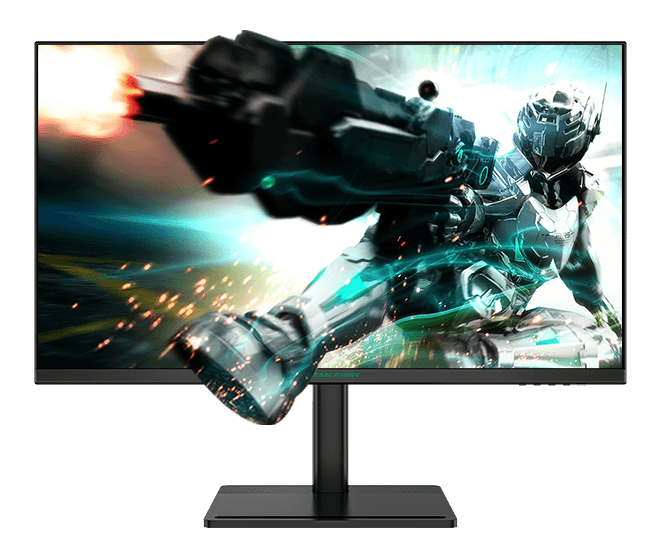
Titan Army
Verified Hours
1 player9h medianSmall sample
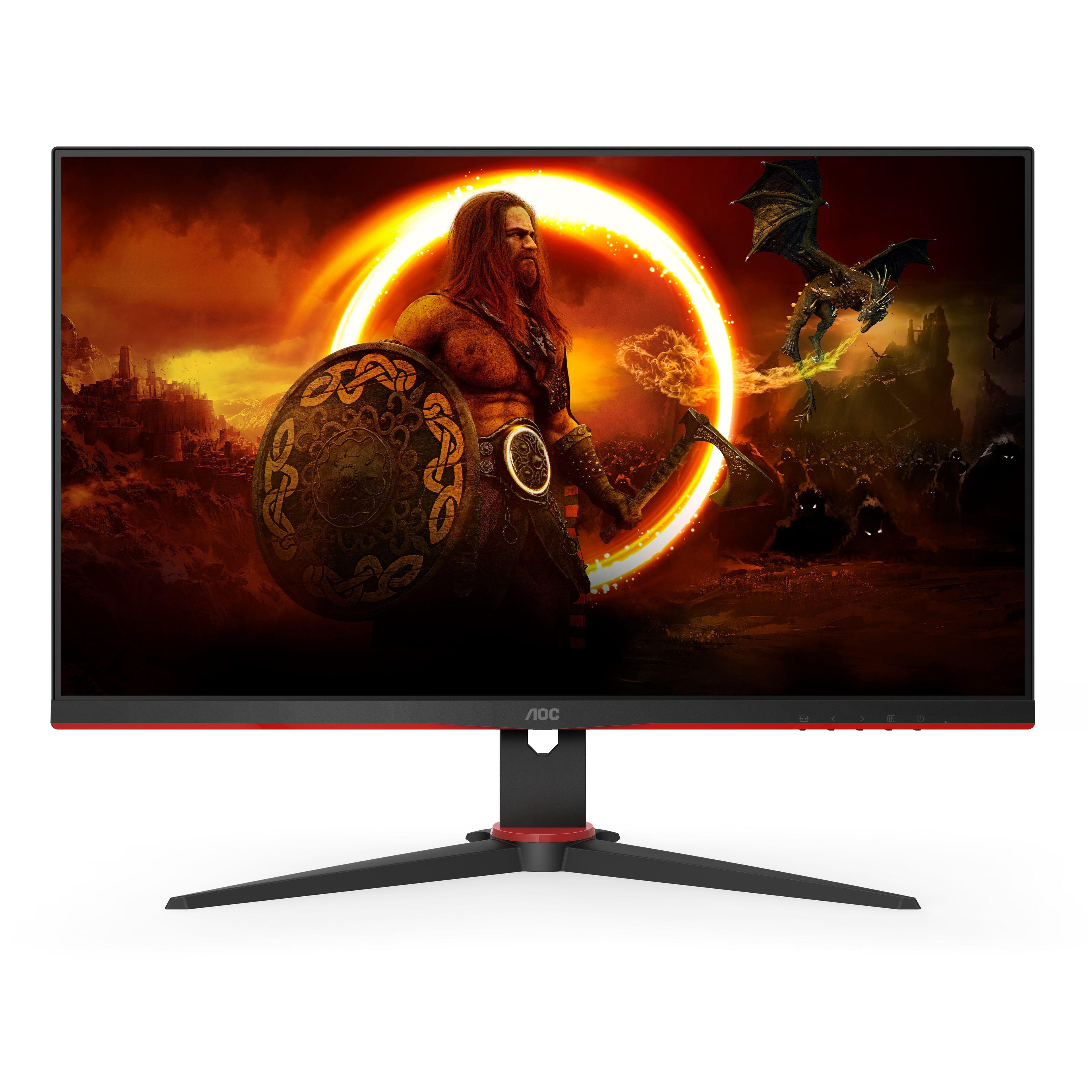
AOC
Verified Hours
1 player8h medianSmall sample
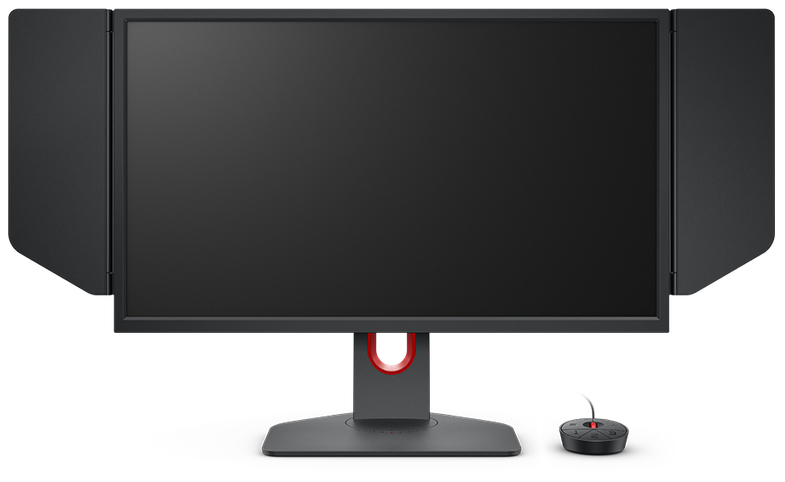
Zowie
Verified Hours
1 player7h medianSmall sample
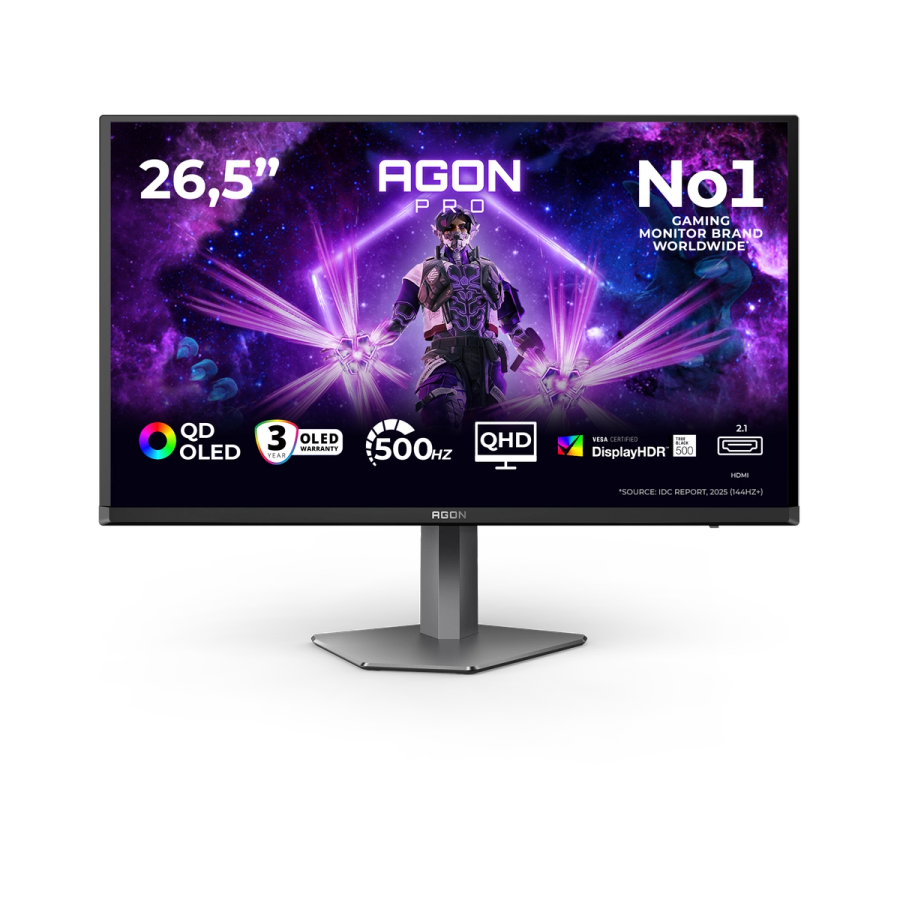
AOC
Verified Hours
1 player6h medianSmall sample
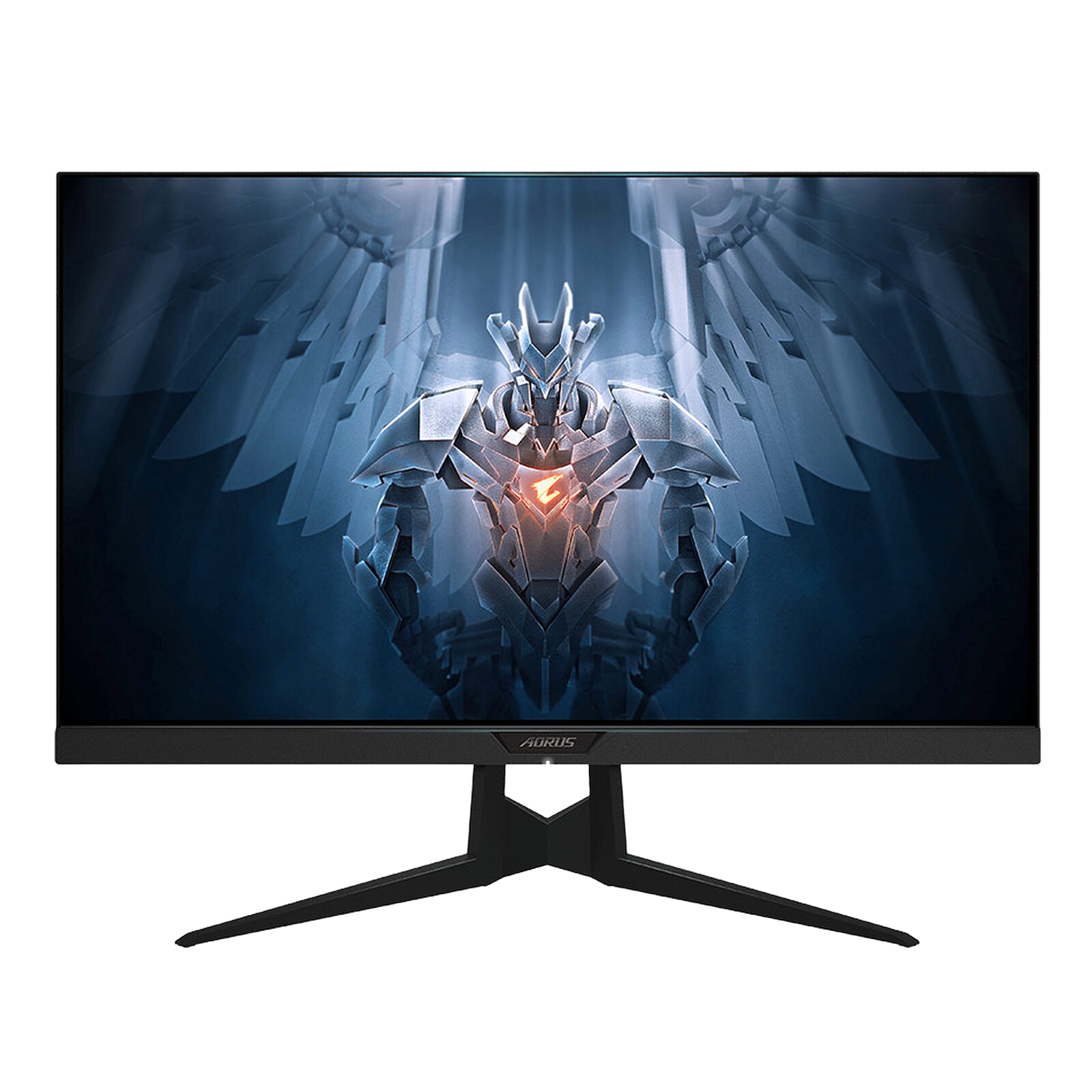
Gigabyte
Verified Hours
1 player5h medianSmall sample
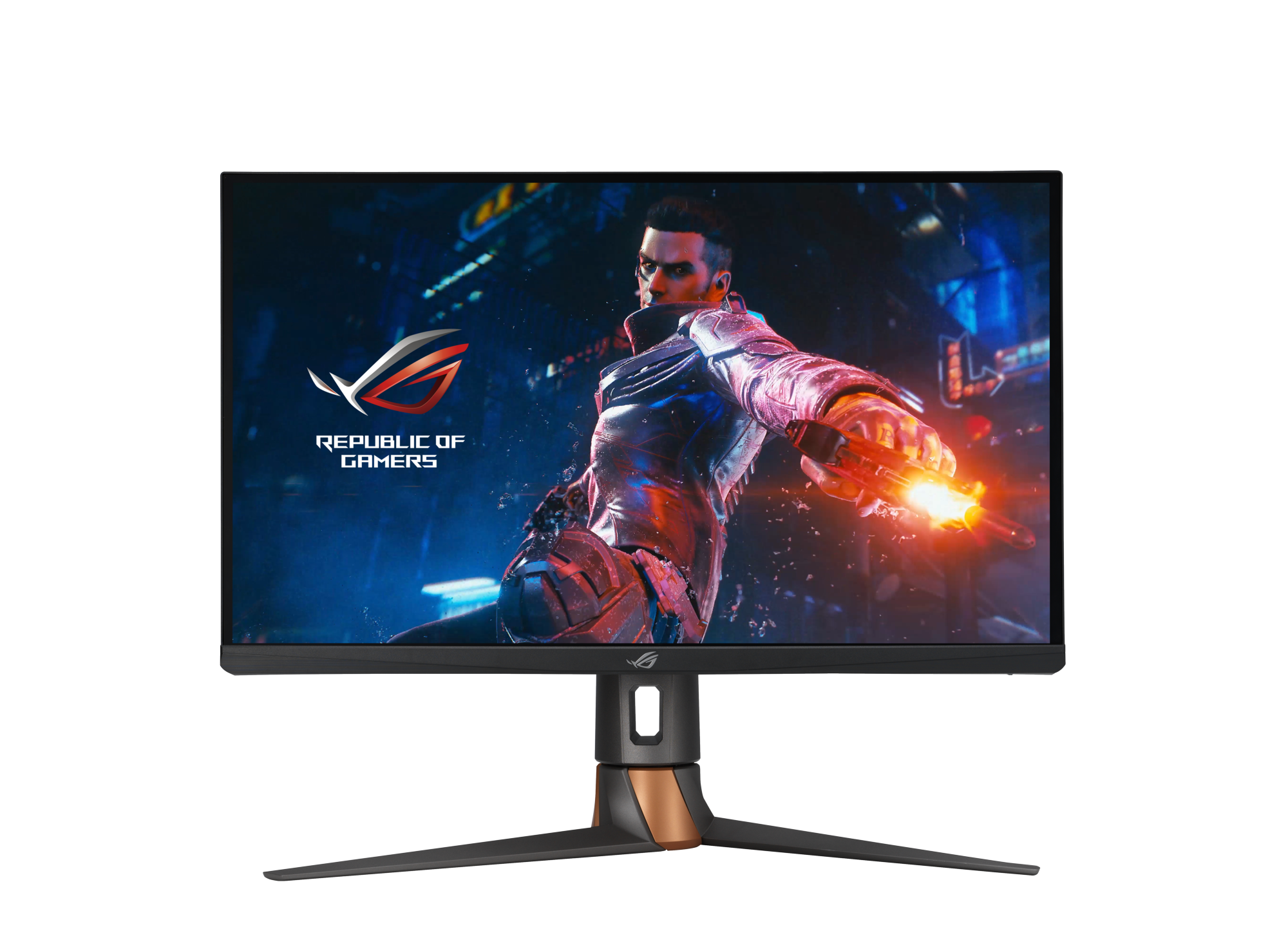
ASUS
Verified Hours
1 player5h medianSmall sample
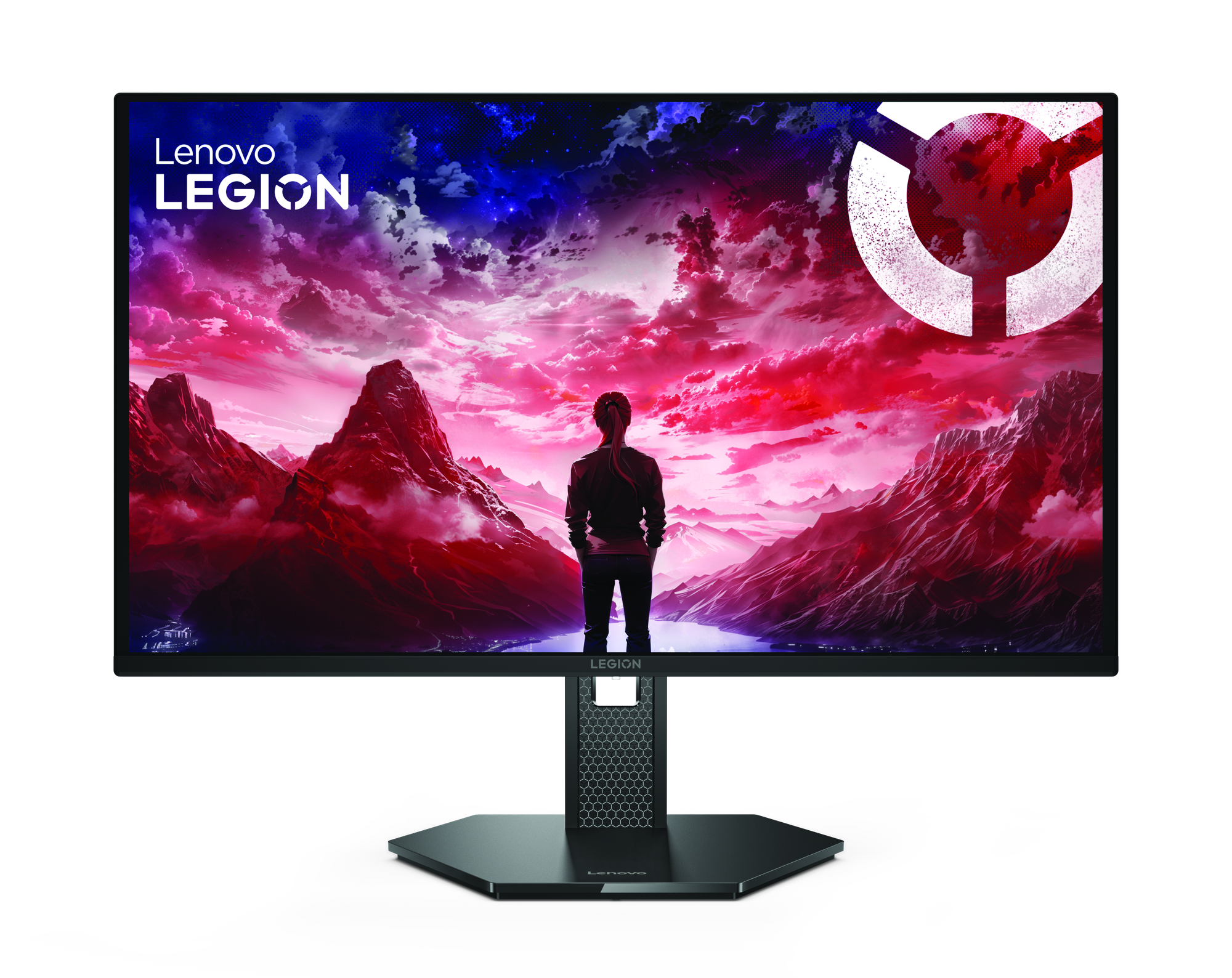
Lenovo
Verified Hours
1 player4h medianSmall sample

ASUS
Verified Hours
1 player2h medianSmall sample
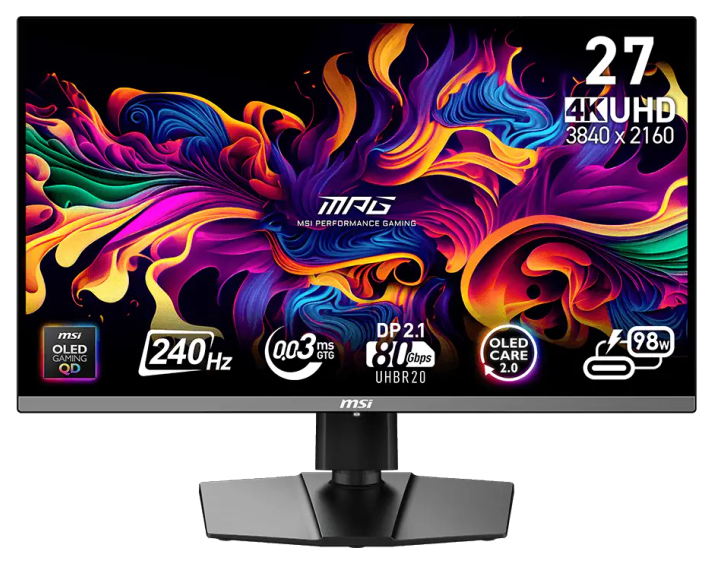
MSI
Verified Hours
1 player1h medianSmall sample
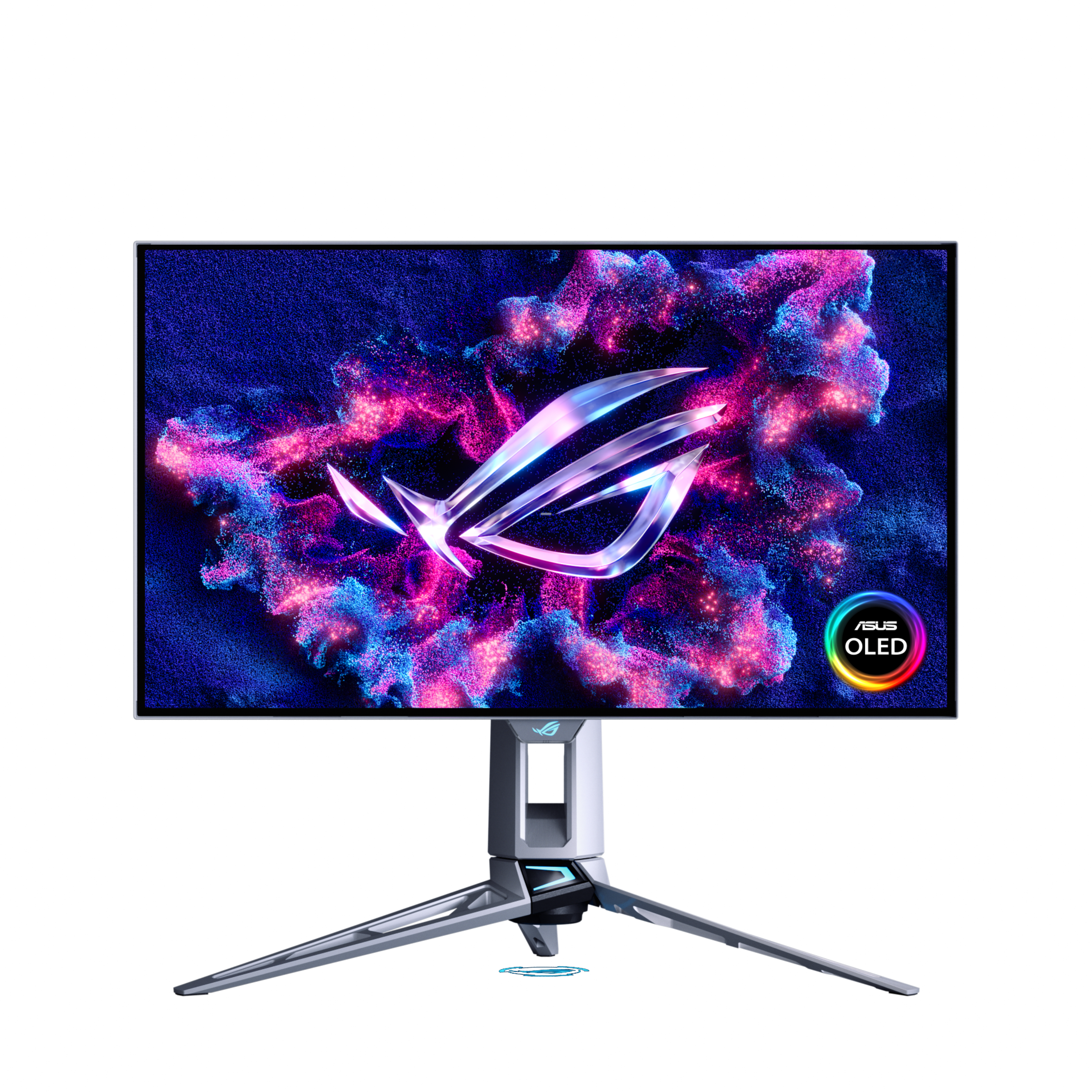
ASUS
Verified Hours
1 player1h medianSmall sample
ASUS
Verified Hours
1 player1h medianSmall sample
MSI
Verified Hours
1 player1h medianSmall sample
Dell
Verified Hours
1 player1h medianSmall sample
Loading public Rust setups…
Compare monitors for Rust. Check resolution, refresh rates and connections.
Verified Hours determine the published order for Rust monitors in this snapshot.
Ranking answer
ASUS VG248QG ranks first for Rust with 30,515 verified hours.
Next on this board are BenQ ZOWIE XL2546 and MSI MAG241C. Use these entries as a shortlist, then compare the product details before choosing your setup.
Compare resolution, refresh rate, panel behaviour and connections against your system and desk setup. The highest-ranked monitor is a starting point, not a guarantee of the best fit for you.
The Best Rust Monitors board is backed by 47,762 verified hours in the cited snapshot.
Their calculated refresh intervals are about 4.17ms, 2.78ms and 1.85ms respectively. These are display cycles, not measured response times or input lag. Match the refresh rate to the frame rate your PC sustains at your chosen resolution, then check supported HDMI or DisplayPort modes.
Compare the exact model at the refresh rates you use, including its overdrive setting (used to speed up pixel changes) and tested input. Check pixel response, overshoot (pixels going past the target colour) and input lag separately. A manufacturer's advertised response time does not describe every transition or the full button-to-screen delay.
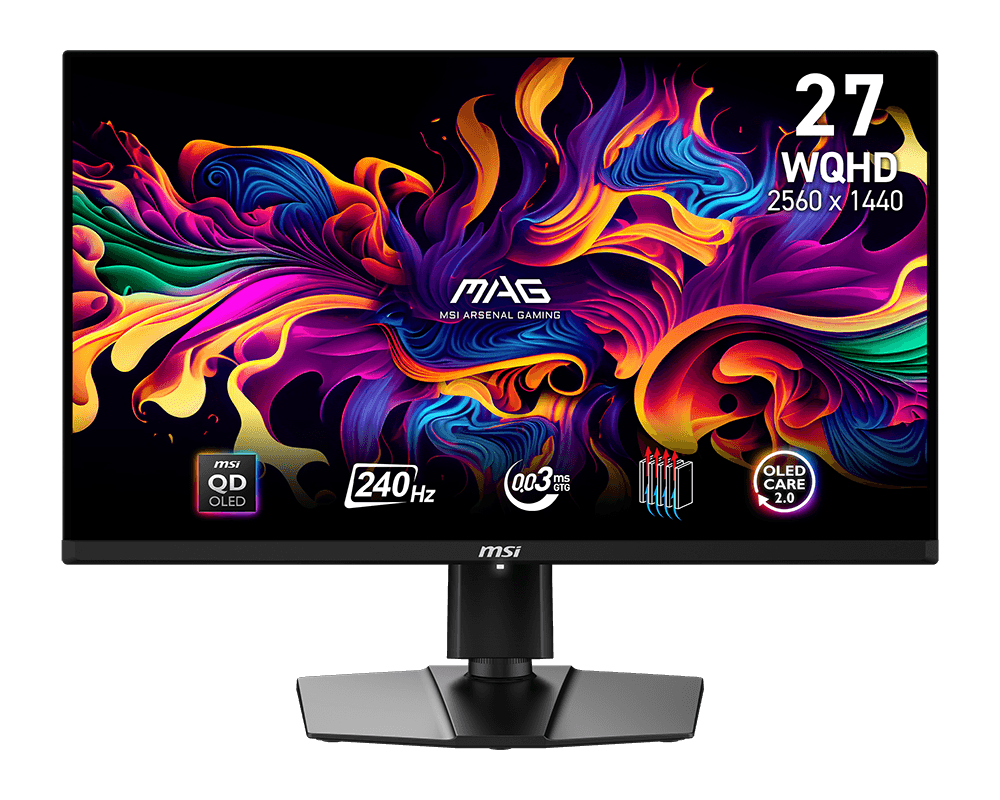
Choose by measured motion clarity, viewing conditions and use outside gaming. OLED adds a static-image retention risk: MSI explains OLED burn-in and panel care. Check the exact panel's care instructions and regional burn-in warranty before deciding; a panel label alone does not establish the better display.
Compare native resolution, screen size, viewing distance and desk space. Check whether your GPU and selected input support the resolution and refresh rate together. Try the game's supported aspect-ratio and scaling options before buying for a particular stretched or ultrawide view.
Check the exact model. Strobing controls the backlight; variable refresh rate (VRR) follows changing frame delivery. ZOWIE documents that DyAc and VRR cannot operate together. Compare supported modes, brightness and motion clarity at the frame rate you actually sustain rather than applying that restriction to every monitor.
Check the exact model's current local price. Compare included accessories, delivery, return policy and warranty. Record the currency and check date for each offer. Start with this board's published order, then choose a model that meets your needs and budget. Rank does not show today's best value.
The useful connection is game experience and a player’s declared main. Keep the game, board and snapshot together when reading the ranking.
01 / Game
Rust game hours sit alongside the monitor a player declares as their main. They reflect experience across the game's survival activities, rather than a dedicated combat-only display test; use the published choices with your own balance of exploring, building and fighting in mind.
02 / Backing
Compare the verified hours backing each player-declared monitor. Open the full list to see more products, with the published hours and original ranks intact.
03 / Your main
Connect Steam through Hours.gg, then choose the monitor you declare as your Rust main. Your saved gear and the published ranking update separately.
Before buying, confirm the size, resolution and supported inputs of the exact model. Read the fit guidance
Include travelling through the environment, working inside your base and managing the items you gather. Facepunch presents exploring, building and surviving as parts of the same game. Revisit those ordinary sessions when examining the screens players declare here; their Rust hours cover that wider routine rather than a sequence of isolated gunfights. Facepunch's Rust game overview
Hours’ established model connects verified game experience with players’ declared main gear. The ranking gives you that game-specific starting point when choosing a monitor. Manufacturer specifications help you check the resulting shortlist.
Players report their gear to Hours. Steam supplies game-playtime information. Keep those two sources distinct: a declared main is the player’s choice, and game time is the experience backing it.
Verified Hours are the verified game time backing a player-declared main under Hours’ established methodology. This board keeps the published hours for each monitor in the Rust snapshot. The numbers are game experience, not a laboratory score.
The ranking reflects the verified hours backing each player-declared monitor in Hours’ existing board. It does not measure hardware performance or confirm fit and compatibility with your setup. Use the ranking to start your decision, then check the exact model’s size, resolution and supported inputs.
Steam records game time, which Hours connects with a player’s declared main under the established methodology. It does not record physical device-use duration.
Every ranking position—including the top three—is open without signing in. Connect Steam only when you want to verify your game hours, save your main gear, and contribute your verified playtime to future snapshots.
Under the existing Hours model, your declared main carries your game’s hours in the published game scope. It records your choice; it does not establish when you bought the monitor or when you used it. See the established methodology for how those hours count.
Opening the full list or applying search and hardware filters only narrows what is shown. A product at rank 8 remains rank 8, with its original published position and verified hours intact.
Check the exact model’s size, resolution and supported inputs before buying. The fit guidance is available above. Those details support the playtime-led choice; they do not change this board’s order.
This board displays its published snapshot dated . Steam records cumulative game playtime; it does not isolate individual matches. Your account’s latest synced playtime and the published ranking update separately.
Game boards rank declared mains by Steam-recorded game hours in the named game, category and snapshot. These figures measure game time and do not measure time spent using a specific device.
These figures count verified hours for Steam accounts with a recorded main gear selection in this game and category. Each account is counted once. Full verified game hours are counted without a contribution cap. Zero means no eligible contribution in this snapshot. These figures do not measure time using a device.
Bring your game experience
Connect Steam to verify your game hours, save your main gear, and explore player setups.
Public playtime only - no inventory access
Featured public Rust setups with declared monitor gear, ordered by verified Rust hours.



Featured setups
Reveal their gear and find gamers with similar game hours or shared gear.
Players declare their gear; Steam verifies game time. Only saved gear is revealed.