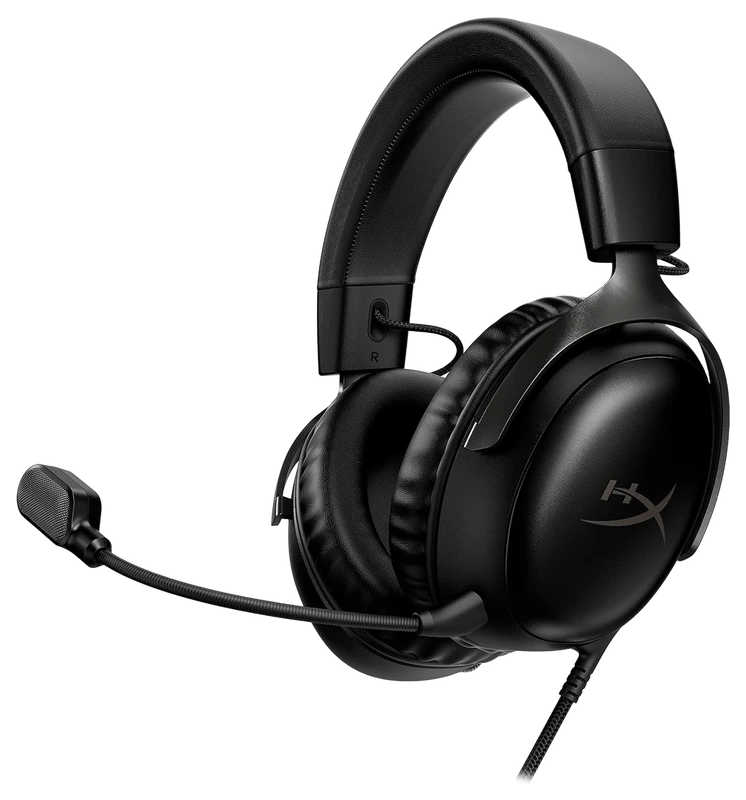
Rank 1.
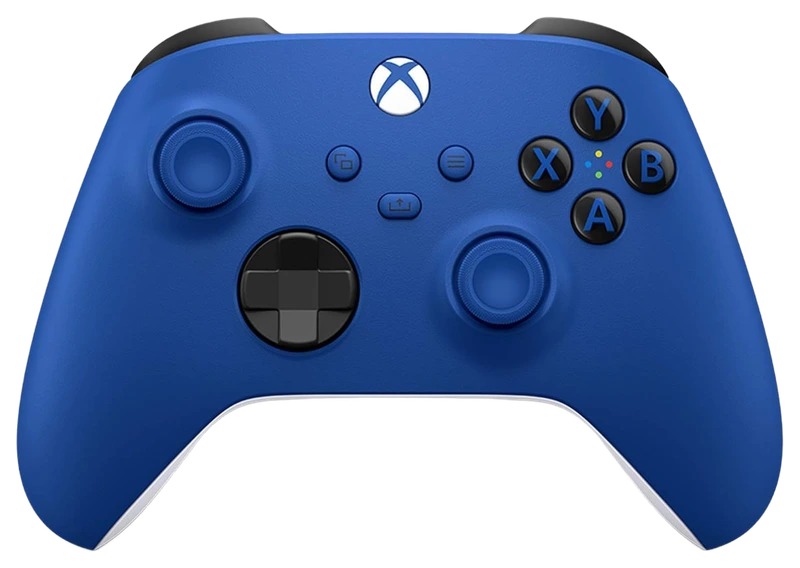
Xbox — Shock Blue
(Wireless)Microsoft

269verified hours
Verified Hours
1 player269h medianSmall sample
Explore controllers ranked by verified, real Rust playtime. Check stick layout, connection and game compatibility before choosing a controller for your setup.
Compare 82 controllers for Rust, backed by 596 Verified Hours. Every position—including the top three—is open to view with no account required.
Steam verifies game time. Players declare their gear.
Rust players' Verified, Real Playtime provides the starting shortlist for this Steam PC board. Before choosing a controller, check the layout you need for inventory, building, crafting and combat; console-oriented buying advice answers a different question.
Search and filters keep every controller’s published rank and hours.
Microsoft
Verified Hours
1 player269h medianSmall sample
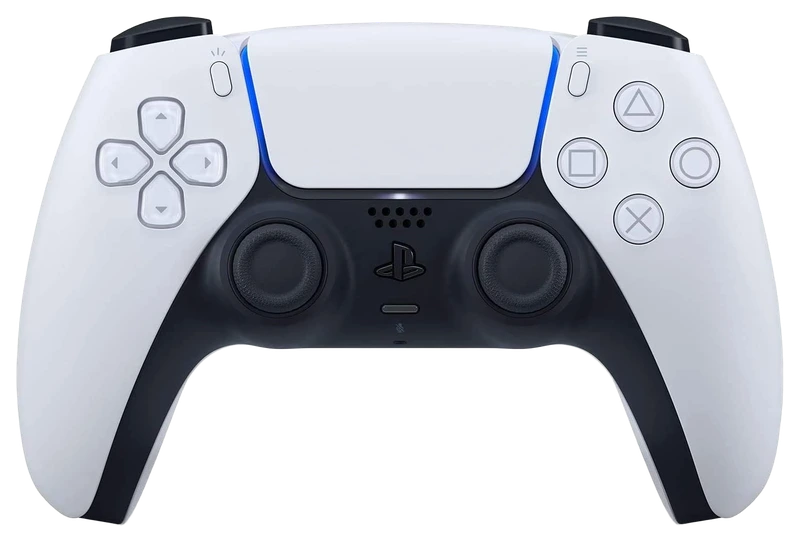
PlayStation
Verified Hours
2 players100h medianSmall sample
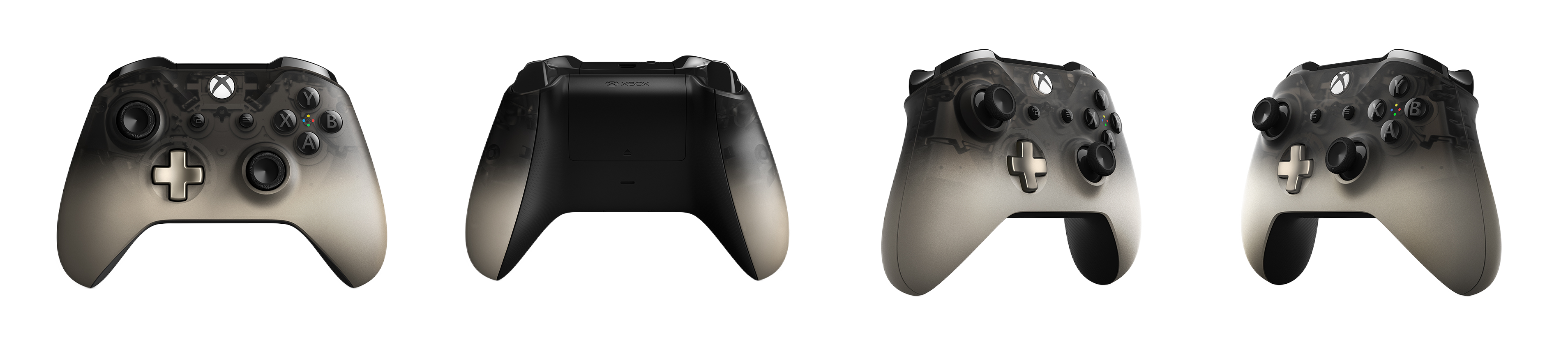
Microsoft
Verified Hours
1 player60h medianSmall sample
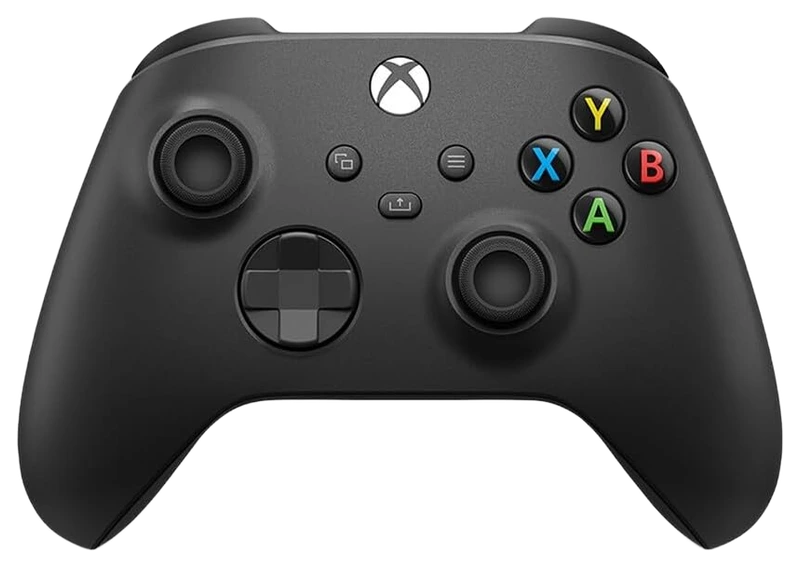
Microsoft
Verified Hours
2 players16h medianSmall sample
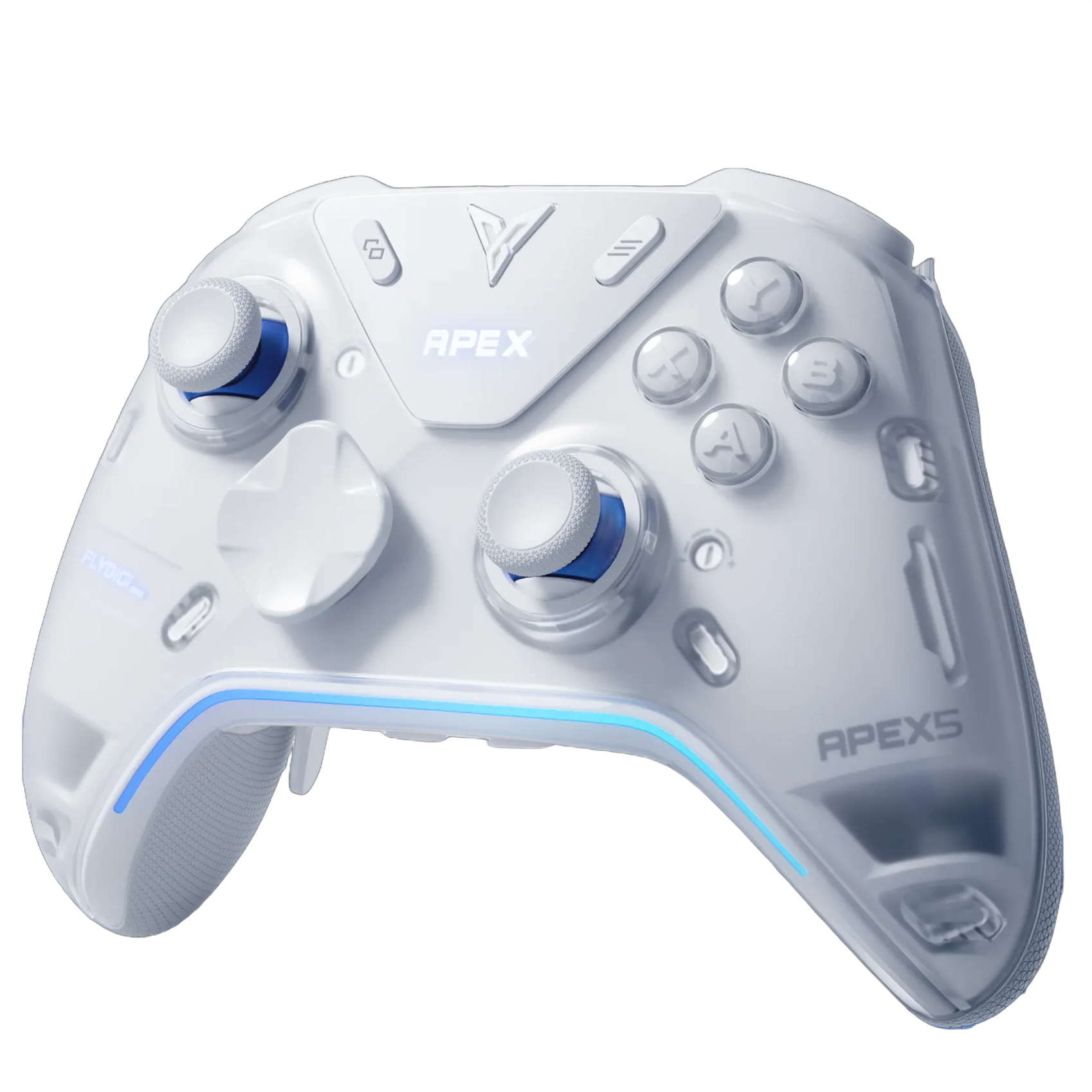
Flydigi
Verified Hours
1 player19h medianSmall sample
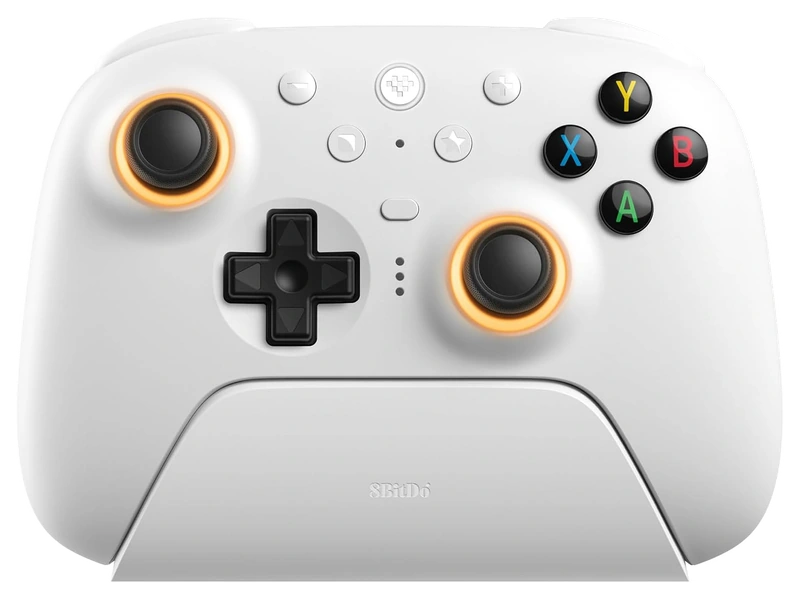
8BitDo
Verified Hours
1 player10h medianSmall sample
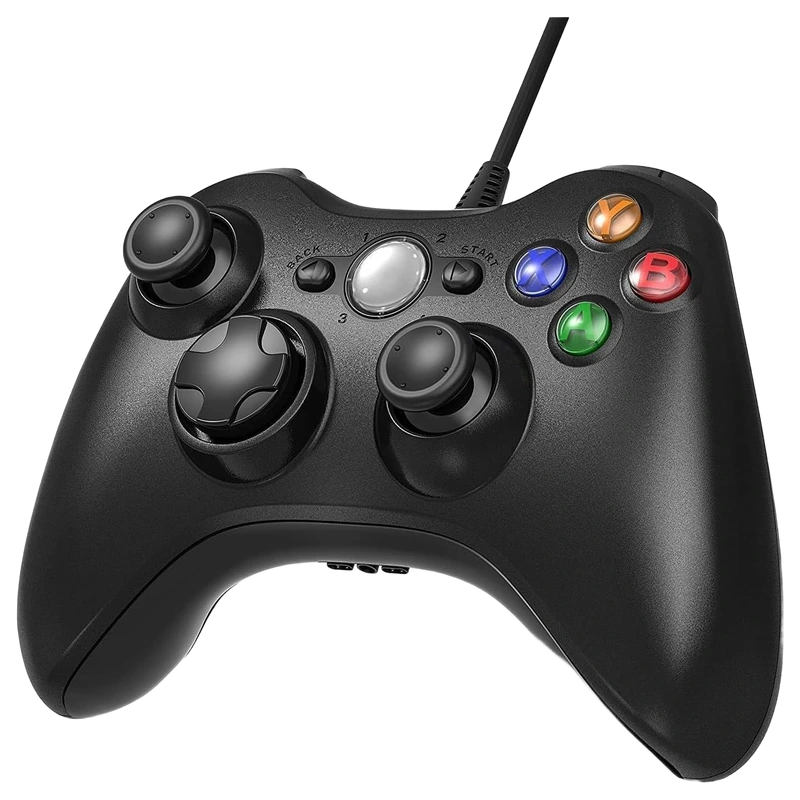
LPDCJF
Verified Hours
1 player8h medianSmall sample
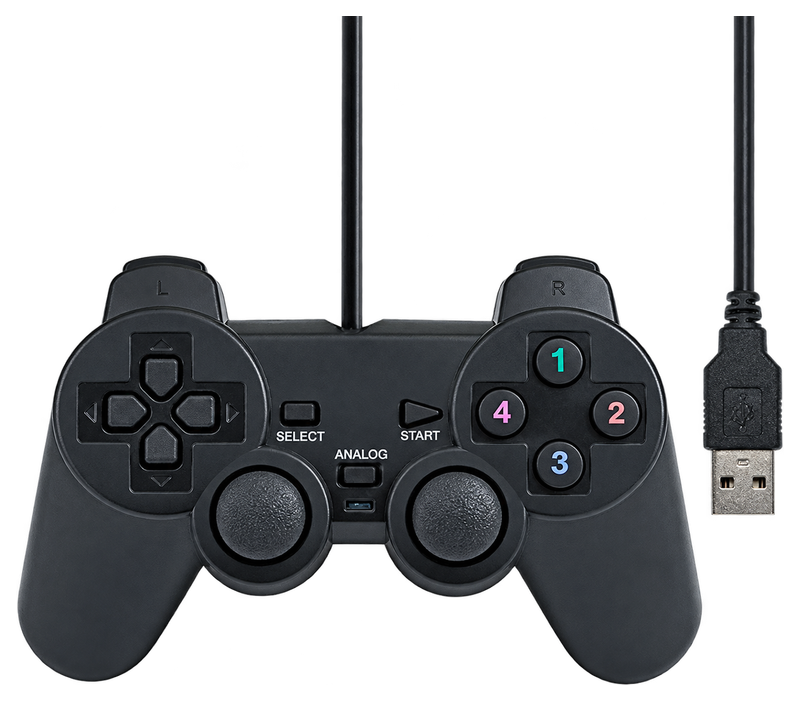
QUMOX
Verified Hours
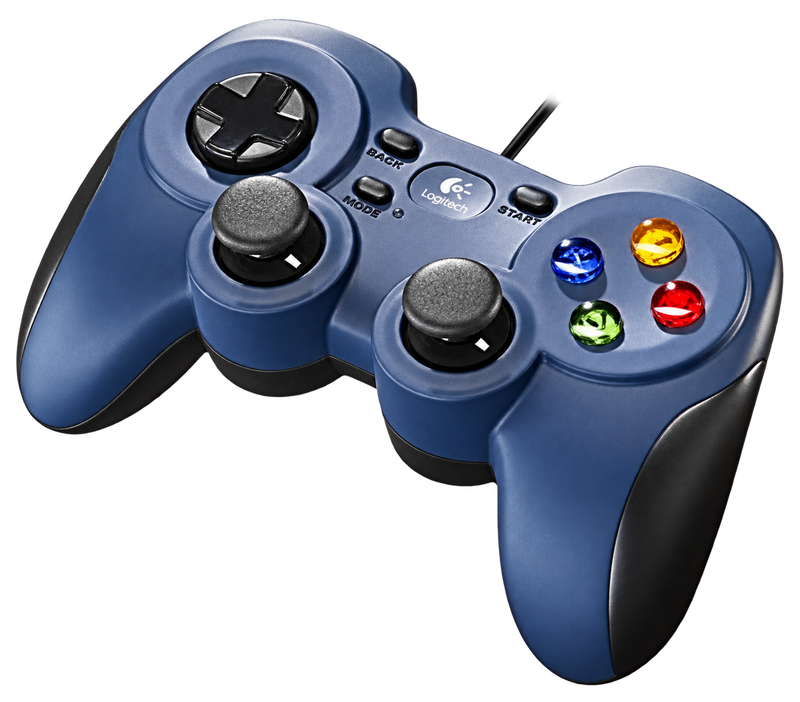
Logitech
Verified Hours
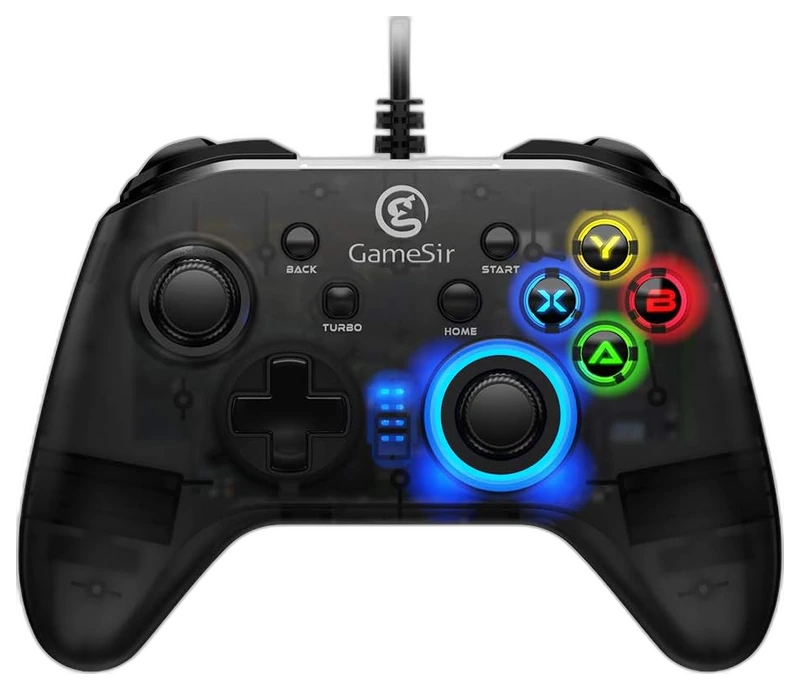
GameSir
Verified Hours
Loading public Rust setups…
Compare controllers for Rust. Check stick layout, connection and game compatibility.
Verified Hours determine the published order for Rust controllers in this snapshot.
Ranking answer
Xbox (Wireless) Controller - Shock Blue ranks first for Rust with 269 verified hours.
Next on this board are DualSense (Wireless) Controller - PlayStation 5 - White and Microsoft Xbox One Controller. Use these entries as a shortlist, then compare the product details before choosing your setup.
Compare grip, stick layout, connection options and game compatibility against the controls you use. The highest-ranked controller is a starting point, not a guarantee of the best fit for you.
The Best Rust Controllers board is backed by 596 verified hours in the cited snapshot.
Check the game, operating system and console separately, using the exact model and connection mode. PC compatibility does not establish Xbox or PlayStation compatibility. Confirm button mapping and any software requirement before buying; a place in this board is not a compatibility test.
The sensor type alone is not a whole-controller lifetime guarantee. Hall-effect and tunnel magnetoresistance (TMR) use magnetic sensing, as described in GameSir's technology guide. Compare calibration controls, centering behaviour, repair options and warranty terms for the exact model. Check unwanted input with the sticks released before adjusting a deadzone (stick movement near the centre that is ignored).
Choose them for actions you can reliably reach and map. Check whether back buttons duplicate existing inputs or expose additional controls, and whether profiles save on the device. Trigger stops shorten physical travel on supported models; test the available trigger range against the actions your game needs.
Polling rate is how often a device sends input data to your PC. Compare stick and button measurements for USB, receiver and Bluetooth separately. A 1,000Hz report rate has a calculated 1ms interval, not a guaranteed 1ms game response. Check the supported rate and features in each mode; a USB charging cable does not by itself establish wired data operation.
Try the stick layout, grip size and bumper reach before choosing. Compare battery claims at the stated settings. Check charging options and replaceable parts. Check local warranty and repair support. Published player hours and battery-life claims do not measure how reliable the controller is over time.
Check the exact model's current local price. Compare included accessories, delivery, return policy and warranty. Record the currency and check date for each offer. Start with this board's published order, then choose a model that meets your needs and budget. Rank does not show today's best value.
The useful connection is game experience and a player’s declared main. Keep the game, board and snapshot together when reading the ranking.
01 / Game
The published Rust hours connect Steam game experience with players' declared main controllers. Keep that scope with the figures: they do not measure Rust Console Edition playtime, and a player's main selection does not document every inventory or building binding.
02 / Backing
Compare the verified hours backing each player-declared controller. Open the full list to see more products, with the published hours and original ranks intact.
03 / Your main
Connect Steam through Hours.gg, then choose the controller you declare as your Rust main. Your saved gear and the published ranking update separately.
Before buying, confirm the layout, platform support and connections of the exact model. Read the fit guidance
No. This board follows Rust's Steam PC game scope. It does not certify controller support for Rust Console Edition or document the layout on your PC. Start with the published hours, then check your platform's current requirements and test inventory, building, crafting and combat inputs with the exact controller you intend to use. Facepunch: Rust on Steam
Hours’ established model connects verified game experience with players’ declared main gear. The ranking gives you that game-specific starting point when choosing a controller. Manufacturer specifications help you check the resulting shortlist.
Players report their gear to Hours. Steam supplies game-playtime information. Keep those two sources distinct: a declared main is the player’s choice, and game time is the experience backing it.
Verified Hours are the verified game time backing a player-declared main under Hours’ established methodology. This board keeps the published hours for each controller in the Rust snapshot. The numbers are game experience, not a laboratory score.
The ranking reflects the verified hours backing each player-declared controller in Hours’ existing board. It does not measure hardware performance or confirm fit and compatibility with your setup. Use the ranking to start your decision, then check the exact model’s layout, platform support and connections.
Steam records game time, which Hours connects with a player’s declared main under the established methodology. It does not record physical device-use duration.
Every ranking position—including the top three—is open without signing in. Connect Steam only when you want to verify your game hours, save your main gear, and contribute your verified playtime to future snapshots.
Under the existing Hours model, your declared main carries your game’s hours in the published game scope. It records your choice; it does not establish when you bought the controller or when you used it. See the established methodology for how those hours count.
Opening the full list or applying search and hardware filters only narrows what is shown. A product at rank 8 remains rank 8, with its original published position and verified hours intact.
Check the exact model’s layout, platform support and connections before buying. The fit guidance is available above. Those details support the playtime-led choice; they do not change this board’s order.
This board displays its published snapshot dated . Steam records cumulative game playtime; it does not isolate individual matches. Your account’s latest synced playtime and the published ranking update separately.
Game boards rank declared mains by Steam-recorded game hours in the named game, category and snapshot. These figures measure game time and do not measure time spent using a specific device.
These figures count verified hours for Steam accounts with a recorded main gear selection in this game and category. Each account is counted once. Full verified game hours are counted without a contribution cap. Zero means no eligible contribution in this snapshot. These figures do not measure time using a device.
Bring your game experience
Connect Steam to verify your game hours, save your main gear, and explore player setups.
Public playtime only - no inventory access
Featured public Rust setups with declared controller gear, ordered by verified Rust hours.



Featured setups
Reveal their gear and find gamers with similar game hours or shared gear.
Players declare their gear; Steam verifies game time. Only saved gear is revealed.