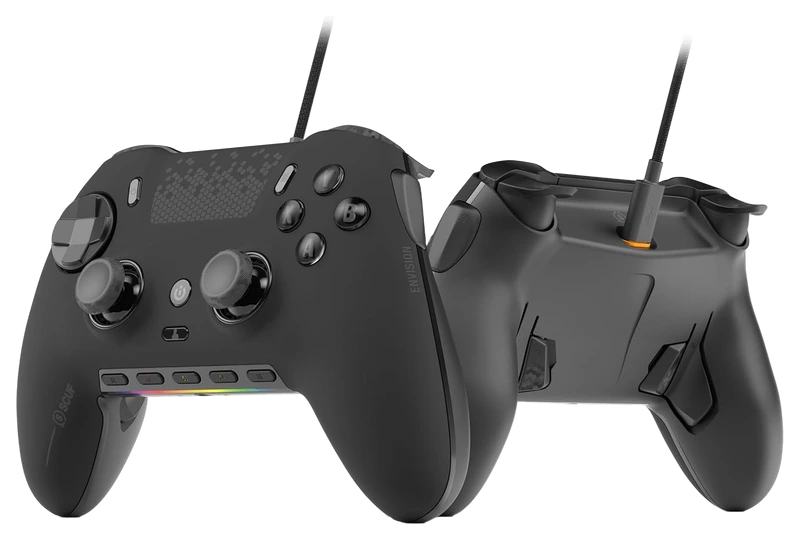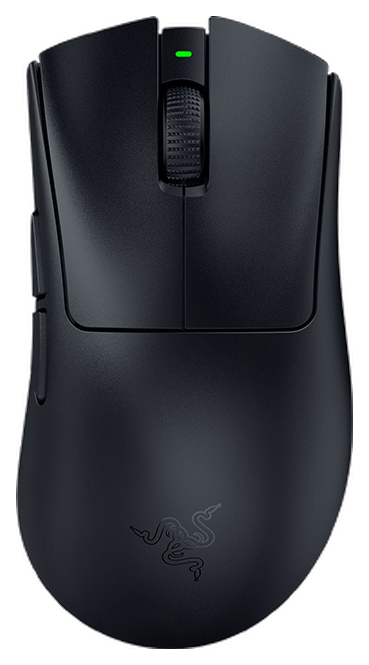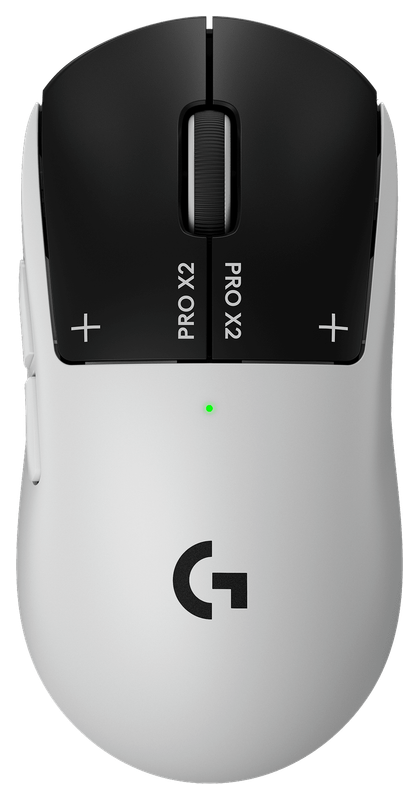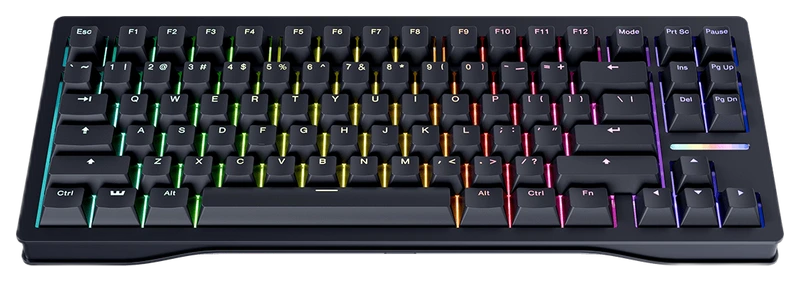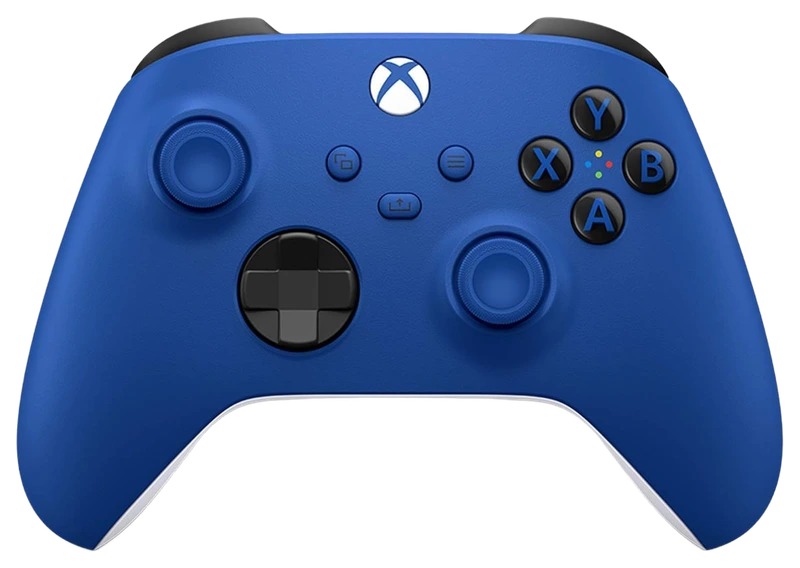
Rank 1.
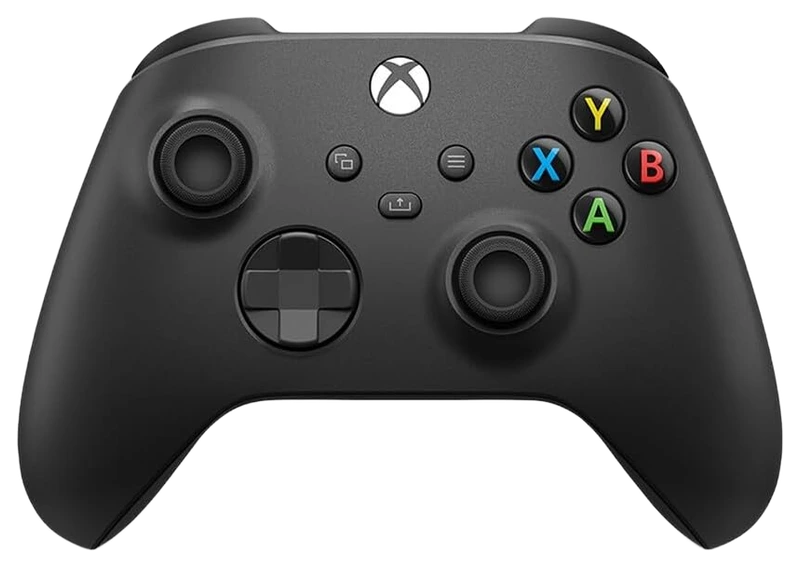
Verified Hours
4,155verified hours
Explore controllers ranked by verified, real Counter-Strike 2 playtime. Check Steam Input mapping, buttons and connections against the way you play.
Compare 72 controllers for CS2, backed by 42,586 Verified Hours. Steam opens the top three; the rest of the ranking stays visible.
Steam verifies game time. Players declare their gear.
Use CS2 players' Verified, Real Playtime to build your controller shortlist. Then check the layout you will actually use for movement, aiming, buying and weapon switching; the controller and its Steam Input configuration work together. Steam opens ranks 1–3; ranks 4–72 stay visible.
Top 3
Steam opens the full top three and their verified-hour totals. Any results ranked fourth or lower stay visible.
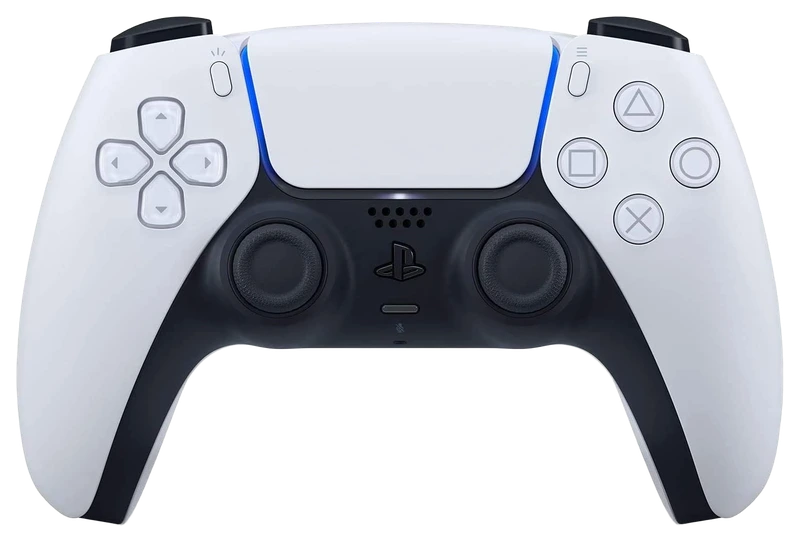
Verified Hours
1,965verified hours
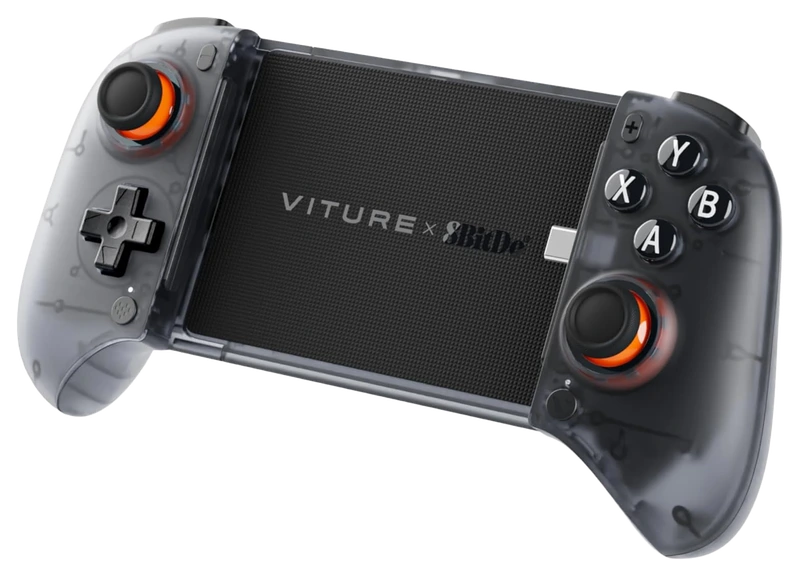
Verified Hours
1,374verified hours
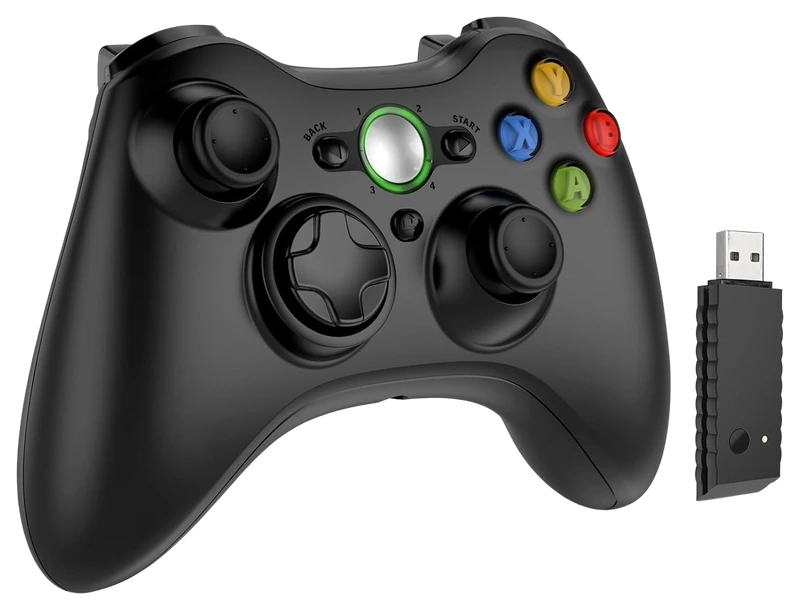
DYONDER
Verified Hours
1,172verified hours
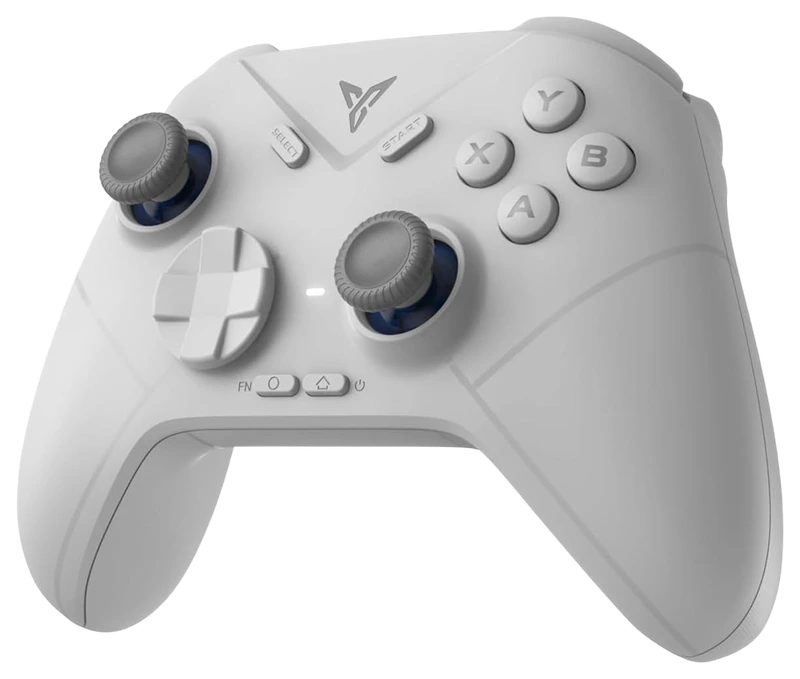
Verified Hours
1,128verified hours
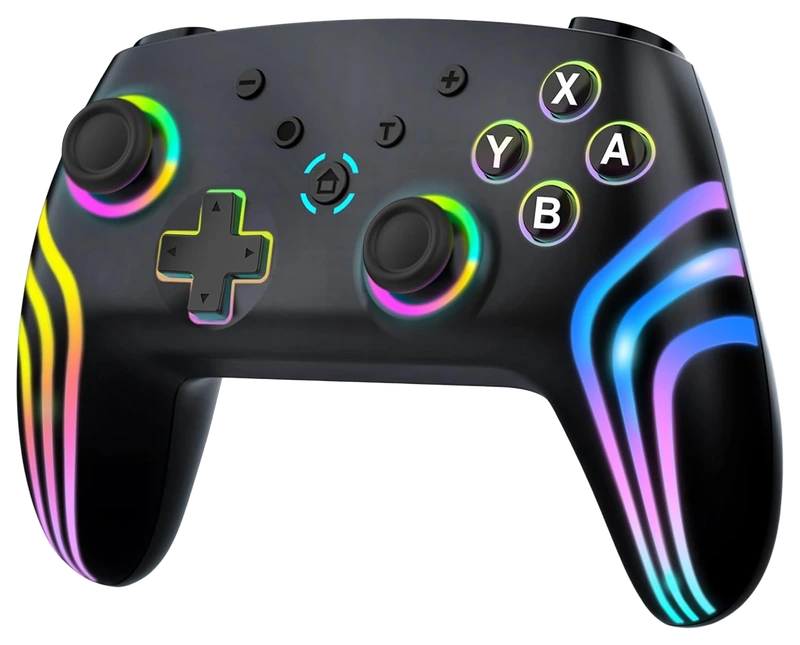
Verified Hours
1,100verified hours
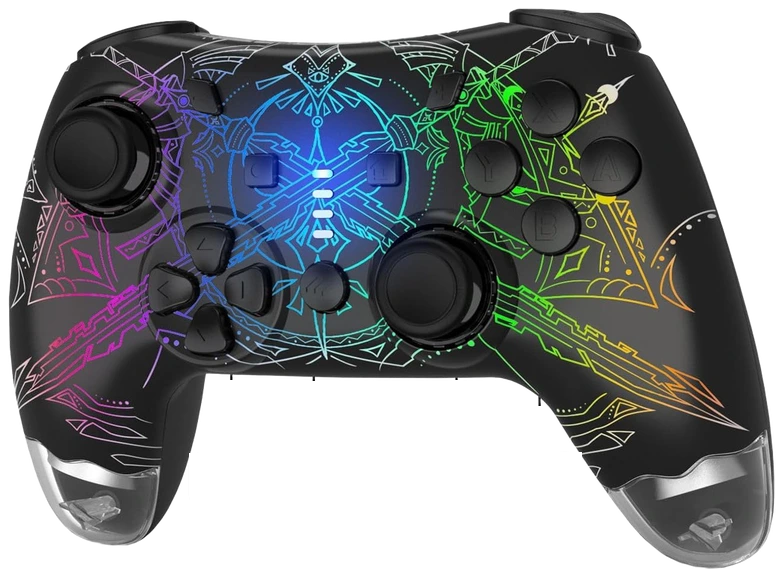
Verified Hours
1,038verified hours
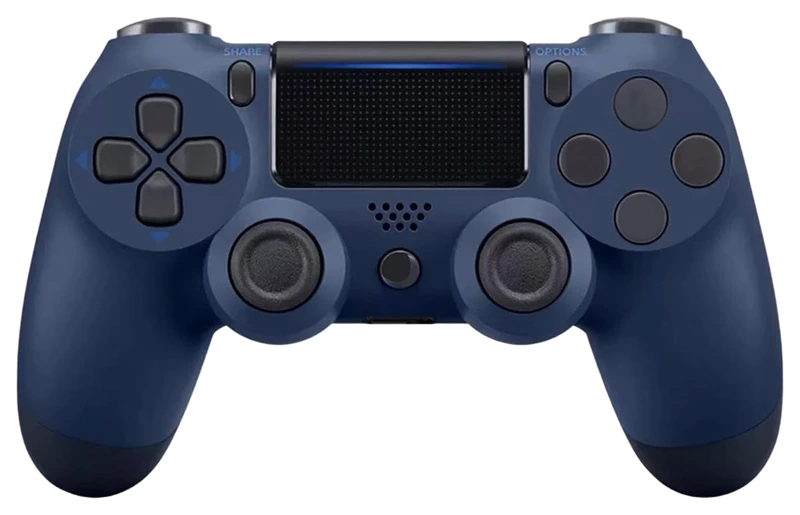
Verified Hours
1,037verified hours
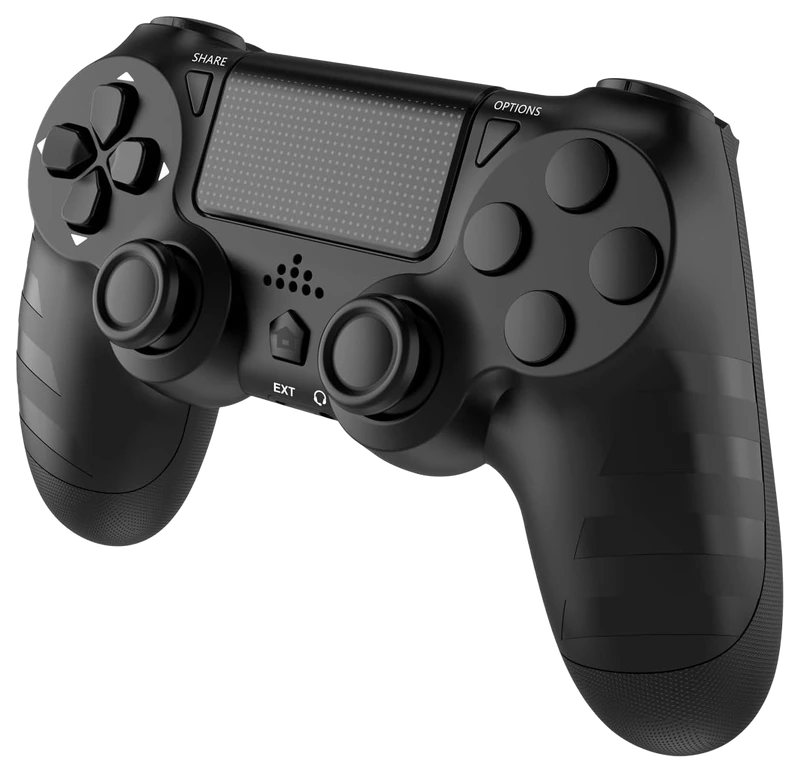
Verified Hours
998verified hours
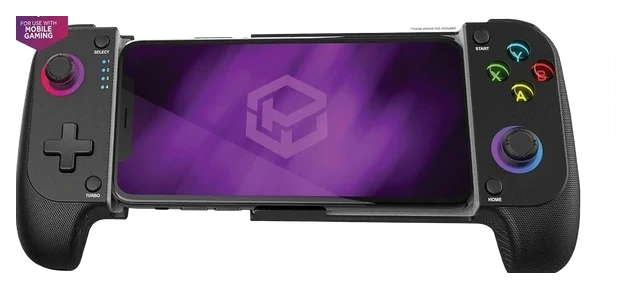
Powerwave
Verified Hours
997verified hours
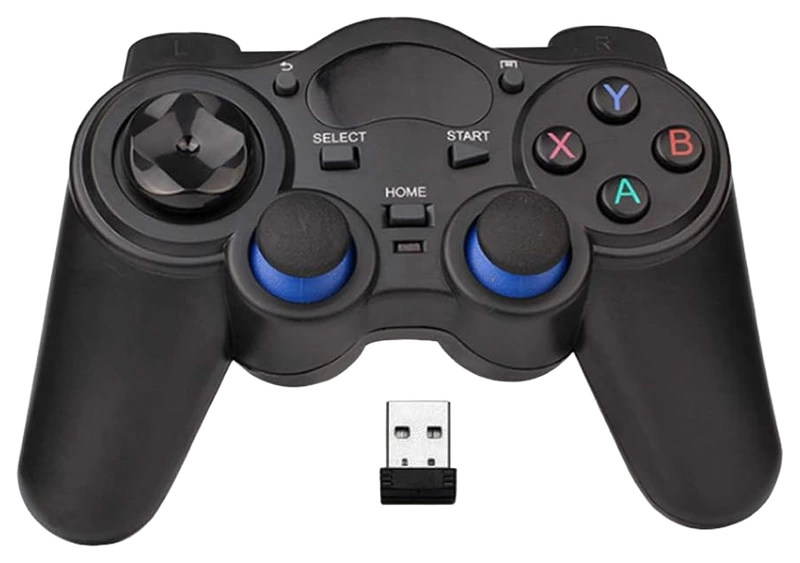
RIBOXIN
Verified Hours
996verified hours
Laser
Verified Hours
995verified hours
Verified Hours
920verified hours
Verified Hours
893verified hours
Verified Hours
878verified hours
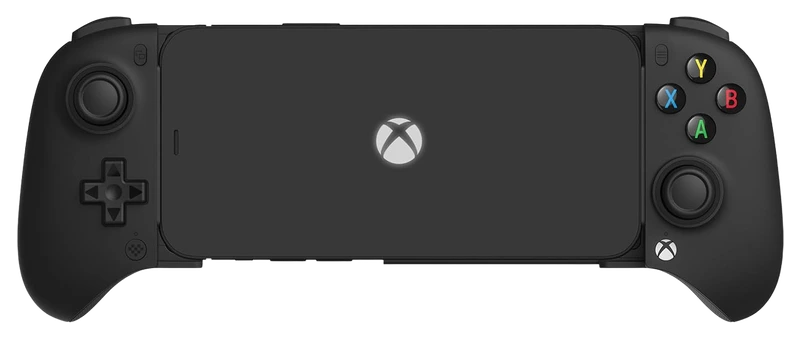
Verified Hours
877verified hours
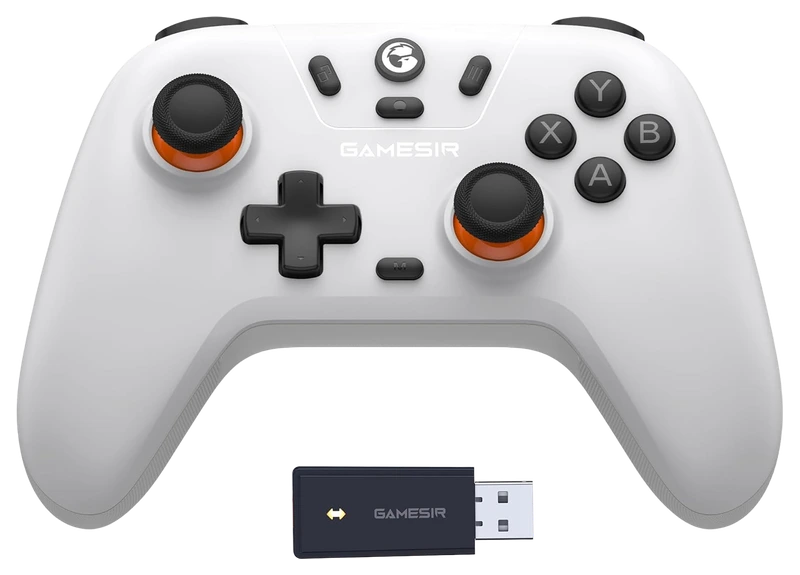
Verified Hours
838verified hours
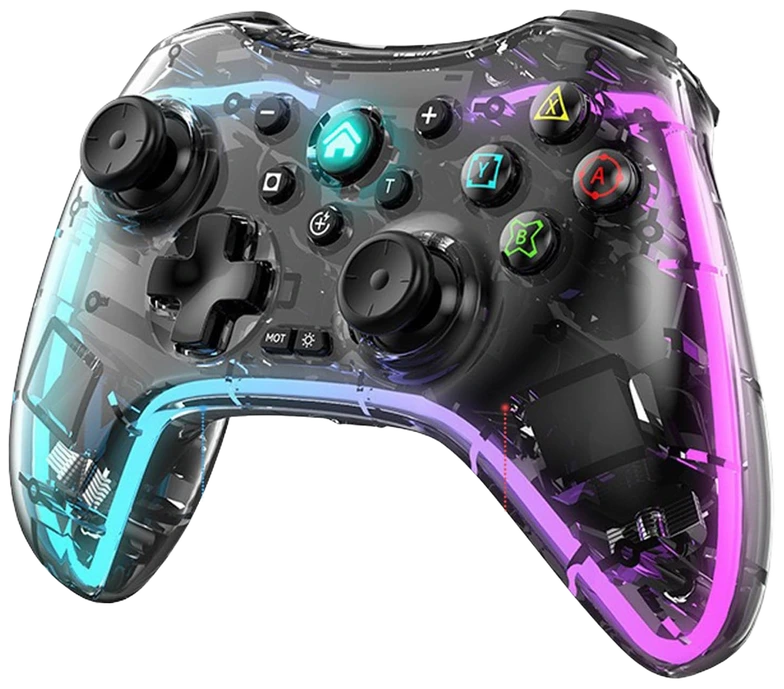
Verified Hours
837verified hours
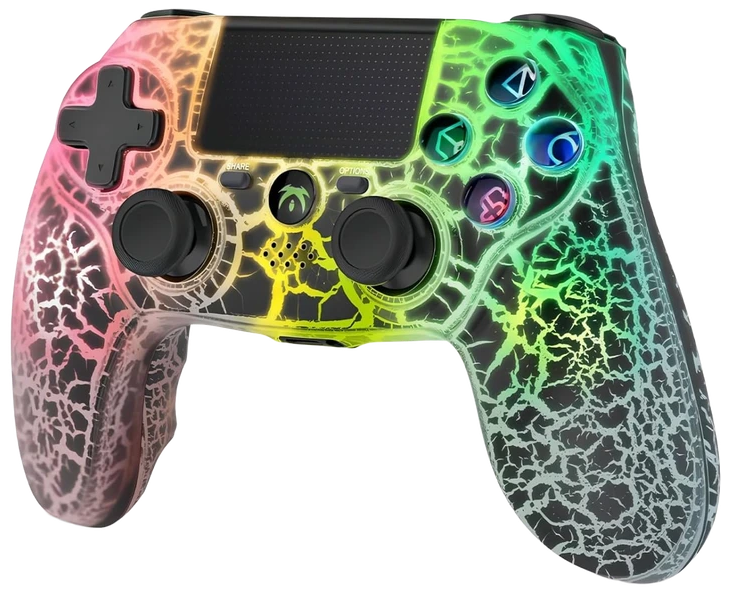
Verified Hours
836verified hours
Verified Hours
835verified hours
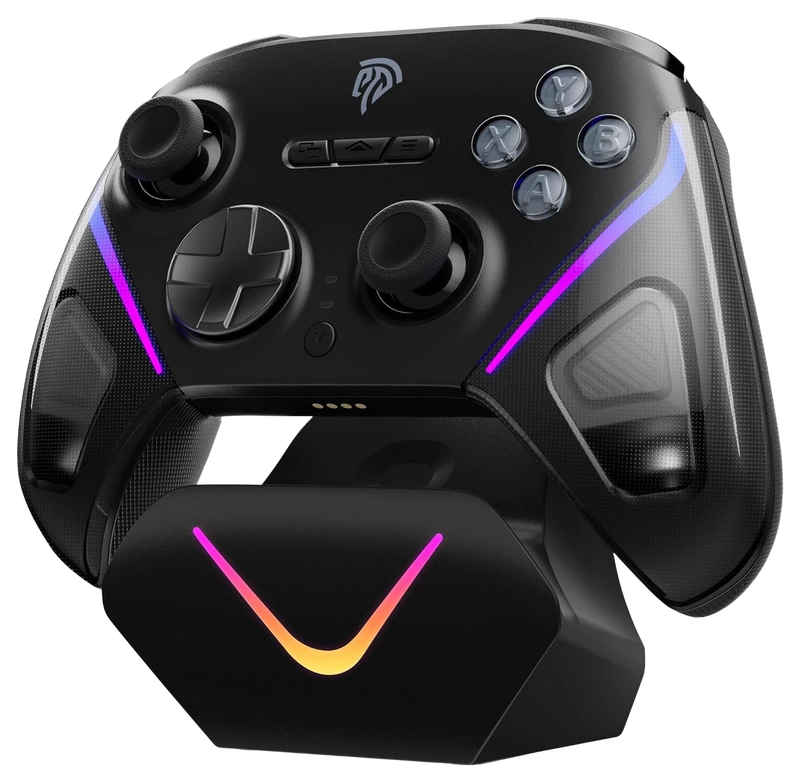
EasySMX
Verified Hours
735verified hours
Verified Hours
643verified hours
Verified Hours
558verified hours
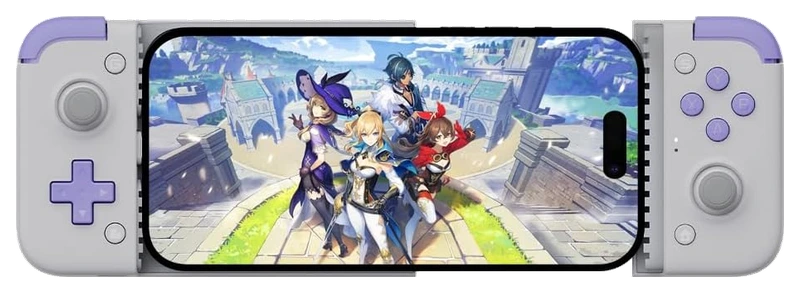
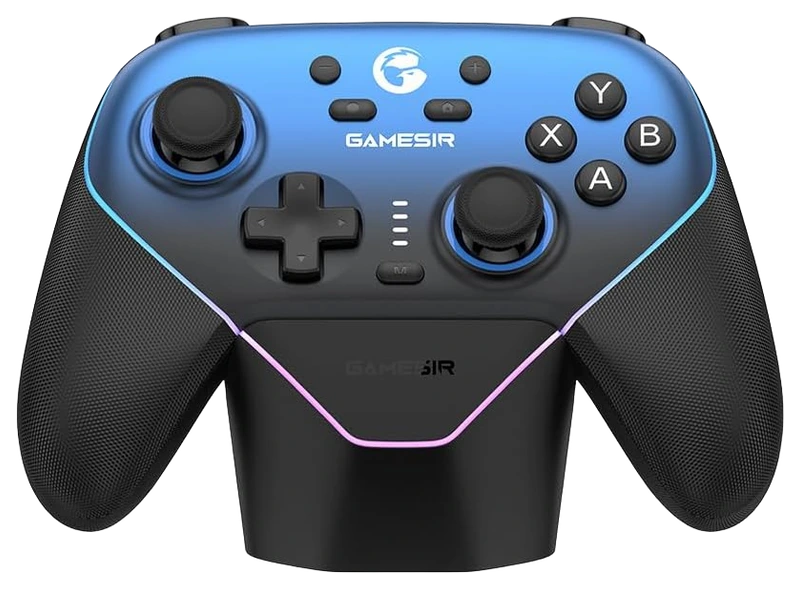
GameSir
Verified Hours
557verified hours
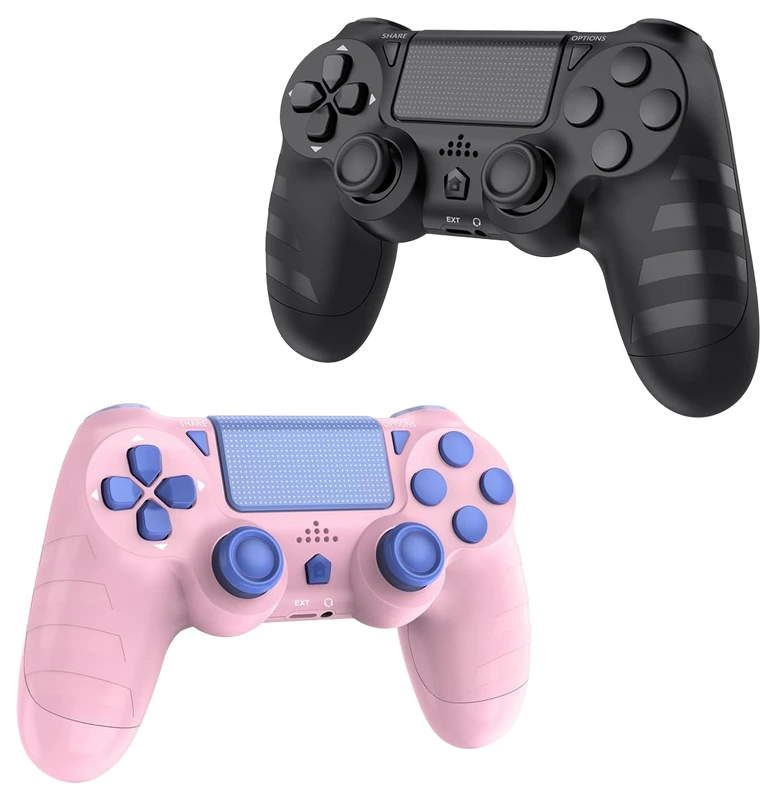
Verified Hours
556verified hours
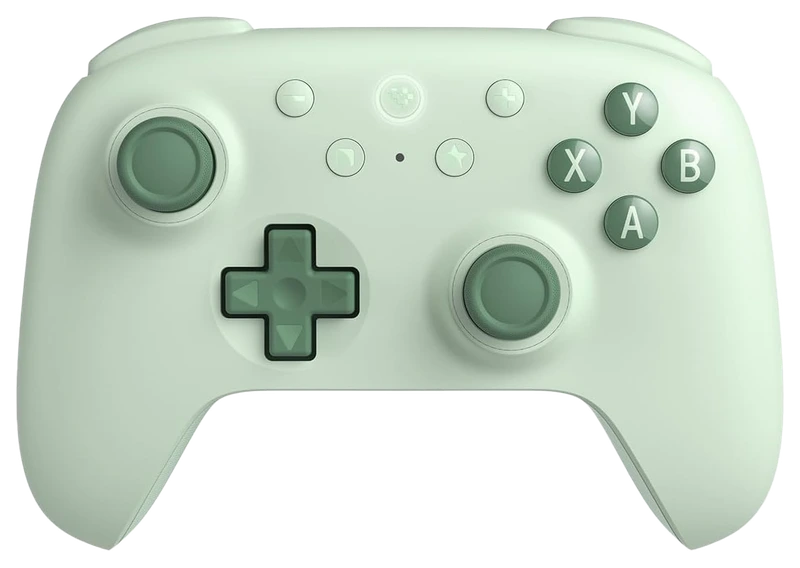
Verified Hours
555verified hours
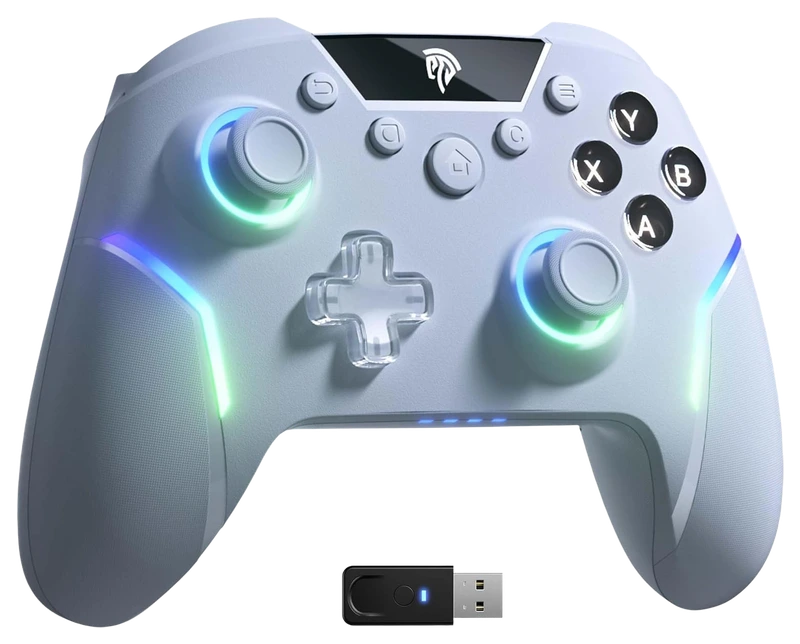
Verified Hours
518verified hours
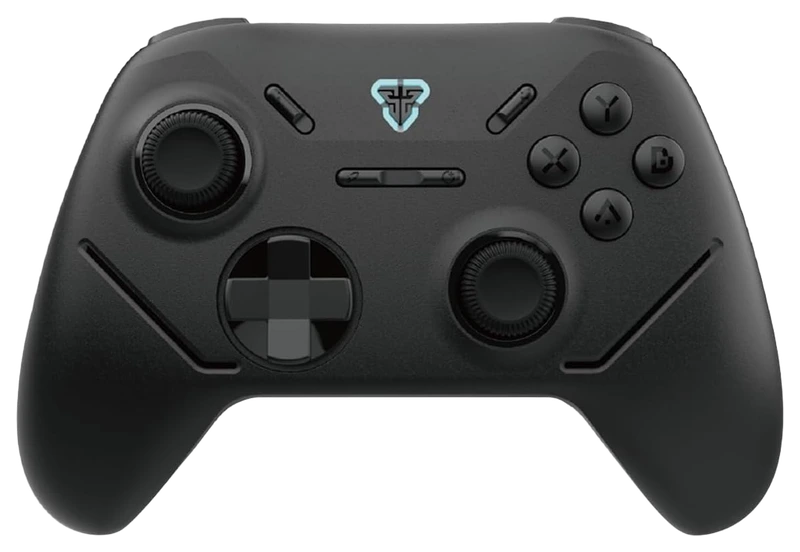
Fantech
Verified Hours
517verified hours
Verified Hours
516verified hours
Verified Hours
515verified hours
Verified Hours
478verified hours
Verified Hours
477verified hours
Verified Hours
476verified hours
YIOKER
Verified Hours
438verified hours
Verified Hours
437verified hours
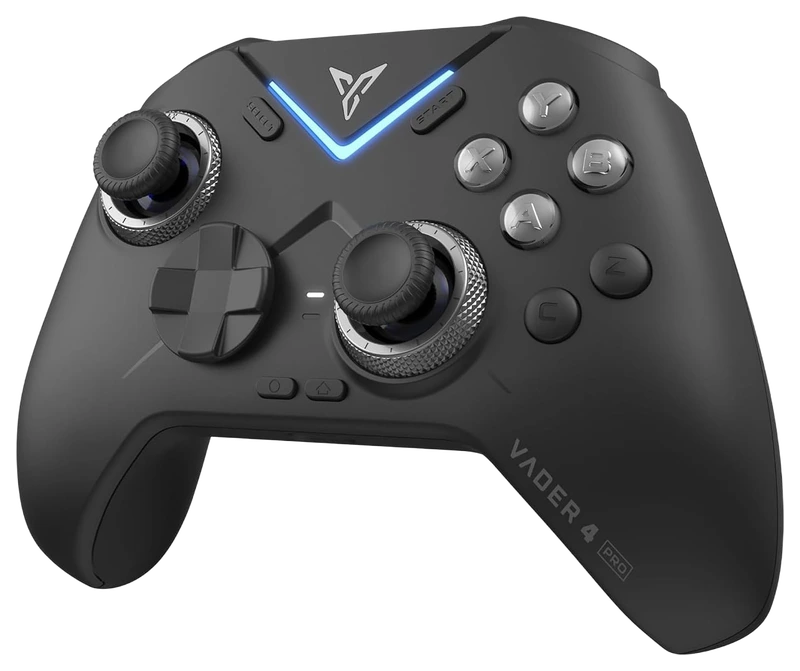
Verified Hours
436verified hours
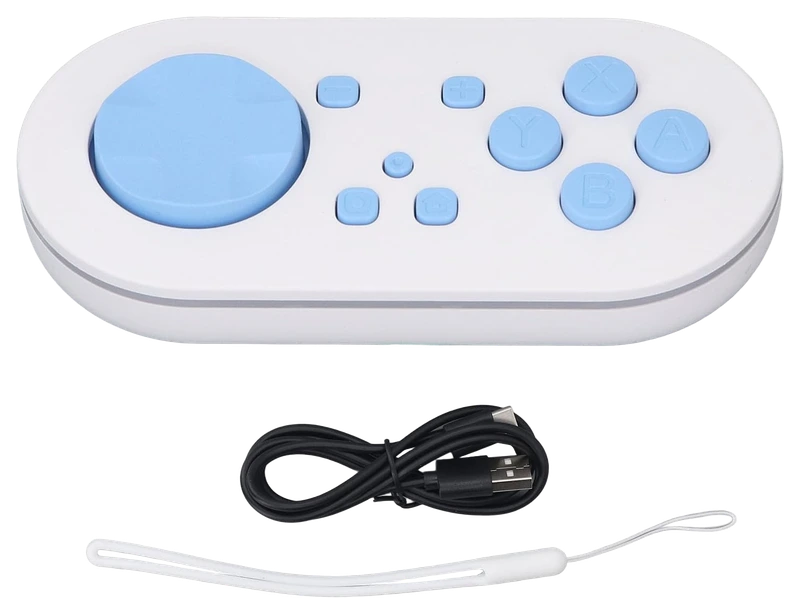
Verified Hours
434verified hours
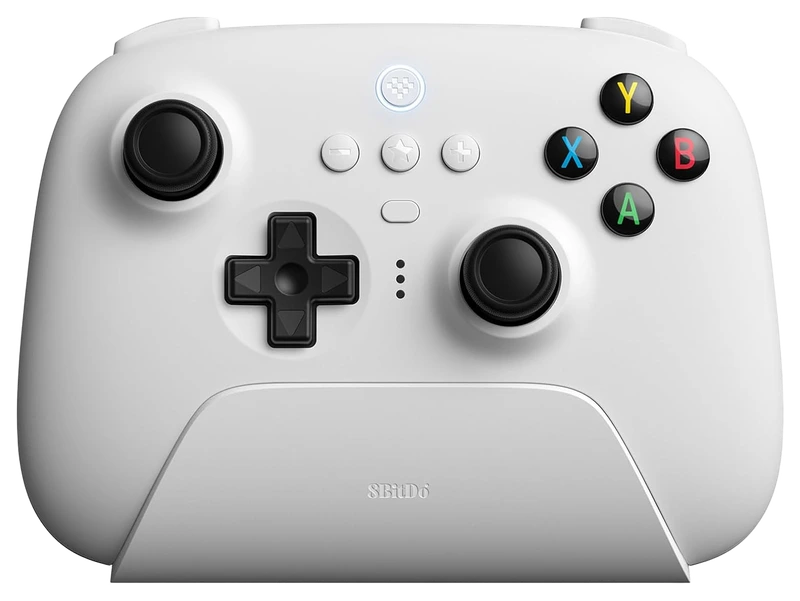
Verified Hours
398verified hours
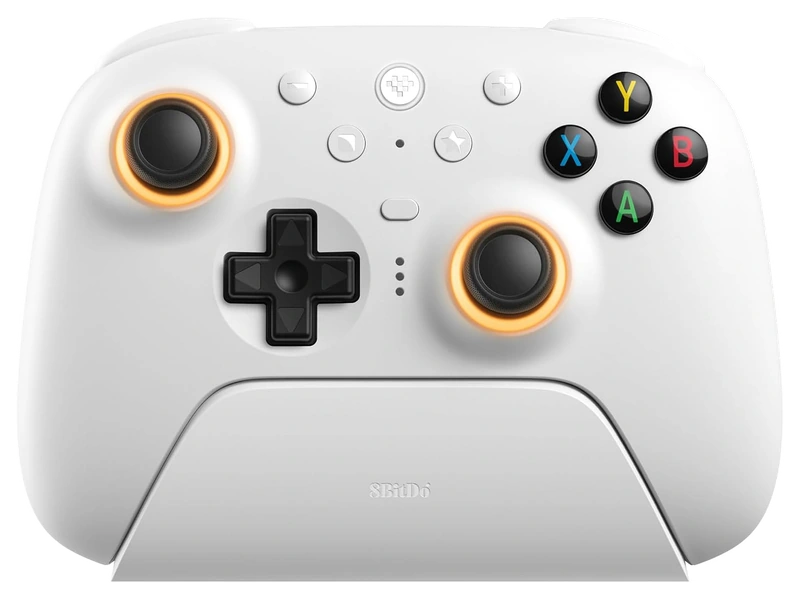
Verified Hours
397verified hours
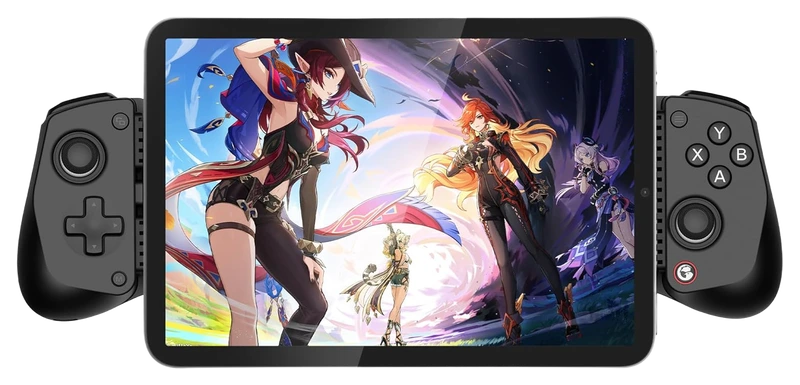
Verified Hours
358verified hours
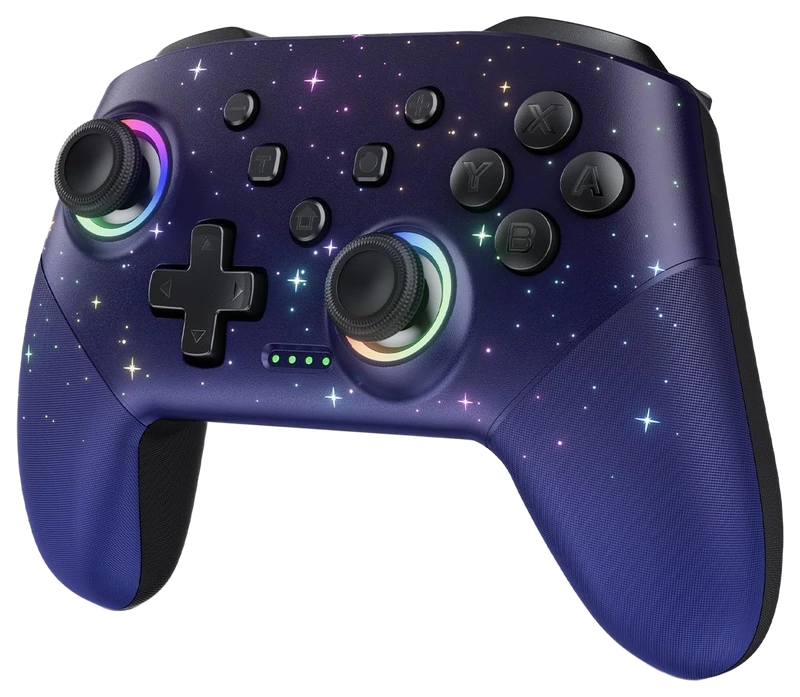
Verified Hours
357verified hours
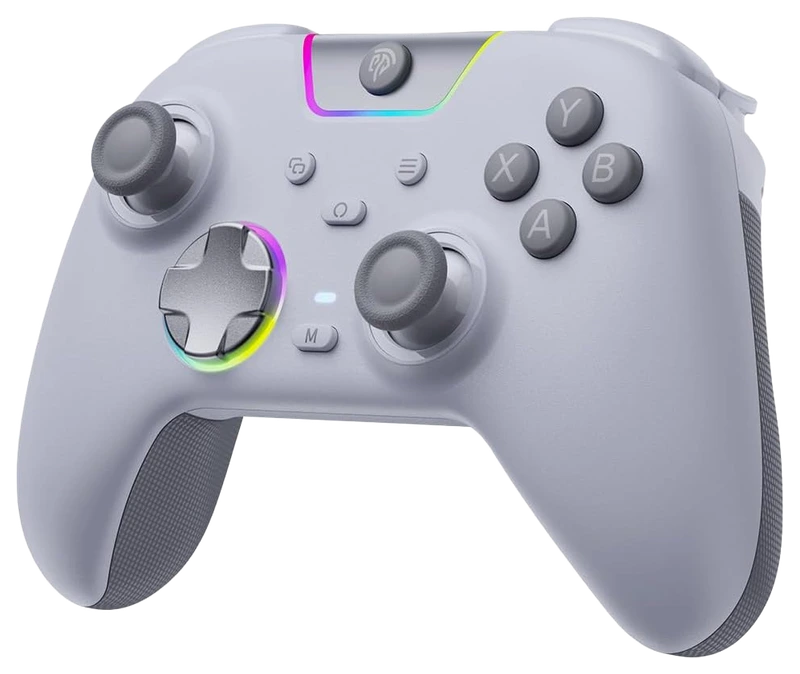
Verified Hours
318verified hours
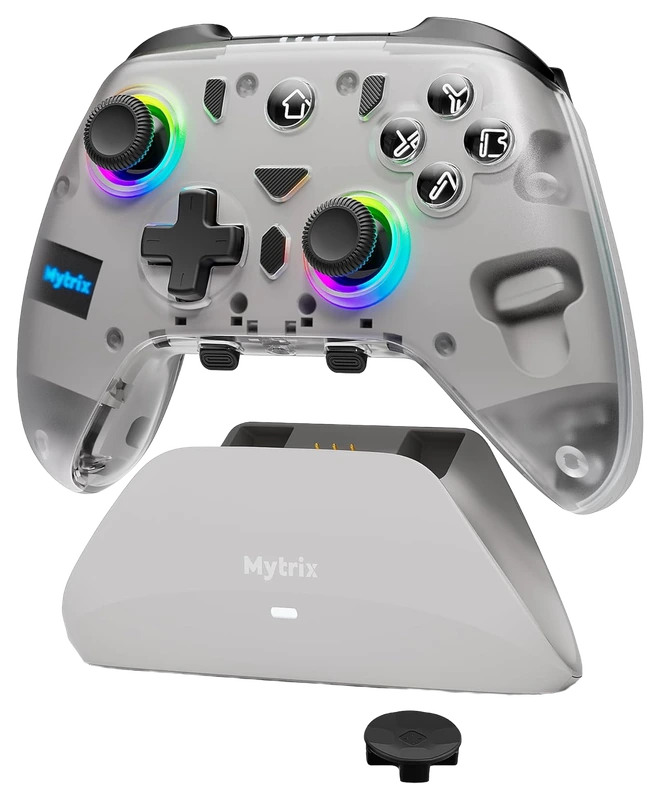
Mytrix
Verified Hours
317verified hours
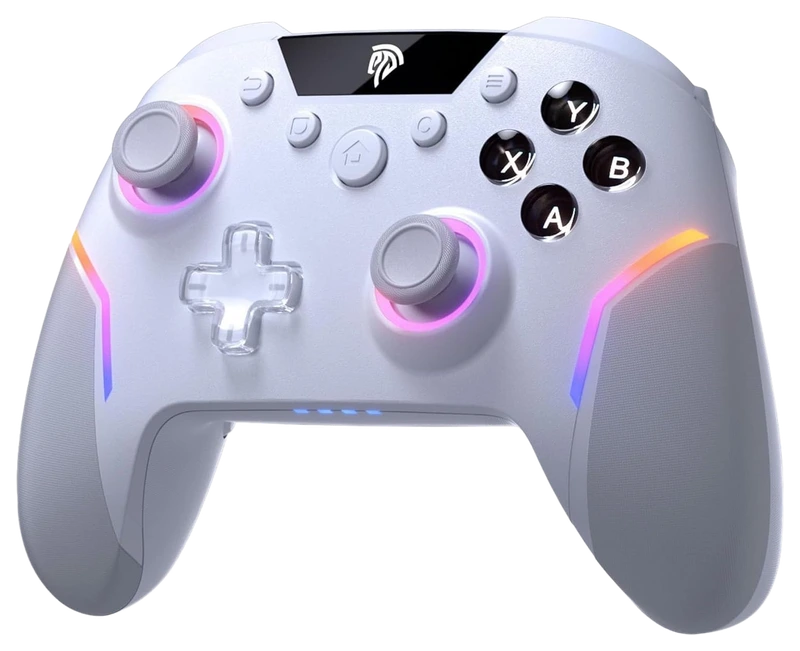
MiHan
Verified Hours
278verified hours
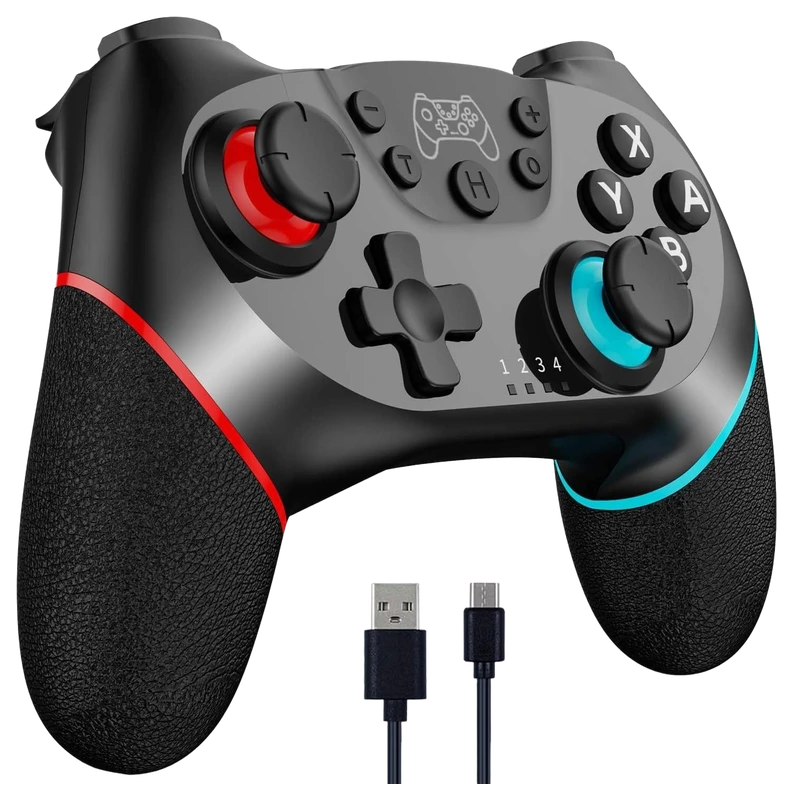
Verified Hours
277verified hours
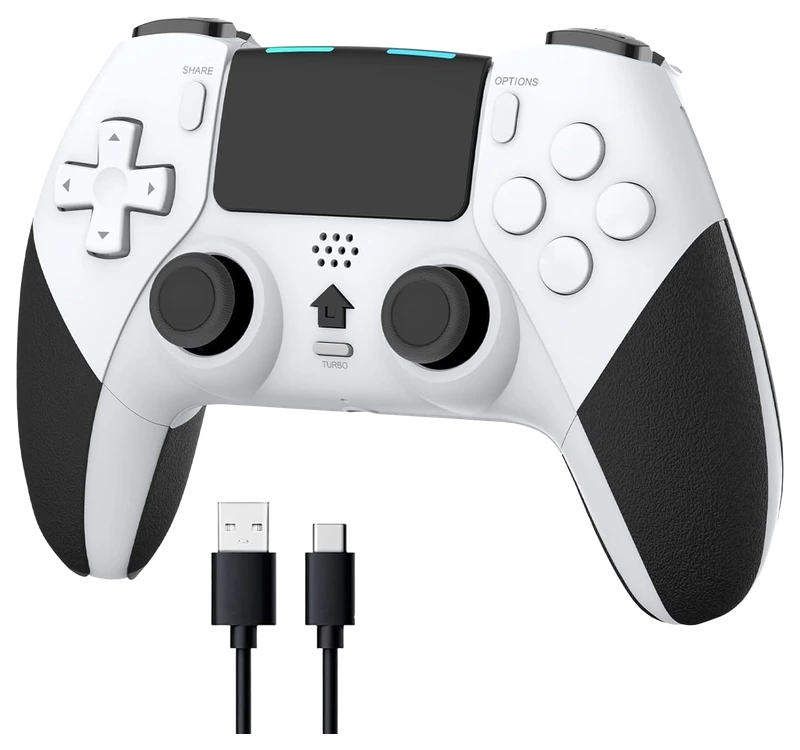
Verified Hours
276verified hours
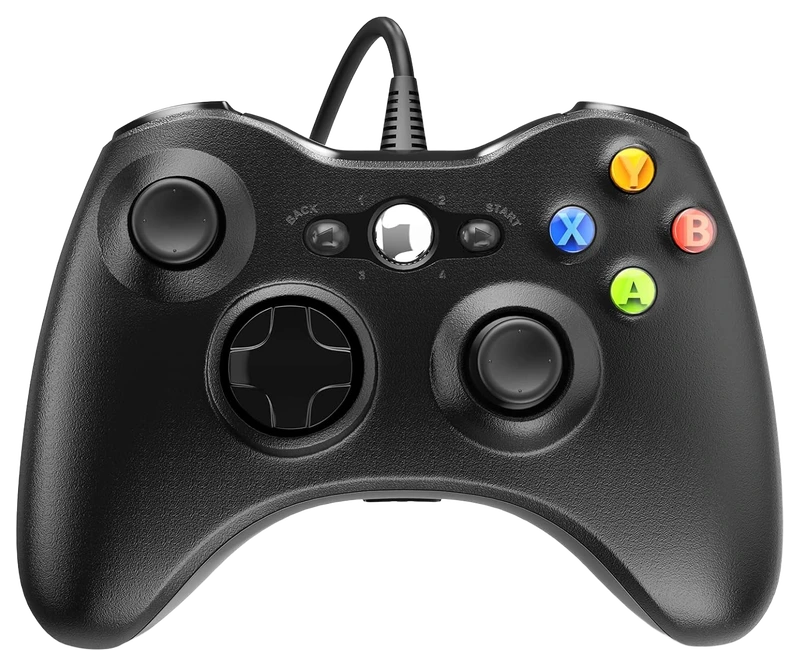
Verified Hours
213verified hours
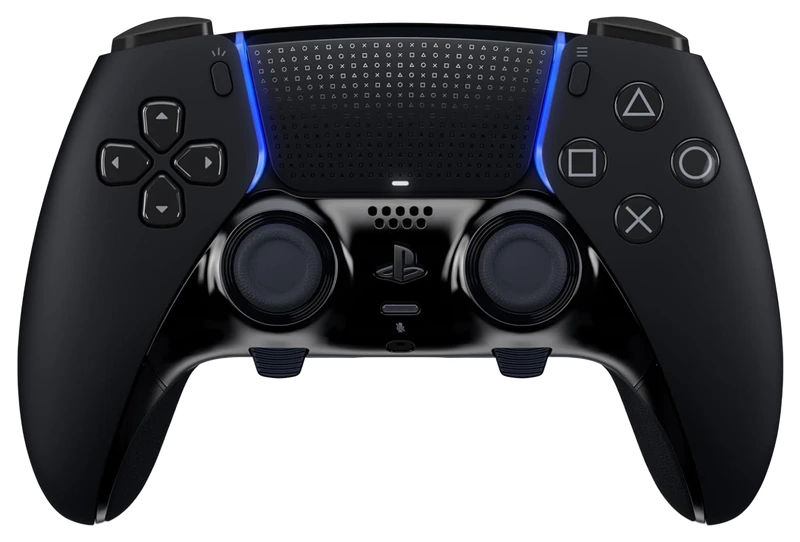
Verified Hours
198verified hours
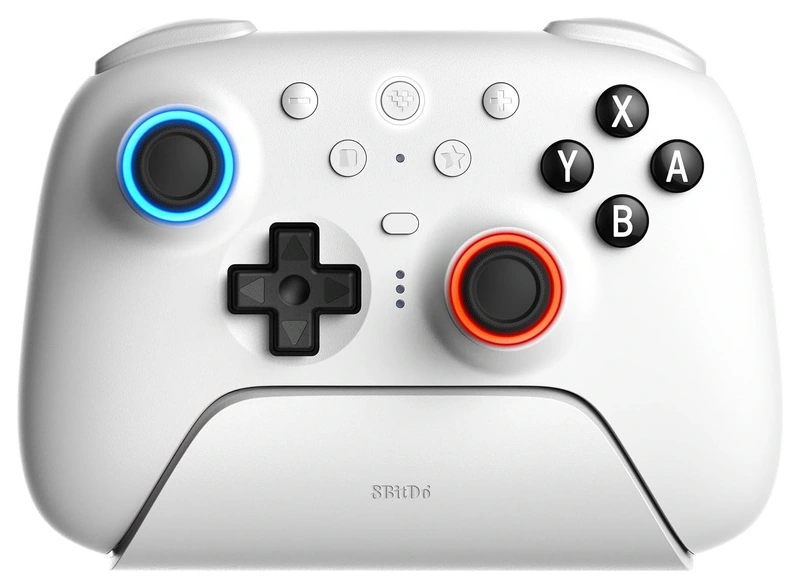
Verified Hours
197verified hours
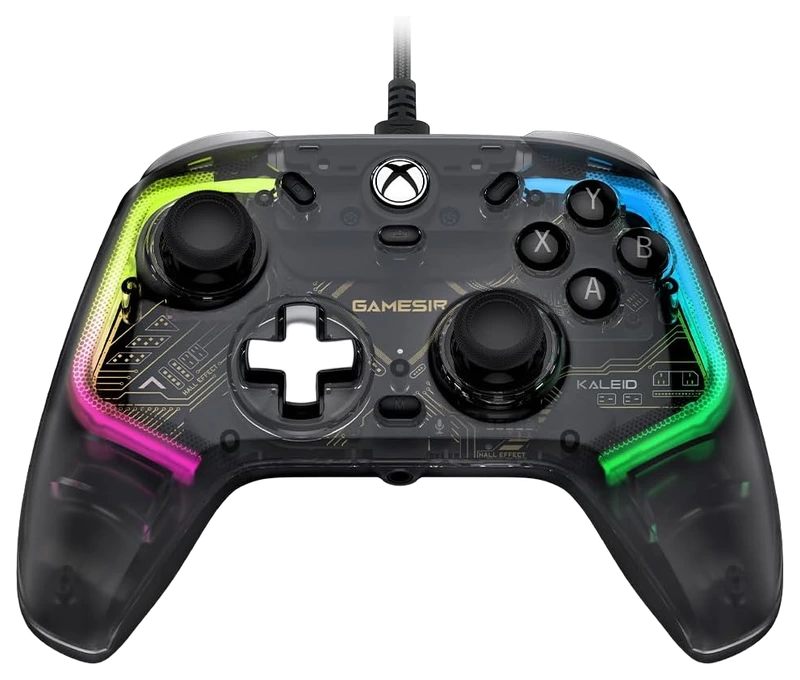
Verified Hours
196verified hours
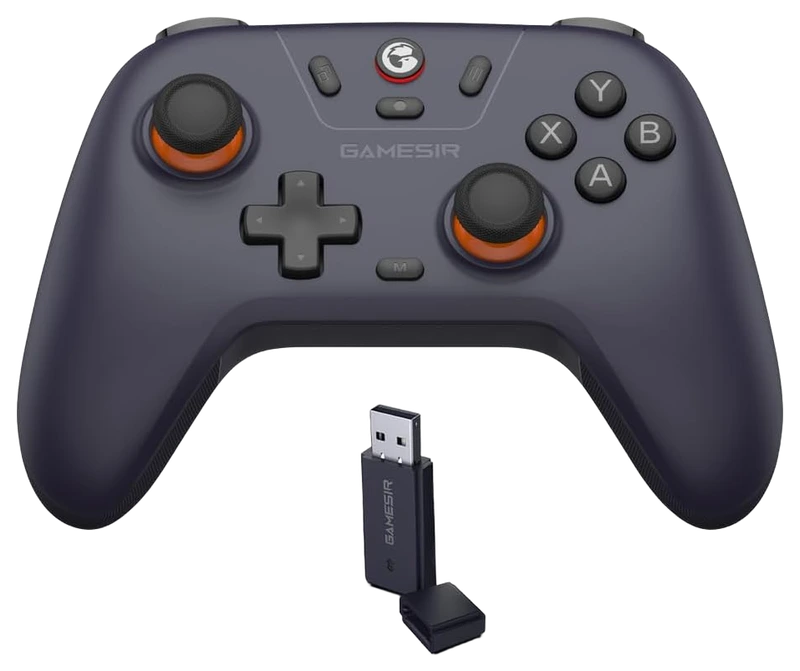
Verified Hours
158verified hours
Verified Hours
157verified hours
Verified Hours
156verified hours
Nintendo
Verified Hours
118verified hours
Verified Hours
117verified hours
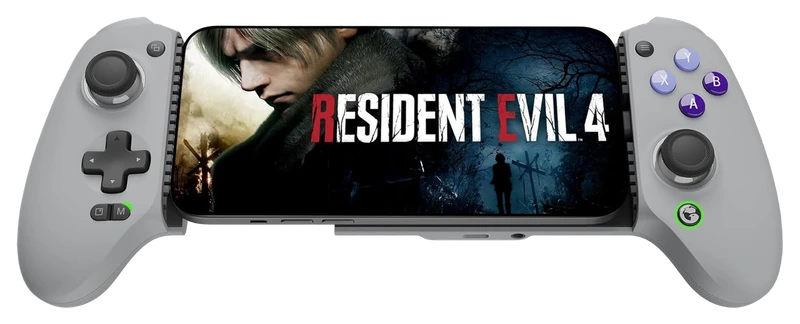
Verified Hours
116verified hours
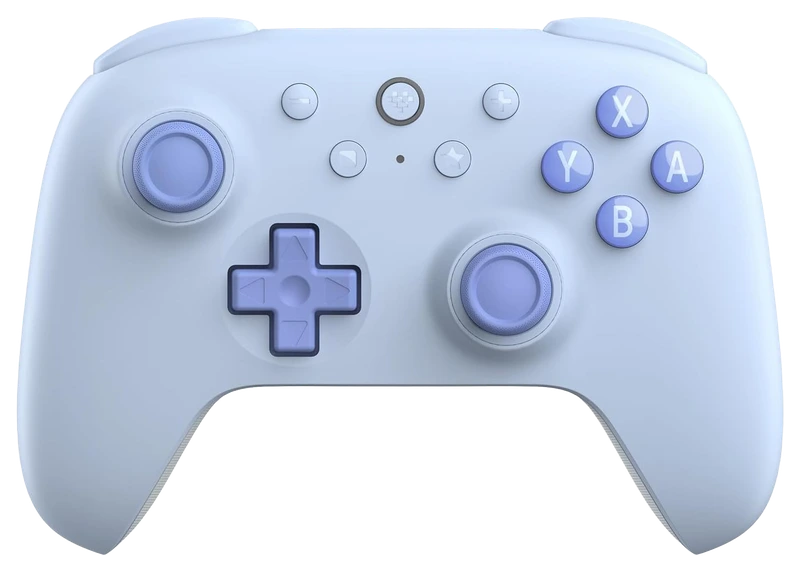
Verified Hours
115verified hours
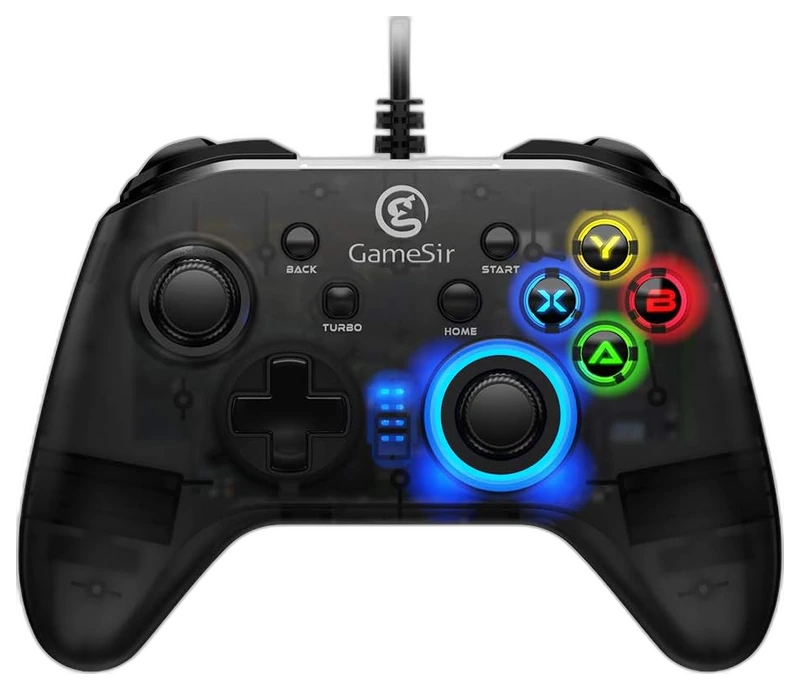
Verified Hours
114verified hours
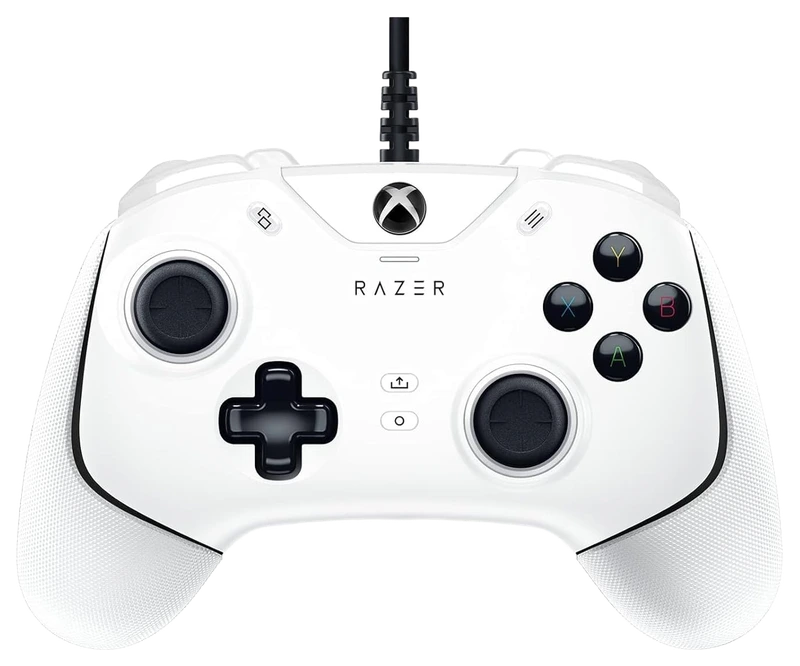
Verified Hours
113verified hours
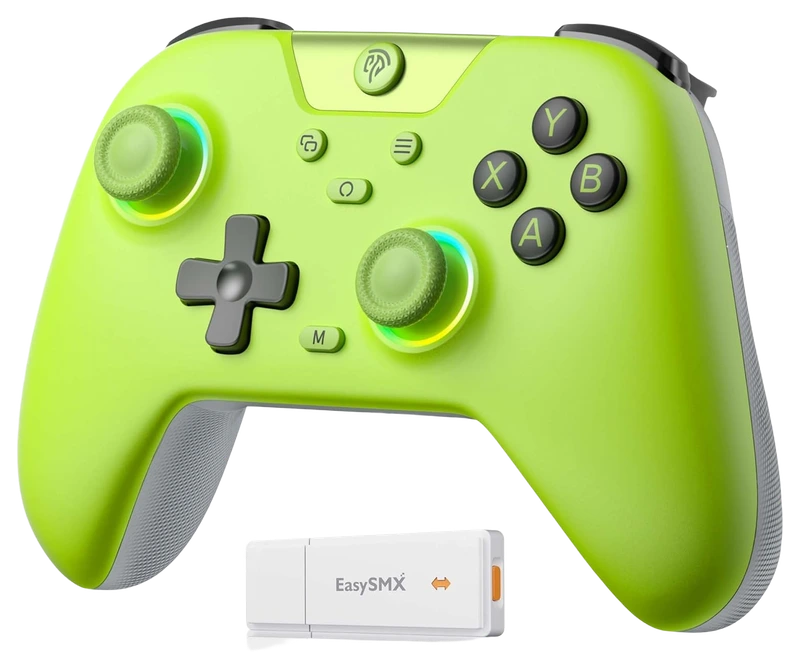
EasySMX
Verified Hours
78verified hours
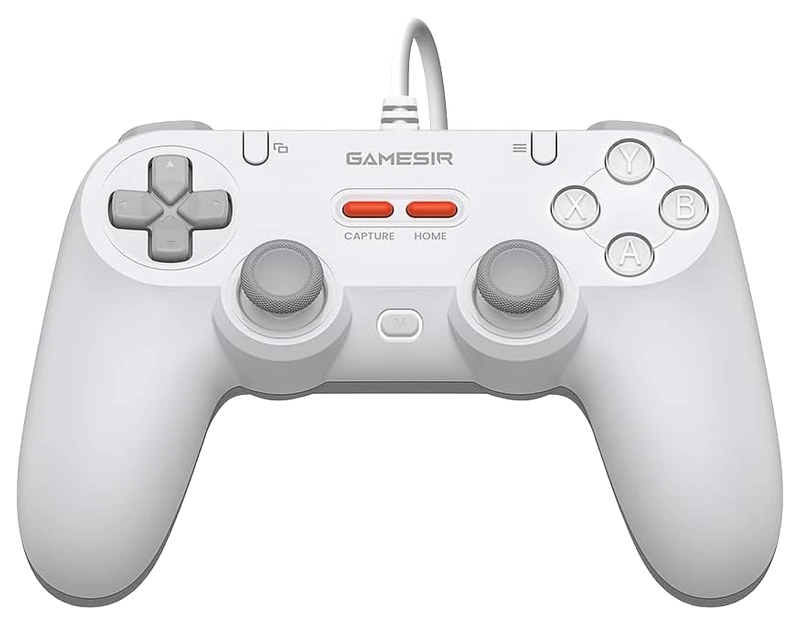
Verified Hours
77verified hours
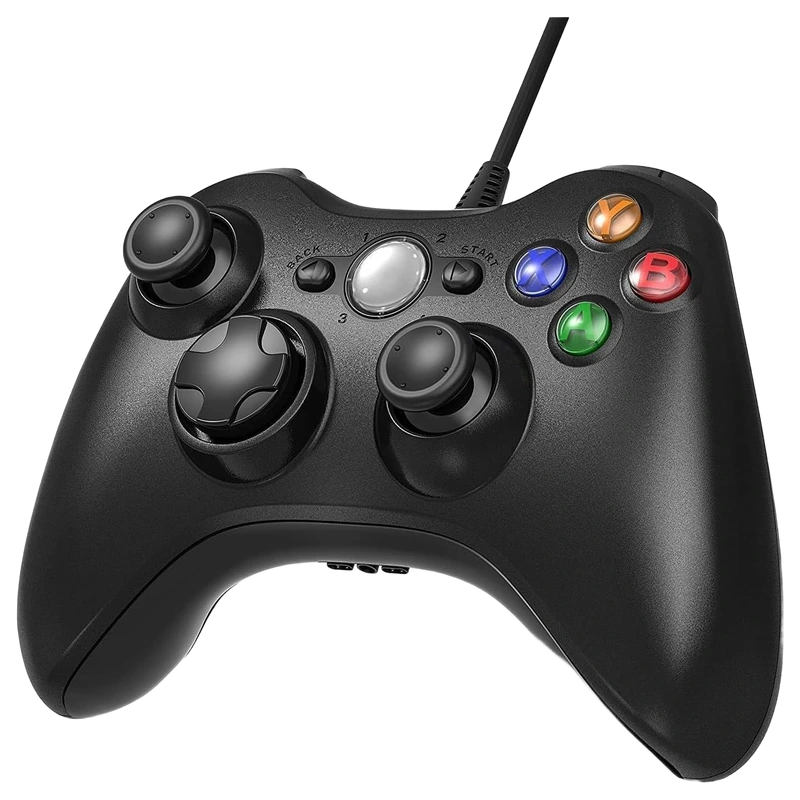
Verified Hours
76verified hours
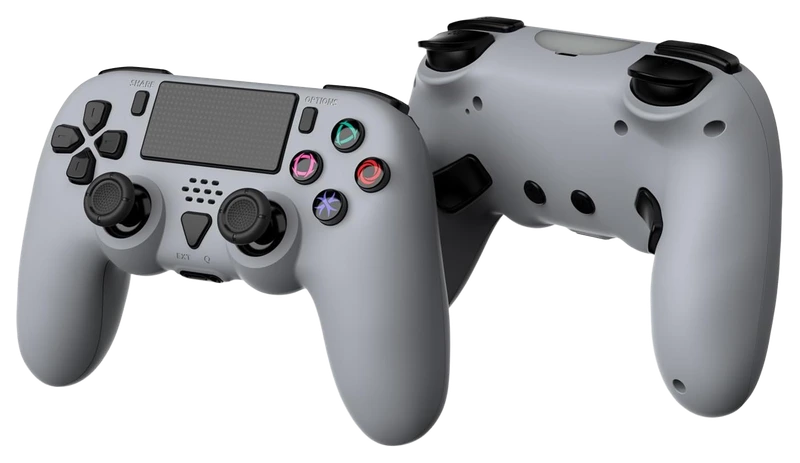
Verified Hours
75verified hours
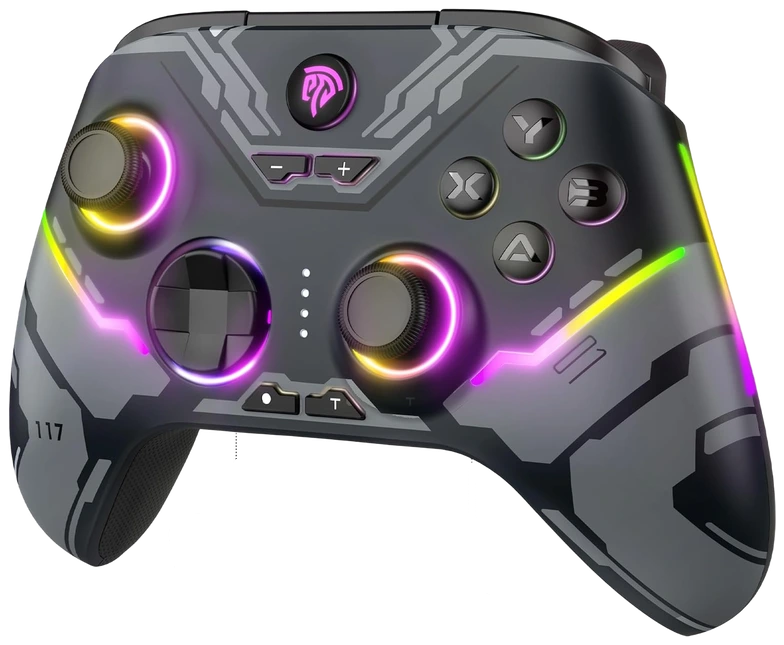
Verified Hours
74verified hours
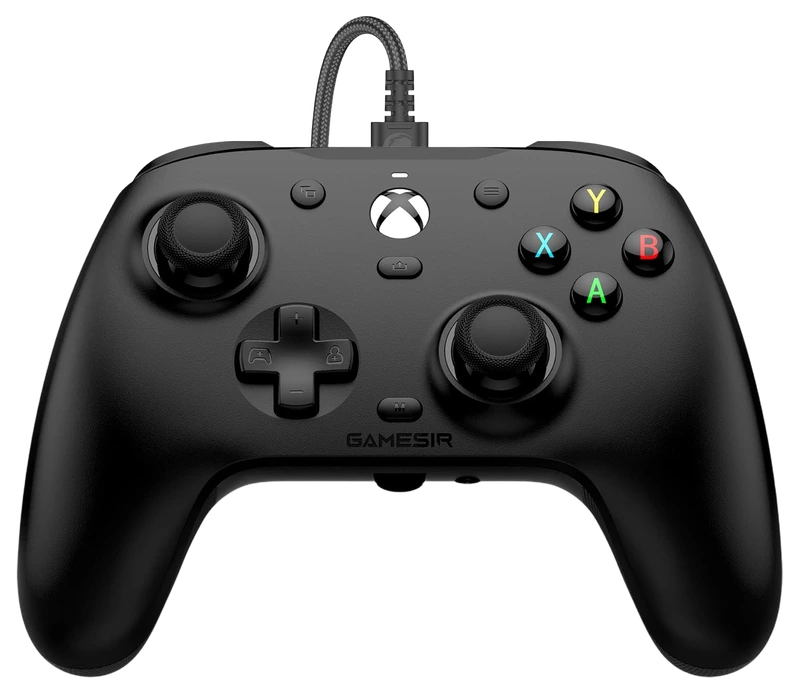
Verified Hours
73verified hours
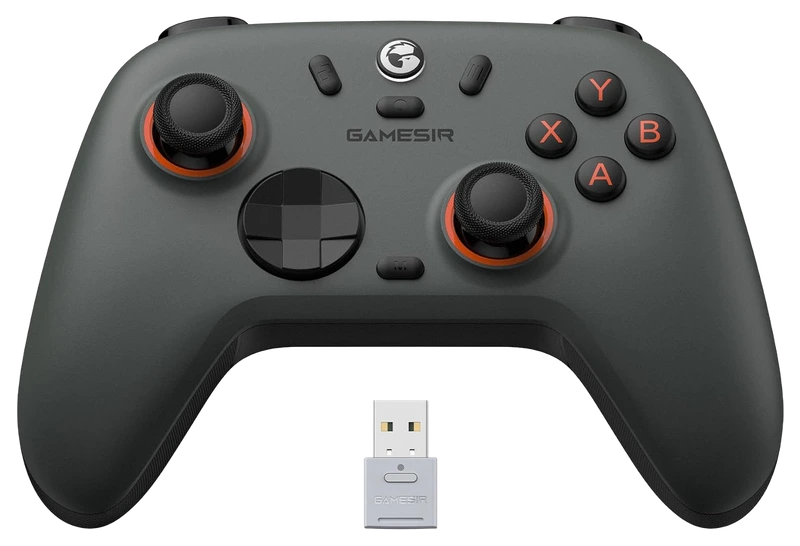
Verified Hours
72verified hours
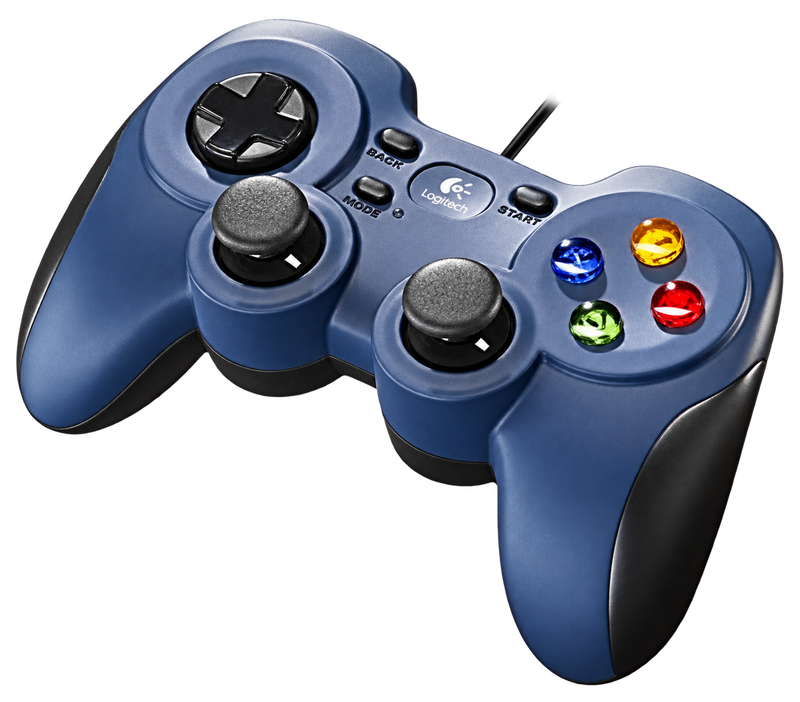
Verified Hours
71verified hours
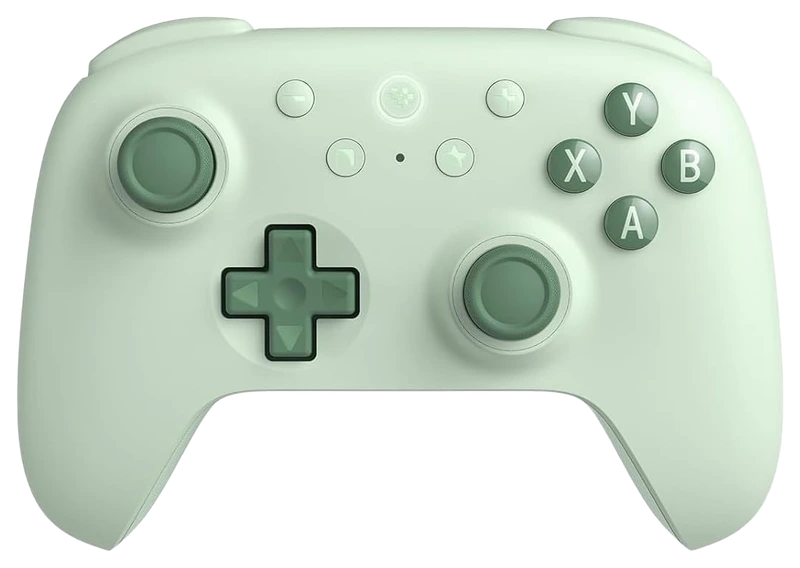
Verified Hours
38verified hours
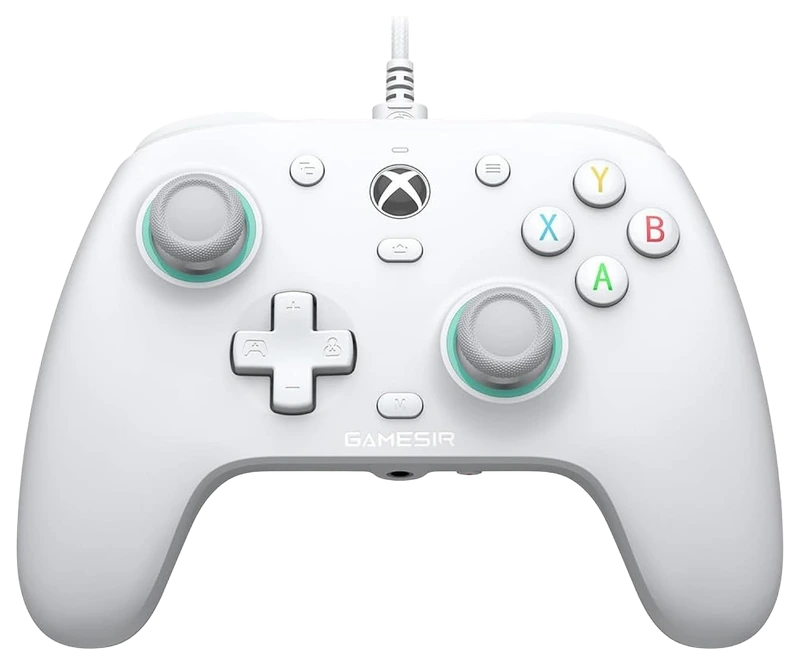
Verified Hours
37verified hours
GameSir
Verified Hours
36verified hours
Loading public CS2 setups…
Compare controllers for Counter-Strike 2. Check Steam Input mapping, buttons and connections.
Verified Hours determine the published order for Counter-Strike 2 controllers in this snapshot.
Ranking answer
Compare the published ranking above, then check fit and specifications. Sign in with Steam to reveal the leading products and their verified hours.
Reveal with SteamCompare grip, stick layout, connection options and game compatibility against the controls you use. The highest-ranked controller is a starting point, not a guarantee of the best fit for you.
The Best CS2 Controllers board is backed by 42,586 verified hours in the cited snapshot.
Counter-Strike playtime scope. Steam's app 730 record includes CS:GO-era hours as well as Counter-Strike 2. The cumulative record does not isolate CS2-only playtime, individual match lengths or when those hours were played. See Steam's Counter-Strike 2 listing.
Check the game, operating system and console separately, using the exact model and connection mode. PC compatibility does not establish Xbox or PlayStation compatibility. Confirm button mapping and any software requirement before buying; a place in this board is not a compatibility test.
The sensor type alone is not a whole-controller lifetime guarantee. Hall-effect and tunnel magnetoresistance (TMR) use magnetic sensing, as described in GameSir's technology guide. Compare calibration controls, centering behaviour, repair options and warranty terms for the exact model. Check unwanted input with the sticks released before adjusting a deadzone (stick movement near the centre that is ignored).
Choose them for actions you can reliably reach and map. Check whether back buttons duplicate existing inputs or expose additional controls, and whether profiles save on the device. Trigger stops shorten physical travel on supported models; test the available trigger range against the actions your game needs.
Polling rate is how often a device sends input data to your PC. Compare stick and button measurements for USB, receiver and Bluetooth separately. A 1,000Hz report rate has a calculated 1ms interval, not a guaranteed 1ms game response. Check the supported rate and features in each mode; a USB charging cable does not by itself establish wired data operation.
Try the stick layout, grip size and bumper reach before choosing. Compare battery claims at the stated settings. Check charging options and replaceable parts. Check local warranty and repair support. Published player hours and battery-life claims do not measure how reliable the controller is over time.
Check the exact model's current local price. Compare included accessories, delivery, return policy and warranty. Record the currency and check date for each offer. Start with this board's published order, then choose a model that meets your needs and budget. Rank does not show today's best value.
Start with the controls you need: stick aiming, gyro, button reach and your PC connection. Then check the Steam Input layout you will use. The verified hours rank players’ declared gear choices; they do not certify that a controller, connection or configuration works in the current CS2 build.
Native input lets a game interpret controller commands. Steam Input can also translate a controller into keyboard and mouse commands. Valve documents both approaches; a missing controller-support badge alone does not establish that remapping cannot work. Check the current CS2 store page and the active layout before relying on a configuration.
Valve’s gyro-to-mouse and flick-stick modes produce mouse output. Mixed mouse and gamepad inputs can cause game-specific conflicts, so check camera movement and button actions together. A gyro sensor is a hardware capability, not a promise of aim assistance or a tested CS2 setup.
| Controller | PC connection | Gyro decision |
|---|---|---|
| Xbox Wireless Controller | Microsoft documents Windows Bluetooth support. | Valve documents no gyro support in Xbox controllers; choose another input method for motion aiming. |
| DualSense wireless controller | Sony documents USB and Bluetooth on supported Windows PCs; some features depend on the game and connection. | Valve documents an internal gyro. Check that your selected Steam Input layout exposes and maps it. |
Documentation reviewed . HOURS.gg has not completed a hands-on compatibility test for these controllers in the current CS2 build. This checklist provides a way to validate your setup; it does not report measured latency or confirmed aim-assist behavior.
Buying for CS2
Find the features you need, then compare the verified hours behind the ranking. Named picks meet the stated specification requirement.
Buying question 01
Check how CS2 and your Steam Input configuration map the controller's sticks, triggers and buttons. Compare latency measurements for the connection mode you plan to use.
Compare the ranked modelsBuying question 02
Extra inputs can reduce finger movement, but only if the game and your Steam Input configuration expose a reliable mapping.
Compare the ranked modelsBuying question 03
Compare current local price, supported connections, replacement parts and warranty for the exact model. Use the published ranking alongside those practical checks.
Compare the ranked modelsCheck specifications, fit and price after the published ranking narrows the field.
The useful connection is game experience and a player’s declared main. Keep the game, board and snapshot together when reading the ranking.
01 / Game
This board connects CS2 Steam game hours with players' declared main controllers. Keep that game experience beside the published order when comparing models, then check your own layout: the hours do not identify which Steam Input bindings each player used.
02 / Backing
Compare the verified hours backing each player-declared controller. Open the full list to see more products, with the published hours and original ranks intact.
03 / Your main
Connect Steam through Hours.gg, then choose the controller you declare as your CS2 main. Your saved gear and the published ranking update separately.
Before buying, confirm the layout, platform support and connections of the exact model. Read the fit guidance
Confirm Steam detects the exact controller, then inspect the active CS2 layout. Check whether it sends gamepad inputs or maps mouse and keyboard controls. In practice, test movement and aiming together, plus buying, reloading and weapon switching. If you use gyro, check its activation binding alongside those actions. Valve: controller input and remapping guidance
Hours’ established model connects verified game experience with players’ declared main gear. The ranking gives you that game-specific starting point when choosing a controller. Manufacturer specifications help you check the resulting shortlist.
Players report their gear to Hours. Steam supplies game-playtime information. Keep those two sources distinct: a declared main is the player’s choice, and game time is the experience backing it.
Verified Hours are the verified player game time backing a player-declared main under Hours’ established methodology. This board keeps the published hours for each controller in the CS2 snapshot. The numbers are game experience, not a laboratory score.
The ranking reflects the verified hours backing each player-declared controller in Hours’ existing board. It does not measure hardware performance or confirm fit and compatibility with your setup. Use the ranking to start your decision, then check the exact model’s layout, platform support and connections.
Steam records game time, which Hours connects with a player’s declared main under the established methodology. It does not record physical device-use duration.
Connect your account to verify available game playtime and open the top three when your account is signed in and Steam-verified. You can then choose the controller you declare as your CS2 main.
Under the existing Hours model, your declared main carries your game’s hours in the published game scope. It records your choice; it does not establish when you bought the controller or when you used it. See the established methodology for how those hours count.
Opening the full list displays more products. A product at rank 8 remains rank 8, with the same verified hours. The Steam rule follows original ranks 1–3, so opening the list cannot unlock them.
Check the exact model’s layout, platform support and connections before buying. The fit guidance is available above. Those details support the playtime-led choice; they do not change this board’s order.
This board displays its published snapshot dated . Steam’s app 730 cumulative record includes the CS:GO era; it cannot isolate CS2-only time or individual matches. Your account’s latest synced playtime and the published ranking update separately.
Game boards rank the most-used gear among Hours.gg's verified players in the named game, category and snapshot, measured in verified player hours. Each player's declared main carries their verified hours in the published game scope; these hours do not measure time spent using a specific device.
Bring your game experience
Connect Steam to reveal the top three and player setups. Then add your own gear.
Public playtime only - no inventory access
Public CS2 setups, ordered by total verified hours across supported games.

@brad

@rezzz

Top 3 setups
Reveal their gear and find gamers with similar game hours or shared gear.
Players declare their gear; Steam verifies game time. Only saved gear is revealed.