Buying guides
Rapid Trigger Gaming Keyboard
Compare keyboards with explicit manufacturer rapid-trigger support. Check layout, connection and settings on the exact models you are considering.
- Verified Hours
- 105,925
- Keyboards ranked
- 10
- Ranking source
- 20 Aug 2026
At a glance
What the verified hours show
Compare keyboards with documented rapid-trigger support, then use the buying guidance to narrow your shortlist. Sign in with Steam to reveal the leading three models and their verified hours.
Exact-model manufacturer documentation establishes rapid-trigger support. Compare layout, connection and settings before choosing a keyboard.
Compare the rankingsVerified Playtime Rankings
Rankings are backed by verified, real playtime.
Board readout
10 ranked products in this comparison
Rapid Trigger Gaming Keyboard · Across games · Ranking source
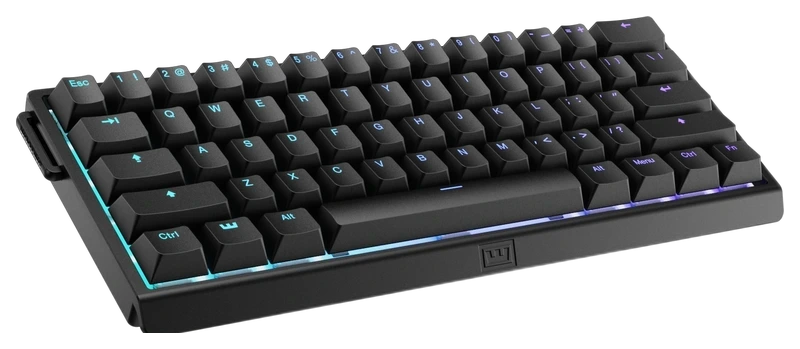
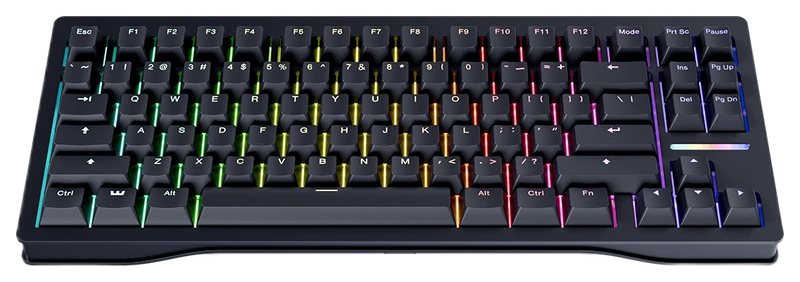
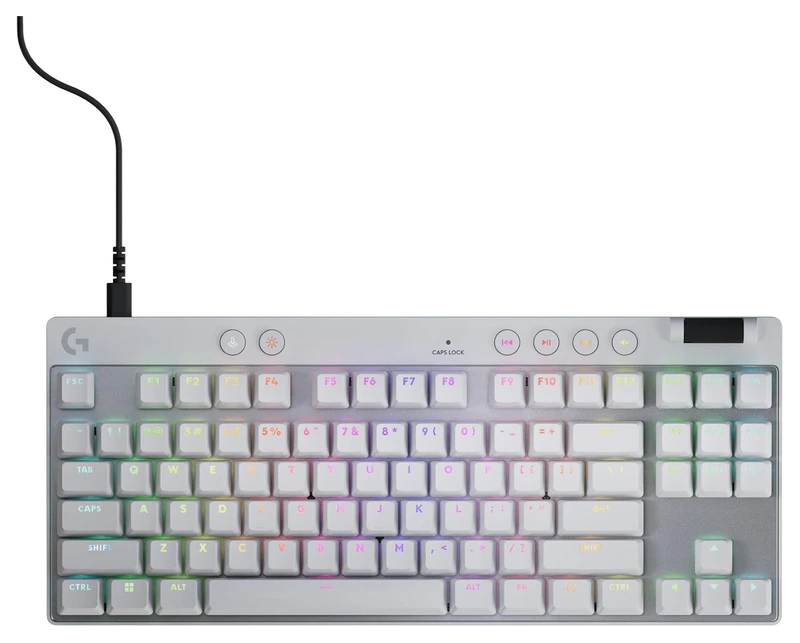
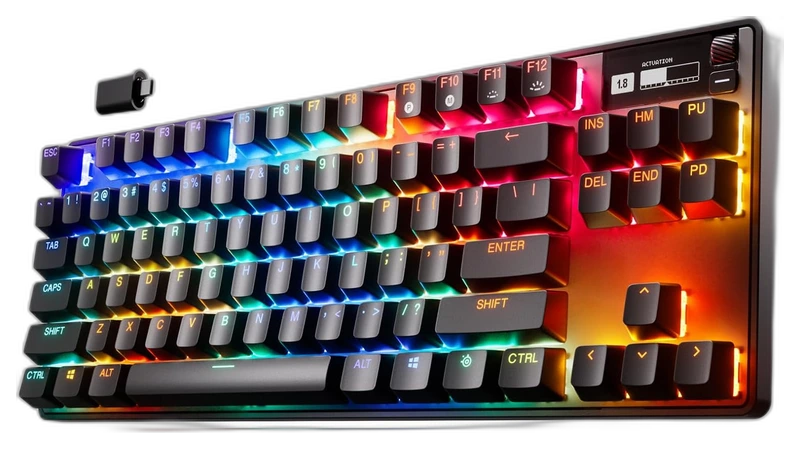
Top 3
Sign in with Steam to open the full top three
Steam opens the full top three and their verified hours. Any results ranked fourth or lower stay visible.
- Rank 4.
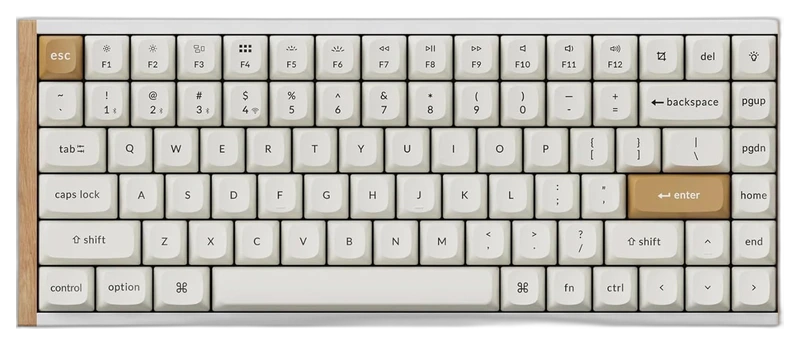
Keychron
K2 HE Wireless Keyboard
Rapid TriggerVerified Hours
11,931h
- Rank 5.
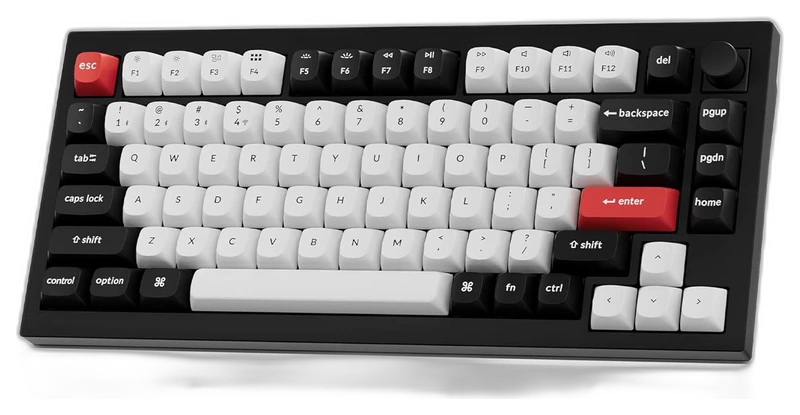
Keychron
Q1 HE Wireless Keyboard
Rapid TriggerVerified Hours
11,822h
- Rank 6.
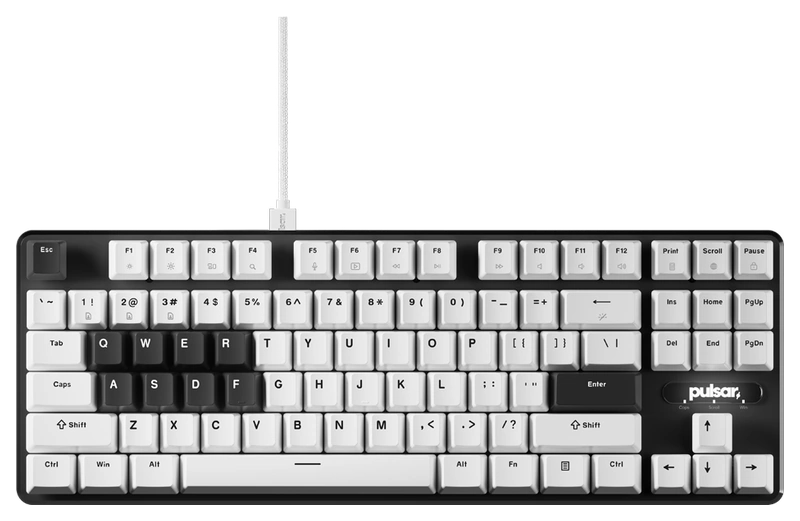 Rapid Trigger
Verified Hours
10,800h
- Rank 7.
SteelSeries
Apex Pro TKL (2023)
Rapid TriggerVerified Hours
10,637h
- Rank 8.
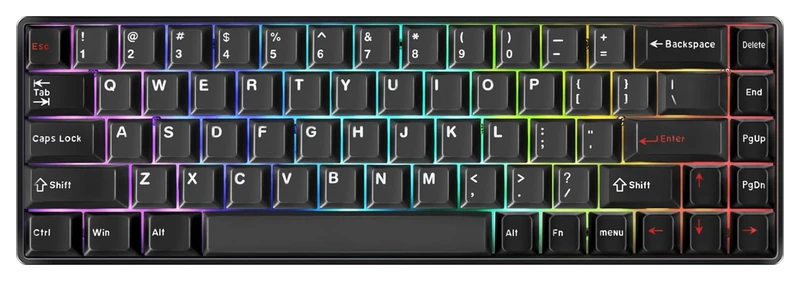
DrunkDeer
G65
Rapid TriggerVerified Hours
9,215h
- Rank 9.
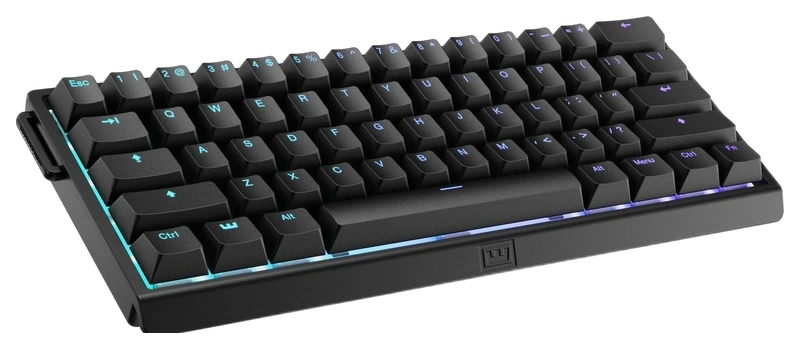
Wooting
60HE+
Rapid TriggerVerified Hours
7,963h
- Rank 10.
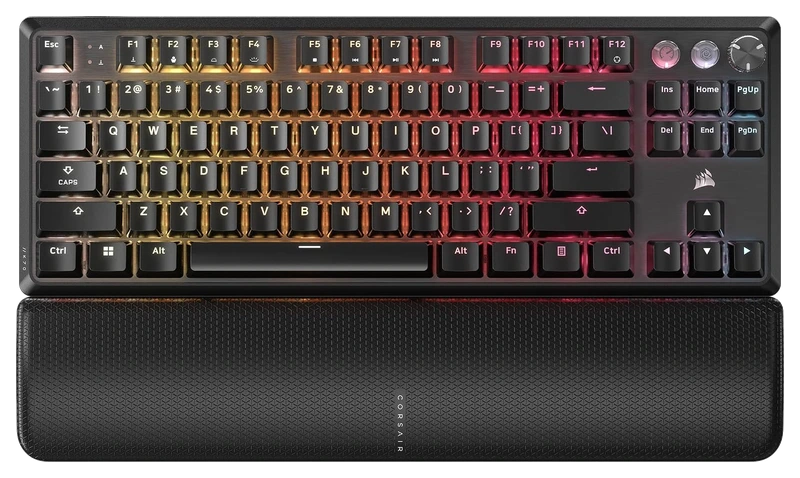 Rapid Trigger
Verified Hours
154h
Read the guide
From ranking to shortlist
Keep the keys and connection you need
The reviewed Logitech PRO X TKL RAPID and Pulsar PCMK 2 HE TKL use tenkeyless layouts and a cable. Keychron Q1 HE and K2 HE use 75% layouts with wired and wireless modes. Compare their actual arrow, function and navigation keys before choosing desk space over controls you use.
Check how you will change settings
Logitech provides on-keyboard configuration and G HUB. Keychron uses its Launcher for magnetic switch settings; Pulsar uses Bibimbap web software. Check operating-system and browser support, and confirm your settings are saved in the profile you will use.
Separate rapid trigger from other input features
Rapid trigger changes when an individual key activates and resets as it moves. SOCD, key-priority and multi-action features change how commands are combined. Check the game's current rules for each feature before enabling it. A rapid-trigger specification does not prove every software mode is permitted.
Start with a repeatable sensitivity check
Use your usual movement binds and adjust one setting at a time. Check accidental activation, release and repeated presses before lowering thresholds further. Manufacturer support establishes the feature, while your own testing determines usable settings and fit.
Questions worth asking
Gaming Keyboards FAQ
Does every Hall Effect keyboard have rapid trigger?
Magnetic switches alone do not establish rapid-trigger support. This guide requires an accepted exact-model manufacturer claim for that feature.