Buying guides · Verified, Real Playtime
Best 1440p Gaming Monitor
Compare 1440p gaming monitors. Check screen size, supported refresh rates and inputs.
- Verified Hours
- 13,633
- Monitors ranked
- 25
- Ranking updated
- 20 Aug 2026
At a glance
What the verified hours show
Explore this ranking backed by verified player playtime, then compare the features and fit for your setup. Sign in with Steam to reveal the leading products and their verified-hour totals.
Documented 1440p resolution determines eligibility. Check each input's available modes and relevant measurements before choosing.
Compare the rankingsVerified Playtime Rankings
Products are ranked by real, verified player hours.
Board readout
25 ranked products in the published guide set
Best 1440p Gaming Monitor · Across games · Updated
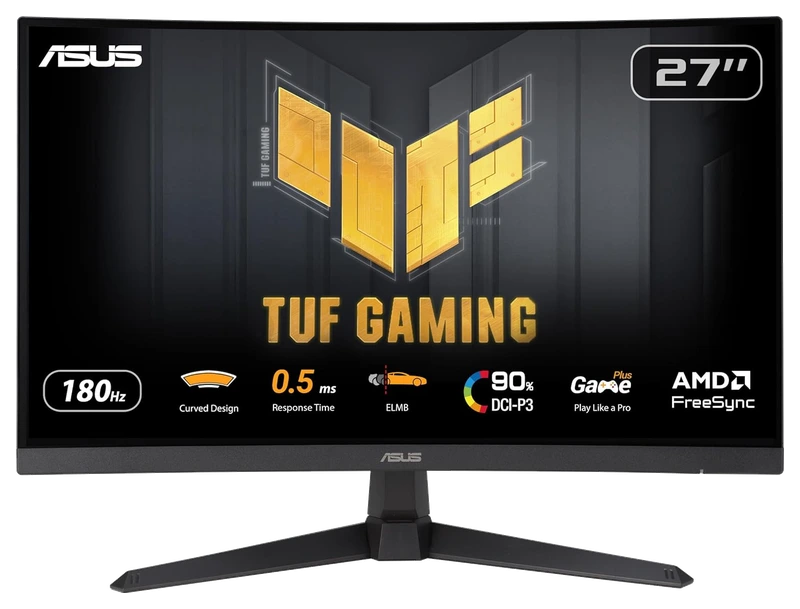
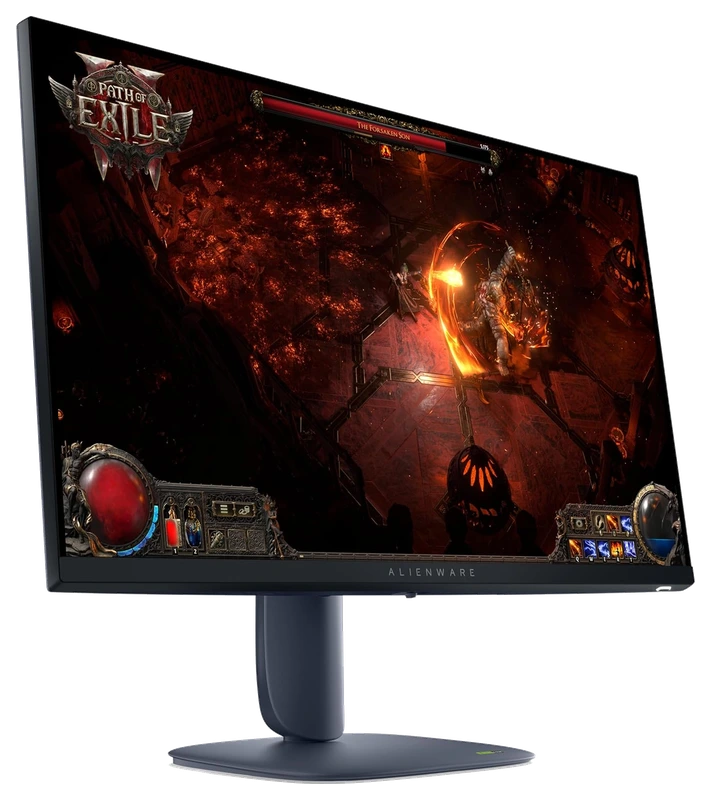
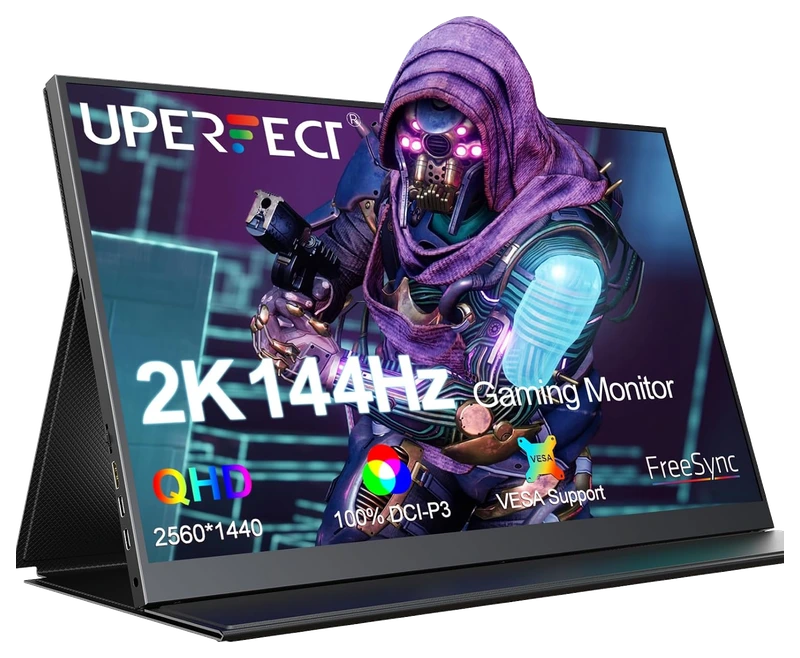
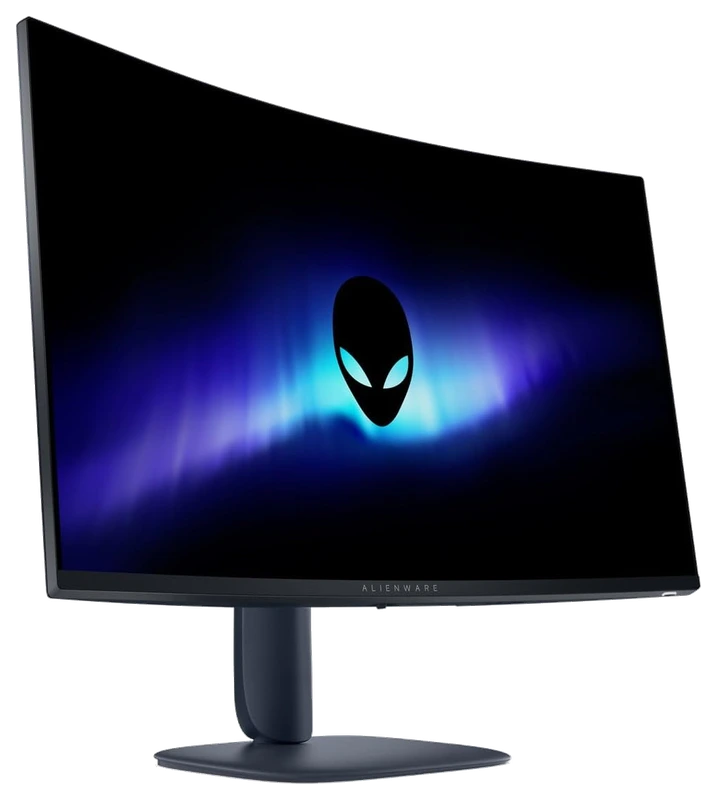
Top 3
Sign in with Steam to open the full top three
Steam opens the full top three and their verified-hour totals. Any results ranked fourth or lower stay visible.
- Rank 4.
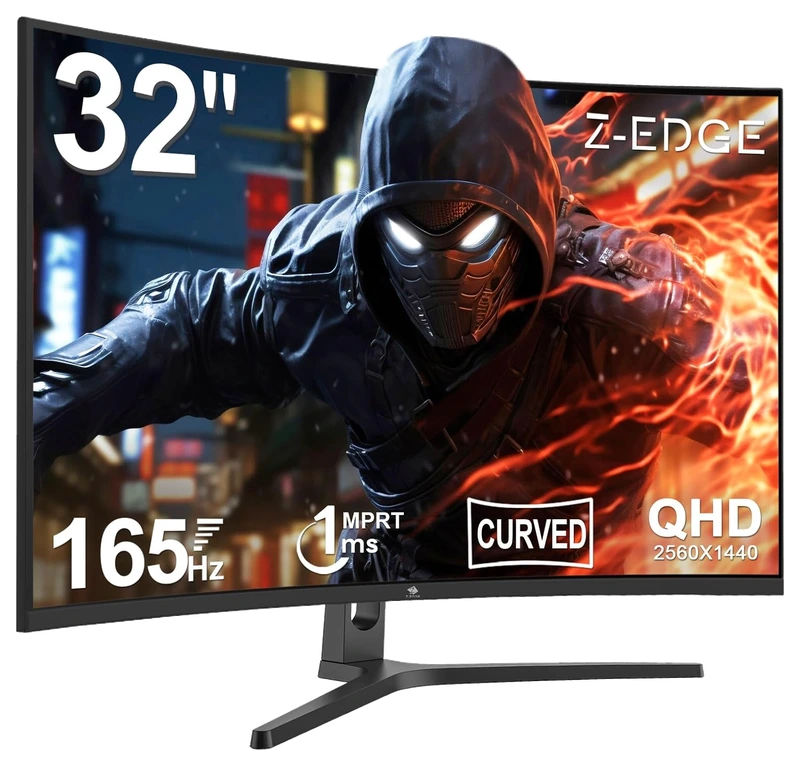
Verified Playtime
1,077verified hours
- Rank 5.
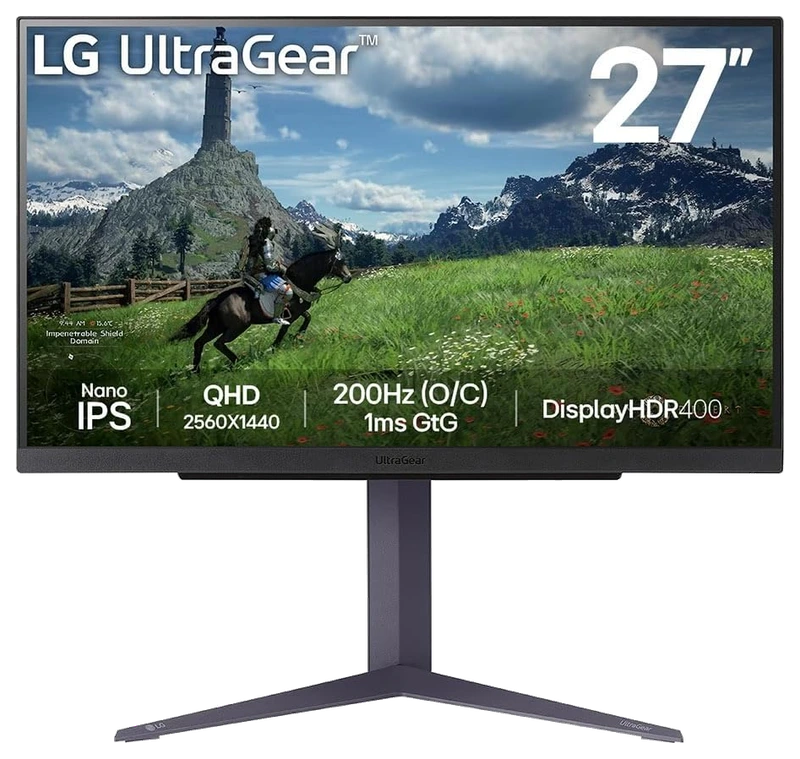
Verified Playtime
1,038verified hours
- Rank 6.
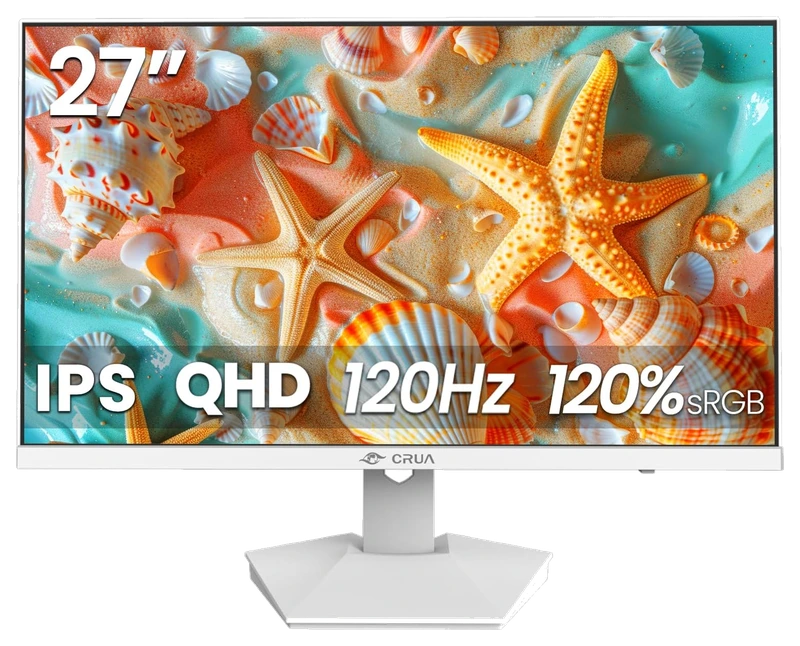
Verified Playtime
645verified hours
- Rank 7.
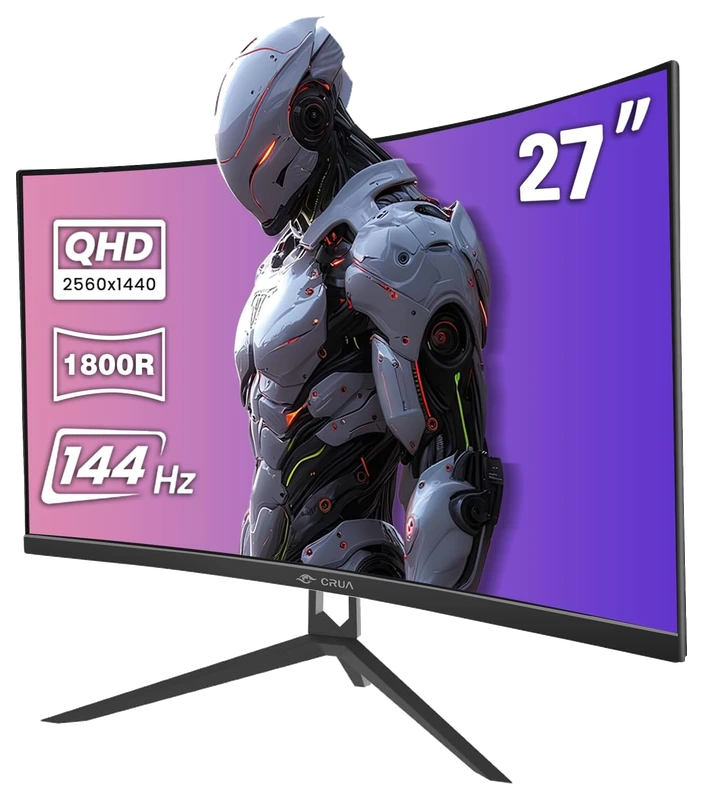
Verified Playtime
598verified hours
- Rank 8.
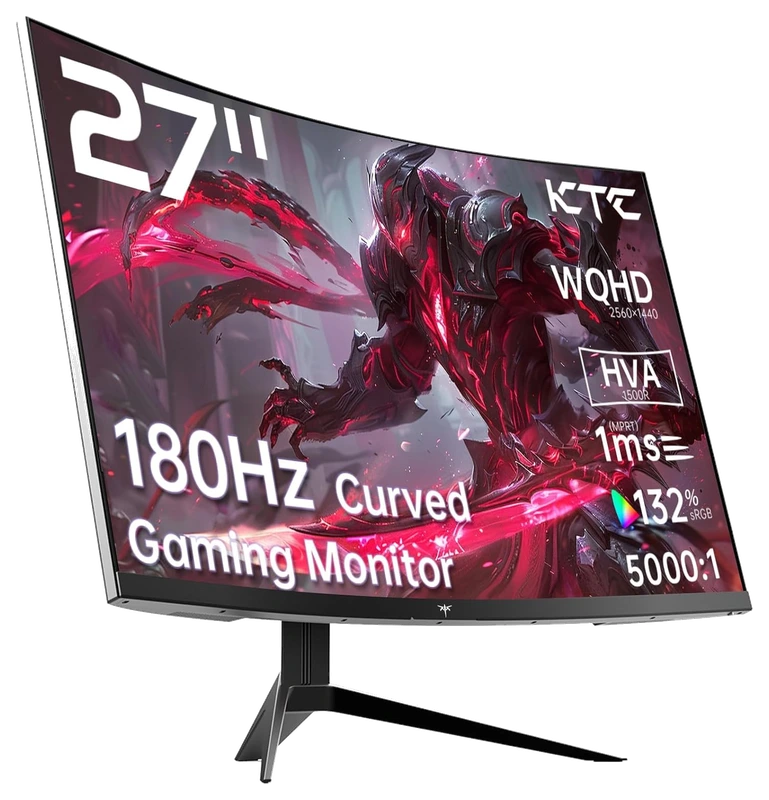
Verified Playtime
597verified hours
- Rank 9.
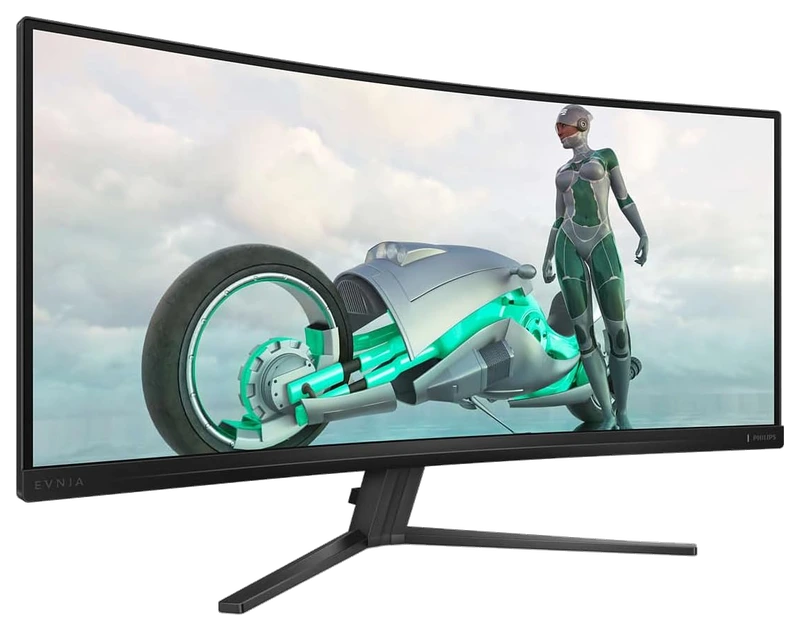
Verified Playtime
555verified hours
- Rank 10.
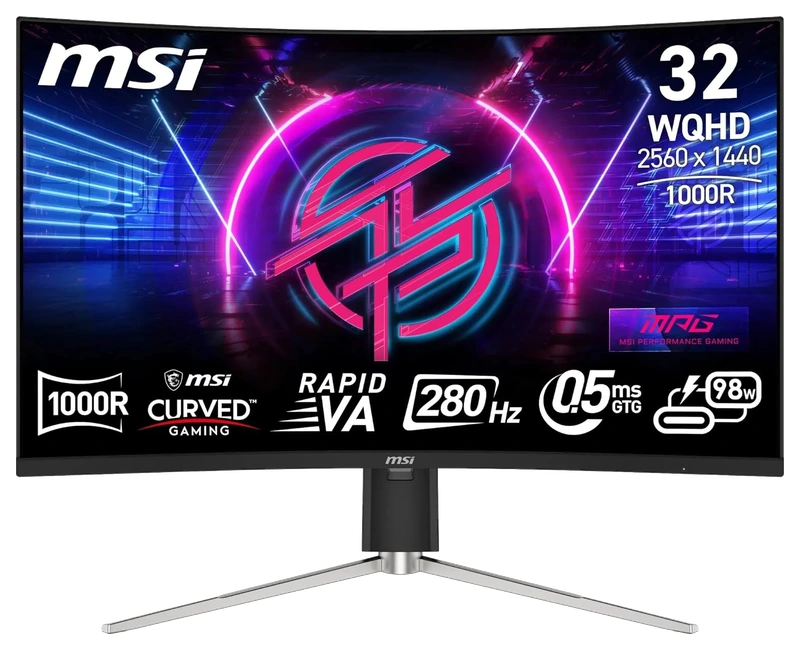
Verified Playtime
515verified hours
Showing 10 of 25 productsAll 25 productsShow all 25 productsShow top 10
- Rank 11.
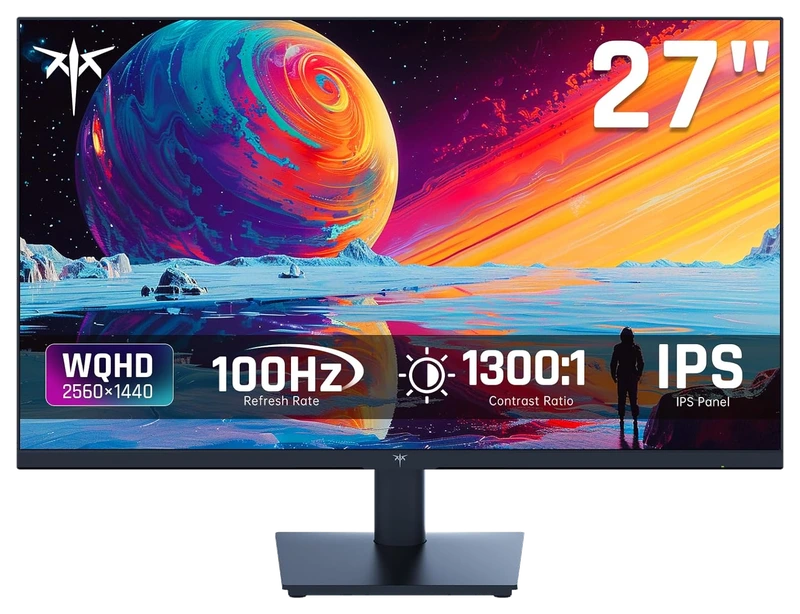
Verified Playtime
512verified hours
- Rank 12.
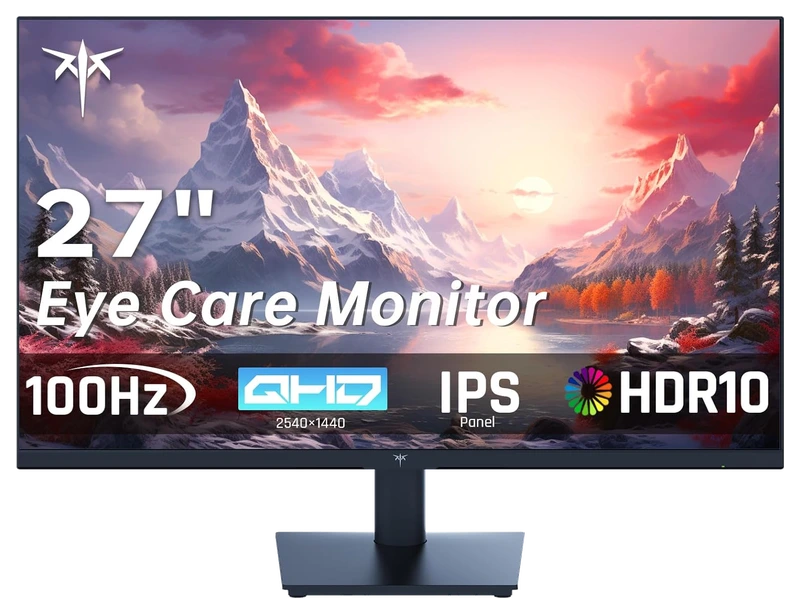
Verified Playtime
477verified hours
- Rank 13.
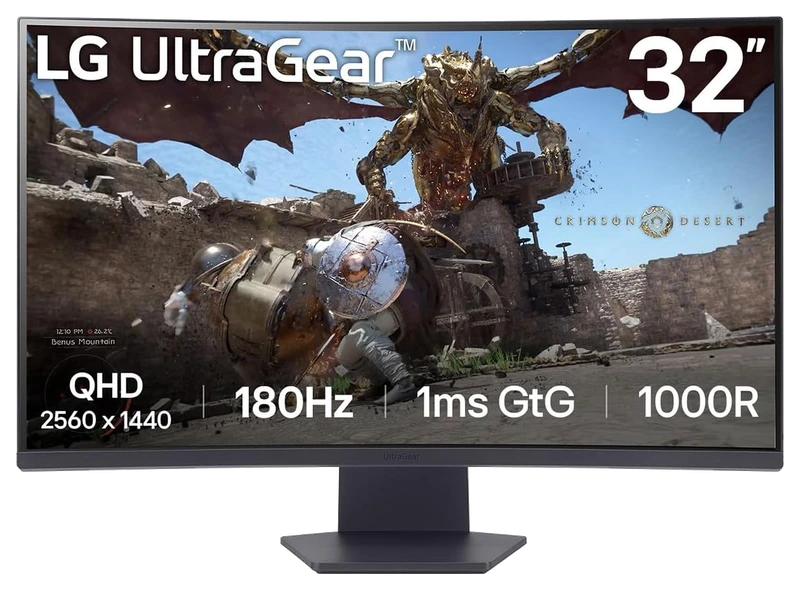
Verified Playtime
475verified hours
- Rank 14.
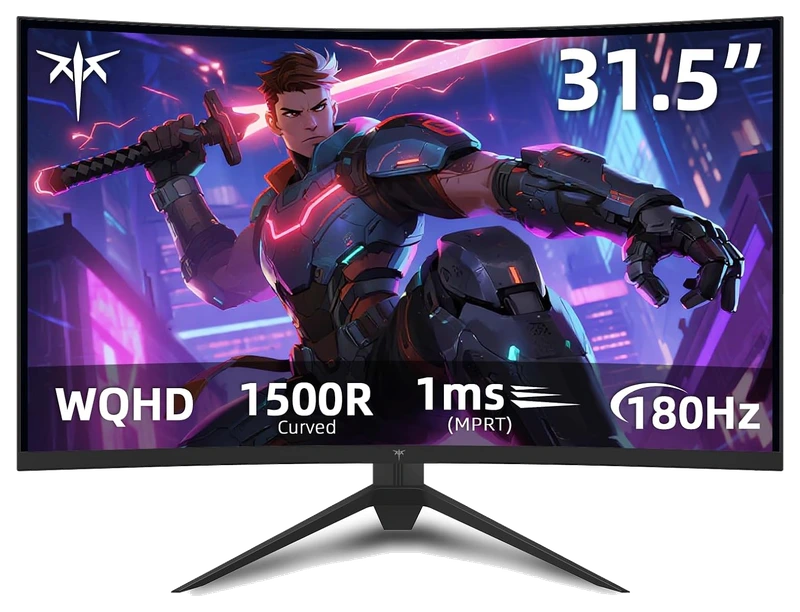
Verified Playtime
438verified hours
- Rank 15.
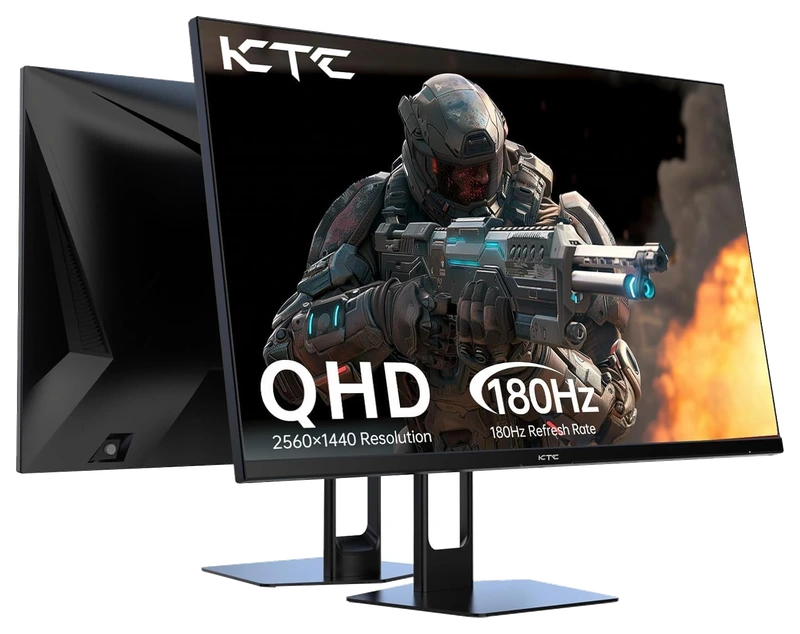
Verified Playtime
357verified hours
- Rank 16.
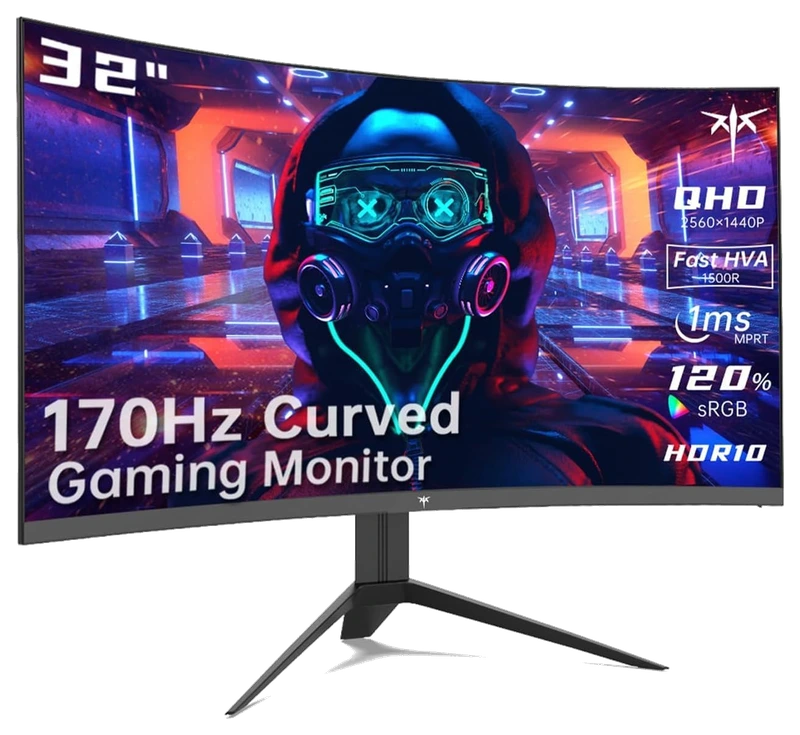
Verified Playtime
356verified hours
- Rank 17.
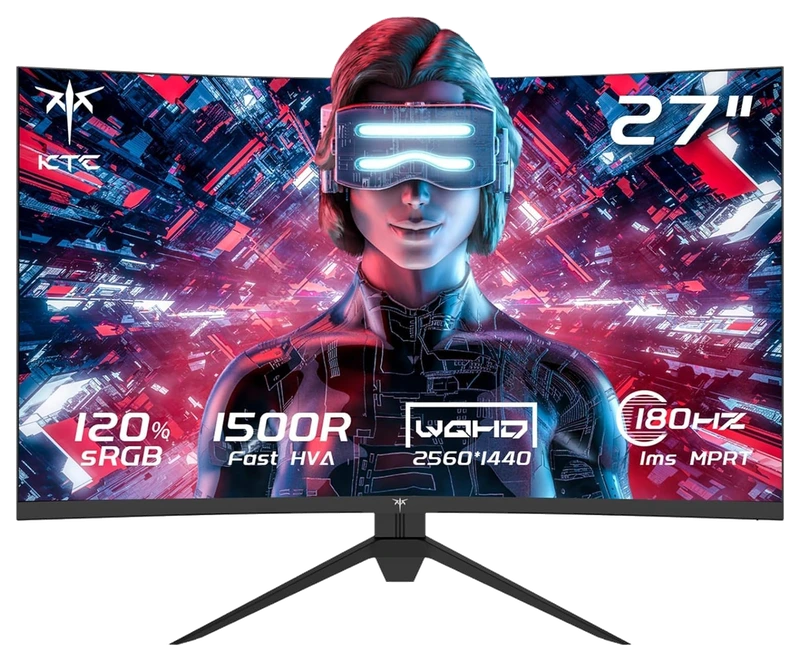
Verified Playtime
275verified hours
- Rank 18.
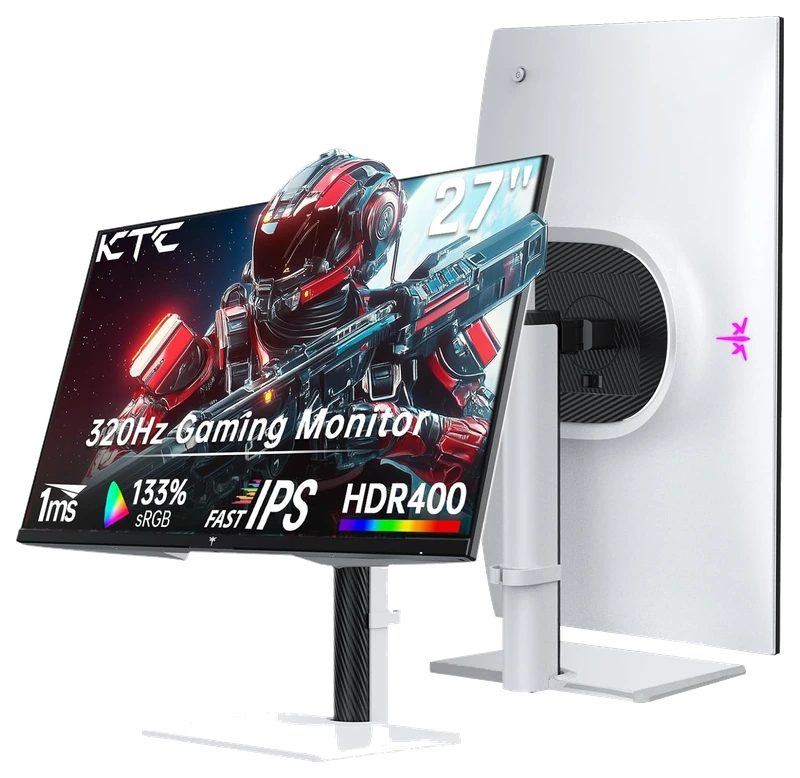
Verified Playtime
274verified hours
- Rank 19.
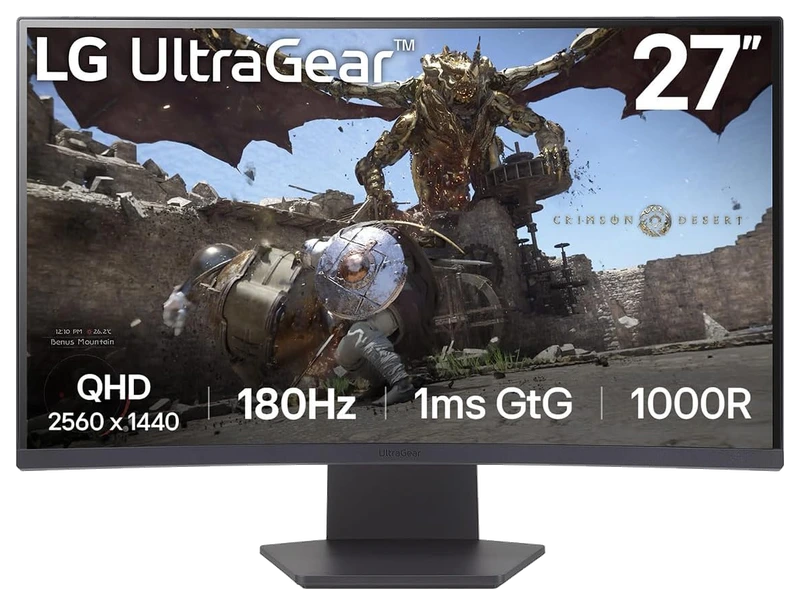
Verified Playtime
238verified hours
- Rank 20.
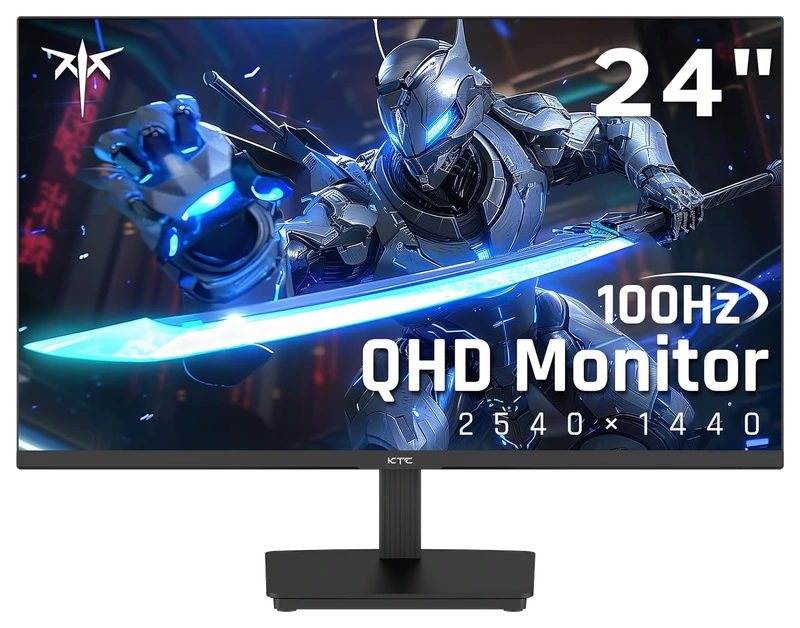
Verified Playtime
158verified hours
- Rank 21.
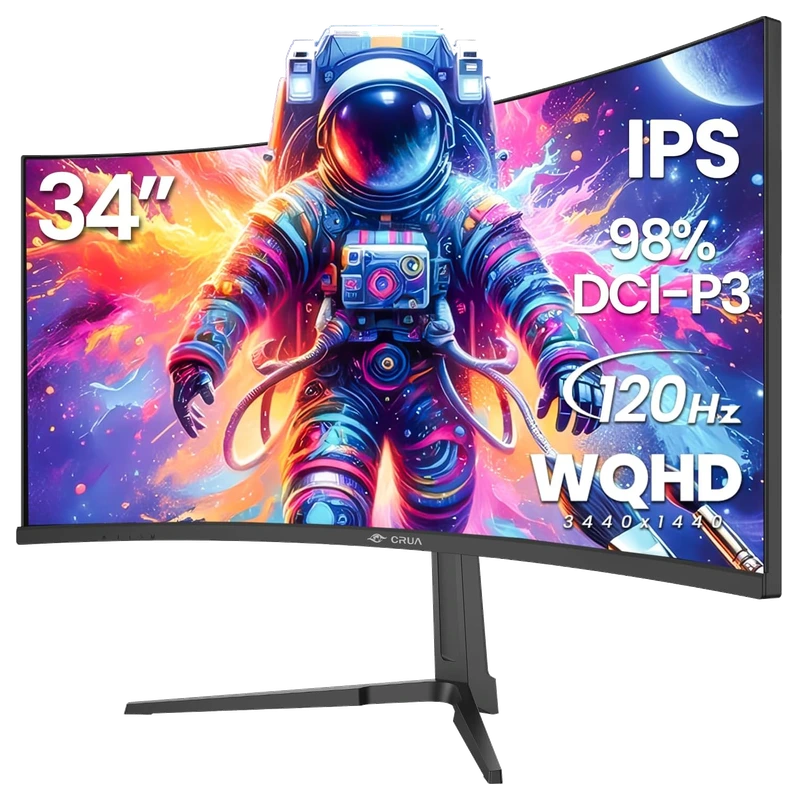
Verified Playtime
156verified hours
- Rank 22.
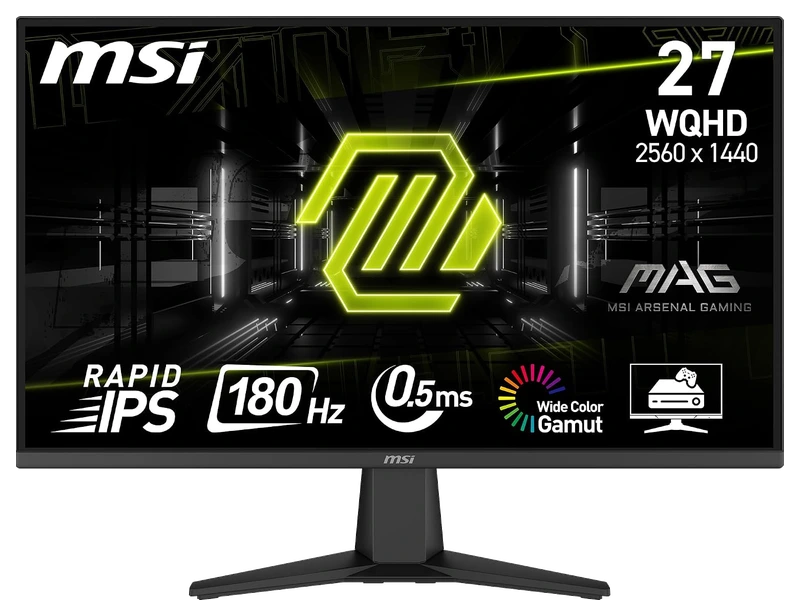
Verified Playtime
118verified hours
- Rank 23.
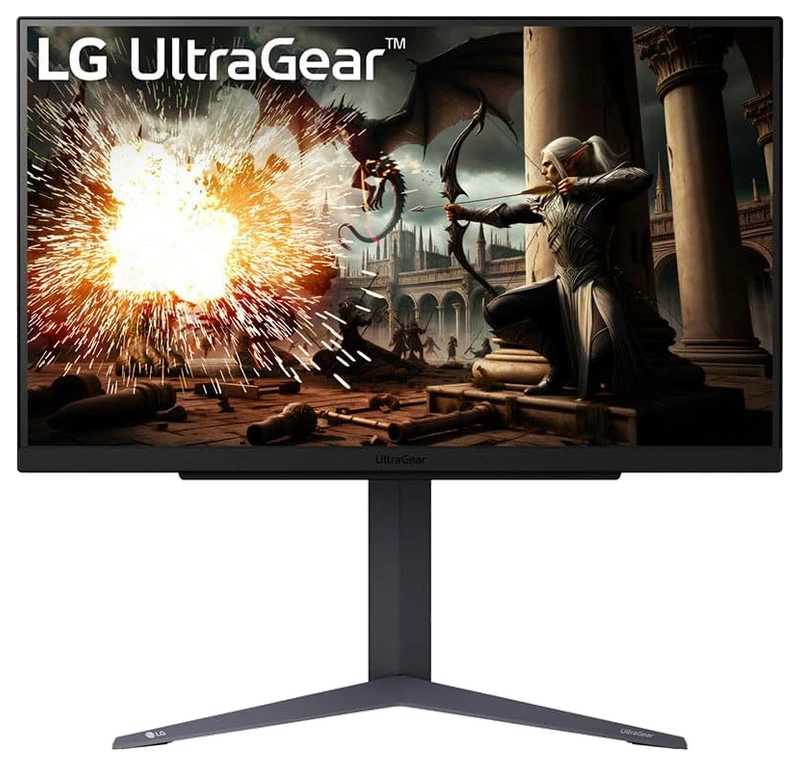
Verified Playtime
115verified hours
- Rank 24.
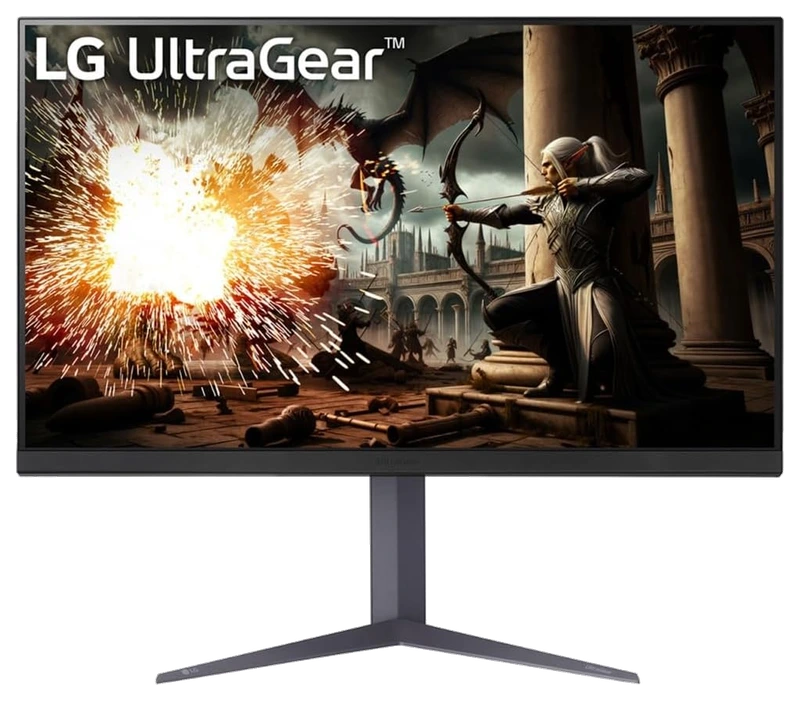
Verified Playtime
114verified hours
- Rank 25.
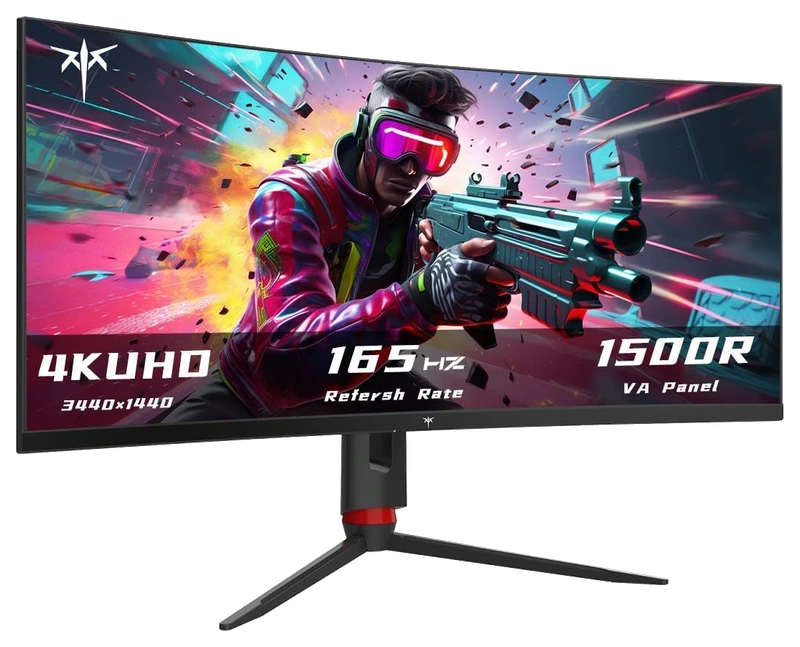
Verified Playtime
74verified hours
Read the guide
From ranking to shortlist
Match native resolution with screen size
Confirm the model's native pixel dimensions and diagonal. Compare text, UI scaling and viewing distance at your desk; the same resolution can look different at different screen sizes.
Check frame rates at your actual settings
Use measurements for your games and graphics hardware at 1440p. Decide which image settings you are willing to change before paying for a refresh rate your setup cannot sustain.
Verify the input mode and sync support
Check the supported resolution and refresh rate through the port and cable you will use. Confirm variable-refresh support for that combination, then select the intended mode in your operating system and game.
Sources for the buying notes
Questions worth asking
Gaming Monitors FAQ
Does 1440p mean the monitor supports the refresh rate I want?
Resolution and refresh rate are separate specifications. Confirm the exact input, cable and hardware mode in the manufacturer's documentation.
What does this Hours.gg guide publish?
Sign in with Steam to read the answer and reveal the leading products.
Reveal with Steam