Buying guides · Verified, Real Playtime
Best 240Hz Gaming Monitor
Compare 240Hz gaming monitors. Check inputs and the refresh rates your PC supports.
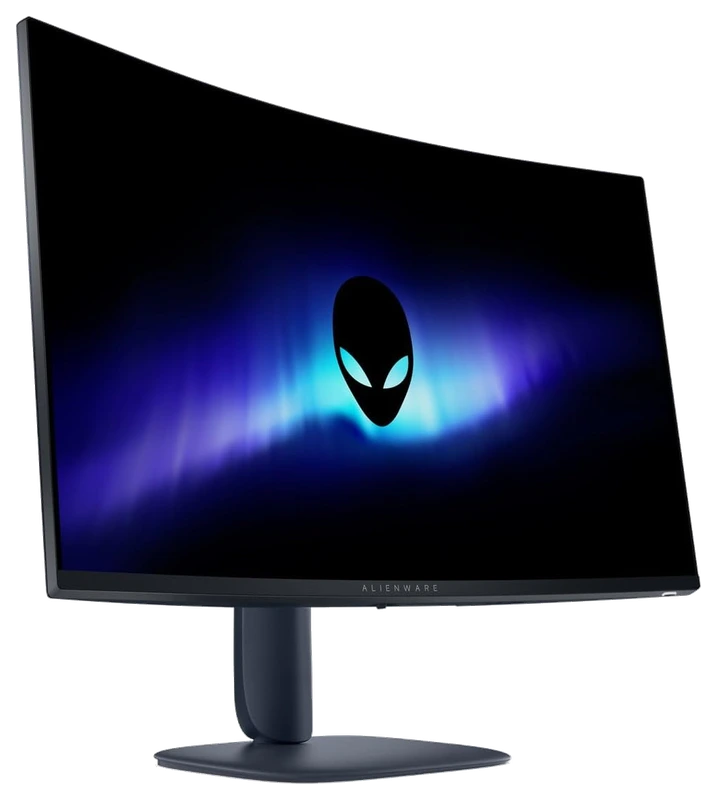
- Verified Hours
- 8,351
- Monitors ranked
- 11
- Ranking updated
- 20 Aug 2026
At a glance
What the verified hours show
Explore this ranking backed by verified player playtime, then compare the features and fit for your setup. Sign in with Steam to reveal the leading products and their verified-hour totals.
The refresh-rate requirement establishes eligibility. It does not measure pixel response, input lag or your computer's frame rate.
Compare the rankingsVerified Playtime Rankings
Products are ranked by real, verified player hours.
Board readout
11 ranked products in the published guide set
Best 240Hz Gaming Monitor · Across games · Updated
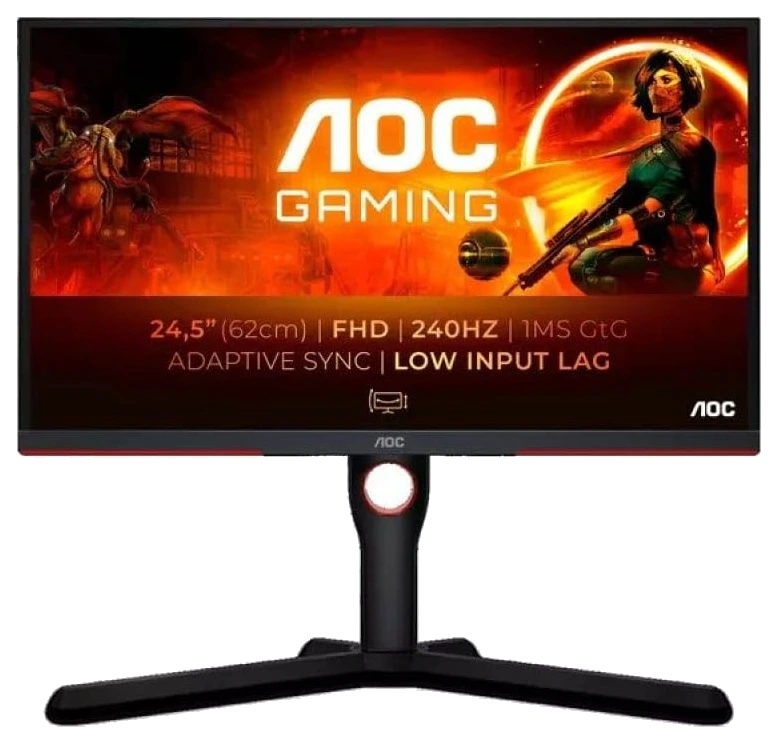
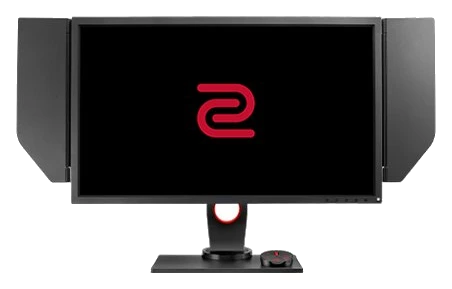
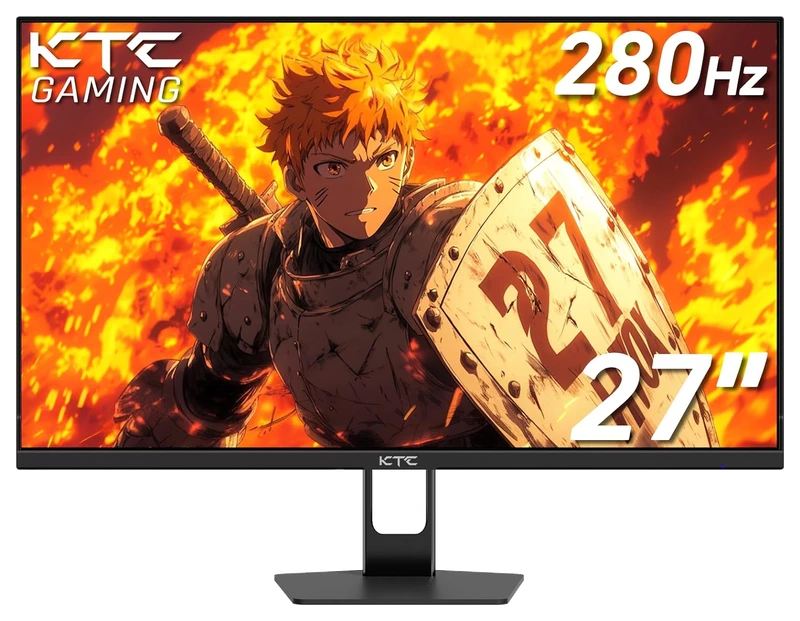
Top 3
Sign in with Steam to open the full top three
Steam opens the full top three and their verified-hour totals. Any results ranked fourth or lower stay visible.
- Rank 4.
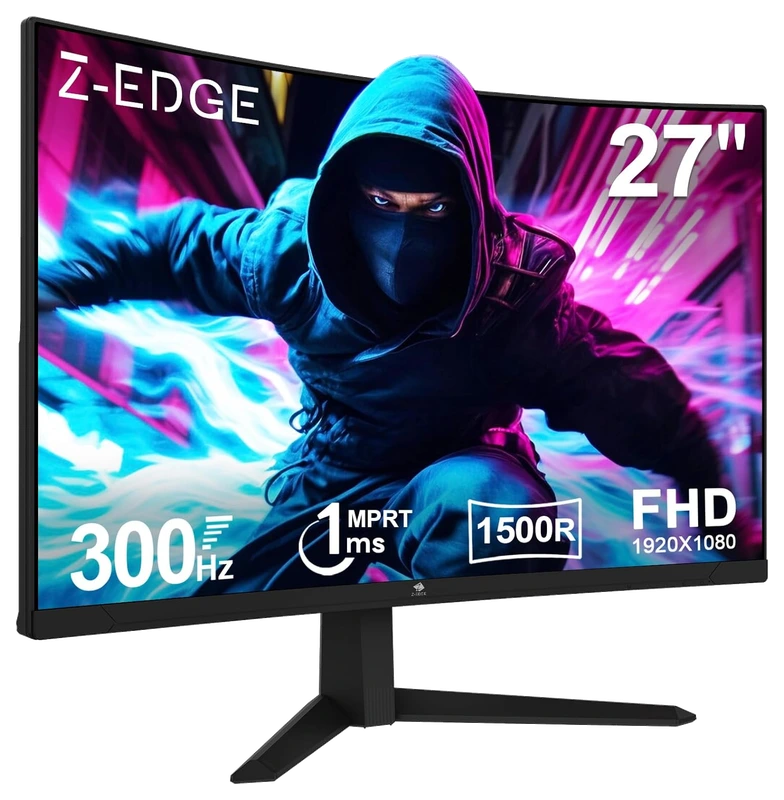
Verified Playtime
518verified hours
- Rank 5.
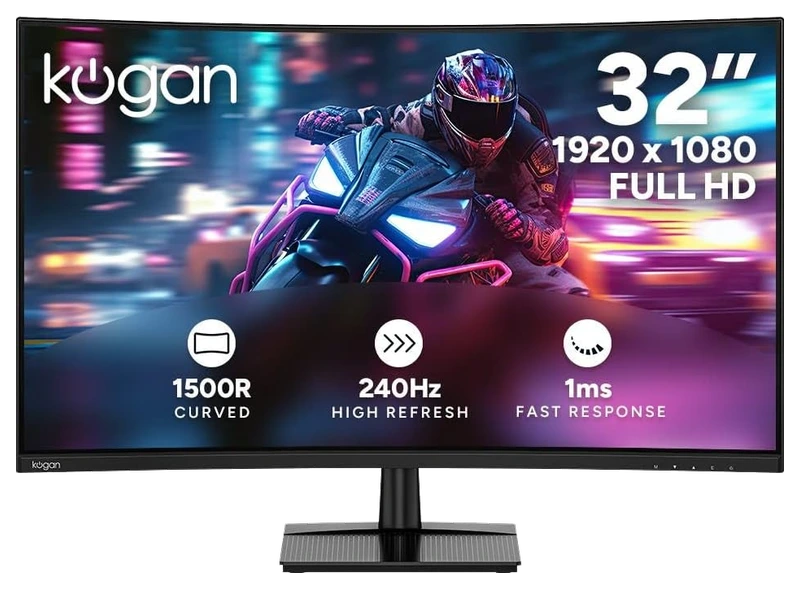
Verified Playtime
517verified hours
- Rank 6.
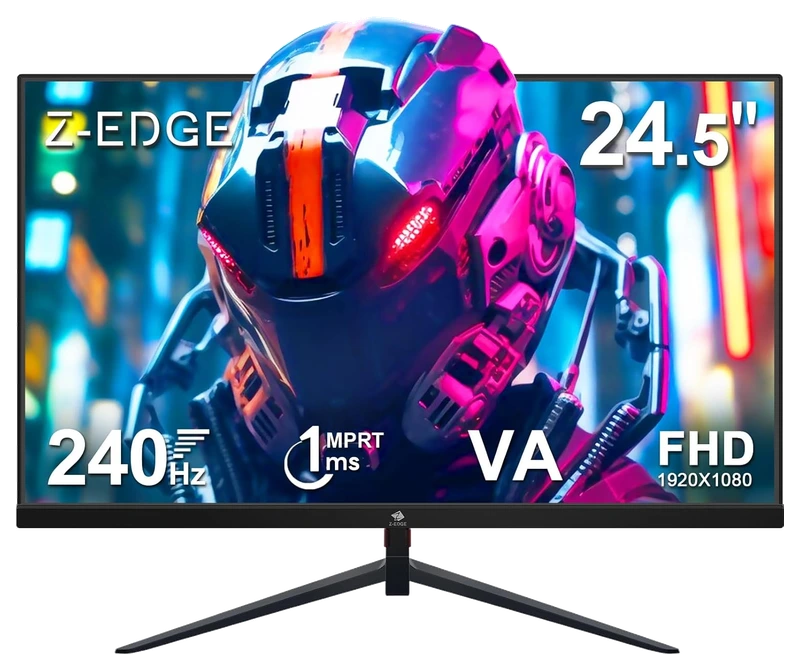
Verified Playtime
516verified hours
- Rank 7.
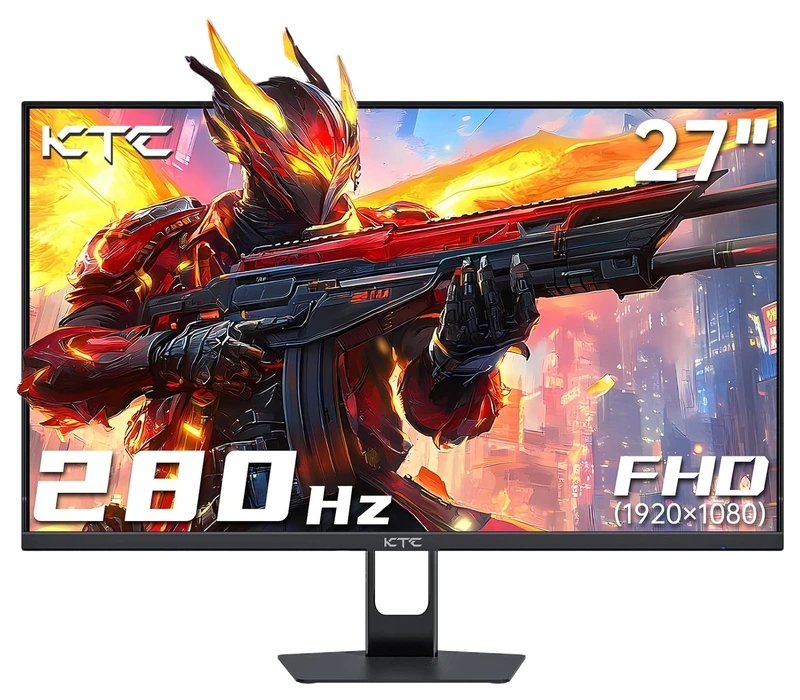
Verified Playtime
513verified hours
- Rank 8.
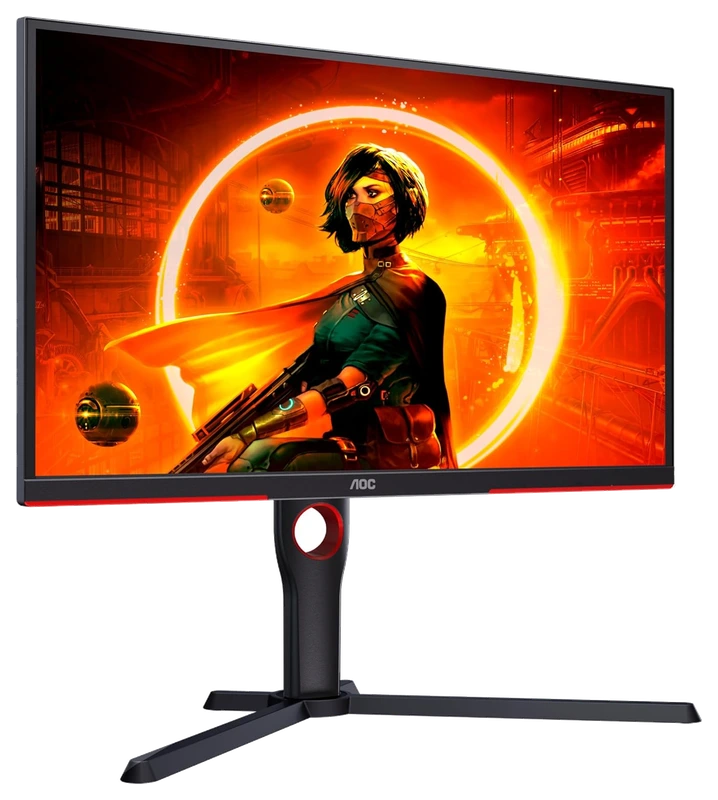
Verified Playtime
478verified hours
- Rank 9.
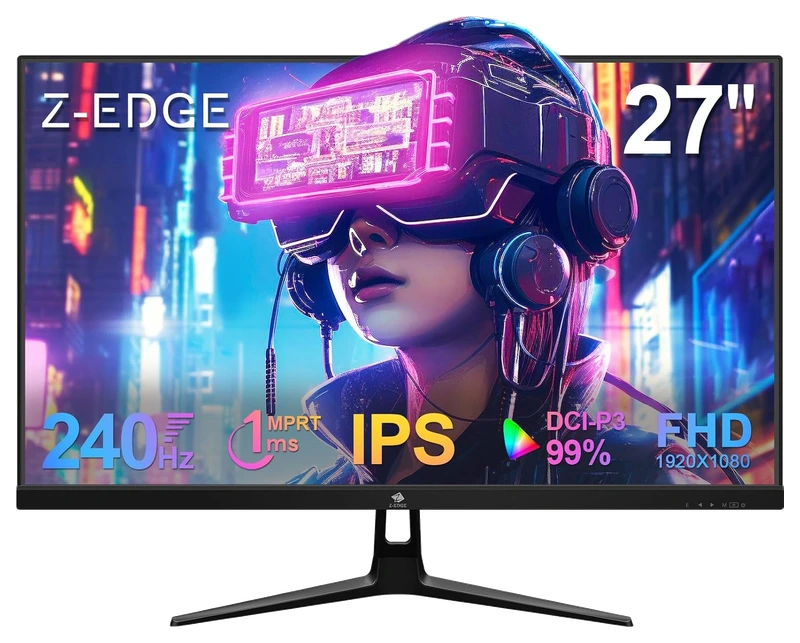
Verified Playtime
358verified hours
- Rank 10.
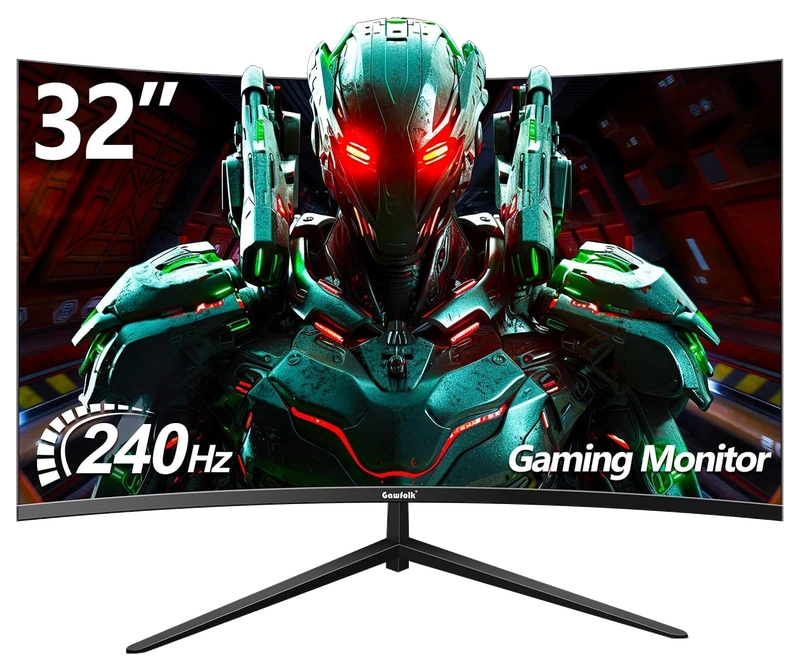
Verified Playtime
237verified hours
Showing 10 of 11 productsAll 11 productsShow all 11 productsShow top 10
- Rank 11.
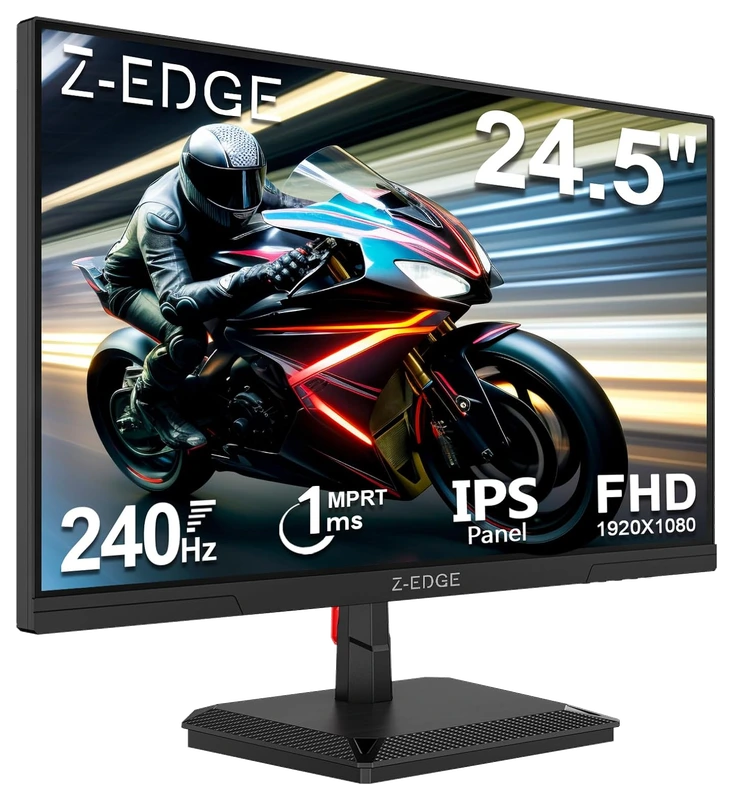
Verified Playtime
72verified hours
Read the guide
From ranking to shortlist
Confirm 240Hz on the intended input
Check the exact resolution and refresh-rate combinations available through HDMI or DisplayPort, including cable and graphics-hardware requirements. Confirm the mode in Windows and in the game after connecting the monitor.
Check your frame rate before buying
Look at frame-rate consistency in the games and settings you actually play. A 240Hz display can still be useful across different rates, but the specification cannot make your computer render more frames.
Read response and sync measurements
Compare motion behavior, input lag and variable-refresh support at relevant settings. Refresh rate is one part of motion performance; it does not establish the result of a pixel-response test.
Sources for the buying notes
Questions worth asking
Gaming Monitors FAQ
Why is 240Hz different from 240 frames per second?
The display's refresh rate and the computer's rendered frame rate are different quantities. Check both the monitor's supported mode and your game's performance.
What does this Hours.gg guide publish?
Sign in with Steam to read the answer and reveal the leading products.
Reveal with Steam