Buying guides · Verified, Real Playtime
Best IPS Gaming Monitor
Compare IPS gaming monitors. Check resolution, refresh rates and input compatibility.
- Verified Hours
- 14,193
- Monitors ranked
- 23
- Ranking updated
- 20 Aug 2026
At a glance
What the verified hours show
Explore this ranking backed by verified player playtime, then compare the features and fit for your setup. Sign in with Steam to reveal the leading products and their verified-hour totals.
IPS panel evidence determines eligibility. The panel-type label alone does not establish response speed, contrast or colour accuracy.
Compare the rankingsVerified Playtime Rankings
Products are ranked by real, verified player hours.
Board readout
23 ranked products in the published guide set
Best IPS Gaming Monitor · Across games · Updated
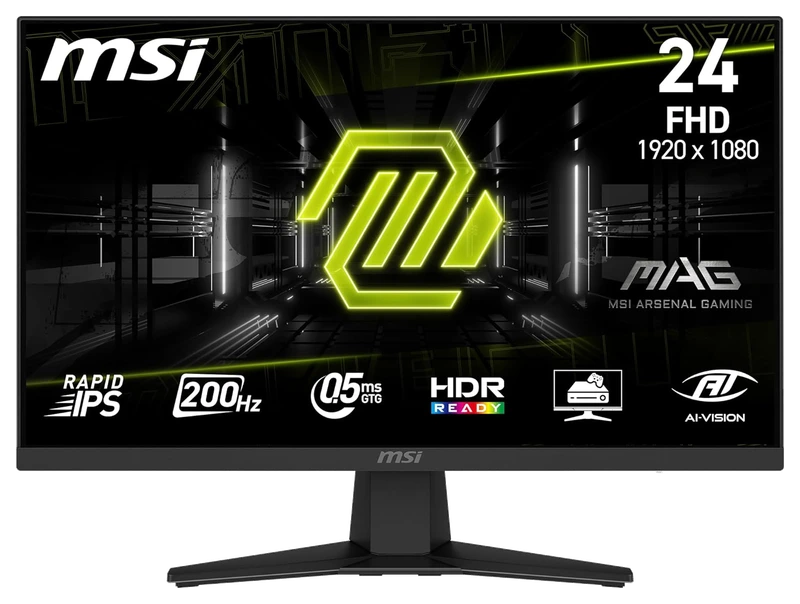
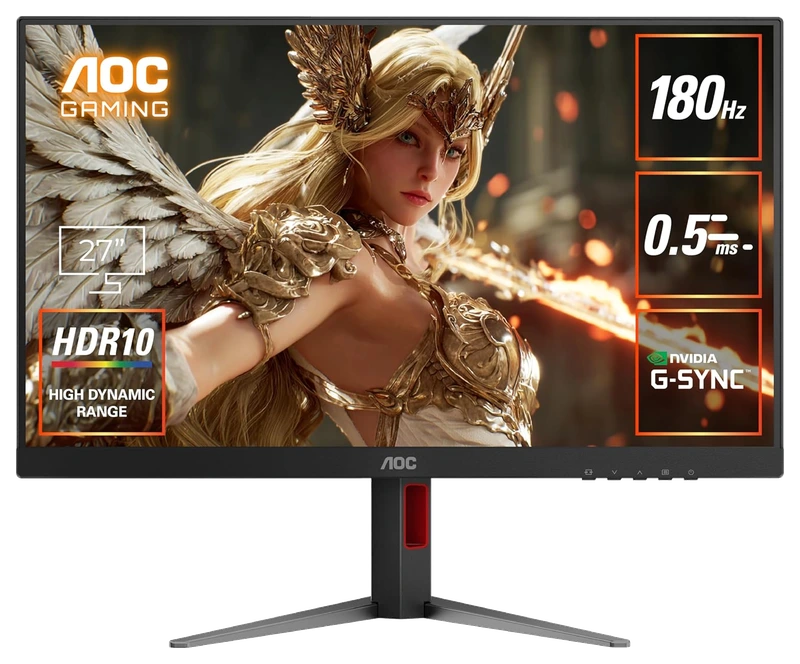
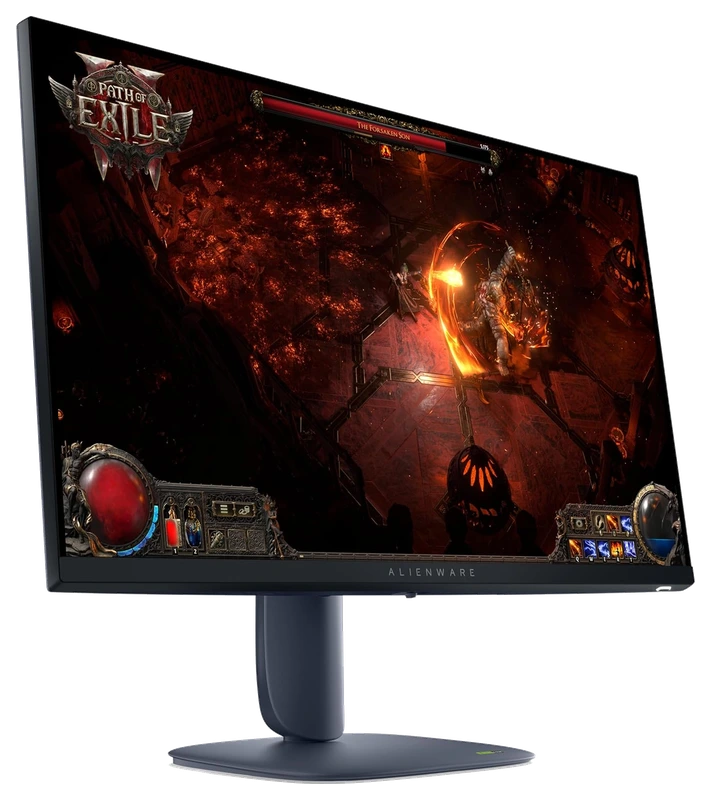
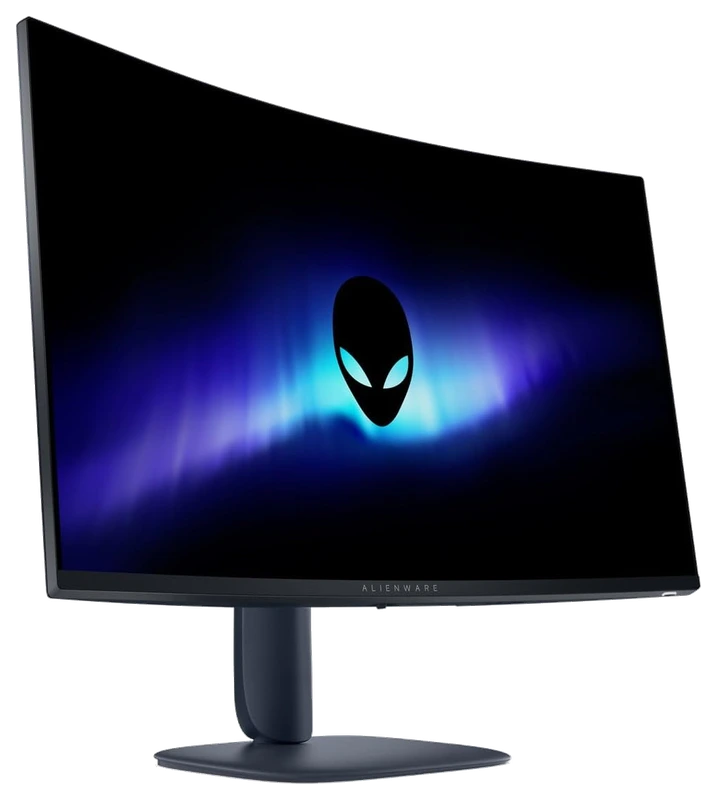
Top 3
Sign in with Steam to open the full top three
Steam opens the full top three and their verified-hour totals. Any results ranked fourth or lower stay visible.
- Rank 4.
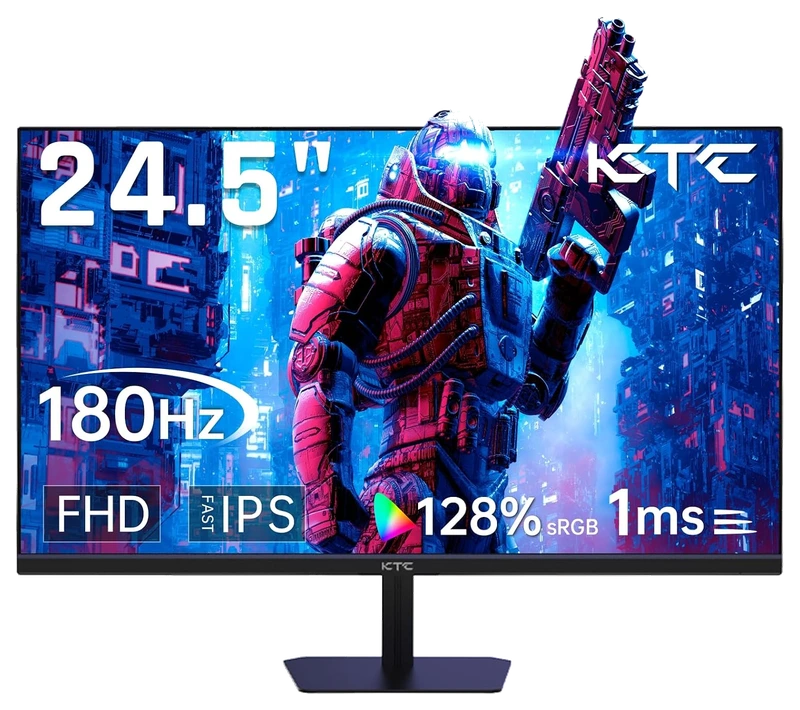
Verified Playtime
1,277verified hours
- Rank 5.
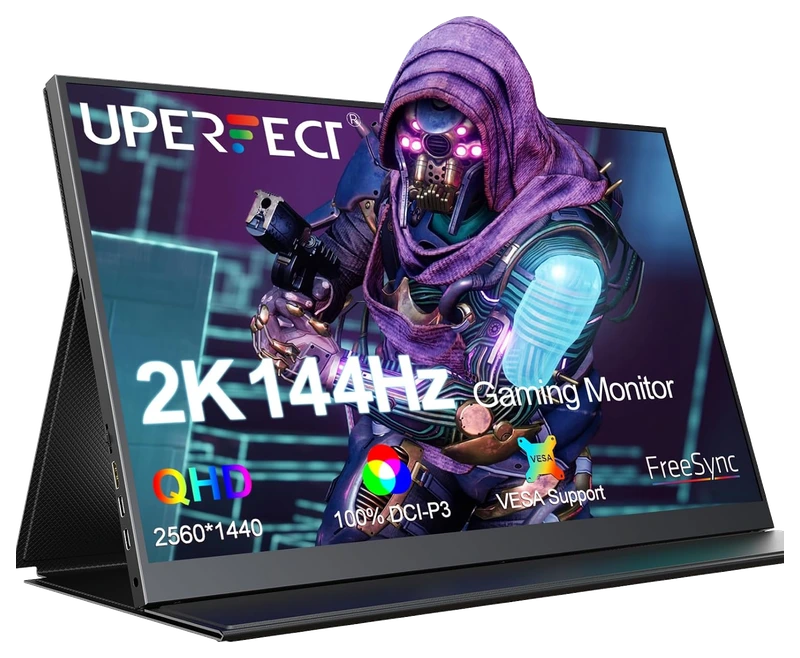
Verified Playtime
1,202verified hours
- Rank 6.
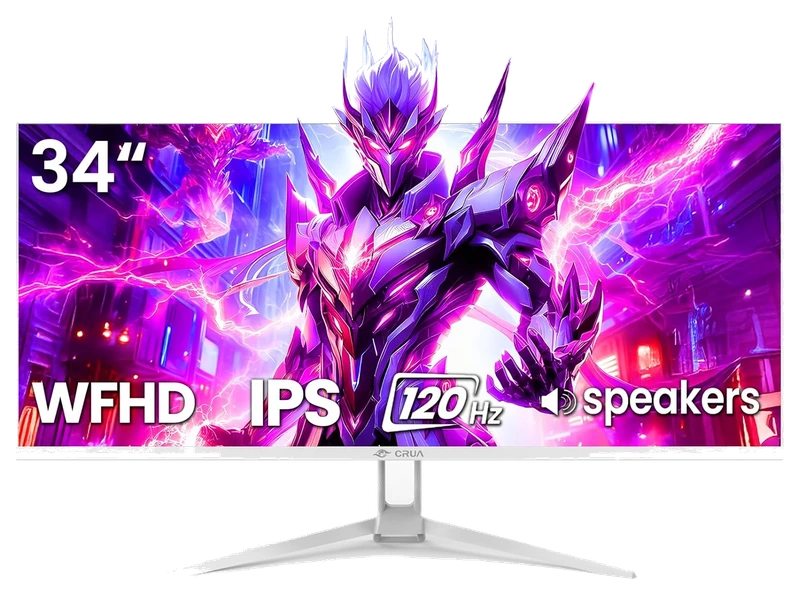
Verified Playtime
1,118verified hours
- Rank 7.
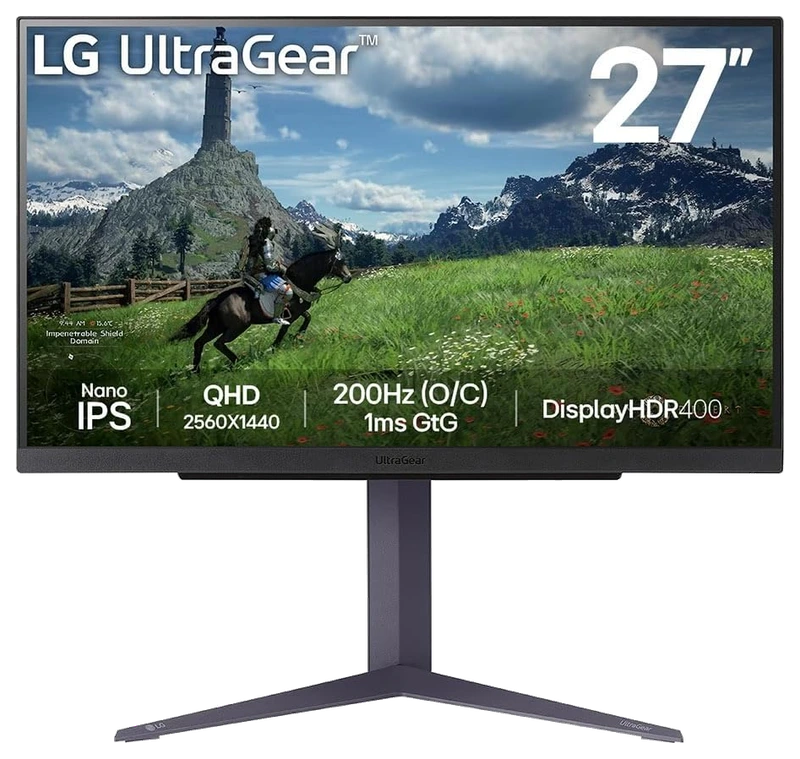
Verified Playtime
1,038verified hours
- Rank 8.
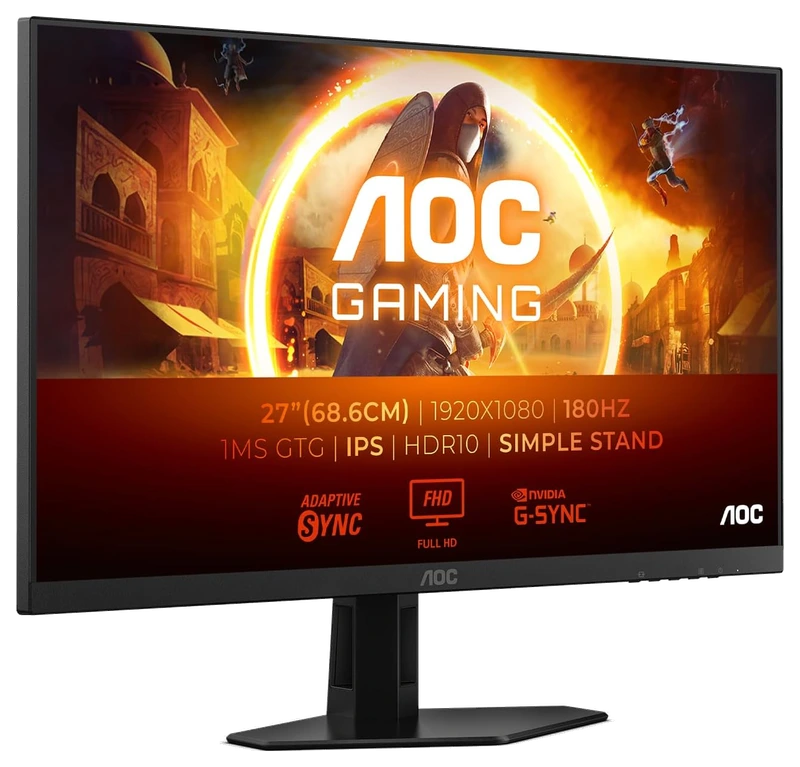
Verified Playtime
558verified hours
- Rank 9.
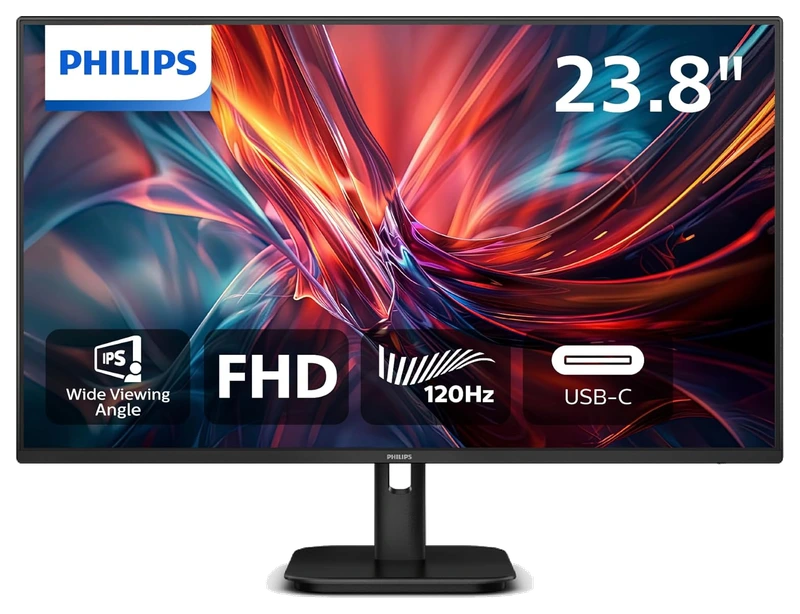
Verified Playtime
511verified hours
- Rank 10.
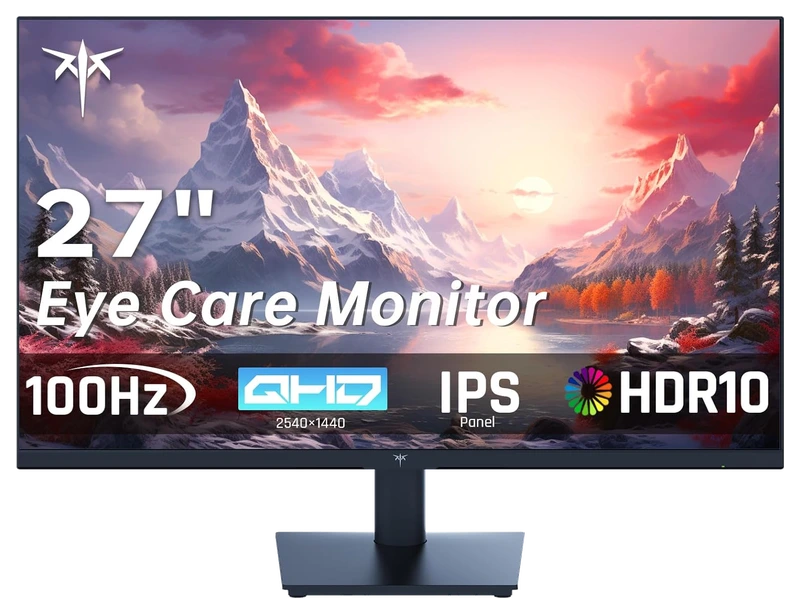
Verified Playtime
477verified hours
Showing 10 of 23 productsAll 23 productsShow all 23 productsShow top 10
- Rank 11.
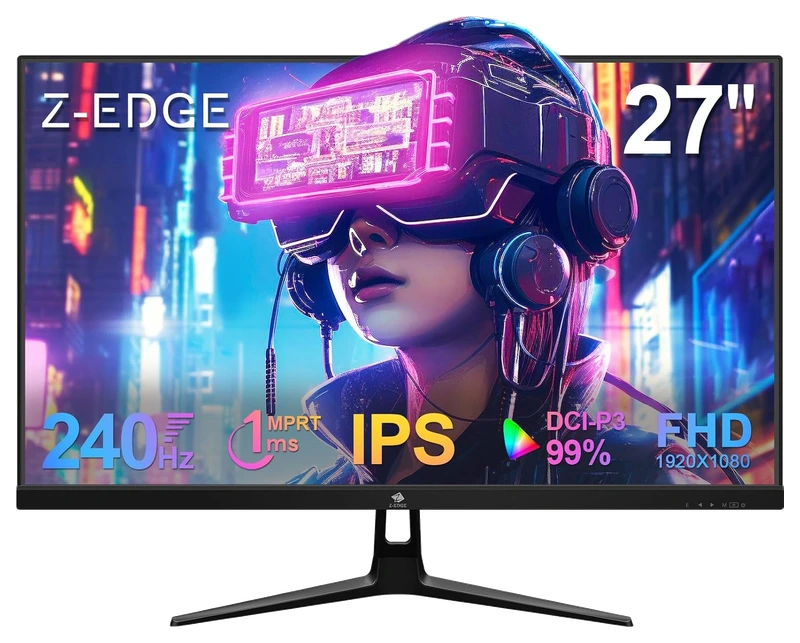
Verified Playtime
358verified hours
- Rank 12.
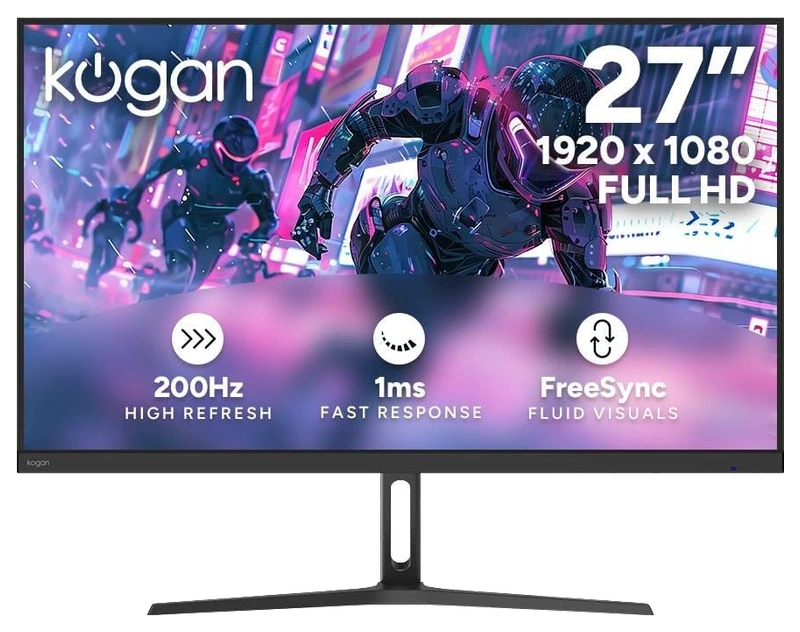
Verified Playtime
355verified hours
- Rank 13.
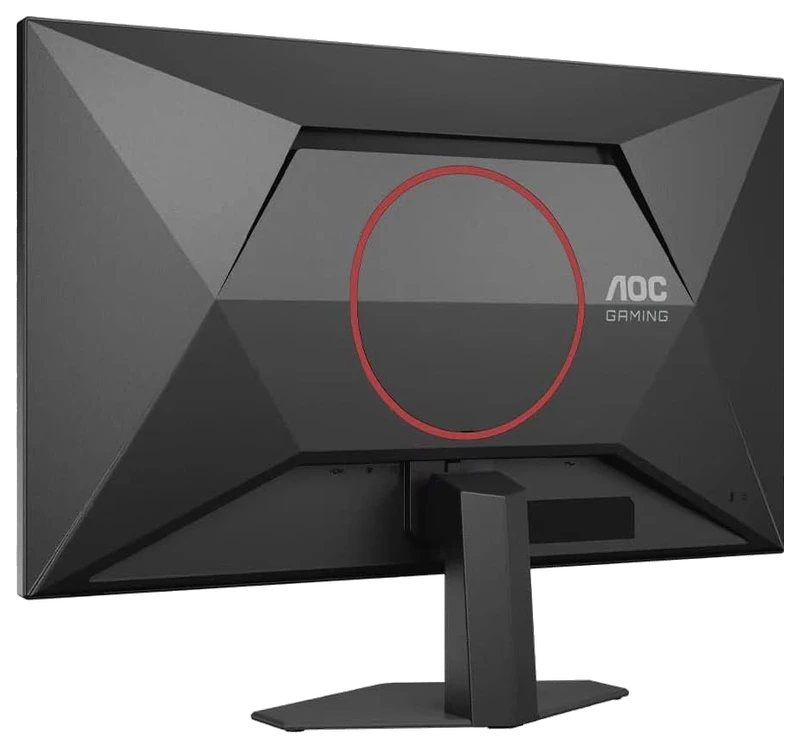
Verified Playtime
318verified hours
- Rank 14.
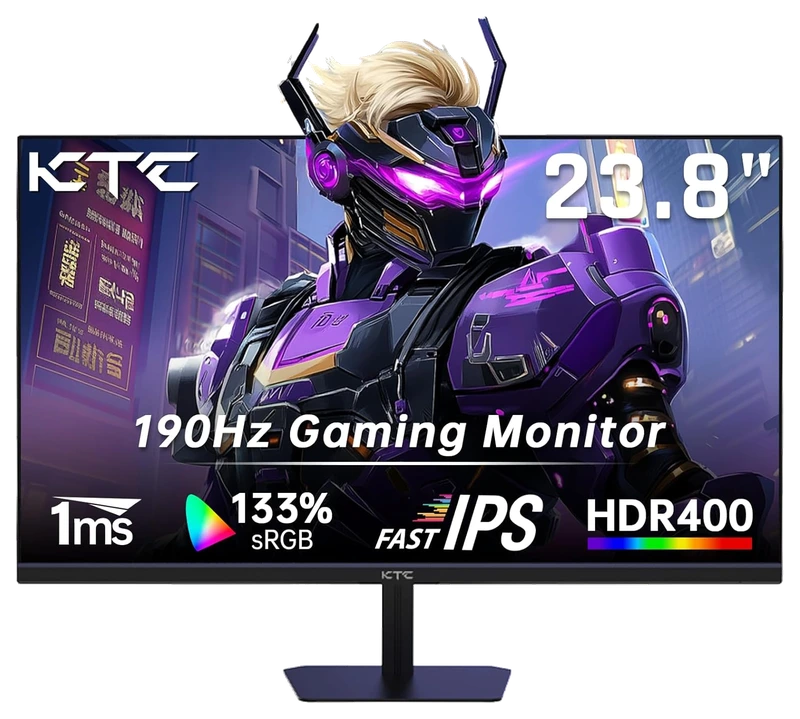
Verified Playtime
278verified hours
- Rank 15.
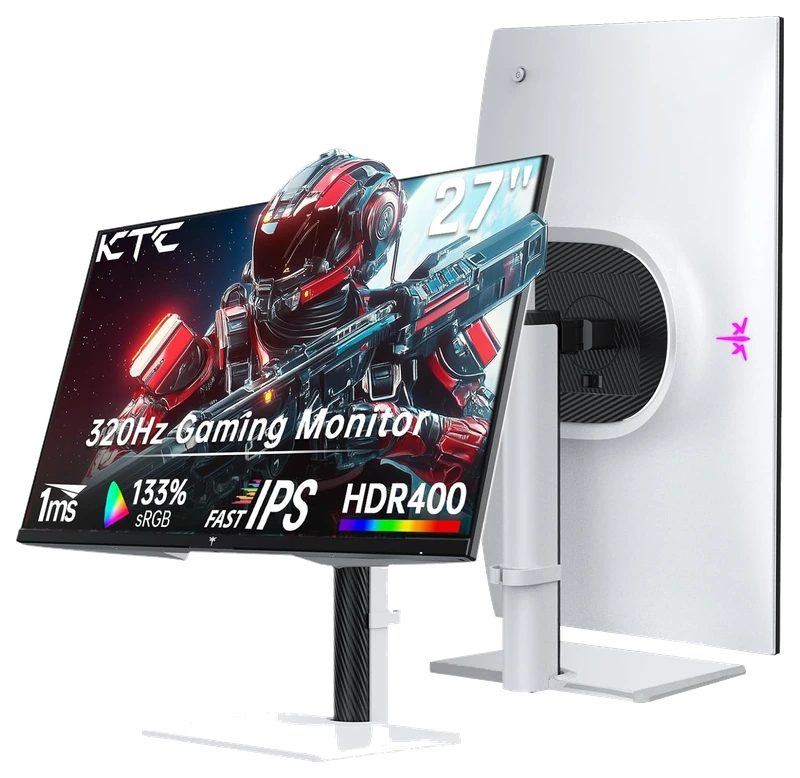
Verified Playtime
274verified hours
- Rank 16.
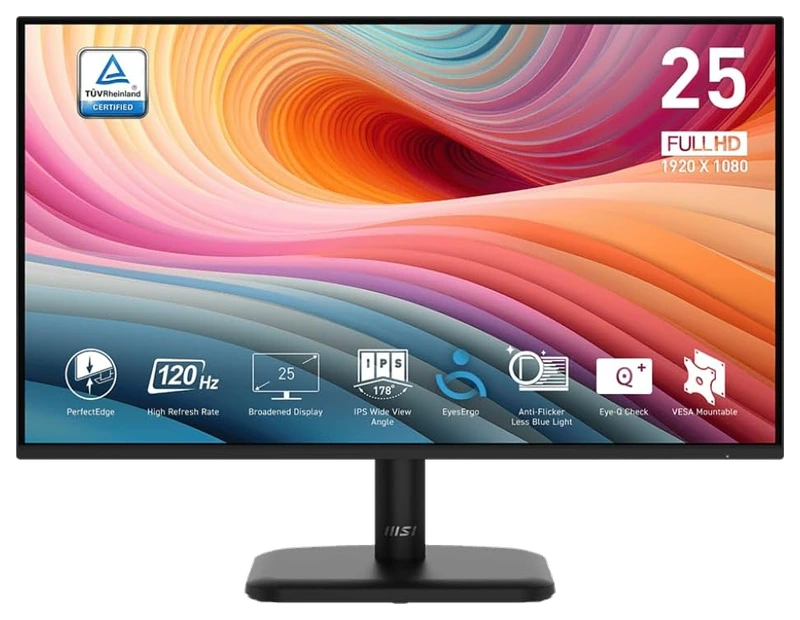
Verified Playtime
273verified hours
- Rank 17.
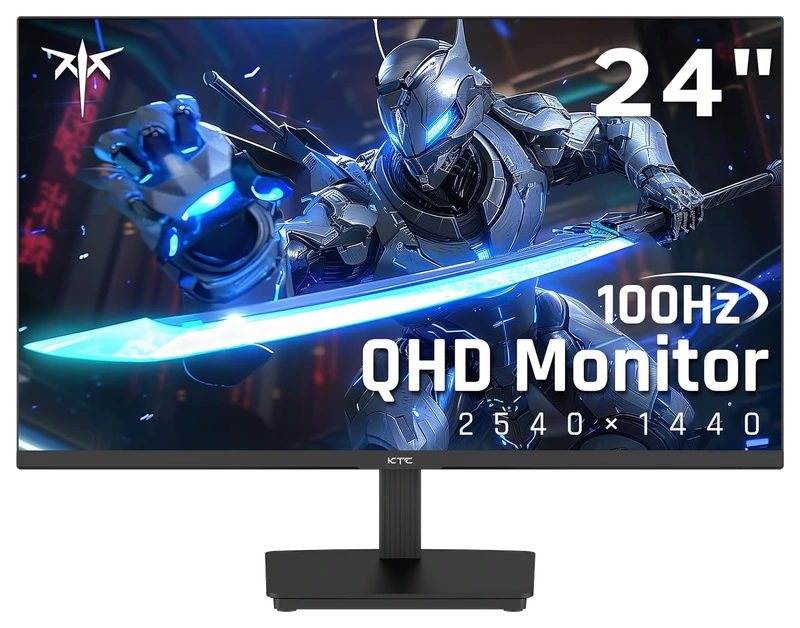
Verified Playtime
158verified hours
- Rank 18.
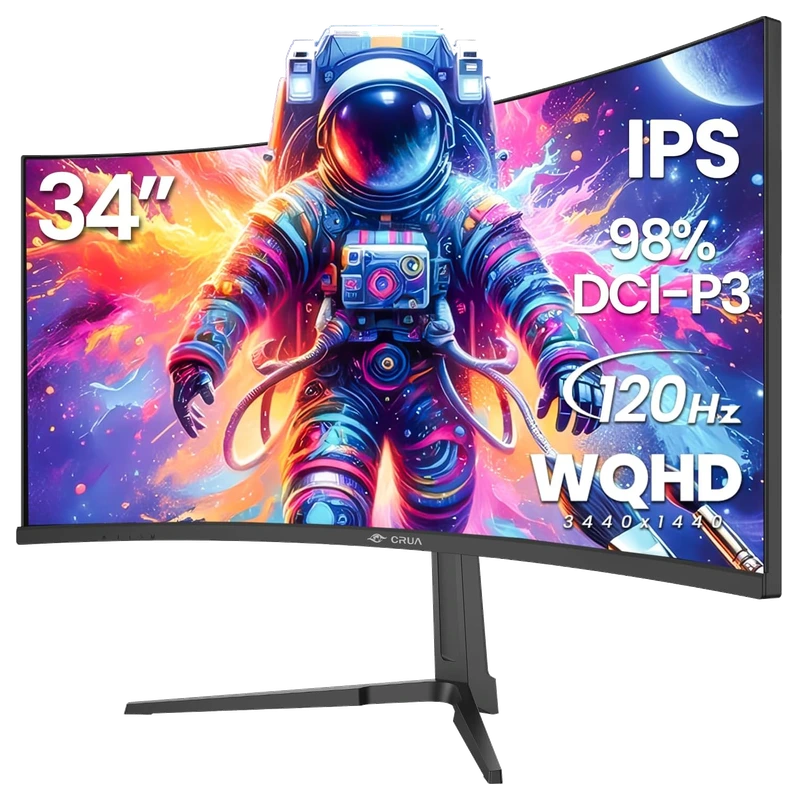
Verified Playtime
156verified hours
- Rank 19.
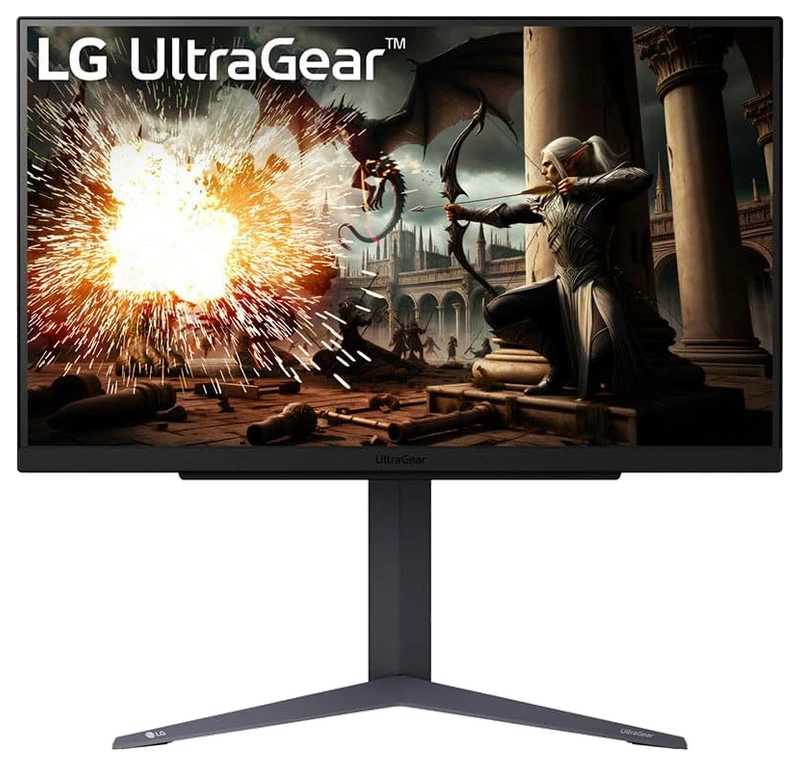
Verified Playtime
115verified hours
- Rank 20.
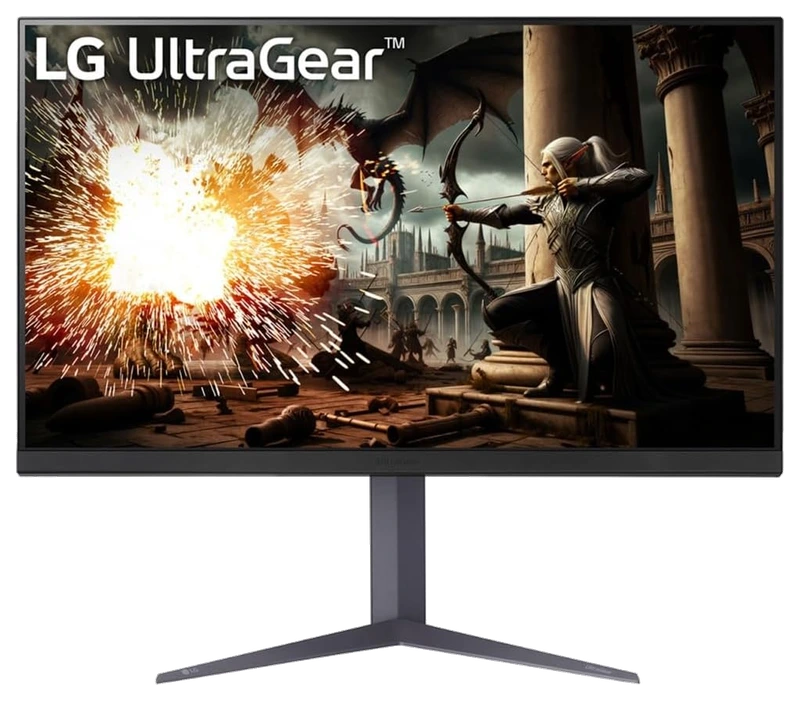
Verified Playtime
114verified hours
- Rank 21.
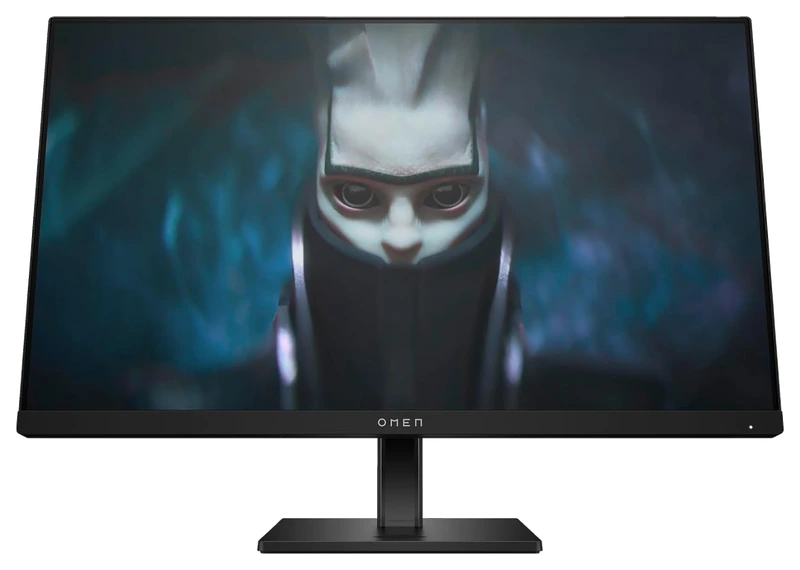
Verified Playtime
78verified hours
- Rank 22.
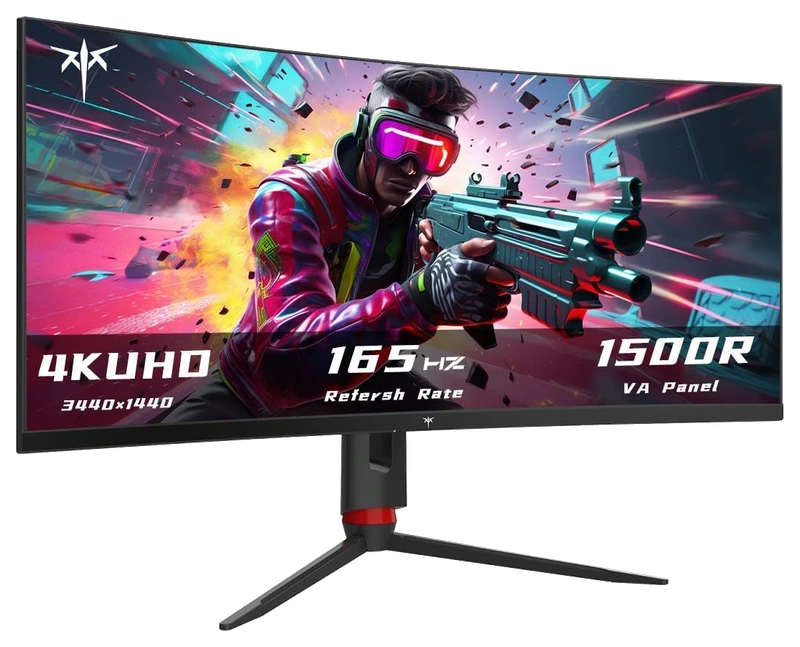
Verified Playtime
74verified hours
- Rank 23.
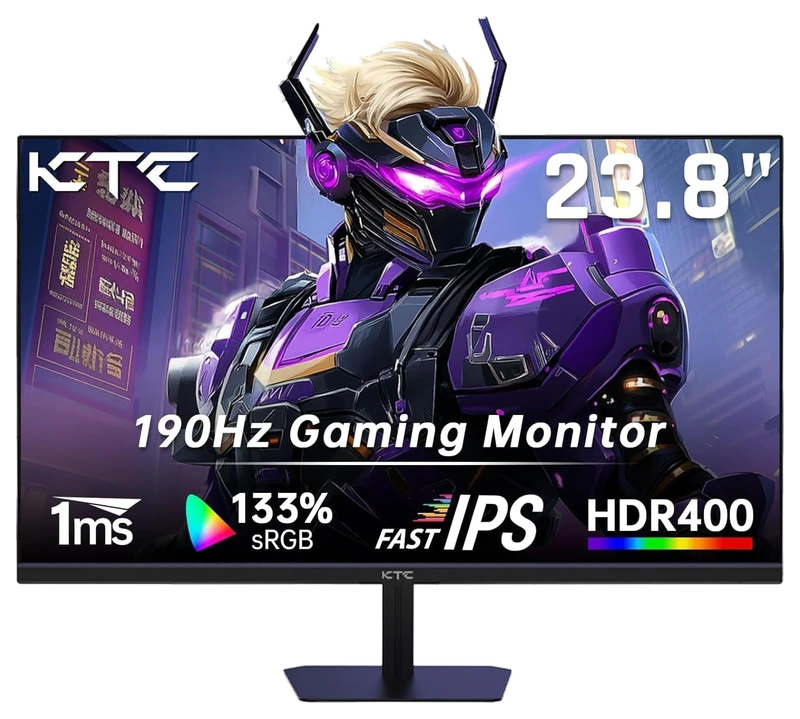
Verified Playtime
38verified hours
Read the guide
From ranking to shortlist
Use measurements for motion
Compare response behavior, overshoot and input lag at the refresh rates you expect to use. Do not treat IPS or a single advertised response-time number as a complete motion-quality result.
Check the image requirements you actually have
Look for relevant colour, brightness and contrast measurements if those affect your gaming or work. Distinguish colour-gamut coverage from colour accuracy and calibration.
Match inputs and viewing position
Verify resolution, refresh rate and variable-refresh support through your actual port and cable. Compare stand adjustment and the screen position you can achieve at your desk.
Sources for the buying notes
Questions worth asking
Gaming Monitors FAQ
Does IPS guarantee accurate colour or fast response?
No. Panel type does not substitute for measurements of the exact monitor and operating settings.
What does this Hours.gg guide publish?
Sign in with Steam to read the answer and reveal the leading products.
Reveal with Steam